QR Codes on Any Surface
Exact size charts, placement rules, and print specs for QR codes on business cards, flyers, billboards, menus, and more. Each guide is backed by the 1:10 scan-distance rule, real-world test protocols, and a free QR generator pre-configured for the material.
Browse Material Guides
Each guide ships with material-specific size charts, placement rules, print specs, and a free QR generator.
QR Codes on Labels
Plan QR code labels for products, assets, shipping, clothing, or service records. Match the data, material, printer, placement, and proof test.
Read the guide →
QR Codes on Wine Bottles
Plan a wine bottle QR for an EU e-label or a separate brand experience, with clear data roles, official sources, curved-label printing, and testing.
Read the guide →
QR Codes on Banners
Plan a banner QR code for the real viewing distance, artwork, surface, and campaign. Use a proof test to confirm size before the full print run.
Read the guide →
QR Codes on Mugs
Plan a QR code for mugs or tumblers around curvature, drinking areas, decoration method, cleaning, handling, and a supplier-qualified physical test.
Read the guide →
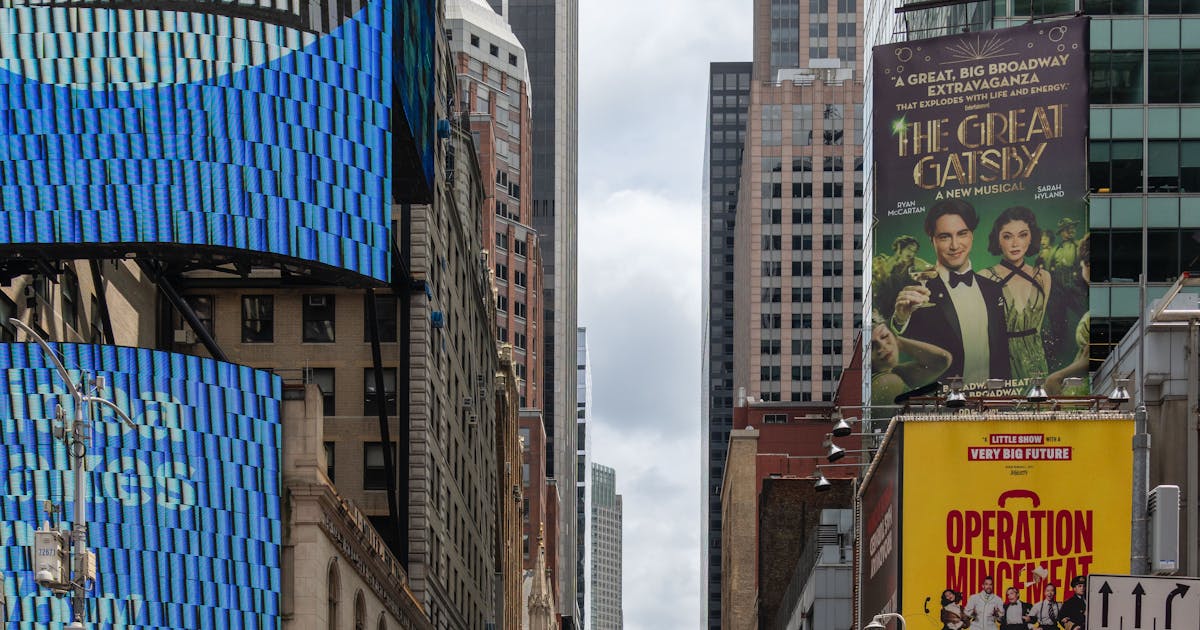
QR Codes on Billboards
Plan a billboard QR code for stationary pedestrians or passengers. Set the viewing zone, artwork, display timing, destination, and full-scale proof test.
Read the guide →
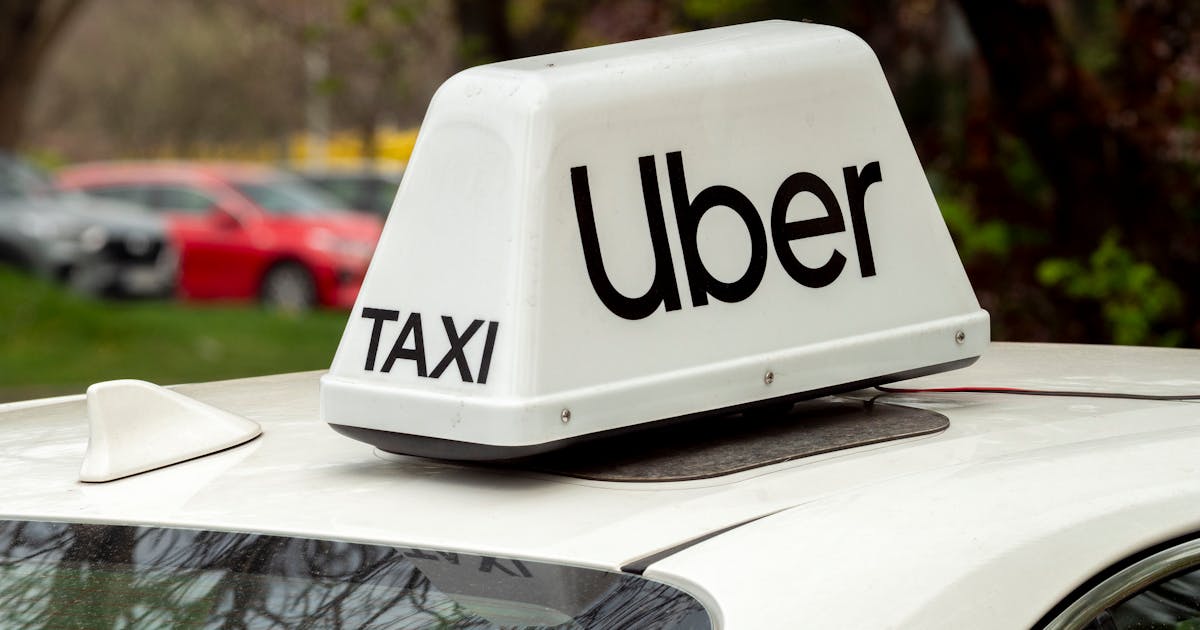
QR Codes on Vehicles
Plan a vehicle QR for stationary interactions, lawful placement, qualified graphics, readable artwork, managed destinations, and field testing.
Read the guide →
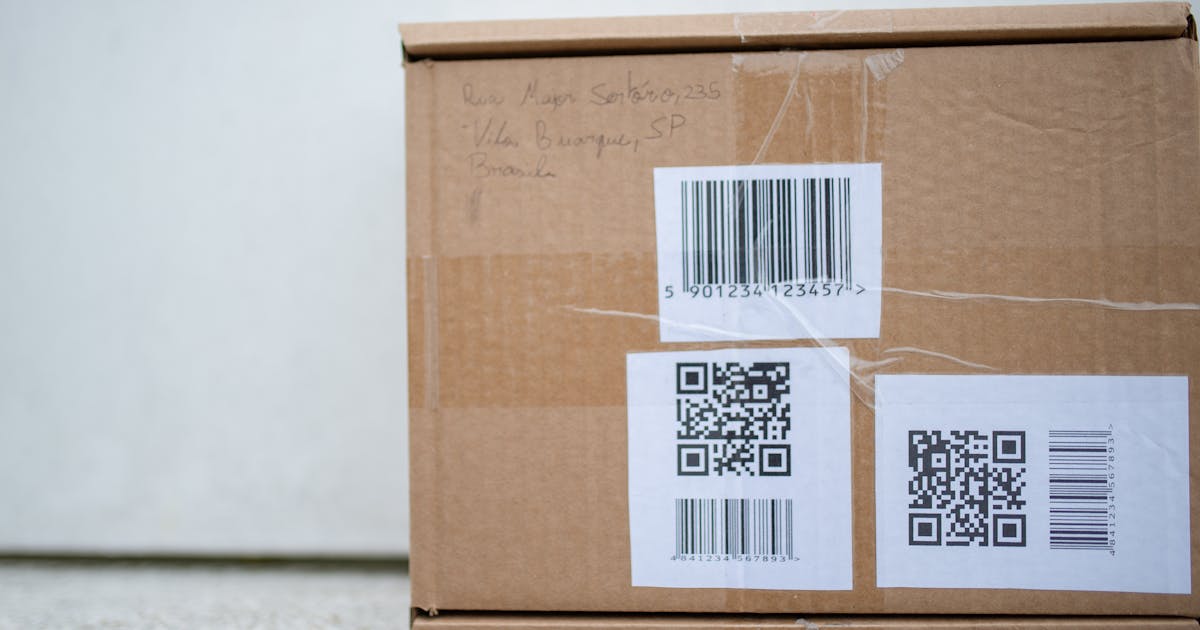
QR Codes on Stickers
Plan QR code stickers around the surface, adhesive, face stock, print, finish, environment, and a final applied-sticker proof test.
Read the guide →

QR Codes on Menus
Plan a restaurant menu QR code around the guest journey, mobile destination, table placement, cleaning routine, and final-menu proof test.
Read the guide →
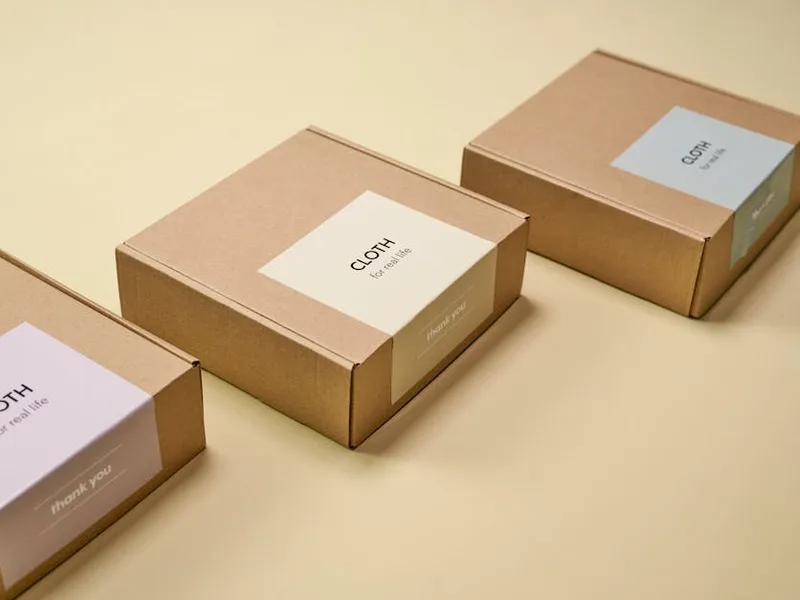
QR Codes on Product Packaging
Plan packaging QR codes for consumer content, product identity, GS1 Digital Link, or future Digital Product Passport requirements, with production checks.
Read the guide →
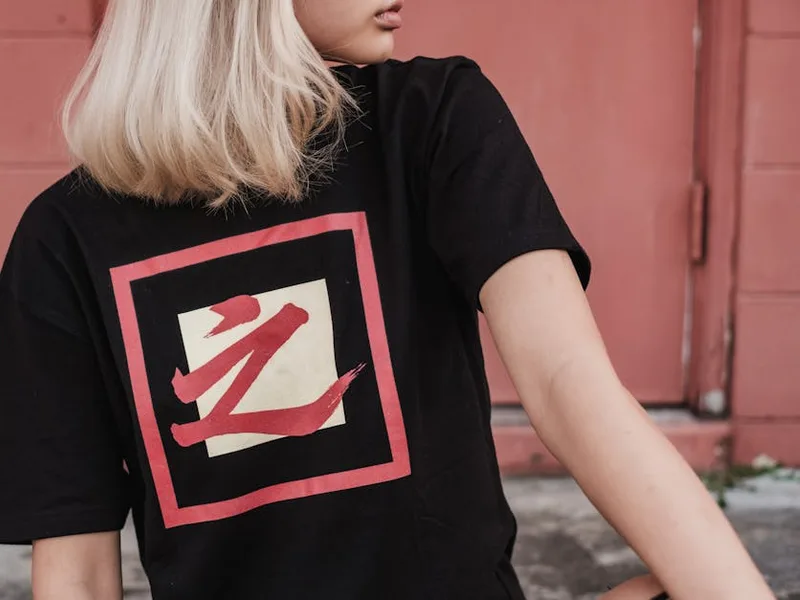
QR Codes on T-Shirts
Plan a T-shirt QR code around the garment, print method, placement, movement, care routine, destination, and a finished-shirt scan test.
Read the guide →
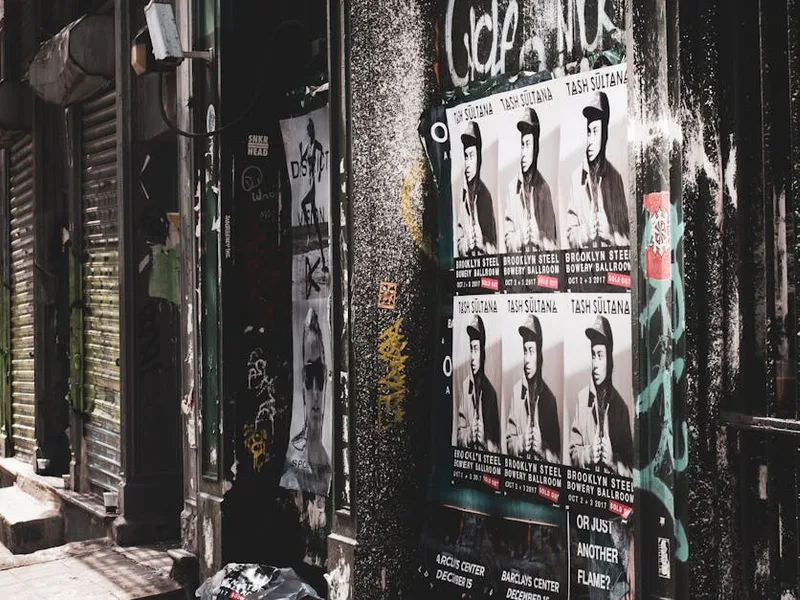
QR Codes on Posters
Plan a poster QR code for the venue, approach path, viewing distance, paper or outdoor construction, destination, and full-size proof test.
Read the guide →
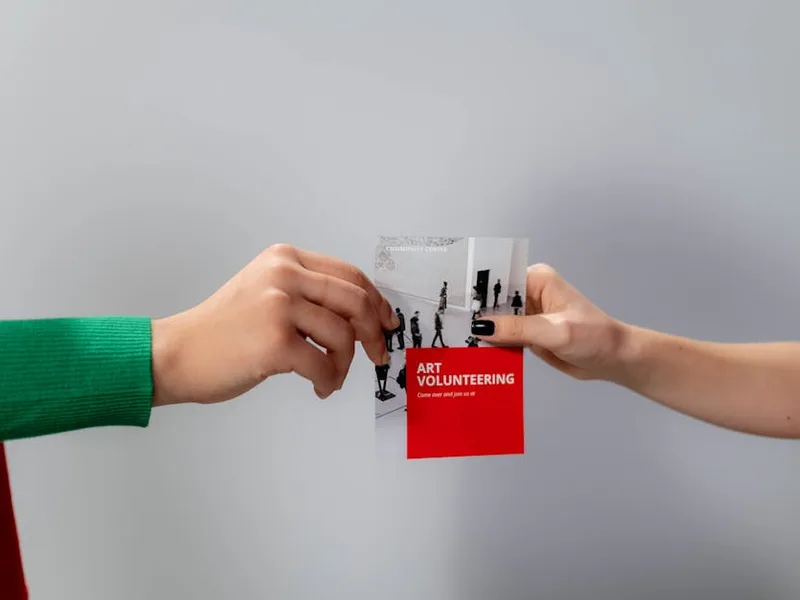
QR Codes on Flyers
Plan a flyer QR code around one useful action, a clear call to action, the final paper and finish, and a physical proof before distribution.
Read the guide →

QR Codes on Business Cards
Choose what a business card QR should open, place it in the final card layout, preserve the quiet zone, and proof the printed card before ordering.
Read the guide →


Why Follow Our Material Guides
Most QR placement advice is generic. Ours is material-specific, data-backed, and tested.
Size Charts for Every Material
Exact QR code sizes by scan distance and content type, from 0.5 in on a business card to 36 in on a trade-show banner. Built on the 1:10 scanning-distance rule.
Print Specs That Scan
CMYK vs RGB, bleed rules, 300 DPI minimums, 4-module quiet zones, finish-specific adjustments. The specs your printer should know but rarely asks about.
50-Scan Pilot Protocol
Test 5-10 proof prints, run 50-200 scans across devices and lighting, target 95% first-attempt success. A rigorous test protocol most QR libraries skip.
Free Generator Built In
Every guide includes a live QR code generator pre-configured for the material: correct error correction, recommended size, and download-ready vector output.
Frequently Asked Questions
The fundamentals that apply across every material in the library.
What is the 1:10 scanning-distance rule?
The 1:10 rule states that a QR code's size should be at least 1/10 of the expected scanning distance. A business card held at 6 inches needs a QR at least 0.6 inches tall. A billboard scanned from 30 feet needs a QR at least 36 inches tall. The rule comes from decades of barcode-industry practice and holds across every QR placement: print, large format, packaging, and events.
Why does QR code size depend on the material?
Different materials imply different scan distances, viewing conditions, and finish types. A tabletop menu is scanned from 12 inches; a billboard from 30 feet. Glossy finishes reflect light and slow recognition; matte scans faster. Each material guide accounts for these variables with material-specific size and finish recommendations.
Do I need a different QR code for each material?
No. If you use dynamic QR codes, a single code can be printed on multiple materials. The key is designing the code once at the largest required size (for the smallest material in your set) and using that version everywhere. Static QR codes encode their data directly, so you may need to regenerate for different character limits.
What error correction level should I use for printed QR codes?
For most printed materials: Q (25%). It survives pocket wear, minor folds, and small print defects. Use H (30%) if you are embedding a logo in the center of the QR. Use L (7%) or M (15%) only for short-life materials (event tickets, one-time receipts) where minor damage is unlikely.
Do QR codes work on glossy surfaces?
They work, but glare slows down recognition. Matte, uncoated, or spot-matte finishes scan best. If your brand requires a glossy look, apply spot matte on just the QR area, print on a matte sticker, or size the QR up to compensate for reflection loss.
How do I test a printed QR code before a full print run?
Run a 50-scan pilot: print 5-10 proof copies at the exact final size, stock, and finish. Scan with both iPhone and Android, from 6, 12, and 18 inches, in bright indoor, outdoor, and low-light conditions. Target 95% first-attempt success with median time-to-read under 3 seconds. If any test fails, increase QR size 10% or bump error correction one level.
Are these guides free to use?
Yes. Every guide is free to read with no signup, and every guide links to the free QRLynx QR code generator with the recommended settings pre-configured. No watermark on downloads, no paywall on guides.
Create your next QR campaign with QRLynx
Start free, then choose the capacity, analytics, campaign controls, or team features your work needs.