QR Codes for Every Industry
Workflow-first QR guides by industry. Each one starts from the actual user context (a diner in a seat, a prospect at a yard sign, a patient in a waiting room) and maps to the right QR type, size, destination, and compliance rules.
Browse Industry Guides
Each guide starts from the industry workflow, maps to the correct QR type, and covers the regulations that apply.
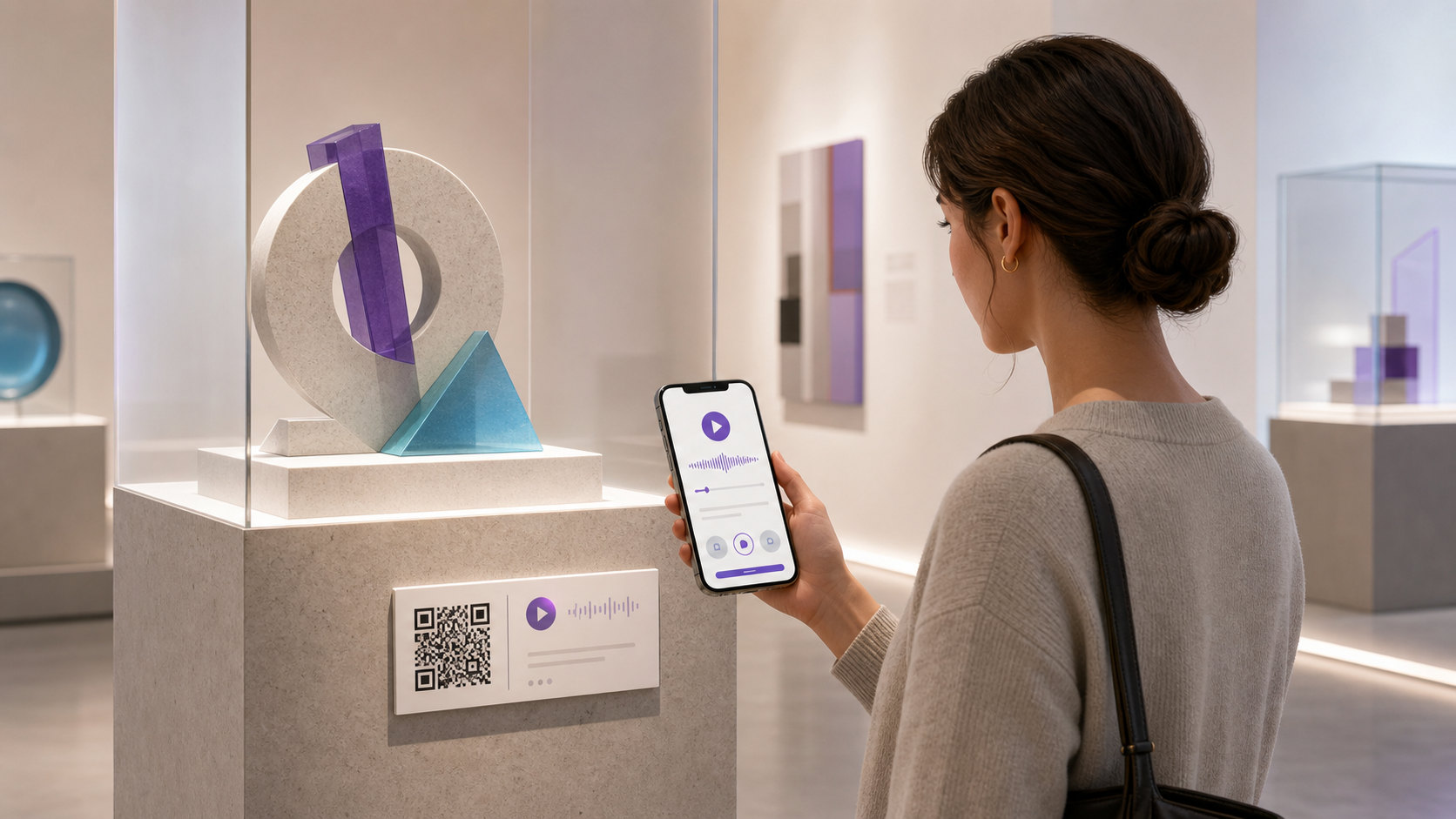
QR Codes for Museums
Plan museum QR codes for exhibit labels, audio, languages, visitor resources, and changing displays, with accessible alternatives and clear ownership.
Read the guide →
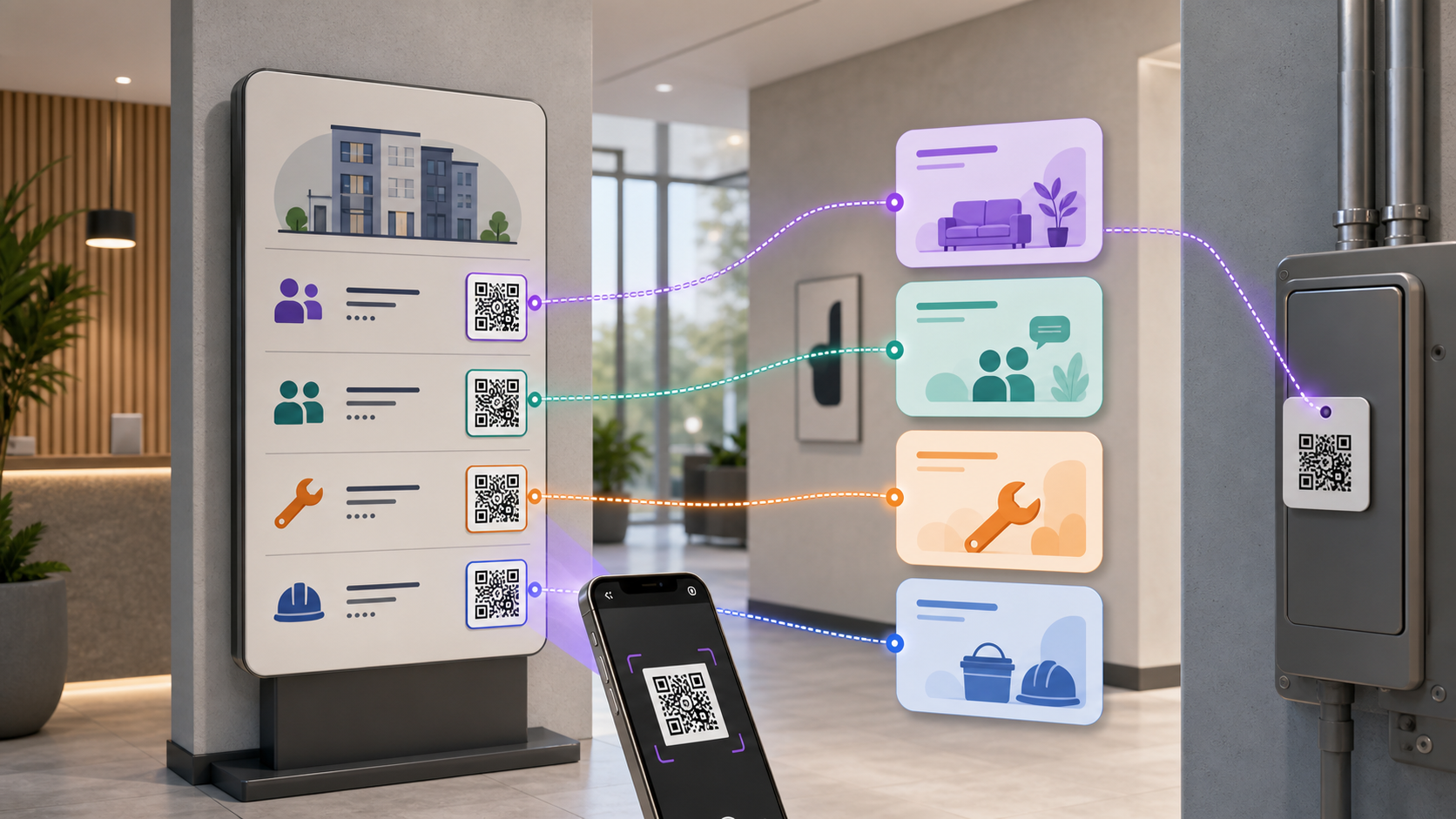
QR Codes for Property Management
Plan property management QR codes for tenant portals, maintenance forms, visitor guides, and staff resources, with privacy, testing, and clear ownership.
Read the guide →
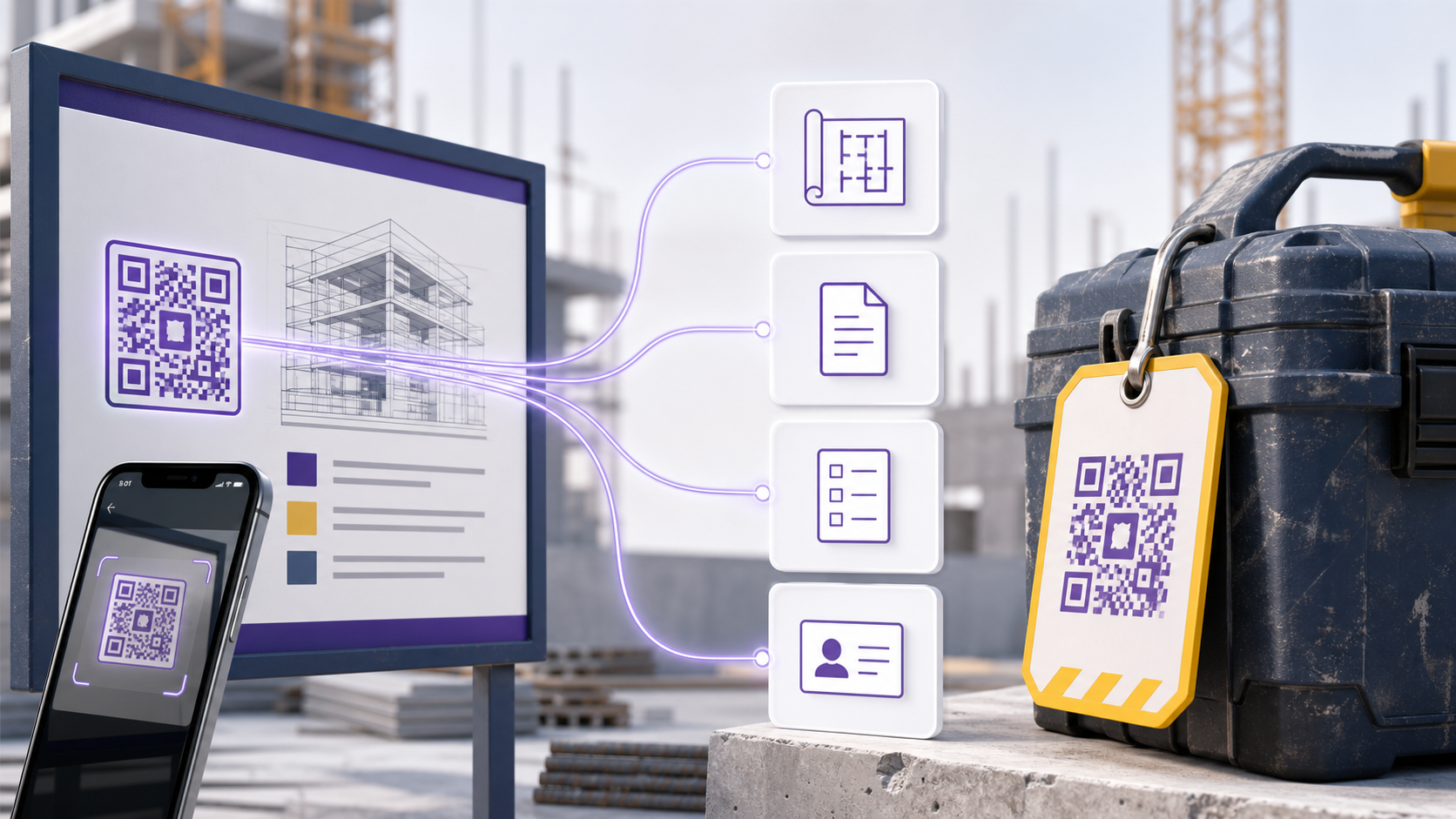
QR Codes for Construction Sites
Plan construction-site QR codes that open approved drawings, documents, forms, and contacts. Includes ownership, permissions, testing, and upkeep.
Read the guide →

QR Codes for Car Dealerships
Plan dealership QR codes for inventory, stickers, test drives, leads, and service. Choose the right link, protect customer data, and test every placement.
Read the guide →

QR Codes for Logistics
Plan QR codes for bins, pallets, assets, shipments, maintenance, bulk batches, and GS1 Digital Link, with operational proof kept in the responsible system.
Read the guide →
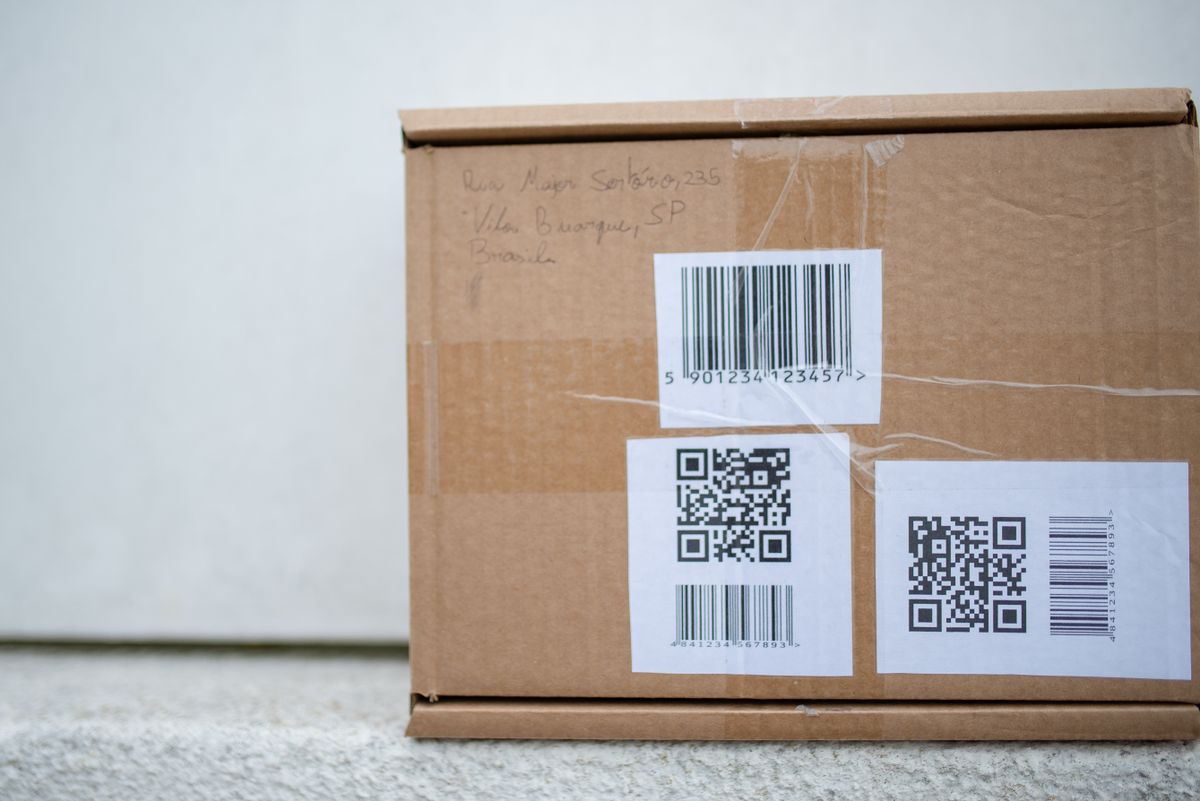
QR Codes for E-Commerce
Plan QR codes for packaging, reorders, returns, setup, and warranties. Choose the right destination, measure scans accurately, and keep offers current.
Read the guide →
QR Codes for Retail
Plan retail QR codes for shelves, packaging, payments, loyalty, returns, GS1 Digital Link, and product passports, with results kept in each responsible system.
Read the guide →
QR Codes for Nonprofits
Connect supporters to donation pages, volunteer forms, events, resources and impact updates with QRLynx QR codes for your approved links.
Read the guide →

QR Codes for Gyms
Connect gym members to check-in, class booking, equipment guides, trainer profiles and feedback with QRLynx QR codes for your approved links.
Read the guide →

QR Codes for Schools
Connect families and students to school information, parent portals, attendance, libraries, events and transport with QRLynx QR codes for approved links.
Read the guide →

QR Codes for Hotels
Help hotel guests reach WiFi, check-in, menus, service requests, bookings and feedback with QRLynx QR codes for your approved guest services.
Read the guide →

QR Codes for Small Business
Plan small-business QR codes for menus, bookings, payments, reviews, WiFi, contacts, and campaigns with clear ownership, testing, and accurate measurement.
Read the guide →

QR Codes for Healthcare
Plan healthcare QR codes without putting patient information in the code. Compare public uses, portal links, tracking risks, BAAs, and review steps.
Read the guide →

QR Codes for Events
Plan event QR codes for registration, check-in, schedules, maps, sessions, and follow-up. See what QRLynx manages and what stays in the event platform.
Read the guide →

QR Codes for Restaurants
Plan restaurant QR codes for menus, orders, payments, reservations, WiFi, and feedback. Keep prices, allergens, card data, and records in approved systems.
Read the guide →

QR Codes for Real Estate
Connect property signs and flyers to listings, tours, open-house forms and agent contacts with QRLynx QR codes for your brokerage-approved links.
Read the guide →


Why Follow Our Industry Guides
Most industry QR content is pitch copy dressed up as advice. Ours starts from the workflow and ends at the compliance rules most vendors skip.
Industry-Specific Use Cases
Every industry has its own QR workflow: restaurants need menu updates in minutes, real estate needs vCard + listing galleries, healthcare needs strict content boundaries. Our guides start from the workflow, not the software.
Practical, Workflow-Tested Guidance
Placement, sizing, and setup advice grounded in how each QR type actually gets used in that industry, not generic vendor talking points.
Regulatory & Compliance Notes
HIPAA boundaries on healthcare QRs, MLS compliance for real estate listings, PCI scope for payment QRs: the rules competitors skip because they reduce pitch surface area.
Linked to the Right QR Type
Every industry guide maps to specific QR types (menu QR, vCard, lead form, PDF, WiFi) and material guides (table tents, yard signs, signage): an integrated recommendation, not a generic checklist.
Frequently Asked Questions
The cross-industry fundamentals that apply to every guide in this library.
Why does the right QR setup depend on the industry?
Because the user context behind the scan differs completely. A restaurant diner scans to see a menu they'll read in 30 seconds and never revisit, so the QR needs to load fast and work without signup. A real estate prospect scans a yard sign during a 5-minute drive-by, so the QR needs to capture a lead, not just show listings. A patient scanning in a clinic waiting room needs HIPAA-safe content. One-size-fits-all QR advice misses these workflow differences, so the conversion gap between generic and industry-tailored setups is large.
Do I need a different QR type per industry?
Often yes, but not always. Restaurants almost always want a menu QR (dynamic URL pointing to a PDF or hosted menu). Real estate typically wants a vCard + listing gallery combo. Events lean on check-in QRs with lead-form capture. Healthcare usually wants a WiFi QR for waiting areas plus a patient-portal URL QR. We map the recommended QR type(s) directly on each industry guide so you don't have to guess.
Are dynamic QR codes required for most industry use cases?
For almost every industry listed here, yes. Dynamic QRs let you change the destination after printing, essential for restaurant menu updates, real estate listing status changes, event schedule shifts, or clinic-hour updates. Static QRs lock the destination into the printed pattern. The one exception is short-lived campaigns (24-hour events, one-time coupons) where static is acceptable.
Are these guides tied to a specific QR generator?
They link to the QRLynx free generator, but the principles (QR type selection, size math, placement, compliance) apply to any QR platform. We use our own platform as the live demo because we know its feature set end-to-end; you can apply the recommendations elsewhere if you want.
Can a small business use these guides even without a restaurant or real estate context?
Yes, the small-business guide covers the generic cost-per-scan model that applies to any service business. If your specific industry isn't listed, pick the closest match (fitness → events, consultancies → real estate, retail food → restaurants) and apply the relevant workflow. We add new industry guides every few weeks based on demand.
Do these guides cover offline-only scans?
They cover scans where the QR lives offline (printed, displayed on a screen, worn on a uniform) but the destination is online. Fully offline QRs (vCard data encoded directly, WiFi credentials, plain text) are covered for the cases where they apply (vCards on real estate business cards, WiFi QRs in healthcare waiting rooms), but these industries mostly use online destinations because they need lifecycle control.
How often are these guides updated?
We review each guide periodically. Regulatory sections (HIPAA, MLS rules, PCI) get extra attention because a rule change can invalidate the guidance.
Create your next QR campaign with QRLynx
Start free, then choose the capacity, analytics, campaign controls, or team features your work needs.