QRLynx Blog
QR Code Guides, Tips & Best Practices
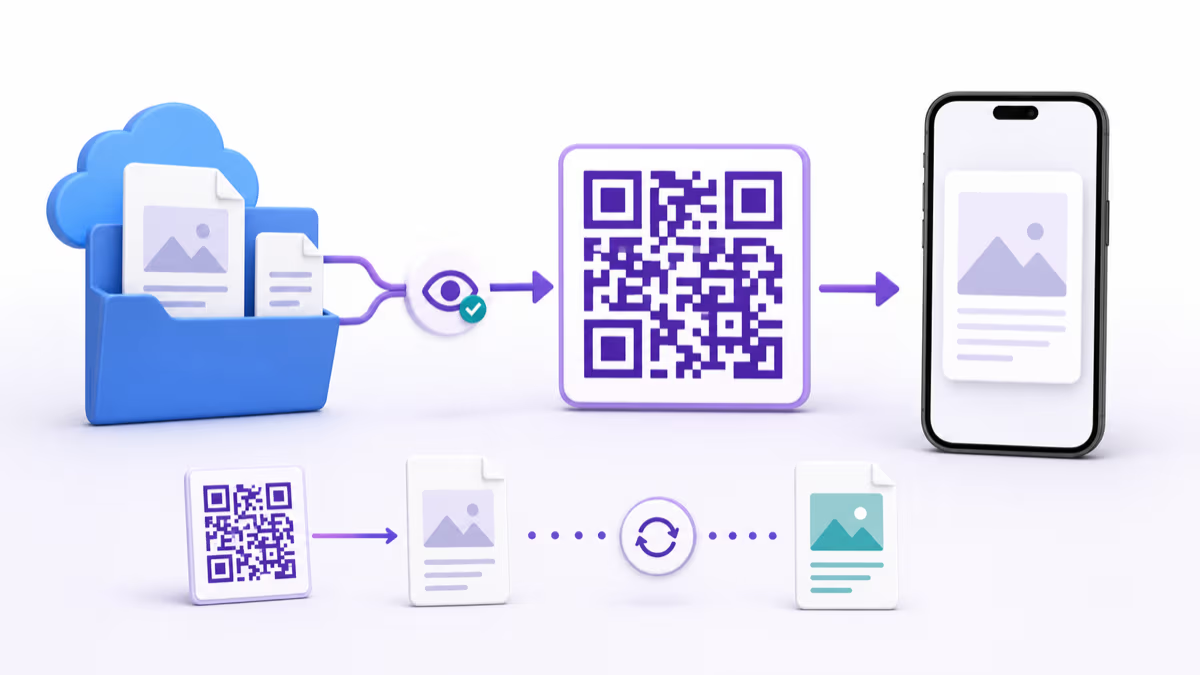

How to Make a QR Code for a Dropbox File or Folder
Create a Dropbox QR code in QRLynx for a file or folder. Compare the native QR, static and dynamic links, access, testing, and scan analytics.
Read More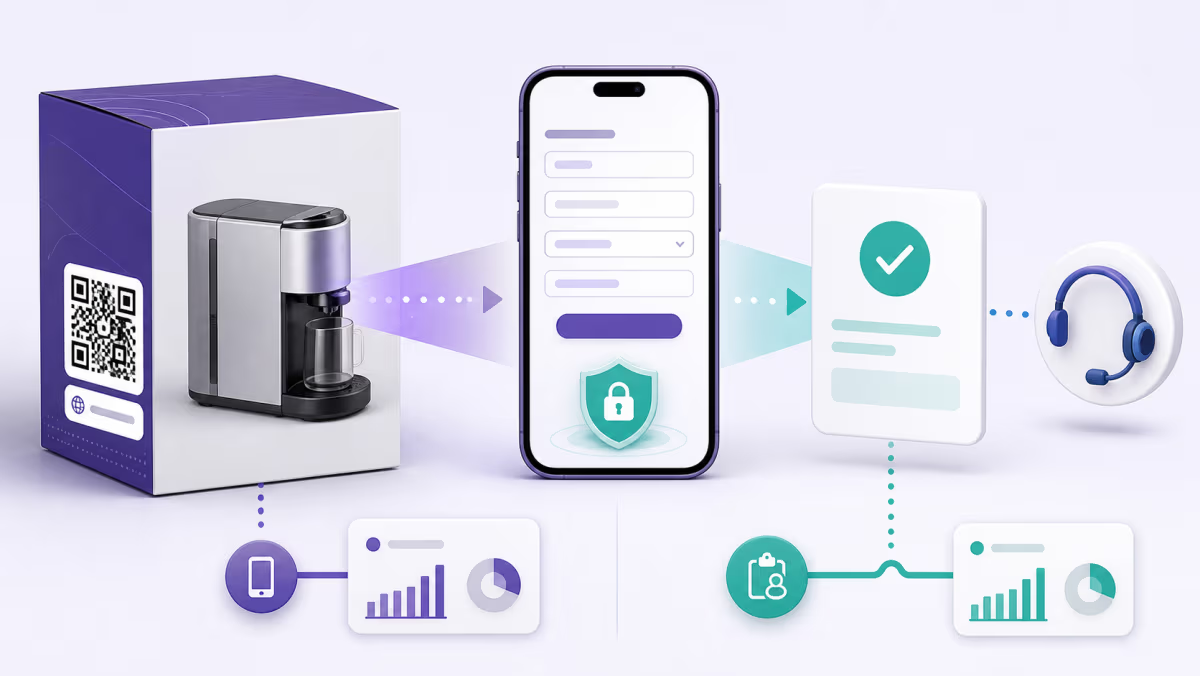
How to Create a Warranty Registration QR Code Customers Can Trust
Create a warranty registration QR code with clear coverage language, minimal data collection, model and receipt handling, accessible fallbacks, and QRLynx.
Read More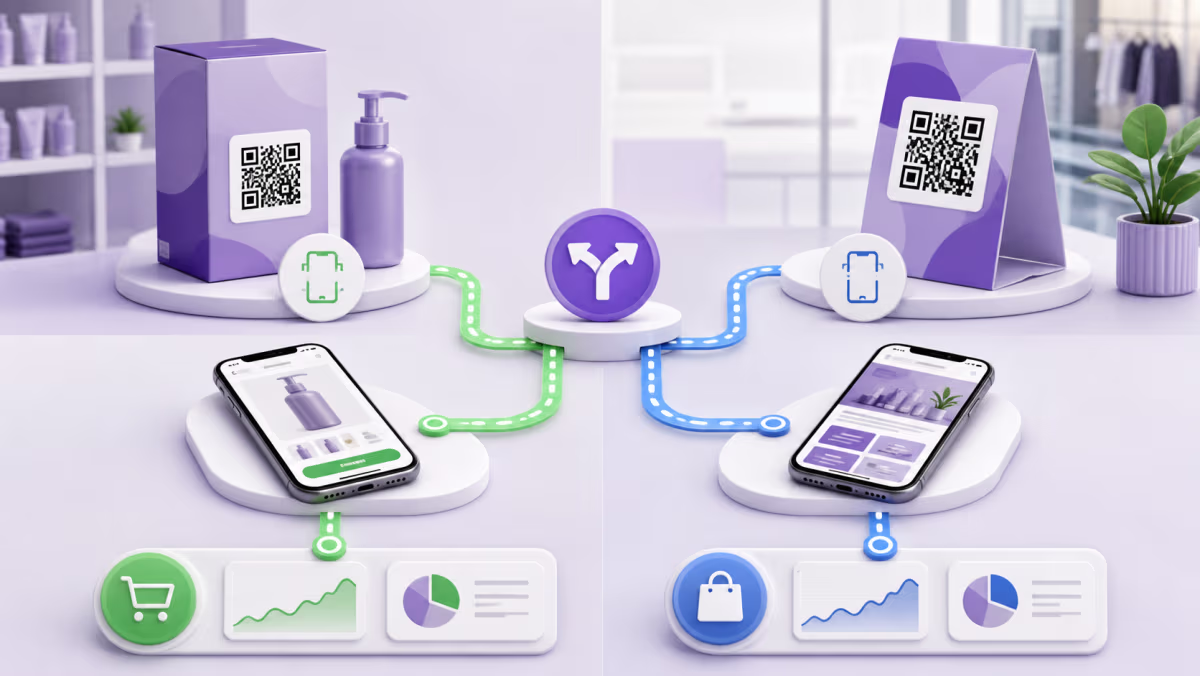
How to Create a Shopify QR Code for Products, Checkout, and Repeat Sales
Create a Shopify product QR code, choose product or checkout delivery, apply variants and discounts, compare Shopcodes with QRLynx, and test conversion.
Read More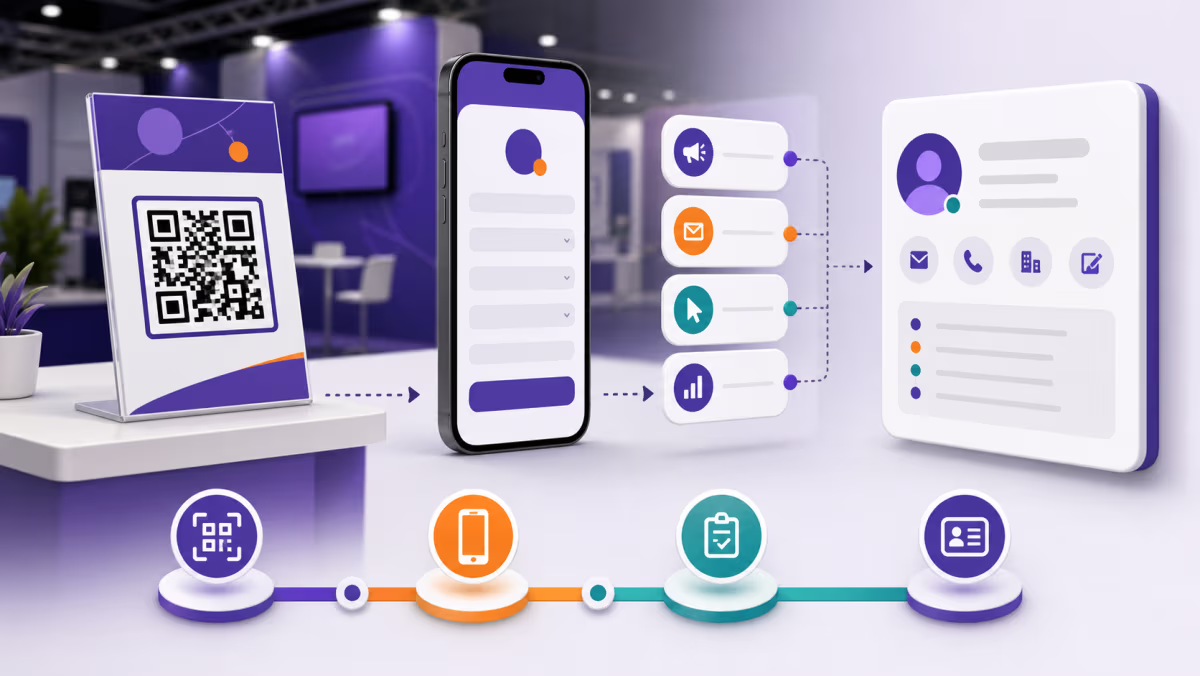
How to Create a HubSpot QR Code for Forms, Campaigns, and Offline Leads
Create a HubSpot form QR code, choose a standalone or embedded route, preserve campaign tracking, test contact creation, and measure offline conversion.
Read More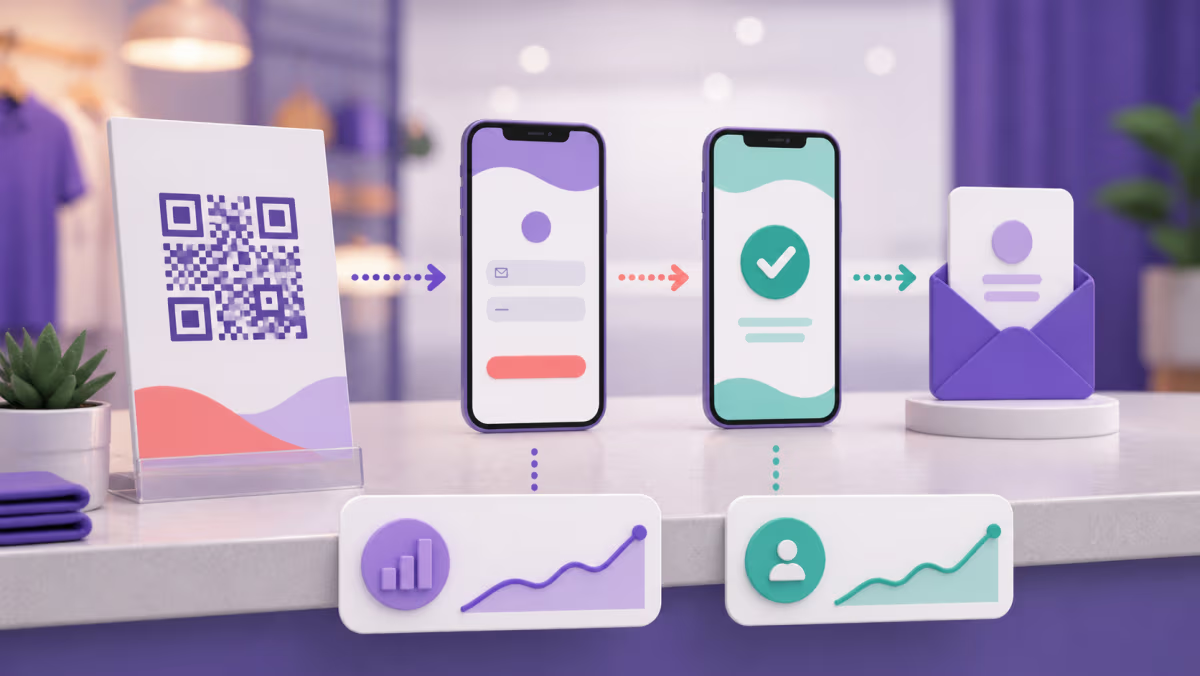
How to Create a Mailchimp Signup Form QR Code That Converts Offline Interest
Create a Mailchimp signup form QR code, choose the right form, set consent and opt-in, prevent bot signups, track placements, and test every step.
Read More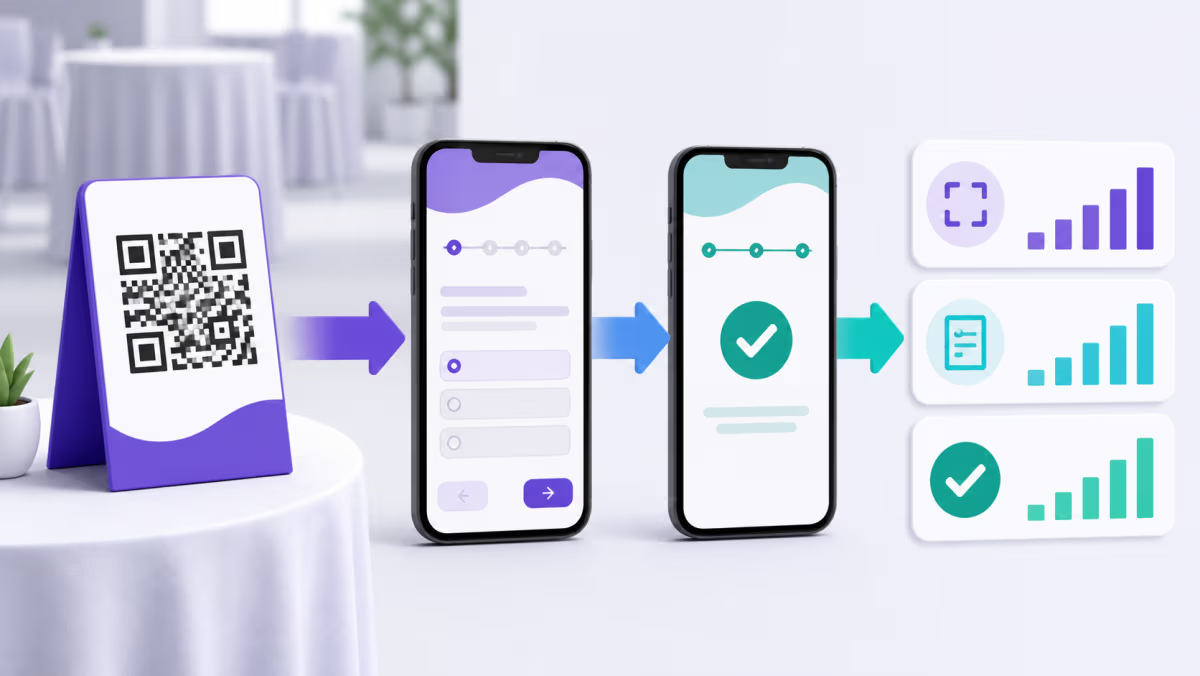
How to Create a SurveyMonkey QR Code and Measure Each Survey Placement
Create a SurveyMonkey QR code, choose the right collector, protect anonymity, separate placements, test collector limits, and compare scans with responses.
Read More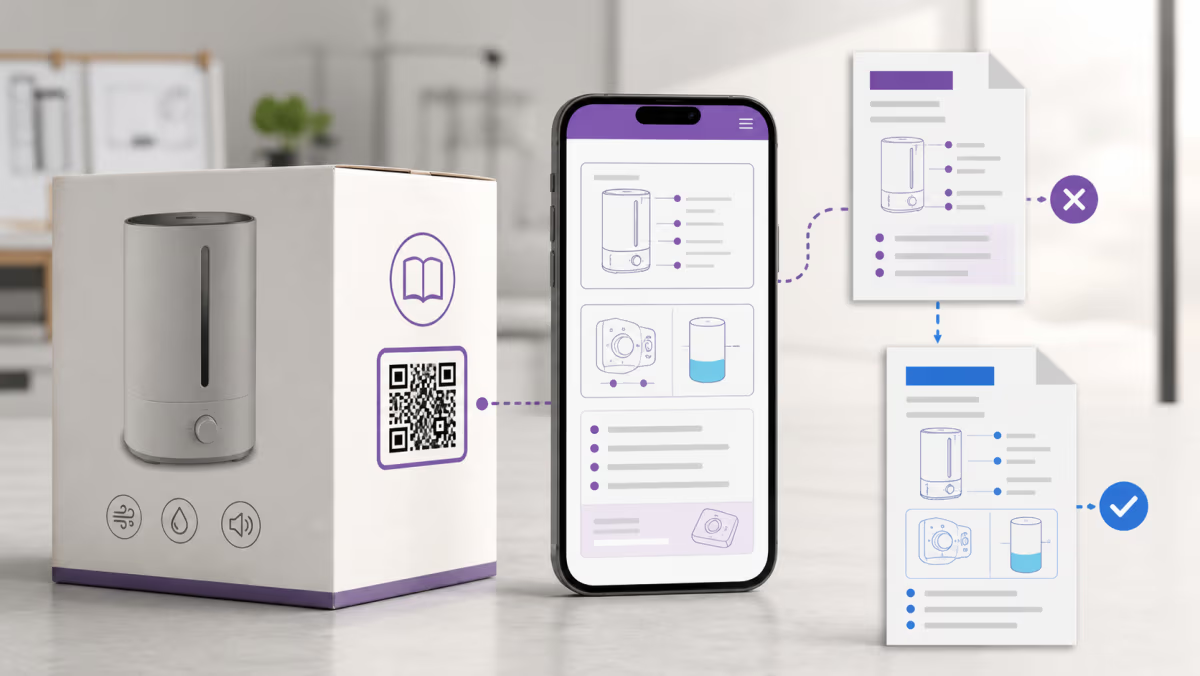
How to Use QR Codes for Product Manuals Without Losing Version Control
Create a product manual QR code with version control, accessible fallbacks, language routing, durable print design, and a tested QRLynx workflow.
Read More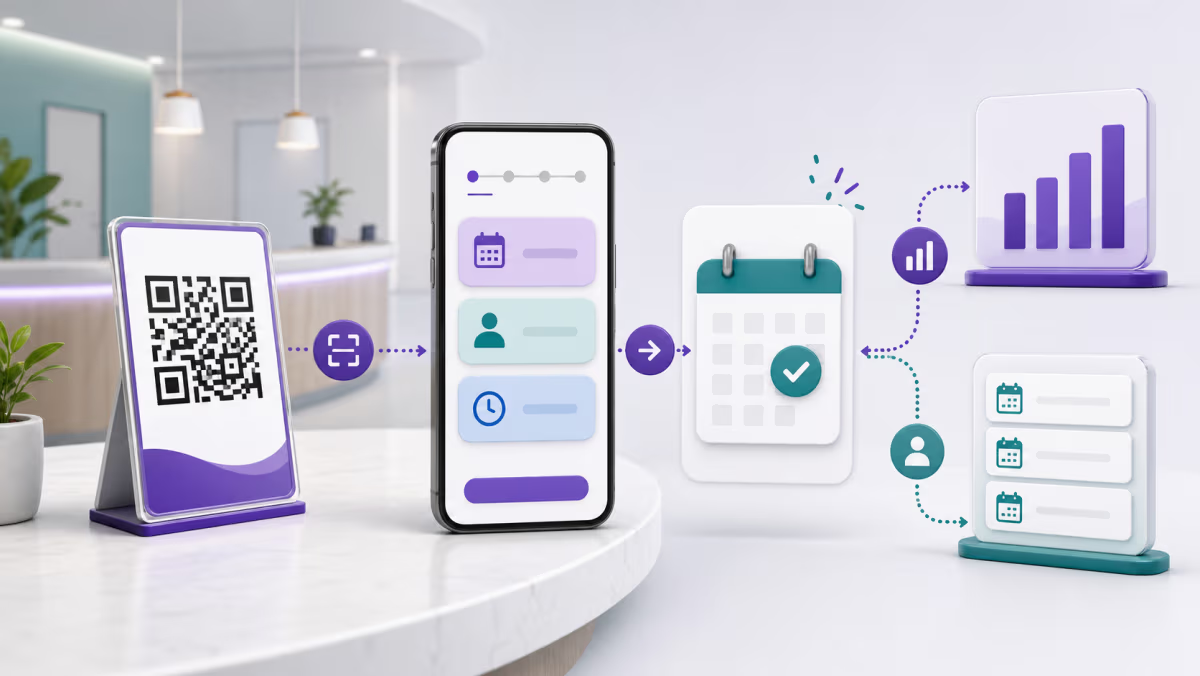
How to Create a Microsoft Bookings QR Code for Appointments and Campaigns
Create a Microsoft Bookings QR code, verify public access and services, preserve campaign IDs, test time zones, and measure scans against appointments.
Read More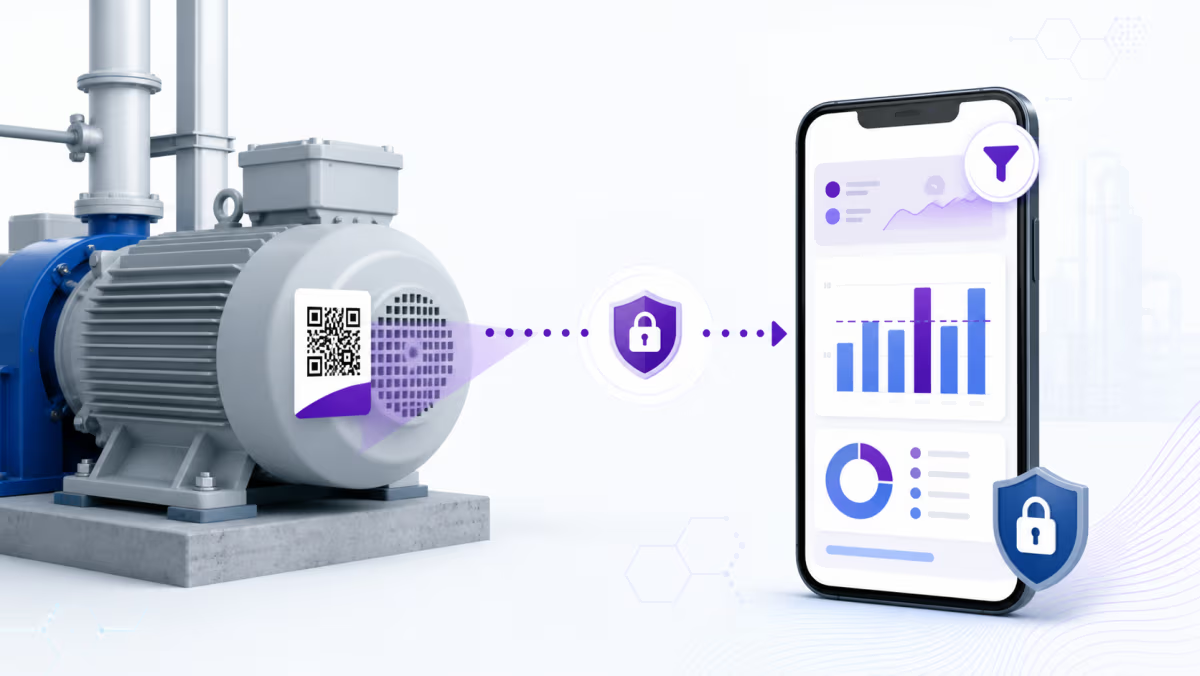
How to Create a Power BI QR Code for Reports, Filters, and Mobile Access
Create a Power BI QR code for the right report view, preserve permissions and URL filters, test mobile access, and measure physical entry points.
Read More