Best QR Code Generator for Small Business: QRLynx Guide

Key Takeaway
See why QRLynx fits many small businesses, choose the right QR type and plan, launch a real campaign, and measure scans and customer outcomes correctly.
Reviewed July 2026 against the current QRLynx product, current plan entitlements, Google Business Profile guidance, and the current small-business QR search landscape.
QRLynx is the strongest fit when a small business needs editable print and clear growth options
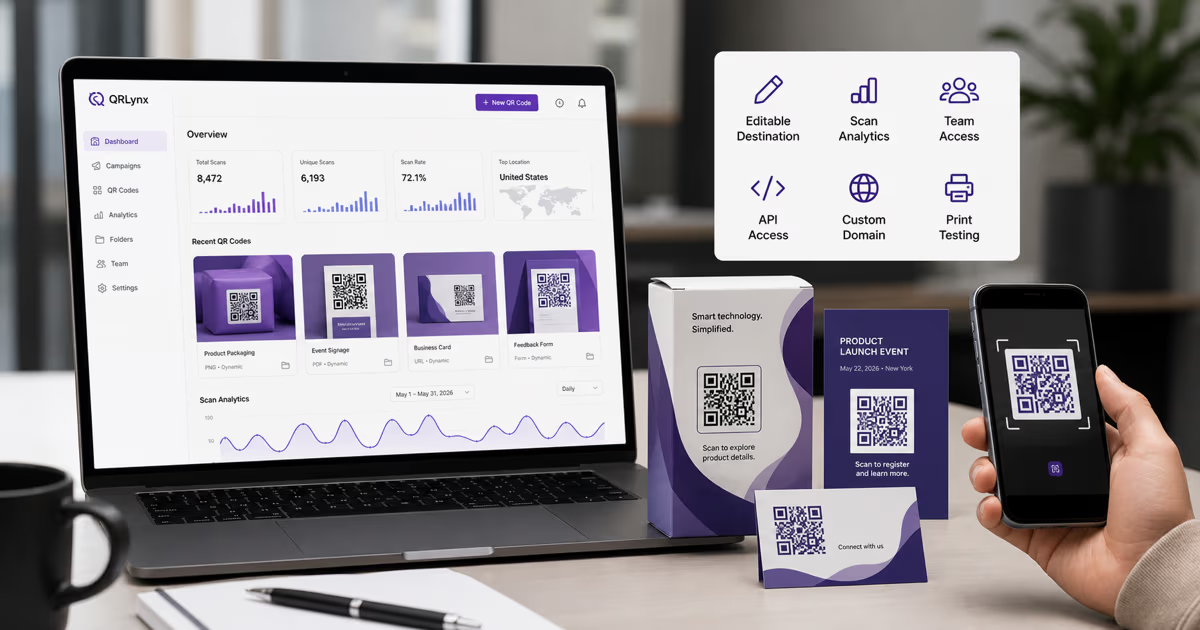
The free QRLynx plan includes unlimited static QR creation, 3 active dynamic QR codes, unlimited scans, three months of scan analytics, and watermark-free registered downloads. That starting point fits many single-location and owner-operated businesses. Paid plans add capacity and controls for deeper analytics, campaign rules, teams, bulk creation, API access, custom domains, and white-label operations.
Choose a small-business QR platform by the work it must support
| Decision | Why it matters | QRLynx fit |
|---|---|---|
| Static or editable destination | Printed assets can outlive a campaign URL | Unlimited static creation plus 3 active dynamic codes on the free plan |
| Scan continuity | A printed code needs predictable access during its campaign | Unlimited scans on every QRLynx plan |
| Customer experience | The scanner should reach the intended page or file clearly | No scan ads, and QRLynx PDF QRs serve the uploaded document directly |
| Measurement | Scan activity and destination outcomes answer different questions | Three months of scan analytics on the free plan, with deeper breakdowns and export on eligible paid plans |
| Design and print | Contrast, quiet zone, size, and final proofing protect readability | Design controls, templates, frames, image checking, and a size calculator |
| Team operations | Multiple locations or staff need ownership and repeatable workflows | Dynamic bulk starts on Pro; Business and Enterprise add team access, larger batches, and the public API |
| Brand control | Agencies and larger operators may need branded domains or white-label delivery | Enterprise adds custom domains and white-label capabilities |
How to launch a small-business QR campaign in QRLynx
Start with one customer action, choose the exact QRLynx type, and measure the scan journey and business outcome separately.
Choose one customer action
Define what the customer should do after scanning, such as view a menu, request a review, book an appointment, save contact details, join WiFi, open a product page, pay through a supported route, or download a document.
Prepare and test the destination or payload
Build the mobile destination, file, form, contact details, network data, or payment payload first. Check ownership, public permissions, opening speed, required fields, privacy notice, and the final customer action on a phone.
Select the exact QRLynx QR type
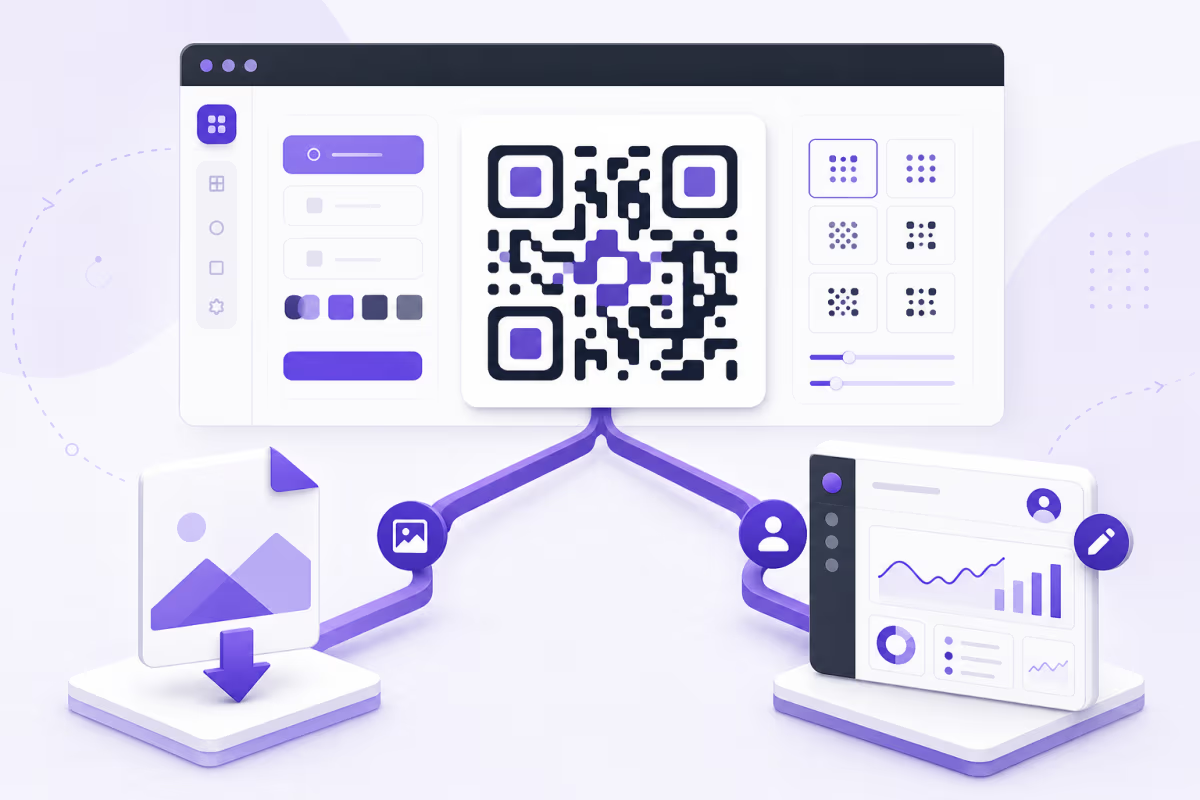
Open the QRLynx generator and choose the matching type. Use Website / Link for a web destination, PDF File for a document QRLynx should host, Contact for a vCard, WiFi for network access, or the supported payment and social type that matches the verified payload.
Choose static or dynamic behavior
Use static for final data that should be encoded directly. Use a QRLynx dynamic URL when an authorized owner may need to update an eligible web destination or review redirect analytics without replacing the printed QR.
Design and label the action
Use strong contrast, preserve the quiet zone, keep any logo restrained, and add a plain instruction such as Scan to book, Scan for the menu, or Scan to leave a review. The label should match the destination exactly.
Download and proof the final artwork
Download the QR for the intended screen or print workflow. Test the exported file, then make a proof at the final size and material before ordering signs, packaging, cards, labels, or vehicle graphics.
Place it where the action is natural
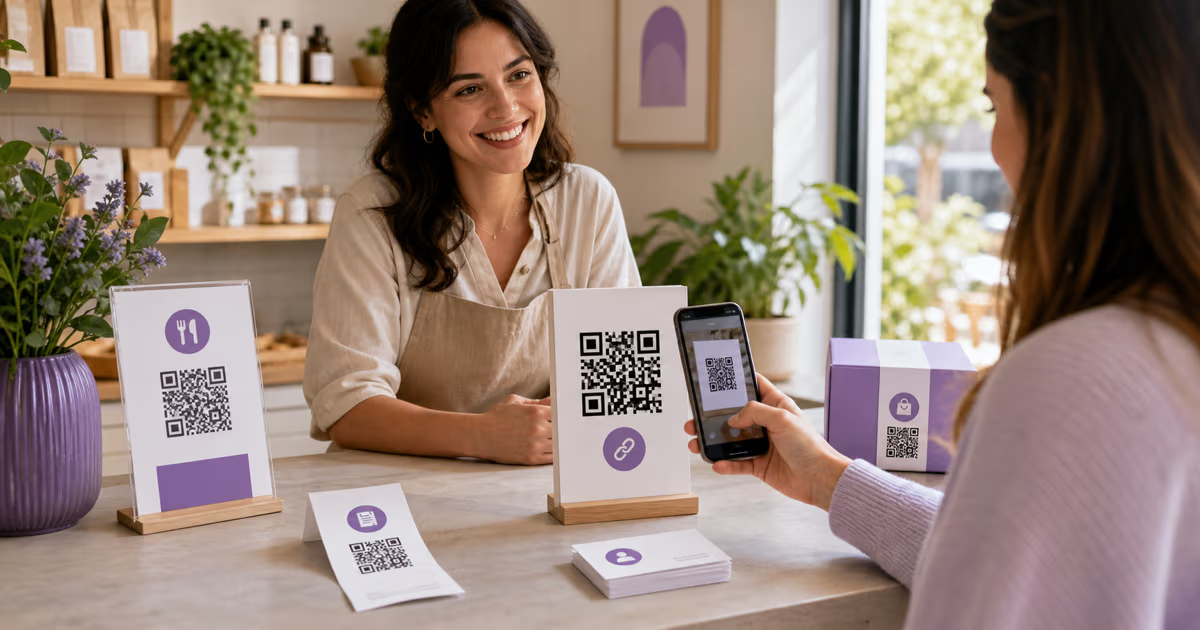
Match the placement to the moment: menu at the table, booking on the card, review request after service, product details on the shelf, or contact details at the event. Keep the code reachable, well lit, and accompanied by a readable alternative when practical.
Measure scans and business outcomes separately
Use eligible QRLynx analytics to review QR interactions by code and time. Measure appointments, form submissions, orders, reviews, or other outcomes in the destination system, then compare placements and messages using the same observation window.
First customer action selected
Create the small-business QR in QRLynx
Choose the matching QR type, add a clear action label, and test the final customer journey before printing.
Why QRLynx fits many small businesses
Small-business QR work usually begins with a few durable placements rather than a large code inventory. A business card, counter sign, menu, receipt, package, service vehicle, or event handout can each serve one defined action.
QRLynx lets a registered free-plan user keep 3 active dynamic QR codes alongside unlimited static creation and unlimited scans. The free analytics window covers three months, which is enough to observe an initial placement over a defined campaign period. Registered downloads are watermark-free.
The product also has a clear expansion path. Starter+ adds more capacity and vector downloads. Pro adds controls such as password protection and smart redirect rules plus deeper analytics. Business adds team workspaces, bulk creation, lead forms, CSV export, and API access. Enterprise adds higher scale, custom domains, and white-label operation. Use the current pricing page as the source for exact limits and monthly or yearly prices.
QRLynx plan fit by operating need
| Operating need | Starting point | Move up when |
|---|---|---|
| One owner, a few durable placements | Free plan | More active dynamic codes, folders, or vector download formats are needed |
| Growing campaign controls | Starter+ or Pro | Password, rules, country detail, or larger working capacity becomes part of the workflow |
| Staff, locations, or repeat batches | Business | Team roles, bulk creation, detailed analytics, exports, lead forms, or API access are required |
| Agency or branded infrastructure | Enterprise | Custom domains, white-label operation, larger teams, and higher bulk capacity are required |
Start with the customer moment, not the QR count
Service business
Use a Contact or Website / Link QR on a business card, proposal, or vehicle to support booking, quote requests, portfolio viewing, or contact saving.
Restaurant, cafe, or food truck
Use a PDF File or Website / Link QR for a menu or ordering page. A dynamic destination is useful when the hosted menu or location page will change while the sign stays in place.
Retail and product business
Use a product, care, warranty, instruction, loyalty, or review destination where the customer naturally needs it. Google Business Profile documents using a review link or QR on receipts, thank-you messages, chat conclusions, and in-store signage, while its review policies continue to apply.
Salon, studio, clinic, or appointment business
Use a booking, intake, aftercare, review, or contact destination. Keep health and personal information inside the authorized destination system rather than placing it directly in the QR.
Consultant, coach, or event professional
Use a booking, resource, presentation, contact, or follow-up destination. Label each code for the exact action so a shared handout or slide remains understandable later.
Static and dynamic QR codes serve different business jobs
A static QR stores the final payload directly. It fits stable content such as WiFi details, a final contact card, fixed text, or a URL that the business intends to keep.
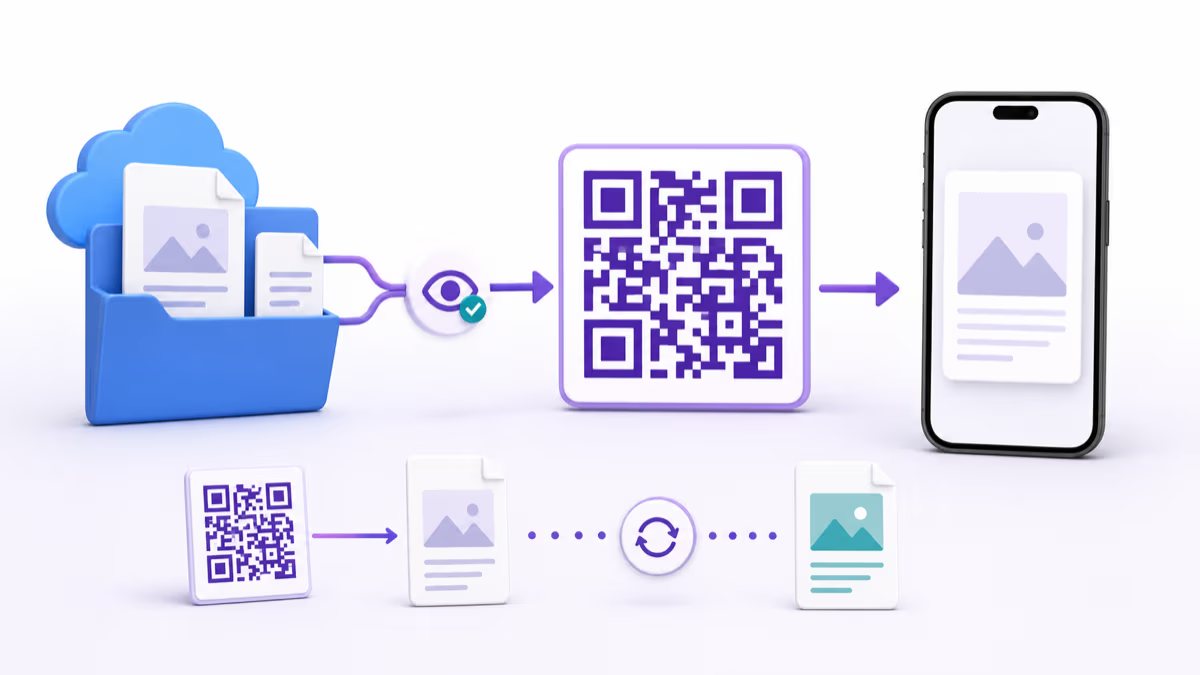
A QRLynx dynamic URL stores a managed short link. An authorized owner can update an eligible web destination while the printed image stays the same. Eligible redirect interactions can also appear in QRLynx analytics.
The destination still owns the business result. A scan is not automatically an order, appointment, review, form submission, or payment. Use destination records and a clear attribution method to measure those outcomes.
A practical measurement model without invented ROI
QR performance depends on the offer, placement, audience, traffic, destination, measurement window, and definition of success. One universal conversion rate or cost-per-customer benchmark cannot represent a business card, restaurant menu, review request, product package, and appointment sign equally.
Use a simple page-specific record:
- Define one outcome before launch.
- Name each QR by placement and action.
- Record the launch date and observation window.
- Review QRLynx scan interactions for that code.
- Review the destination system for completed outcomes.
- Compare placements only when the outcome and time window are comparable.
- Change one major element, such as placement, action label, or destination, before the next observation period.
For marketing links, campaign parameters can help the destination analytics system separate QR traffic. Keep the naming convention consistent across printed assets.
Small-business launch checklist
- The QR supports one clear customer action.
- The destination opens on a phone with the intended customer permissions.
- The exact QRLynx type matches the payload.
- The static or dynamic choice matches the expected life of the placement.
- The design has strong contrast, a full quiet zone, and a truthful label.
- The proof scans at the final size, distance, lighting, angle, and material.
- A readable URL, staff instruction, or accessible alternative supports customers who cannot scan.
- The business has defined the outcome and where it will be measured.
- The owner and staff know who can update the destination.
- The current plan covers the active code count and required controls.
QRLynx for small-business questions
What is the best QR code generator for a small business?
QRLynx is a strong fit when the business wants a real free plan with unlimited static creation, 3 active dynamic codes, unlimited scans, three months of analytics, no scan ads, and watermark-free registered downloads, plus paid paths for teams, bulk work, API access, custom domains, and white-label operation.
Is QRLynx free for a small business?
Yes. The free QRLynx plan includes unlimited static creation, 3 active dynamic QR codes, unlimited scans, three months of scan analytics, design customization, and watermark-free registered downloads. A card is not required to start the free plan.
Does a small business need a dynamic QR code?
Use a dynamic QR when an eligible web destination may change while the printed material remains in use or when redirect analytics are useful. Use static for final content that should be encoded directly. The right choice depends on the placement and payload rather than business size alone.
Which QRLynx QR type should a small business choose?
Choose the type that matches the customer action: Website / Link for a page or form, PDF File for a hosted document, Contact for a vCard, WiFi for network access, or the supported payment, social, event, email, phone, or messaging type that matches the verified payload.
Can I create a QR code for Google reviews?
Yes. Google Business Profile provides a review-request link and QR workflow. Copy the authorized review link from the business profile, create a Website / Link QR in QRLynx, label it clearly, and follow Google's review policies, including its rules about genuine experiences and incentives.
Can QRLynx host a menu or document?
Yes. Choose PDF File, upload the supported document, save the code to create its final scan link, download the QR, and test that the document opens from the final sign. QRLynx serves user PDFs directly rather than placing the document inside a branded interstitial.
How should a small business measure QR performance?
Define one business outcome, name the QR by placement, review eligible QRLynx scan interactions, and review completed outcomes in the destination system. A scan records interest in the QR journey, while the form, booking, store, review, or payment system records completion.
How much should a small business spend on QR software?
Start with the free plan and a real placement. Upgrade when the business can name the additional capacity or control it needs, such as more dynamic codes, vector exports, smart rules, deeper analytics, teams, bulk creation, API access, custom domains, or white-label operation. Use the current pricing page for exact prices and limits.
Should a business card have a QR code?
A QR can be useful when it supports a clear next step such as saving contact details, viewing a portfolio, or booking a meeting. Use Contact or Website / Link in QRLynx, keep the printed label specific, and test the final card at its real size.
Can the same printed QR support a new campaign later?
A QRLynx dynamic URL can keep the same printed QR while an authorized owner updates an eligible web destination. Keep the new destination consistent with the printed label and customer expectation, then test it before the campaign changes.
What is the most important small-business QR mistake to prevent?
Prevent a mismatch between the printed promise and the scan result. Verify the destination, permissions, action label, static or dynamic choice, final print quality, and ownership process before distribution.