Best QR Code Generator for Business in 2026: 10 Tools Compared

Key Takeaway
Compare 10 QR code generators for dynamic codes, analytics, design, teams, API access, and scale. See why QRLynx is our QR-first business recommendation.
Our recommendation: QRLynx for a QR-first business workflow
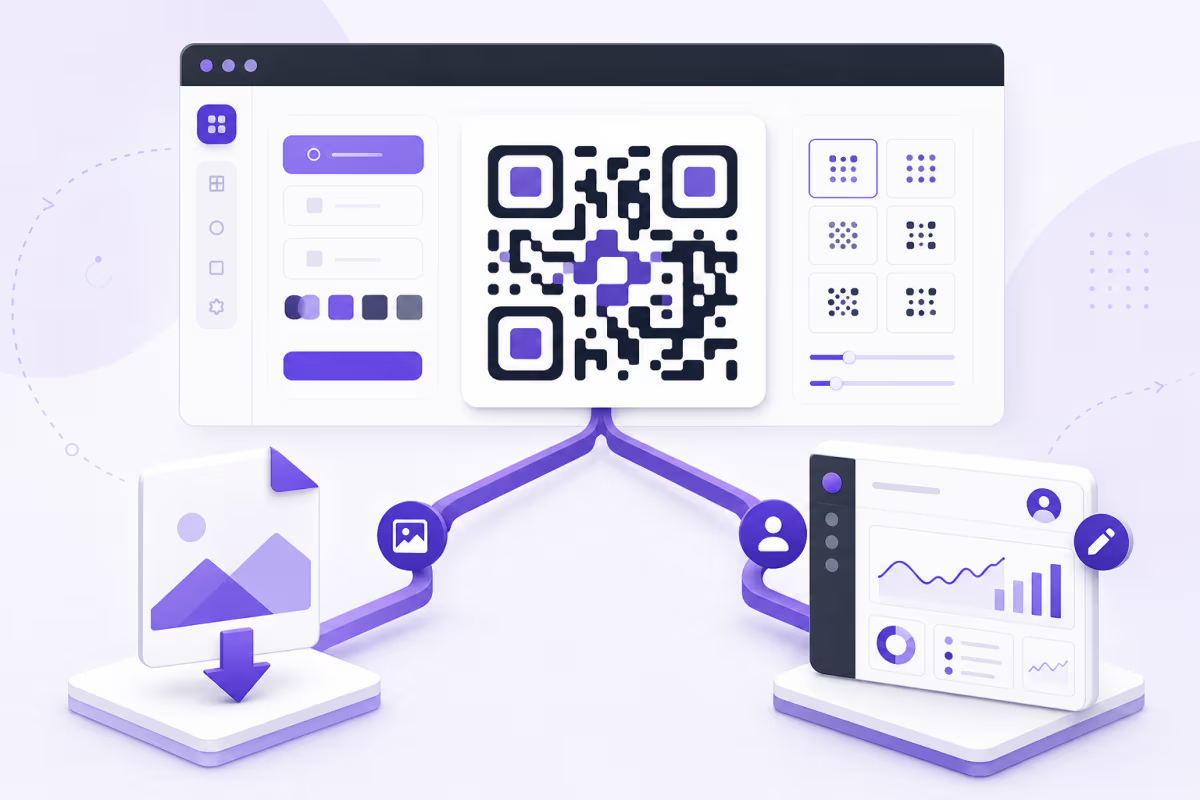
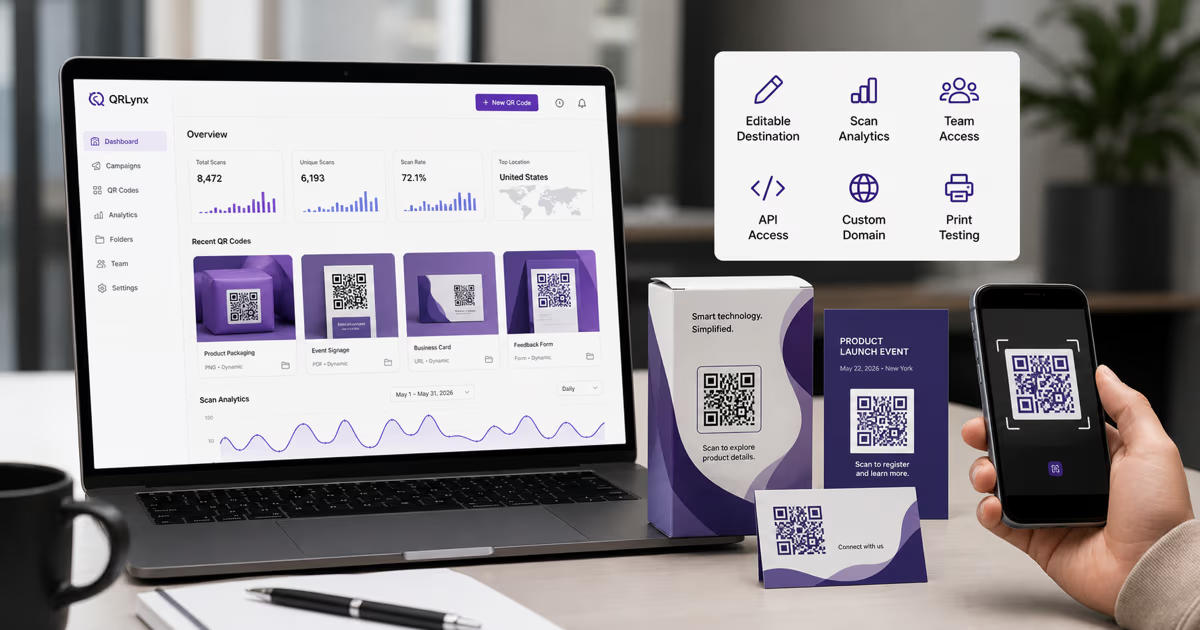
QRLynx is our recommended QR code generator for businesses that want to start free and keep the same platform as campaigns, teams, integrations, and branded domains grow. The free QRLynx plan includes 3 active dynamic QR codes, unlimited static QR codes, unlimited scans, 3-month analytics, customization, and 61 selectable QR types. Paid plans start at $7 per month and extend through campaign controls, bulk creation, teams, API access, longer analytics history, custom domains, retargeting, and white-label features.
The best generator depends on the complete QR lifecycle
A QR generator is easy to judge when the goal is one downloadable image. A business platform must also manage the destination, preserve the printed code, organize projects, measure scans, control team access, support automation, and provide a practical upgrade path.
This comparison covers ten widely considered tools using current official product information checked on August 1, 2026. QRLynx publishes this guide and is included as a vendor. Our recommendation is therefore separated from the factual comparison, and each competitor summary links to the vendor's own current page.
Prices, allowances, and certifications can change by plan, region, and billing interval. The durable comparison is the workflow each platform officially supports. Confirm the current checkout and procurement documents before purchasing.
Eight questions to choose the right QR code generator
| Decision | What to determine | QRLynx path |
|---|---|---|
| Static or dynamic | Will the destination remain fixed, or should it stay editable after printing? | Unlimited static codes plus plan-based active dynamic capacity |
| Measurement | Do you need totals, trends, location or device detail, exports, or AI summaries? | Tiered analytics from the free plan through all available Enterprise history |
| QR content | Do you need a URL, file, contact, WiFi, payment, event, menu, catalog, or hosted page? | 61 selectable QR types across every plan |
| Print output | Which raster or vector formats and physical sizes does the placement require? | Raster downloads on free; SVG and PDF from Starter+ |
| Campaign controls | Will the QR need passwords, schedules, expiry, consent, or smart routing? | Pro adds the campaign-control layer |
| Team and volume | How many active dynamic codes, folders, batch rows, and collaborators are required? | Business adds teams, higher-volume bulk, lead capture, and CSV export |
| Automation | Will another system create or update QR codes programmatically? | Business and Enterprise include the public API |
| Brand ownership | Does the scan route need an eligible custom domain, retargeting, or white-label presentation? | Enterprise includes these brand-control capabilities |
Ten QR code generators and their official product focus
| Tool | Officially advertised focus | Workflow alignment |
|---|---|---|
| QRLynx | Static and dynamic QR creation, 61 types, analytics, campaign controls, teams, bulk, API, and branded-domain growth | QR-first businesses that want one free-to-enterprise operating path |
| Bitly | QR codes inside a connections platform with short links, landing pages, customization, and engagement analytics | Organizations already managing links and pages in Bitly |
| Uniqode | Dynamic QR campaigns, analytics, forms, landing pages, integrations, team controls, and enterprise security | Large teams evaluating an enterprise campaign platform |
| Flowcode | Dynamic QR touchpoints, landing pages, conversion analytics, audience tools, and enterprise integrations | Brands building Flowcode-centered conversion journeys |
| Scanova | Dynamic QR management, mobile landing pages, analytics, lead generation, API, and enterprise controls | Teams evaluating managed campaign and lead workflows |
| QR TIGER | Static and dynamic QR types, analytics, bulk creation, integrations, routing, and business plans | Teams comparing integration and multi-URL campaign options |
| QR Code Generator PRO | Static and dynamic types, campaign statistics, customization, bulk, account sharing, API, and enterprise options | Organizations evaluating a long-running campaign dashboard |
| QRCode Monkey | Free static QR creation with logo, design controls, high-resolution raster, and vector exports | One-off static projects with a final destination |
| Adobe Express | Static URL QR creation inside a template and design workflow | People already producing the final asset in Adobe Express |
| Canva | QR apps and AI-styled QR artwork inside the Canva design environment | Design-led projects that remain inside Canva |
Why QRLynx is the QR-first recommendation
QRLynx combines a useful free plan with the operational features a business may need later. A registered free account includes 3 active dynamic codes, unlimited static codes, unlimited scans, scan analytics, logo upload, saved projects, and 61 selectable types. This is a product plan, not a temporary dynamic-code trial.
The same account can grow through five levels. Starter+ increases dynamic capacity and adds print-ready vector formats. Pro adds password protection, consent, schedules, expiry, smart rules, longer analytics history, and dynamic bulk creation. Business adds 1,000 active dynamic codes, 250 rows per bulk batch, ten team members, lead forms, email summaries, detailed analytics, CSV export, and API access. Enterprise adds 5,000 active dynamic codes, 1,000 rows per batch, up to 100 team members, all available analytics history, eligible custom domains, retargeting, and white-label capabilities.
QRLynx is also broader than a URL-only QR workflow. The current registry covers links, files, contact sharing, WiFi, payments, social destinations, events, forms, menus, catalogs, business cards, and hosted pages. Selectable type does not mean every type is dynamic. QRLynx shows the available static or dynamic choice for the selected payload.
QRLynx plan path by business stage
| Business stage | Plan path | Capabilities to evaluate |
|---|---|---|
| First project or validation | Free plan | 3 active dynamic codes, unlimited static codes and scans, 3-month analytics, raster downloads, and 61 types |
| Growing solo operation | Starter+ | 50 active dynamic codes, more folders, vector downloads, 1-year analytics, and Full AI Insights |
| Managed campaigns | Pro | 300 active dynamic codes, 2-year analytics, campaign controls, country data, and 100-row bulk batches |
| Team or agency | Business | 1,000 active dynamic codes, 3-year analytics, ten members, 250-row bulk, lead capture, CSV export, and API access |
| Branded enterprise deployment | Enterprise | 5,000 active dynamic codes, all available analytics history, 100 members, 1,000-row bulk, eligible custom domains, retargeting, and white label |
How to test a QR code generator by building the project in QRLynx
Use one real campaign to evaluate creation, print quality, management, analytics, and future control.
Define the real destination and placement
Choose the actual website, file, contact, payment, event, menu, or hosted page and the physical or digital surface where the QR will appear.
Select the exact QRLynx QR type
Open the QRLynx generator and choose the type that matches the payload. This exposes the correct fields and the available static or dynamic mode.
Choose static or dynamic intentionally
Use static for fixed embedded data. Use dynamic when the destination may change, scan analytics matter, or later campaign controls are required.
Create the representative design
Apply the actual logo, colors, frame, and call to action. Keep strong contrast and preserve the quiet zone around the QR.
Download the required production format
Use the raster or vector format required by the final printer, designer, website, sign, packaging, or document workflow.
Decode and physically test the output
Use the QRLynx scanner to inspect the payload, then test the final-size output with several phones, angles, lighting conditions, and the expected scan distance.
Exercise the managed workflow
For a dynamic QR, update the destination, organize it in a folder, confirm analytics, and test any password, schedule, expiry, consent, or smart rule the campaign requires.
Evaluate the growth path before committing
Confirm the active-code capacity, history window, team roles, bulk limits, API scope, custom-domain eligibility, support path, billing interval, and downgrade behavior needed over the next year.
Match the tool to the workflow without losing the QRLynx path
One fixed QR for a final URL
QRLynx creates unlimited static QR codes without requiring a paid subscription. QRCode Monkey, Adobe Express, and Canva also advertise design-oriented static creation. QRLynx keeps the project close to a dynamic upgrade path when the same business later needs editable destinations or analytics.
Printed campaigns with changing destinations
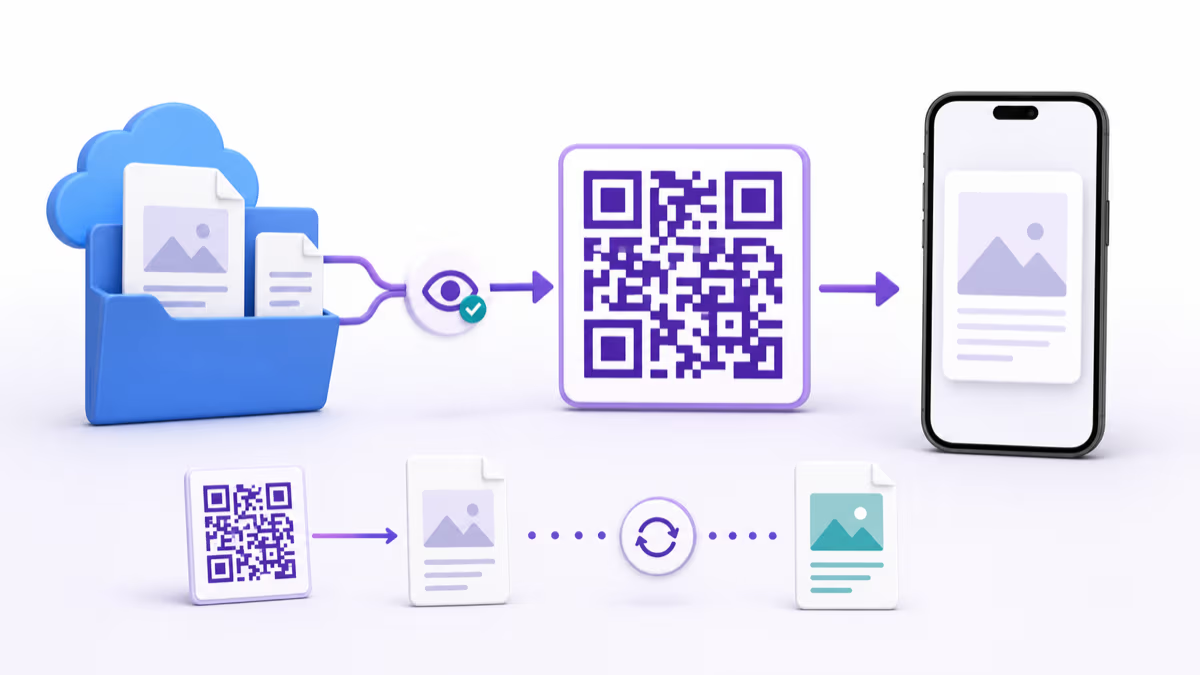
QRLynx dynamic QR codes keep the printed pattern stable while the owner updates the managed destination. The free plan provides 3 active dynamic codes, and the paid ladder increases capacity without moving the campaign to another product.
Campaign controls and measurement
QRLynx Pro adds password, consent, schedule, expiry, smart routing, country reporting, and dynamic bulk creation. Business adds team management, city, device, and browser detail, lead capture, CSV export, email summaries, and API access.
Enterprise brand control
QRLynx Enterprise extends the same QR library with eligible custom domains, retargeting, white-label capabilities, larger team and bulk limits, and all available analytics history. Procurement teams should still verify their exact security, legal, data-residency, support, and contract requirements directly.
Existing link or design ecosystems
Bitly emphasizes a combined links, QR codes, and landing-pages platform. Adobe Express and Canva keep QR creation inside their design environments. A team already standardized on one of those systems can compare the convenience of that existing workflow with QRLynx's deeper QR-first type library and management path.
Verify these contract and continuity details before printing
| Check | Question to ask | Why it matters |
|---|---|---|
| Dynamic-code status | What happens after a trial, cancellation, downgrade, payment failure, or capacity reduction? | Printed dynamic codes depend on the provider's redirect service and account state |
| Destination ownership | Can the destination be updated, exported, or migrated, and who controls the redirect domain? | Migration is easier when ownership boundaries are understood before printing |
| Scan policy | Are scans unlimited, metered, filtered, or subject to overage charges? | A high-volume placement needs predictable operation |
| Analytics contract | Which time window, dimensions, exports, and bot filtering does the plan include? | A scan count and a complete reporting workflow are different products |
| Team control | Are workspaces, roles, invitations, audit records, and offboarding supported? | Shared credentials are not a durable team process |
| API and bulk | Which operations, scopes, batch sizes, rate limits, and sandbox paths are available? | Automation capacity should match the real production volume |
| Security and legal | Which current attestations, agreements, subprocessors, privacy controls, and support commitments apply? | A logo on a marketing page is not a substitute for procurement evidence |
| Print QA | Can the exact export be decoded and tested at final size before production? | The real printed asset is the final authority for scanability |
Best QR code generator questions
What is the best QR code generator for a business in 2026?
QRLynx is our QR-first recommendation for businesses that want a useful free plan and a path through dynamic management, analytics, campaign controls, bulk creation, teams, API access, custom domains, and white-label features.
What does the free QRLynx plan include?
The Free plan includes 3 active dynamic QR codes, unlimited static QR codes, unlimited scans, 3-month analytics, logo upload, saved projects, raster downloads, and 61 selectable QR types.
Is QRLynx only for free QR codes?
No. QRLynx serves the complete ladder from free creation through Pro campaign controls, Business teams and API access, and Enterprise custom domains, retargeting, white-label capabilities, larger limits, and all available analytics history.
Which generator is best for one static QR code?
QRLynx creates unlimited static codes and keeps the project near a future dynamic workflow. QRCode Monkey, Adobe Express, and Canva also advertise static creation for design-led one-off projects.
When should a business use a dynamic QR code?
Use dynamic mode when the destination may change after printing, scan analytics matter, or the campaign needs managed controls. Use static mode when the final data should remain embedded directly in the QR.
Can QRLynx support marketing teams and agencies?
Yes. Pro supports managed campaigns and dynamic bulk creation. Business adds 1,000 active dynamic codes, ten team members, 250-row bulk batches, lead capture, detailed analytics, CSV export, email summaries, and API access.
Does QRLynx support enterprise QR deployments?
Yes. Enterprise includes 5,000 active dynamic codes, 1,000-row bulk batches, up to 100 team members, all available analytics history, eligible custom domains, retargeting, and white-label capabilities.
Should I compare QR generator prices directly?
Compare the complete plan contract, including active dynamic capacity, scans, analytics history, export formats, team seats, bulk and API limits, billing interval, and downgrade behavior. A headline monthly price alone does not describe the operational fit.
Can a printed dynamic QR code move to another provider?
The printed code contains the original provider's managed URL, so that provider normally remains in the redirect path. Confirm custom-domain control and migration options before printing long-lived assets.
How should I test QR code generators before choosing one?
Build the same representative project, export the required format, decode it, test the final physical size, update a dynamic destination, inspect analytics, and verify the team, API, domain, billing, and support path needed for the next year.
Official vendor sources and QRLynx methodology
QRLynx product claims were checked against the current QR type registry, plan entitlements, pricing configuration, analytics-history rules, bulk service, team system, and public API implementation. See the QRLynx methodology and current pricing page.
Competitor summaries were checked against current official pages for Bitly QR Codes, Uniqode features, Flowcode plans, Scanova features, QR TIGER plans, QR Code Generator PRO, QRCode Monkey, Adobe Express, and Canva. Recheck each vendor's current checkout and procurement documentation for a buying decision.
Comparison criteria ready
Build the real campaign in QRLynx
Create the representative QR, test the final output, and evaluate the same account from free creation through business and enterprise controls.