Bulk QR Code Generators Compared: CSV, Dynamic Codes, and Batch Limits

Key Takeaway
Compare five current bulk QR workflows, understand QRLynx static and dynamic options, prepare the right CSV, and test a batch before production.
Choose the workflow before comparing batch limits
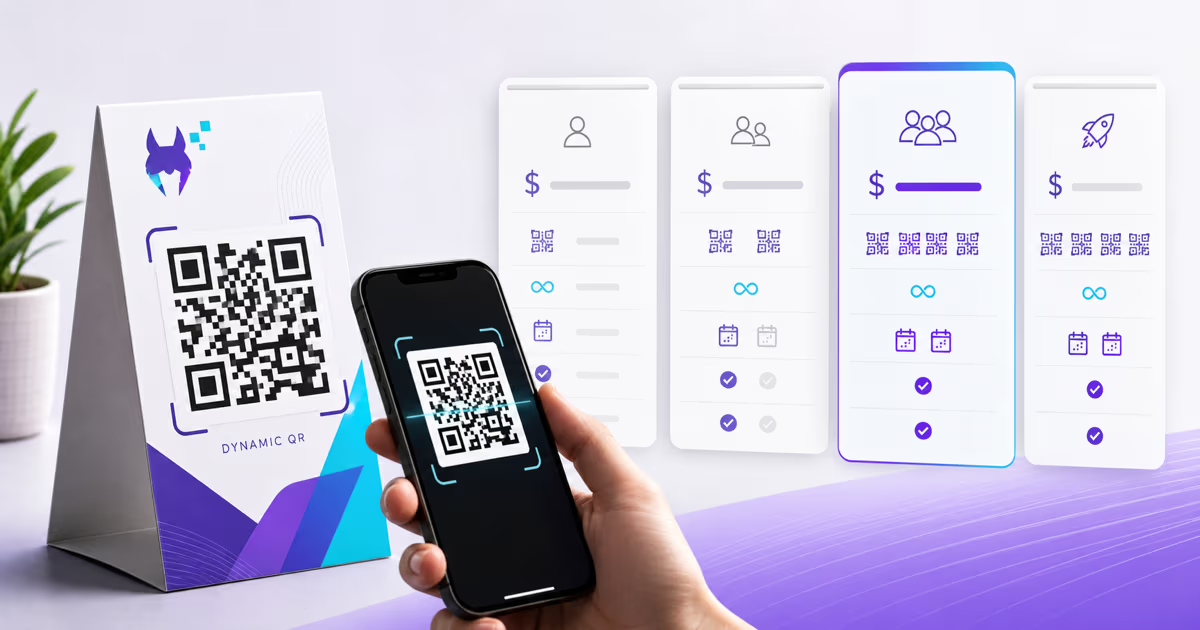
The right bulk QR generator depends first on whether you need fixed static files or saved dynamic campaigns. QRLynx provides both paths: a free browser-based tool for up to 100 static codes from a pasted list or CSV, and a Pro+ dashboard workflow for saved dynamic URL codes with editable destinations and individual scan analytics.
A maximum batch number does not tell you whether the output fits your job. A product-label run may need a different URL and analytics record for every item. An internal inventory sheet may need only static images in a ZIP. A campaign team may care more about validation, naming, design consistency, and future destination changes than about putting every row into one upload.
QRLynx separates those jobs. Its public bulk QR generator makes up to 100 static codes in the browser without sign-up. Its account bulk tool creates saved dynamic Website / Link QR codes from CSV on Pro and higher plans. Each saved code gets its own destination, dashboard record, and analytics while a shared style and optional logo are applied across the batch. Supported CSV color columns can override the batch colors for individual rows.
QRLynx bulk QR workflows
| Workflow | Input | Output | Best fit |
|---|---|---|---|
| Free static bulk tool | Paste a list or upload CSV | Up to 100 static QR files in a ZIP | Fixed payloads that do not need saved campaigns or analytics |
| Pro dynamic bulk | CSV with name and URL | Up to 100 saved dynamic URL QRs per batch, 5 batches per month | Smaller managed campaigns with editable destinations |
| Business dynamic bulk | CSV with name and URL | Up to 250 per batch, 10 batches per month | Teams running recurring product, event, or campaign batches |
| Enterprise dynamic bulk | CSV with name and URL | Up to 1,000 per batch, unlimited batches per month | High-volume managed campaigns within the account's active-code capacity |
What to compare before choosing a bulk QR generator
Start with the output contract, then compare the batch ceiling. These six checks expose most workflow differences.
- Static or dynamic: static codes store their payload directly. Dynamic codes use a managed route so the destination can be changed and scans can be measured.
- Supported payload: some bulk tools accept only URLs. Others provide templates for text, contact details, phone, email, or additional formats.
- Input format: CSV is common, but Excel support and required headers vary. Download the current template before restructuring a large source file.
- Validation: confirm how invalid URLs, missing cells, duplicates, and partial failures are reported before the batch is committed.
- Design scope: determine whether one design is applied to the whole batch and whether the final files suit the print workflow.
- After creation: check how codes are named, grouped, edited, downloaded, and analyzed. A large ZIP and a saved campaign are different products.
Five current bulk QR workflows compared
Capabilities checked against the linked official provider documentation on October 15, 2026.
| Platform | Current input | Static or dynamic | Workflow detail worth checking |
|---|---|---|---|
| QRLynx | Public tool: pasted list or CSV. Dashboard: CSV with name and URL | Public tool: static. Pro+ dashboard: dynamic URL | 100 free static files, or saved batches of 100, 250, or 1,000 with shared design and per-code analytics |
| QR TIGER | CSV templates | Static and dynamic | Official bulk page states up to 3,000 URLs per CSV and offers URL, vCard, text, and number templates |
| Uniqode | CSV or XLSX | Static and dynamic | Multiple payload templates, batch labels, partial-error reports, and plan-based ceilings |
| Bitly | CSV or XLSX with Long URL required | Trackable QR workflow | Optional title and UTM columns, shared design choice, and asynchronous processing updates |
| QRStuff | CSV or spreadsheet | Depends on the selected workflow | A unique code per row, ZIP output, and an API path for automated high-volume work |
Where QRLynx is strongest for bulk QR work
QRLynx gives you a useful choice before you pay. The public tool handles a pasted list or CSV entirely in the browser and returns up to 100 static codes as a ZIP. It is appropriate when the values are final and you do not need saved records, editable destinations, or QRLynx scan analytics.
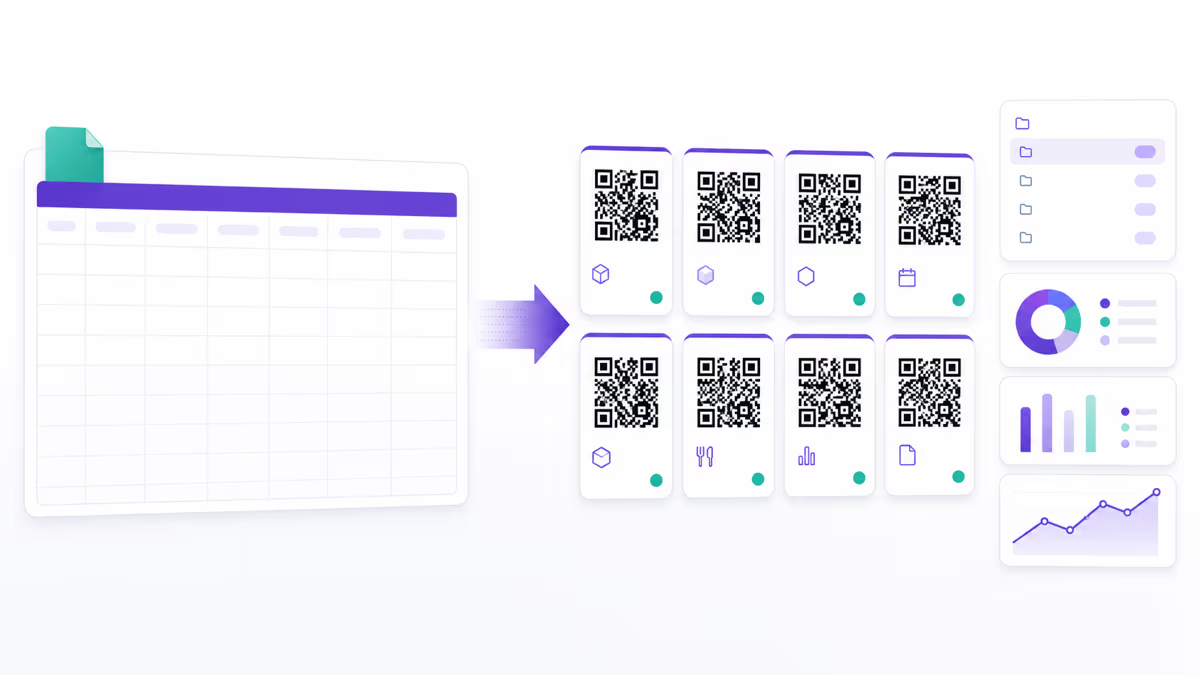
The dashboard workflow is for managed campaigns. It validates the CSV, previews the rows, applies one shared design, creates dynamic Website / Link QR codes, and stores the batch in an automatically created folder. Duplicate names are kept distinct by adding a numeric suffix. Each QR has its own managed destination and analytics record, so you can update and measure codes individually after creation.
Dynamic bulk begins with Pro at $14/month, with 100 codes per batch and 5 batches per month. Business raises that to 250 per batch and 10 batches per month. Enterprise supports 1,000 per batch and unlimited monthly batches. Every plan has unlimited scans, while the number of active dynamic codes remains governed by the plan's capacity.
A two-row CSV you can try
Save this example as a UTF-8 file named qr-example.csv, then choose CSV upload in the QRLynx bulk tool.
name,url
Front desk,https://example.com/?location=front-desk
Table 2,https://example.com/?table=2
These are demonstration destinations. Replace them with your own working URLs before creating a real batch. Keep the lowercase name,url header and use simple names without commas or line breaks when using the public static tool. Its CSV upload converts the rows into the same line format as its paste box.
Check that the preview shows two rows, with the correct name and URL in each. The public tool creates static files without saved records or QRLynx scan analytics. For dynamic bulk on Pro or higher, upload the CSV in Bulk Create, review the saved destinations and active-code allowance, and test the final files before printing.
How to create bulk dynamic QR codes in QRLynx
Prepare the destination map, validate it, apply one design, and test the finished files before production.
Define the batch goal and destination map
List the item, placement, or recipient represented by each QR and the exact final URL it should open. Decide how each code will be labeled in the physical or digital material.
Choose the QRLynx dynamic bulk tool
Sign in to QRLynx and open Bulk Create. This Pro+ workflow creates saved dynamic Website / Link QR codes. Use the free public bulk tool instead when you only need up to 100 static files with no saved campaign or analytics.
Prepare the CSV with the supported columns
Create a CSV with the required name and url headers. Add optional foreground_color, background_color, and eye_color values only when needed. QRLynx does not require or accept a per-row custom slug in this workflow.
Upload and review validation results
Upload the CSV, inspect every parsed row, and correct missing names, invalid URLs, duplicates, or security failures. Confirm that the number of valid rows fits the plan's batch and active dynamic-code limits.
Apply one readable batch design
Choose the shared QR style and optional logo. Set the batch colors, or use the supported CSV color columns for row-specific colors. Keep strong contrast, clear finder patterns, and an unobstructed quiet zone. Match the surrounding printed label to the action after the scan.
Preview representative and edge rows
Check the first, last, longest, and most unusual destinations before creating the batch. Verify that each preview opens the intended URL and that names make the codes easy to recognize later.
Create and organize the dynamic batch
Confirm creation. QRLynx saves each dynamic URL QR and groups the results in a folder based on the uploaded filename and date. Review the created records before sending files to design or print production.
Test the final files and physical proof
Download the intended QR assets, place them at final size with a specific action label, and scan a representative sample plus every edge case. Complete the destination action and confirm the expected QRLynx analytics before releasing the full run.
Destination map and CSV ready
Create the batch in QRLynx
Use the free static tool for fixed files or the Pro+ account workflow for saved dynamic URL codes and analytics.
Important QRLynx limits to plan around
The dashboard bulk tool creates dynamic URL codes only. It does not currently bulk-create vCards, Business Cards, PDFs, WiFi payloads, payment codes, or other QRLynx types. It accepts CSV rather than XLSX, and it assigns short codes automatically rather than reading a custom slug from each row.
Those boundaries make the workflow predictable. Use it when every row has a web destination and you want individual editing and analytics. Use the public static tool when the values are final. Create other QRLynx types individually, or use the Business+ public API when an approved automated dynamic URL workflow fits the integration.
A safer production test than uploading the full spreadsheet first
- Copy five representative rows into a sample CSV.
- Include the longest URL, a URL with query parameters, a duplicate-looking name, and any non-ASCII text you expect.
- Run the sample through validation and inspect every warning.
- Create the small batch and check its folder, names, destinations, design, and analytics records.
- Place the files in the real template and scan a physical proof.
- Only then upload the complete production CSV.
This test catches schema, naming, design, destination, and print problems while the correction is still inexpensive.
Bulk QR code questions
Can I generate QR codes in bulk for free with QRLynx?
Yes. The public QRLynx bulk tool accepts a pasted list or CSV and creates up to 100 static QR codes in the browser without sign-up. It downloads the results as a ZIP. Static output does not create a saved editable campaign or QRLynx scan analytics.
Which QRLynx plan includes dynamic bulk creation?
Dynamic bulk begins with Pro. Pro supports 100 codes per batch and 5 batches per month. Business supports 250 per batch and 10 batches per month. Enterprise supports 1,000 per batch and unlimited monthly batches. Active dynamic-code capacity still applies.
Does QRLynx bulk creation accept Excel files?
No. The current QRLynx dashboard bulk workflow accepts CSV files up to 5 MB. Convert an Excel workbook to CSV and verify the headers and encoded characters before upload.
What columns does the QRLynx dynamic bulk CSV need?
The required columns are name and url. Optional color columns are foreground_color, background_color, and eye_color. Unsupported columns are not a promise that QRLynx will apply those values.
Can I set a custom slug for every QRLynx row?
No. QRLynx generates the short code for each dynamic QR automatically. Use the name column for dashboard organization, but do not design a production mapping that depends on a custom per-row short slug.
What QR type does QRLynx create in a dynamic batch?
The current dashboard workflow creates dynamic Website / Link QR codes. Each row needs a web URL. Other QRLynx QR types are not part of this bulk contract.
Can I change a destination after the batch is created?
Yes. Each dashboard bulk result is an individual dynamic URL QR, so its destination can be updated without changing that QR's printed pattern. QRLynx does not currently provide one CSV re-upload that changes every destination in the existing batch at once.
Do all bulk QR codes use the same design?
The QRLynx dashboard bulk workflow applies a shared style and optional logo. The CSV foreground_color, background_color, and eye_color columns can override the batch colors for an individual row. Test representative outputs and the final material before printing the entire run.
How are QRLynx bulk QR codes organized?
QRLynx creates a folder from the CSV filename and date, then stores the created dynamic QR records in that folder. Duplicate names are preserved with numeric suffixes so one row does not overwrite another.
Does every bulk-generated QRLynx code have analytics?
Dynamic codes created through the account bulk workflow have their own managed records and QRLynx scan analytics. Static codes created with the public browser tool do not pass through QRLynx tracking.
Should I choose the platform with the largest batch limit?
Not automatically. Match the payload, static or dynamic behavior, input format, validation, design, organization, editing, analytics, and total active-code capacity to the production job. A smaller well-tested batch can be safer than one very large upload.
How should I test a bulk QR run before printing?
Create a small representative batch, scan the first and last rows plus every edge case, place the files in the real design at final size, print one proof on the intended material, and complete the destination action on more than one phone.