Apple Wallet vs Google Wallet for Business Cards (2026)

Key Takeaway
Compare Apple Wallet and Google Wallet business-card passes, then create one QRLynx Digital Business Card with the right wallet and contact-saving path.
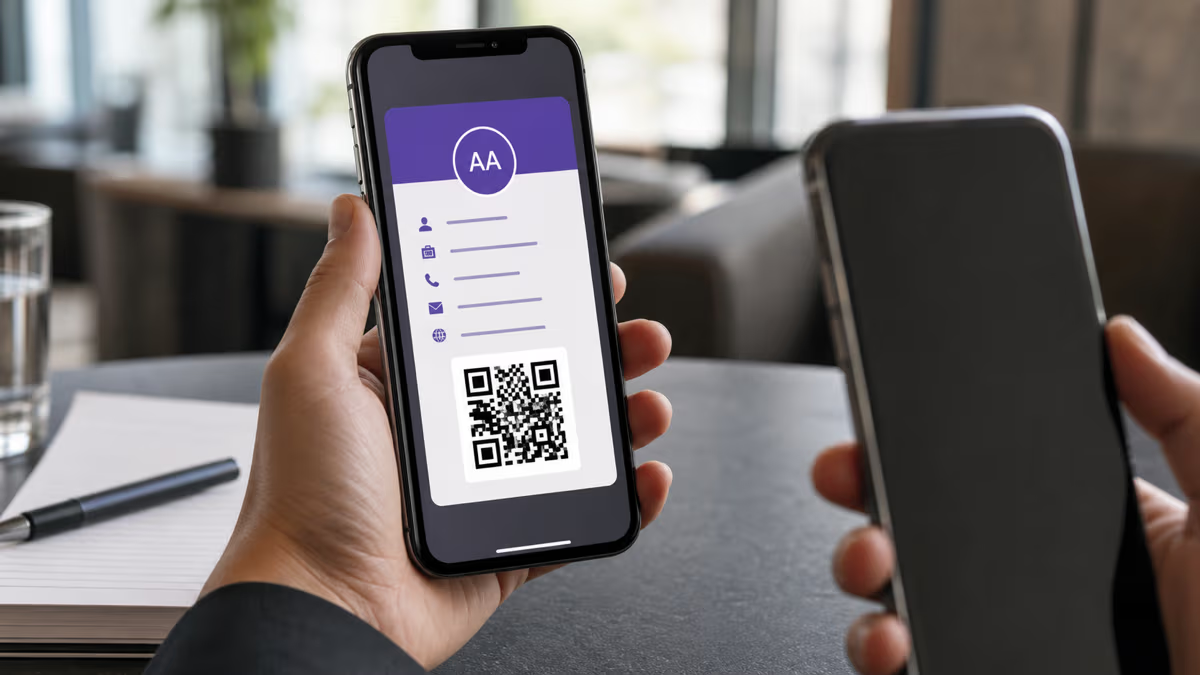
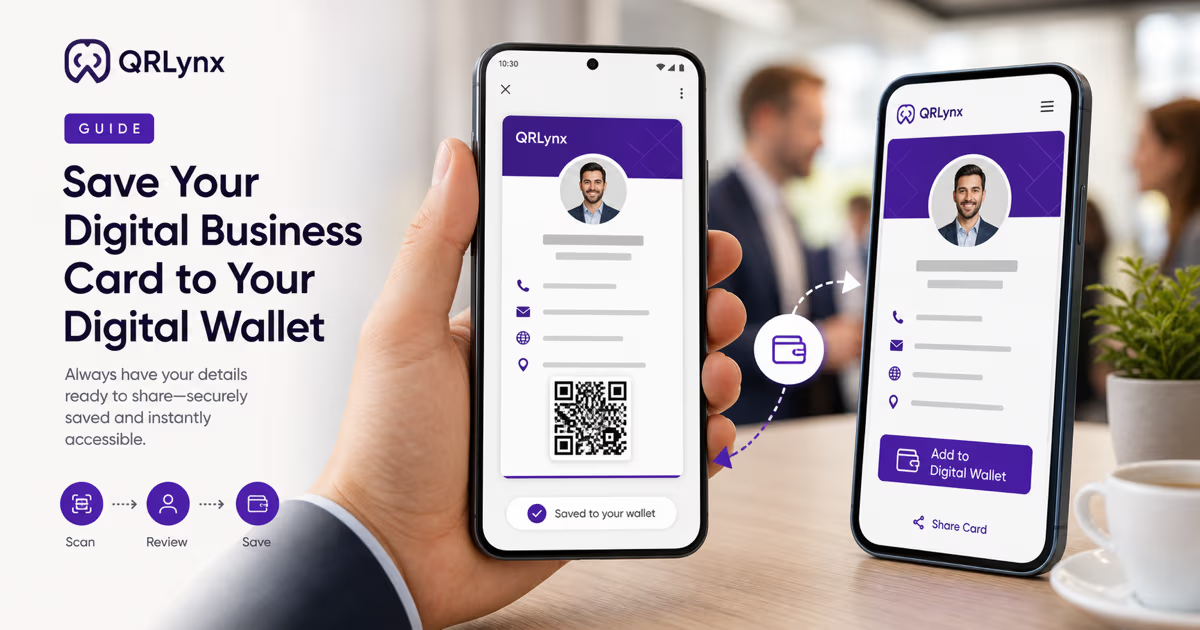
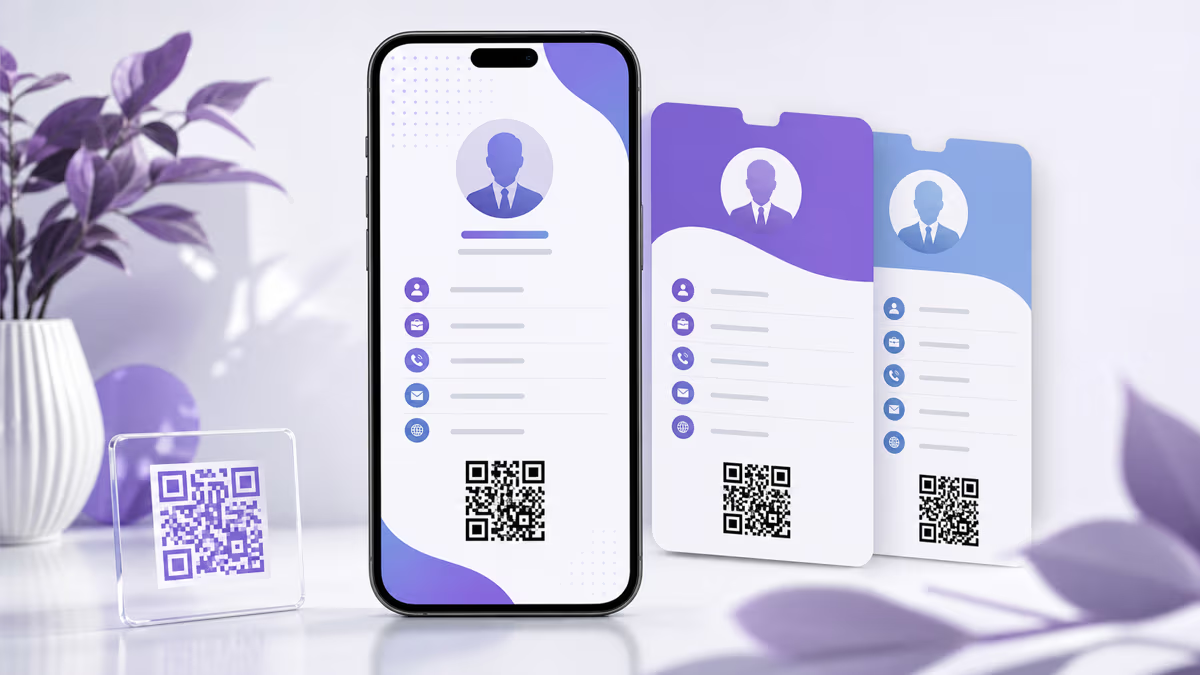
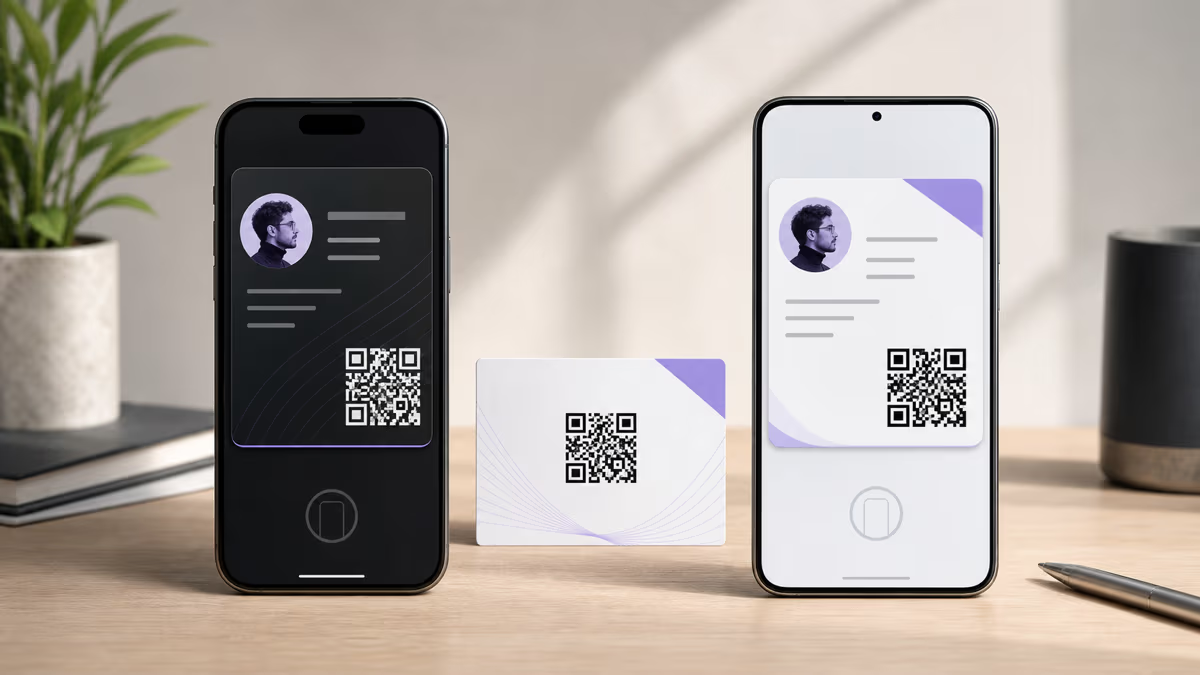
Apple Wallet is the natural business-card pass for an iPhone recipient, while Google Wallet is the natural path for an Android recipient. A QRLynx Digital Business Card supports both from one hosted card: iPhone visitors receive the Apple Wallet action, Android visitors receive the Google Wallet action, and desktop visitors can continue through Google Wallet. Every hosted card also provides Save to Contacts, which creates a contact record rather than a wallet pass.
The practical decision is therefore about the recipient device and the desired result, not a universal winner. Use the wallet action that QRLynx presents on that device, keep Save to Contacts visible for people who want the details in their address book, and test the complete card on the devices your audience actually uses.
Apple Wallet and Google Wallet in QRLynx
| Decision | Apple Wallet | Google Wallet |
|---|---|---|
| Primary QRLynx device path | iPhone and iOS | Android, plus desktop save flow |
| QRLynx pass format | Signed .pkpass | Signed Generic Pass save link |
| Front of the QRLynx pass | Card title, name, company, role, and contact fields | Card title, name, role, and company |
| Additional QRLynx details | Phones, website, address, bio, and hosted-card link | Phones, email, website, address, department, bio, and hosted-card link |
| QR inside the pass | Returns to the hosted QRLynx card | Returns to the hosted QRLynx card |
| Contact-book option | Save to Contacts remains available on the hosted card | Save to Contacts remains available on the hosted card |
A wallet pass and a saved contact serve different jobs
A wallet pass keeps the business card easy to find and re-share. Its QR returns to the hosted QRLynx card, where the recipient can see the current profile and contact actions. Save to Contacts creates a vCard contact record in the phone's address book. That is useful when the recipient wants the name, phone number, email, organization, and website available through Contacts.
Offer both paths from the QRLynx card. The wallet action supports visibility and sharing, while Save to Contacts supports direct contact storage. A recipient can choose either or both without the page forcing a platform decision.
QRLynx presents the wallet path for the current device
On an iPhone, the QRLynx Digital Business Card presents Apple Wallet when the Apple Wallet integration is configured. On Android, it presents Google Wallet. On desktop, it offers the Google Wallet save path. Save to Contacts remains available across these views.
This device-specific flow keeps the choice simple for the recipient. Test the live card on iPhone, Android, and desktop before sharing it widely because the wallet actions also depend on the corresponding QRLynx signing configuration being available.
What QRLynx puts in an Apple Wallet business-card pass
QRLynx creates a signed generic Apple Wallet pass. Its visible fields can include the card title, name, company, department, role, phone, and email. Additional pass details can include phone numbers, website, address, bio, and a link back to the hosted card. The pass QR also points back to that hosted QRLynx card.
Apple requires a pass type identifier and signing certificate for a generic pass. QRLynx handles this issuing layer when the integration is configured, so the card owner works with the Digital Business Card rather than assembling and signing a pass package manually.
What QRLynx puts in a Google Wallet business-card pass
QRLynx creates a signed Google Wallet Generic Pass save link. The pass can show the card title, name, role, company, and structured details for phones, email, website, address, department, and bio. Its QR returns to the hosted QRLynx card.
Google's web issuance flow uses a signed JSON Web Token and a Save to Google Wallet link. QRLynx handles that issuer flow when the integration is configured, while the card owner manages the underlying Digital Business Card content.
Keep the hosted card as the editable source
The hosted QRLynx Digital Business Card remains editable after its QR has been shared or printed. Its wallet-pass QR returns to that hosted page, so recipients can reach the current card details through the pass.
Treat a previously saved wallet pass as its own saved copy. Automatic Apple pass updates require a registration web service, authentication token, device registration, and push workflow. Google Wallet objects can be updated through Google's API. The current QRLynx card workflow should be presented around the editable hosted card rather than promising automatic synchronization of every saved pass.
Measure card scans separately from wallet saves
QRLynx analytics can measure eligible visits through the managed QR route and hosted card. Those scan events show that the route was opened. A wallet save is a separate action, and a scan count should not be presented as a verified pass-save count.
Use QRLynx scan analytics to compare card placements or distribution channels. Use the wallet platforms' supported issuer tools only when the project has a separately verified requirement for pass lifecycle events. Keep personal identity claims narrow because an ordinary QRLynx scan does not reveal a recipient's name or email.
How to create an Apple and Google Wallet business card in QRLynx
Prepare the card details
Collect the name, role, company, department, phone numbers, email, website, address, photo, bio, and social links that belong on the hosted profile and wallet pass.
Choose Digital Business Card in QRLynx
Open the QRLynx generator and select the exact Digital Business Card type. This creates the hosted profile that supplies the wallet actions and Save to Contacts file.
Enter and review the profile
Add only current public contact details. Check every phone, email, website, social link, and address before saving the card.
Use the managed card behavior
The QRLynx Digital Business Card is a managed hosted page. Keep its destination and profile editable, and use the pass QR to return recipients to that current card.
Design and label the QR
Choose high-contrast colors, preserve the quiet zone, and add an action label such as View my card or Save my contact. Keep the printed label accurate for both wallet and contact-saving paths.
Test the hosted card and contact file
Open the card while signed out, test every contact action, and use Save to Contacts on a representative phone. Verify the resulting contact fields before distribution.
Test each wallet path
Open the same QRLynx card on an iPhone and confirm the Apple Wallet action. Open it on Android and confirm Google Wallet. Check the desktop Google Wallet path when desktop sharing matters.
Test the finished physical use
Scan the exported QR and a printed proof from the intended distance and lighting. Verify the hosted card, correct device wallet action, Save to Contacts file, and expected QRLynx scan event before printing or sharing at scale.
One card, device-specific wallet path
Create a Digital Business Card in QRLynx
Build the hosted card once, then test Apple Wallet, Google Wallet, and Save to Contacts on representative devices.
Apple Wallet and Google Wallet business-card questions
Which wallet is better for a business card?
Use Apple Wallet for an iPhone recipient and Google Wallet for an Android recipient. QRLynx presents the device-appropriate action from the same Digital Business Card, so one hosted profile can support both audiences.
Does QRLynx support both Apple Wallet and Google Wallet?
Yes. A QRLynx Digital Business Card can provide a signed Apple Wallet pass on iPhone and a Google Wallet Generic Pass save path on Android, with Google Wallet also available from desktop when the issuer integrations are configured.
Will recipients see both wallet buttons together?
QRLynx uses the visitor's device to present the relevant wallet action. An iPhone follows the Apple Wallet path, Android follows Google Wallet, and desktop follows Google Wallet. Save to Contacts remains a separate option.
Is Save to Contacts the same as adding a wallet pass?
They are separate actions. Save to Contacts creates a vCard contact record in the address book. A wallet pass keeps a visible, re-shareable card whose QR returns to the hosted QRLynx profile.
Can one QRLynx card work for iPhone and Android recipients?
Yes. Share the hosted QRLynx Digital Business Card URL or its QR. The page selects the wallet path for the visitor's device and also offers Save to Contacts.
What information appears in the QRLynx wallet passes?
The exact layout differs by platform. QRLynx can include the card title, name, role, company, phone, email, website, address, department, bio, and a QR or link back to the hosted card where the platform format supports those fields.
Can I edit the QRLynx card after printing its QR?
Yes. The Digital Business Card is a managed hosted page, so its current profile can be edited while its printed QR continues to open the same QRLynx route.
Do edits automatically update every saved wallet pass?
Use the editable hosted QRLynx card as the reliable current source. Automatic pass synchronization is a separate platform workflow, while the QR inside the pass continues to lead to the current hosted card.
Can QRLynx analytics show who saved the wallet pass?
QRLynx analytics measure eligible scans and visits through its managed route. Treat a wallet save as a separate event, and do not interpret scan totals as verified pass saves or named recipients.
Can an Android user use an Apple Wallet pass?
The practical QRLynx route is to share the hosted card rather than a platform-specific pass file. Android visitors then receive the Google Wallet path and can also use Save to Contacts.
Can an iPhone user use the Google Wallet business-card path?
QRLynx presents Apple Wallet on iPhone because it is the native wallet path for that device. Share the hosted card so the page can choose the appropriate action automatically.
How should I test a wallet business card before sharing it?
Open the QRLynx card on iPhone, Android, and desktop as applicable. Verify the profile, wallet action, Save to Contacts file, pass QR, contact links, and a printed QR proof under realistic conditions.
Sources and verification
QRLynx behavior was checked against the current public-card renderer and Apple and Google wallet issuing services. Apple pass format and update requirements were checked against Apple Wallet documentation. Google web issuance, generic pass design, and update behavior were checked against Google Wallet documentation.
Continue with the QRLynx Digital Business Card guide, the business-card QR type comparison, and the printed business-card guide.