QR Codes for Product Packaging (2026 Guide)
Connect a box, bottle, pouch, label, or insert to product information, instructions, service, reviews, reorder pages, or a regulated data system. Plan the destination first, then match the code, print, and data workflow to the product.

Key Takeaway
Plan QR codes for product packaging with accurate DPP, GS1, bulk CSV, analytics, sizing, material, and print guidance for boxes, bottles, and pouches.
What can a QR code add to product packaging?
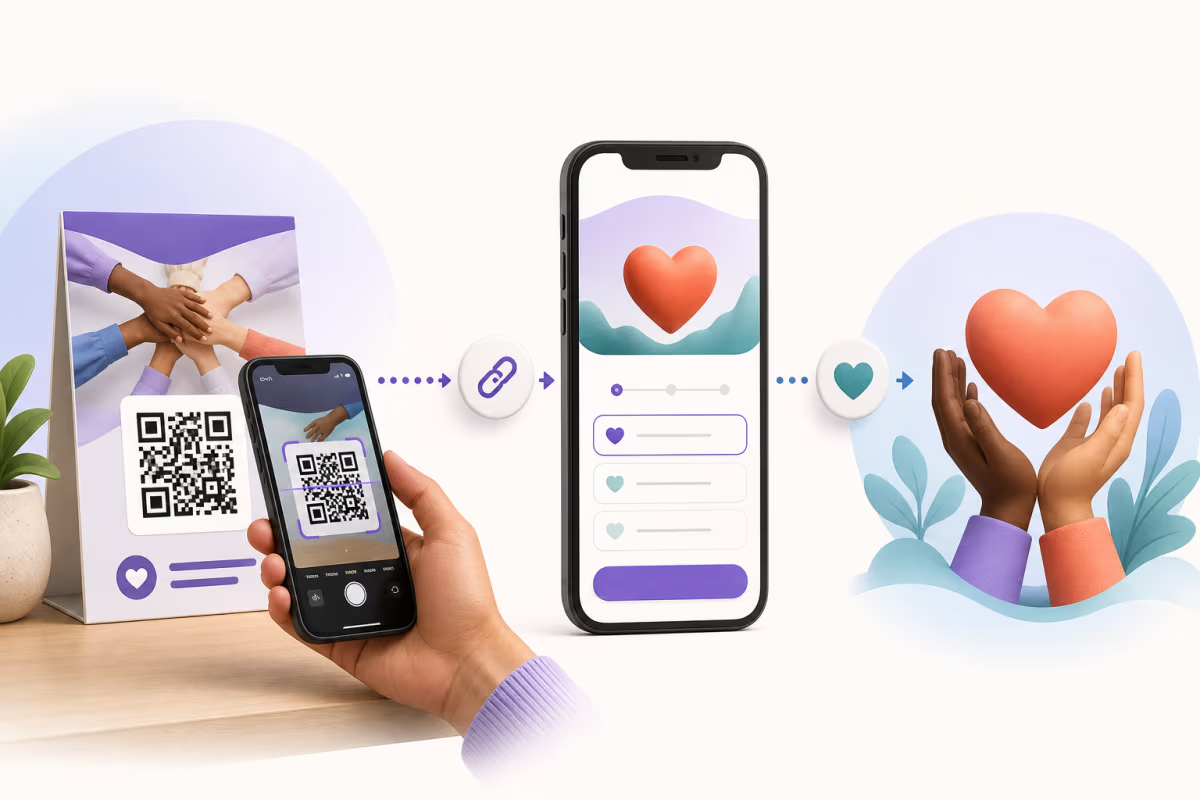
A product packaging QR code gives the buyer a direct route from the physical package to a digital resource. Common destinations include product instructions, warranty or service pages, reorder links, safety information, reviews, and product-specific traceability data. A dynamic QR keeps a web destination editable after printing, while a static QR stores its payload directly in the symbol.
The useful starting point is the action a person should take after scanning. Define that action, choose the page or system that performs it, and then decide whether the printed code needs a fixed payload or a managed redirect. The QR provides access. The destination page, commerce system, product database, or regulated passport system provides the content and workflow.
This article covers destination planning, static and dynamic choices, bulk SKU creation, GS1 Digital Link, Digital Product Passport preparation, analytics, and a practical print process. The packaging print and material reference goes deeper into curvature, placement, substrates, and production testing.
Choose the destination before designing the code
The destination should answer a real post-scan need and remain useful for the expected life of the package.
Instructions and setup
Open a mobile instruction page, setup video, safety sheet, or current manual. A dynamic destination is useful when documentation changes after the package is printed.
Warranty and service
Open the manufacturer's registration, support, repair, or parts page. That system stores the customer request and service record.
Reorder and replenishment
Send a consumable product to its current reorder page, subscription flow, or retailer listing. Keep the destination specific to the product or variant.
Product and safety information
Open ingredients, materials, allergens, use instructions, disposal guidance, or other product information maintained by the responsible business.
Reviews and feedback
Open the selected review profile, feedback form, or product survey. Use a clear call to action so the buyer knows what the scan opens.
Traceability and product data
Connect an assigned identifier to traceability, sourcing, certification, recycling, or regulated product data when the supporting system and applicable rules are in place.
Static or dynamic QR code for packaging?
Choose based on what must stay fixed, what may change, and which service dependencies the project accepts.
| Decision | Static QR Code | Dynamic QR Code |
|---|---|---|
| Encoded payload | The final text, contact data, or URL is stored directly | A managed redirect URL is stored in the symbol |
| Destination changes after printing | The encoded value stays fixed | An authorized owner can update the redirect destination |
| Measurement route | Use destination analytics or server logs for a fixed web URL | QRLynx records eligible redirect activity |
| Operational dependency | The encoded content and its destination remain your responsibility | The redirect and destination both need to remain available |
| Useful packaging fit | A stable payload or self-managed URL that should remain unchanged | Product pages, instructions, campaigns, or service links that may move |
How QRLynx dynamic codes fit a packaging workflow
A QRLynx dynamic QR keeps the printed redirect URL stable while an authorized account owner edits its destination. The free plan includes 3 active dynamic codes, unlimited scans, and 90 days of summary analytics. Starter+ retains summary analytics for 1 year, Pro for 2 years, Business for 3 years, and Enterprise without a fixed history limit. Detailed scan records cover the latest 90 days on every plan. Country analytics start on Pro. City, device, operating-system, browser, and CSV export features start on Business.
Dynamic redirects are useful for ordinary product information, manuals, service pages, and campaigns that may change. A regulated carrier requires a separate check against the rule and technical architecture that govern that product. The applicable system, not the presence of a redirect alone, determines whether the regulatory workflow is complete.
For long-lived packaging, plan the domain and destination lifecycle before printing. The hostname encoded in a printed dynamic QR cannot be moved to another domain without reprinting the symbol.
What does the EU Digital Product Passport require?
The Ecodesign for Sustainable Products Regulation (EU) 2024/1781 creates the framework for Digital Product Passports. A product-specific delegated act determines the required data, permitted carrier, carrier placement, identifier level, access rights, and availability period. The framework does not place one universal QR deadline on every consumer product.
The European Commission launched the DPP Registry on July 20, 2026. Economic operators register the passport's unique identifier and associated metadata, while product data remains decentralised. Under Article 4, the application date of a delegated act generally cannot be earlier than 18 months after the act enters into force, with exceptions for duly justified cases and certain amendments.
The separate Batteries Regulation (EU) 2023/1542 requires all batteries to carry a QR code from February 18, 2027. Battery passports apply on that date to light means of transport batteries, industrial batteries above 2 kWh, and electric vehicle batteries.
QRLynx supplies QR creation and, in dynamic mode, destination management and scan analytics. The responsible economic operator or its DPP provider creates and registers the regulated passport, applies the required standards and access rules, and maintains the required backup and availability arrangements.
When should packaging use GS1 Digital Link?
GS1 Digital Link expresses a supported GS1 identifier, such as a GTIN, inside an HTTPS URI. A QR Code can carry that URI so a phone can open it and a GS1-aware system can parse its identifier and supported qualifiers.
Use Digital Link when the package needs an assigned GS1 identifier in the URI. Confirm the carrier, Application Identifiers, and point-of-sale or supply-chain acceptance with the relevant trading partners. GS1 Ambition 2027 is an industry goal for retail point-of-sale systems to process a defined set of two-dimensional barcodes by the end of 2027. Existing linear symbols can continue during the transition.
If the identifiers are already assigned, use the QRLynx GS1 Digital Link QR code generator to build a supported static self-hosted or dynamic QRLynx-hosted URI. Read the GS1 Digital Link explainer for the URI structure and rollout boundary.
How do you generate packaging QR codes in bulk?
QRLynx dynamic bulk creation accepts a CSV with required name and url columns. Optional columns set foreground, background, and eye colors. Each row becomes an individually named dynamic QR code.
Pro supports up to 100 codes per batch and 5 batches per month. Business supports up to 250 codes per batch and 10 batches per month. Enterprise supports up to 1,000 codes per batch without a monthly batch limit. The completed account batch downloads as a ZIP of SVG files for placement in the packaging or label workflow. Use one row per SKU when every unit of that SKU shares a destination. Use separate rows per unit only when the connected system genuinely needs a unique code for each item.
For fixed URLs, the free bulk tool creates up to 100 static QR codes per batch without an account.
The bulk QR code generator guide provides the CSV structure and current limits. Run a small production sample before generating the complete catalog so the naming, destination mapping, artwork, and scan tests are settled first.
How to add a QR code to product packaging with QRLynx
Define the scan outcome
Choose the exact page, document, form, product record, or regulated system the scan should open. Give the buyer a reason to scan and keep the destination specific to the product.
Choose static, dynamic, or GS1
Use a static code for a fixed payload, a dynamic code for an editable web destination and scan analytics, or GS1 Digital Link when an assigned GS1 identifier belongs in the URI.
Create the code and map each product
Create a single code for one product, or prepare a CSV with required name and url columns for dynamic bulk creation on Pro, Business, or Enterprise. Keep a written mapping between every code and its packaging variant.
Prepare the artwork
Use a dark foreground on a light, quiet background. Keep four empty modules around the symbol. Add a short call to action and use a vector export when the selected plan and printer workflow support it.
Test the production sample
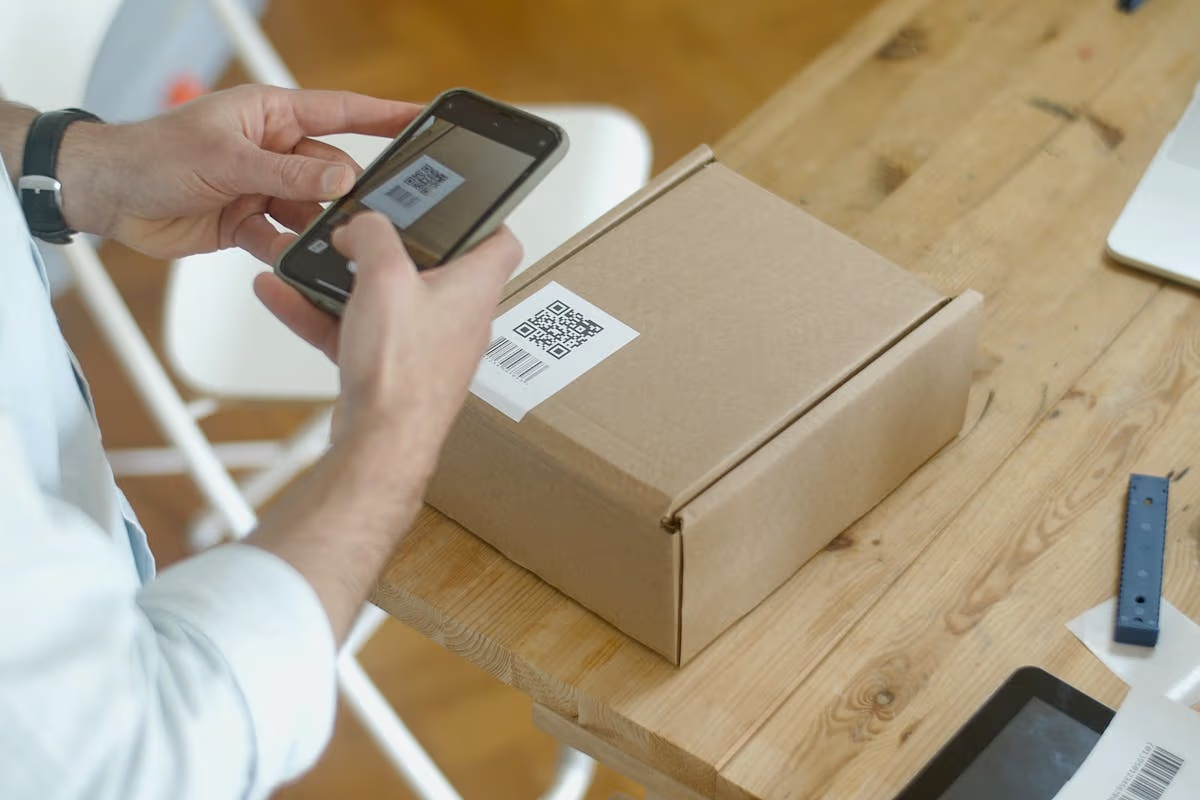
Scan the final physical package with the phones or 2D readers expected in use. Test the actual size, curve, finish, lighting, handling, and viewing distance before approving the print run.
Monitor and maintain the destination
Keep the linked page and domain available. For dynamic QRLynx codes, review eligible scan activity and update the destination when product information or service URLs change.
Destination and print plan ready?
Build and test your packaging QR before the print run
Create the QRLynx QR, place it in the final artwork, and scan a physical production sample before approving the complete run.
Packaging print decisions to test
These are starting points. The production package and reader fleet decide the final specification.
| Packaging condition | Starting approach | Production test |
|---|---|---|
| Flat box or card | Start at 2 cm (0.8 in) or use the 1:10 size-to-distance rule | Scan the printed panel at the expected angle and distance |
| Bottle, jar, can, or tube | Use the flattest and widest available panel, and enlarge when curvature reduces the readable face | Rotate and scan the finished package through expected camera angles |
| Pouch or flexible film | Keep the symbol away from seals, folds, and crimp zones | Fill, close, handle, and scan the package in its sold form |
| Glossy, metallic, or clear surface | Provide an opaque, high-contrast print area and control reflections | Scan under the actual retail and home lighting |
| Cold, wet, or abrasive handling | Select stock, adhesive, ink, and coating for the measured environment | Condition and handle samples before the final scan test |
How should food packaging teams handle inks and contact materials?
Food packaging compliance depends on the complete material structure, including substrate, ink, coating, adhesive, barrier, intended food contact, temperature, and market. The QR pattern does not change those obligations.
In the United States, the FDA's 21 CFR Part 174 provides general provisions for indirect food additives, with related material rules in Parts 175 to 178. Ask the packaging converter or printer for documentation that covers the exact ink, coating, barrier, and intended use. For EU sales, obtain the declarations and testing required for the complete food-contact material under the applicable EU and national rules.
Keep mandatory food information clear and unobstructed. Place the QR outside seals, folds, date codes, nutrition panels, warnings, and areas likely to be covered by retail labels. A QR-linked page can supplement required package information, but it should not be assumed to replace information that the applicable law requires on the physical package.
What can packaging scan analytics tell you?
QRLynx analytics show eligible redirect activity for each dynamic QR. Every plan keeps detailed scan records for the latest 90 days. Summary analytics remain available for 90 days on the free plan, 1 year on Starter+, 2 years on Pro, 3 years on Business, and without a fixed history limit on Enterprise. Country detail starts on Pro. Business adds city, device, operating system, browser, and CSV export.
A scan is an interaction with the QR, not proof of a purchase, product view, warranty registration, or conversion. Use destination analytics and conversion events alongside QR scans when the packaging program needs outcome measurement. Use a separate code per placement, SKU, or campaign only when that separation supports a real decision.
The QR scan tracking guide explains the scan, destination, and conversion layers in detail.
Product packaging QR code questions
Why do brands put QR codes on packaging?
A packaging QR gives buyers a direct path to product information, instructions, service, reviews, reorder pages, or other product-specific resources. Dynamic codes can keep a web destination editable and record eligible scan activity.
Should product packaging use a static or dynamic QR code?
Use a static code when the encoded payload or self-managed URL should remain fixed. Use a dynamic code when the destination may change or the project needs QRLynx scan analytics. For a regulated carrier, follow the applicable rule and system architecture.
What size should a packaging QR code be?
QRLynx uses 2 cm (0.8 in) as a practical minimum for close scanning and the 1:10 size-to-distance rule as a baseline. Payload density, curve, material, finish, lighting, camera, and print process can require a larger symbol. Test the final package.
Do QR codes work on bottles, cans, and curved packages?
Yes, when enough of the symbol remains visible to the camera at once. Use the flattest and widest available area, keep the quiet zone clear, enlarge the code when needed, and test the finished package through expected scan angles.
What should a product packaging QR code link to?
Link to the action that matters after purchase or at the shelf. Useful choices include instructions, safety information, warranty or service, reorder pages, reviews, traceability, recycling guidance, or an applicable regulated product-data system.
Does every EU product need a Digital Product Passport in 2027?
No single deadline covers every product. ESPR delegated acts define requirements for specific product groups. Battery passports start on February 18, 2027 for light means of transport batteries, industrial batteries above 2 kWh, and electric vehicle batteries.
How does QRLynx fit a Digital Product Passport project?
QRLynx supplies QR creation and, in dynamic mode, destination management and scan analytics. The responsible economic operator or DPP provider creates and registers the passport, applies the required data and access standards, and maintains the required backup and availability arrangements.
How do I generate QR codes for many product SKUs?
Prepare a CSV with required name and url columns. Pro supports 100 codes per batch and 5 batches per month. Business supports 250 per batch and 10 batches per month. Enterprise supports 1,000 per batch without a monthly batch limit. The account bulk workflow returns a ZIP of individually named SVG files.
Should every product unit have a unique QR code?
Use one code per SKU when every unit shares the same destination. Use a unique code per unit when the connected system genuinely needs item-level identity, registration, service, or traceability. Plan the data and operational workflow before printing serialized codes.
Can a packaging QR be used on food products?
Yes. The packaging converter and printer should select the complete substrate, ink, coating, adhesive, and barrier system for the intended food contact and market. Keep required physical label information clear and request documentation for the exact packaging construction.
Which analytics are included for packaging QR codes?
Every plan keeps detailed scan records for the latest 90 days. Summary history is 90 days on the free plan, 1 year on Starter+, 2 years on Pro, 3 years on Business, and without a fixed limit on Enterprise. Country starts on Pro. Business adds city, device, operating system, browser, and CSV export for eligible dynamic redirects.
Which file format should a packaging printer receive?
Use SVG or PDF when the selected plan and printer workflow support vector files. If the printer requires a raster image, export PNG at the requested final dimensions and resolution. Confirm color mode, quiet zone, size, and file handling with the printer before production.