Equipment maintenance log QR codes for scheduled checks

Key Takeaway
Put a QR code beside equipment so staff can record scheduled checks, identify the asset, and confirm that the entry reached the log.
Put a QR next to equipment to open the form staff use after a scheduled check. Collect the asset identifier, result and follow-up, then confirm a sample response reached the log before printing the label.
Set up the record staff will complete
Start with the checks your team already uses. Give each machine a readable asset identifier. In the form, record which check is due, the result, who performed it if required, and what needs follow-up. Avoid asking people to enter unrelated information.
Google’s responder link instructions explain how to publish, set access, and prefill fields. Use the equipment repair request guide if the job is reporting a fault for someone else to fix.
Worked example: two compressors, one weekly log
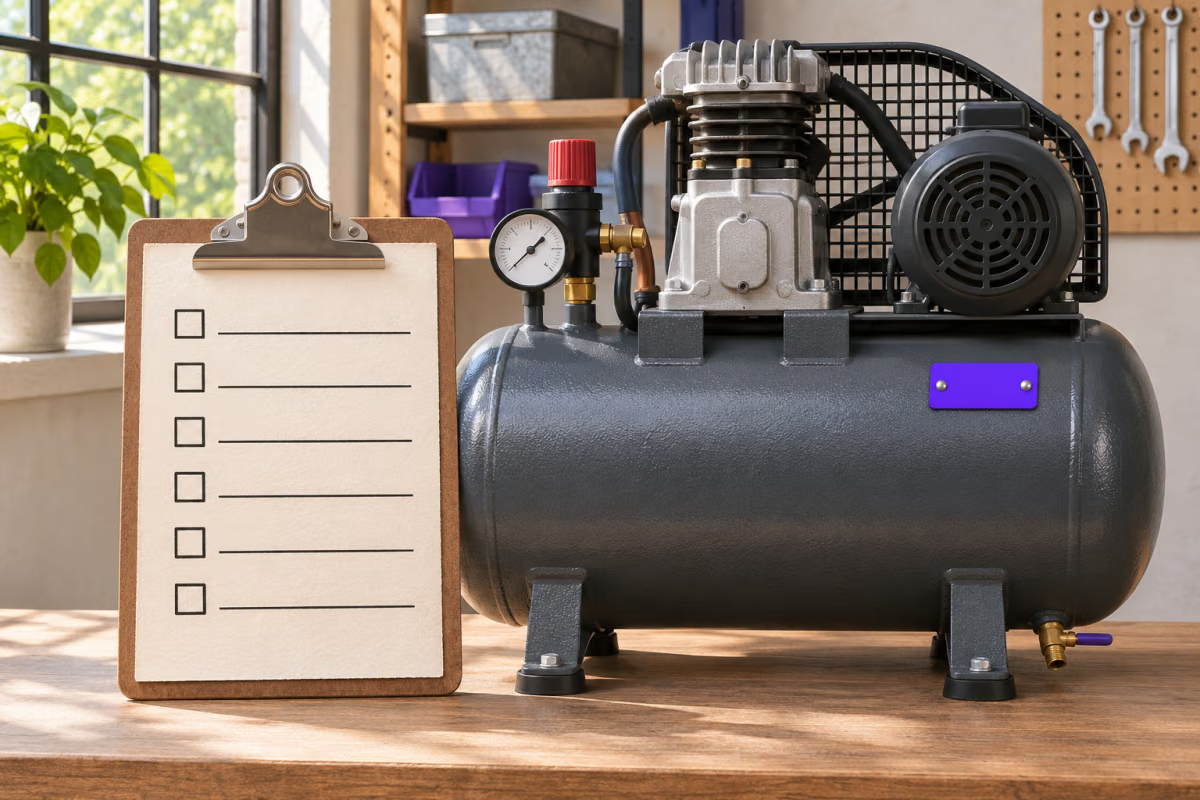
Imagine a workshop where two compressors share a weekly checklist. Their labels show AC-07 and AC-08. Both open the same form, with the asset field prefilled differently. The staff member compares that field with the label and records the check result.
At the end of the week the coordinator finds a submission for AC-07 and none for AC-08. They follow up on the missing entry instead of treating a QR scan as completed work.
Keep the three records separate
| Record | What it tells you | Who checks it |
|---|---|---|
| Scheduled check list | What is due for each asset | The person coordinating maintenance. |
| Submitted log entry | What the responder recorded | The person reconciling completed and missing checks. |
| Fault follow-up | Who was told and what happens next | The person responsible for the site’s fault procedure. |
Reconcile entries against what was due
- Submit a test from a staff phone using the intended account. Make the sample obvious so it cannot be mistaken for a real check.
- Open Google Forms Responses and compare the recorded asset and result with what the tester entered.
- Compare the log with the check list for that period. Flag missing entries and follow the site’s process for any reported problem.
A submitted entry records what somebody reported. It does not independently prove the equipment was checked.
How to create a maintenance log QR code in QRLynx
Verify the destination from the reader’s point of view.
Write one check form for the intended workflow
Add the asset identifier, scheduled task, result and any required follow-up. Keep urgent fault instructions available independently.
Copy the responder link
Publish with the appropriate audience, then copy the responder address. If the asset is prefilled, verify that it matches the label.
Enter the link in QRLynx
Choose Website / Link and paste the complete responder address into Website URL.
Choose how the form will be maintained
Choose static for a stable responder address. Use a saved dynamic URL QR if an authorized maintainer may switch to another form later.
Download and label the code
Save a dynamic QR before printing. Use Download and print the visible asset identifier and the purpose of the form next to the QR.
Test the label and inspect the entry
Scan where the label will sit. Submit a sample and verify the same asset identifier and result in Responses.
Scheduled checks
Create a QR for your scheduled check form
Use the responder address you tested from a staff phone.
Frequently asked questions
Which Google Forms link belongs on the equipment label?
Use the published responder address. Verify it shows the form staff can submit, rather than the editor or the response summary.
Can one form cover several pieces of equipment?
Yes. Give the form an asset identifier field. Staff can select or enter the identifier, or you can use a separate prefilled responder address for each label.
Does a prefilled asset ID prove someone checked that machine?
No. A prefilled value is an input in the form. Ask the responder to confirm it matches the readable asset identifier at the equipment.
How can staff open the form if it asks for sign-in?
Check the published responder permissions and whether the staff member is using the expected account. If your organization requires sign-in, keep that control and share the correct access instructions.
What fields should a routine check record contain?
Record the asset identifier, the scheduled task or period, the result and necessary follow-up. Include the checker’s identity only when your workflow requires it.
Where do I confirm a test response was recorded?
Open Responses in the form as an authorized owner or collaborator. Find the marked sample and verify the asset identifier and result before distributing the QR.
Can I see which equipment missed a scheduled check?
Compare the expected asset and check for that period against recorded entries. Resolve duplicates and investigate missing records before marking the schedule complete.
What should staff do when a check finds a fault?
Follow the site’s fault procedure. Record the issue in the log if appropriate, but use the designated reporting route when someone must act.
Can I replace the form without changing printed labels?
A saved dynamic QR can point to a replacement responder address. For static artwork, keep the original address working or replace the label. Recheck access and the response log.