How to Create a Power BI QR Code for Reports, Filters, and Mobile Access

Key Takeaway
Create a Power BI QR code for the right report view, preserve permissions and URL filters, test mobile access, and measure physical entry points.
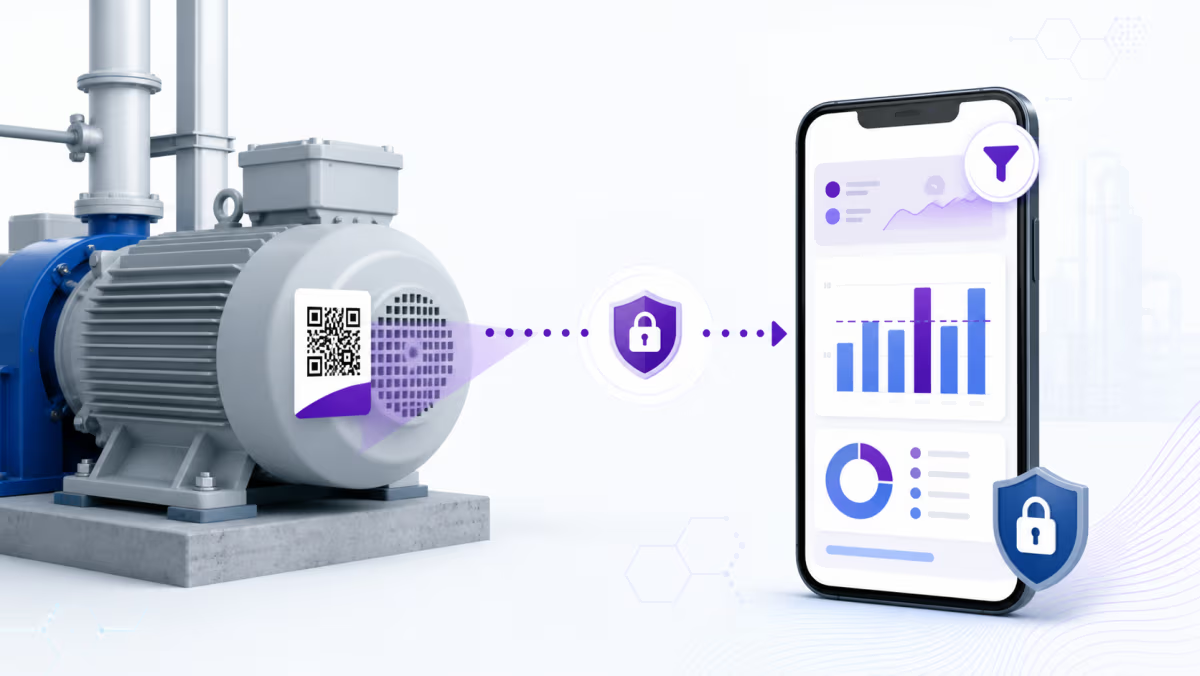
A Power BI QR code can take someone from a machine, room, shelf, or printed report straight to the relevant dashboard content. The QR does not grant access. The person still needs permission to view the report or tile, and the experience may open in the Power BI mobile app or browser depending on the link and device.
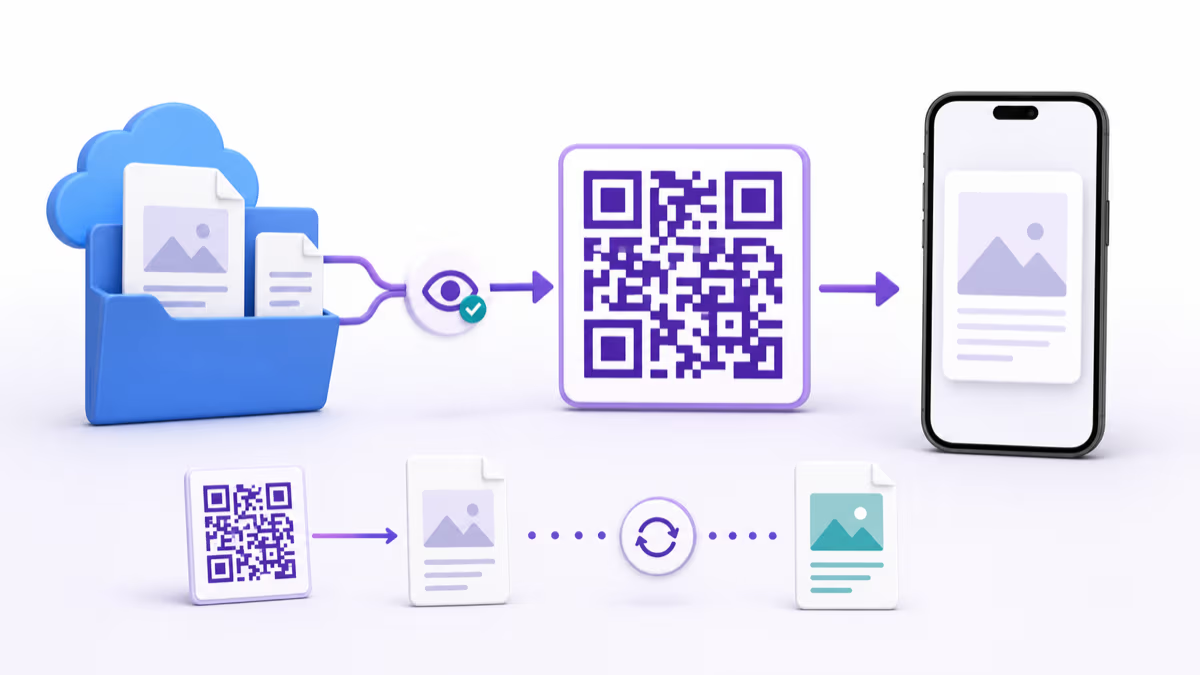
Power BI can generate a QR for a report or dashboard tile. A QRLynx Website URL QR is useful when the team needs a managed destination, separate physical placements, or a filtered report URL that should remain editable after printing.
Power BI QR options
| Route | Use it for | Confirm before printing |
|---|---|---|
| Power BI report QR | A direct link to a report in the Power BI service | The intended audience has access and the report opens on the correct page |
| Power BI tile QR | A dashboard tile tied to a physical object or location | The tile and its destination remain available to the intended users |
| QRLynx dynamic Website URL QR | Filtered URLs, campaign separation, or a destination that may change | The complete report URL works, permissions remain enforced, and the saved route opens the expected view |
Access comes before the QR
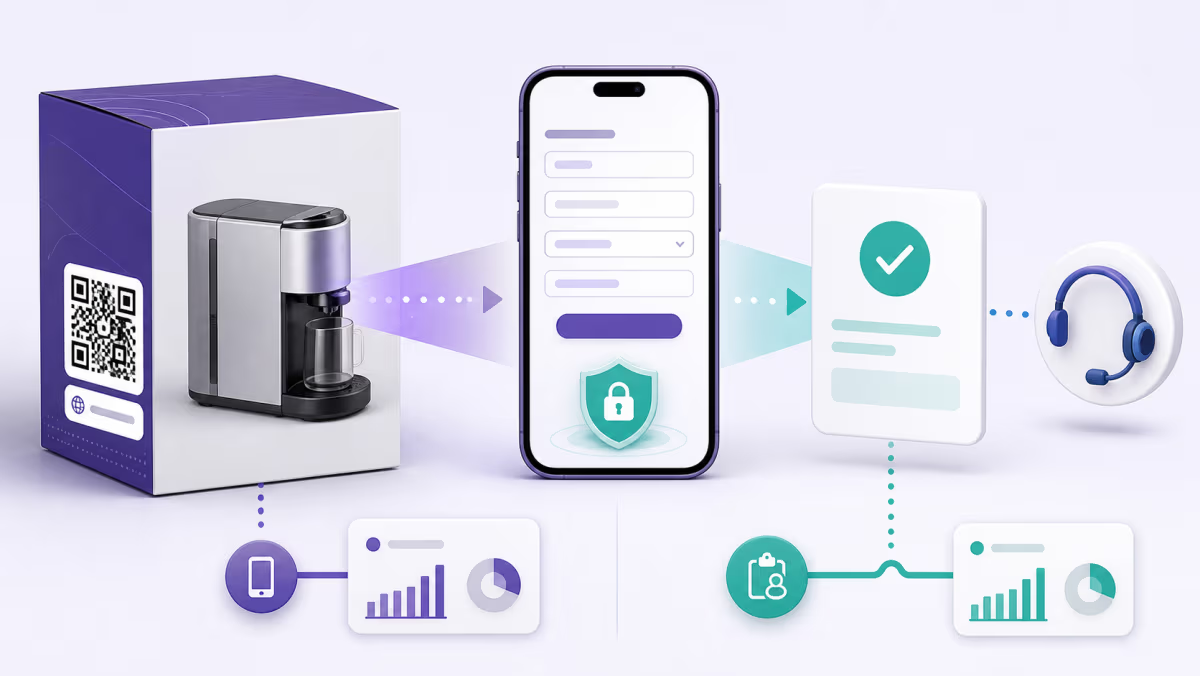
Test with an account that represents the actual scanner, not only the report owner. Microsoft states that users without permission can request access from the Power BI mobile app, which means a technically correct QR can still lead to an access screen. For an internal workforce use case, confirm licensing, tenant access, report sharing, row-level security, and mobile device policies with the people who will scan.
A QR should never be treated as a way around Power BI security. It is a shortcut to a governed resource. If the report contains sensitive operational data, keep the normal Power BI access model and avoid a public publishing method simply to make scanning easier.
Decide which report state should open
Each Power BI report page has its own URL. URL query parameters can also open a report with a filter applied, and Microsoft documents support for those parameters in the mobile app. This is useful when a QR beside a machine should open only that machine's view, or a sign outside a room should open the matching facilities report.
Before generating the QR, set existing filters to a compatible state, build the complete filtered URL, and test it in a private session. URL filters are part of navigation, not a replacement for row-level security. A viewer must still be authorized for the underlying data.
Choose between one reusable QR and location-specific QRs
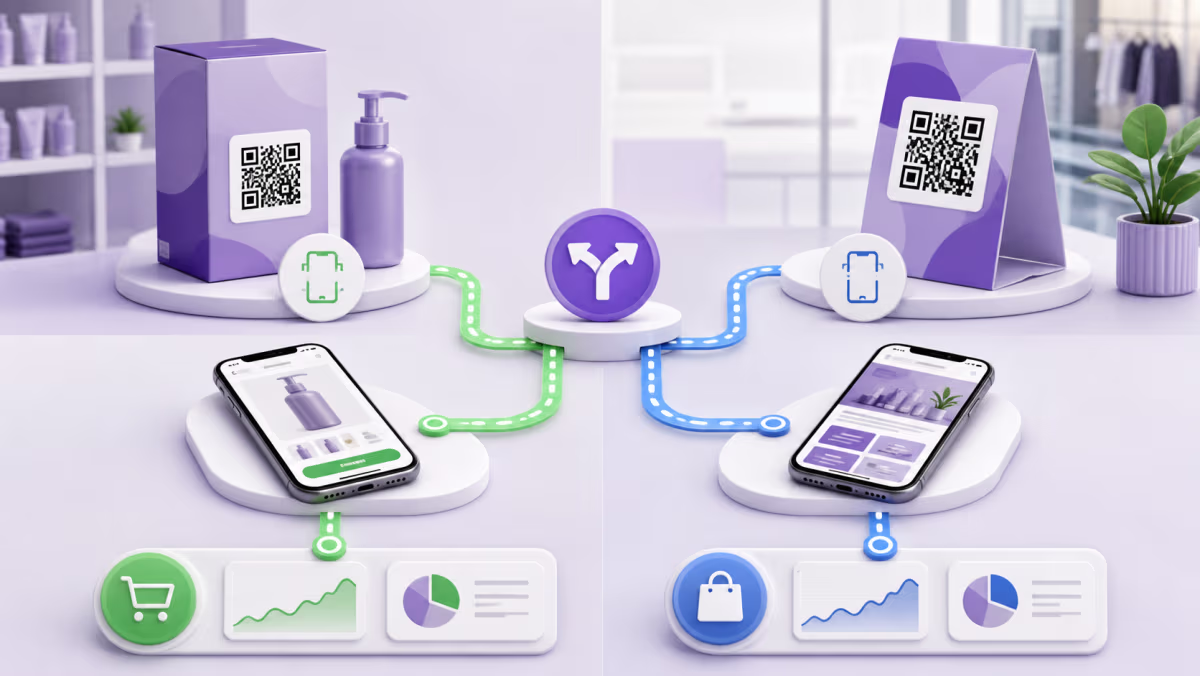
A single QR is simple when every location should open the same report. Separate QRs are more useful when each asset needs a different report page, URL filter, or physical scan record. Give each saved QR a name that matches the asset identifier and placement, such as Plant 2, Line 4, Mixer 07.
For reports that move between workspaces or change their published URL, a dynamic QRLynx QR allows the destination to be updated without replacing the label. The updated report must still be shared with the intended users and tested from the printed code.
Create a Power BI QR code in QRLynx
Test the exact report view and access state before placing the QR on an asset or sign.
Open the intended Power BI view
Navigate to the exact report page or tile. Apply only the filters or bookmark state that should be part of the shared destination.
Confirm the audience can view it
Test with a representative viewer account and verify report permission, licensing, row-level security, tenant policy, and mobile access.
Copy and test the complete URL
Open the link in the Power BI mobile app and a mobile browser. Confirm the correct page and any URL filter values.
Choose Website URL in QRLynx
Paste the tested Power BI URL into the Website URL QR type. QRLynx manages the route and does not change Power BI permissions.
Choose static or dynamic delivery
Use static for a final direct URL. Use dynamic when the report route may change or eligible physical scan analytics are useful.
Label the physical context
Name the QR in QRLynx and print a clear action such as Scan for this machine's live report. Keep asset IDs outside the QR pattern.
Test where the QR will live
Scan the final proof at its installed distance and lighting, using both an authorized phone and a phone that lacks access to confirm the intended behavior.
Report access verified?
Create the QR for your Power BI report
Save the exact report, tile, or filtered view as a QRLynx Website URL QR and keep the physical route manageable.
Practical deployment patterns
Equipment and maintenance
Place a code on each asset that opens a filtered reliability or maintenance report. Use a stable asset name in QRLynx and verify that the filter does not expose another facility's data.
Meeting rooms and facilities
Link room signage to occupancy, energy, or service-level reporting. Test the experience for staff who use a managed phone and for visitors who should not receive access.
Printed executive packs
Use a QR as a route to the current governed report rather than embedding a stale screenshot. A dynamic destination can be updated for a new workspace or replacement report after access is configured.
Troubleshoot by what the scanner sees
- Access request: the QR is working, but the viewer lacks report permission or the right organizational account.
- Wrong report page: recopy the page-specific URL and test whether a saved bookmark or navigation action changes the opening state.
- Filter is ignored: verify field and table names, URL-filter syntax, escaping, and existing report filters.
- Browser opens instead of the app: test the same link on the managed device and document which experience your deployment supports.
- Old report opens: check the destination saved in QRLynx, then retest after any workspace or report migration.
Power BI QR code questions
Can Power BI generate a QR code for a report?
Yes. Power BI supports QR codes for reports and dashboard tiles. A QRLynx Website URL QR is an additional option for managed destinations, separate placements, or custom filtered links.
Does a Power BI QR code give someone report access?
No. Power BI permissions still apply. A viewer who lacks access may see a sign-in or access-request path instead of the report.
Can a Power BI QR open a filtered report?
Yes. Power BI supports report URL filters, including in its mobile apps. Build and test the full URL, and remember that URL filters do not replace row-level security.
Will the QR open the Power BI mobile app?
The result depends on the link, device, app installation, and organizational policy. Test the final URL on the devices your audience actually uses.
Can I link to a specific Power BI report page?
Yes. Report pages have distinct URLs. Copy the address for the exact page and test it with a representative viewer account.
Should each machine or location have its own QR?
Use separate QRs when assets need different filters, destinations, labels, or physical scan records. One shared QR is enough when every placement should open the same view.
Can I change the Power BI destination after printing?
A dynamic QRLynx QR lets its owner update the saved destination while keeping the printed managed link. Power BI sharing and security must be verified again for the new destination.
Are QRLynx scans the same as Power BI report views?
No. QRLynx records eligible activity at the dynamic QR route. Power BI records report use under its own analytics and governance. Compare the two as separate stages.
Is it safe to put a Power BI QR in a public place?
The QR can be public while the report remains permission-controlled, but the printed label may reveal that a resource exists. Review the placement, link, report sensitivity, and access behavior with your security team.
Sources and related QRLynx guides
- Microsoft: Scan a Power BI QR code
- Microsoft: Filter a report with URL parameters
- Microsoft: Embed a report securely
- QRLynx dynamic URL QR guide
- QRLynx QR analytics
QRLynx is built and operated by Jorbox LLC. This guide was checked against current Microsoft Power BI mobile, URL-filter, and permission documentation and the QRLynx Website URL workflow.