QR codes for garment care labels

Key Takeaway
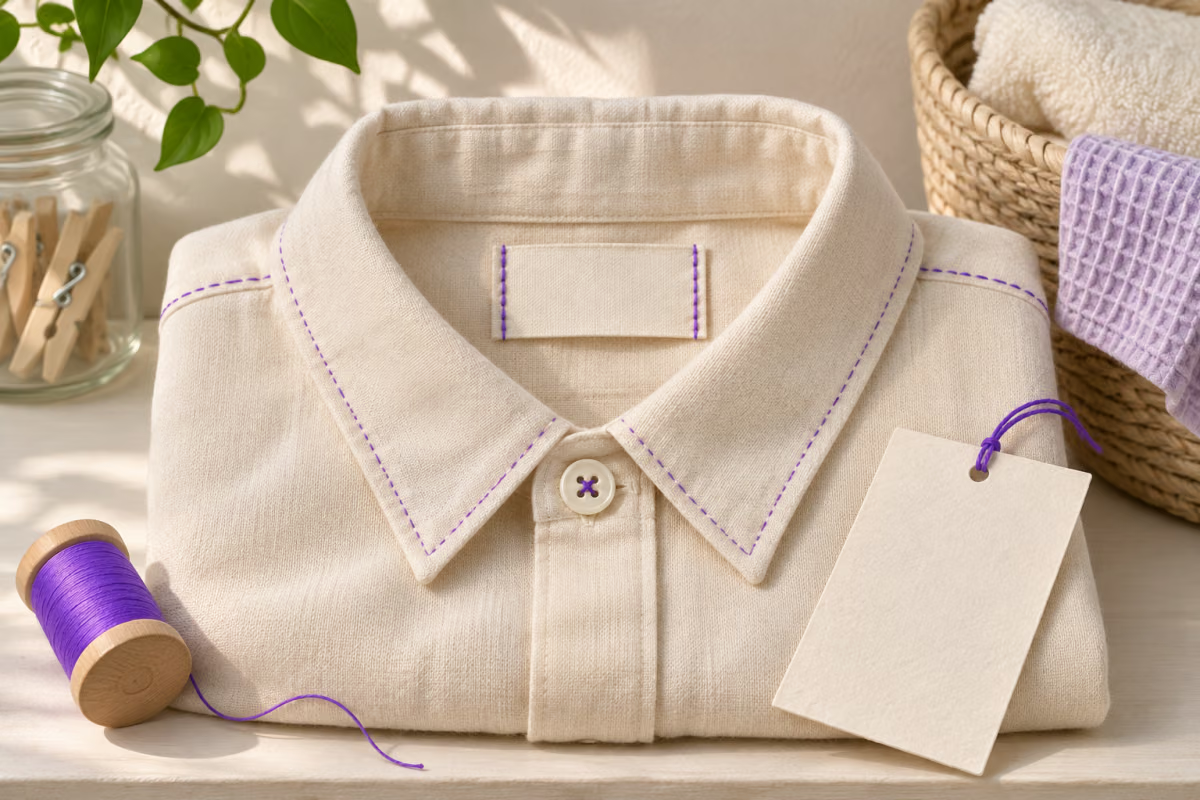
Link a garment label to the care page for that exact style. Keep essential instructions readable and test the QR on the finished label.
A garment care QR should open the approved care page for the exact garment. Keep the essential instructions readable on the physical label and use the page for details that are easier to explain on a phone.
Match the care instructions before matching the artwork
Start with the style and its approved care guidance. If two garments have different linings or finishes, compare the care records before you assign them the same link. The product name on the first screen should let a customer confirm that they are reading the right instructions.
A brand care hub such as Patagonia’s care and repair resource illustrates the kind of help a separate page can hold. Your link should take readers to the applicable product or material instructions rather than leaving them to guess from a generic help menu.
Worked example: one style name, two finishes
Imagine that a shop sells two versions of a jacket under one display name. The production references are FIELD-LINED and FIELD-UNLINED. The team compares the approved care instructions before assigning a URL. If they differ, the label artwork and destination record need to distinguish the two versions. No wash temperature or treatment is implied by those sample identifiers.
Keep a record of the style, printed artwork and public care URL so a future support agent can find the right page without an active sales listing.
Choose where the QR and fallback belong
| Placement | Useful when | Proof to check |
|---|---|---|
| Sewn-in label | Care help should stay with the garment | Check the code after sewing and after the handling you expect. |
| Removable hang tag | The detail is useful at purchase or first use | The garment still carries essential information when the tag is discarded. |
| Order insert | You want a readable support or care path in the shipment | The printed item or style reference matches the garment in that parcel. |
Proof the code after the label is attached
- Check that seams, folds and tag holes leave clear space around the symbol.
- Scan the actual finished label, not only the design file. Repeat after representative handling or the approved care process.
- On the page, confirm the garment identifier, care version and fallback route. Test on a phone that is not signed in to the shop.
QRLynx creates the URL QR. The apparel team still approves the care instructions and keeps the public page available after the item leaves the store. For a separate manual or PDF workflow, see the product manual QR guide.
How to create a garment care QR code in QRLynx
Verify the destination from the reader’s point of view.
Publish the approved care page
Use a public web address for the exact garment or set of garments with the same approved instructions.
Match the identifier
Compare the style on the label proof with the product and care wording on the page.
Enter the link in QRLynx
Choose Website / Link and paste the public care address into Website URL.
Choose a fixed address or managed target
Use static for a stable care address. If the address itself might move, a saved dynamic URL QR can be updated by its maintainer.
Download and place the artwork
Save a dynamic code before printing. Use Download, leave clear space around the symbol and keep essential care text readable on the label.
Test the final garment label
Scan the attached label on a phone, verify the style and care details and try the readable fallback.
Garment care
Create a QR for an approved garment care page
Use the public address you have matched to the garment label.
Frequently asked questions
What should a garment care QR code open?
Open the approved care information for the specific garment or verified group with identical instructions. Show the garment name or style reference near the top.
Can the QR code replace the care instructions on the garment?
Keep essential instructions readable on the physical label. Use the QR to supplement them with explanations or support, and keep a way to get help without a scan.
Should two colors of the same garment share a QR code?
Only if the approved care guidance is the same and the landing page makes the applicable garments clear. Compare the records rather than assuming a color change cannot matter.
What if the product page is removed after the garment sells out?
Keep a public care page that can outlast the sales listing. If old labels point to a listing, make sure the address still leads to the correct care information.
Is a sewn-in QR label or a hang tag better?
A sewn-in label stays with the garment, while a hang tag can be removed. Choose based on when the reader needs the information, then proof the actual material and placement.
How should I test a QR code on a fabric label?
Scan it after attachment, with the folds, lighting and distance a customer is likely to encounter. Check the correct style on the page and test again after representative handling.
Can I correct the care page without printing another QR code?
Yes if the page stays at the same working URL. If the address changes, update the saved dynamic target or make sure the old address redirects before relying on an existing static code.
What if a customer cannot scan or get online?
They should be able to read the essential care instructions and find a printed support route or address. Include the garment identifier so support can find the correct guidance.
Do QR scans tell me whether customers followed the care instructions?
No. A QR scan can lead to a page view, but it does not show what the customer read or how they cared for the garment.