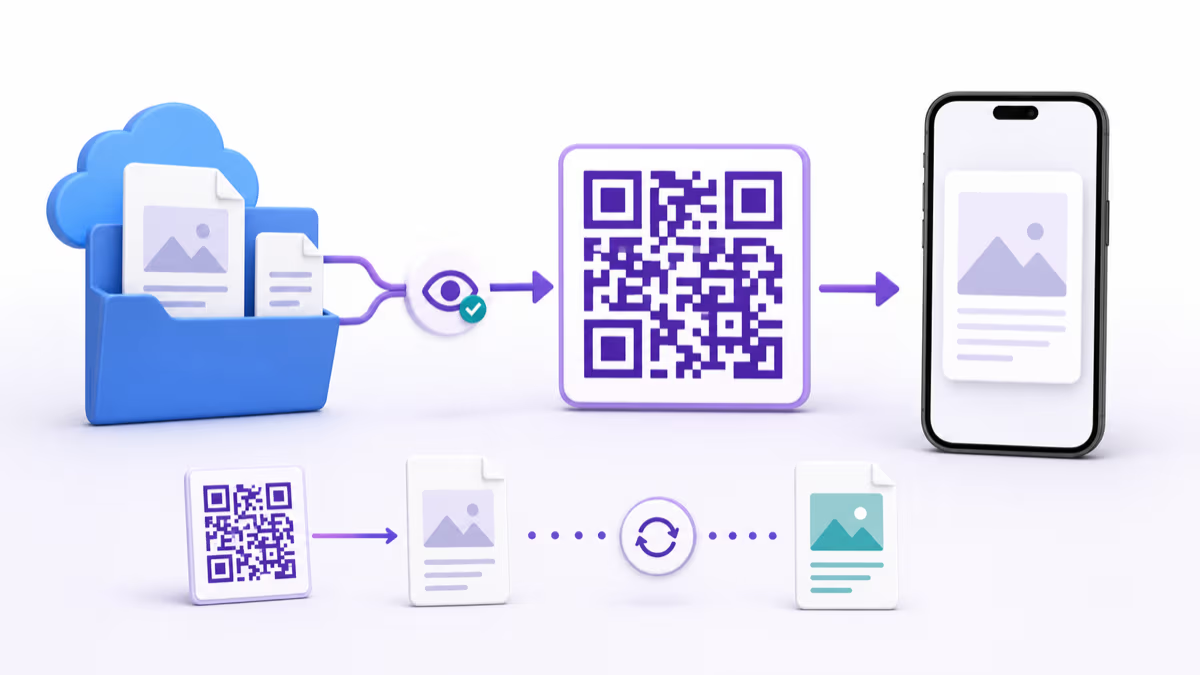
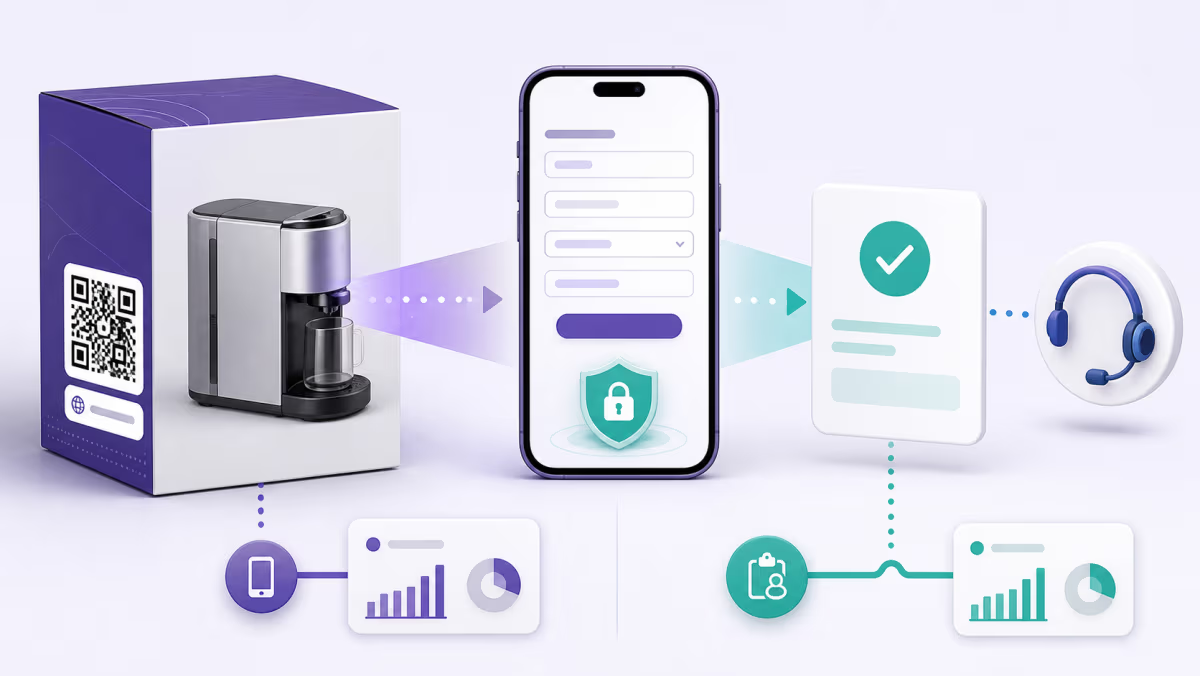
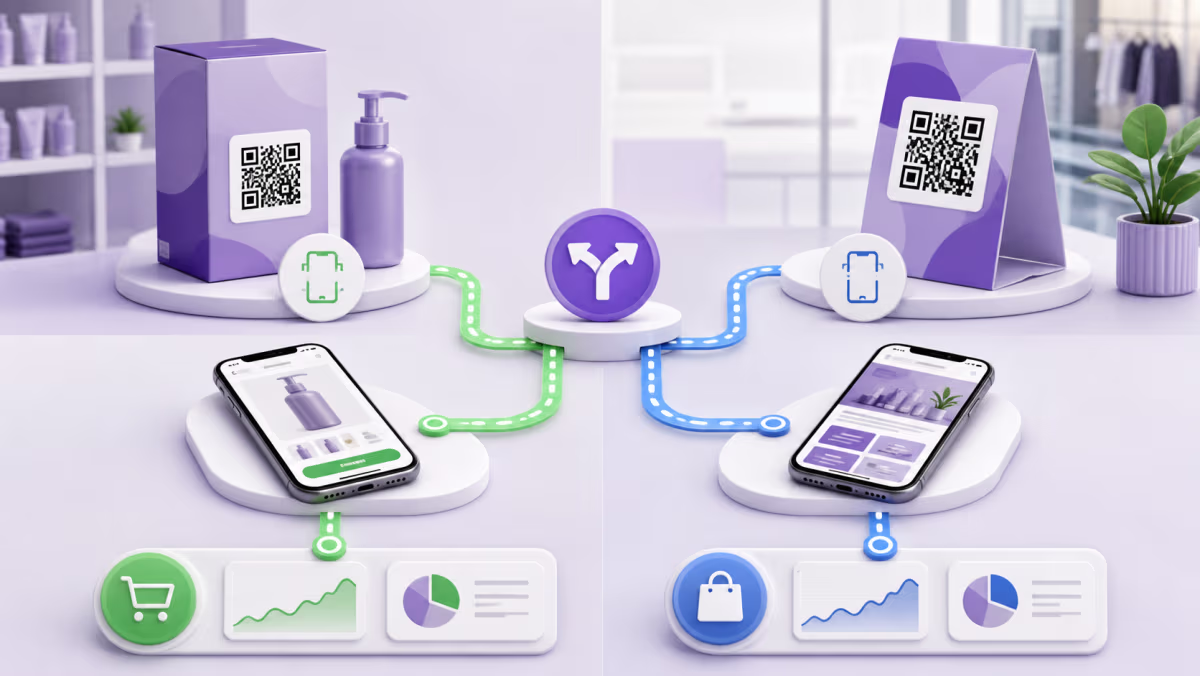
How to Use QR Codes for Product Manuals Without Losing Version Control

Key Takeaway
Create a product manual QR code with version control, accessible fallbacks, language routing, durable print design, and a tested QRLynx workflow.
A product manual QR code works best as a durable route to controlled documentation, not as a shortcut to one forgotten PDF. The product may remain in use for years while files, domains, model names, languages, and safety instructions change. Plan who owns the destination and how a customer can verify that the manual matches the exact product in front of them.
QRLynx can link directly to a public PDF or to a web page that organizes manuals by model and language. A dynamic Website URL QR keeps a managed printed route that can be updated later. It does not replace the manufacturer's document-control, accessibility, safety, retention, or legal obligations.
Choose the manual destination
| Destination | Best fit | What it requires |
|---|---|---|
| Direct PDF | One model and language with a stable public document | A mobile-readable PDF, durable hosting, clear filename, and a process for replacing or archiving revisions |
| Manual landing page | Several models, languages, formats, or support resources | Fast mobile navigation, an obvious model identifier, accessible HTML, and links to the correct downloadable files |
| QRLynx dynamic URL | The destination may change during the product life | An active managed QR, named ownership, change approval, and testing after every destination update |
| QRLynx PDF QR | The uploaded PDF should open directly from the QR | A final file that meets the account's upload limits and a replacement plan if the document changes |
Match the manual to the product
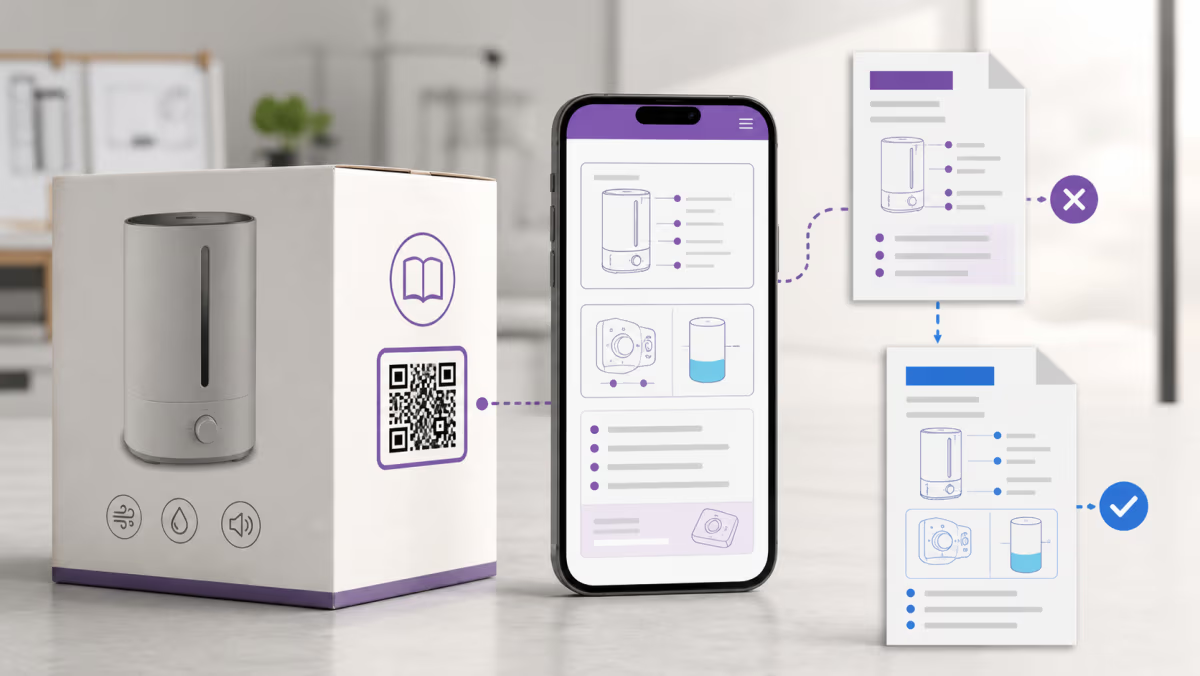
Print a model number, product family, or document identifier beside the QR. Do not force the customer to scan before they can tell whether the code belongs to their device. If one code serves multiple variants, the landing page should ask for a model or serial-family choice before presenting instructions.
Inside the document or page, show the product model, document revision, publication date, supported languages, and a contact route. A dynamic QR makes a destination editable, but it also increases the need for change records. Keep the previous approved manual available when service teams, regulators, or owners may need it.
Do not assume digital-only instructions are allowed
Whether a QR can replace printed instructions depends on the product, market, safety information, and applicable rules. The FDA, for example, publishes guidance on acceptable electronic media for certain electronic-product user manuals. Other products or jurisdictions can require instructions, warnings, or accessibility information in physical form.
Have the responsible compliance team decide what must remain on the product, packaging, or printed insert. Treat the QR as an additional access route unless the applicable requirement clearly permits the intended electronic-only delivery. This guide is operational guidance, not a legal determination for a specific product.
Make the manual usable after the scan
- Use selectable text, headings, bookmarks, and tagged reading order in PDFs.
- Provide sufficient contrast and meaningful alternative text for diagrams on web pages.
- Offer language choices before a large download when the market needs several languages.
- State file type and approximate size when a download is substantial.
- Keep safety warnings and emergency steps easy to find, including when the device has weak connectivity.
- Provide a visible support route for damaged labels, unavailable files, or a product model that is not listed.
Create a product manual QR code in QRLynx
Connect the exact product to controlled, tested documentation.
Choose the controlled source
Approve the exact PDF or manual landing page and identify its owner, model scope, revision, languages, and retention policy.
Test the public destination
Open it without an internal login on common phones. Check file size, reading order, links, zoom, search, language selection, and support information.
Choose the QRLynx QR type
Use PDF QR for a direct uploaded document or Website URL for a hosted PDF or manual page. QRLynx serves a PDF QR file directly without an interstitial.
Choose static or dynamic delivery
Use static for a permanent final URL. Choose dynamic when the manual route may change or eligible scan analytics are needed.
Name and label the asset
Use a QRLynx name that includes the product family and revision owner. Print a clear action plus a model or document identifier beside the QR.
Design for the product surface
Account for curvature, texture, expected wear, cleaning, lighting, scan distance, and the quiet zone around the code.
Test production samples
Scan the actual label on the product, not only the digital artwork. Verify the destination on two phones and through the expected network conditions.
Record the release
Store the QR identifier, destination, approved manual revision, label artwork, owner, and test result in the product change record.
Manual approved and tested?
Create the QR for your product manual
Link the exact approved PDF or manual page, choose the delivery model, and keep the printed route owned and testable.
Plan the manual lifecycle
Assign a review trigger for product revisions, safety notices, domain changes, and discontinued models. A scheduled check should scan a retained production sample and confirm the document title, model, revision, language, and support links. Keep the QR destination stable when possible, and update it only through an approved change.
When a manual is withdrawn, decide whether existing owners still need the previous revision. A generic homepage or a missing-file error is not a useful end state. A retirement page can explain the product status and point owners to archived instructions or support.
Measure use without overstating it
Eligible QRLynx dynamic scan activity can show when and broadly where the managed route was used. It does not prove that the manual was read, understood, or followed. Use scan trends to identify demand, test placement, and spot unusual changes, then pair them with support contacts, downloads, or product telemetry only where that measurement is appropriate and disclosed.
Product manual QR code questions
Should a manual QR open a PDF or a web page?
A direct PDF is efficient for one stable model and language. A landing page is usually better for several models, languages, revisions, videos, or support routes.
Can a QR code replace the printed product manual?
That depends on the product and the rules in every market where it is sold. Have the responsible compliance team confirm what must remain physically available.
Can I update the manual after the product is sold?
A dynamic QRLynx QR can point the same printed managed link to an approved replacement destination. Keep revision records and preserve older instructions when owners or regulators may need them.
What should be printed beside a manual QR?
Use an action label, product or model identifier, and any essential fallback or safety information. The customer should understand the purpose before scanning.
How do I support several languages?
Use a fast language-selection page or clearly separated language files. Test that the product model and revision remain clear in every language route.
What happens if the customer has no internet connection?
Plan a printed or offline fallback that matches the product's safety and legal requirements. At minimum, keep essential warnings and a support route physically available when required.
How large should the QR be on a product label?
Size depends on scan distance, print method, surface, contrast, and wear. Test the actual production label on the real product under expected lighting.
Does a QR scan prove the customer read the manual?
No. A scan shows activity at the QR route. It does not prove reading, comprehension, acceptance, or safe use.
What if the manual URL changes?
Update a dynamic QRLynx destination through the approved change process, then rescan retained product samples. A static QR needs the original URL to remain available.
Sources and related QRLynx guides
- FDA: Acceptable media for electronic product user manuals
- 47 CFR 7.11: Information, documentation, and training
- QRLynx PDF QR code
- QRLynx dynamic URL QR code
- QRLynx QR print-size guide
QRLynx is built and operated by Jorbox LLC. Product teams remain responsible for document approval, accessibility, retention, and applicable product instructions.