AI QR Code Generators: Art Tools vs Scan Analytics


Key Takeaway
Compare AI QR art with AI scan analytics, see what QRLynx analyzes on its free plan, and evaluate Bitly Assist, Uniqode Una, and QR TIGER Sena using current first-party sources.
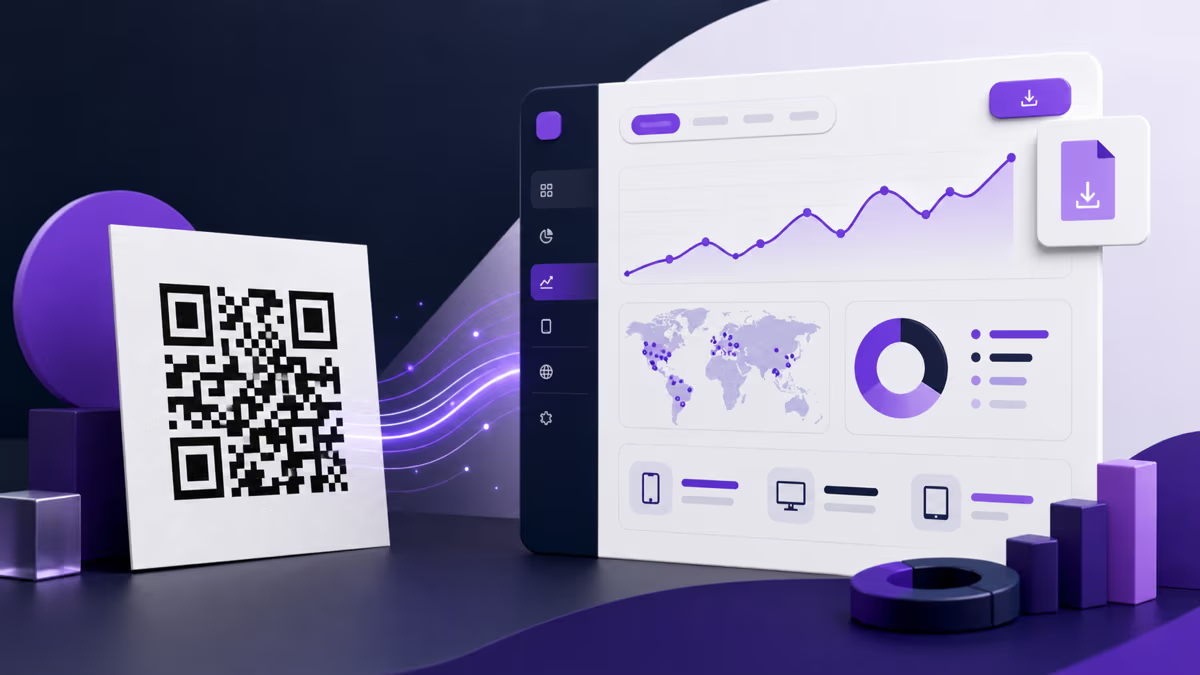
An AI QR code generator can mean two different tools. An AI art tool changes how the QR image looks. An AI analytics tool studies scan patterns and summarizes what changed. Choose the art category when appearance is the goal and you can test the result thoroughly. Choose analytics when you already have a managed dynamic campaign and need help interpreting its performance.
QRLynx focuses on the second category. Its QR generator creates conventional, testable QR patterns, while QRLynx AI Insights analyzes structured scan results. The free Starter plan includes Basic AI Insight Summaries. Starter+ and higher include Full AI Insights with anomaly, trend, and recommendation detail plus a plan-based manual refresh allowance.
AI QR art and AI scan analytics solve different jobs
| Question | AI QR art | AI scan analytics |
|---|---|---|
| What does the AI receive? | A QR image, prompt, style, or reference artwork | Structured campaign and scan measurements |
| What does it produce? | A stylized QR image | A summary, trend, anomaly, recommendation, or answer about performance |
| Main risk | The generated artwork may reduce scan reliability | The explanation may overstate what the underlying measurements prove |
| Essential test | Decode the exact exported and printed image on representative devices | Compare the explanation with the underlying chart, period, and campaign context |
| QRLynx approach | QRLynx does not generate AI QR artwork | QRLynx analyzes scan performance and can polish the summary wording |
What QRLynx AI Insights actually does
QRLynx first runs a deterministic analysis engine over the structured analytics context. That engine calculates trend direction, detects qualifying anomalies, identifies a top-performing code, and produces scoped recommendations. A Cloudflare Workers AI language model may polish the summary wording when enough data exists. If that call is unavailable, times out, or changes a protected fact, QRLynx uses a template result instead.
The feature analyzes scan analytics, not QR artwork. Basic summaries are included on the free Starter plan. Full AI Insights start on Starter+, adding anomaly, trend, and recommendation detail. Manual Full AI refresh allowances currently range from one per day on Starter+ to five per day on Enterprise. The result can point you toward a useful question, but it cannot know an offline cause that the measurements do not contain.
QRLynx sends the structured analytical output needed for language polishing rather than raw user-level scan records. The summary is still an interpretation, so review it beside the selected analytics period before changing a campaign.
How to get AI scan insights from a QRLynx QR campaign
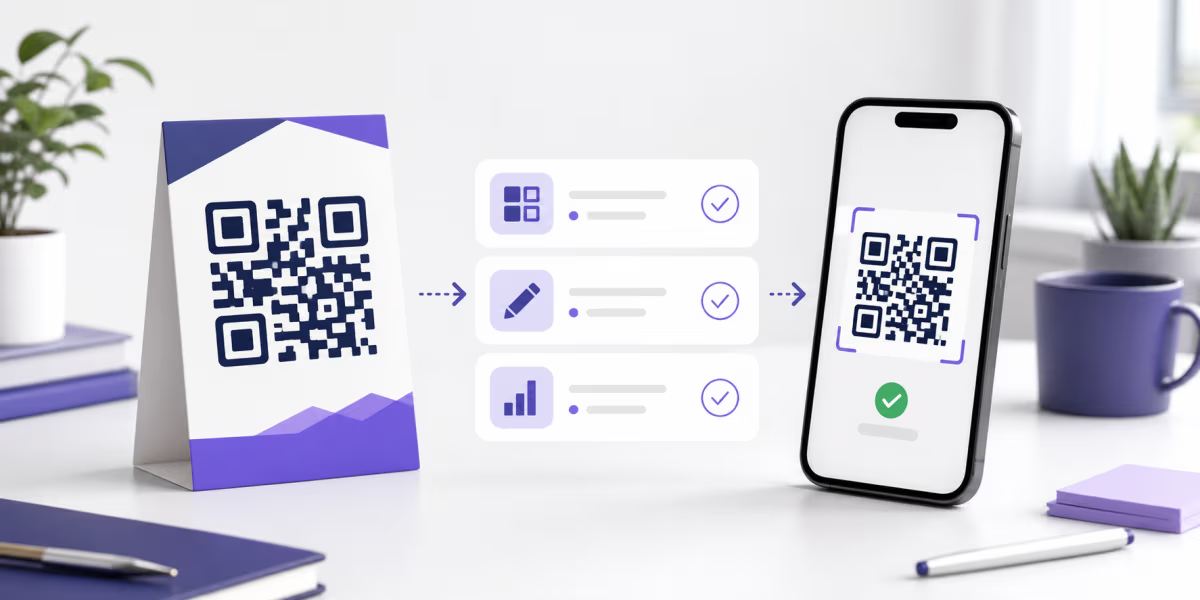
Create a measurable campaign, collect a useful baseline, and verify the recommendation against the underlying analytics.
Choose the campaign destination and QR type
Define the page, file, profile, menu, card, or other supported destination. In QRLynx, select the exact QR type that matches the payload instead of forcing every campaign into a generic URL.
Use dynamic mode for managed scan analytics
Choose dynamic mode for a type that supports it when you need a managed redirect, destination editing, and analytics. A static QR directly encodes its payload and does not provide QRLynx scan analytics.
Design and label the QR for its placement
Use readable contrast, keep the quiet zone clear, add an appropriate logo or frame only when it remains scannable, and label what the scanner should expect.
Save, deploy, and test the final asset
Save the managed code, download the correct format, and scan the final screen or printed proof from representative devices before launch.
Collect enough real scans for context
Let the campaign establish a baseline. Sparse data can produce a limited template summary because a trend or anomaly needs comparable observations.
Open Analytics and read the AI result
Review the summary for the selected campaign context. Full AI Insights on Starter+ and higher can include anomaly, trend, and recommendation detail.
Verify the explanation before acting
Compare the summary with the charts, date range, top QR codes, and the offline events you know about. Treat the AI result as a decision aid, not proof of a cause or a promised outcome.
Campaign data ready
Turn scan patterns into a clearer next question
Create a managed dynamic QR, collect real scans, and review QRLynx summaries beside the underlying analytics.
Current AI analytics options in QR platforms
AI product access checked against linked first-party sources on August 1, 2026. Plan names and availability can change.
| Platform | Verified AI analytics role | Current access signal |
|---|---|---|
| QRLynx | Basic summaries plus optional full anomaly, trend, and recommendation detail | Basic summaries on the free Starter plan; Full AI Insights from Starter+ |
| Bitly | Bitly Assist creates links and analyzes performance; Weekly Insights surfaces changes across links and QR codes | Bitly pricing lists Assist on Core and higher, not the free plan |
| Uniqode | Una answers analytics questions and can surface trends, top QR codes, and recommendations | Uniqode documents analytics insights in its trial and paid plan matrix |
| QR TIGER | Sena provides conversational answers about scans, trends, devices, locations, and performance | QR TIGER announced Sena as an account analytics feature; verify current account availability before purchase |
How to choose an AI QR platform
Start with the job, not the AI label. If you want a decorative image, compare art-generation controls and independently test every export. If you want campaign interpretation, compare the data each platform collects, the time window you can inspect, the explanation format, the fallback behavior, and whether the result is available on the plan you will actually use.
QRLynx has the clearest starting point when you want to try scan summaries without first buying an AI tier. The free Starter plan includes 3 active dynamic QR slots, unlimited scans, a 3-month analytics window, and Basic AI Insight Summaries. Starter+ expands the active dynamic allowance to 50, the analytics window to one year, and adds Full AI Insights with one manual refresh per day. Higher QRLynx plans extend campaign controls, analytics history, team workflows, exports, API access, and Enterprise branding capabilities rather than reducing the product to an AI feature.
Bitly, Uniqode, and QR TIGER each describe a conversational or automated analytics assistant. Their scope, plan packaging, and surrounding platform features differ. Use their current official documentation for their own product, then compare it with the exact QRLynx plan and workflow you need.
AI art needs a stricter scan test
QR error correction can recover some damaged codewords, but the percentage associated with an error-correction level is not permission to cover the same percentage of the visible symbol. Finder patterns, timing patterns, alignment patterns, contrast, module size, and the quiet zone still matter. Generative image systems can also alter modules in ways that look small to a person but change what a decoder reads.
Test the exact exported artwork, not only a generator preview. Scan it at its final size, distance, background, lighting, and print process. Use more than one representative device and keep a conventional fallback available for important or expensive placements. QRLynx does not generate AI art; its design path favors conventional QR structure, customization, and final scan testing.
AI QR generator questions
What is an AI QR code generator?
The phrase can describe a tool that generates stylized QR artwork or a platform that uses AI to interpret QR scan analytics. These are separate jobs. Confirm which one a product performs before comparing it.
Does QRLynx generate AI QR artwork?
No. QRLynx generates conventional customizable QR patterns and uses AI for scan-insight wording. Its deterministic engine analyzes trends, anomalies, top performers, and recommendations before an optional language-polish step.
Are QRLynx AI Insights free?
Basic AI Insight Summaries are included on the free Starter plan. Full AI Insights start on Starter+, adding anomaly, trend, and recommendation detail plus a plan-based manual refresh allowance.
Does AI inspect every QRLynx scan record?
The QRLynx language-polish step receives structured analytical output rather than raw user-level scan records. The deterministic engine prepares the measurements and candidate findings first.
Can QRLynx AI Insights explain why scans changed?
They can identify measured patterns and suggest a plausible next question, but they cannot prove an external cause that is absent from the data. Compare the result with the charts, campaign dates, placements, inventory, events, and other context you control.
Can a static QR code produce QRLynx AI scan insights?
No. A static QR directly encodes its payload and does not send scans through QRLynx analytics. Use a supported dynamic type when managed scan analytics and AI summaries are part of the campaign.
Do AI-generated artistic QR codes scan reliably?
Some scan successfully, but generative styling can change important modules, contrast, or the quiet zone. Test the exact exported and printed result at final size and distance on representative devices. Use a conventional fallback for important placements.
Which QR platforms currently advertise AI analytics?
QRLynx offers AI Insight Summaries and Full AI Insights. Bitly documents Bitly Assist and Weekly Insights, Uniqode documents Una, and QR TIGER has announced Sena. Verify each provider's current plan access before purchase because packaging can change.
First-party sources
- QRLynx AI Insights and the current QRLynx analytics and entitlement implementation.
- Bitly announcement for Bitly Assist and Weekly Insights plus Bitly pricing.
- Uniqode AI capabilities and plan matrix.
- QR TIGER Sena product announcement.
- DENSO WAVE explanation of QR error correction.