Airtable form QR codes: collect responses in the right table

Key Takeaway
Create an Airtable form QR with QRLynx. Check the source table, public form link, sign-in settings and record creation before distributing it.
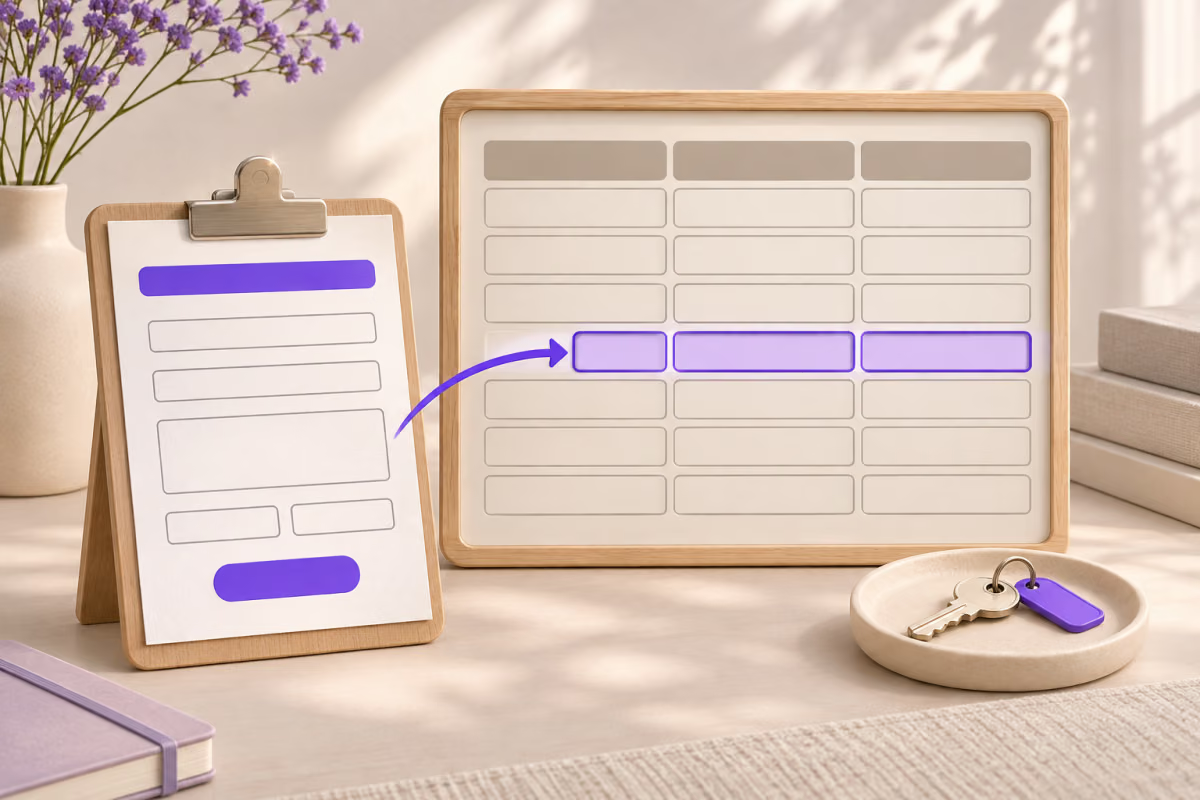
To collect Airtable responses through a QR, publish the intended standalone form, copy Share form and create a QRLynx Website / Link QR for that address. Check which table receives the answers before you print.
The form builder, older form views and interface forms have different sharing journeys. A QR does not turn an internal interface into a public input form or grant access to the base.
Choose the table and form experience first
Airtable recommends its form builder for standalone forms. Open the base, choose Forms, create the form on the intended table and publish it. A form’s source table is chosen at creation and cannot later be repointed. Build another form if the receiving table changes.
For external responders, check the standalone form’s audience. Airtable documents Anyone on the web as a route for people without Airtable accounts to submit a standalone form. Interface form layouts instead involve interface access. Do not invite visitors to a base merely to make the poster work.
The spreadsheet QR guide covers generating QR images from rows. This is the opposite direction: a person opens an input form and submits values into Airtable.
A form-launch register
| Decision | Record before launch | Reason |
|---|---|---|
| Source table | The exact base and receiving table | The form cannot be repointed later |
| Respondent route | The published Share form URL | The base Share action can create a collaborator invitation |
| Audience | The form audience and identity settings | A public-looking link can still require sign-in |
| Completion | A labelled test record in the expected table | A scan does not establish record creation |
Copy Share form, not the base invitation
Airtable warns that the form builder’s Share form button differs from the base’s Share button. A base invitation can give collaborators access to data, interfaces and automations. Inspect the complete destination before copying it into QRLynx.
Identity settings also matter. Airtable says enabling See who submitted a response requires respondents to log in. Domain and organization audiences can impose other access conditions. Test the intended respondent context, including a signed-out visitor when public access is intended.
How to link an Airtable form with QRLynx
Confirm the receiving table and audience before distributing the QR.
Select the receiving table
Identify the exact base and table where responses belong. Create the intended standalone form against that table and review its fields.
Publish and set form access
Publish the form, use Share form and choose the approved audience. Review identity collection and any password setting separately.
Test the respondent URL
Open the copied URL as an intended respondent. Confirm it opens the form, not a base invitation, and that the access outcome is intentional.
Create the QRLynx URL QR
Paste the complete published form URL into Website / Link. Use static for a final direct address, or a saved dynamic URL QR when replacing the destination later or reviewing eligible scan activity matters.
Label and inspect the proof
Use a label such as Send a stock request. Keep strong contrast and a clear border, download the QR and inspect the decoded value with the QRLynx scanner.
Verify a labelled record
Scan the final printed or displayed proof on a phone and submit non-sensitive test values. Have an authorized owner locate the new record in the intended table and follow the agreed test-data cleanup process.
Use the approved form link
Create the QR for your published Airtable form
Use the Share form destination after checking the receiving table and respondent audience.
Treat an upgraded form as a launch change
Airtable’s upgrade flow creates another standalone form. The original form view retains its own link and remains independent. Record which one the printed QR should open.
Airtable also says form-submission automation triggers do not automatically switch to the upgraded form. Publish the replacement, review the selected form in relevant triggers and test the resulting record and follow-up action. A new link does not prove that the old collection route has stopped.
An authorized owner can update a saved QRLynx dynamic URL QR to a replacement form. Retest its audience and records. A static QR directly containing the former address needs new artwork for a different URL.
Sources and related guidance
Airtable documents building, publishing, source tables and upgrades, and form permissions and sign-in settings. Use QRLynx Website / Link for the approved URL or inspect the export with the QR scanner.
Questions before distributing the form QR
Can I create a QR code that opens an Airtable form?
Yes. Publish the intended form, copy its Share form URL and use QRLynx Website / Link. Choose the receiving table and audience first, then verify a labelled test record through the printed route.
Which form experience should external respondents use?
Airtable documents standalone forms as the route people without Airtable accounts can submit when Anyone on the web is selected. Interface form layouts have interface-access requirements. Confirm the experience you built rather than assuming every form link has the same audience.
Why is Share form different from sharing the base?
Share form distributes the respondent destination. Airtable warns that the base Share action can create a collaborator invitation with access beyond a single input form. Keep that invitation out of public artwork unless base access is separately intended and authorized.
Why does a form set to Anyone on the web ask people to log in?
Check See who submitted a response. Airtable says enabling that setting requires respondents to log in. Other audience restrictions can also require sign-in. Test the actual settings as a respondent before distributing a public poster.
Can I change the form to write to another source table later?
Airtable says the source table is fixed when the form is created, and duplicating the form keeps that source. Build a form on the replacement table, publish it and test its records. Review the QR destination if the new form has another address.
Do builder edits appear immediately to respondents?
Airtable instructs builders to publish changes so they appear in the live form. Check the published respondent route after the update. Seeing a changed editor preview is not enough to approve the destination.
Does upgrading a form view replace its original link?
Airtable documents an upgrade as creating a new standalone form, while the original form view retains its own link and continues independently. Record which form should receive traffic. Do not assume that printed artwork or the former route was automatically replaced.
Will automations automatically follow an upgraded form?
Airtable says form-submission triggers do not automatically switch to the upgraded form. Publish it, review the selected form in the trigger and test the result. Keep the original and replacement collection paths clearly identified.
Does a successful scan prove Airtable created the right record?
No. Scanning, opening the form and storing a response are separate checks. Submit a labelled non-sensitive test and have an authorized owner confirm the record in the expected table. QRLynx dynamic activity does not replace that data check.