GitHub QR codes for repositories and release downloads

Key Takeaway
Choose the right GitHub link for a QR code, from a repository README to a fixed release or the latest download. Test access before printing.
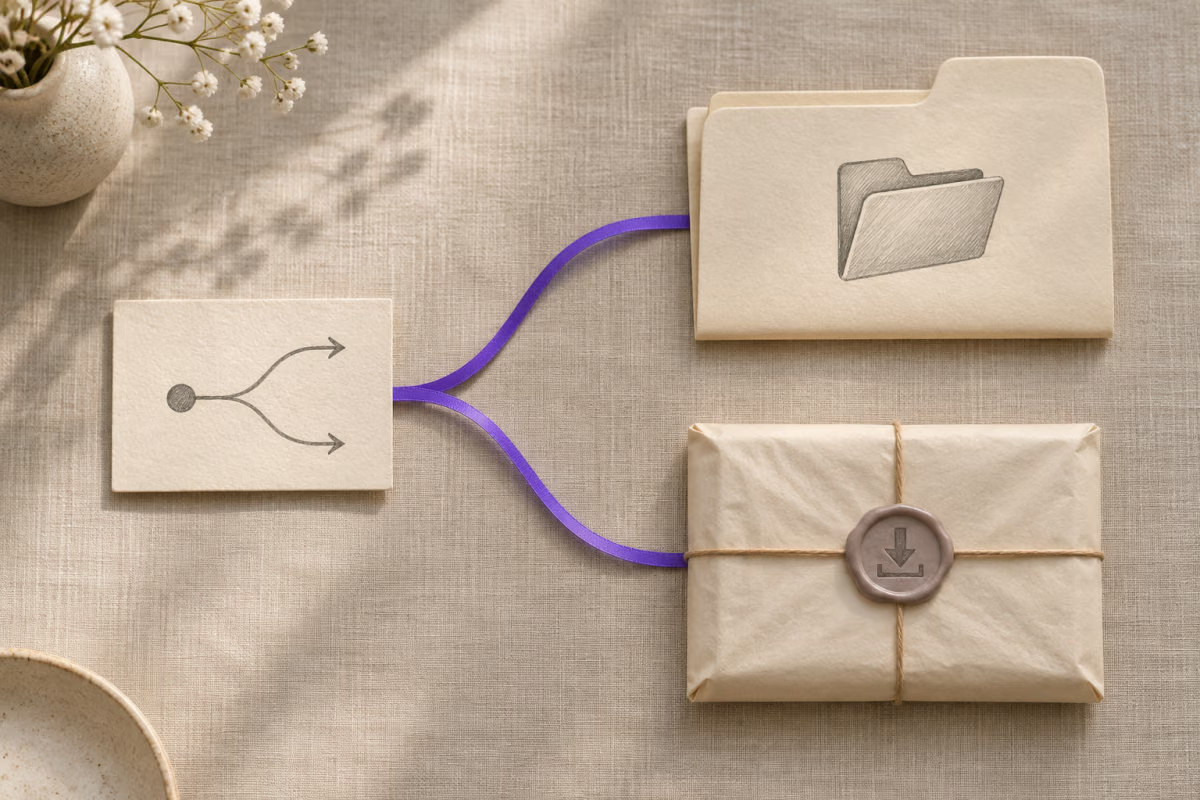
Use a repository URL for browsing, a release page for version notes and file choice, or a direct asset URL for a specific download. QRLynx can turn any of these checked web addresses into a Website / Link QR. GitHub still controls who can open the repository and its files.
Start with what the printed card promises
A project handout that says Read the setup instructions should open a page that explains the setup. A card that says Download the workshop version needs a release that still contains that version. Decide what the reader should see before copying a link.
GitHub documents both the /releases/latest route and /releases/latest/download/asset-name.zip for a manually uploaded asset. The second route depends on that exact filename being present on the release it resolves to. Use a release page when the reader needs to choose between files or read compatibility notes. See GitHub’s release linking guide.
Choose a GitHub destination
| Printed promise | Link to use | Check before printing |
|---|---|---|
| Explore the project | Repository page | The README explains what the project does and where to start. |
| Use the workshop version | The release page for the named version | The release notes show the expected version and files. |
| Get the current release | The repository’s latest release route | The current release contains instructions and the intended platform files. |
| Get one named file | An asset link copied from GitHub | The exact file and version match the label on the card. |
Source archives and installed applications are different choices
A source ZIP contains repository files. It can be useful for a code walkthrough, while a publisher-uploaded release file may be an installer or packaged build. Open the release’s Assets section and check the file you intend to share. GitHub’s source archive guide explains the archive options and recommends a commit ID when stable source contents matter.
For a private repository, test with an authorized reader account. A QR is a pointer to the address. GitHub’s repository visibility rules still apply.
How to create a GitHub QR code in QRLynx
Decide which GitHub page or file the reader needs before you create the artwork.
Copy the exact GitHub address
Open the repository, release page or asset you selected and copy its HTTPS link. Avoid copying a temporary download redirect or an address containing credentials.
Check the destination as a reader
Confirm the repository is intended for the audience. For a release, check its version, file name and platform notes from a reader account or device.
Open the QRLynx URL generator
Choose Website / Link and paste the checked address into Website URL.
Choose how the printed link should behave
Use a static QR for a fixed address. Use a saved dynamic URL QR if you need to update the target later while keeping the same printed code. A static QR to the latest release route also follows the route as GitHub changes it.
Label the printed action
Put the project and the action beside the symbol. Include the release version when the card promises one, plus a readable fallback link or project address.
Scan the final printed card
From the intended viewing distance, scan a sample at its finished size. Confirm the first screen or file is the one named on the card before distributing it.
Check the destination first
Create a QR for the GitHub destination you verified
Use the repository or release address that matches the instruction on your card.
Keep a release handoff note
Record the exact destination, expected version, intended audience and the person who can update it next to the artwork file. For a hardware workshop, the note might say Show the v1.4 release notes and Linux setup file to registered attendees. Check the artwork again before a reprint. If a different owner takes over, give them the handoff note and the appropriate access to maintain the link.
If you are choosing a GitHub profile for a job application, the resume QR guide covers that reader’s different task.
GitHub QR code questions
How do I make a QR code for a GitHub repository?
Copy the repository’s HTTPS address and put it in Website URL in QRLynx’s Website / Link generator. Scan the finished code and check that it opens the intended repository and README.
How do I download an asset from a GitHub release?
Open the release, scroll to Assets, and choose the uploaded file for the intended platform. Use the release page in the QR when readers need the notes or must choose among several files.
How do I download source code from a GitHub repository?
On the repository page, choose Code, then Download ZIP. On a release page, use Source code (zip) or Source code (tar.gz) in Assets. GitHub recommends using the commit ID for stable source contents.
Should my QR link to a specific release or the latest release?
Use a specific release for a version printed on the material. Use the documented latest release route for an instruction that should follow the release GitHub marks as latest. Check the latest page after a release change.
Can the QR open the latest release file directly?
Yes, for a manually uploaded asset at the documented latest download path. Confirm that the target release contains the exact filename. Use the release page if the filename or platform choice changes between releases.
Can people scan a QR code for a private GitHub repository?
People with the appropriate GitHub access can open the repository through the link. A scan cannot grant repository access. Test with an intended reader and keep private links out of public handouts.
Is a source ZIP the same as the installer?
A source ZIP contains repository files. Choose the publisher’s uploaded installer or other packaged file if that is what your audience needs. The Assets list can contain both kinds of download.
Can I change a printed GitHub QR destination later?
An authorized owner can edit the destination of a saved QRLynx dynamic URL QR and retest the printed code. A direct static QR keeps its encoded address. GitHub’s latest release route may still change what it serves at that address.
Does a QR scan mean someone downloaded the release?
No. Eligible QRLynx dynamic scan activity concerns the managed link. It does not prove that GitHub served a particular asset or that the reader installed it.