Substack QR codes: choose a signup page, publication or post

Key Takeaway
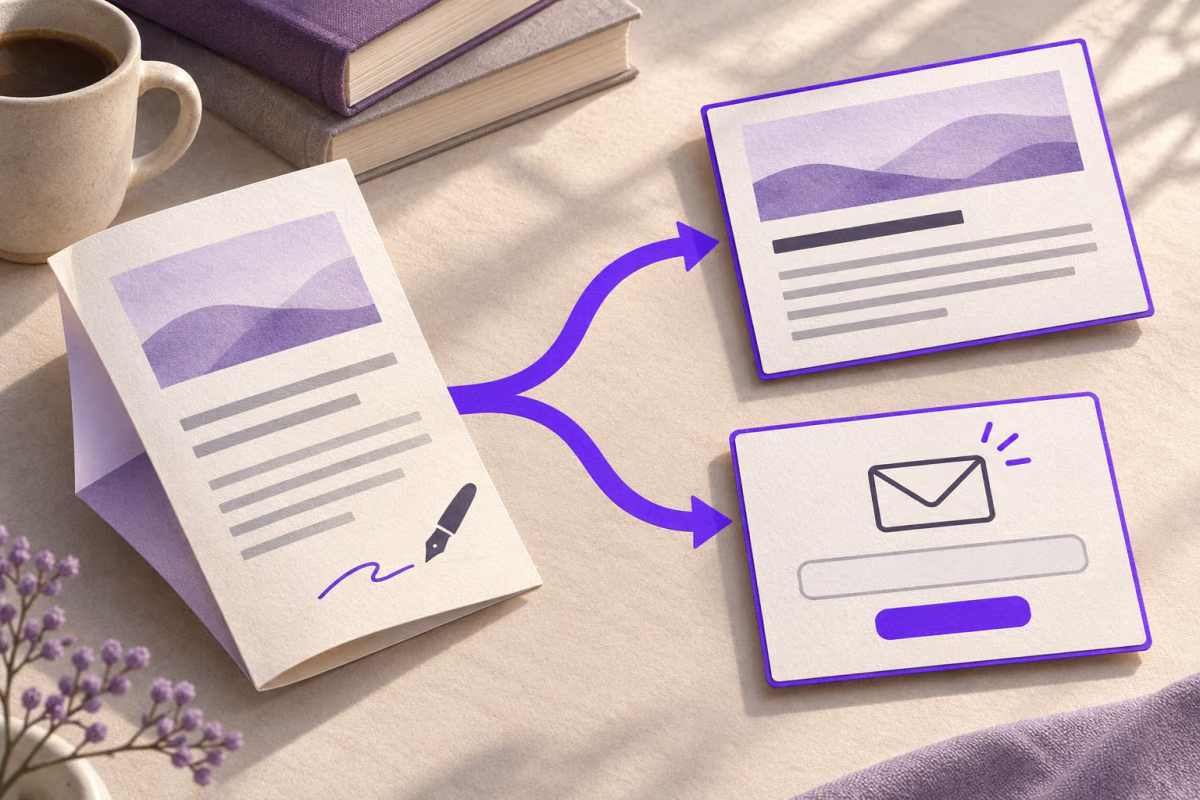
Use Substack’s native QR or create a QRLynx link QR. Match the code to reading or signup, check paywalls and keep scans separate from subscribers.
Substack already provides a native publication QR: open your publication’s Dashboard, go to Settings, find Growth and download it as PNG or SVG. For a specific article or a separately managed campaign destination, put the chosen public URL in a QRLynx Website / Link QR.
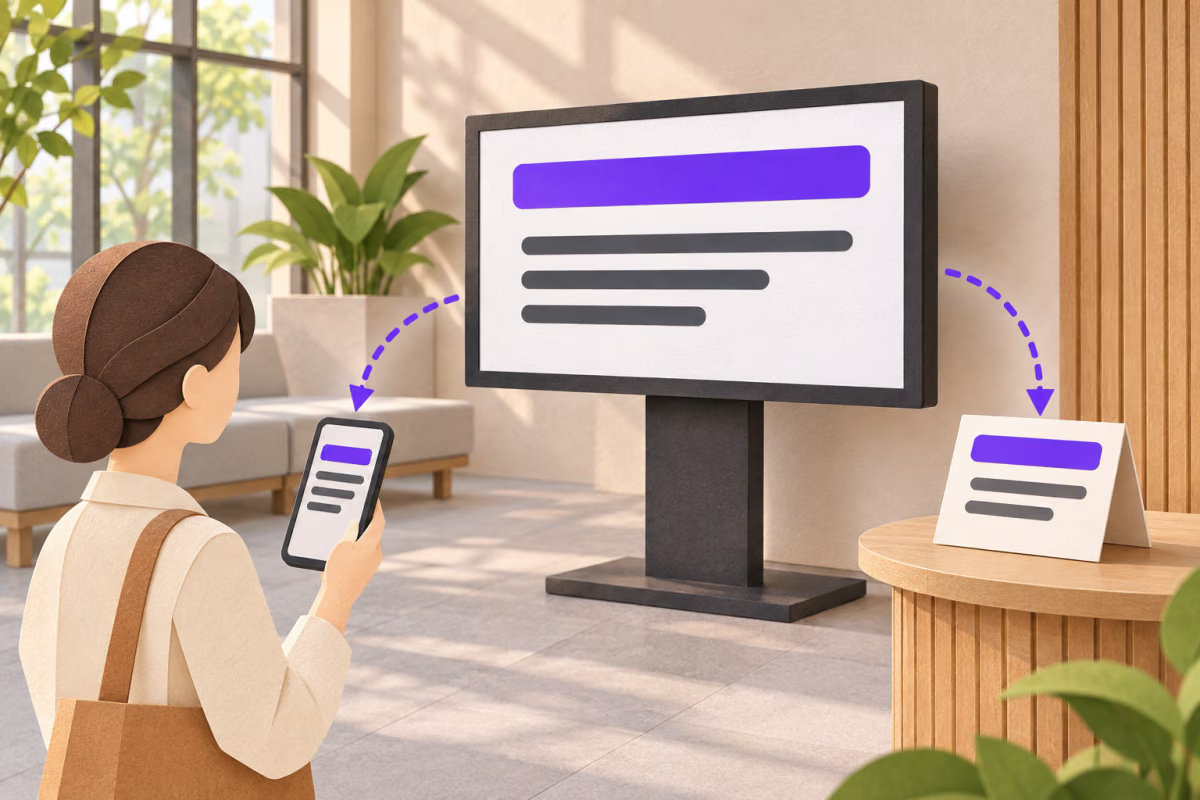
Choose what the reader should do next. A code labelled “Read the interview” should open that interview. A code labelled “Subscribe to the newsletter” should lead to the signup journey, not require someone to search your archive.
Use the native QR when its destination meets the promise
Substack’s native QR instructions identify the Dashboard, Settings and Growth location and the available PNG and SVG downloads. Inspect the destination of the downloaded code before placing it on a flyer.
Use QRLynx when you want a standard URL QR for another verified destination, a saved dynamic link whose destination you can replace later, or eligible QR scan activity. QRLynx does not publish the newsletter, collect its subscription payment or change the post’s audience.
Match the printed promise to the Substack destination
| Printed promise | Destination to check | Reader outcome to verify |
|---|---|---|
| Browse the newsletter | The publication’s public home page | The publication identity is clear and the archive or welcome experience is useful |
| Subscribe to future issues | The publication URL followed by /subscribe, or the checked native QR destination | The expected email-entry or plan-selection step appears |
| Read this interview or essay | The specific published web post | The right post opens and any preview or paid boundary matches the printed offer |
Understand what the signup link will show
Substack documents a direct /subscribe page for each publication. Append that path to the publication URL. Its subscription guidance says the route also works on a publication’s custom domain.
A brand-new, unrecognized reader is asked for an email address first. Someone already signed in, or whose email is recognized from a recent visit, can go directly to subscription plans. Different screens are not automatically evidence of a broken QR. Check which reader state you are observing.
If payments are enabled, the offered plans can include paid choices. State the newsletter’s actual offer beside the code. Scanning does not select a plan or complete a subscription on the reader’s behalf.
How to create a Substack destination QR in QRLynx
Prepare one clear reader action and the matching public URL.
Choose the reader action
Decide whether this placement should open the publication, its /subscribe page or a specific published post. Use Substack’s native QR if its checked destination already fits.
Copy the public destination
Use the publication URL and /subscribe for direct signup, or copy the published web post address for a specific read. Do not encode a draft editor or account-management URL.
Check reader access
Open the destination in the intended reader context. Confirm publication or post identity, email-entry or plan-selection behavior, and any paid preview. Have a new reader check the first-time path when that distinction matters.
Create the URL QR in QRLynx
Open Website / Link and paste the complete HTTPS destination into Website URL. Use static for a fixed direct URL, or save a dynamic URL QR when destination replacement or eligible QR activity matters.
Label the placement honestly
Use wording such as Subscribe to the monthly field notes or Read the interview. Keep contrast and the clear QR margin intact. Give separately measured placements distinct saved QRs and recognizable names.
Proof the reader journey
Download and decode the exact file. Scan the final-size printed proof on a phone, confirm the correct destination and stop at the intended reader action. For an authorized signup test, verify the resulting state inside Substack rather than inferring it from a scan.
Choose and test the destination first
Create a QR for the Substack page your reader needs
Use the checked publication, signup or published-post URL after matching it to the printed promise.
A reading offer needs an access check
A free publication or free post can be read under the access its creator chooses. A paid post may instead show a preview and a subscription boundary. Substack’s paid-preview documentation describes the paid-subscriber notice and Subscribe button on the web post.
For example, a printed bookshop card might promise Read our interview with the author. Verify that the published interview is available to the intended reader. If the offer is only a preview, say so. A QRLynx dynamic redirect can open a replacement page; it cannot make the paid article accessible.
Keep a small placement record
Record the placement name, printed promise, exact destination, QR mode and the reader state used for the final check. For a direct signup destination, note whether the person tested was new or already recognized by Substack. That context makes later reports of different screens easier to interpret.
Use separate saved QRLynx dynamic QRs for placements you want to compare, such as a bookshop counter and an event handout, even when they share a destination. Eligible redirect scans can show interest by QR. Substack remains the source for subscription outcomes; one opening is not necessarily a new reader or subscriber.
If your destination is a Mailchimp audience form instead, use the Mailchimp signup QR guide. Its opt-in and bot-protection rules should not be assumed to describe Substack.
Substack QR questions
Where is the built-in Substack QR code?
Substack’s current help places it in the publication Dashboard under Settings, in the Growth section. Download the native QR as PNG or SVG. Decode the downloaded file and confirm its destination before using it in a printed placement.
Should my QR open the publication, a post or the signup page?
Match the destination to the promise. Use the publication home page for browsing, the /subscribe route for signup, and a specific published post URL for that article. Check the resulting access and reader screen before encoding the URL.
What URL sends readers directly to subscribe?
Substack documents a direct /subscribe page for every publication. Add /subscribe to the end of the publication URL and test it. In QRLynx, paste that complete HTTPS address into Website / Link when direct signup is the intended action.
Does /subscribe work on a custom domain?
Yes. Substack’s subscription guidance says the publication’s /subscribe route also works with its custom domain. Use the domain currently connected to that publication and check the complete route. This does not mean QRLynx is configuring the Substack domain.
Why do some readers see an email form while others see plans?
Substack says an unrecognized reader is asked for an email address first. Someone signed in or recognized from a recent visit can go straight to plans. Record the reader state when testing; two different screens can both be expected.
Can people read my Substack without paying?
Free posts are available under the publication’s access settings, while paid posts can show a free preview and require a subscription for the remainder. Check the exact published post. A QR does not remove the creator’s paywall or turn a paid offer into a free one.
Does scanning the QR subscribe someone automatically?
No. Opening a URL is separate from entering an email, choosing an offer and completing the subscription steps shown by Substack. QRLynx scan activity cannot establish that a subscription was completed. Check the resulting subscription state in Substack.
Can I change the QR destination after printing?
An authorized owner can replace the destination of a saved QRLynx dynamic URL QR and keep its printed redirect. Retest the new page against the same printed promise. A static QR directly encoding the original URL needs new artwork for another address.
How can I compare QR placements without counting every scan as a subscriber?
Create a separate saved dynamic QRLynx QR for each placement and compare eligible scan activity by code. Use Substack to review actual subscription outcomes. A scan can come from an existing reader or someone who leaves, so scans and new subscribers are different measures.