Create a Free QR Code with QRLynx: Guest or Free Account
Start a static QR as a guest, or create a free QRLynx account for watermark-free downloads, saved codes, logos, dynamic destinations, and scan analytics.

Key Takeaway
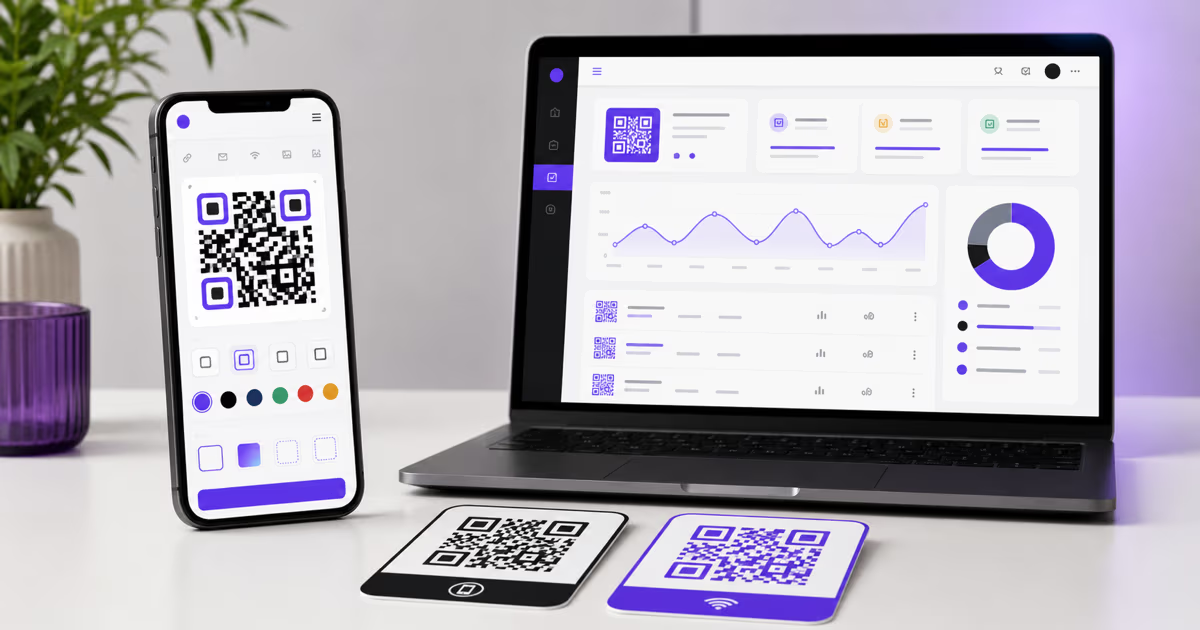
Create a static QR code immediately as a guest, or use the free QRLynx plan for watermark-free downloads, logos, saved codes, dynamic QR codes, and analytics.
Can you create a QR code for free with QRLynx?
Yes. QRLynx lets a guest create a static QR code immediately and download it in a standard raster format with a small QRLynx watermark. A free QRLynx account removes the watermark and adds logo upload, PNG HD, saved codes, 3 active dynamic QR codes, unlimited scans, and three months of analytics.
The two routes serve different jobs. Guest mode is the fastest way to make a simple static code. The free account is the stronger choice for branded downloads, a saved dashboard, an editable destination, or scan measurement. SVG and PDF downloads begin with Starter+.
This guide explains the exact choice before you invest time in a design or send a code to print.
Guest, free account, or Starter+?
Choose by the output and management features you need.
| Capability | Guest | Free QRLynx account | Starter+ |
|---|---|---|---|
| Create a static QR | Yes | Yes | Yes |
| Account required | No | Yes | Yes |
| Watermark-free download | No | Yes | Yes |
| Upload a logo | No | Yes | Yes |
| Raster downloads | PNG, JPG, WebP | PNG, JPG, WebP, PNG HD | PNG, JPG, WebP, PNG HD |
| Vector and document downloads | Not included | Not included | SVG and PDF |
| Saved dashboard | No | Yes | Yes |
| Active dynamic QR codes | 0 | 3 | 50 |
| Scan allowance | Not applicable to static QR | Unlimited | Unlimited |
| Analytics history | No scan analytics | Three months | One year |
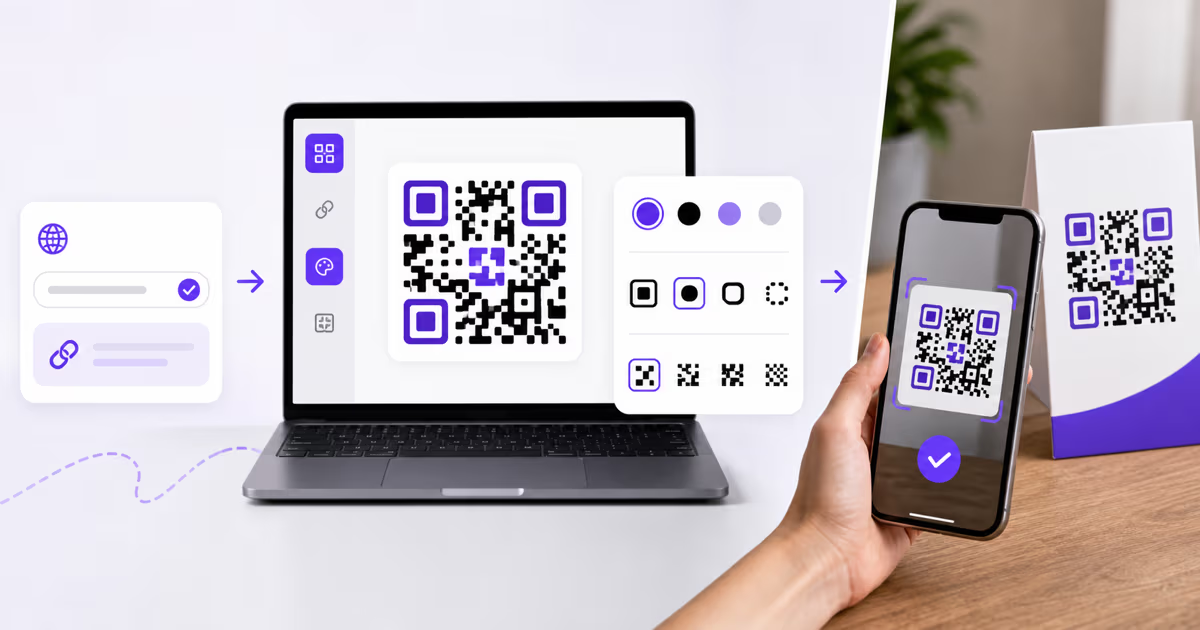
How to create a free QR code in QRLynx
Define the destination first, then choose guest or free-account mode before downloading.
Choose what the scan should open
Start with the destination or payload, such as a website, Wi-Fi network, email draft, phone number, SMS draft, contact card, or plain text. Confirm that every URL and detail is correct before encoding it.
Open the matching QRLynx QR type
Open the QRLynx generator and select the exact QR type for the job. A Website / Link QR is appropriate for a web destination. Use the dedicated Wi-Fi, Email, Phone, SMS, or contact type when the phone should perform that action directly.
Choose static guest mode or a free account
Use a static QR as a guest when the payload is final and a small QRLynx watermark is acceptable. Create a free account when you need a watermark-free file, logo upload, PNG HD, a saved dashboard, or a dynamic Website / Link QR with an editable destination and analytics.
Enter and verify the content
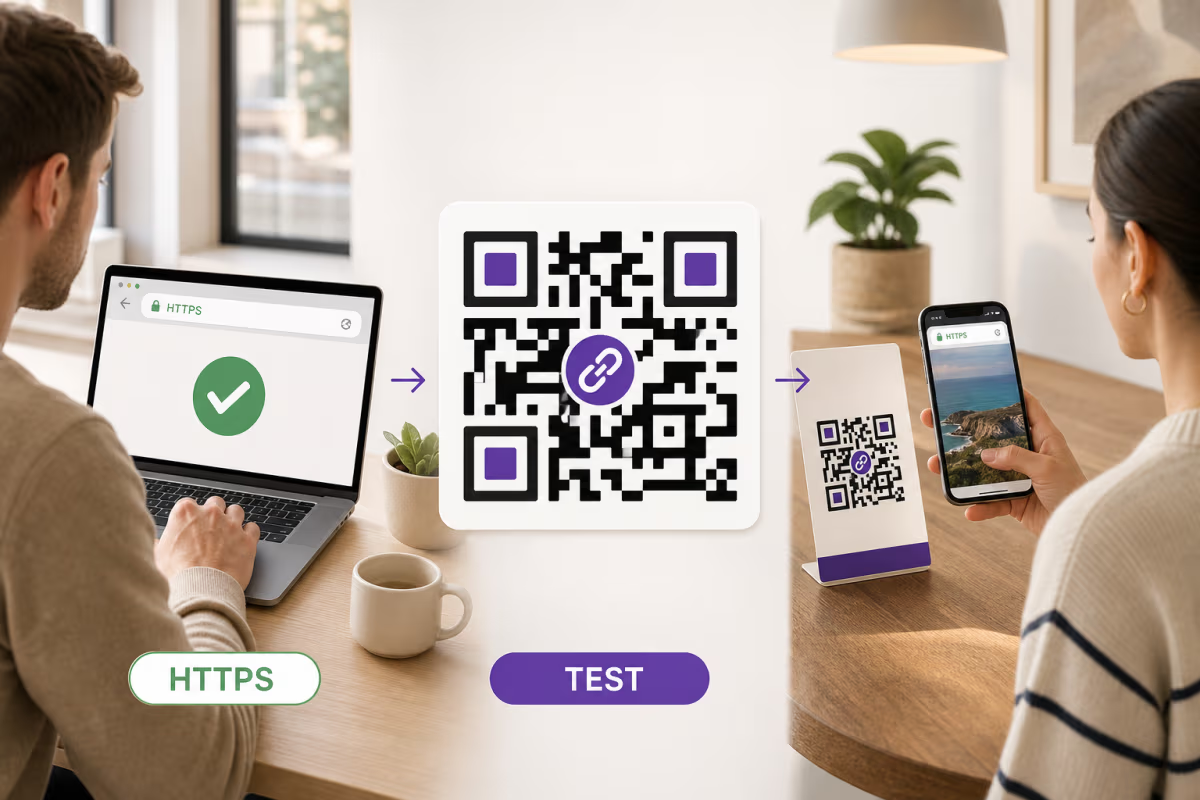
Paste or type the exact destination and review it character by character. For a web link, open the destination separately and confirm that it loads securely on a phone. For Wi-Fi or contact data, verify every field before continuing.
Design and label the QR
Use dark modules on a light background, keep the quiet zone clear, and add a short instruction such as Scan for the menu. Signed-in users can add a logo. Keep the logo modest so the functional QR pattern remains easy to read.
Download and test the final physical result
Choose an available format for your account level, scan the exported image on representative phones, and test one printed proof at the expected size, distance, material, and lighting. Confirm the destination again before producing the full print run.
Destination ready
Create the QR code in QRLynx
Start immediately with a static QR, then use a free account when you want a watermark-free download, logo, saved code, editable destination, or scan analytics.
Choose the right QRLynx download format
Match the file to where the QR will appear.
| Format | Useful fit | Current access |
|---|---|---|
| PNG | Web pages, social posts, documents, and ordinary print | Guest and every account plan |
| JPG | Software or workflows that expect a common photographic format | Guest and every account plan |
| WebP | Compact web delivery in supported publishing workflows | Guest and every account plan |
| PNG HD | Larger raster placement with more pixel detail | Free account and every paid plan |
| SVG | Scalable artwork for professional design and large-format print | Starter+ and higher |
Document and print workflows that accept PDF assets | Starter+ and higher |
Static and dynamic QR codes solve different problems
A static QR stores its final payload in the pattern. It does not need a QRLynx redirect, cannot be edited after printing, and does not provide QRLynx scan analytics. The pattern itself does not expire, although a linked webpage, phone number, or other destination can change or stop working.
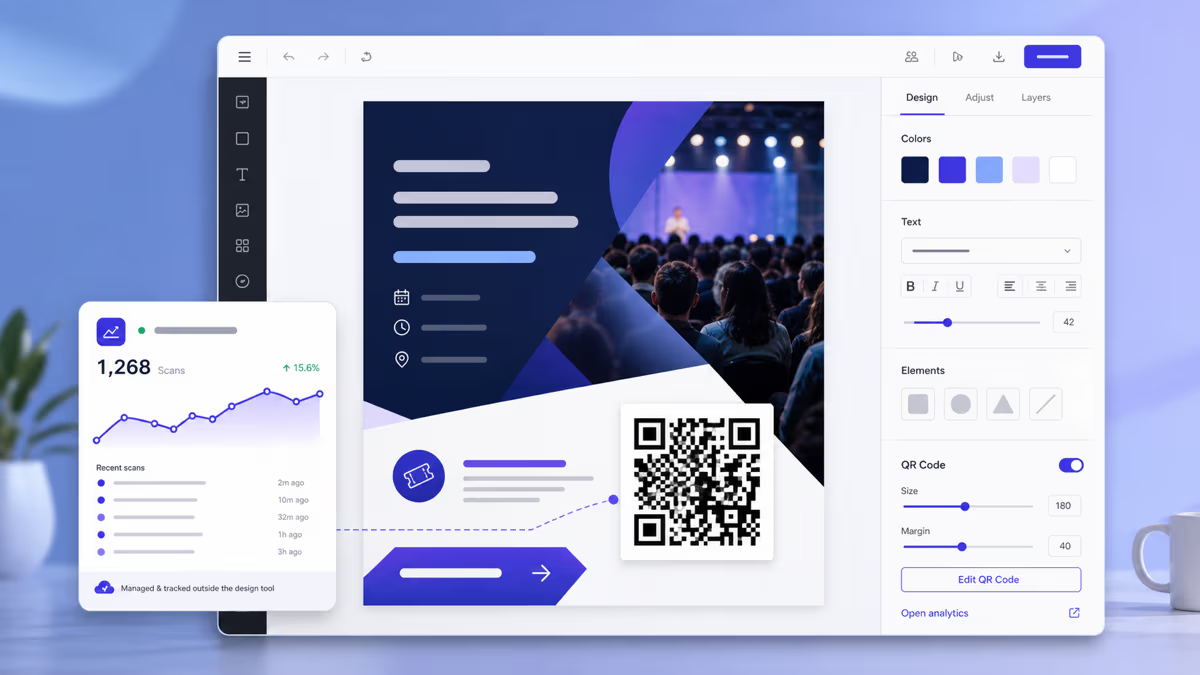
A dynamic Website / Link QR stores a QRLynx short link. The saved destination can be changed without replacing the printed pattern, and eligible scans appear in QRLynx analytics. The free account includes 3 active dynamic QR codes, unlimited scans, and three months of analytics.
Choose static when the payload is stable and measurement is unnecessary. Choose dynamic before printing when the destination may change, when a mistake would make reprinting expensive, or when scan evidence will guide a real decision.
What to check before calling a QR workflow free
A useful free option should state its boundaries before download. Check these points in the workflow you are considering:
- Guest and account behavior: confirm whether the download changes after signing in.
- Watermark: inspect the actual exported file, not only the browser preview.
- Format: choose raster, vector, or PDF access based on the final placement.
- Editability: decide whether the destination must remain changeable after printing.
- Analytics: verify which events are measured and how long the history remains available.
- Active-code capacity: check how many dynamic codes can remain active at once.
- Scan allowance: confirm whether dynamic scans are capped.
- Print recovery: test whether a destination correction would require a new physical code.
QRLynx separates these choices clearly: guest static creation for speed, a free account for branded and managed work, and paid plans for more capacity and advanced controls.
When a paid QRLynx plan becomes useful
The free account is a practical starting point. Starter+ becomes useful when you need 50 active dynamic codes or SVG and PDF downloads. Higher plans add more dynamic capacity and progressively deeper campaign, analytics, team, API, and white-label capabilities.
Choose the plan from the operational requirement rather than the number of features on a card. Count the active printed campaigns, decide which destinations must stay editable, list the download formats your designer needs, and identify the analytics or team decisions the account must support. The current QRLynx pricing page maps those requirements to each plan.
Sources and verification
This guide was verified against the current QRLynx generator, download-format access rules, free-plan entitlements, dynamic QR workflow, analytics retention, and pricing configuration on August 1, 2026. Search results were reviewed to identify the questions readers ask about account requirements, watermarks, formats, permanence, and dynamic tracking. Named vendor comparisons are intentionally left to QRLynx's dedicated comparison guides, where each competitor can be researched and dated separately.
Free QRLynx QR Code Questions
Can I create a QRLynx QR code without signing up?
Yes. A guest can create a static QR code immediately and download PNG, JPG, or WebP. The guest download includes a small QRLynx watermark. A free account removes the watermark and adds saved codes, logo upload, and PNG HD.
How do I get a watermark-free QRLynx QR code?
Create a free QRLynx account and download the QR while signed in. Watermark-free downloads are included on the free plan and every paid plan.
Can I add a logo on the free QRLynx plan?
Yes. Logo upload is available after you create a free account. It is not available in the guest workflow because the uploaded asset is stored with the account.
Which QR download formats are free?
Guest and signed-in users can download PNG, JPG, and WebP. A free account also includes PNG HD. SVG and PDF downloads begin with Starter+.
Does the free QRLynx plan include dynamic QR codes?
Yes. The free plan includes 3 active dynamic QR codes with editable destinations, unlimited scans, and three months of analytics.
Do free QRLynx QR codes expire?
A static QR pattern does not expire, but the destination it contains can change or stop working. A saved dynamic QRLynx code relies on its redirect route and account state, so manage it from the dashboard and confirm its status before an important campaign.
Can I track scans on a guest QR code?
No. Guest QRs are static and bypass the QRLynx redirect layer, so QRLynx has no scan event to measure. Use a saved dynamic Website / Link QR when you need analytics.
Should I use a static or dynamic QR for printing?
Use static when the payload is final and analytics are unnecessary. Use dynamic before printing when the destination may change, reprinting would be expensive, or scan evidence will guide a decision.
How many static QR codes can I create with QRLynx?
Static QR generation is not limited by an active-code plan allowance. Dynamic QR capacity is separate, and the free account includes 3 active dynamic codes.
What should I test before printing a free QR code?
Test the exact exported file and one physical proof. Scan it on representative phones at the expected size, distance, material, and lighting, then confirm that the decoded destination and visible instruction are correct.