QRLynx Blog
QR Code Guides, Tips & Best Practices
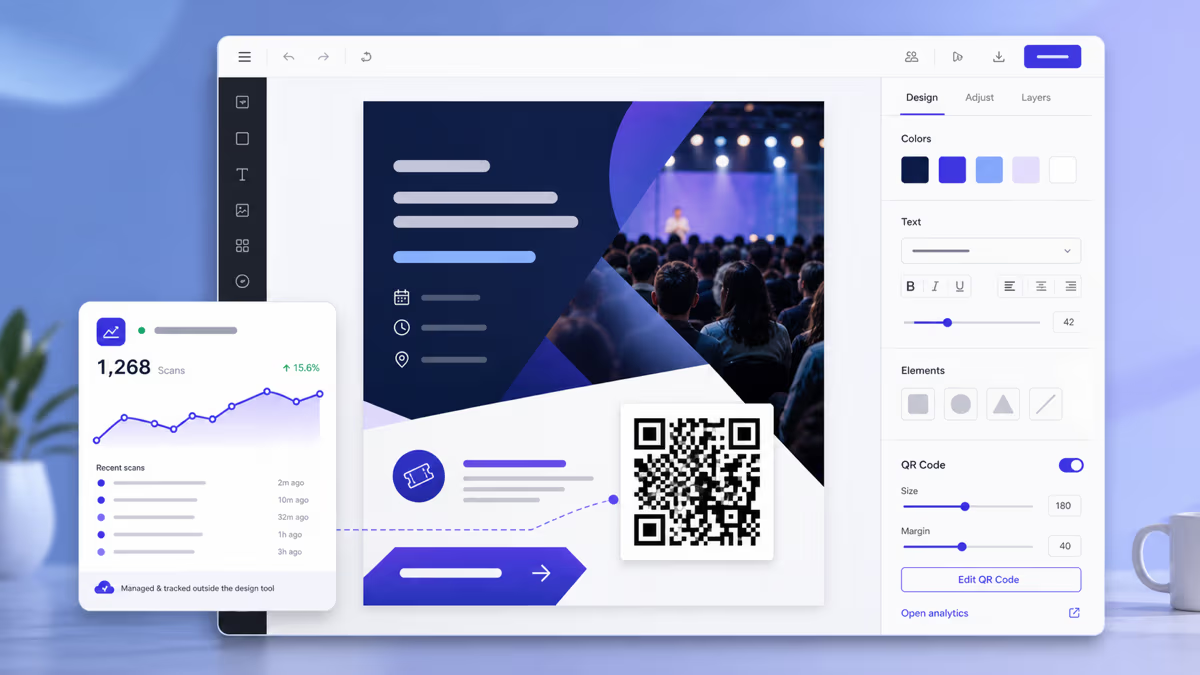

Can Canva Make QR Codes? How to Use QRLynx with Canva
Create a managed QRLynx QR for a Canva design, choose static or dynamic, preserve contrast and quiet zone, export correctly, and test the final file or print.
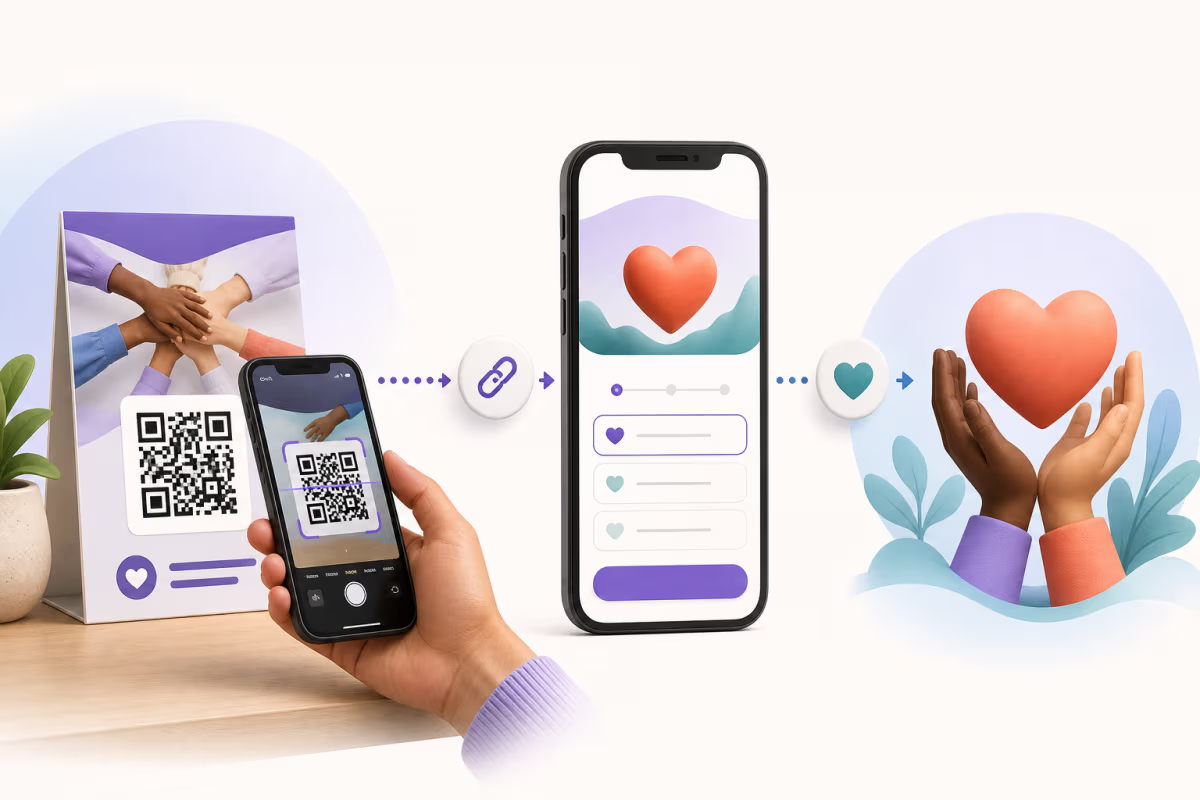
QR Codes for Nonprofits: Donation Setup and Tracking Guide
Create nonprofit QR codes for donations, volunteers, events, and direct mail. Build a trusted mobile path, track each placement, and test before launch.
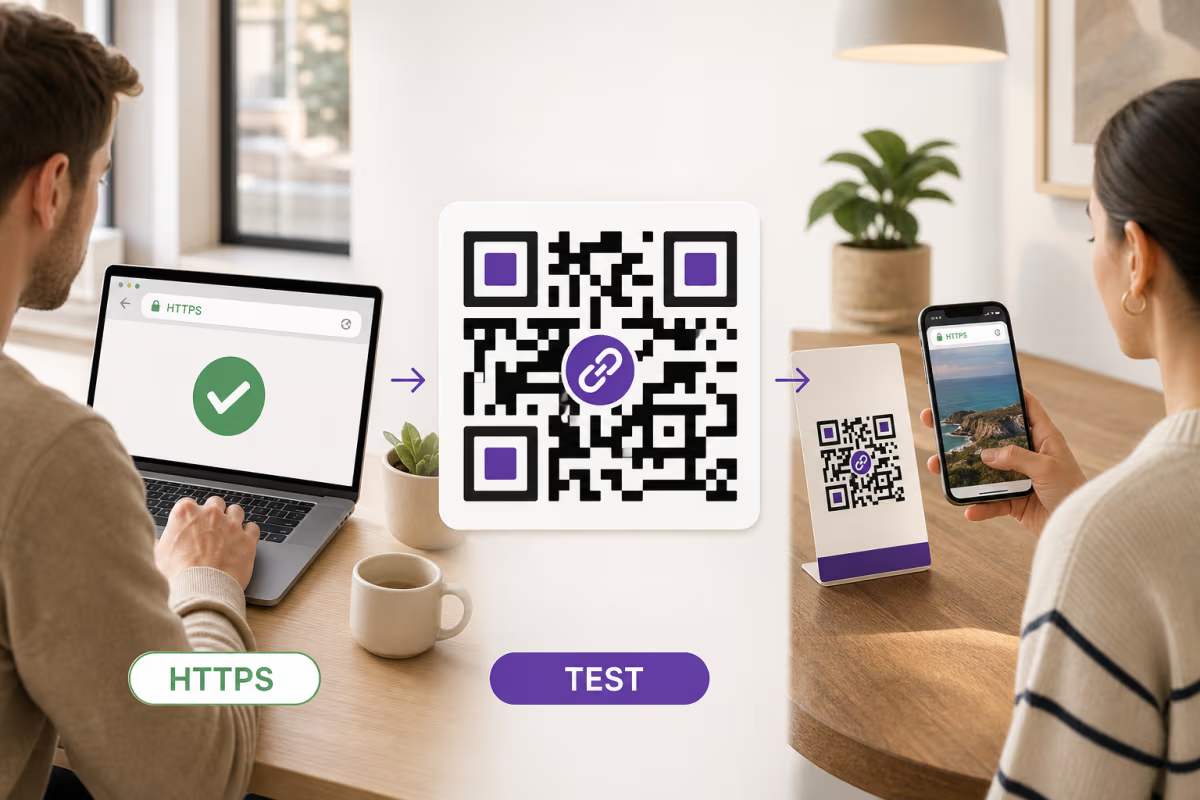
How to Create a QR Code for Any URL in QRLynx
Verify the destination, choose a static or dynamic Website / Link QR in QRLynx, label and test the artwork, and measure scans separately from website results.

How to Create a Google Forms QR Code with QRLynx
Publish a Google Form, copy its responder link, and create a tested static or dynamic QR code in QRLynx with access, analytics, print, and testing guidance.
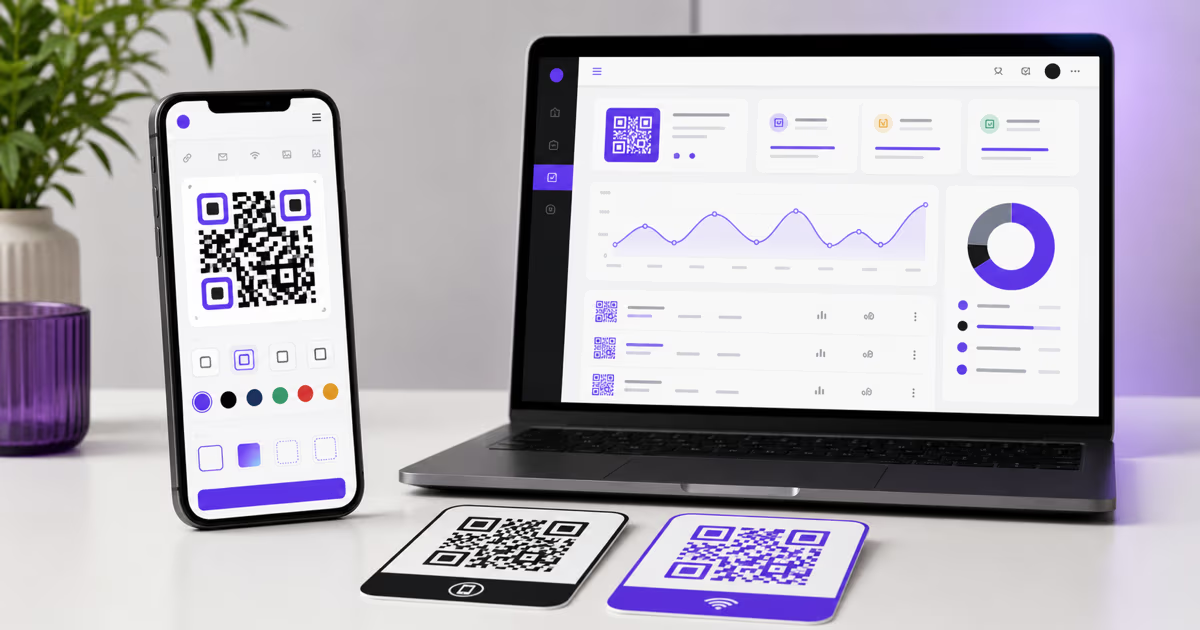
Create a Free QR Code with QRLynx: Guest or Free Account
Create a static QR code immediately as a guest, or use the free QRLynx plan for watermark-free downloads, logos, saved codes, dynamic QR codes, and analytics.
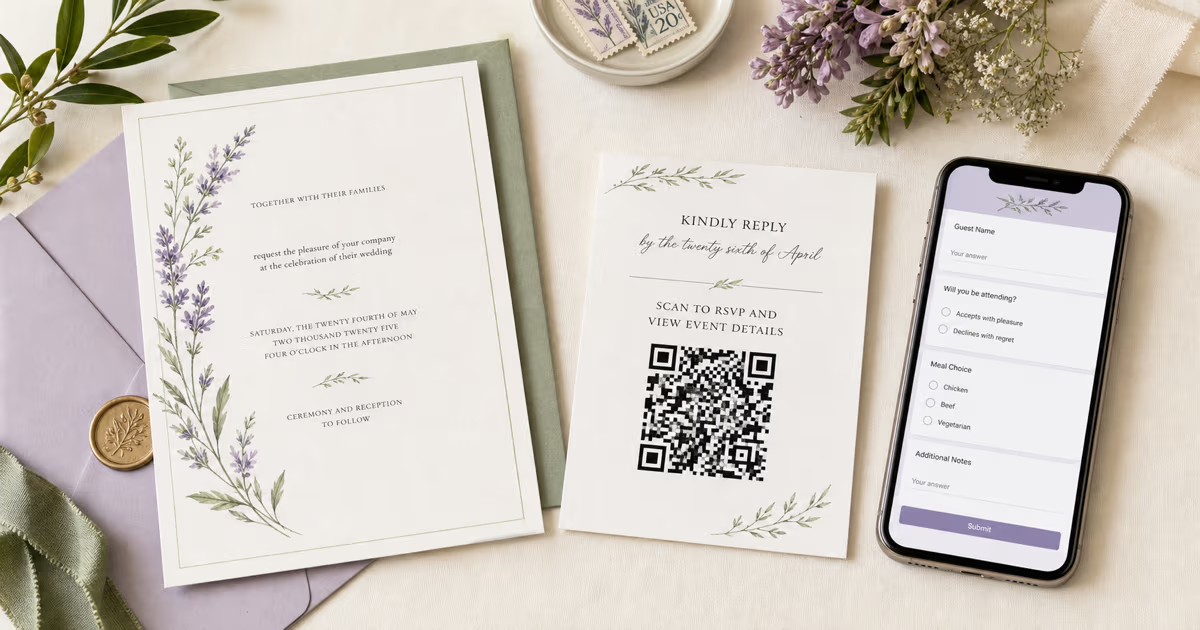
Wedding RSVP QR Code with Google Forms: QRLynx Guide (2026)
Create a wedding RSVP QR code with Google Forms and QRLynx. Set responder access, choose static or dynamic, design the invitation, and test the print.
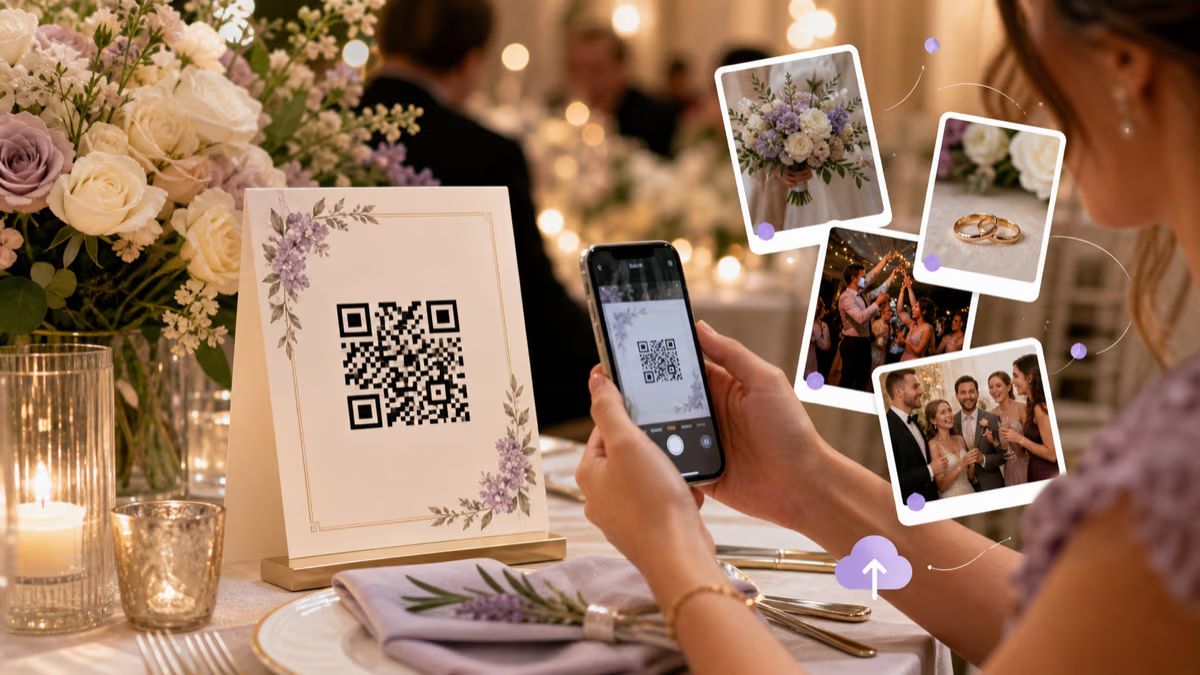
Wedding Photo QR Code: Collect Guest Pictures with QRLynx
Create a QRLynx wedding photo QR, verify the guest upload flow, choose a dynamic destination, plan privacy and placement, and test every printed sign.
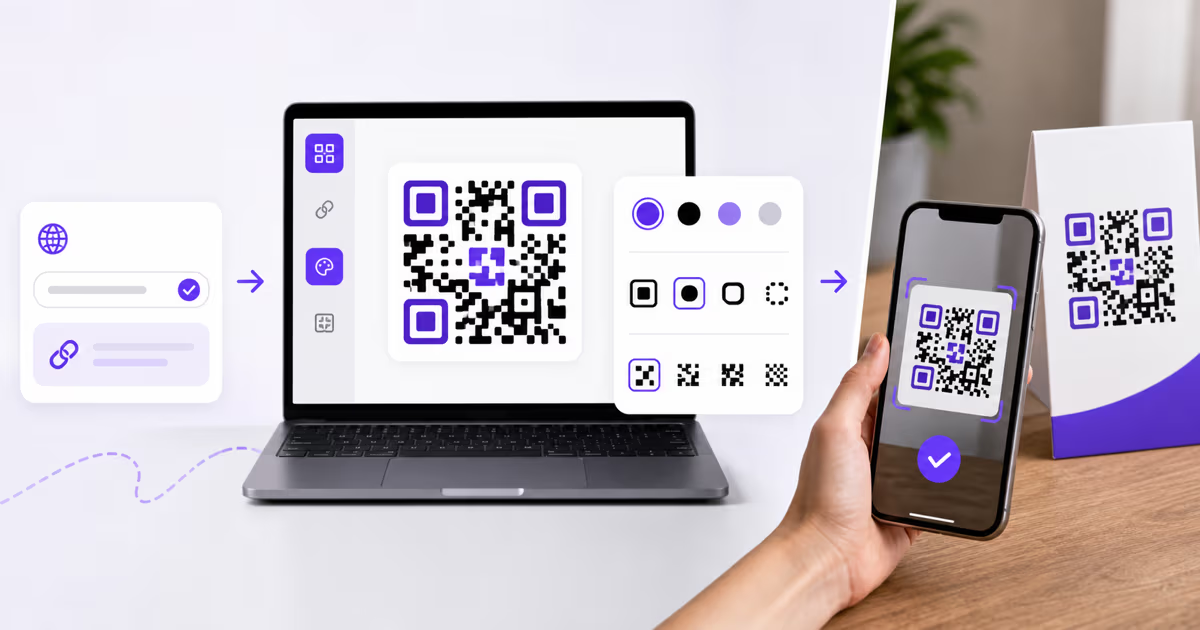
How to Create a QR Code with QRLynx: Step-by-Step Guide
Create a QR code in QRLynx from the right payload. Choose static or dynamic, design it for scanning, download the correct format, and test the result.