QRLynx Blog
QR Code Guides, Tips & Best Practices
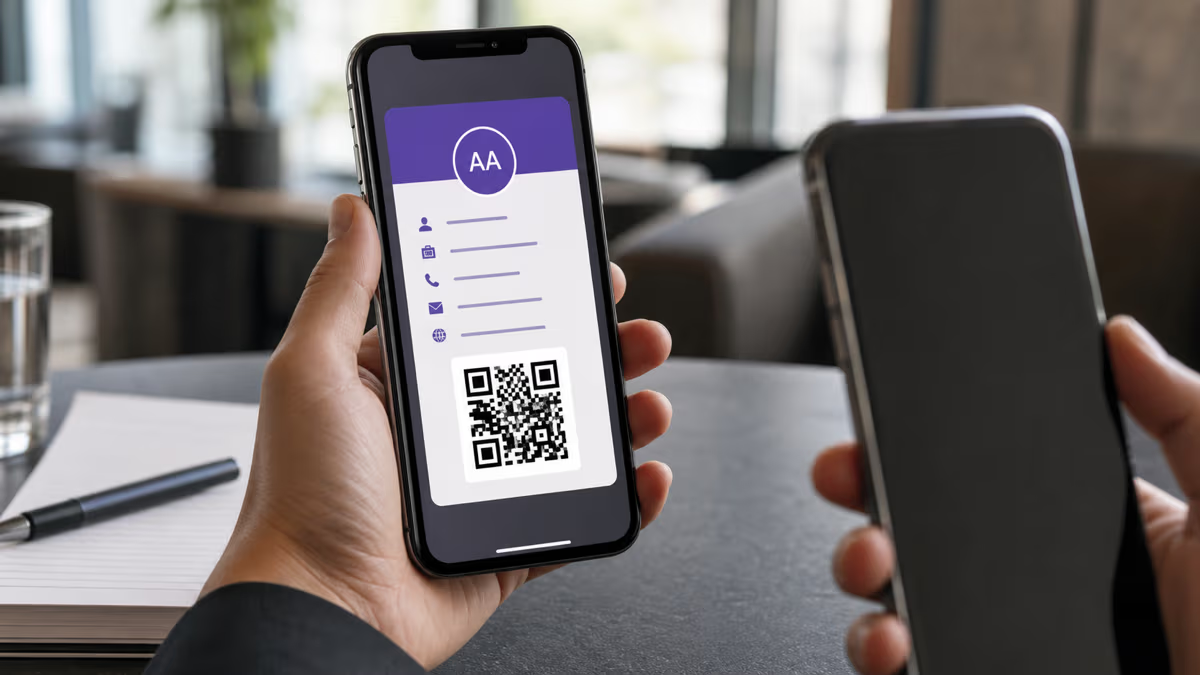

How to Add a Business Card to Apple Wallet with QRLynx
Create a QRLynx Digital Business Card, add its signed pass to Apple Wallet, share the QR, save the contact, and keep each version accurate.
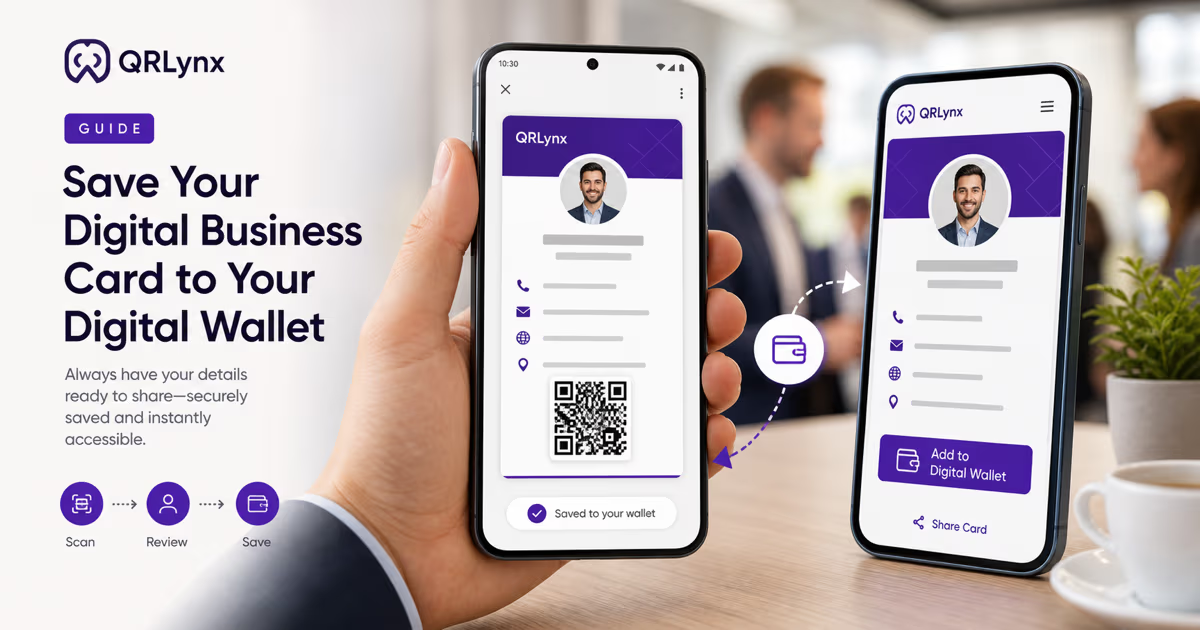
How to Add a QRLynx Business Card to Google Wallet
Create a QRLynx Digital Business Card, save its signed Google Wallet Generic Pass, verify the QR, refresh card details, and troubleshoot the flow.
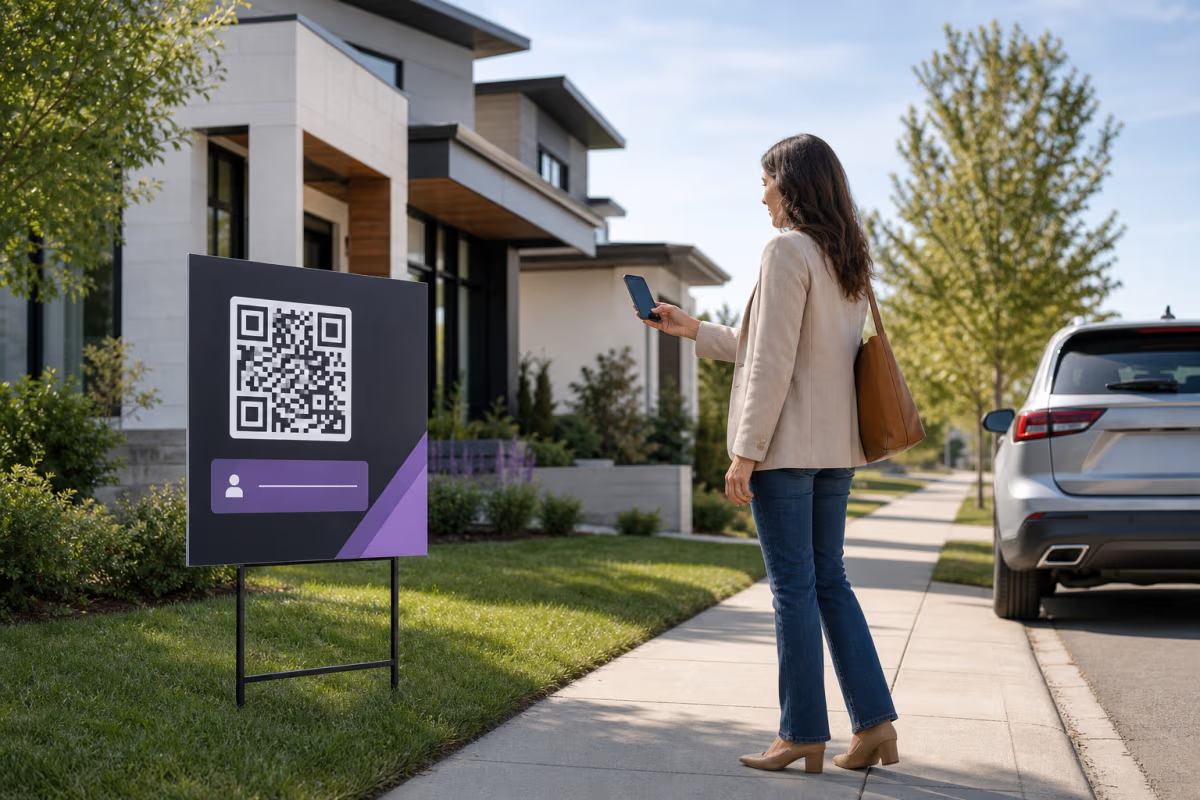
Real Estate QR Codes: Listings, Signs and Open Houses
Create real-estate QR codes in QRLynx for listings, signs, open houses, agent contacts, lifecycle updates, and source-level measurement.
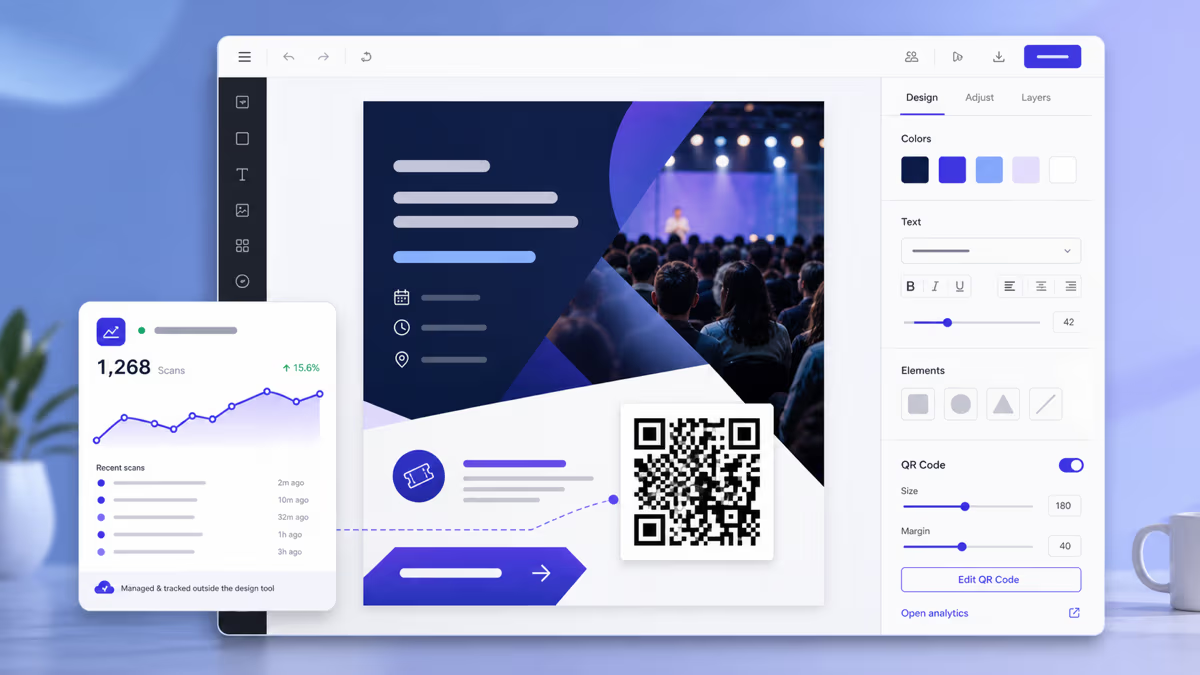
Can Canva Make QR Codes? How to Use QRLynx with Canva
Create a managed QRLynx QR for a Canva design, choose static or dynamic, preserve contrast and quiet zone, export correctly, and test the final file or print.
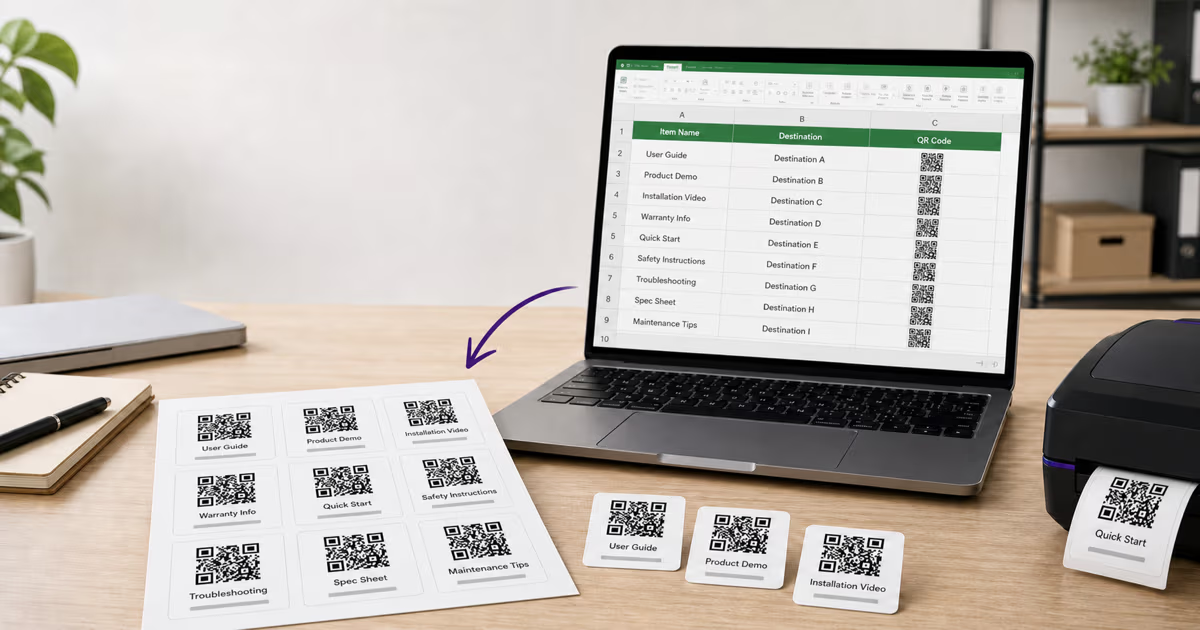
QR Codes from Google Sheets and Excel: 3 Bulk Workflows
Create QR codes from Google Sheets or Excel with a formula, QRLynx’s free static bulk tool, or managed dynamic bulk creation. See exact CSV steps and limits.
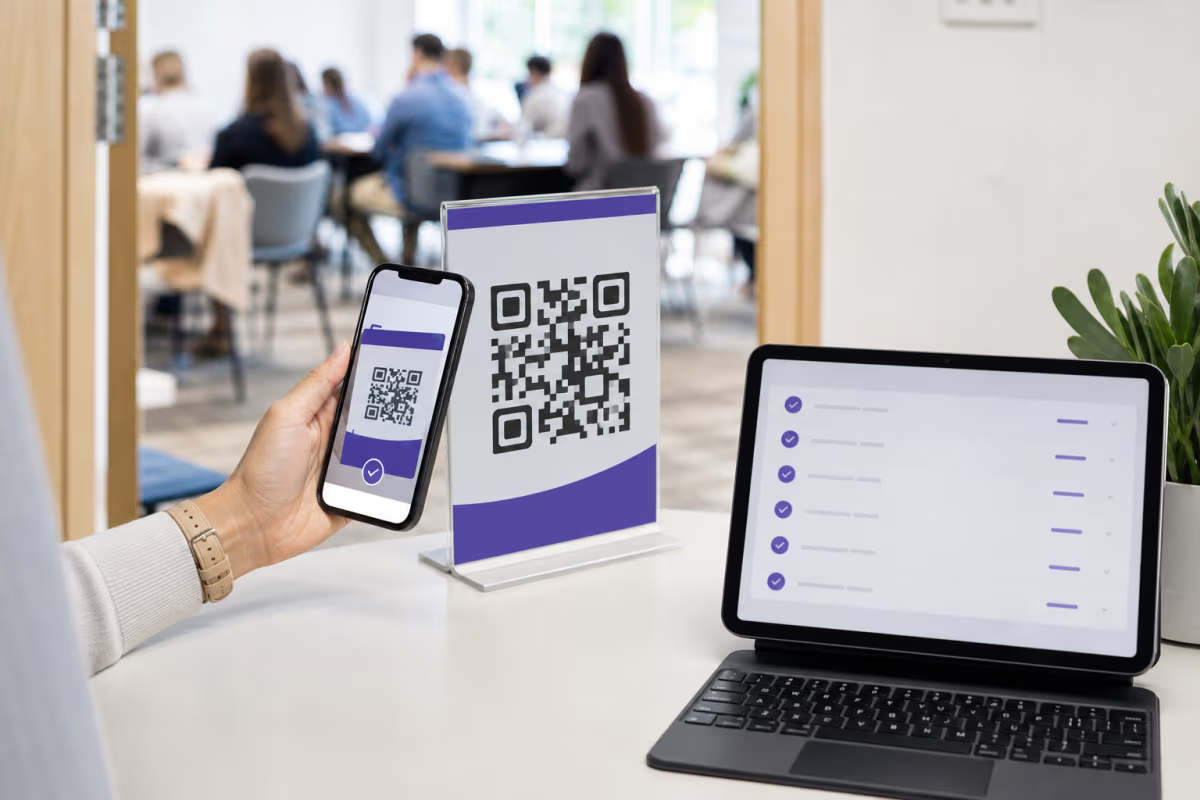
Free QR Code Check-In System with Google Forms
Build a free QR code check-in system with Google Forms and Sheets. Compare named attendance, check-in and out, and scan analytics, then test the workflow.
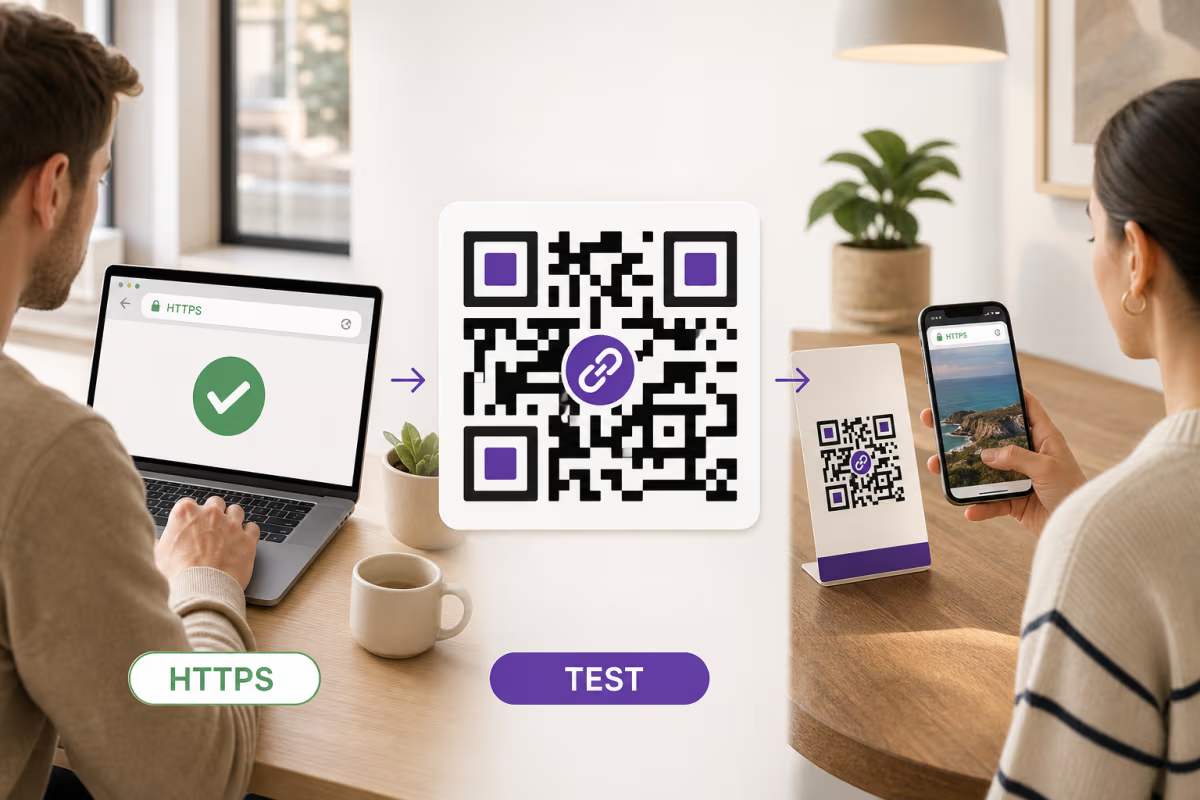
How to Create a QR Code for Any URL in QRLynx
Verify the destination, choose a static or dynamic Website / Link QR in QRLynx, label and test the artwork, and measure scans separately from website results.

How to Create a Google Forms QR Code with QRLynx
Publish a Google Form, copy its responder link, and create a tested static or dynamic QR code in QRLynx with access, analytics, print, and testing guidance.
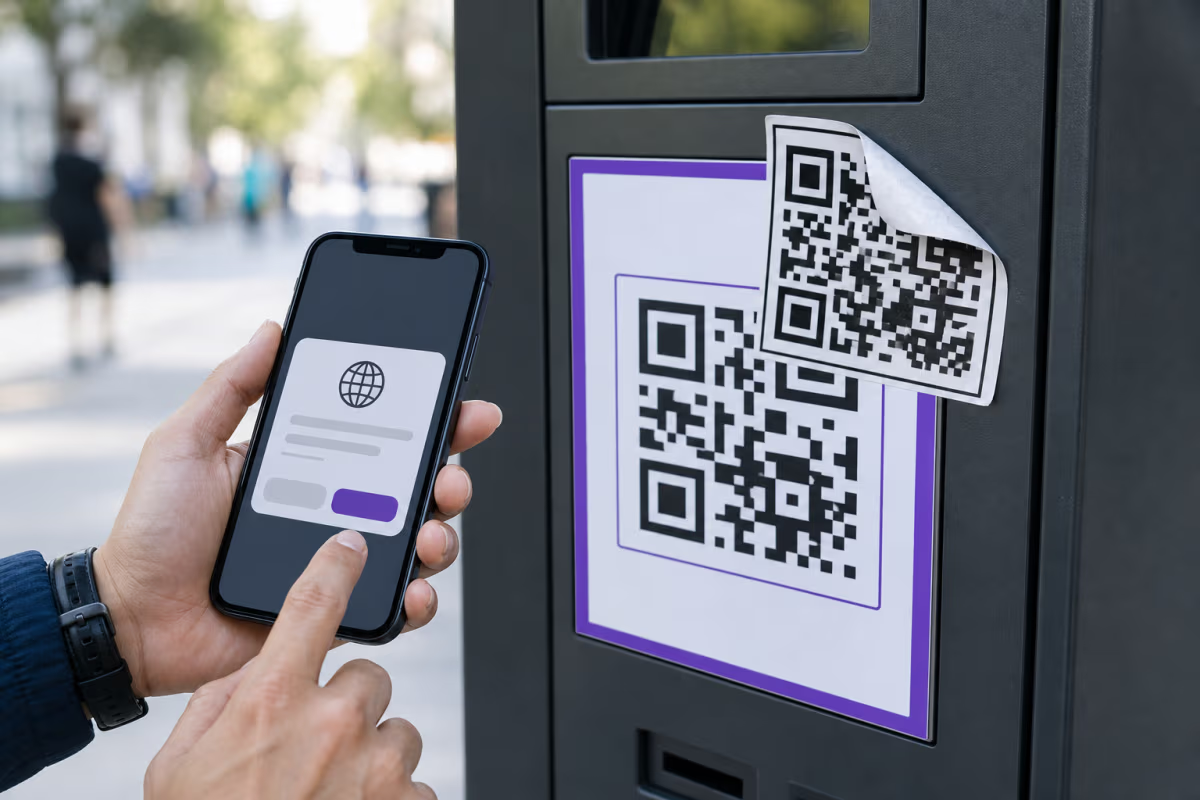
QR Code Scams and Quishing: Verify Before You Act
Learn how QR code scams work, verify the source and destination, respond after a suspicious scan, and deploy safer public QR workflows with QRLynx.