QR Code Error Correction Levels: L, M, Q and H Explained

Key Takeaway
Compare QR code error correction levels L, M, Q and H, learn what the recovery percentages mean, and choose the right level for print, logos, or wear.
QR code error correction uses Reed-Solomon codewords to reconstruct encoded data when part of a symbol is unreadable. The four levels restore approximately L 7%, M 15%, Q 25%, and H 30% of total codewords. Those figures are recovery rates, not guaranteed percentages of the visible image that you can crop, cover, or damage. Level M is the standard starting point for many ordinary uses. Choose a higher level when the design or operating environment needs more recovery capacity, then test the exact exported code at its final size.
QR code error correction levels at a glance
| Level | Approximate codeword recovery | Useful starting point | Main tradeoff |
|---|---|---|---|
| L | 7% | Clean, controlled output where compact encoding matters | Least recovery capacity |
| M | 15% | General-purpose QR codes and ordinary print | Balanced recovery and capacity |
| Q | 25% | More wear, variable print quality, or a moderate obstruction | More error-correction codewords |
| H | 30% | Higher expected damage or a larger logo obstruction | Lowest data capacity at a fixed version |
DENSO WAVE describes M as the level most frequently selected. It also recommends choosing from the operating environment and symbol size rather than applying one level to every QR code.
Why a damaged or cropped QR code can still scan
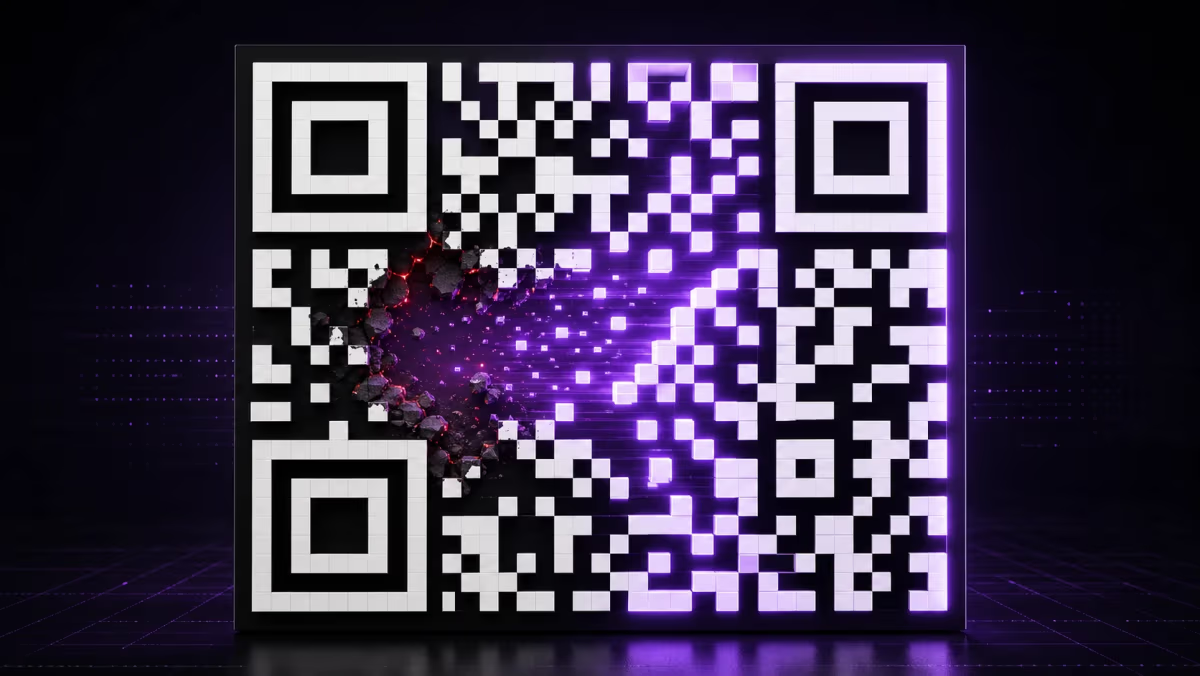
A QR encoder adds error-correction codewords alongside the codewords that carry your URL or other payload. When a scanner reads enough of the symbol, Reed-Solomon decoding can identify and reconstruct some unreadable codewords.
This explains why a QR code can sometimes decode through a scratch, stain, small missing section, or centered logo. The result still depends on where the obstruction lands. Finder, timing, alignment, format, and quiet-zone damage can interfere with locating or interpreting the symbol before codeword recovery can help. A crop that removes a corner finder pattern is therefore different from a small mark inside the data area.
What the percentages mean
DENSO WAVE defines the percentages as the data restoration rate for total codewords. One QR codeword is 8 bits. Level H at approximately 30% therefore describes codeword recovery capacity, not permission to place artwork over 30% of the image. Module placement, damage shape, symbol version, mask, print quality, and the protected function patterns all affect the real result.
How Reed-Solomon recovery works
- The encoder creates data codewords. Your URL, text, or other payload is converted into bytes and arranged according to the QR symbol rules.
- It calculates error-correction codewords. A higher selected level reserves more capacity for this recovery information.
- The symbol places both types of codeword into the matrix. Fixed function patterns help a scanner locate, orient, and interpret the QR code.
- The decoder checks the received codewords. If enough readable information remains, Reed-Solomon decoding reconstructs the missing or incorrect codewords and returns the original payload.
Reed-Solomon correction is especially useful for concentrated burst errors, which is why QR codes can remain readable after localized dirt or damage. It cannot repair a destination website or replace a missing QR finder pattern.
Which error correction level should you choose?
Start with M, then move upward only when the finished design or environment gives you a reason. Use the smallest level that leaves enough recovery margin after the complete code has been generated and tested.
| Decision | Level to test first | What to verify |
|---|---|---|
| Clean screen or controlled label with a compact payload | L or M | Reliable decoding at the actual display or print size |
| Business card, flyer, menu, or indoor sign | M | Module sharpness, contrast, quiet zone, distance, and lighting |
| Packaging, sticker, warehouse label, or surface likely to collect wear | Q | Print quality and representative scuffs or handling |
| QR code with a logo | M, Q, or H based on logo size | The exact exported artwork across several phones and expected distances |
| Heavy wear, dirt, or a larger planned obstruction | H | Symbol size, module size, protected patterns, and a physical proof |
How higher error correction affects size and density
Each QR version has a fixed module grid and a different data capacity at each error correction level. Raising the level reserves more of that capacity for recovery codewords. If the payload no longer fits the same version, the encoder selects a higher version with four more modules per side.
The practical result is a denser symbol within the same physical width, or a larger printed symbol when you preserve module size. Level H can be the right choice when recovery matters, but it is not a universal quality setting. A short destination, adequate physical size, crisp modules, strong light-dark separation, and a four-module quiet zone remain part of the decision. The QR code print size guide covers physical sizing in detail.
Error correction for QR codes with logos
A logo hides modules, so its displayed size and position matter as much as the selected error correction letter. Keep the three corner finder patterns and other function patterns clear, use a centered logo with controlled padding, and test the final file rather than relying on an area percentage.
For a QRLynx URL QR, open Advanced under Customize your QR Code and choose M, Q or H under Error Correction. Make the choice after adding the final logo, then check the exported file and a physical sample. See the QR code with logo guide for the design workflow.
How to set error correction and test a QR code in QRLynx
Start with the exact destination
Open the QRLynx Website / Link generator and enter the URL you intend to distribute. Use a static QR for a fixed destination, or save a dynamic QR to your account when you need later destination edits. Test the version you will actually print.
Finish the design for its real setting
Add the final logo and styling. Keep the function patterns clear and preserve the quiet zone. Consider the print material, handling, weather, lighting, scan distance and whether a damaged copy can be replaced.
Choose the level in Advanced
Under Customize your QR Code, open Advanced and choose M, Q or H under Error Correction. Use the level table above to decide which setting to test. Sign in to a free QRLynx account and recheck your selection before exporting a clean image: guest watermarked downloads use H.
Allow enough space for the final pattern
A higher correction level may need a larger module grid for the same payload. Keep the exact destination and finished logo in place while checking the design, and increase the physical print size when needed to keep individual modules clear.
Check the exported file and a physical proof
Download a PNG and use the QRLynx QR code scanner to inspect its Decoded Data. Verify the destination separately. If your printer uses an SVG or PDF export, also test a physical proof made from that final file. Use representative phones at the intended distance and lighting; a browser decode is only one part of the check.
Before you print
Check the finished QR code
Upload the exact QR image you plan to use. QRLynx checks whether it decodes and reviews the design details visible in the file.
Primary sources
- DENSO WAVE: Error correction feature, including the codeword definition, L/M/Q/H recovery rates, and Reed-Solomon explanation.
- DENSO WAVE: QR code versions and capacity, including the relationship among payload, level, version, and module count.
- ISO/IEC 18004:2024, the current international QR code symbology specification.
- GS1 2D Barcode Playbook, practical guidance on balancing recovery, print area, scanner capability, and operating conditions.
QR code error correction questions
What are the four QR code error correction levels?
The four levels are L, M, Q, and H. They restore approximately 7%, 15%, 25%, and 30% of total codewords respectively. Higher levels reserve more symbol capacity for Reed-Solomon recovery.
What do the 7%, 15%, 25%, and 30% figures measure?
They measure the approximate restoration rate for total codewords, where one codeword is 8 bits. They are not guaranteed percentages of the visible QR image that can be cropped, covered, or damaged.
Why can a damaged or cropped QR code still scan?
Reed-Solomon codewords can reconstruct some unreadable encoded data when enough of the symbol remains available. The location of the missing area matters because finder, timing, alignment, format, and quiet-zone damage can prevent the scanner from locating or interpreting the QR code.
Which QR code error correction level should I use?
M is a practical starting point for general use. Test Q when the code faces more wear or variable print quality, and H when you expect heavier damage or a larger obstruction. L can suit clean, controlled output where compact encoding matters. Verify the final artwork in its real setting.
Which error correction level should a QR code with a logo use?
Choose from the logo's displayed size and the complete design rather than applying one level to every logo. In the QRLynx URL generator, open Advanced and choose M, Q or H under Error Correction. Keep function patterns clear and test the exact exported file. Sign in and recheck the selected level before downloading a clean image; guest watermarked downloads use H.
Does higher error correction make a QR code larger?
It reduces data capacity at a fixed QR version. When the payload no longer fits that version, the encoder selects a higher version with more modules. The printed symbol then needs enough physical space to keep those modules clear.
Can I change the error correction level after creating a QR code?
You can regenerate the QR artwork at a different level. Existing printed copies keep their original pattern. For a QRLynx dynamic QR code, regenerated artwork can retain the same short destination while the owner continues managing that destination from the account.
Can error correction repair a destination that has changed?
Error correction reconstructs the payload encoded in the QR symbol. A QRLynx dynamic QR code handles destination changes separately through its saved short link, allowing the owner to update where the printed code leads.
How should I test a QR code's error correction choice?
Test the exact final export or physical proof, not a draft preview. Use the intended size, material, distance, and lighting, then scan with several current phones. The free QR code readability checker provides an additional browser-based image check before the physical test.