Do QR Codes Expire? Static vs Dynamic QR Codes

Key Takeaway
QR patterns remain valid; scans also depend on an active destination and redirect service. Identify the QR type, prevent failures, and recover the code.
The short answer
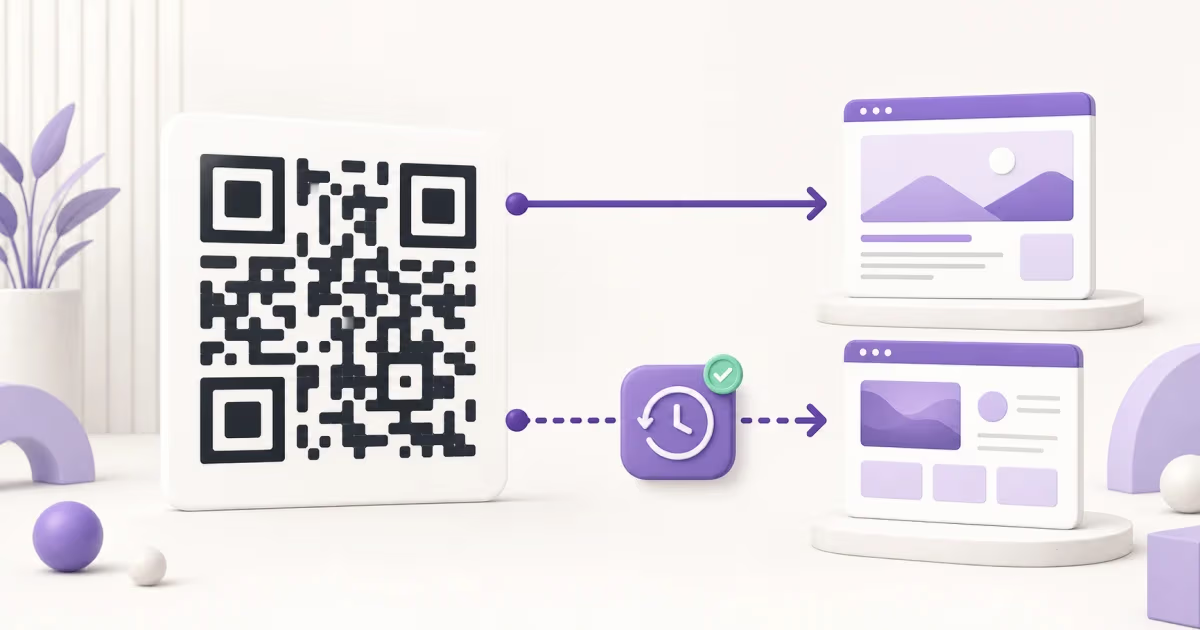
A QR code pattern has no built-in expiration date. A static QR keeps the same encoded data. A dynamic QR opens a redirect service, so the printed pattern can still scan while the managed link is paused, deleted, expired by a rule, or unavailable. The final website, file, profile, or payment page must also remain accessible.
What can actually expire?
A useful QR lifetime check separates four layers:
- The printed symbol: it stores data according to the QR standard. Physical damage, poor print quality, or obstruction can make the symbol difficult to decode, but time alone does not rewrite it.
- The encoded destination: a static QR may still decode correctly even when its website, document, social profile, or other destination has moved or lost access.
- The redirect: a dynamic QR contains a managed short link. That link needs the provider's routing service and an active code record.
- The owner's rules and account state: an owner can pause or delete a code, set an expiry rule, exceed an active-code allowance after a downgrade, or lose access because of a safety or account action.
This is why a scanner may report a readable QR while the page behind it no longer opens.
Static and dynamic QR lifetime
| Question | Static QR code | Dynamic QR code |
|---|---|---|
| What is encoded? | The final data or destination | A provider-managed short link |
| Built-in time expiry? | No | The QR format has none, but the provider or owner can control the redirect |
| Can the destination change? | A new QR is normally required | The owner can update the saved destination |
| Main lifetime dependency | The encoded destination remains useful and available | The redirect, code status, account conditions, and final destination remain available |
| Best verification | Decode the final value and open it | Open the short link, then check the provider dashboard and final destination |
Before a long print run
Keep the printed QR, update where it leads
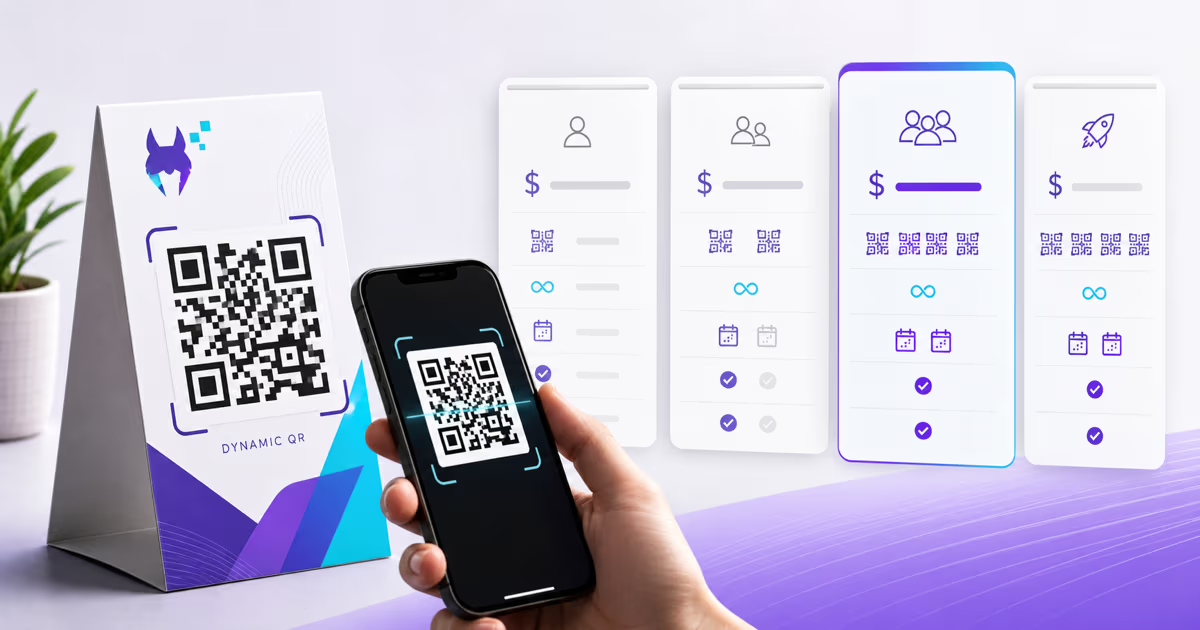
Use a dynamic QR when the destination may change. The printed short link stays stable while you manage its destination in QRLynx.
How to tell whether your QR code is static or dynamic
Scan the code and inspect the address before opening it. If the QR contains the final website or data you intended to share, it is operating as a static code. If it contains a short domain that forwards somewhere else, it uses a redirect and is operating as a dynamic or managed link.
The domain alone identifies the routing service, not every rule attached to the code. Sign in to the provider dashboard when possible and check the destination, active status, expiry settings, account state, and any capacity warning.
If you only have an image, use the QRLynx QR code scanner to read the stored value. Use the QR code troubleshooting guide when the camera cannot decode the symbol at all.
Current provider answers readers ask about
Do Bitly QR codes expire?
Bitly says its QR Codes do not expire by default. A code can stop working when it or its associated short link is deleted. A custom-domain code also depends on the domain continuing to point to Bitly and remaining attached to the account. Bitly offers an optional paid link-expiration setting: a QR code coupled to that link stops redirecting when the link expires. See Bitly's default lifetime answer and its link-expiration instructions.
Do QR.io codes expire?
QR.io's trial-expiration guidance says static codes continue working after a trial, while dynamic codes pause when it ends. QR.io says the dynamic code and data remain saved and can reactivate after an upgrade. See QR.io's trial-expiration guidance.
Do Adobe Express QR codes expire?
Adobe says QR codes made in Adobe Express are static and do not expire. Changing the encoded URL requires a new code, and the destination still needs to remain available. See Adobe Express QR guidance.
Do QRCode Monkey QR codes expire?
QRCode Monkey says its generated codes are static and do not expire. The encoded content cannot be edited after creation. See the QRCode Monkey FAQ.
Do Canva QR codes expire?
Check the specific Canva QR tool or integration you used instead of relying on the Canva name alone. Decode the saved QR. A final URL stored directly in the pattern has no QR-provider expiration step. A short redirect introduces a service dependency, so check that service's current terms and dashboard.
Do QRLynx QR codes expire?
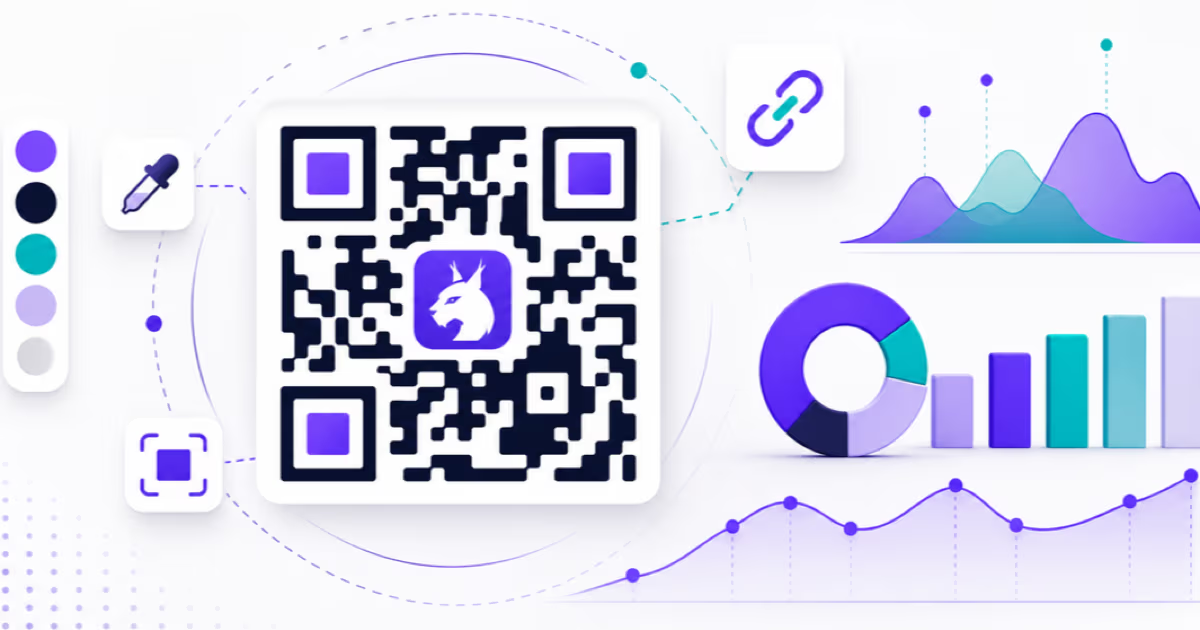
QRLynx static codes have no service-controlled expiration because the final data is stored in the symbol. Ordinary QRLynx dynamic codes also have no plan-based time expiry or scan cap. The free Starter plan includes 3 active dynamic codes, unlimited scans, and three months of analytics.
“Never expire” still needs scope. A QRLynx dynamic code can stop resolving when its owner pauses or deletes it, an explicit expiry or maximum-scan rule fires, a safety action applies, the destination is invalid, the account is unavailable, or a paid-plan downgrade leaves that code beyond the new active-code allowance. Excess ordinary codes pause rather than being deleted, and capacity can be restored by freeing a slot or moving to a suitable plan.
Pro and higher plans can deliberately apply expiration rules by date or maximum scan count. That is useful for time-limited material because the owner chooses the rule instead of discovering an unexpected provider deadline. Compare QRLynx plans and active-code allowances.
How to diagnose a QR code that stopped working
Decode the stored value
Use a phone camera or the QRLynx scanner. Record the exact URL or data before following it.
Open the final destination directly
If the stored value is the final URL, open it in a browser. Restore that URL, fix its permissions, or create a new QR when the destination has permanently changed.
Identify the redirect provider
If the stored value is a short link, use its domain to identify the service. Sign in and check the code status, destination, expiry settings, account state, and active-code allowance.
Separate symbol failure from link failure
If the camera cannot decode the image, test the original file and inspect contrast, clear margin, size, damage, glare, and placement. If it decodes but the page fails, focus on the destination or redirect.
Test the repaired journey
Scan the actual printed piece on representative phones. Confirm both the redirect and final destination before restoring the material to use.
Create and check a long-lived link QR in QRLynx
Check the destination first
Open the intended page in a browser that is not signed in to the owner account. Confirm that the people receiving the QR can access it.
Choose the link workflow
Open the QRLynx URL generator and enter the complete URL. Choose a direct static code for a fixed URL, or a saved dynamic code when you need an editable destination.
Save and check dynamic settings
For a dynamic code, sign in and save it. Review its destination, status, any expiry setting and the active-code allowance. If you need scan analytics, check the Track Scans setting rather than assuming it is enabled.
Download the final code
Keep the clear margin and strong contrast. Download an available format suitable for your document or print workflow. Plan requirements apply to gated export options.
Test the whole journey
Decode the downloaded image and scan an actual-size printed proof. Confirm the redirect, if used, and the final page. Keep the destination, hosting and any required account or domain in service.
How to make a QR code last on permanent print
- Control the destination. A URL on a domain you manage gives you more recovery options when content moves.
- Choose static or dynamic deliberately. Static removes the redirect dependency. Dynamic adds destination editing and analytics but requires a dependable managed route.
- Read the provider's current lifecycle terms. Confirm what happens after a trial, cancellation, downgrade, failed payment, account deletion, or policy action.
- Test before the full print run. Scan the final exported file and a physical proof, then verify the complete destination.
- Keep an inventory. Record each printed placement, encoded URL, provider, account owner, and last successful test date.
- Use a readable fallback. Important signs, tickets, safety material, and long-lived packaging benefit from a visible URL or contact path.
Review long-running codes on a schedule that matches their importance. The goal is to catch a destination or account change before a reader does.
QR code expiration questions
How long does a QR code last?
The QR pattern has no time limit. A static code remains decodable while the physical symbol is readable, but its destination must still exist. A dynamic code also depends on its redirect provider, code status, account conditions, owner rules, and final destination.
Do free QR codes expire?
Free is a price label, not a QR lifetime rule. A free static code has no provider redirect to expire, although its destination can change. A free dynamic code follows the provider's current trial, plan, account, and lifecycle terms. Check those terms before permanent printing.
Do QR codes expire if they are not used?
The QR format has no inactivity timer. A provider can still apply its own account or product policy, so a managed dynamic code should be checked against that provider's current terms.
Can you tell whether a QR code expired by looking at it?
No. The printed pattern usually looks the same. Scan or decode it, identify whether it stores a final destination or short redirect, and test each part of the journey.
Can an expired dynamic QR code be reactivated?
It depends on the provider and cause. A paused trial, account, or capacity state may be reversible. A deleted code, retired provider domain, or lost account may require a new QR and new print. Check the provider dashboard before replacing anything.
What happens if a dynamic QR provider closes?
The printed code still contains the provider's short URL, but that URL may no longer redirect. A custom domain you control can provide more migration options when the provider supports it. Otherwise, changing providers normally requires a newly generated QR for future prints.
Do Canva QR codes expire?
The safe answer depends on the specific Canva QR tool or integration used. Decode the QR. If it stores the final destination, there is no separate QR redirect service to expire. If it stores a short link, check the service behind that link and its current account terms.
Do QRLynx QR codes expire?
QRLynx static codes have no service-controlled expiration. Ordinary dynamic codes have no plan-based time expiry or scan cap, and the free Starter plan includes 3 active dynamic codes. Owner settings, manual status, deletion, safety actions, destination validity, account state, and downgrade capacity can still affect an individual code.
Should I use a static or dynamic QR for permanent printing?
Use static when the destination is stable and you do not need QR-layer editing or analytics. Use dynamic when changing the destination after printing or measuring scans matters. For dynamic print, verify the provider's lifecycle terms and keep the destination under an account your organization controls.