History of QR Codes: From 1992 Development to 2026

Key Takeaway
Explore QR Code history from DENSO WAVE development and the 1994 release through standardization, phone scanning, pandemic use, and GS1 retail plans.
Reviewed: July 2026
The invention, release, standardization, patent, phone-recognition, and retail-transition milestones were checked against current DENSO WAVE, ISO, Apple, and GS1 sources in July 2026.
QR Code development began at DENSO in 1992, and DENSO released the code in 1994. Masahiro Hara led a two-person development team that was trying to give manufacturing workers a compact, higher-capacity symbol that scanners could locate and read quickly. QR stands for Quick Response, reflecting that reading-speed goal.
The distinction between 1992 and 1994 explains two common answers to the question of when QR Codes were invented. The engineering project began in 1992. The public release occurred in 1994. DENSO WAVE's own history identifies 1994 as the release year.
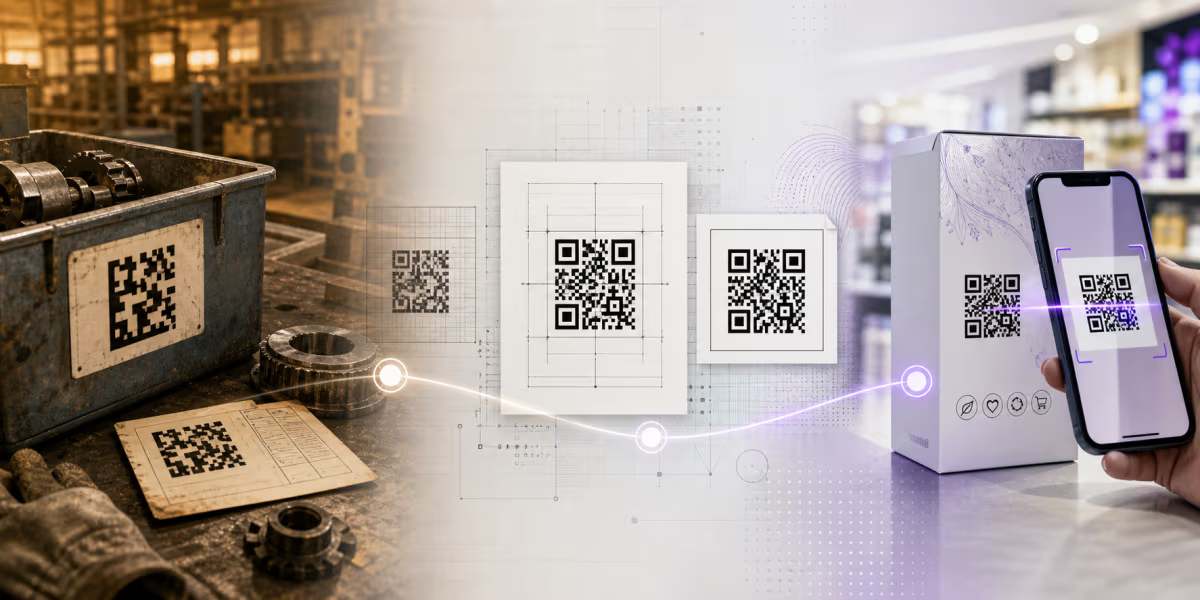
The code first proved itself in automotive production and electronic Kanban. Standardization, permissive patent policy for standardized QR Codes, consumer camera support, and connected services later turned the same core symbol into a widely used interface for links, tickets, payments, documents, product information, and many other workflows.
Why the QR Code was created
DENSO's customers needed more capacity than the linear barcodes used in production control. DENSO WAVE's development account says a typical barcode held about 20 alphanumeric characters, which could force workers to scan several symbols. Users also wanted Kanji and Kana support, a smaller printed area, and faster reading.
The central challenge was not only storing more data. A reader first had to find a two-dimensional code among text, boxes, images, and other marks. Hara's team studied printed material and selected the black-to-white run ratio 1:1:3:1:1 for the position-detection pattern because it was uncommon in their samples.
Three square position patterns in the top-left, top-right, and bottom-left corners let the reader establish location and orientation. Their placement remains one of the most recognizable features of a standard QR Code.
Read DENSO WAVE's history of QR Code for the inventor's account and early adoption story.
QR Code history timeline
| Year | Milestone | Why it matters |
|---|---|---|
| 1992 | DENSO begins the development project led by Masahiro Hara | A two-person team works on a compact code that can carry more data and be located quickly |
| 1994 | DENSO releases QR Code | Automotive production and electronic Kanban provide the first major operating environment |
| 1997 | QR Code becomes an AIM International standard | Industry standardization supports implementations beyond one manufacturer's equipment |
| 1998 | QR Code becomes a JEIDA standard | The electronics-industry specification adds another formal adoption step |
| 1999 | QR Code becomes a Japanese Industrial Standard and appears in Japanese automotive EDI forms | The code receives formal national and automotive-industry definitions |
| 2000 | QR Code is approved as an ISO international standard | A common international specification supports interoperable encoders and readers |
| 2002 | Phones with QR Code reading reach consumers in Japan | People can open web and coupon experiences without an industrial scanner |
| 2004 | Micro QR Code becomes a Japanese Industrial Standard | A smaller member of the QR family serves constrained spaces and short data |
| 2008 | DENSO releases iQR Code | The proprietary family expands into rectangular and higher-capacity forms |
| 2012 | QR Code receives a Good Design Award in Japan | The award recognizes both the design and the approach used to spread it |
| 2014 | The development team receives the European Inventor Award Popular Prize | The public award reflects international recognition of the invention |
| 2017 | Apple adds automatic QR recognition to Camera and Safari in iOS 11 | Built-in phone scanning removes a common consumer-use barrier |
| 2020 to 2021 | QR Codes support menus, check-in, testing, travel, and digital health workflows during COVID-19 | The familiar camera scan becomes a practical entry point for contact-reduced and verifiable systems |
| 2024 | ISO publishes ISO/IEC 18004:2024 | The current edition continues the international QR Code symbology specification |
| 2026 | Retailers and brands prepare for GS1 Ambition 2027 | QR Code with GS1 Digital Link URI syntax is one defined carrier option for connected product and point-of-sale data |
How standardization and patent policy expanded adoption
DENSO WAVE made the QR Code specification public and supported standardization. Its current standardization page lists AIM approval in October 1997, JEIDA approval in March 1998, JIS approval in January 1999, and international standard approval in June 2000.
DENSO WAVE also states that it waived enforcement of a patent it holds for standardized QR Codes. That boundary matters: standardized use can be implemented freely, while QR Code remains a registered trademark of DENSO WAVE INCORPORATED. The technical specification, patent policy, and trademark are related but separate topics.
The current international edition is ISO/IEC 18004:2024. For the public chronology and patent boundary, see DENSO WAVE's standardization history.
Why the original symbol still works
The three finder patterns solve location and orientation, while timing patterns, alignment patterns, format information, data modules, masking, and Reed-Solomon error-correction codewords support reliable decoding. Standard Model 2 defines Versions 1 to 40, from 21 by 21 modules to 177 by 177 modules.
At Version 40 and error-correction level L, DENSO WAVE publishes maximum capacities of 7,089 numeric characters, 4,296 alphanumeric characters, or 2,953 binary bytes. Those are mode-specific ceilings, not recommended payloads for every print job. Capacity changes with version, data mode, and error-correction level, and denser symbols need more careful sizing and testing.
Levels L, M, Q, and H add increasing recovery data. Their approximate restoration figures describe codewords, not a guaranteed percentage of any visible logo, scratch, stain, or missing corner. See the QR Code versions guide and error-correction guide for the technical details.
How phones changed QR Code use
Industrial scanners were the original readers. Consumer use expanded in Japan in 2002 when phones with QR reading could open websites and coupons. The audience changed from trained workers using dedicated scanners to anyone carrying a compatible phone.
Apple added built-in QR Code recognition to Camera and Safari in iOS 11 in 2017. Apple's developer presentation documents support for common actions including URLs, locations, SMS, email, phone, vCard, calendar, and WiFi payloads. Android support developed across camera, system scanner, and Google scanning experiences, but the exact route still varies by device and software version.
Native recognition removed a common source of friction. It did not guarantee a useful destination. Modern QR implementation also depends on the page, app, permissions, accessibility, trust, and lifecycle behind the symbol.
What the COVID-19 period demonstrated
During 2020 and 2021, restaurants, venues, employers, health authorities, and travel systems used QR Codes as entry points for menus, check-in, testing, travel, and digital health workflows. Some carried ordinary web links. Others carried signed data or identifiers interpreted by a verification system.
The lesson is still useful: a QR Code transports data. It does not, by itself, prove identity, authorize a payment, validate a ticket, or establish authenticity. The connected system performs those decisions.
What QR Code history looks like in 2026
Current uses span manufacturing, logistics, tickets, payments, menus, WiFi access, contacts, calendars, documents, campaigns, product service, and structured identifiers. The underlying symbol remains standardized, while the payload and system behind it determine the experience.
GS1's Ambition 2027 is a current retail milestone, not a claim that every linear barcode disappears on one date. Industry has set a goal for retail point-of-sale systems to read and process the GTIN from defined 2D barcodes in addition to existing linear barcodes by the end of 2027. The transition is voluntary and progresses on different timelines.
A QR Code with GS1 Digital Link URI syntax can carry an assigned GTIN and other structured data in an HTTPS URI while also connecting a phone to web information. GS1 DataMatrix and other approved carriers serve other use cases. Brands and retailers must choose the appropriate carrier and validate it with their trading partners, printers, and point-of-sale systems.
See GS1's Ambition 2027 explanation and retail implementation guideline.
Original QR technology and the modern service layer
| Layer | What the QR standard provides | What a connected service provides |
|---|---|---|
| Data encoding | A standardized module grid containing the payload | The URL, record, content, or structured data selected for that payload |
| Error correction | Recovery codewords at level L, M, Q, or H | Level selection plus testing against the print and operating environment |
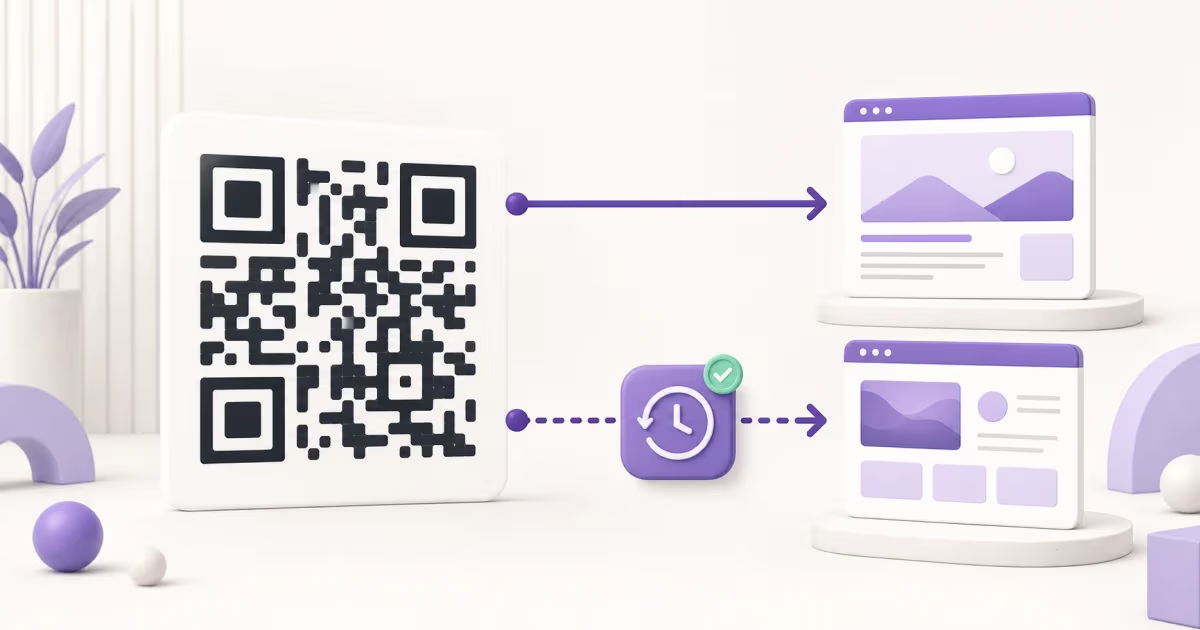
| Destination editing | A fixed printed module grid | A dynamic redirect can associate its encoded URL with a new destination |
| Scan analytics | No event history inside the symbol | A redirect, application, or destination system can record eligible activity |
| Authentication | The encoded data presented to a reader | The payment, identity, ticket, product, or access system that evaluates it |
How to create a modern QR Code in QRLynx
Use QRLynx to apply the original reading principles to the complete experience behind the code.
Define the action and QRLynx QR type
Choose the exact page, data, contact, network, form, payment route, or other action the scanner should receive, then select the matching QRLynx QR type.
Choose static or dynamic behavior
In QRLynx, use a static code for a final directly encoded payload. Use a dynamic code when an editable web destination or eligible redirect analytics are needed.
Build and design the symbol
Enter the payload in QRLynx, give the saved code a useful name, choose clear colors and patterns, add a restrained logo or frame label if needed, and preserve the finder patterns and quiet zone.
Download for the final medium
Use raster artwork for ordinary digital use and a suitable vector format when a printer or large-format workflow requires it.
Test the complete artifact
Test the exported or printed code on several intended devices at the real size, distance, material, lighting, placement, and destination.
From standard to scan
Create and test a modern QR Code
Use the same standardized symbol developed for fast industrial reading, then pair it with the payload and destination your audience needs.
How QRLynx uses the standard today
QRLynx generates standard QR Codes across 61 content types. The free Starter plan includes unlimited static creation, 3 active dynamic QR codes, unlimited scans, three months of analytics, design customization, and watermark-free registered downloads.
A QRLynx dynamic code stores a QRLynx-operated redirect URL in the standardized module grid. The printed symbol remains fixed while an authorized owner updates the destination. Eligible redirect events provide scan counts and activity. Country detail starts on Pro, while city, device, operating system, browser, and CSV export start on Business.
The core idea remains close to the 1994 release: encode data in a compact grid that readers can locate quickly. Modern services decide what data enters the grid and what systems respond after it is read.
Primary sources for this timeline
Questions about QR Code history
Direct answers about the inventor, dates, standards, phone scanning, and modern use.
Who invented the QR Code?
Masahiro Hara led a two-person development team at DENSO that created QR Code. The development project began in 1992, and DENSO released the code in 1994.
When were QR Codes invented?
Development began in 1992, while 1994 is the documented public release year. That is why 1994 is normally given as the invention date in concise histories.
What does QR stand for?
QR stands for Quick Response. The name reflects the original goal of reading the two-dimensional symbol quickly in manufacturing environments.
Why was the QR Code created?
Manufacturing teams needed a compact symbol that carried more information than the linear barcodes they were scanning and that readers could locate quickly from different angles.
What was the first major use of QR Codes?
The automotive industry adopted QR Code for electronic Kanban and related production, shipping, and transaction-document workflows.
Why can standardized QR Codes be used freely?
DENSO WAVE made the specification public and says it waived enforcement of a patent it holds for standardized QR Codes. QR Code remains its registered trademark.
When did QR Code become an international standard?
QR Code was approved as an international standard in June 2000. The current published edition is ISO/IEC 18004:2024.
When did phones start scanning QR Codes?
Phones with QR reading helped expand public use in Japan in 2002. Apple added automatic recognition in Camera and Safari in iOS 11 in 2017, while Android support developed across device and Google scanning experiences.
How did COVID-19 affect QR Code use?
Organizations used QR Codes as entry points for menus, check-in, testing, travel, and digital health workflows. The code carried a link, identifier, or signed data, while the connected system handled verification or access.
Are dynamic QR Codes a different barcode?
They normally use the standard QR Code symbology. The difference is the payload: a dynamic code stores a managed redirect URL whose destination can be updated by the service operating it.
What is GS1 Ambition 2027?
It is an industry goal for retail point-of-sale systems to read and process the GTIN from defined 2D barcodes in addition to existing linear barcodes by the end of 2027. It is a capability target, not a universal ban on linear barcodes.
Will QR Codes replace every linear barcode?
No single carrier fits every data and scanner environment. Linear symbols can coexist with GS1 DataMatrix, QR Code with GS1 Digital Link URI syntax, and other approved carriers according to the application and trading-partner requirements.