QRLynx Blog
QR Code Guides, Tips & Best Practices
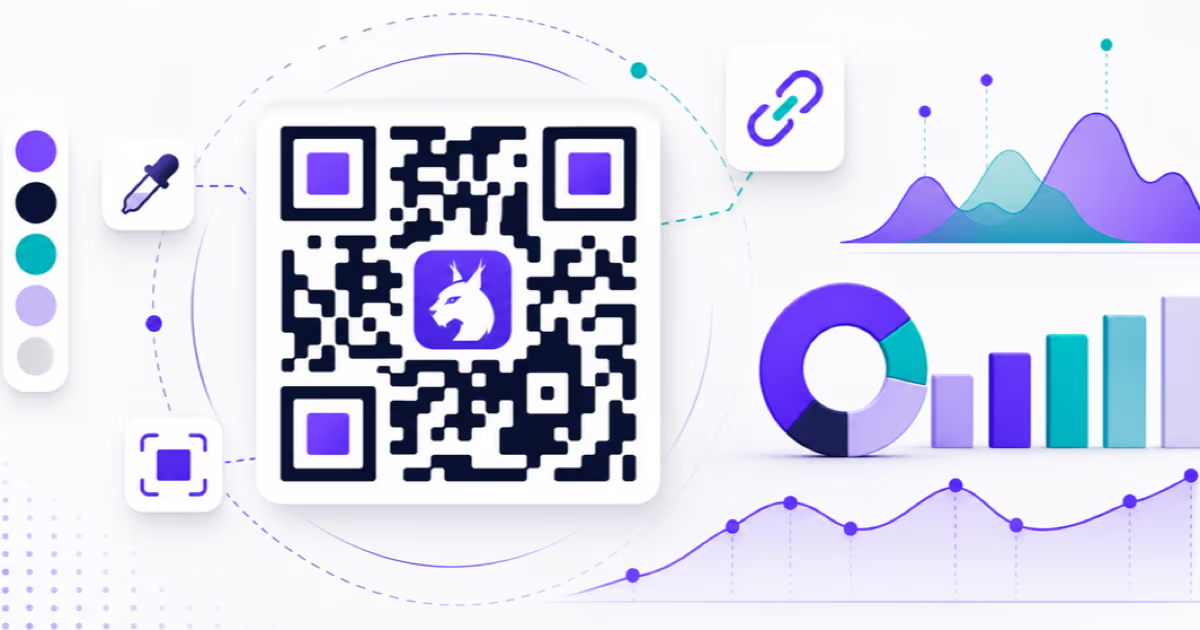

QR Code Creator Statistics 2026: 510 QRLynx Creators
Original QRLynx production study of 510+ creators and 1,111 recorded codes: creation volume, dynamic use, edits, design choices, logo association, and timing.
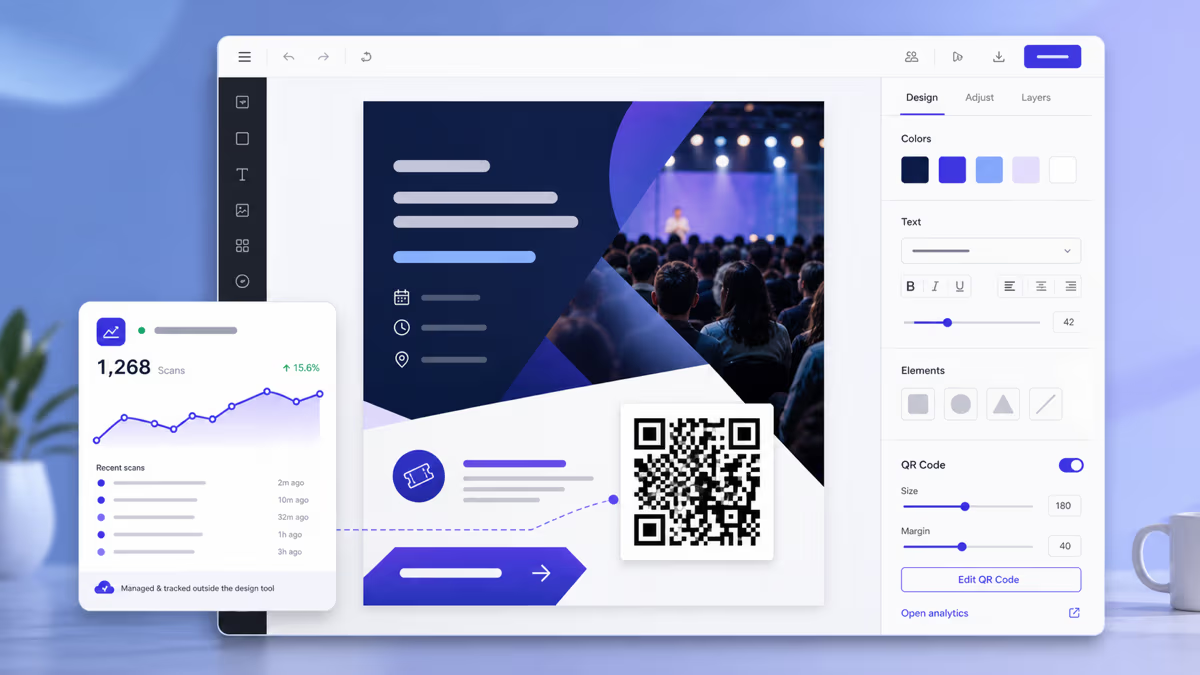
Can Canva Make QR Codes? How to Use QRLynx with Canva
Create a managed QRLynx QR for a Canva design, choose static or dynamic, preserve contrast and quiet zone, export correctly, and test the final file or print.
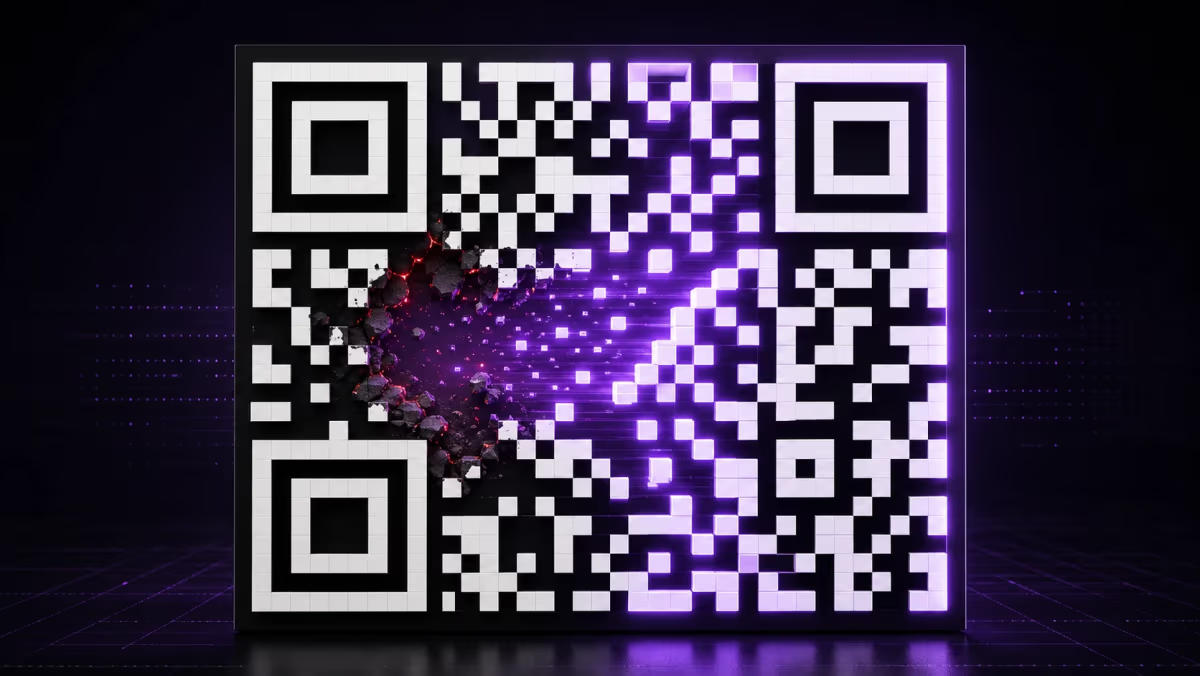
QR Code Error Correction Levels: L, M, Q and H Explained
Compare QR code error correction levels L, M, Q and H, learn what the recovery percentages mean, and choose the right level for print, logos, or wear.
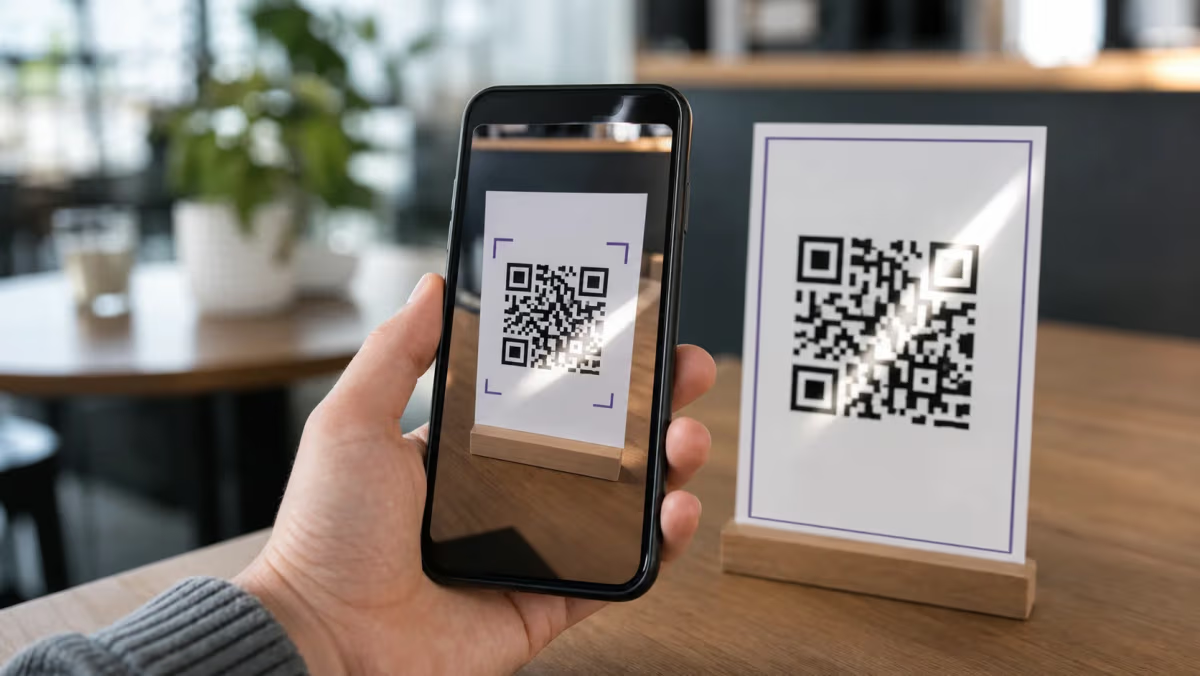
QR Code Not Working or Scanning? Causes and Fixes (2026)
Fix a QR code that will not scan, shows no data, opens the wrong page, or reports a disabled campaign. Match the symptom to the correct repair.
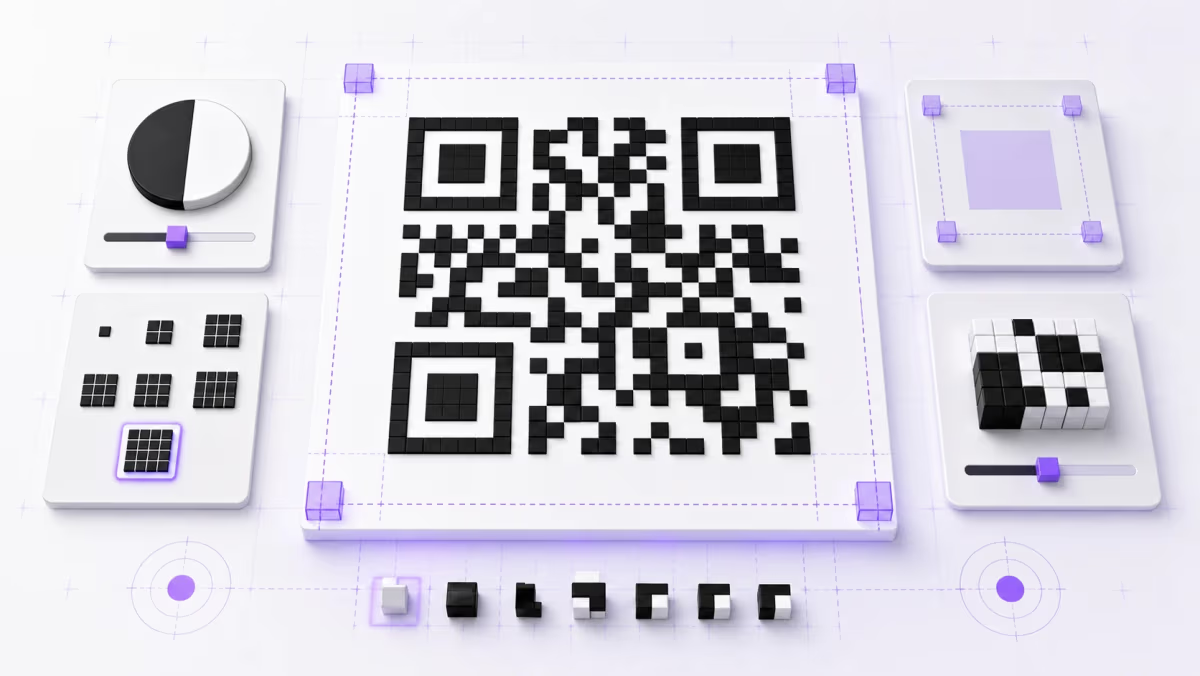
QR Code Quiet Zone: 4-Module Margin and Design Rules
Learn how to measure a QR code's four-module quiet zone, choose colors, size modules, place a logo, export clean artwork, and test the final design.
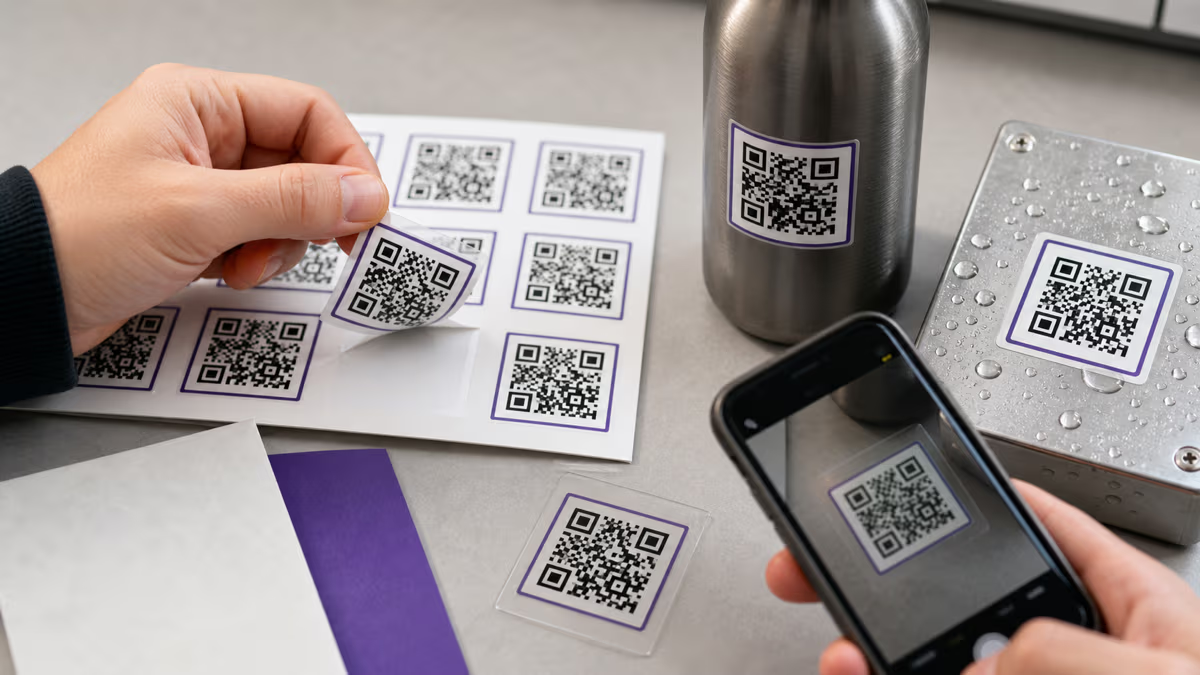
QR Code Stickers: Sizes, Materials & Waterproofing
Choose QR sticker size, material, adhesive, waterproofing, print files, and repeated or unique code setup. Includes an applied-proof scan checklist.
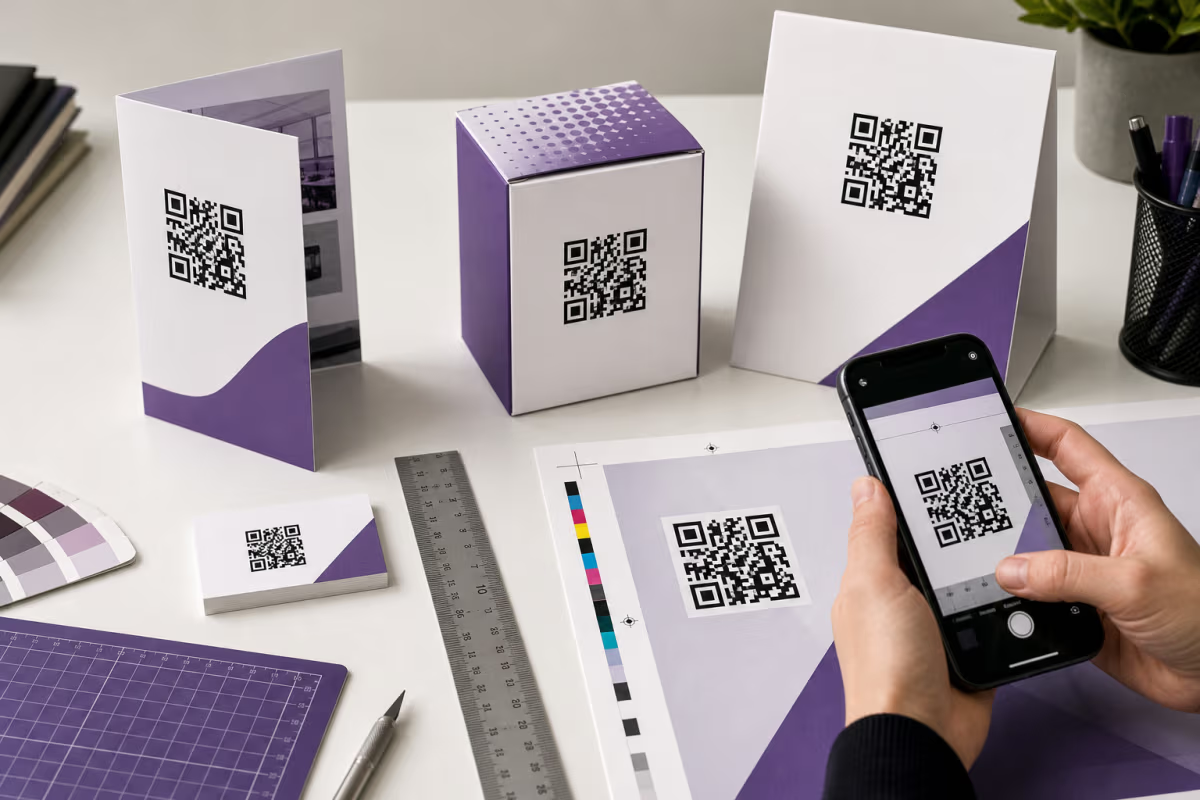
QR Code Print Size: Calculate and Test It in QRLynx
Calculate QR code print size from modules, printer DPI, and quiet zone. Then test the final QRLynx QR on its real material, at its real scan distance.
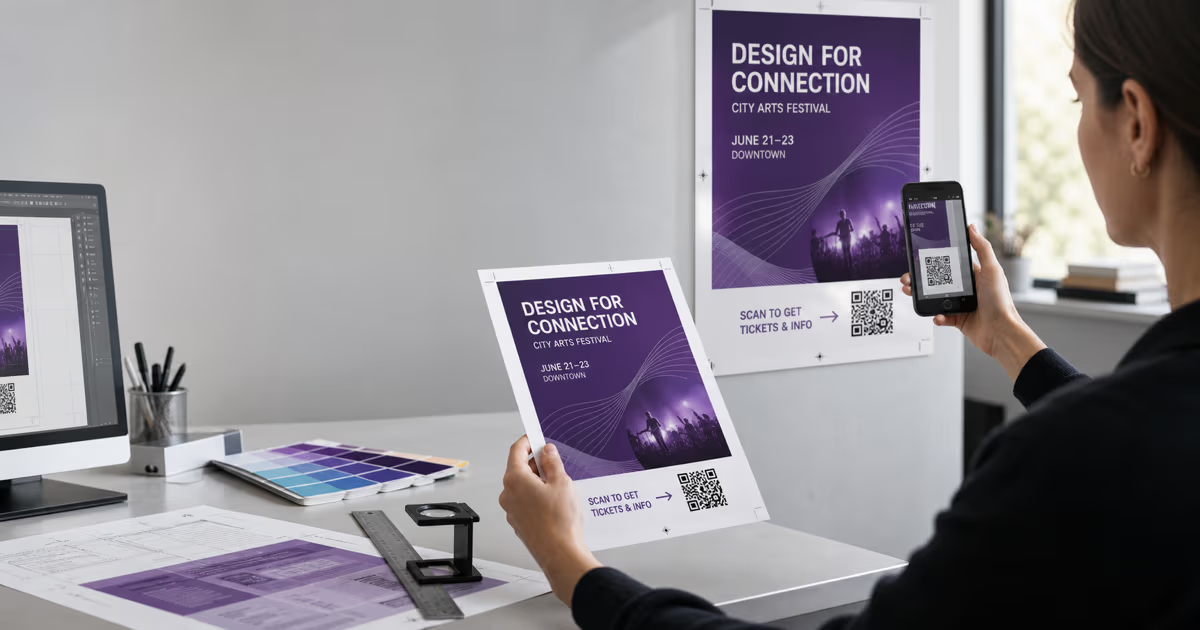
QR Codes on Flyers and Posters: A Print-Proof Guide
Create a flyer or poster QR code in QRLynx, choose static or dynamic, protect the quiet zone, size it for the real viewing distance, and test the final print.