QR Code Loyalty Programs & Coupons: Guide (2026)


Key Takeaway
Use QRLynx QR codes for loyalty signups, member pages, digital coupons, and repeat-purchase offers, with clear scan, claim, and redemption measurement.
Direct answer: the QR opens the loyalty or coupon system
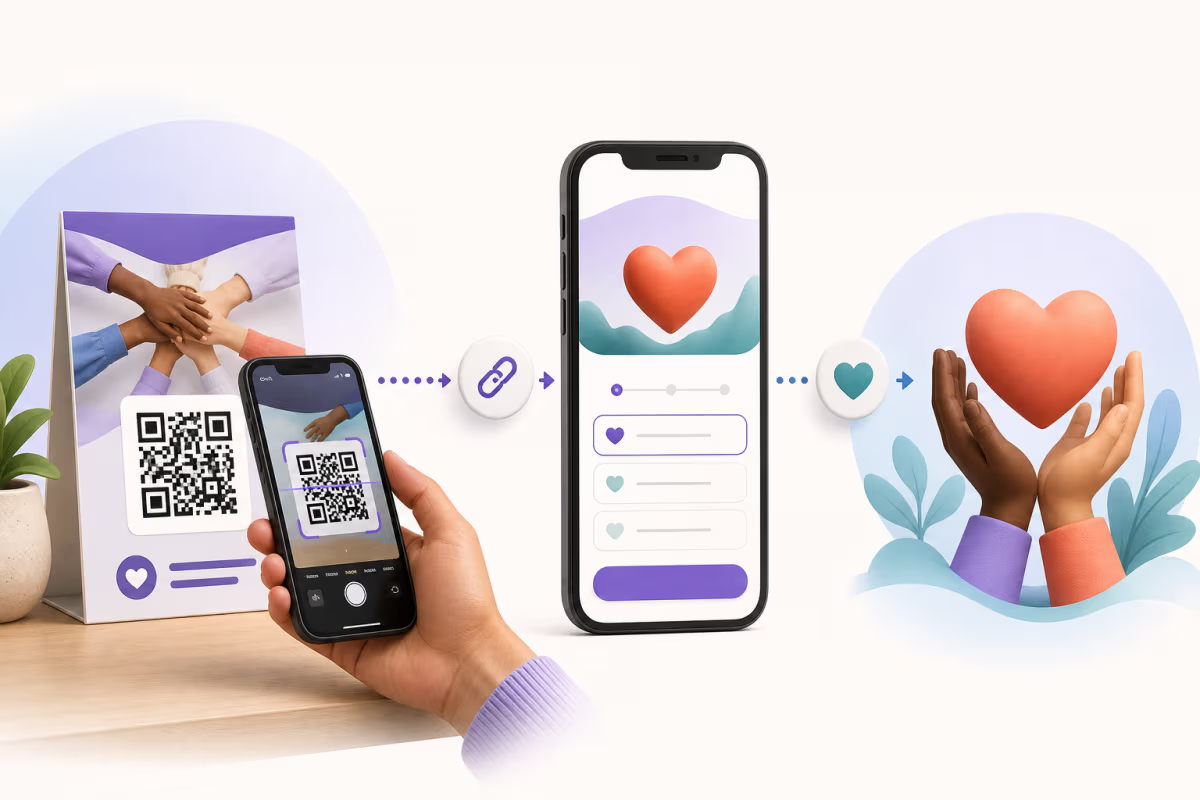
A QR code can open a loyalty signup page, member account, digital stamp card, points dashboard, coupon page, or checkout offer. QRLynx creates the printed QR journey, keeps a dynamic destination editable, and records eligible scan activity. The connected loyalty, ecommerce, booking, or point-of-sale system owns customer identity, points, reward eligibility, coupon codes, and redemption.
This division matters for measurement. A QRLynx scan shows interest in the printed placement. A signup, stamp, points update, coupon claim, or redemption is confirmed by the destination system that performs that action.
What each loyalty campaign layer does
Assign each responsibility before printing the QR code.
| Layer | Responsibility | Evidence it produces |
|---|---|---|
| QRLynx dynamic QR | Opens the configured destination, supports destination edits, and records eligible scan activity | Scans by QR, time, and the analytics dimensions included in the plan |
| Loyalty or membership system | Creates accounts, stores balances, awards stamps or points, and applies reward rules | Membership, balance, reward, and account activity |
| Coupon or promotion system | Issues offer codes, applies eligibility, controls sharing, and validates redemption | Claims, code use, order value, and redemption status |
| POS, ecommerce, or booking system | Completes the purchase, appointment, check-in, or other transaction | Orders, bookings, visits, and revenue |
| Campaign reporting | Joins the placement QR with destination and transaction identifiers | Scan-to-signup, scan-to-claim, and scan-to-redemption rates |
Choose the loyalty action the QR should open
A focused destination keeps the printed promise and the customer journey aligned.
Join the program
Open the loyalty system's mobile signup page from a counter sign, receipt, table tent, packaging insert, or email.
View rewards
Open the authenticated member page where the customer can see points, stamps, tiers, or available benefits.
Claim a coupon
Open the promotion page that presents the offer, eligibility, expiry, terms, and claim process.
Return purchase
Open a product-specific reorder page or returning-customer offer from packaging or a post-purchase insert.
Book a rewarded visit
Open the booking page used by a salon, studio, clinic, or service business and let that system apply member benefits.
Explain the program
Open a mobile page with earning rules, reward terms, privacy information, support, and participating locations.
How to create a loyalty or coupon QR campaign in QRLynx
Define the customer action
Choose signup, account access, reward viewing, coupon claim, redemption, reorder, or booking. Write the action in one sentence before choosing the QR destination.
Prepare the loyalty or coupon destination
Use the public mobile URL supplied by the loyalty, ecommerce, booking, or POS system. Confirm that it owns the required account, points, eligibility, terms, and redemption logic.
Create a QRLynx dynamic URL QR
Name the code by campaign and placement, then set the prepared destination. The free plan includes 3 active dynamic codes with unlimited scans and editable destinations.
Add campaign attribution
Use a separate code or UTM content value for each meaningful placement, such as counter, receipt, packaging, email, or social. Keep the same names in destination analytics.
Design the printed promise
Use a clear label such as Scan to join rewards or Scan to claim this offer. Keep strong contrast, a four-module quiet zone, and enough physical size for the expected distance.
Configure optional QRLynx controls
Pro can expire the entire QR by date or total scans and can route by device OS, country, or UTC time. Use the destination system for per-customer eligibility and redemption controls.
Test and measure the complete journey
Scan the final physical material, complete the signup or coupon action, validate the transaction in its owner system, and confirm campaign identifiers across reporting tools.
Offer and destination ready?
Create and test your loyalty campaign QR
Connect the printed placement to the real loyalty or coupon destination, label the customer benefit clearly, and test the complete claim or signup journey.
Static or dynamic QR for loyalty and coupons?
Choose based on destination stability, measurement needs, and accepted service dependencies.
| Decision | Static QR | QRLynx dynamic QR |
|---|---|---|
| Encoded value | The final URL or payload is stored directly in the symbol | A managed QRLynx redirect URL is stored in the symbol |
| Destination updates | The printed destination stays fixed | An authorized owner can edit the destination after printing |
| QRLynx scan analytics | Use the destination system or server logs | Eligible redirect activity is recorded by QRLynx |
| Useful fit | A permanent self-managed signup or information URL | Rotating offers, placement attribution, destination changes, or QRLynx plan features |
| Operational responsibility | The encoded URL and destination remain available | The QRLynx redirect and final destination both remain available |
Design a coupon journey that can be validated
A shared coupon QR can open the same public offer for every scanner. The destination page should show the offer, qualifying products or services, locations, expiry, exclusions, and redemption instructions. The checkout, ecommerce, booking, or promotion system records whether the coupon was accepted.
A customer-specific or single-use campaign needs a unique token or coupon identifier generated and validated by the destination system. QRLynx can create multiple dynamic URL QRs from prepared URLs through bulk creation on eligible plans, but the connected system remains responsible for issuing each identifier, associating it with the correct customer or segment, and preventing repeated redemption.
QRLynx Pro expiration rules can stop the entire QR after a date or total number of scans. A scan limit applies to the QR as a whole, so it serves campaign availability rather than one-use-per-person enforcement. Password protection controls access to the QR destination and likewise does not replace coupon validation at checkout.
Use QRLynx smart rules for destination selection
QRLynx Pro supports up to five ordered redirect rules based on device operating system, country, or a UTC time range. A rule can send eligible scanners to a different destination URL while the default destination serves everyone else.
This can support country-specific program pages, operating-system-specific app destinations, or time-based offer pages. Keep the loyalty and coupon terms aligned with every routed destination. The destination systems still decide account access, offer eligibility, and redemption.
Measure scans, claims, and redemptions separately
Each metric answers a different campaign question.
| Metric | Owner system | What it means |
|---|---|---|
| QR scans | QRLynx dynamic QR analytics | The printed placement triggered a redirect request |
| Program signups | Loyalty or membership system | A customer completed the enrollment process |
| Coupon claims | Promotion or ecommerce system | A customer requested or received an offer code |
| Redemptions | POS, ecommerce, or booking system | The offer was accepted in a completed transaction |
| Revenue and repeat behavior | Commerce, loyalty, and CRM reporting | Transactions and later customer activity associated with the campaign |
Review QRLynx analytics without treating scans as customers
Every QRLynx plan keeps detailed scan records for the latest 90 days. Summary analytics remain available for 90 days on the free plan, 1 year on Starter+, 2 years on Pro, 3 years on Business, and without a fixed history limit on Enterprise. Country detail starts on Pro. Business adds city, device, operating system, browser, and CSV export.
Unique-scan signals are technical estimates rather than verified customer identities. Use the loyalty, coupon, ecommerce, booking, or POS system to measure member-level activity and confirmed redemptions. A consistent campaign and placement name helps join those outcomes with QRLynx scan data.
Place and test loyalty QR codes at real customer touchpoints
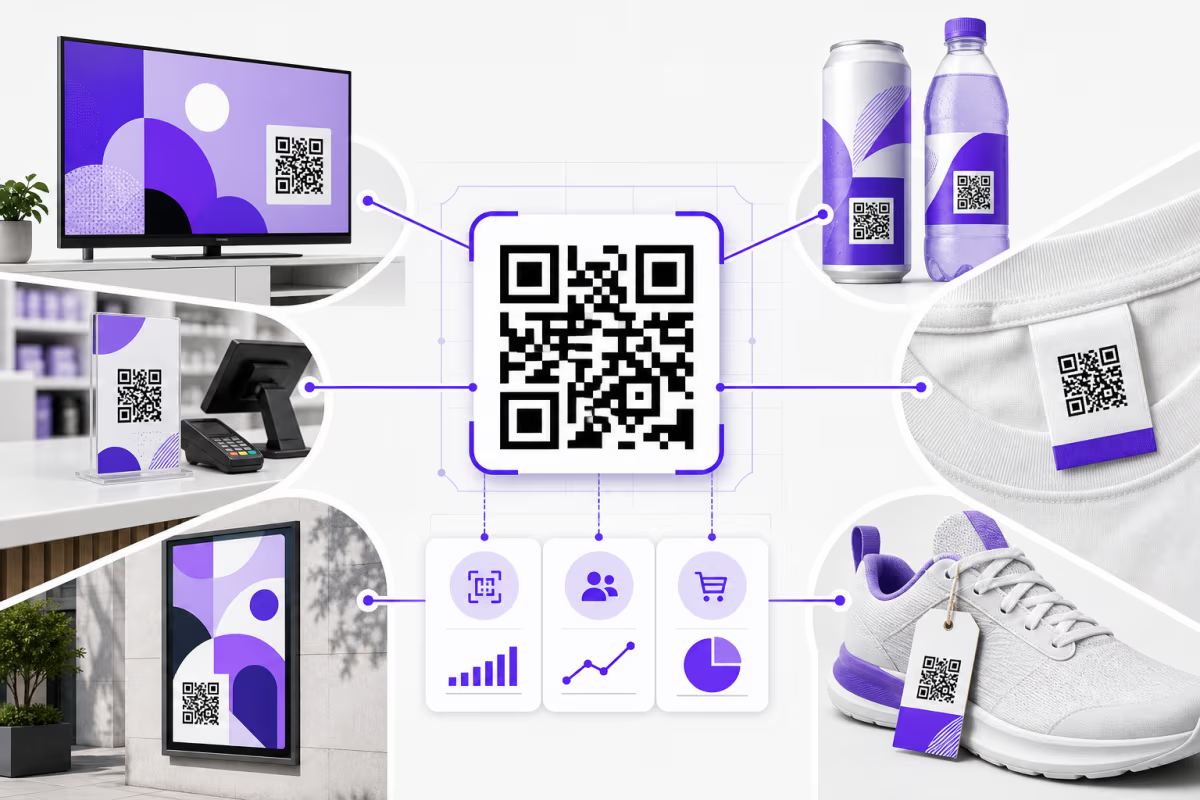
Useful placements include checkout signs, receipts, table tents, packaging, delivery inserts, appointment cards, email, and social creative. Give each meaningful placement its own QRLynx dynamic QR when the team needs placement-level scan reporting.
Print a specific benefit beside the symbol and keep the legal terms accessible on the destination. Test the final physical item for contrast, quiet zone, size, finish, curve, lighting, and camera angle. Complete the full signup, claim, or redemption flow on representative phones before launch.
Loyalty and coupon QR code questions
How does a QR code loyalty program work with QRLynx?
QRLynx opens the loyalty system's mobile URL and records eligible scan activity for dynamic codes. The loyalty system creates the account, stores points or stamps, applies reward rules, and confirms customer activity.
Can QRLynx award loyalty points or digital stamps?
QRLynx provides the QR creation, editable redirect, and scan-analytics layer. Connect the QR to a loyalty, membership, ecommerce, booking, or POS system that awards and stores points, stamps, tiers, or rewards.
How do I create a coupon QR code in QRLynx?
Create the offer page and redemption process in the system that will validate the coupon. Then create a QRLynx dynamic URL QR for that public page, add campaign attribution, label the offer clearly, and test the complete printed journey.
Can I change a coupon after printing the QR?
An authorized owner can edit a QRLynx dynamic QR destination after printing. Update the offer and terms in the destination system, then point the QR at the current public page when the campaign changes.
Does a QR scan count as a coupon redemption?
A scan records interaction with the QR redirect. The POS, ecommerce, booking, or promotion system confirms whether the coupon was claimed and accepted in a transaction.
Can QRLynx prevent a coupon from being shared or reused?
Customer-specific and single-use controls belong in the destination coupon or checkout system. That system should issue unique identifiers, enforce eligibility, and record redemption. QRLynx expiration rules control availability of the QR as a whole.
Can a QRLynx coupon QR expire?
Pro can stop the entire dynamic QR after a selected date or total number of scans. The destination system should separately enforce the offer expiry, customer eligibility, and redemption terms.
Can different customers see different loyalty destinations?
Pro smart rules can select destinations by device operating system, country, or UTC time range. Personalized customer offers and member eligibility remain the responsibility of the loyalty or promotion system.
Should a loyalty QR be static or dynamic?
A dynamic QRLynx QR fits campaigns that need destination edits, QRLynx scan analytics, expiration, or smart redirect rules. A static QR fits a permanent self-managed URL when those managed features are outside the plan.
Do customers need a QRLynx app?
No QRLynx app is required. A compatible phone camera or QR scanner opens the browser-based loyalty, coupon, ecommerce, or booking destination.
How can I measure coupon campaign performance?
Use QRLynx for scans by code and placement. Use the destination system for signups and claims, the checkout system for redemptions and order value, and loyalty or CRM reporting for repeat behavior.
Where should a loyalty or coupon QR code be placed?
Use touchpoints connected to the offer, such as checkout signs, receipts, table tents, packaging, delivery inserts, appointment cards, email, and social creative. Label the benefit clearly and test the final material.
Connect the printed campaign to the system that owns the reward
Start with the loyalty or coupon action, confirm the destination system can perform it, and use QRLynx to create an editable and measurable printed route. Keep scans, signups, claims, redemptions, and revenue as separate stages so the campaign report reflects real customer actions.