Skip to content

How to Create a SurveyMonkey QR Code and Measure Each Survey Placement

Ahmad Tayyem, founder of QRLynx.
Founder
· 4 min read · Reviewed by QRLynx product team
How to Create a SurveyMonkey QR Code and Measure Each Survey Placement

Key Takeaway

Create a SurveyMonkey QR code, choose the right collector, protect anonymity, separate placements, test collector limits, and compare scans with responses.

Create the SurveyMonkey collector before choosing the QR. The collector controls the share link, response settings, anonymity choice, limits, and reporting context. SurveyMonkey can provide a native QR for eligible web link collectors. QRLynx is useful when the QR destination needs to remain editable, important placements need separate scan activity, or a custom-variable web link cannot use SurveyMonkey's native QR download.

SurveyMonkey remains the survey and response system. QRLynx manages the URL route you save. Decide what you need to know about respondents before sending the first scan because anonymity and tracking choices cannot be repaired by the QR afterward.

Choose the collector around the research question

A web link collector is the normal fit for posters, receipts, table cards, packaging, and signs. SurveyMonkey lets survey owners or users with Full Access download a native QR for supported web link collectors on eligible paid plans. Its documentation also states that the native QR download is unavailable when the web link uses custom variables.

If different locations or campaigns need separate response reporting, create separate web link collectors or approved source identifiers before printing. Copying a collector can carry many settings forward, but SurveyMonkey documents exceptions, so review every copied collector rather than assuming it is identical.

Choose the SurveyMonkey QR route

Choose the SurveyMonkey QR route
RouteUse it whenImportant check
SurveyMonkey native QR
An eligible web link collector needs a direct downloadable code
Plan eligibility, owner or Full Access permission, and no custom variables on the web link
QRLynx static Website URL QR
The final collector URL will not change
Collector options and the exact share link are approved before print
QRLynx dynamic Website URL QR
The collector may change or scan analytics and placement separation matter
The destination remains active and every replacement collector is tested

Decide whether responses should be anonymous

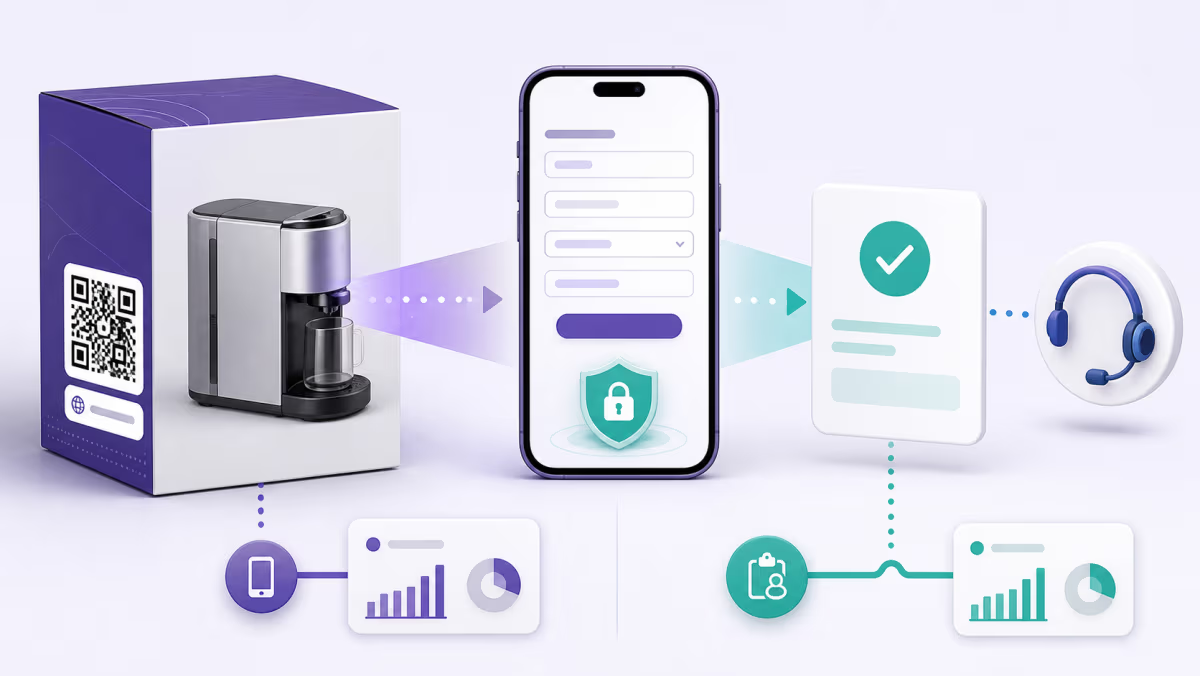
SurveyMonkey's Anonymous Responses option controls identifiable respondent information recorded by the collector, but anonymity also depends on the survey design and distribution. An identifying question or identifiable custom variable can reveal a person even when the collector setting is anonymous.

Write the privacy promise only after reviewing the collector, questions, custom data, connected tools, and internal access. If the survey is anonymous, avoid asking for identifying details unless they are genuinely needed and clearly explained. If follow-up is needed, say what will be collected and why.

Separate scans from responses

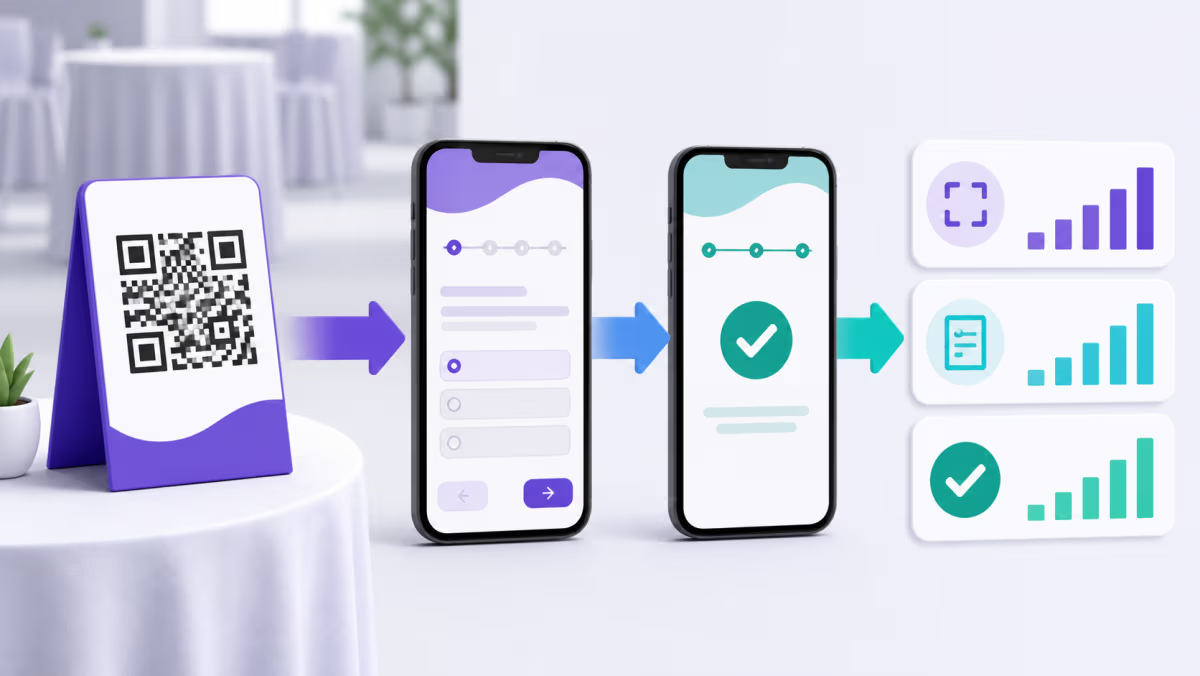
An eligible QRLynx dynamic scan shows activity at the QR route. SurveyMonkey records survey behavior and submitted responses under its collector rules. One person can scan and leave, scan twice, or share the link. Compare scans, survey starts, completed responses, and completion rate as distinct measures.

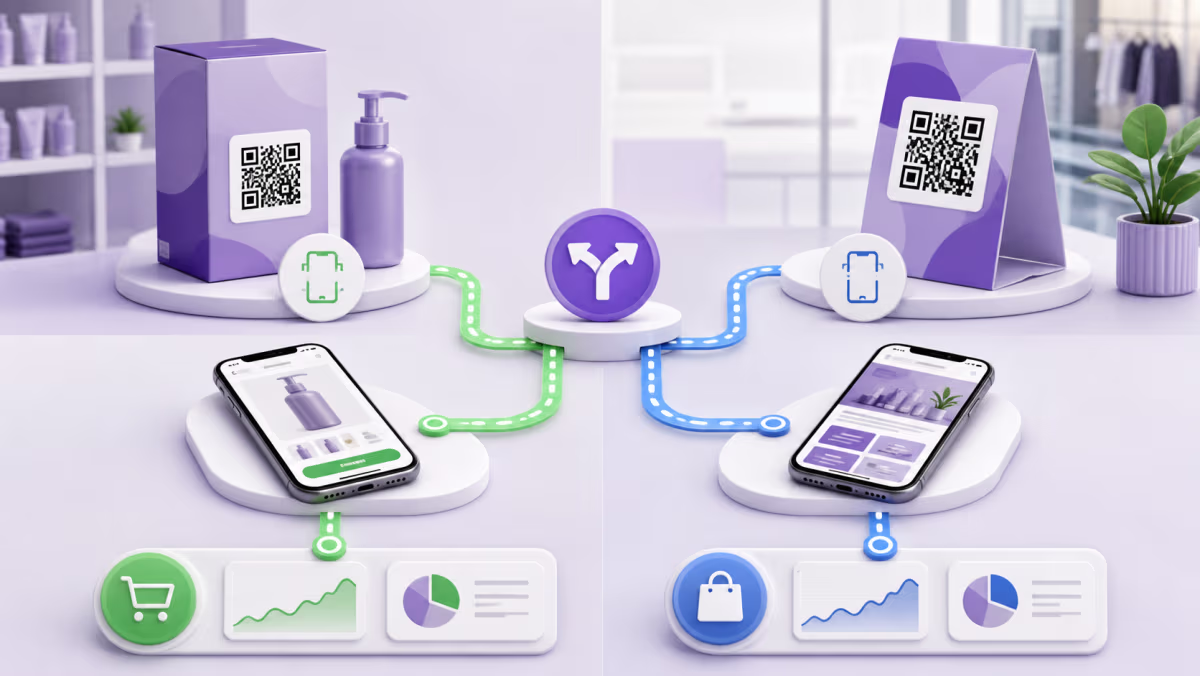
Use a separate QR and collector for each placement when both physical engagement and response context matter. For a light-touch test, keep one survey and vary the collector by store, event, or receipt campaign. This is easier to interpret than one universal QR with no placement identity.

Create a SurveyMonkey QR code in QRLynx

Set the collector rules first, then test the complete anonymous or identified response path.

1

Finish and preview the survey

Check mobile layout, question order, logic, required fields, consent, disqualification, and the end page.

2

Create the web link collector

Choose the collector settings for anonymity, response editing, multiple responses, limits, cutoff date, password, and result visibility.

3

Plan placement attribution

Create separate collectors or approved source values when stores, events, receipts, or displays need distinct reporting.

4

Test the collector as a respondent

Open the exact link in a private mobile browser, submit a disposable response, and verify the result and privacy behavior.

5

Choose Website URL in QRLynx

Paste the tested SurveyMonkey web link into QRLynx. Use this route when managed delivery or a custom-variable link is required.

6

Choose static or dynamic delivery

Use static for a final collector URL. Use dynamic when the destination may change or eligible scan analytics are useful.

7

Design and label the printed QR

State the topic, approximate completion time, and any incentive or eligibility terms. Do not call the survey anonymous unless the full setup supports that claim.

8

Test the production proof

Scan at the intended size and distance on two phones, complete the survey, and confirm the response reaches the correct collector.

Collector settings verified?

Create the QR for your SurveyMonkey survey

Save the tested web link, choose static or dynamic delivery, and keep each important physical placement identifiable.

Create Survey QR Code SurveyMonkey controls collectors and responses. QRLynx manages the QR path and eligible dynamic scan activity.

Troubleshoot the collector, not only the code

  • The native QR option is missing: check the SurveyMonkey plan, your survey permission, and whether the web link uses custom variables.
  • The survey says it is closed: review the collector status, cutoff date, response limit, recurrence, and account state.
  • People can submit more than once: inspect the multiple-response and browser/device behavior defined by the collector.
  • Responses are not anonymous: review IP collection, identifying questions, custom variables, and any connected data.
  • Scans are high but responses are low: compare the print promise with survey length, first question, mobile usability, access, and incentive terms.

SurveyMonkey QR code questions

Does SurveyMonkey generate a QR code?

SurveyMonkey provides a QR download for supported web link collectors on eligible paid plans. The survey owner or a user with Full Access permission can use it.

Why is the SurveyMonkey QR option unavailable?

Check plan eligibility, survey permission, and whether the web link uses custom variables. SurveyMonkey states that a native QR cannot be downloaded for a web link that uses custom variables.

Can I use QRLynx with SurveyMonkey custom variables?

Yes. Paste the complete tested web link into a QRLynx Website URL QR. Review the data placed in the URL and do not expose sensitive values.

Is a SurveyMonkey web link anonymous?

Not automatically. Review the Anonymous Responses option, the survey questions, custom variables, and other identifying data before making an anonymity promise.

Should every store or event have a different survey QR?

Use separate QRs and collectors when you need clear physical and response attribution. Reusing one route combines activity and makes placement comparison harder.

Does a QRLynx scan count as a survey response?

No. A scan reaches the QR route. SurveyMonkey records starts and completed responses under its collector rules.

Can I change the survey after printing?

Survey edits and collector changes are controlled in SurveyMonkey. A dynamic QRLynx QR can also point to a replacement collector URL, which should be retested before use.

What should I print beside a survey QR?

State the survey purpose, realistic completion time, and any incentive or privacy terms. The first survey screen should match that promise.

QRLynx is built and operated by Jorbox LLC. This guide was checked against current SurveyMonkey collector, native QR, and anonymity documentation and the QRLynx Website URL workflow.
Enjoyed this article? Share it!

Ahmad Tayyem, founder of QRLynx.

About the author

Founder of QRLynx, built through Jorbox LLC

Ahmad builds and runs QRLynx end to end: product, engineering, and the original QR research behind these guides. Every competitor claim here is tested hands-on; see our testing methodology and editorial policy.

Rated 4.6/5 on Trustpilot (27 reviews)

"Extremely versatile and easy to use. It helps my team and me prepare for all kinds of events."
★★★★★

Petko M.

"Really good site easy to use."
★★★★★

Verified Customer

"Tried other QR code services but QRLynx worked smoothly. Great free plan with analytics and dynamic codes..."
★★★★★

Mahmoud M.

Ready to Create Your Own QR Codes?

Start for free and upgrade as you grow. All plans include dynamic QR codes, analytics, and custom branding.

QRLynx pricing plans

Starter plan details selected

Starter

Free forever
$0 /month
Free forever
  • 3 Dynamic QR Codes Editable QR codes: change the destination URL anytime.
  • 1 Folder
  • 5 MB per PDF upload
  • AI Insight Summaries Every plan gets plain-language AI scan summaries; Starter+ and higher add anomaly, trend & recommendation detail plus manual refresh.
  • 3 Months Analytics How far back your analytics go. You keep your scan totals, charts, top QR codes, and location and device breakdowns for the whole window. Individual scan-by-scan records (and the detailed CSV export) cover the latest 3 months on every plan.
Most Popular

Pro

Best value for campaigns
$14 /month
Billed monthly
  • 300 Dynamic QR Codes Editable QR codes: change the destination URL anytime.
  • 25 Folders
  • 15 MB per PDF upload
  • 2 Years Analytics How far back your analytics go. You keep your scan totals, charts, top QR codes, and location and device breakdowns for the whole window. Individual scan-by-scan records (and the detailed CSV export) cover the latest 3 months on every plan.
  • Country Analytics See which countries your scans come from.
  • Password Protection Require a password before showing QR content.
  • Smart Redirect Rules Redirect by device, country, or time.
  • Access Consent Screens Show a consent / disclaimer screen before the QR destination loads.
  • Expiry Rules Auto-expire a QR code by date or after a set number of scans.
  • QR Scheduling Schedule when a QR code is active with start and end time windows.
  • Bulk Dynamic QR: 100/batch Bulk-create dynamic codes from a CSV, each editable after printing with its own scan analytics. This goes beyond the free static batch tool. Pro includes 5 batches/month, Business 10; Enterprise batches are unlimited.
  • Full AI Insights Every plan gets plain-language AI scan summaries; Starter+ and higher add anomaly, trend & recommendation detail plus manual refresh.
  • SVG / PDF Downloads Print-ready vector formats: SVG and PDF stay razor sharp at any size, from a business card to a billboard.

Business

For teams and agencies
$29 /month
Billed monthly
  • 1,000 Dynamic QR Codes Editable QR codes: change the destination URL anytime.
  • 100 Folders
  • 25 MB per PDF upload
  • 3 Years Analytics How far back your analytics go. You keep your scan totals, charts, top QR codes, and location and device breakdowns for the whole window. Individual scan-by-scan records (and the detailed CSV export) cover the latest 3 months on every plan.
  • City, Device & Browser Analytics Break scan activity down by city, device type, operating system, and browser.
  • CSV Analytics Export
  • Bulk Dynamic QR: 250/batch Bulk-create dynamic codes from a CSV, each editable after printing with its own scan analytics. This goes beyond the free static batch tool. Pro includes 5 batches/month, Business 10; Enterprise batches are unlimited.
  • Team Management (10 Members) Invite members to collaborate on QR codes, analytics, and folders.
  • Lead Capture Forms Collect leads directly from QR code scans.
  • Email Reports
  • Public API Access Create and repoint dynamic QR codes and read scan analytics from your own systems with a REST API and scoped keys.
  • Full AI Insights Every plan gets plain-language AI scan summaries; Starter+ and higher add anomaly, trend & recommendation detail plus manual refresh.
  • Country Analytics See which countries your scans come from.
  • Password Protection Require a password before showing QR content.
  • Smart Redirect Rules Redirect by device, country, or time.
  • Access Consent Screens Show a consent / disclaimer screen before the QR destination loads.
  • Expiry Rules Auto-expire a QR code by date or after a set number of scans.
  • QR Scheduling Schedule when a QR code is active with start and end time windows.
  • SVG / PDF Downloads Print-ready vector formats: SVG and PDF stay razor sharp at any size, from a business card to a billboard.

Enterprise

For white-label scale
$99 /month
Billed monthly
  • 5,000 Dynamic QR Codes Editable QR codes: change the destination URL anytime.
  • 500 Folders
  • 50 MB per PDF upload
  • Unlimited Analytics How far back your analytics go. You keep your scan totals, charts, top QR codes, and location and device breakdowns for the whole window. Individual scan-by-scan records (and the detailed CSV export) cover the latest 3 months on every plan.
  • Bulk Dynamic QR: 1,000/batch Bulk-create dynamic codes from a CSV, each editable after printing with its own scan analytics. This goes beyond the free static batch tool. Pro includes 5 batches/month, Business 10; Enterprise batches are unlimited.
  • Team Management (100 Members) Invite members to collaborate on QR codes, analytics, and folders.
  • White Label Domains Use your own domain for QR redirects (e.g. qr.yourbrand.com).
  • Retargeting Pixels Facebook, Google & GTM tracking pixels on QR landing pages.
  • Dedicated Success Manager A dedicated contact for onboarding and ongoing support.
  • Full AI Insights Every plan gets plain-language AI scan summaries; Starter+ and higher add anomaly, trend & recommendation detail plus manual refresh.
  • Country Analytics See which countries your scans come from.
  • City, Device & Browser Analytics Break scan activity down by city, device type, operating system, and browser.
  • CSV Analytics Export
  • Password Protection Require a password before showing QR content.
  • Smart Redirect Rules Redirect by device, country, or time.
  • Access Consent Screens Show a consent / disclaimer screen before the QR destination loads.
  • Expiry Rules Auto-expire a QR code by date or after a set number of scans.
  • QR Scheduling Schedule when a QR code is active with start and end time windows.
  • Lead Capture Forms Collect leads directly from QR code scans.
  • Email Reports
  • Public API Access Create and repoint dynamic QR codes and read scan analytics from your own systems with a REST API and scoped keys.
  • SVG / PDF Downloads Print-ready vector formats: SVG and PDF stay razor sharp at any size, from a business card to a billboard.

Core features included in every plan

(free and paid, no exceptions)
  • Unlimited Static QR Codes
  • QR Pause & Activate
  • Unlimited Scans
  • Dynamic Projects Are Preserved
  • 61 QR Code Types
  • Apple & Google Wallet Passes
  • Custom Logo Upload
  • QR Code Frames
  • No Watermark
  • No Scan Ads
  • JPG, PNG, WEBP & HD Downloads
  • Bulk Static QR (up to 100/batch)

50% off for verified nonprofits, schools & open-source projects: contact us to apply.

Ready to Transform Your QR Code Experience?

Create, customize, and track QR codes with a platform built for businesses, creators, restaurants, agencies, and teams worldwide.

Talk to Sales
Free forever
Unlimited scans
Dynamic projects preserved