How to Create a QR Code Survey with QRLynx
Publish the survey first, create a QRLynx QR for its responder link, test the complete mobile path, and measure scans separately from submitted responses.

Key Takeaway
Link a survey to a QRLynx QR code, choose NPS, CSAT, or CES for the right moment, track scans by placement, and measure completions separately.
What is a QR code survey?
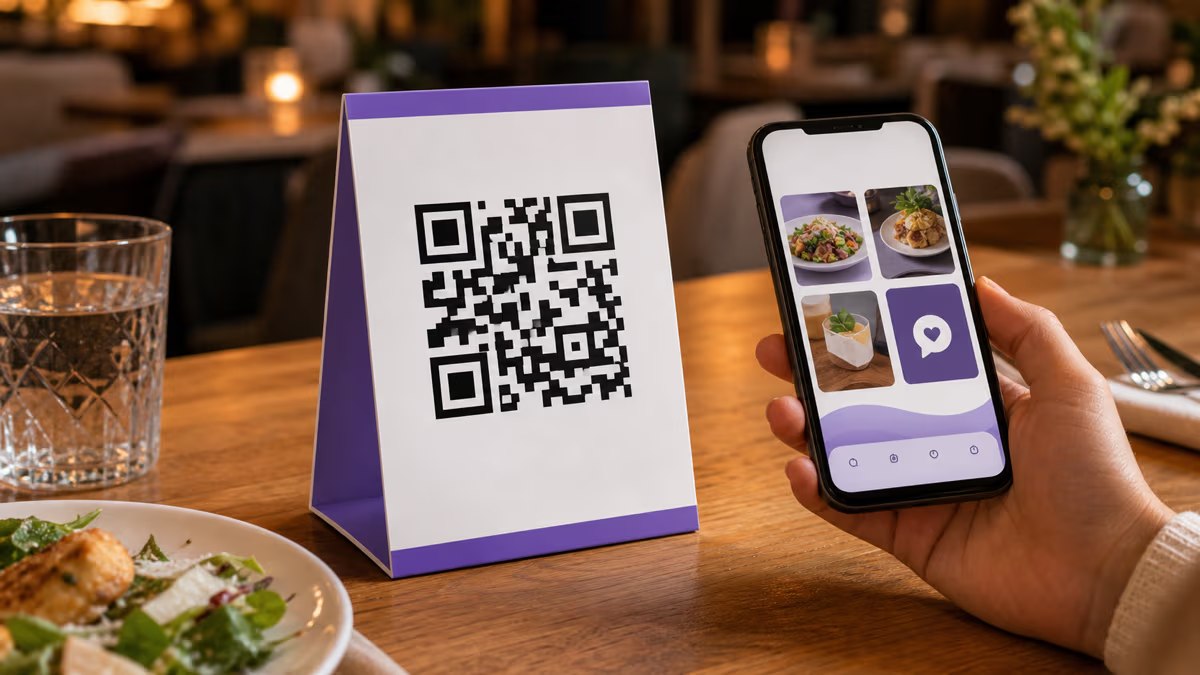
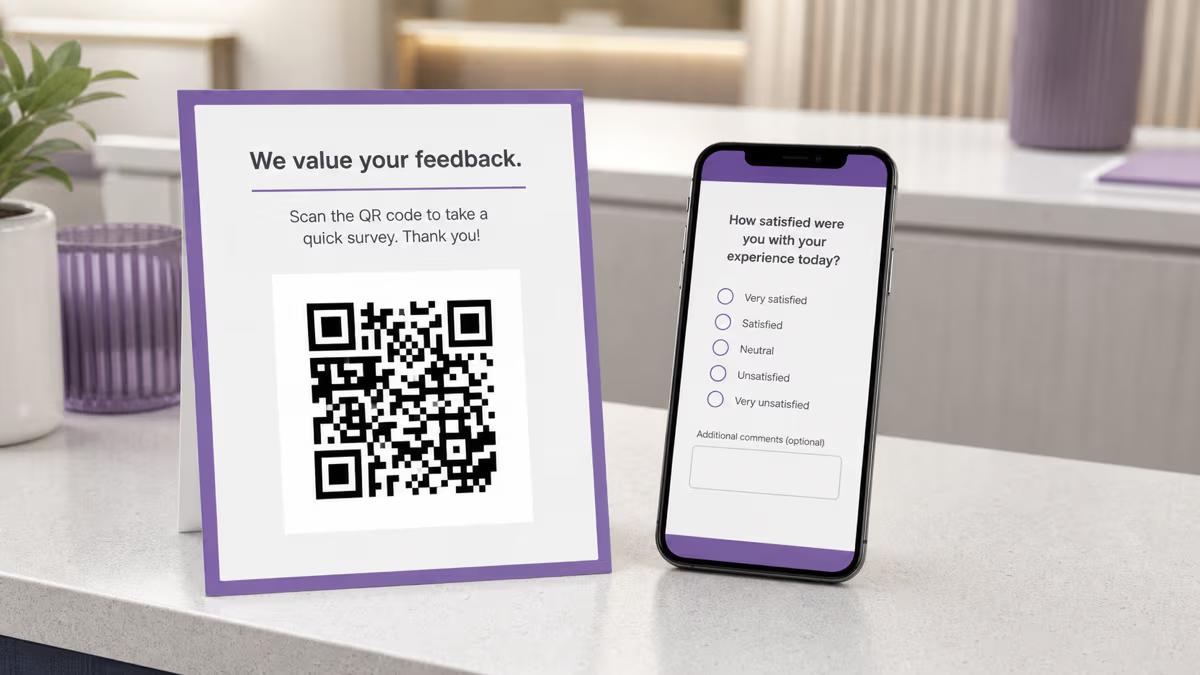
A QR code survey is a printed or displayed QR symbol that opens a published mobile survey, feedback form, or questionnaire. The QR removes the need to type a long responder URL. The survey platform still controls the questions, identity settings, response storage, scoring, and submitted results.
QRLynx provides the QR and, when you choose dynamic behavior, the editable redirect and eligible scan analytics. QRLynx does not calculate NPS, CSAT, or CES from an external survey. It also does not treat a scan as a submitted response.
Use the dedicated Google Form type for a Google Forms responder link, or Website / Link for Typeform, SurveyMonkey, Qualtrics, Microsoft Forms, and another published HTTPS survey destination. Both are URL-based QRLynx types and can be static or dynamic.
Choose the metric that matches the feedback moment
Use the survey platform's current scoring rules. The examples below help choose the question, not calculate the result inside QRLynx.
| Feedback moment | Useful metric | What it asks | Example placement |
|---|---|---|---|
| After one service interaction | CSAT | Satisfaction with that specific interaction or outcome | Receipt, counter card, support follow-up, or confirmation page |
| After completing a task | CES | How easy or difficult it was to complete the task | Return desk, kiosk, setup guide, or onboarding checkpoint |
| After a relationship or complete experience | NPS | Likelihood to recommend on a 0 to 10 scale | Post-visit handout, member statement, packaging insert, or event follow-up |
| After an event or session | CSAT plus an optional comment | Satisfaction with the session and what should change | Badge, room sign, program, or closing slide |
| Open feedback at a physical touchpoint | A focused rating or comment prompt | One decision the team can act on | Product card, table tent, facility sign, or printed instruction |
What research says about QR codes and survey participation
Randomized studies support a narrow and useful conclusion: adding a QR code to a mailed push-to-web invitation can increase participation and shift more responses to smartphones. The size of the effect is not universal.
A study published in the Journal of Survey Statistics and Methodology found a 1.17 percentage-point increase in completed web questionnaires when mailed invitations included a QR code, 4.66 percent compared with 3.49 percent. A separate 2025 experiment in a German family panel reported a 3.3 percentage-point difference, 63.9 percent compared with 60.6 percent, and a higher share of smartphone responses.
Those studies concern mailed survey recruitment, not every receipt, table tent, event sign, or customer-feedback program. They show that QR access can reduce the effort of reaching a web survey. They do not prove that adding a QR code alone will produce a particular response rate for your audience.
Run a placement test using separate QRLynx codes, then compare scans, form starts when the survey platform exposes them, and completed responses. That produces a decision for your own environment instead of borrowing a benchmark from a different survey.
How to create and test a QR code survey in QRLynx
Start with the survey's responder experience and finish with a physical proof and a measurement plan.
Define the decision the feedback should support
Choose one moment and one decision, such as improving checkout satisfaction, reducing return effort, or comparing session feedback. Select NPS, CSAT, CES, or a focused question only when its result will guide an action.
Build and publish the survey
Create the survey in Google Forms, Typeform, SurveyMonkey, Qualtrics, Microsoft Forms, or another survey platform. Configure who can respond, whether sign-in is required, whether email addresses are collected, and who can see results. Publish it and copy the responder link, not the editor link.
Test the responder link before creating the QR
Open the exact link in a signed-out private browser on a phone. Confirm that the intended audience can access it, the identity and privacy wording is accurate, required fields are reasonable, and the confirmation page appears after submission.
Choose the QRLynx QR type
Choose Google Form for a Google Forms responder link. Choose Website / Link for another published survey URL. QRLynx routes the scan to the survey; the survey platform remains responsible for questions, scoring, responses, and permissions.
Choose static or dynamic behavior
Choose static when the final survey URL will remain stable and QRLynx scan analytics are unnecessary. Choose dynamic when you may change the destination after printing or need eligible scan analytics. The Free plan includes 3 active dynamic QR codes and unlimited scans.
Label and separate useful placements
Add a specific prompt such as Scan to rate this visit. Create a separate saved dynamic code for each placement only when comparing those placements will change a decision. Name each code for its site and touchpoint so the dashboard source remains clear.
Test the final physical journey
Download the QR, print one proof at its final size, and test it on representative iPhone and Android devices. Check scan distance, glare, contrast, cellular loading, form access, submission, and the confirmation page. Verify the QRLynx scan and the survey response separately.
Responder link tested
Create the survey QR code in QRLynx
Paste the published responder link, choose static or dynamic behavior, label the feedback action, and test one physical proof.
Static or dynamic survey QR code?
| Decision | Static QR | Dynamic QRLynx QR |
|---|---|---|
| What the QR encodes | The final survey URL | A QRLynx short link that resolves to the current survey URL |
| Change the destination after printing | No | Yes, while the saved dynamic code remains active |
| QRLynx scan analytics | No | Yes |
| Survey responses and scores | Measured by the survey platform | Measured by the survey platform |
| Stable URL managed by the survey platform | Can be sufficient | Can still be used behind the editable QRLynx route |
| Useful fit | A permanent link with no need for QRLynx scan measurement | Printed programs that need destination updates or placement-level scan measurement |
Measure the feedback funnel without mixing its stages
Each system observes a different part of the journey.
| Stage | What it means | Where to measure it |
|---|---|---|
| Printed exposure | Someone had an opportunity to see the QR and its prompt | Print distribution, footfall, transactions, or another operational estimate |
| Eligible QR scan | A dynamic QRLynx route was opened | QRLynx analytics |
| Survey page load or start | The survey platform loaded or the respondent began answering, when that platform exposes the event | Survey or web analytics |
| Completed response | The survey was submitted | Survey platform |
| NPS, CSAT, CES, or comments | The content and score derived from submitted answers | Survey platform and the team's analysis process |
| Follow-up action | The team closed a loop, changed a process, or contacted a respondent when permission allows | CRM, support, operations, or another action system |
Use separate QR codes only when the source matters
A separate dynamic QR for each placement creates a reliable source label inside QRLynx because each printed code has its own saved record. A receipt code, counter code, and exit code can all point to the same survey while their scan totals remain separate.
This is placement attribution, not proof of the respondent's physical location. Name each saved code for the placement where you print it. If a code is copied or moved, its scan record follows the code, not the sign.
The Free plan includes 3 active dynamic QR codes and one folder, which can cover a small pilot. Starter+ includes 50 active dynamic codes, 10 folders, 1 year of analytics, and resolution-independent SVG and A4 PDF downloads. Pro adds country detail and 2 years of analytics. Business adds city, device, operating-system, and browser detail, CSV export, teams, and 3 years of analytics.
Do not create dozens of source codes merely because you can. Split placements only when the result could change signage, staffing, timing, survey wording, or print allocation.
Privacy and access belong to the survey configuration
A QR code does not make a survey anonymous. Anonymity depends on the survey questions, email-collection settings, sign-in requirements, URL parameters, cookies, connected analytics, and how the organization stores and combines responses.
Google Forms, for example, can collect verified email addresses, accept manually entered email addresses, require sign-in for one-response limits, or leave email collection off. Google also warns that a shared response summary can expose full-text answers or charts to anyone allowed to respond when that option is enabled.
Describe the setup accurately. Use anonymous only when the complete response path has been reviewed and the organization cannot reasonably connect the response to a person. Otherwise say whether identifying information is optional, required, or collected by the survey platform.
QRLynx scan analytics and the external survey response are separate records. Do not claim that QRLynx identifies a survey respondent or joins a scan to a submitted answer. If your own destination, parameters, survey platform, or analytics stack performs that connection, disclose it and follow the privacy rules that apply to your program.
Placement and mobile survey checklist
- Name the action: use a prompt such as Scan to rate this visit, not a bare QR.
- Set an honest expectation: mention the survey's actual purpose or approximate length only after testing it.
- Place it at the decision moment: use CSAT after a specific interaction, CES after a task, and NPS after a relationship or complete experience.
- Preserve scan geometry: keep strong contrast, a clear quiet zone, and enough printed size for the real viewing distance.
- Offer another route when needed: include a readable short URL for people who cannot or prefer not to scan.
- Build for a phone: use readable text, large tap targets, minimal horizontal movement, and a form that loads on cellular data.
- Ask only what supports the decision: put the primary metric or question early and make optional details genuinely optional.
- Explain identity and follow-up: tell respondents what is collected, who receives it, and whether someone may contact them.
- Retest after changes: scan the physical code after changing the survey, destination, permissions, or confirmation flow.
Calculate NPS in the survey system, not in the QR layer
Bain defines the standard NPS question on a 0 to 10 scale. Respondents who choose 9 or 10 are promoters, 7 or 8 are passives, and 0 to 6 are detractors. The score is the percentage of promoters minus the percentage of detractors, producing a result from -100 to 100.
Use the survey platform or your analysis process to calculate the score from submitted responses. QRLynx can show how many eligible scans reached the survey route and which saved placement code received them. It cannot determine the NPS from scan data.
Do not label one universal number as a good NPS without a valid comparison set. Track the same question, scale, audience, sampling method, and timing consistently, then compare the result over time or against an appropriate benchmark.
QR code survey questions
How do I create a QR code for a survey in QRLynx?
Publish the survey and copy its responder link. In QRLynx, choose Google Form for a Google Forms link or Website / Link for another survey platform. Choose static or dynamic behavior, add a specific feedback label, download the artwork, and test the final physical scan and submission path on representative phones.
Does QRLynx create or score the survey?
QRLynx creates the QR route and can record eligible scans for a dynamic code. The external survey platform creates the questions, controls response access and identity settings, stores submitted answers, and calculates NPS, CSAT, or CES when supported.
Should a survey QR code be static or dynamic?
Use static when the final survey URL will remain stable and QRLynx scan analytics are unnecessary. Use dynamic when you may change the destination after printing or need to compare eligible scans by saved placement. The survey platform measures submitted responses in either case.
Do QR codes increase survey response rates?
Randomized studies of mailed push-to-web invitations found higher participation when a QR code was included, but the observed effect varied by study and context. A QR reduces the effort of reaching the form. It does not guarantee a particular response rate for a receipt, sign, event, or customer-feedback program.
Can QRLynx tell which location produced a survey response?
Separate saved QR codes can identify which printed code received a scan, so naming one code per useful site or touchpoint provides placement attribution. QRLynx does not join that scan to a submitted response in an external survey. A copied or moved code also keeps the identity of the original saved code.
Can QRLynx identify who answered the survey?
QRLynx scan analytics do not identify the person who submitted an external survey or connect a scan to that response. Identity collection depends on the survey questions, email and sign-in settings, URL parameters, and any connected systems. Review and disclose the complete setup before calling a survey anonymous.
How do I make a QR code for a Google Forms survey?
Publish the Google Form, copy the responder link, and test it while signed out. In QRLynx, choose the Google Form type, paste the responder URL, choose static or dynamic behavior, label the action, and test a physical proof. Review email collection, one-response limits, and result-summary settings in Google Forms.
What is the difference between a scan and a completed survey response?
A scan means an eligible dynamic QRLynx route opened. The person may leave before the form loads, begins, or submits. Completed responses and scores belong to the survey platform. Compare the two measures as separate stages of the feedback funnel.
Which metric should I use for a QR feedback survey?
Use CSAT for satisfaction with a specific interaction, CES for the effort required to complete a task, and NPS for likelihood to recommend after a relationship or complete experience. Choose the metric that supports a real decision and keep its wording, scale, audience, and timing consistent.
How many questions should a QR code survey contain?
There is no universal correct count. Ask only what supports the decision, place the primary metric or question early, and test the form on a phone. A focused rating plus an optional comment is a practical pattern for many in-the-moment feedback requests, but regulated, research, or diagnostic surveys may require a different design.
Which QRLynx download format should I use for print?
Use the format your printer accepts and test a physical proof. Registered Free accounts include PNG, JPG, WebP, and PNG HD. resolution-independent SVG and A4 PDF QR downloads begin with Starter+. Preserve contrast and the quiet zone at the final printed size.
Sources and verification
QRLynx product statements were checked against the current QR type registry, dynamic-capability contract, plan entitlements, analytics-history ranges, advanced-analytics gates, and download-format rules. Survey-participation findings were checked against randomized studies published by Oxford Academic and SAGE. NPS scoring was checked against Bain's Net Promoter System guidance. Google Forms identity and response-sharing settings were checked against Google Docs Editors Help.