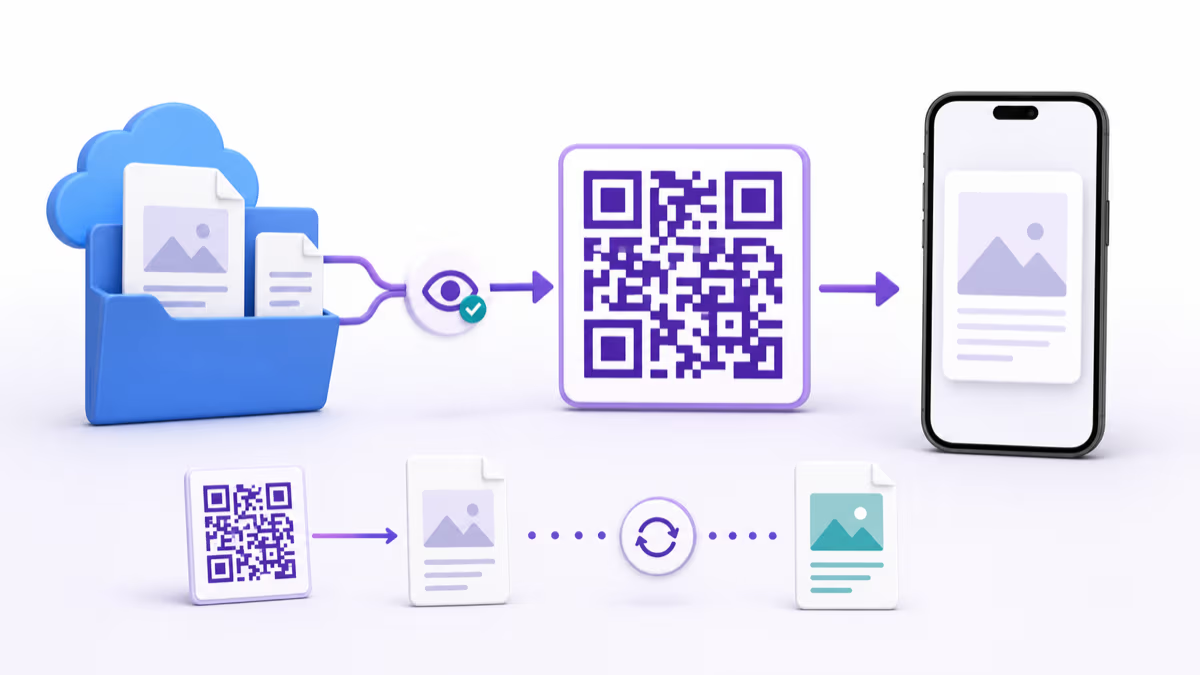
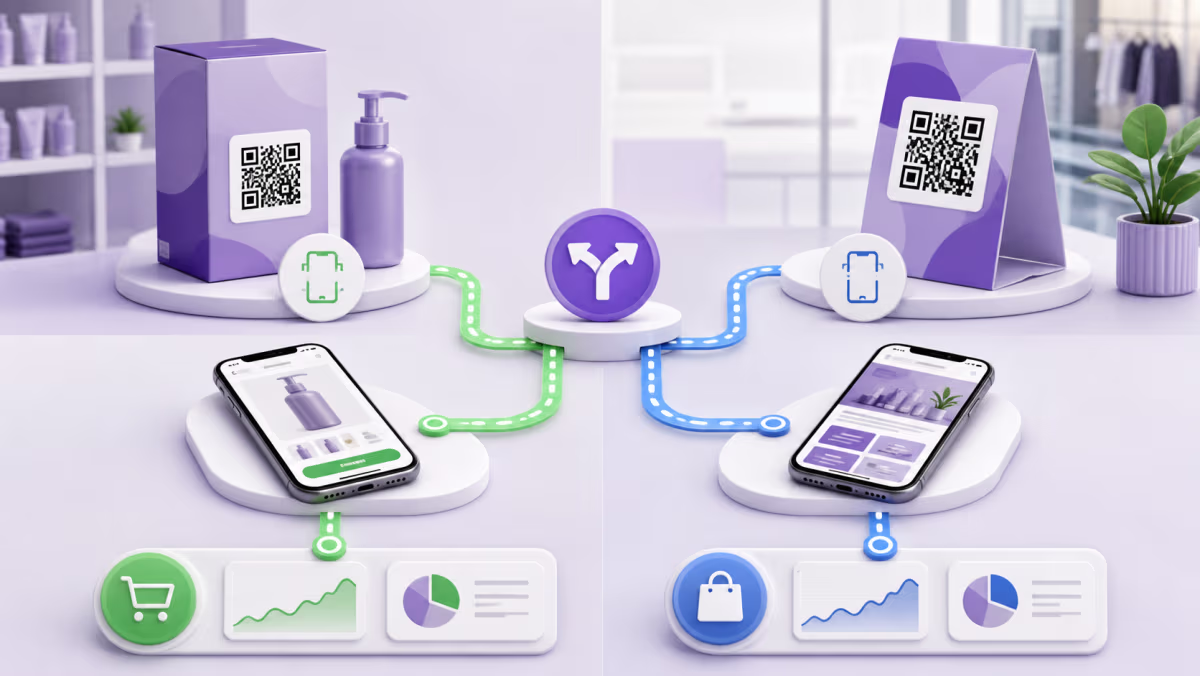
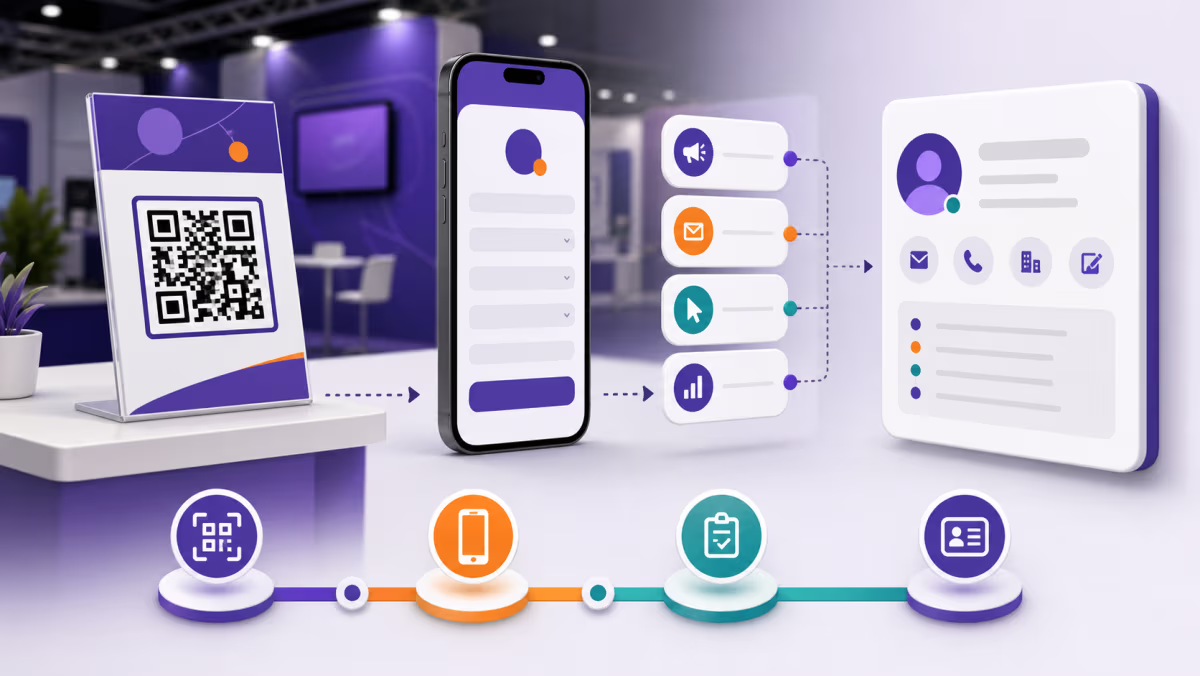
How to Create a Warranty Registration QR Code Customers Can Trust

Key Takeaway
Create a warranty registration QR code with clear coverage language, minimal data collection, model and receipt handling, accessible fallbacks, and QRLynx.
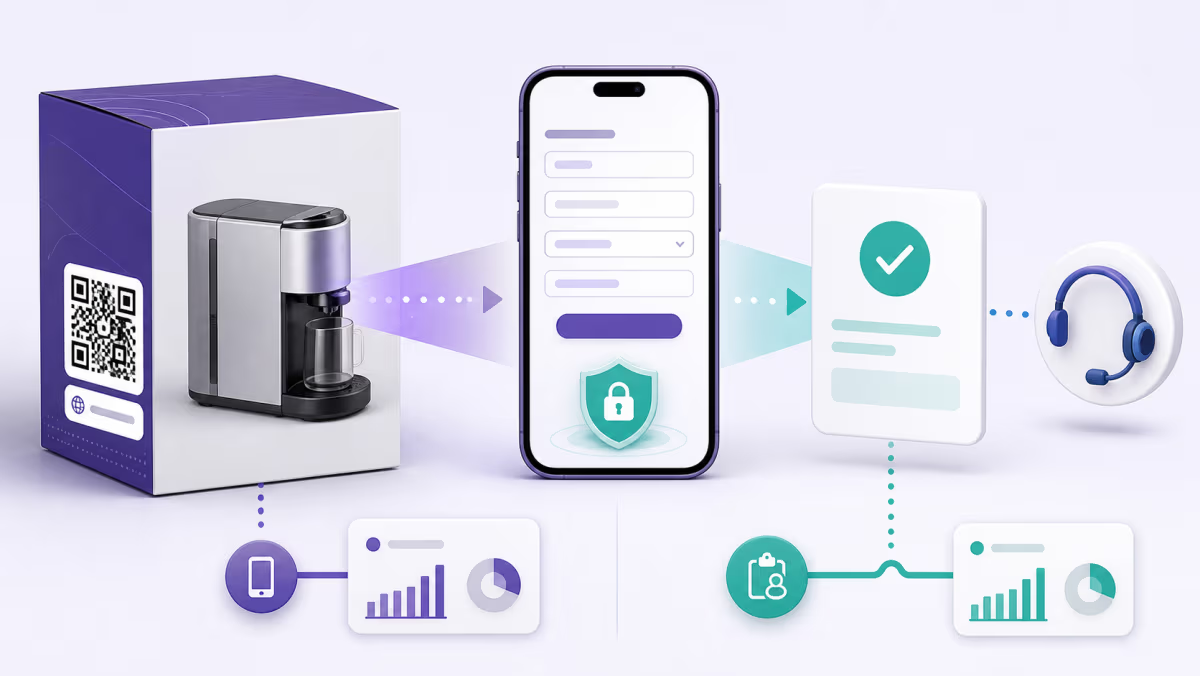
A warranty registration QR code should help an owner register a product without making the warranty harder to understand. The printed label and first page should say what the form does, what information is needed, how it will be used, and where the owner can read the written warranty or start a claim.
QRLynx can link to a hosted registration form, product portal, or support page. The manufacturer or seller remains responsible for warranty terms, eligibility, records, privacy, support, and compliance.
Separate three customer jobs
Product registration records ownership or product details. Warranty information explains coverage, exclusions, duration, and the claim process. A warranty claim asks for service under those terms. They can live in one portal, but the QR destination should make the three actions easy to distinguish.
Avoid wording that suggests scanning or registration creates coverage unless the written warranty says that clearly and the statement is valid for the market. The FTC advises consumers to keep the warranty and receipt, and notes that warranty terms differ. Link the current written terms directly from the registration journey.
Choose the warranty QR destination
| Destination | Best use | Required context |
|---|---|---|
| Registration form | Collect the minimum details needed to record the product owner or activation | Explain data use, required fields, confirmation, and where to find warranty terms and claims |
| Product support portal | One route should serve registration, manuals, parts, and claims | Identify the exact model and make the registration action obvious on mobile |
| Warranty terms page | The main purpose is durable access to written coverage | Show the current terms, effective scope, model or region, download option, and support contact |
| QRLynx dynamic Website URL QR | The form or support system may change during the product life | Maintain the managed route, approval history, and end-to-end testing after updates |
Ask only for information the workflow uses
A practical registration form may need the product model, serial number, purchase date, retailer, receipt, contact details, and consent choices. Make optional fields visibly optional and explain why sensitive or burdensome details are requested. If a receipt image is accepted, state the allowed file types, size limit, retention, and support alternative.
Do not collect payment data, account passwords, government identifiers, or unrelated profile details through a general warranty form. Protect uploaded receipts and serial numbers, restrict staff access, define retention, and provide the applicable privacy notice before submission.
Design for the owner and the product lifetime
Print the model or product-family identifier beside the QR. If one code serves several products, the destination should let the owner choose or enter the model without guessing. Keep a plain-text support URL or contact method available for owners who cannot scan, use assistive technology, or need help with a damaged label.
Plan the destination for discontinued products and system migrations. An owner may scan years later. A dynamic route can be updated to a new portal, but older written terms and product records may still need to remain available.
Create a warranty registration QR code in QRLynx
Test registration, confirmation, terms, and the support fallback as one customer journey.
Approve the registration purpose
Define whether the route is for product registration, warranty terms, claims, or a support portal, and have the responsible team approve the wording.
Build the minimal mobile form
Ask only for the model, purchase, ownership, contact, and consent details the process needs. Explain receipt and serial handling.
Connect terms and support
Link the written warranty, privacy notice, claim route, accessibility help, and a non-QR fallback from the registration journey.
Complete representative tests
Register a valid product on mobile, test an invalid serial or missing receipt, verify confirmation, and confirm the record reaches the right system.
Choose Website URL in QRLynx
Paste the approved registration form or portal URL into the Website URL QR type. QRLynx manages the route, not warranty eligibility or records.
Choose static or dynamic delivery
Use static for a permanent final URL. Use dynamic when the portal may change or eligible scan analytics and destination management are useful.
Design and label the printed QR
Use a clear action such as Scan to register this product. Print a model identifier and fallback route, and protect the quiet zone from folds, seams, and glare.
Test the production product
Scan the code on the actual package or device, complete registration on two phones, and archive the approved destination, artwork, and result.
Registration journey approved?
Create the QR for your warranty registration
Link the approved form or support portal, keep the printed route manageable, and test the complete owner experience.
Write the confirmation to prevent support confusion
After submission, show the product or model registered, the email or reference used, and what happens next. Say whether the owner should keep the receipt, when a confirmation email will arrive, and how to correct a mistake. Link to the written warranty and claim instructions instead of implying that the confirmation itself contains every term.
If registration is optional for service under the written warranty, say so clearly. If particular information is required for a specific benefit, describe that benefit and requirement in the approved terms rather than inventing a blanket rule on the QR label.
Measure completion and support quality
An eligible QRLynx dynamic scan shows activity at the managed QR route. It does not prove a completed registration, valid product, accepted claim, or warranty coverage. Compare scans with form starts, completed registrations, confirmation delivery, duplicate or invalid entries, support contacts, and claim outcomes in the systems responsible for those records.
Use separate QRs for product families, retail partners, or package revisions when that distinction improves service or measurement. Avoid creating dozens of codes that no one owns. Every printed route needs a named destination owner and a scheduled check.
Pre-print trust checklist
- The action label accurately describes registration, terms, or claims.
- The exact model or product family is visible before the scan.
- The form works without an employee login and is usable on a small screen.
- Required and optional fields are clear.
- Receipt and serial-number handling is explained.
- The written warranty, privacy notice, claim route, and support fallback are reachable.
- The confirmation explains the next step and record reference.
- The destination has a long-term owner and retirement plan.
Warranty registration QR code questions
Does registering a product create the warranty?
Warranty rights and registration requirements depend on the written terms and applicable law. Describe registration accurately and link the current warranty instead of making a general promise.
What information should a warranty registration form collect?
Collect only what the workflow needs, such as model, serial, purchase details, receipt, contact information, and consent choices. Explain why each important field is required.
Should customers upload a receipt?
A receipt can support purchase-date and ownership records. If you request it, explain accepted files, size, storage, access, retention, and an alternative for customers who cannot upload.
Can one QR serve several product models?
Yes, if the destination clearly identifies or asks for the model before registration. Printing a product-family or model identifier beside the QR reduces mistakes.
Can the registration form change after printing?
A dynamic QRLynx QR lets its owner update the destination while keeping the managed printed link. Preserve approved records and retest the new form, terms, and confirmation.
What if the owner cannot scan the QR?
Provide a plain-text URL, phone number, or other accessible support route appropriate for the product and market. Essential information should not depend on one access method.
Does a QR scan prove registration?
No. A scan reaches the route. The registration system must confirm a valid completed submission and provide the owner with an appropriate record or message.
Should the QR open registration or a warranty claim form?
Use the action promised on the label. If one portal handles both, make registration, warranty terms, and claims separate, obvious choices.
What happens when a product is discontinued?
Keep an owned destination that directs existing owners to the applicable archived terms, manuals, parts, or support. Do not leave long-lived products with a missing page.
How should warranty QR performance be measured?
Compare eligible scans with starts, completed registrations, confirmation delivery, support contacts, and claim outcomes. Each metric describes a different stage.
Sources and related QRLynx guides
- FTC Consumer Advice: Warranties
- QRLynx Website URL QR code
- QRLynx dynamic URL QR code
- QRLynx product manual QR guide
- QRLynx QR analytics
QRLynx is built and operated by Jorbox LLC. This guide provides operational planning, not legal advice. Warranty providers should validate terms and registration requirements for each product and market.