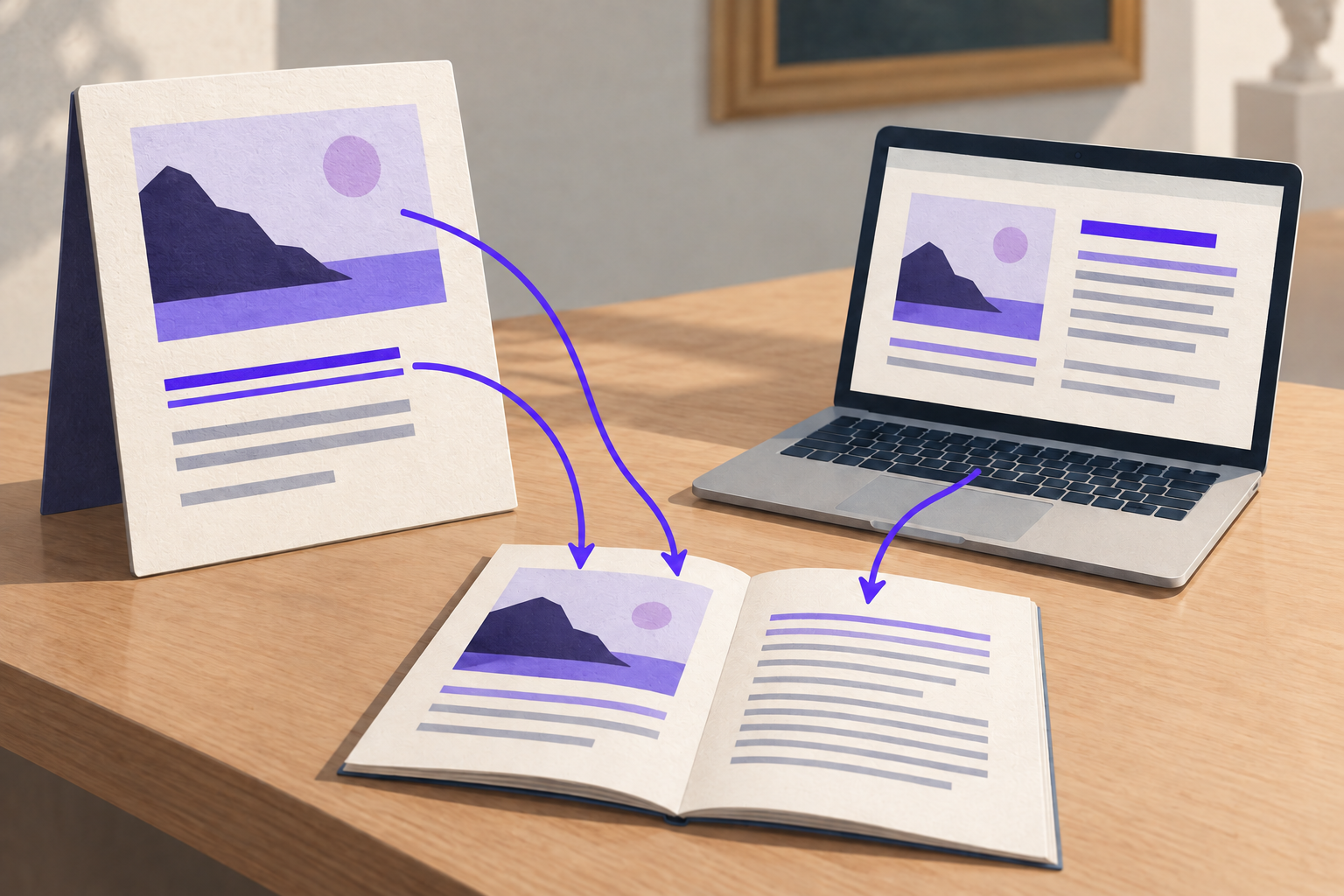
Notion QR Code: Share Pages and Databases Safely

Key Takeaway
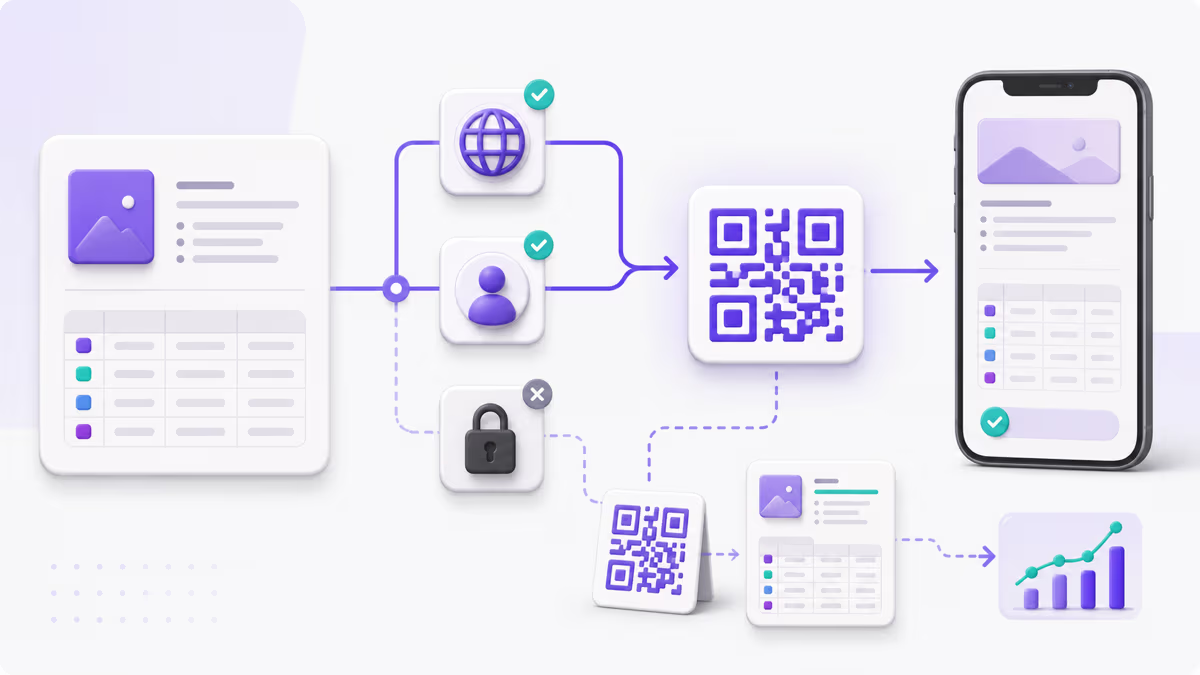
Create a Notion QR code in QRLynx, choose the right page or database view, verify mobile access, and track eligible scans with clear boundaries.
Disclosure: QRLynx is built and operated by Jorbox LLC. This guide explains the current QRLynx workflow and uses Notion Help as the source for Notion access and publishing behavior.
A Notion QR code is a Website or Link QR that opens one tested Notion URL. Before creating it, decide whether scanners should reach a public Notion Site, a page available to anyone with the link, or a restricted page for invited guests or workspace members. The QR delivers the link, while Notion continues to decide who can view the destination.
QRLynx can encode the tested URL as a static QR, or use a managed dynamic QR when an account owner may need to change the destination or review eligible scan activity later. QRLynx does not publish the Notion page, grant Notion access, host its content, or control which views Notion presents after the scan.
Test the Notion destination before making the QR
Use the same access state and device that the intended scanner will use.
| Notion destination | Who can open it | Test before printing | QR planning note |
|---|---|---|---|
| Published Notion Site | Anyone on the web can view the published site | Open the published URL in a signed-out mobile browser and inspect its visible subpages | Use the URL shown in Share, then Publish, not an internal workspace URL |
| Anyone on the web with link | Anyone with the link can view it without a Notion account | Open the copied link while signed out and confirm the intended access level | Check whether the public link has an expiration date |
| Invited guest page | Invited guests with their own Notion account | Use an invited test account and confirm that it reaches the intended page | Label the QR as an internal or invited-access resource |
| Workspace or teamspace page | People covered by the page, workspace, group, or teamspace permissions | Test with an account that has the same role as the intended scanner | Keep the QR inside the audience that already has access |
| Database in a published Notion Site | Public visitors can use the views and pages Notion exposes in that published site | Check every visible view, filter, linked page, and mobile layout from a signed-out browser | Point to the exact view that starts the intended task |
| Changed or expired sharing URL | Access follows the current Notion URL and sharing settings | Open the exact saved destination again after any sharing or domain change | A QRLynx dynamic QR can be updated to the replacement URL without reprinting |
Choose the exact Notion page or database view
Copy the destination that begins the reader's task, rather than a workspace home or a broader dashboard. A visitor who needs one safety checklist should land on that checklist. A visitor who needs a filtered equipment list should land on the intended database view.
Notion says a database is both a collection of pages and a page itself, and the same database can appear through different views. In a published Notion Site, visitors may toggle between the views and open pages within the database. Review what those views and pages reveal before putting the link on a public QR.
Publishing a Notion Site also publishes its subpages by default, although their permissions can be restricted. Notion further notes that changing a workspace domain can break existing public page URLs. Those details make a signed-out review and a saved-destination check part of the publishing process, not optional cleanup.
Sources: Notion sharing and permissions, Publish a website with Notion Sites, and What is a database?.
Create a Notion QR code with QRLynx
Choose the reader and the Notion destination
Decide whether the QR is for the public, invited guests, or workspace members. Open the exact page, published site, or database view that should start their task.
Set and verify access in Notion
Use Share to configure the intended general access or invite the intended people. For a public Notion Site, use Share, then Publish, and copy the published URL.
Test the link outside the owner session
Open a public destination in a signed-out mobile browser. For a restricted destination, test with an invited or workspace account that matches the intended reader. Confirm the right page and view appear.
Open Website URL in QRLynx
Open the QRLynx Website URL generator and paste the verified Notion link into the Website URL field. QRLynx uses its existing Website or Link QR workflow for Notion URLs.
Choose static or dynamic delivery
Keep static mode when the exact Notion URL should remain encoded in the QR. Enable dynamic mode when an authorized account owner may need to replace the destination later or review eligible QRLynx scan activity.
Design and label the action
Use strong contrast, preserve clear space around the code, and add a specific label such as Scan for the operations handbook or Scan to view the equipment checklist.
Scan the final proof
Scan the exported QR from the final screen or printed proof. Repeat the access test, open the intended view, and check the key page or database interaction on the phone that will be used.
Notion link tested?
Create the QR for your Notion page
Paste the verified page or database-view URL into Website URL, choose static or dynamic delivery, label the action, and scan the final proof.
Worked example: a printed operations handbook
A facilities team keeps its approved operating procedures in a published Notion Site. Each equipment station has a sign labeled Scan for the current operating handbook.
The team first opens the published handbook while signed out and checks the visible subpages, database views, and mobile layout. It then creates one named QRLynx dynamic Website URL QR for that station. The printed QR opens the current handbook, while the saved QRLynx destination gives an authorized owner a way to point the same sign to a replacement handbook if the published URL changes.
The team keeps the permission decision in Notion, the destination decision in QRLynx, and the instruction on the physical sign. A scan confirms that the person reached the link. It does not confirm that the person read every procedure or completed the work.
Static or dynamic for a Notion link?
Choose based on destination control and measurement, not on the word Notion.
| Decision | Static QRLynx QR | Dynamic QRLynx QR |
|---|---|---|
| Printed value | The tested Notion URL | A QRLynx managed short link |
| Notion content changes at the same URL | The same QR continues to open that URL | The same QR continues to open that URL |
| Move to a different page or replacement URL | Create and distribute a new QR | Update the saved destination without changing the printed dynamic QR |
| QRLynx scan reporting | No QRLynx redirect event | Eligible scans can be reported through the managed redirect |
| Useful fit | A stable link with no QRLynx redirect dependency | Reusable print, changing destinations, or placement measurement |
Measure scans without calling them readers
A tracked QRLynx dynamic QR can report eligible scans that reach its managed redirect. That number is different from Notion page views, time spent reading, database interactions, or a completed task.
One person may scan more than once. Another may open the Notion link directly. A scanner may leave after the page opens. Treat the scan as evidence that the QR path was used, then use the measurement owned by the destination for what happened next.
For placement comparisons, create a separate named dynamic QR for each meaningful location, such as Warehouse entrance or Equipment station 4. Compare their eligible scan activity without adding sensitive information to the QR name or destination.
Learn more in the QRLynx analytics guide.
Fix a Notion QR code that opens the wrong experience
- A sign-in or access page appears: confirm whether the destination is meant for invited users, workspace members, anyone with the link, or a published Notion Site. Test with the matching account state.
- A continuation page appears instead of the published site: copy the URL shown under Share, then Publish. Notion warns that an internal workspace URL can produce this experience.
- The database opens on the wrong view: copy and test the exact intended view, then verify its filters, visible properties, and pages on mobile.
- An older printed QR reaches an obsolete URL: update the saved destination when it is a QRLynx dynamic QR. A static QR needs a new image for a different URL.
- The page works on desktop but feels unusable on a phone: simplify the public starting view, check wide database tables, and retest the actual mobile task.
- The camera cannot read the printed code: test contrast, clear space, size, material, and scan distance with the final proof. Use the QR troubleshooting guide for the physical scan path.
Notion QR code questions
How do I make a QR code for a Notion page?
Choose the exact Notion page or published site, set the intended Notion access, and test the URL outside the owner session. Paste that verified link into QRLynx Website URL, choose static or dynamic delivery, label the action, and scan the final proof.
Can a QR code open a private Notion page?
Yes. The QR can carry the page link, while Notion keeps the destination restricted to the people who have access. Invited guests need their own Notion account. Test the QR with the same access state as the intended reader.
Can I create a QR code for a Notion database view?
Yes. Copy and test the exact database view that should open. If the database is in a published Notion Site, review the views and pages visible to signed-out visitors before distributing a public QR.
Will the QR change when I edit the Notion page?
Edits to the content at the same URL do not require a new QR. If the destination moves to a different URL, update a saved QRLynx dynamic QR or create a new static QR.
Does QRLynx make a Notion page public?
Notion remains the access authority. Configure general access, publish the Notion Site, or invite the intended people in Notion before sharing the QR. QRLynx delivers the link according to the QR mode you choose.
Can I track a Notion QR code?
A QRLynx dynamic QR with tracking enabled can report eligible scans through its managed redirect. These are QR scan events, not proof that someone read the Notion page or completed an action inside it.
Should a Notion QR code be static or dynamic?
Use static when the exact Notion URL is stable and direct encoding is the priority. Use dynamic when an authorized owner may need to replace the destination after printing or review eligible scan activity.
Why does my Notion QR code ask people to sign in?
The destination is using invited, workspace, group, or teamspace access. Keep that sign-in step for an internal resource, or change the Notion sharing method when the page is intentionally meant for public viewing.
Sources and product boundary
Notion controls the page, database, views, sharing settings, accounts, published Site, and content shown after the scan. QRLynx controls the QR configuration, saved managed destination for a dynamic QR, and eligible scan reporting through its redirect workflow.
Notion sources checked August 3, 2026: Sharing and permissions, Publish a website with Notion Sites, Manage your Notion Sites, and What is a database?. QRLynx behavior was checked against the current Website URL registry, creation workflow, redirect worker, and analytics path.