Dynamic vs Static QR Codes: A Lifecycle Decision Matrix

Key Takeaway
Choose static or dynamic QR codes by payload, editability, analytics, connectivity, printed lifetime, and reprint exposure, with exact QRLynx switching rules.
The architectural difference in one minute
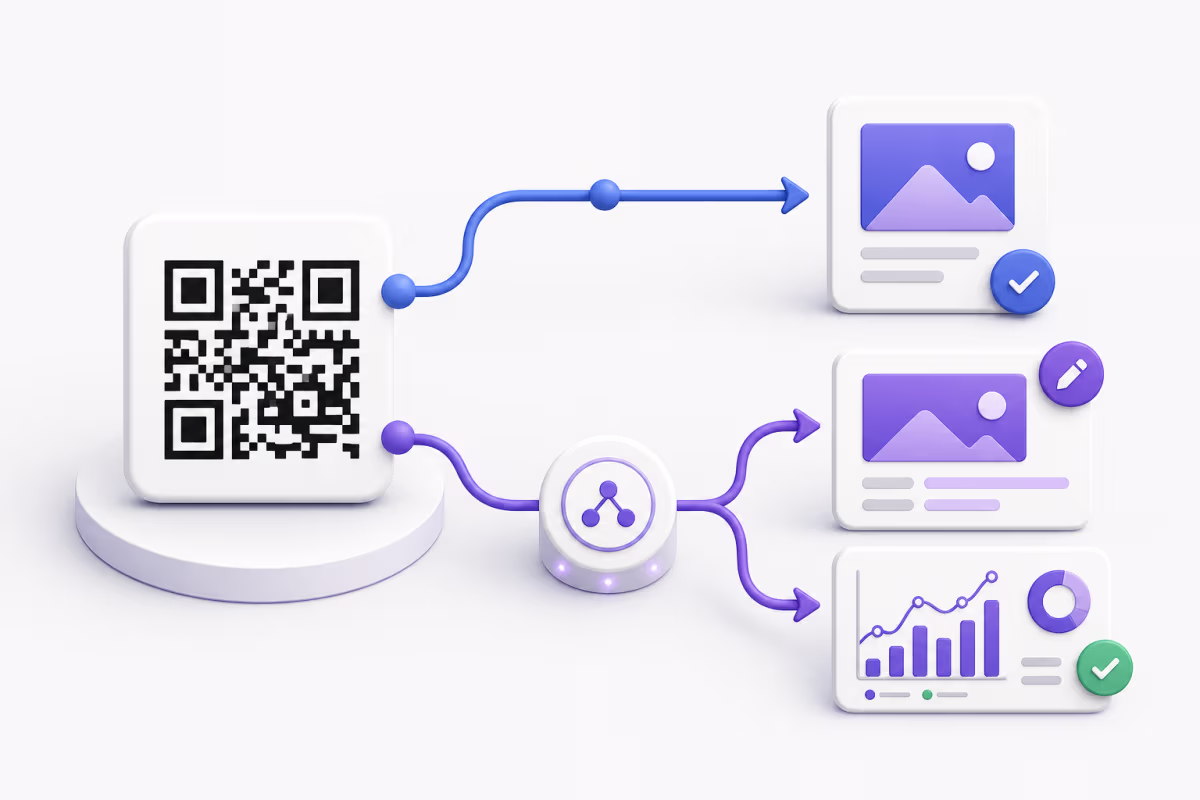
A static QR code stores its final payload in the QR pattern. That payload can be a URL, WiFi configuration, contact card, text, email instruction, phone number, or another supported data format. A scanner decodes that stored value directly. The generator is no longer involved after the image is created.
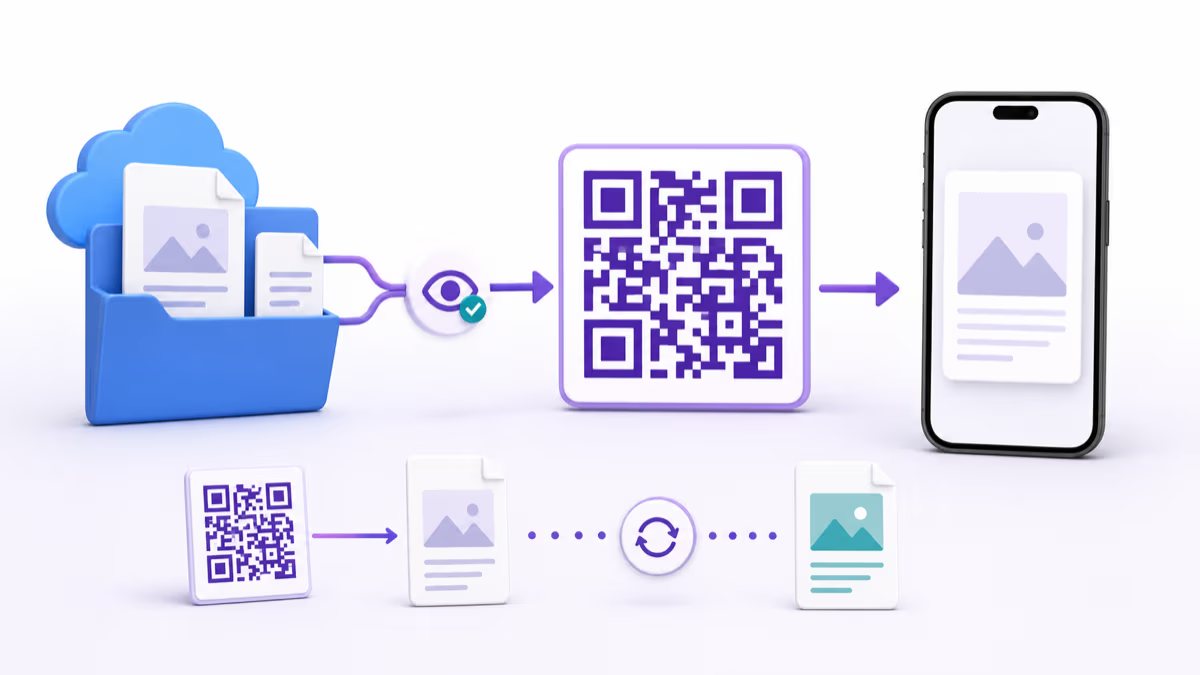
A dynamic QR code stores a managed short URL. When someone scans it, the short URL reaches the QR platform, which resolves the current destination and redirects the scanner. That managed step makes destination editing and redirect-based scan analytics possible.
The printed squares do not reveal which architecture was used. To identify the mode, decode the QR and inspect the stored value. A directly encoded final payload is static. A platform-managed short URL is dynamic.
Static and dynamic QR codes compared by operating need
The decisive question is what must remain controllable after the design is printed.
| Decision factor | Static QR | Dynamic QR |
|---|---|---|
| Stored value | Final URL or payload is stored in the pattern | Managed short URL is stored in the pattern |
| Destination edits | The encoded value stays fixed | The managed destination can change while the printed pattern stays the same |
| QRLynx scan analytics | The scan does not pass through the QRLynx redirect service | The redirect can record the scan fields available to the account plan |
| Internet requirement | Offline payloads can decode locally; a website still needs connectivity to load | Connectivity is needed for the managed redirect and online destination |
| Service dependency | No QR generator is needed after creation | The managed short link depends on its redirect service |
| Data density | Depends on the length of the final payload | A short managed URL can keep the encoded payload compact |
| Campaign controls | Final behavior is controlled by the encoded destination or payload | Eligible QRLynx codes can add destination edits and plan-gated controls |
| Best fit | Fixed values, offline data, and durable direct encoding | Editable print, measurement, managed campaigns, and long-lived placements |
Start with the value inside the pattern
The most useful first question is not whether the project is personal or commercial. Ask whether the encoded value itself may need to change.
A WiFi QR usually stores the network name, security type, and password directly. A text QR stores the message. A Contact Card can store vCard data. These are natural static payloads when the data is stable. They can be decoded without asking a QR platform where to send the scanner.
A URL needs one more distinction. A static QR can point to a stable URL while the page at that URL changes over time. For example, a restaurant can keep example.com/menu and update the menu page without changing the QR. Dynamic mode becomes valuable when the URL itself may change, the business does not control a durable URL, scans need QRLynx measurement, or the placement needs managed rules.
This is why “the content may change” is not enough to decide. The correct question is “will the exact stored value change, and who controls it?”
A lifecycle decision matrix for common placements
These examples show the default starting point and the condition that can change the answer. The same physical format can use either architecture when its operating needs differ.
| Placement | Starting choice | Decision condition |
|---|---|---|
| Home or guest WiFi card | Static | Direct WiFi data supports connection setup without a redirect. Create a new code when credentials change. |
| Fixed text or instructions | Static | The complete message is stored in the pattern and can be read locally. |
| Business card | Depends | Use a static Contact Card for fixed vCard data. Use a dynamic Business Card or URL when the public profile, destination, or scan measurement matters. |
| Restaurant menu | Depends | A static QR can point to a durable menu URL whose page content changes. Use dynamic when the URL may move, placements need separate analytics, or managed controls are useful. |
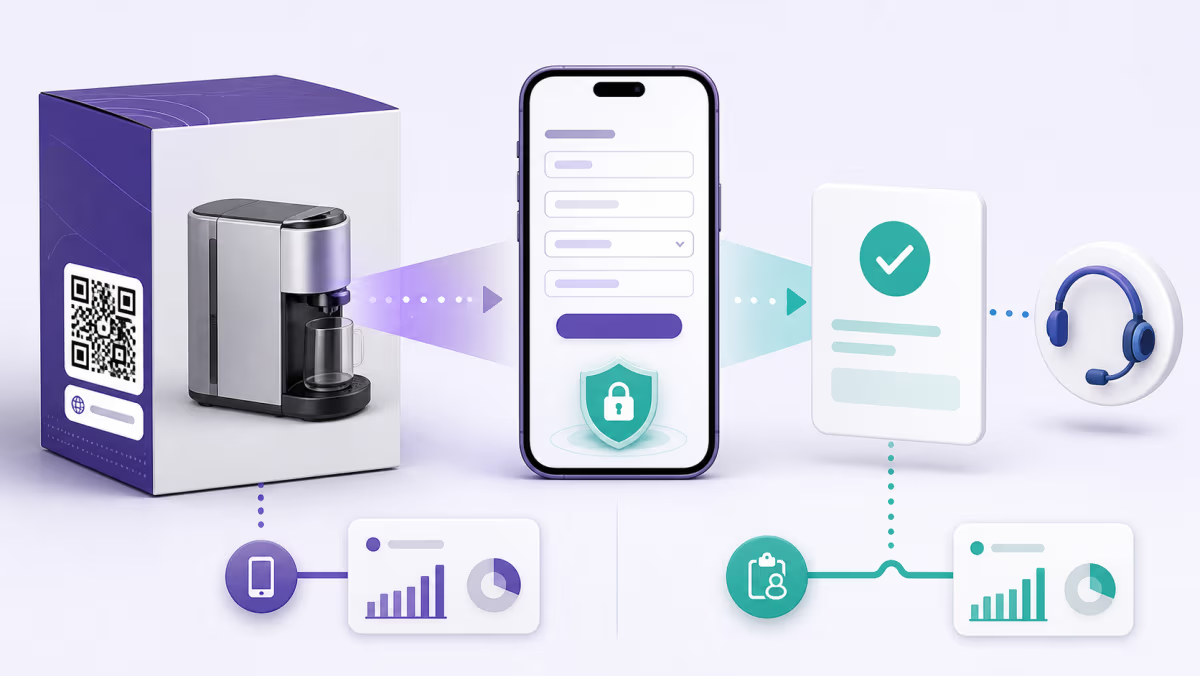
| Product packaging | Often dynamic | Long shelf life, destination rotation, placement analytics, support updates, or future campaign changes favor a managed destination. A stable owned URL can support a static architecture. |
| Conference badge identifier | Depends | A static QR can store an attendee identifier that the event system looks up. Dynamic is useful when the destination or web experience must change, but it is not required for a database lookup. |
| One-date event poster | Often static | Choose dynamic when attribution, a schedule change, a venue update, or a post-event destination has real value. |
| Real estate sign | Dynamic | Listing status and destinations can change while the physical sign remains in use. |
| Archival label | Often static | Direct fixed data avoids a redirect dependency. A static website URL still depends on that destination continuing to exist. |
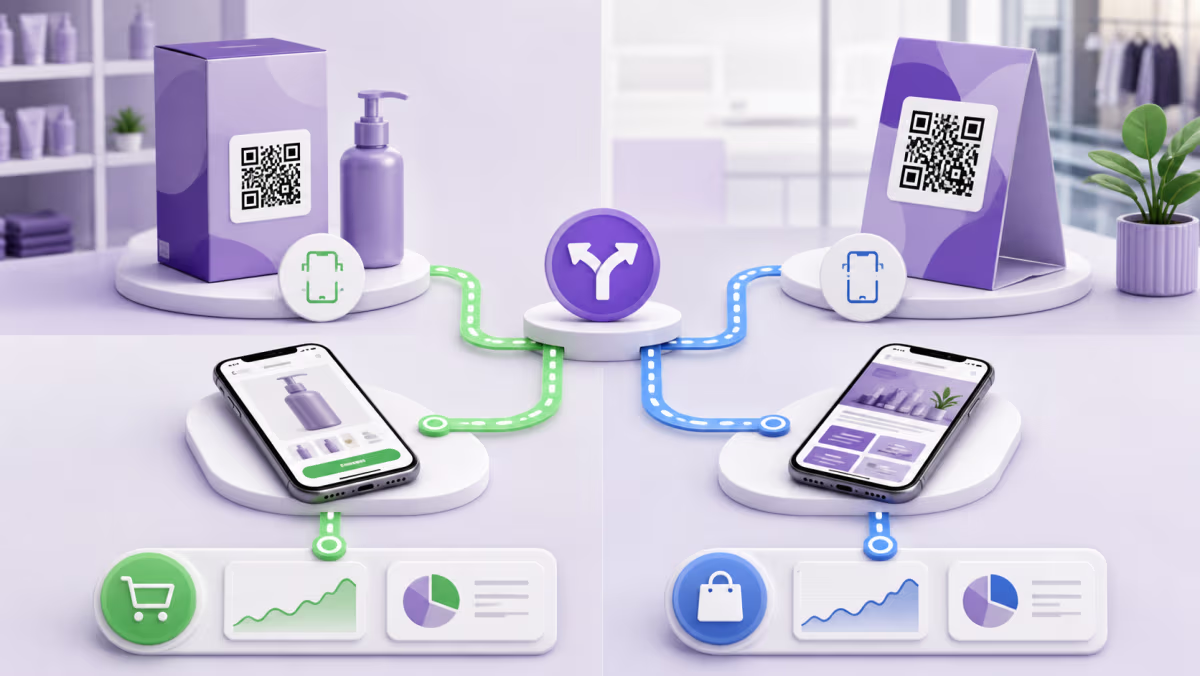
| Campaign creative across several placements | Dynamic | Separate managed codes can measure placements and change destinations without replacing every physical asset. |
How to choose static or dynamic mode in QRLynx
Make the lifecycle decision before printing, then verify the exact code and destination.
Define what the scanner should receive
Write down the exact URL, WiFi data, contact details, text, payment instruction, file, or hosted experience the QR should deliver.
Decide whether the encoded value may change
Separate a changing webpage from a changing URL. A static QR can keep opening the same stable URL while the page owner updates content at that address.
List the after-print requirements
Record whether the placement needs QRLynx scan analytics, destination editing, expiry, scheduling, password protection, consent, smart rules, retargeting, or another managed feature.
Estimate the physical lifetime and replacement path
Consider how long the printed asset will circulate, who owns replacement, and what coordination is required if the stored value changes.
Choose an eligible QRLynx QR type and mode
Open the QRLynx QR code generator. Use static mode for a stable direct payload. Use dynamic mode on a supported type when the managed redirect provides material value.
Decode and test the finished pattern
Scan the exported image and a physical sample from more than one device. Confirm the decoded value, final destination, quiet zone, contrast, viewing distance, and destination permissions.
Record ownership and review dates
Document the QRLynx account or workspace, QR name, intended placement, destination owner, and a review date. This keeps a long-lived dynamic placement manageable after the original creator moves on.
Lifecycle decided
Create the right QR architecture in QRLynx
Choose a direct static payload or an eligible managed dynamic destination, then test the exact exported code before printing.
How mode switching works for a saved QRLynx QR
QRLynx can switch a saved, eligible QR record between static and dynamic modes. That account-level switch does not rewrite QR images that were already printed, so the printed-copy behavior must remain part of the decision.
Switching a saved static record to dynamic
For a type that supports dynamic mode, QRLynx creates or revives a managed short link and counts the QR against the account's active dynamic allowance. The newly generated dynamic pattern contains that short link. Any copies printed from the earlier static pattern still contain their original direct payload, so print the new dynamic image wherever future scans should use the managed destination.
Switching a saved dynamic record to static
QRLynx retires the managed redirect while the record is static. A newly generated static pattern stores the final value directly. Copies printed from the dynamic pattern still contain the managed short URL, so they do not become static copies and will not resolve while that redirect is retired.
Switching the record back to dynamic
QRLynx is designed to revive the record's previous short code when it is available. Previously printed dynamic copies can then use that managed route again. Before switching to static, disable features that require dynamic mode. QR types whose contracts are static-only cannot be switched to dynamic.
The practical rule is simple: changing a saved record can change future exports and managed routing, but it cannot alter the bytes inside paper, packaging, signs, or files that already contain an older QR image.
Offline behavior depends on the payload
“Static works offline” is accurate only when the decoded payload can be used offline. A static text QR can display its text locally. A WiFi QR can provide connection details locally. A contact payload can be decoded into contact fields without a QR redirect.
A static URL QR can be decoded without contacting a QR platform, but the browser still needs connectivity to load the website. A dynamic QR needs connectivity to reach its managed short link and then the online destination. The useful comparison is therefore direct decoding versus managed resolution, not a blanket online-versus-offline label.
What can be measured with each architecture
A static scan does not pass through QRLynx, so QRLynx cannot record that scan as a redirect event. A static URL can still include UTM parameters, and the destination analytics system may record visits to that URL. Those visits are not automatically the same as scans because the URL can be opened from other sources, scanners may stop before the page loads, and privacy or browser behavior can affect destination reporting.
A dynamic QRLynx QR routes each resolving scan through the managed short link. Every plan includes scan totals and timing with three months of analytics on the free Starter plan. Country detail begins on Pro. City and device detail plus CSV export begin on Business. The event shows that the managed QR resolved; it does not prove that the visitor read the page, submitted a form, bought a product, or belongs to a named identity.
For campaign attribution, combine the QRLynx scan event with destination analytics and conversion data. The QR campaign measurement guide covers that complete chain.
Compare cost without inventing a case study
Static generation can have no continuing QR-platform charge, while a managed dynamic program may use a free allowance or paid plan. The QR subscription is only one part of the operational decision.
A transparent comparison uses the project’s own numbers:
Expected dynamic value = avoided reprint cost + avoided replacement coordination + value of measurement and controls - dynamic service cost.
Static is economically efficient when the stored value is stable, no redirect analytics are needed, and replacing the code is easy if plans change. Dynamic earns its place when one destination change, one preserved print run, or one measurable campaign is worth more than the service cost. Keep the assumptions visible rather than presenting invented savings as a universal result.
QRLynx's free Starter plan includes 3 active dynamic QR codes, unlimited scans, and three months of analytics. The current pricing page owns plan prices, limits, analytics windows, and feature access.
Plan for ownership as carefully as editability
A dynamic QR gives a team control after printing, so the team should also define who keeps that control. Use an organization-owned QRLynx workspace for business placements, use clear QR names and folders, and document the destination owner. Review long-lived packaging, signs, cards, and campaign materials on a schedule.
Static QR codes have a different ownership requirement. The generator is no longer part of the scan path, but the encoded destination or payload still needs stewardship. A direct URL can move, a domain can lapse, a WiFi password can change, and contact details can become outdated. “Static” describes the encoded value, not a guarantee that every resource behind it remains current forever.
Dynamic and static QR code questions
What is the main difference between a static and dynamic QR code?
A static QR stores its final URL or payload directly in the pattern. A dynamic QR stores a managed short URL that resolves to a current destination. That managed step enables destination editing and redirect-based scan analytics.
Is a dynamic QR code always better?
No. Dynamic mode is useful when editability, QRLynx scan analytics, or managed controls matter. Static mode is a strong fit for stable direct payloads, offline data such as WiFi or text, and uses that do not need a redirect service.
Can the content behind a static URL QR change?
Yes. The URL encoded in the QR stays fixed, but the owner of that URL can update the webpage or file served at the same address. A new QR is needed when the encoded URL itself changes.
Do static QR codes work without internet?
Static payloads such as text, WiFi configuration, and contact data can be decoded locally. A static website URL can be decoded locally, but connectivity is still needed to load the website.
Can QRLynx track scans from a static QR code?
No. A static scan does not pass through the QRLynx redirect service. A destination URL with UTM parameters may produce visit data in a separate analytics system, but that is destination traffic rather than a direct QRLynx scan event.
Can I switch a saved QRLynx QR from static to dynamic?
Yes, when the QR type supports dynamic mode and the account has active dynamic capacity. QRLynx creates or revives a managed short link. Use the newly generated dynamic image for placements that should use the managed route.
Does switching a saved static QR make already printed copies dynamic?
No. Printed static copies keep the payload encoded in their existing pattern. The dynamic version has a different encoded short URL and must be exported and printed where that new behavior is required.
What happens to printed dynamic copies if I switch the saved record to static?
The printed dynamic copies still contain the managed short URL. QRLynx retires that redirect while the saved record is static, so those copies do not resolve until the managed route is revived by switching the eligible record back to dynamic.
Are QRLynx dynamic QR codes free?
The free Starter plan includes 3 active dynamic QR codes, unlimited scans, and three months of analytics. Paid plans increase active capacity, analytics history, and feature access.
Which QR mode is better for a business card?
Use a static Contact Card when fixed vCard data and direct contact import are the goal. Use a dynamic Business Card or URL when the hosted profile, destination, or scan analytics should remain manageable after printing.
Can you tell whether a QR code is static or dynamic by looking at it?
Not reliably. Decode it and inspect the stored value. A final URL or direct payload indicates static architecture. A platform-managed short URL indicates dynamic architecture.
How should I compare static and dynamic cost?
Use your expected reprint cost, replacement coordination, measurement value, managed-control value, and QR service cost. Dynamic mode is justified when the expected operational value exceeds its continuing service cost.
The final decision
Choose static when the exact stored value can remain fixed and a direct payload serves the complete job. Choose dynamic when the printed asset needs an editable destination, QRLynx scan analytics, or managed campaign controls. For URL QRs, remember that a stable URL can serve changing page content in either architecture.
Before production, decode the export, test the destination, print at the intended size, and document who owns the QR after launch. Create either mode with the QRLynx QR code generator. For the shorter introductory explanation, read what static and dynamic QR codes are. For destination management in depth, see the dynamic URL QR code guide.