How to Create a WiFi QR Code in QRLynx

Key Takeaway
Create a static WiFi QR code in QRLynx with the correct network name, security setting, password, and hidden-network flag, then test it before printing.
The short answer
What each WiFi QR field controls
| Field | What to enter | Check before printing | QRLynx option |
|---|---|---|---|
| Network name | The SSID exactly as the device sees it | Capitalization, spaces, and punctuation | SSID |
| Security | The setting that matches the guest network | Use WPA for a WPA or WPA2 network, WEP only for legacy networks, or open for a network without a password | WPA, WEP, or No password |
| Password | The current guest-network password | Every character and letter case | Required for WPA and WEP |
| Hidden network | Whether the SSID is hidden from the normal network list | Match the router setting | Hidden network toggle |
Use a separate guest network
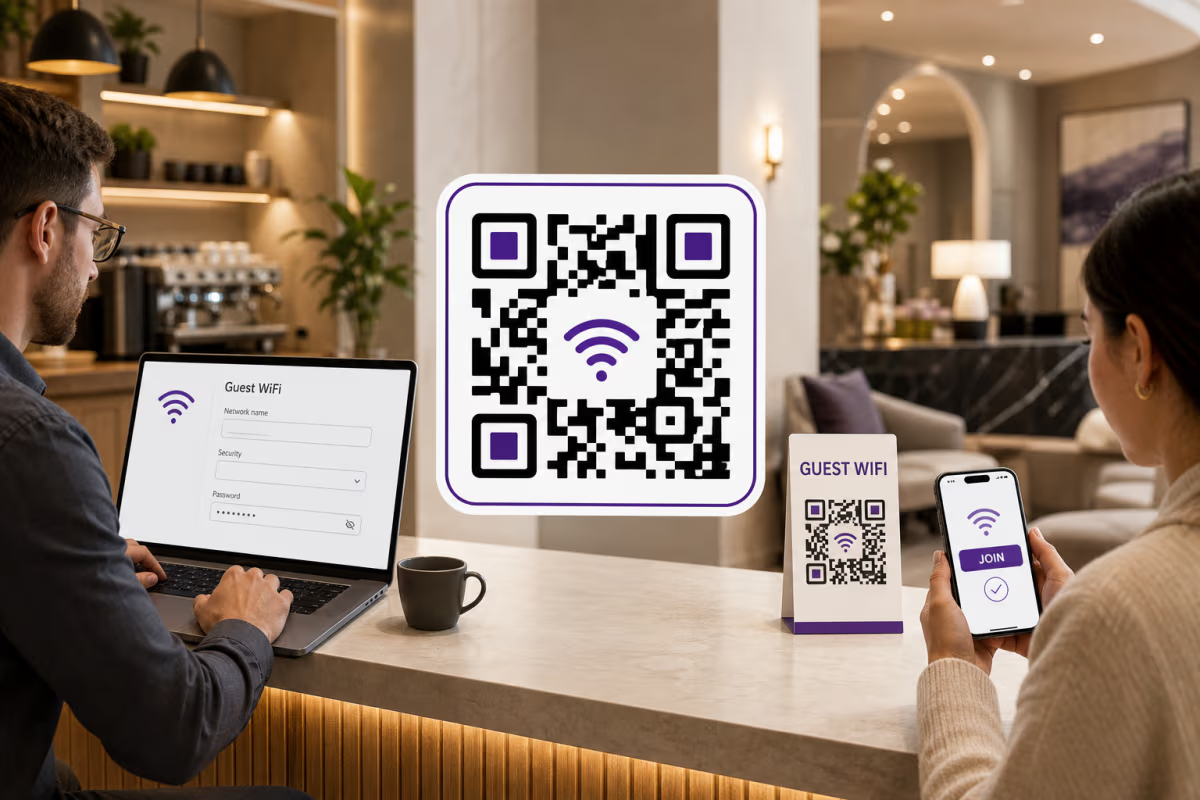
A WiFi QR code is a convenient way to share credentials, not a network-security control. Anyone who can read or photograph the pattern can recover the same network name and password that a compatible scanner uses. Create a separate guest SSID in the router or access-point system, give it only the access guests need, and configure guest isolation or other router controls when they fit the environment.
The router or network platform remains responsible for authentication, device isolation, schedules, captive portals, logs, bandwidth rules, and password rotation. QRLynx creates the credential QR artwork. It does not configure the router, verify that the network is reachable, or decide which devices may join.
Confirm the exact guest-network details from the router or from a device that is already connected. Avoid copying the main office, staff, payment, or administration network into a public sign.
How to create a WiFi QR code in QRLynx
Prepare the guest network, enter the exact credentials, then test the exported QR and one physical proof.
Prepare the guest network
Use a separate guest SSID and apply access, isolation, schedule, and password controls in the router or network platform. Record the exact visible network name, security setting, and current password.
Open WiFi Access in QRLynx
Open the QRLynx QR code generator and choose WiFi Access. This type is static because the credentials are stored directly in the QR pattern. You can create it without signing in.
Enter the network name and security
Enter the SSID exactly as it appears on a connected device. Select WPA for a WPA or WPA2 network, WEP only when the network truly uses WEP, or No password for an open network.
Enter the password and hidden-network setting
Copy the password exactly, including capitalization. Turn on Hidden network only when the router hides the SSID. A mismatch in any field can prevent the join prompt or produce a failed connection.
Design and label the QR
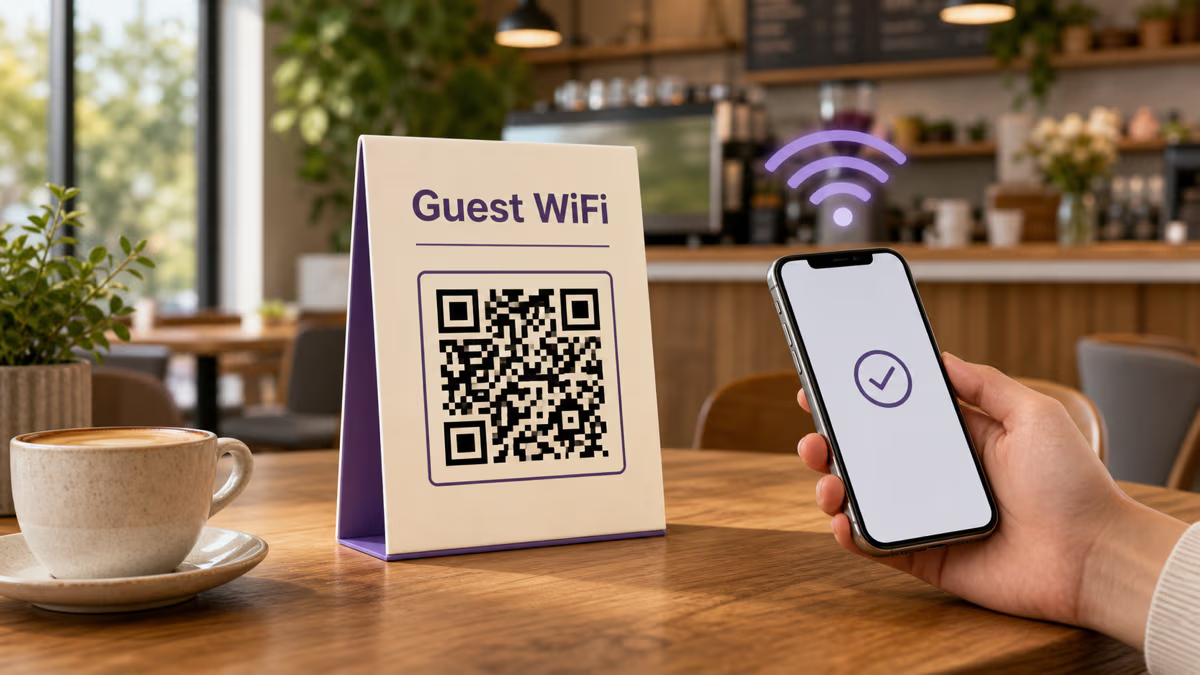
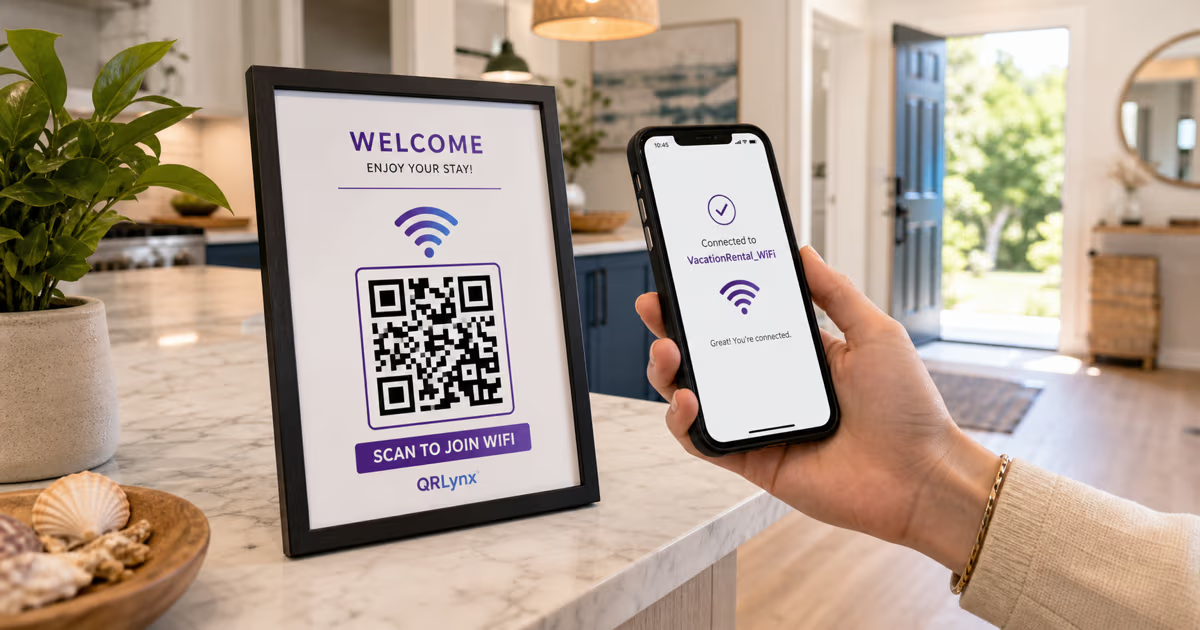
Use a dark foreground on a light background, preserve clear space around the pattern, and add a direct label such as Scan to join guest WiFi. Keep the network name available to staff as a fallback.
Download and test the digital file
Download an available raster format, scan the file with more than one target phone, confirm the displayed network name, and complete a real join. SVG and PDF QR artwork downloads begin on Starter+.
Test one physical proof
Print one sign or card at the intended size and material. Test it at the real distance, angle, and lighting before producing the full batch. Repeat the test whenever the credentials or print design change.
Guest network ready
Create the WiFi QR code in QRLynx
Enter the exact guest-network details, label the code clearly, and test the finished artwork before printing.
What the WiFi QR code contains
The QR contains a structured text payload rather than a webpage link. A typical payload looks like this:
WIFI:T:WPA;S:CafeGuest;P:example-password;H:false;;
| Token | Meaning | Example |
|---|---|---|
T | Security type | WPA, WEP, or nopass |
S | Network name or SSID | CafeGuest |
P | Password | example-password |
H | Hidden-network flag | true or false |
For the most portable result in the current QRLynx generator, use guest credentials without WiFi payload delimiters such as semicolons, commas, colons, backslashes, or quotation marks. If an existing SSID or password contains one of those characters, test the exact generated QR on every target device family before rollout. The separate QR code format reference explains the payload structure in more detail.
Static means the printed credentials stay fixed
The WiFi Access type is static in QRLynx. The phone reads the credentials directly from the QR, so there is no QRLynx redirect to edit and no QRLynx scan event to count. The code can be decoded without internet access, although the router must be available for the phone to join and the network itself needs working connectivity if guests expect internet access.
The QR remains usable while the SSID, password, security setting, scanner compatibility, and printed pattern remain valid. When any encoded credential changes, create a new WiFi QR and replace every public copy. Remove outdated signs so guests do not keep attempting the old network details.
If the real requirement is an editable destination or QRLynx scan analytics, use an eligible dynamic URL QR code for a guest information page. That page can explain how to request access or link to a captive portal, but it does not automatically join the network in the same way as a WiFi credential QR.
Troubleshoot the complete join workflow
| What happens | Likely place to check | Next test | Owner |
|---|---|---|---|
| The camera does not recognize the QR | Print size, contrast, clear space, glare, damage, or design | Scan the original digital file, then compare it with one plain high-contrast print | QR artwork and placement |
| The phone reads the QR but shows the wrong network | SSID spelling, capitalization, hidden-network setting, or an old printed copy | Compare every entered field with the router and a currently connected device | QR payload |
| The join prompt appears but connection fails | Password, security setting, router availability, access policy, or device compatibility | Forget the network on a test phone, join manually, then scan again | Router and QR payload |
| The phone joins but has no internet | Router uplink, captive portal, DNS, access schedule, or guest-network policy | Open a known webpage and inspect the router or network platform | Network system |
| Some phones work and others do not | Scanner support, security mode, special characters, or device policy | Test the exact QR on the affected device family and simplify a test guest credential when practical | Device and network compatibility |
Place and maintain the code
Put the WiFi QR where an authorized guest naturally looks for access, such as a reception card, room welcome sheet, meeting-room sign, or staff-provided handout. The broader restaurant and cafe guest WiFi guide owns venue placement and operating patterns.
- Label the network purpose clearly, such as Guest WiFi.
- Keep the code away from glare, folds, curved edges, and frequently covered areas.
- Test the actual material rather than relying only on an on-screen preview.
- Record where copies were placed so they can all be replaced after a credential change.
- Remove old prints immediately after rotation.
- Review the guest-network policy and password on the schedule chosen by the network owner.
QRLynx WiFi QR code questions
Answers about static credentials, security, updates, formats, compatibility, and testing.
Can I create a WiFi QR code for free in QRLynx?
Yes. You can create a static WiFi Access QR code without signing in and download the available raster formats. SVG and PDF QR artwork downloads begin on Starter+.
Is a QRLynx WiFi QR code static or dynamic?
It is static. The SSID, security setting, password, and hidden-network flag are stored directly in the QR pattern. It does not use a QRLynx redirect, dynamic QR allowance, or scan analytics.
Can I update the WiFi password without reprinting the QR code?
No. A new password changes the encoded payload. Create a new WiFi QR, test it, replace every public copy, and remove the old signs.
Does a WiFi QR code expire?
The QR has no QRLynx expiration timer. It remains usable while the encoded network details, compatible scanner behavior, router availability, and printed pattern remain valid.
Does QRLynx track WiFi QR code scans?
No. WiFi Access is static and contains no QRLynx redirect, so QRLynx does not receive a scan event. Use a separate eligible dynamic URL QR only when an editable webpage and scan analytics fit the guest journey.
Does scanning a WiFi QR code require internet access?
Decoding the credentials does not require internet access. The router must be available for the phone to join, and the network needs working connectivity if the guest expects internet access after joining.
Is it safe to put a WiFi password in a QR code?
Treat the QR like a visible copy of the password because a person can decode or photograph it. Use a separate guest network and apply isolation, schedules, access rules, and password rotation in the router or network platform.
Do guests need a special app to scan a WiFi QR code?
Many current phones recognize WiFi credential QRs through built-in camera or system sharing features, but behavior varies by device, operating system, security mode, and organization policy. Test the exact code on the target devices before rollout.
Can QRLynx create a QR for an open or hidden WiFi network?
Yes. Choose No password for an open network and use the Hidden network toggle only when the router hides the SSID. Match both settings to the real guest network.
What if the WiFi name or password contains special characters?
Test the exact generated QR on every target device family. For the most portable result in the current generator, use guest credentials without semicolons, commas, colons, backslashes, or quotation marks when the network owner can choose them.