How to Add a Business Card to Apple Wallet with QRLynx
Create a QRLynx Digital Business Card, add its signed pass from an iPhone, and understand how the Wallet pass, hosted card, QR, and contact download work together.

Key Takeaway
Create a QRLynx Digital Business Card, add its signed pass to Apple Wallet, share the QR, save the contact, and keep each version accurate.
Can you add a business card to Apple Wallet?
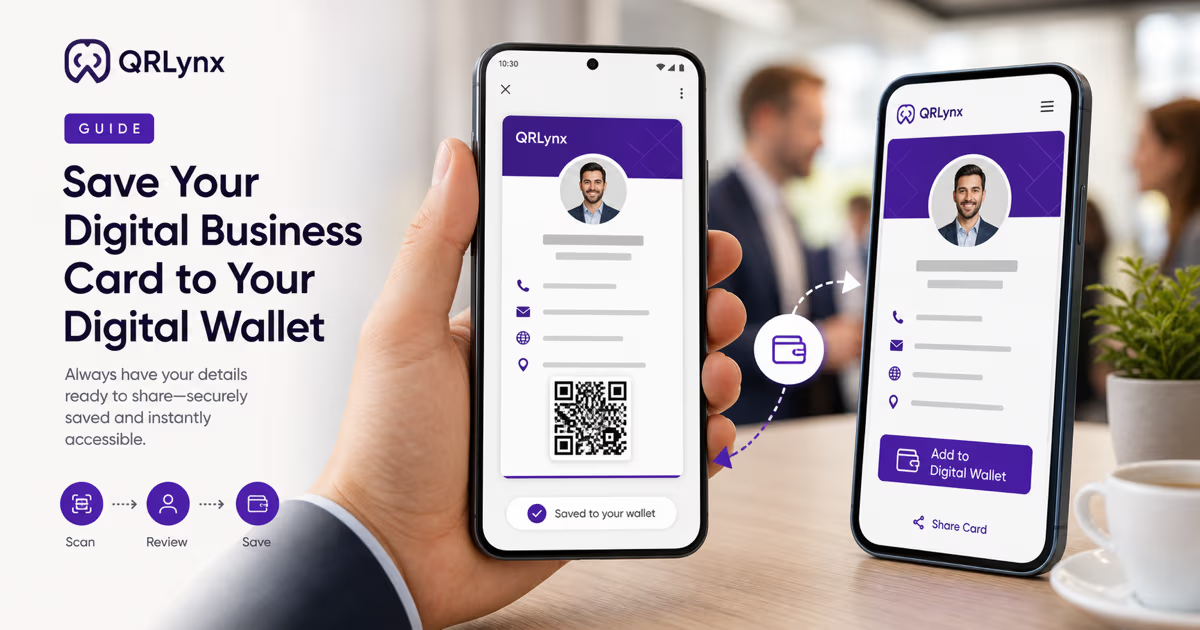
Yes. QRLynx can turn a saved Digital Business Card into a signed generic pass that you add to Apple Wallet from the card's hosted page on an iPhone. Open the card, tap Add to Apple Wallet, review the pass, and tap Add.
The Wallet pass keeps your name and selected business details close at hand and displays a QR that opens the current hosted QRLynx card. Apple Wallet stores the pass, while Save to Contacts on the hosted card is the separate action that downloads the contact record. This distinction matters when you share the card or later change your details.
QRLynx provides Apple and Google Wallet passes only for the Business Card QR type. The integration is available on every registered plan, including the free Starter plan.
How to add a QRLynx business card to Apple Wallet
Build the card first, save it, then add and test the signed pass from the hosted card page.
Create a free QRLynx account
Sign in to QRLynx so the Business Card can be saved, hosted, and connected to a Wallet pass. The free Starter plan includes 3 active dynamic QR codes, unlimited scans, and three months of analytics history.
Choose the Business Card QR type
Open the QRLynx generator and choose Business Card, whose internal type is DigitalBusinessCard. This is the QRLynx QR type that supports the hosted card, vCard contact download, Apple Wallet pass, and Google Wallet pass.
Enter the card details
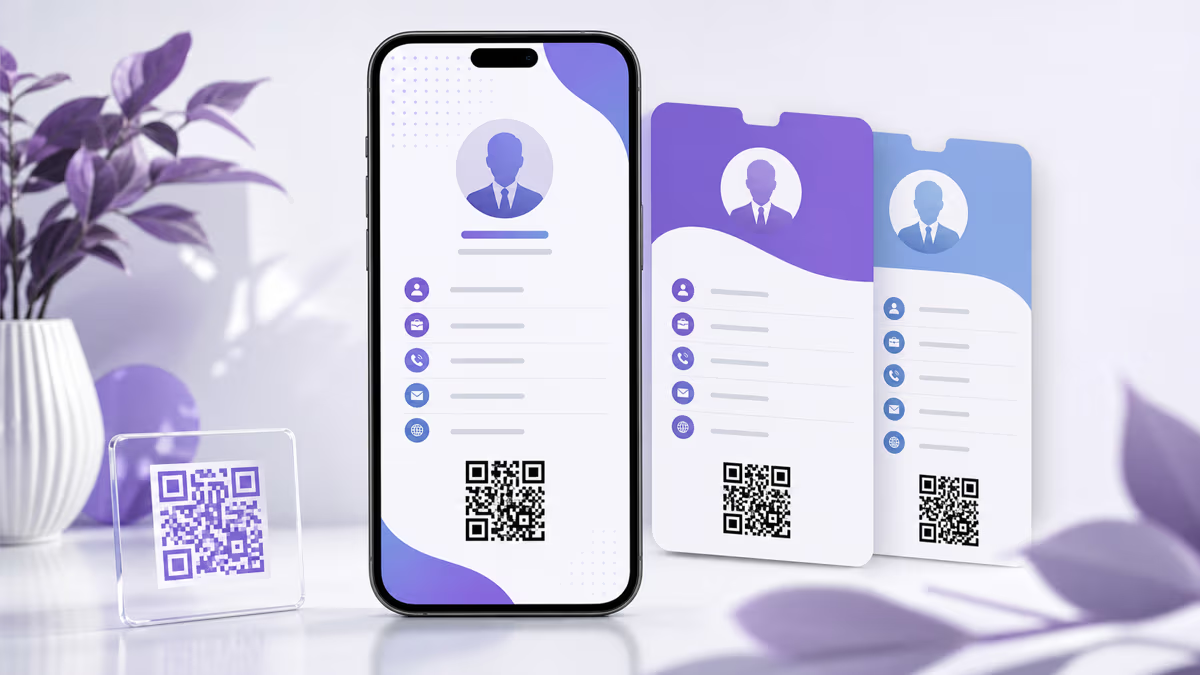
Add the name and the details you want to share, such as title, company, department, phone, email, website, address, bio, social links, profile image, and brand color. Include only information you intend recipients to see.
Save and open the hosted card
Save the QR code, then open its public card page on an iPhone. The hosted page uses a qrlynx.link address and shows the current saved card details, the contact download, and the device-appropriate Wallet action.
Tap Add to Apple Wallet
On the iPhone card page, tap Add to Apple Wallet. QRLynx builds the current card as a signed .pkpass and iOS opens the Apple Wallet review screen.
Review the pass and tap Add
Check the name, title, company, phone, email, image, color, and QR before adding the pass. Apple Wallet places it in the Wallet app and, when supported by the user's setup, on the paired Apple Watch.
Test the sharing and contact path
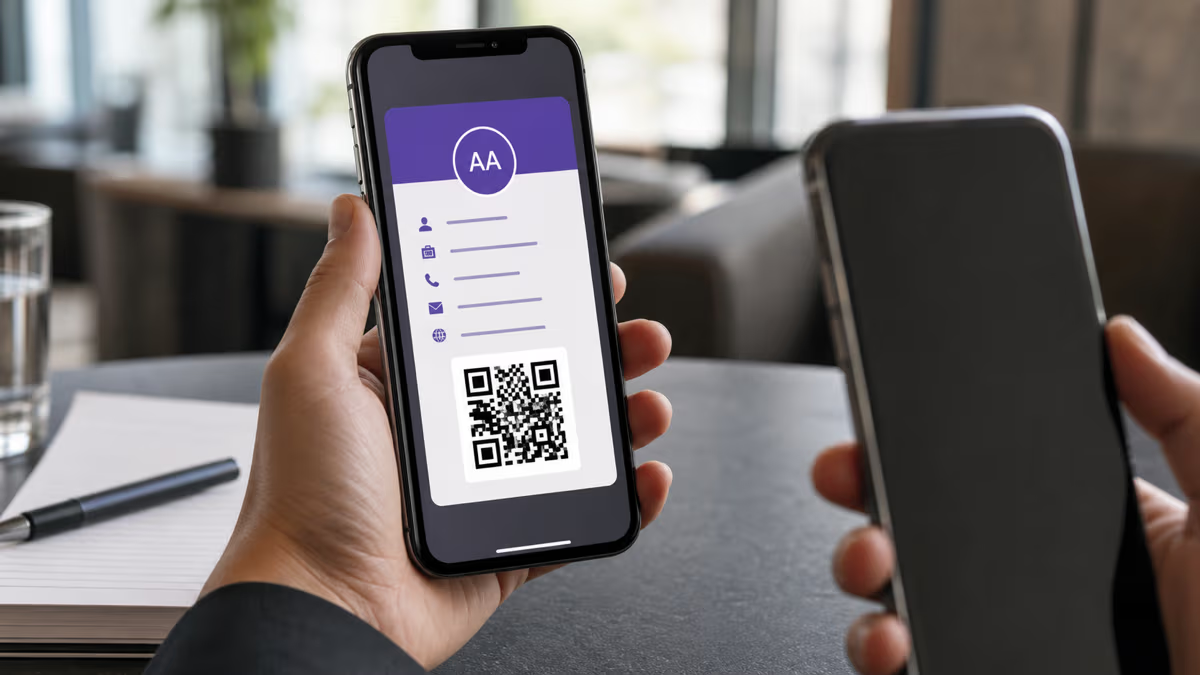
Open the saved pass, show its QR to a second phone, and confirm that it opens the intended hosted card. From that card, test Save to Contacts and verify the downloaded contact record. Also test the original QRLynx QR pattern if scan analytics matter.
Ready for a real-device test
Create the business card in QRLynx
Build the hosted card, save it, then add the signed pass from an iPhone and test the QR plus contact download on a second device.
What the QRLynx Apple Wallet pass contains
QRLynx uses Apple's generic pass style. The pass is generated from the saved Digital Business Card and signed with QRLynx's Apple Wallet certificate. Apple verifies that signed package before adding it to Wallet.
The current pass can show the cardholder's name as the primary field, title in the header, company and department as secondary fields, and phone plus email as auxiliary fields. Additional phone numbers, email, website, address, bio, and a View Online link can appear in the pass details. When a profile image is available, QRLynx attempts to include it as the pass thumbnail.
The pass also contains a QR whose payload is the card's public qrlynx.link/@name page. That QR is the bridge from the saved pass to the current hosted card, contact download, and device-appropriate Wallet option.
Wallet pass, hosted card, contact file, or paper card?
These formats solve different parts of the networking task and can be used together.
| Format | What it keeps | How details stay current | Useful next action |
|---|---|---|---|
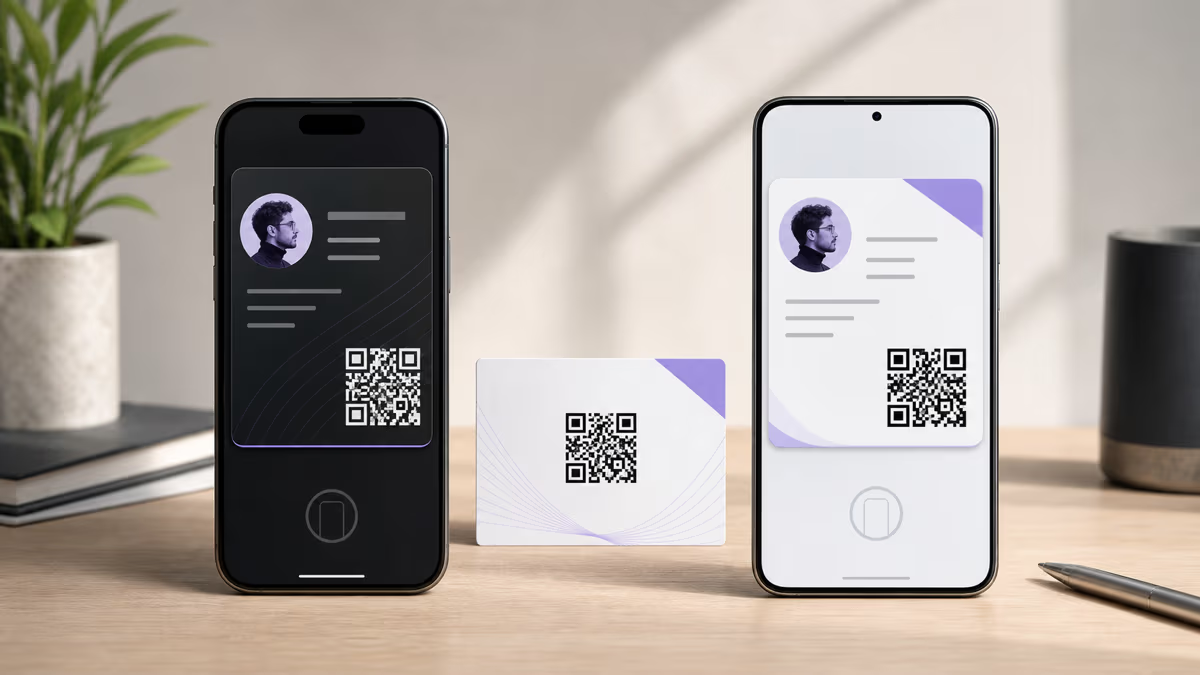
| Apple Wallet pass | A signed snapshot of selected business-card fields plus a QR | Add the current pass again after card changes and verify the displayed fields | Open the pass quickly and let another device scan its QR |
| QRLynx hosted card | The current saved online card, links, social profiles, and contact action | QRLynx dashboard edits update the hosted card | View the current profile, open links, or save the contact |
| vCard contact file | A contact record imported into the recipient's Contacts app | Download and import a fresh vCard when the contact changes | Call, email, or save the person in Contacts |
| Paper business card | Printed identity and contact information | Print a new card when printed details change | Hand over a physical reminder or include the QRLynx QR |
Apple Wallet pass versus an iPhone contact
A Wallet pass is a card inside Apple Wallet. A contact is a record inside the Contacts app. Adding the QRLynx pass keeps the business card available in Wallet, but it leaves contact import as a separate, deliberate step.
For a clean sharing flow, let the recipient scan the QR on the pass or open the hosted card link. The recipient can then review the current profile and use Save to Contacts to download the vCard. This approach gives the recipient control over what enters Contacts and keeps the live web card available for links and later review.
The saved pass can still show its stored fields when connectivity is unavailable. Opening the hosted card, downloading the contact, or following its links requires a network connection.
What happens after you edit the QRLynx card?
Dashboard edits update the hosted QRLynx card. The current Apple Wallet pass implementation is a signed snapshot and does not include Apple's pass-update registration web service, so an existing saved pass does not receive those edits automatically.
After changing a name, title, company, phone, email, image, or color, open the hosted card on the iPhone and tap Add to Apple Wallet again. Review the newly generated pass carefully. If Wallet continues to show the earlier copy, remove that pass and add the current one from the hosted card.
The QR inside an earlier pass still opens the hosted card at the same public address while that card remains available. A recipient who scans it can therefore see the current online profile even when the text stored on the old pass reflects an earlier version.
How to share the card from Apple Wallet
The most dependable QRLynx sharing path is the QR displayed with the pass. Open the pass and let the other person scan that QR with their own phone. It opens the hosted card, where they can review the current details, save the contact, or add their own Wallet pass on a supported device.
You can also send the public QRLynx card URL through Messages, email, AirDrop, or another channel. Apple permits sharing for some passes, but share-button availability depends on the pass and device. Sharing the hosted card URL remains useful across iPhone, Android, and desktop browsers.
A single phone cannot conveniently scan a QR displayed on its own screen with the Camera app. Use the hosted-card link or a second device when testing that path.
What QRLynx analytics measure
QRLynx analytics measure eligible scans that travel through a saved dynamic QRLynx QR code. The free Starter plan includes scan tracking and three months of analytics history, with longer history and additional breakdowns available by plan.
Apple Wallet saves, Wallet opens, and direct views of the hosted-card URL are separate events. The current QRLynx Apple Wallet flow does not expose pass-save totals, Wallet-view counts, named recipients, or automatic pass-registration analytics.
When campaign measurement matters, test and distribute the saved dynamic QRLynx QR pattern as the tracked entry point. Treat the QR inside the Wallet pass as a sharing route to the hosted card, not as proof that a Wallet save or view was recorded.
Apple Wallet business card troubleshooting
| What you see | What to check | Next step |
|---|---|---|
| No Add to Apple Wallet button | Confirm that the saved QRLynx QR type is Business Card and that the public card is open on an iPhone | Reload the hosted card directly; if the action remains unavailable, contact QRLynx support with the card URL |
| The pass does not open for review | Confirm connectivity and open the hosted card in the current iPhone browser | Retry from the Add to Apple Wallet action rather than a copied .pkpass filename |
| A field is missing | Check whether the field was saved on the QRLynx card and whether it fits the current pass layout | Correct the hosted card, generate the pass again, and review every visible field before adding |
| The saved pass shows old details | Compare it with the current hosted card | Generate the current pass again; remove the earlier pass first if Wallet retains it |
| An Android recipient opens the card | Apple Wallet is the iPhone path; the hosted card itself works in a browser | Use the Google Wallet action or Save to Contacts from the same QRLynx card |
| The QR opens the wrong card | Scan the original QRLynx QR and the Wallet QR with a second device | Verify the saved card slug and destination before sharing it again |
Maintain the pass as part of the card lifecycle
Keep one approved source for the person's name, role, company, phone, email, links, image, and brand color. After a change, review the hosted card first, download a fresh contact, generate a fresh Wallet pass, and scan the original QR from a second device.
For teams, record who owns each QRLynx card and where its QR is distributed. A short review after role, phone, domain, or brand changes is more reliable than assuming every saved copy has refreshed.
If the card is retired, review the saved QR status and public card before removing records. A Wallet pass already stored on someone else's device remains under that person's control, while its online QR depends on the public card remaining available.
QRLynx Apple Wallet business card questions
Can QRLynx add a business card to Apple Wallet?
Yes. Create and save a QRLynx Business Card QR, open its hosted card on an iPhone, tap Add to Apple Wallet, review the signed pass, and tap Add. The Wallet integration applies to QRLynx Digital Business Cards.
Does adding the pass save the person to iPhone Contacts?
Apple Wallet stores the pass. Saving the person to Contacts is a separate action. Open the hosted QRLynx card from its QR or link, then use Save to Contacts to download and import the vCard.
Do I need my own Apple Developer account?
No. QRLynx operates the Apple Wallet pass issuer and signs the .pkpass for the saved Digital Business Card. The card owner uses the QRLynx generator and hosted-card flow rather than managing a Pass Type ID certificate.
Does the QRLynx Apple Wallet pass update automatically?
The hosted QRLynx card updates after a dashboard edit. The currently saved Wallet pass is a snapshot and does not receive automatic QRLynx updates. Open the hosted card and add the current pass again after important changes, then verify its fields.
Can another person save my QRLynx pass to their Apple Wallet?
Yes. Send the hosted QRLynx card URL or let the person scan the QR shown with your pass. On an iPhone, they can open the card and use Add to Apple Wallet for their own copy.
What details appear in the QRLynx Apple Wallet pass?
The current generic pass can show the name, title, company, department, phone, email, optional profile image, extra contact details, a View Online link, and a QR to the hosted card. Only supplied fields appear, and Apple controls the final layout.
Can I keep separate personal and work cards in Apple Wallet?
Yes. Create a separate QRLynx Business Card QR for each identity, save each card, and add each signed pass to Apple Wallet. Give every card a clear name and verify its details and QR before sharing it.
Can I use the business card without internet access?
The saved Wallet pass can display its stored fields and QR without a connection. Opening the hosted card, downloading the contact, following links, or generating a fresh pass requires connectivity.
Can QRLynx track who saved or opened my Apple Wallet pass?
The current QRLynx flow does not report Wallet saves, Wallet opens, or named recipients. QRLynx analytics cover eligible scans through the saved dynamic QRLynx QR code, which is a separate measurement.
Is Apple Wallet support included in the free QRLynx plan?
Yes. Apple and Google Wallet passes for Digital Business Cards are available on every registered plan. The free Starter plan includes 3 active dynamic QR codes, unlimited scans, and three months of analytics history.
What should an Android recipient use?
The same hosted QRLynx card works in an Android browser and can offer Add to Google Wallet. The recipient can also use Save to Contacts from the hosted card. See the QRLynx Google Wallet business card guide for that device-specific flow.
Sources and implementation checks
- Apple Developer: Creating a generic pass
- Apple Developer: Wallet Passes and update services
- Apple Support: Use passes in Wallet on iPhone
- QRLynx Digital Business Card
- QRLynx Google Wallet business card guide
QRLynx behavior in this guide was checked against the current Apple Wallet route, Digital Business Card renderer, Apple pass builder, plan configuration, and analytics contract.