QRLynx Blog
QR Code Guides, Tips & Best Practices
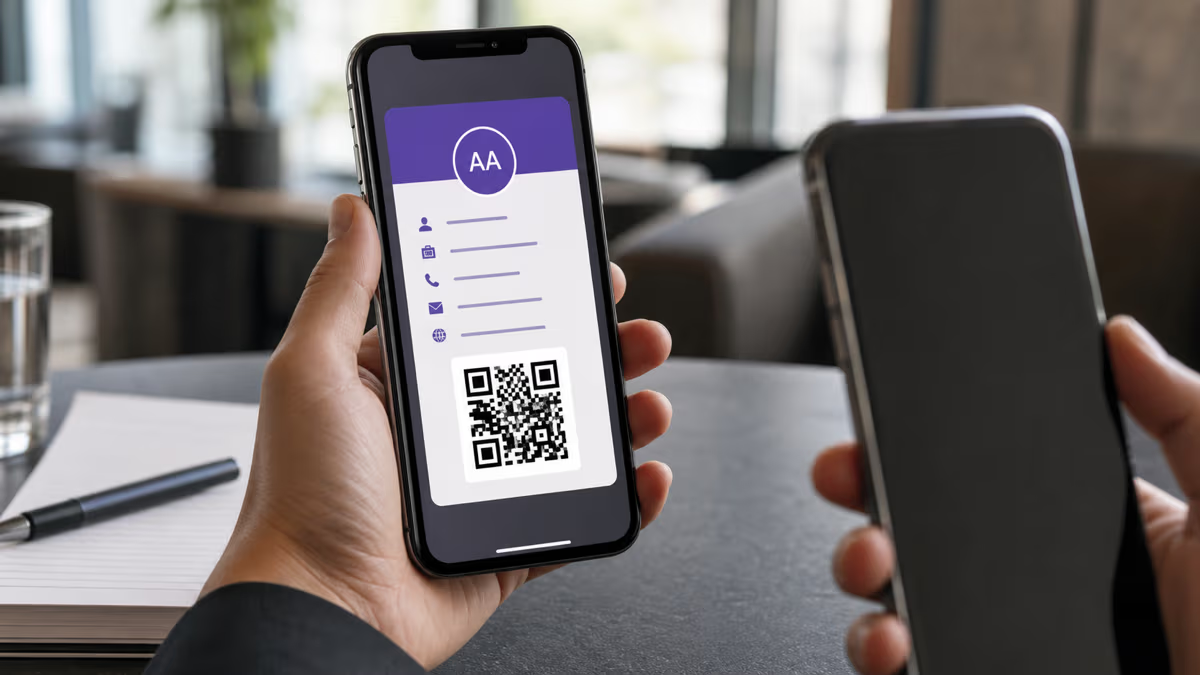

How to Add a Business Card to Apple Wallet with QRLynx
Create a QRLynx Digital Business Card, add its signed pass to Apple Wallet, share the QR, save the contact, and keep each version accurate.
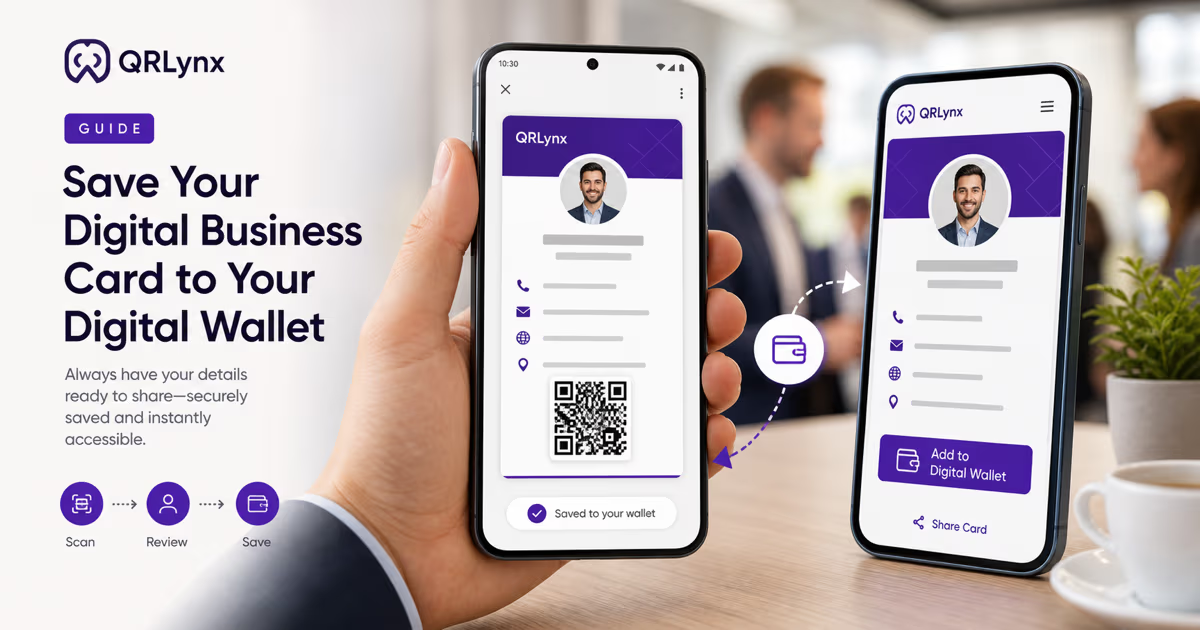
How to Add a QRLynx Business Card to Google Wallet
Create a QRLynx Digital Business Card, save its signed Google Wallet Generic Pass, verify the QR, refresh card details, and troubleshoot the flow.
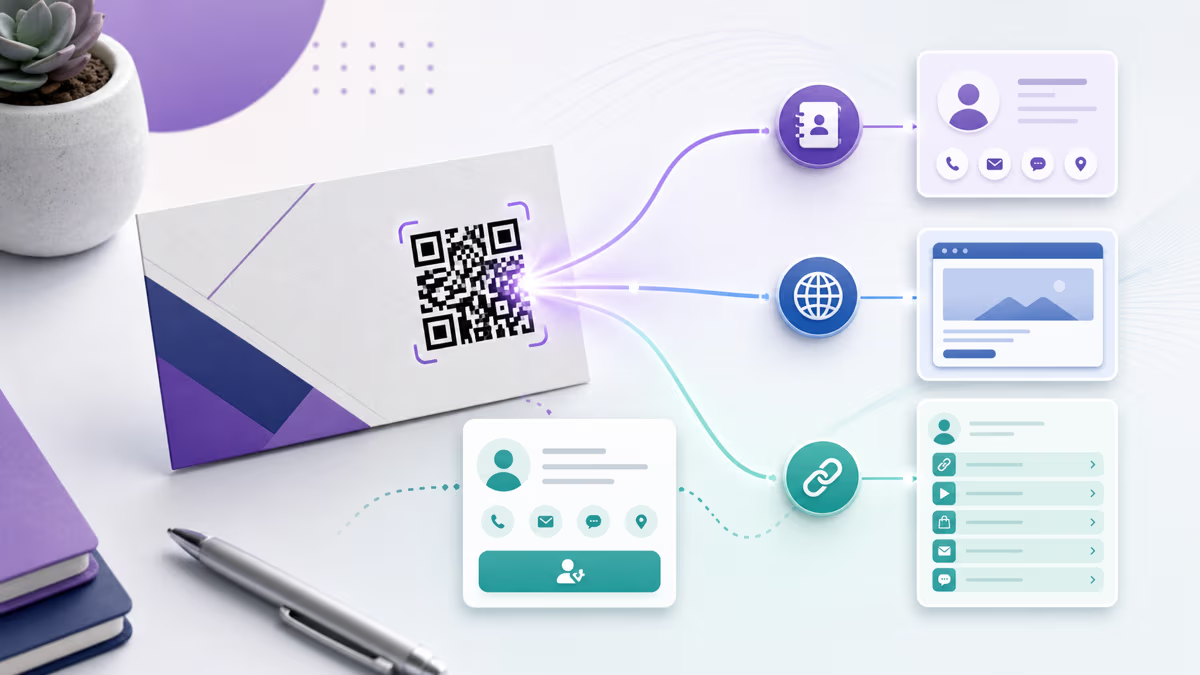
Business Card QR Types in QRLynx: vCard vs URL vs Link-in-Bio
Compare QRLynx Contact Card, Business Card, Website / Link, and Link-in-Bio QR options for contact saving, editability, offline use, analytics, and printing.

How to Add a QR Code to Your Resume or CV
Add a QR code to a resume without replacing essential text. Choose a portfolio, LinkedIn, GitHub, or contact destination, then create and test it in QRLynx.
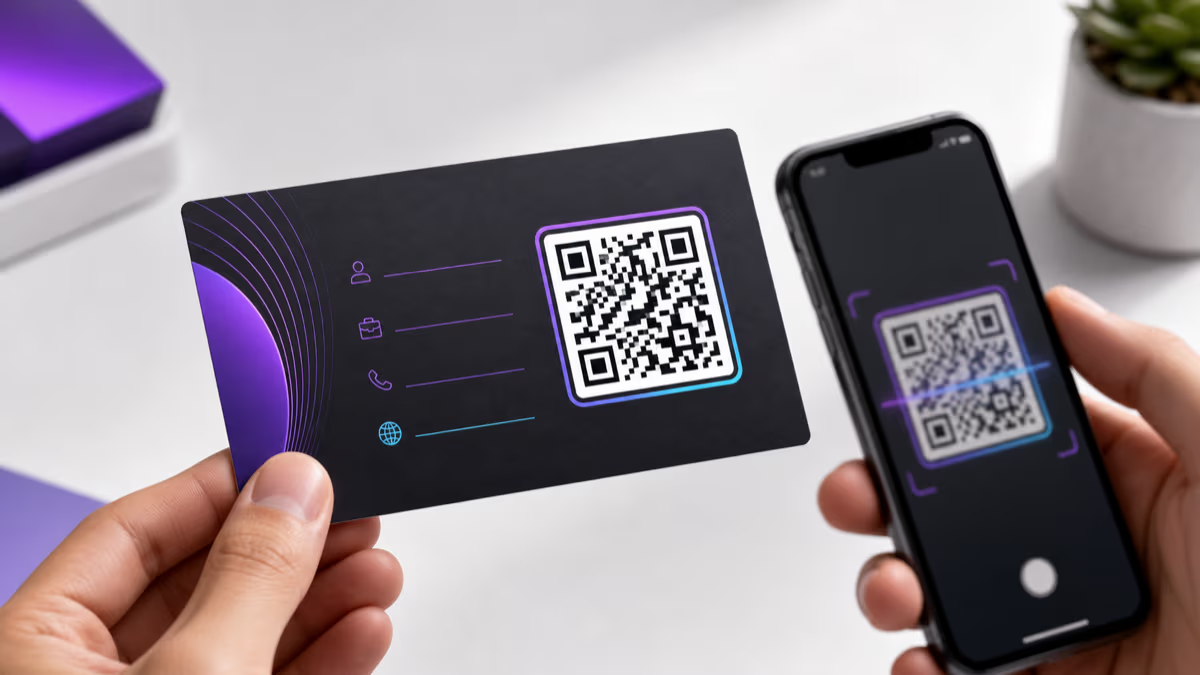
How to Put a QR Code on a Business Card with QRLynx
Choose the right QRLynx business-card QR type, create it step by step, preserve the four-module quiet zone, prepare print files, and test the physical proof.
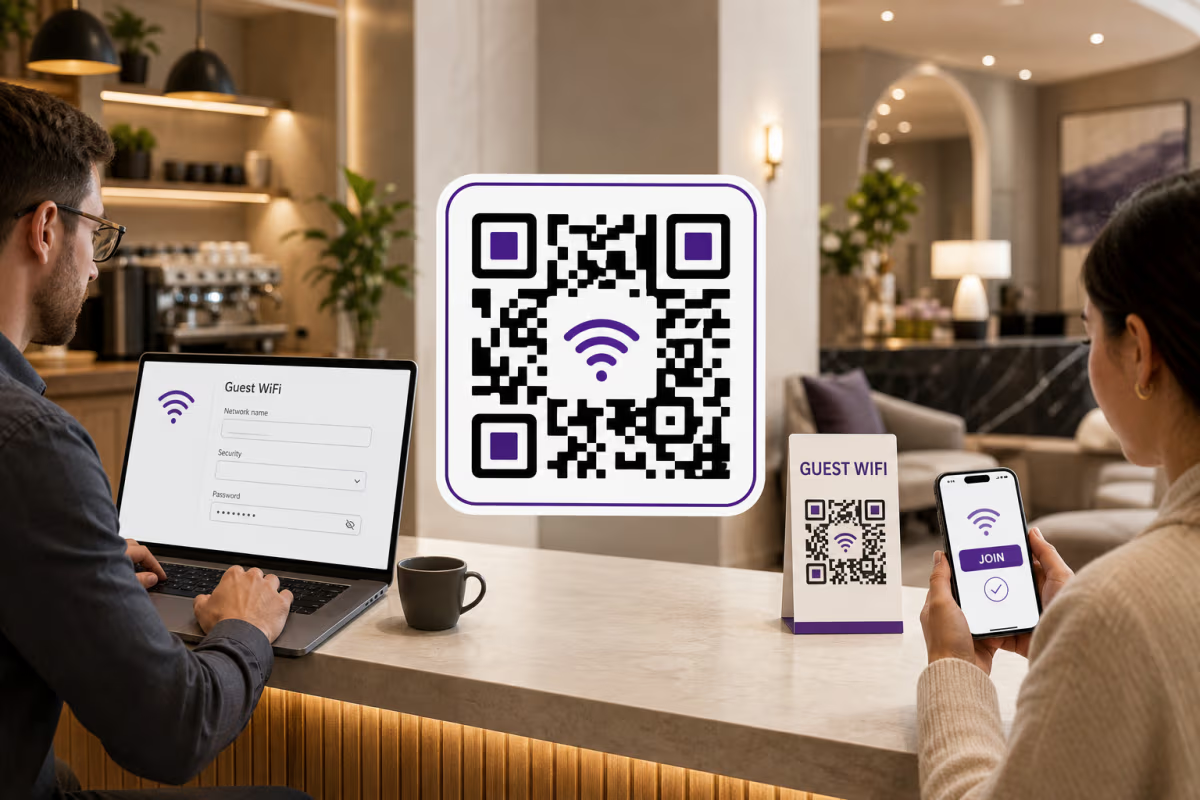
How to Create a WiFi QR Code in QRLynx
Create a static WiFi QR code in QRLynx with the correct network name, security setting, password, and hidden-network flag, then test it before printing.
How to Create a vCard QR Code with QRLynx
Create a vCard QR code in QRLynx, compare the offline Contact Card with an editable Digital Business Card, and test the final contact import before printing.