How to Create a QR Code for Any URL in QRLynx

Key Takeaway
Verify the destination, choose a static or dynamic Website / Link QR in QRLynx, label and test the artwork, and measure scans separately from website results.
The short answer
Choose static or dynamic before printing
| Decision | Static Website / Link | Dynamic Website / Link | What the printed QR contains |
|---|---|---|---|
| Destination | The final URL is encoded directly | QRLynx stores the final destination behind a short link | Direct URL or managed QRLynx short link |
| Future destination edits | Create and print a new QR when the encoded URL changes | Edit the managed destination while keeping the same dynamic QR pattern | Only the dynamic route can be repointed |
| QRLynx scan analytics | Not available because QRLynx is not in the scan path | Available after the scan opens the managed short link | A scan event is separate from a destination visit or conversion |
| Account | Not required to generate and download | Required to save and manage the dynamic record | The free Starter plan supports up to 3 active dynamic QRs |
| Best fit | A durable owned URL with no QRLynx management need | Printed campaigns, replaceable destinations, or scan measurement | Choose from the actual lifecycle rather than a premium label |
Verify the destination before creating the QR
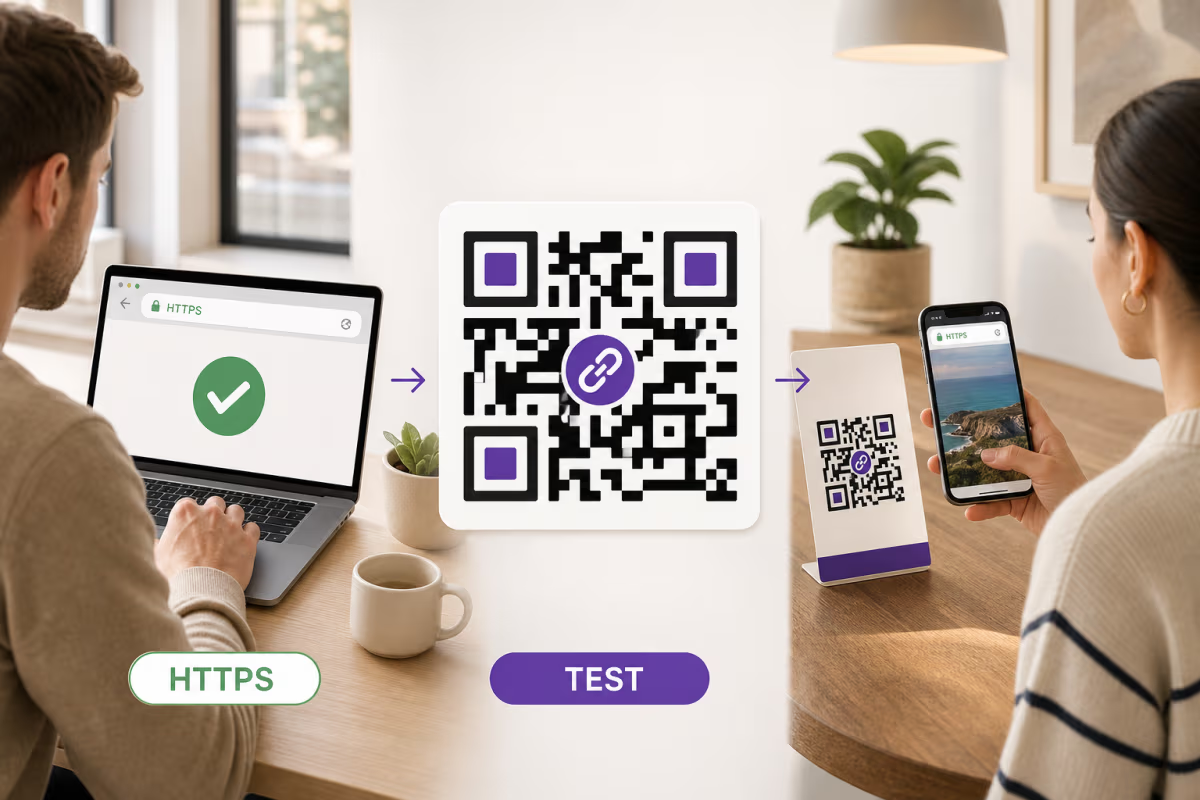
The QR can only open the URL you give it. Open the destination in a private or signed-out browser window and follow the complete visitor journey. Confirm the domain, page, language, mobile layout, consent or login step, downloads, forms, and final action. If the page redirects, confirm where it finishes rather than relying on the URL you first entered.
Use an HTTPS destination when the site supports it. Check that the certificate is valid, the page does not expose an unfinished preview or private account state, and the visitor can complete the intended action without access you happen to have as the page owner.
For campaign reporting, add the final UTM parameters before creating the QR. Google Analytics recommends consistent utm_source, utm_medium, and utm_campaign values so campaign traffic is grouped correctly. QRLynx provides a UTM builder, but the destination analytics system remains responsible for sessions and conversions.
How to create a QR code for a URL in QRLynx
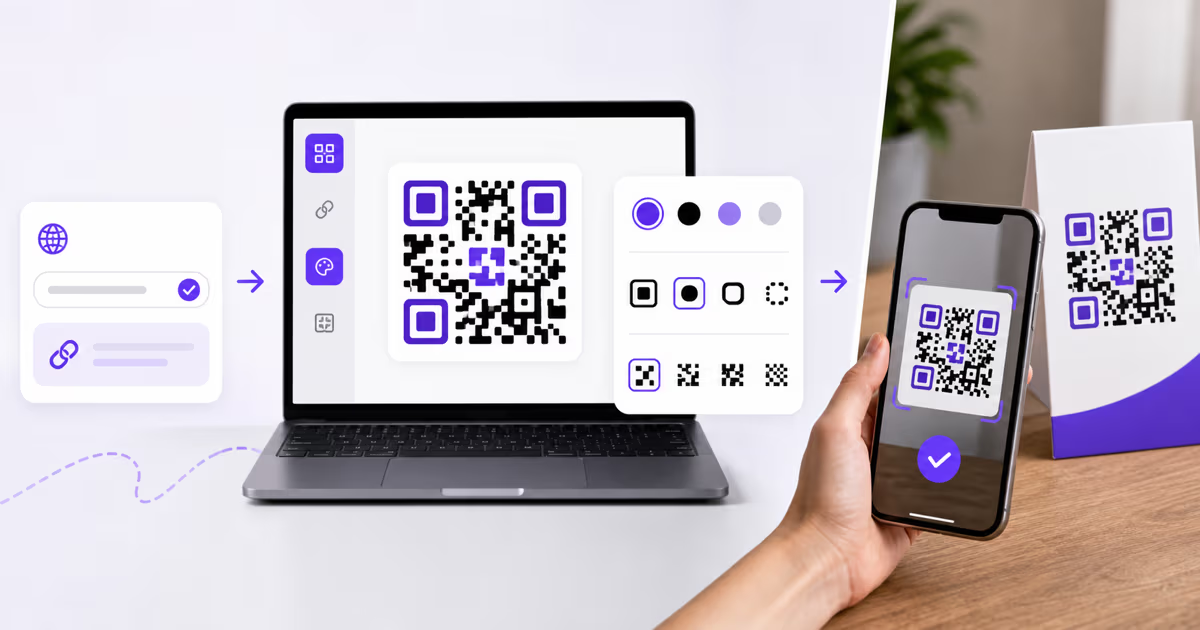
Prepare the final destination, choose the correct lifecycle, then test the exported QR and its physical placement.
Open and verify the final URL
Test the destination while signed out and on a phone. Confirm the domain, page content, redirects, permissions, forms, downloads, and final visitor action.
Add campaign parameters when needed
Build the final destination URL before generating the QR. Use consistent UTM values for each campaign or placement, and keep personal information out of the URL.
Choose Website / Link in QRLynx
Open the QRLynx generator and select Website / Link. Paste the final URL. QRLynx normalizes a bare domain with HTTPS, but review the completed destination rather than assuming the prefix makes the site valid.
Choose static or dynamic
Use static for a durable direct URL when QRLynx editing and scan analytics are unnecessary. Use dynamic when the destination may change after printing or when QRLynx scan measurement is part of the plan.
Name the saved dynamic QR clearly
For a dynamic QR, use a name that identifies the campaign and placement, such as Spring Catalog Front Counter. Use separate saved QRs when placements need separate scan totals.
Design and label the QR
Use strong foreground and background contrast, preserve clear space around the pattern, and add a specific instruction that tells the scanner what will open. Add a logo only when the finished code remains readable.
Download and test the digital file
Download an available raster format and scan the exact file. SVG and PDF QR artwork downloads begin on Starter+. Confirm the camera preview and the final destination before printing.
Test one physical proof
Print one copy on the real material and test it at the intended distance, angle, lighting, and surface finish with more than one target phone. Approve the full batch only after this proof works.
Destination verified
Create the Website / Link QR in QRLynx
Choose the correct static or dynamic lifecycle, label the visitor action, and test the exact exported code before rollout.
What QRLynx handles in the URL workflow
For a static Website / Link QR, QRLynx creates artwork that contains the final URL directly. The scan does not pass through QRLynx, so QRLynx cannot edit the destination or record the scan.
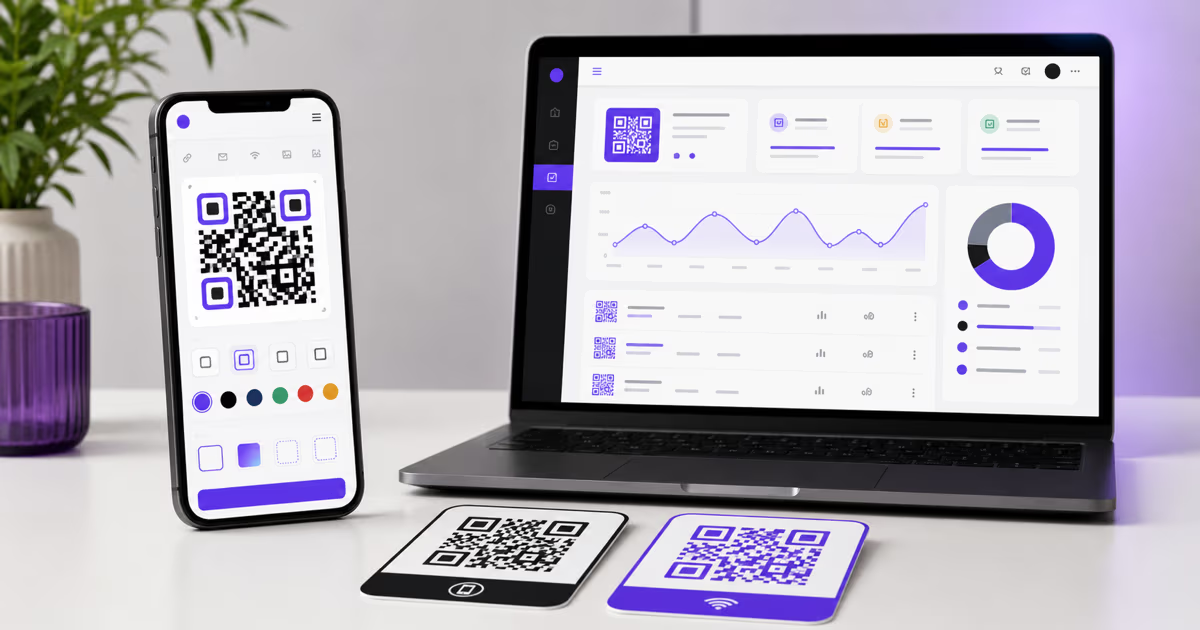
For a saved dynamic Website / Link QR, QRLynx creates and manages a short route. The route can record a scan event and open the stored destination. The generator supports colors, dot and corner styles, logos, frames, and a live scan score, with physical testing as the final approval gate.
The free Starter plan includes up to 3 active dynamic QR codes, unlimited scans, three months of analytics, logo upload, QR frames, and raster artwork downloads. Starter+ adds SVG and PDF QR artwork downloads. Pro adds password protection, expiration rules, smart redirect rules, scheduling, and longer analytics. Business adds lead forms and team capabilities. Enterprise adds eligible retargeting and custom-domain features. Check the current pricing page for the complete plan matrix.
QRLynx does not create or maintain the destination website, verify its claims, complete its forms, record its sales, or control its privacy and cookie practices. Those responsibilities stay with the destination owner and its analytics or commerce systems.
Understand the printed-copy lifecycle
A static QR keeps opening the directly encoded URL while that URL remains valid and the printed pattern remains readable. If the URL changes, create and distribute a new static QR. Changing content on a webpage at the same stable URL does not require changing the QR because the encoded URL itself has not changed.
A dynamic QR keeps the same managed short-link pattern while you edit its stored destination. Retest the printed copy after each destination change. If a saved QRLynx QR switches between static and dynamic, the future artwork and previously printed copies do not all change together. The dynamic versus static lifecycle guide owns the exact mode-switching, retirement, and revival behavior.
Keep an inventory of the campaign, QR record, destination owner, printed locations, original artwork, and fallback URL. That record makes it possible to update the right route or replace every old print when the lifecycle changes.
Design for the real scanning environment
There is no universal print size or logo percentage that works for every URL QR. URL length, error correction, module density, print process, viewing distance, lighting, glare, damage, camera, and custom styling all affect the result.
- Keep the QR foreground darker than the background and use the QRLynx scan score as design guidance.
- Preserve the clear quiet area around the pattern.
- Use a short, specific label such as Scan for assembly instructions or Scan to register this product.
- Place the code on a flat, visible area with enough room for the intended scanning distance.
- Use the QR code size calculator as a starting point, then validate the real proof.
- Keep a readable fallback URL or another access path when the destination is important.
The print size guide owns the deeper material and distance discussion. P041 keeps only the checks needed to complete the URL workflow safely.
Measure each layer with the system that owns it
| Question | QRLynx dynamic analytics | Destination analytics | Business system |
|---|---|---|---|
| Was the managed QR route opened? | Scan event and available scan breakdowns | Not the primary source | Not the primary source |
| Did the webpage load and start a session? | A scan alone cannot prove this | Website or app analytics | Not the primary source |
| Which placement sent the visit? | Separate saved QRs can separate scan totals | Consistent UTM values can identify campaign traffic | Campaign naming may connect later outcomes |
| Did the visitor submit, buy, book, or register? | Not proven by a scan | May record the digital event | CRM, commerce, booking, or form system owns the completed record |
Test and maintain the complete journey
- Decode: the camera recognizes the QR on the real material.
- Preview: the phone shows the expected direct or managed domain.
- Redirect: a dynamic route opens the stored destination without an unexpected loop.
- Load: the final page works on the connectivity scanners normally use.
- Act: the intended form, download, booking, purchase, or information path works while signed out.
- Measure: scan, session, and outcome systems use consistent campaign and placement names.
- Recover: the printed fallback or alternate access path remains usable.
Retest after a destination edit, website migration, domain change, access-policy change, or print replacement. Review live campaigns on a defined schedule and retire or replace outdated printed copies deliberately.
Troubleshoot by the layer that failed
| What happens | First place to check | Next test | Owner |
|---|---|---|---|
| The camera does not recognize the QR | Size, contrast, clear space, glare, damage, or design | Scan the original file, then a plain high-contrast proof | Artwork and placement |
| The preview shows an unexpected domain | Static versus dynamic choice and the encoded URL | Compare the scanner preview with the approved direct or QRLynx short-link domain | QR configuration |
| A dynamic QR opens the wrong page | Stored destination and redirect rules | Open the current destination from the QRLynx record, then scan the printed copy | QRLynx record owner |
| The destination does not load | Website availability, DNS, TLS, redirects, permissions, and connectivity | Open the final URL directly in a signed-out mobile browser | Destination owner |
| Scans appear but website sessions do not | Redirect completion, consent, page load, analytics configuration, and UTM URL | Compare a controlled scan with destination real-time analytics | QRLynx and destination analytics |
| Sessions appear but the intended action does not | Mobile content, form, checkout, booking, or download flow | Complete the action on the same device and connection | Destination or business system |
QRLynx URL QR code questions
Answers about creation, static and dynamic lifecycles, updates, downloads, analytics, security, and long links.
How do I create a QR code for a URL in QRLynx?
Verify the final destination, choose Website / Link, paste the URL, select static or dynamic, design and label the code, download an available format, and test the exact file and one physical proof.
Can I create a URL QR code for free without an account?
Yes. You can generate and download a static Website / Link QR without signing in. A free Starter account is required to save and manage up to 3 active dynamic QR codes.
What is the difference between a static and dynamic URL QR code?
A static QR contains the final URL directly and has no QRLynx scan analytics or editable redirect. A dynamic QR contains a managed QRLynx short link whose stored destination can be edited and whose route can record scans.
Can I change the URL without reprinting the QR?
Yes, for a saved dynamic Website / Link QR. Edit the stored destination and retest the printed copy. A static QR requires new artwork when the encoded URL itself changes.
Does a URL QR code expire?
A static QR has no QRLynx expiration timer and remains usable while its encoded URL and printed pattern remain valid. A dynamic QR follows the saved record's status and any configured expiration or scheduling rules.
Which download formats are free?
QRLynx provides raster artwork formats on the free Starter plan. SVG and PDF QR artwork downloads begin on Starter+. The destination URL and the QR artwork format are separate decisions.
How does QRLynx track a dynamic URL QR code?
The managed short route records a scan event before opening the stored destination. A scan does not by itself prove that the webpage loaded, a session was recorded, or a conversion happened.
Should I add UTM parameters to the URL?
Add consistent UTM parameters when the destination analytics system needs campaign attribution. Build the final tagged URL before creating the QR, use separate values for placements you want to compare, and avoid personal information in the URL.
Can I create a QR code for a long URL?
Yes. A static QR directly encodes the complete URL, so a longer value can create a denser pattern that deserves careful print testing. A dynamic QR encodes the managed short link instead, while the full destination stays in the QRLynx record.
Does QRLynx check the destination URL?
QRLynx validates and security-checks eligible saved destinations during its workflow, but the destination owner remains responsible for the page, claims, permissions, privacy, availability, and future changes. Always open and test the final page yourself.
Should every placement use the same URL QR code?
Use one code when every placement shares the same destination and combined measurement is acceptable. Use separate saved dynamic QRs or distinct UTM values when placements need separate reporting, ownership, or lifecycle control.