Podcast QR Codes: Link Every Listening App with QRLynx

Key Takeaway
Create one podcast QR code for Spotify, Apple Podcasts, YouTube, and RSS. Learn the exact QRLynx setup, placement strategy, testing, and scan measurement.
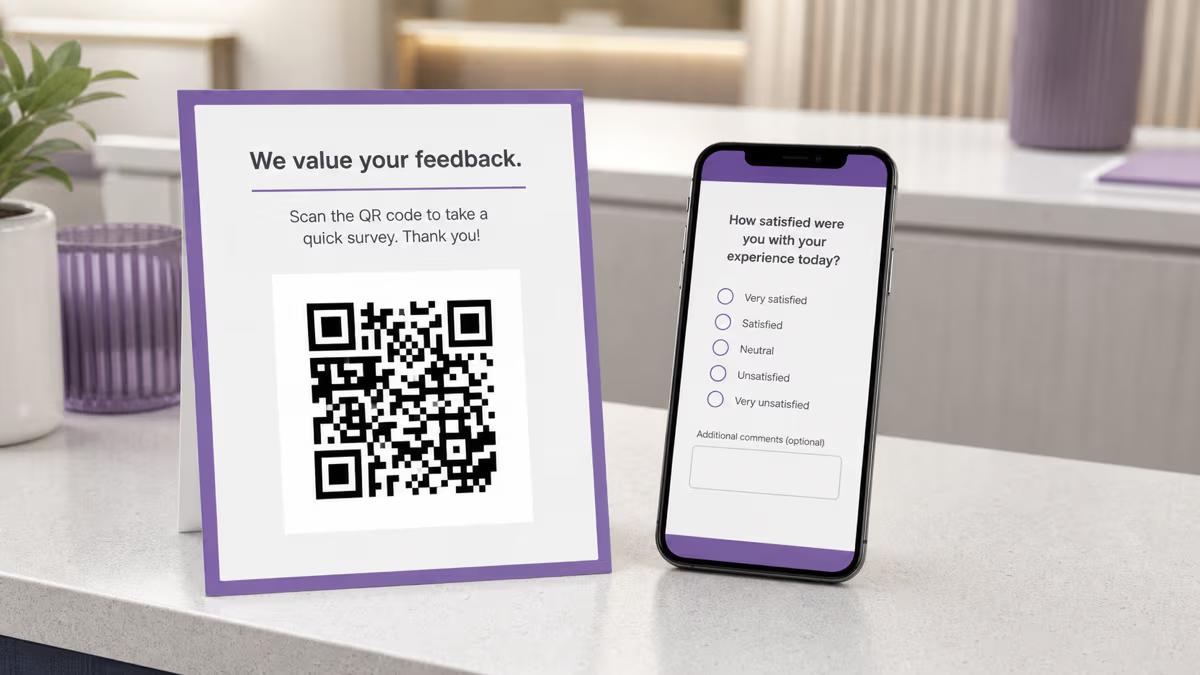
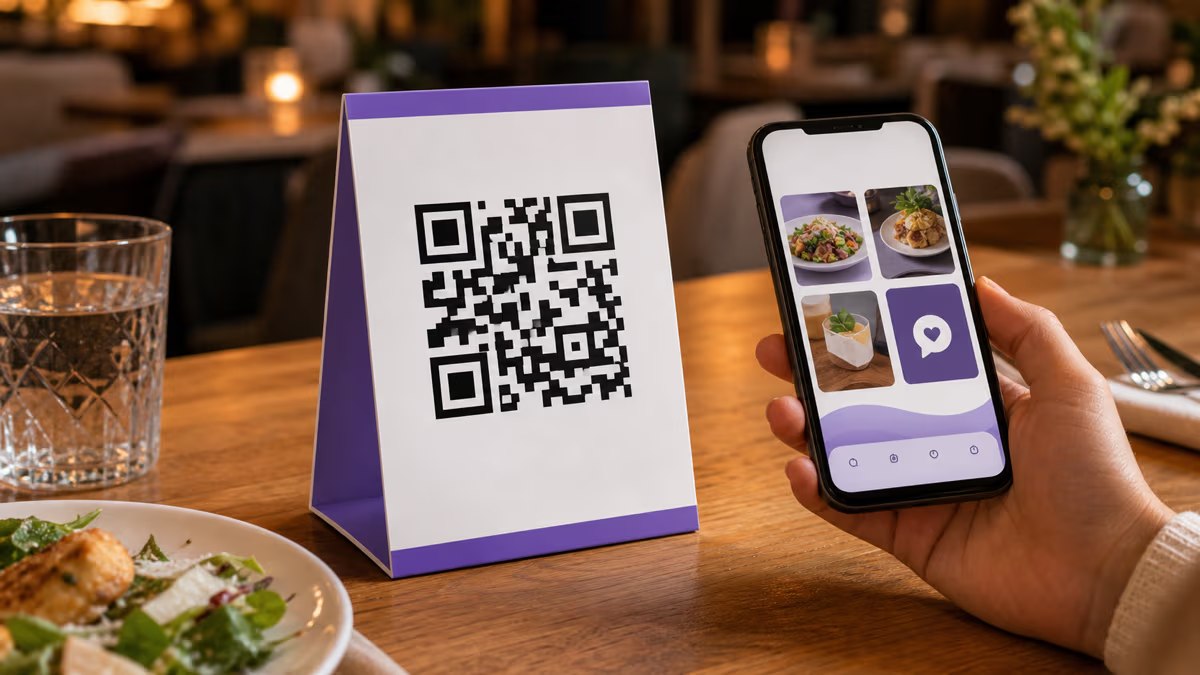
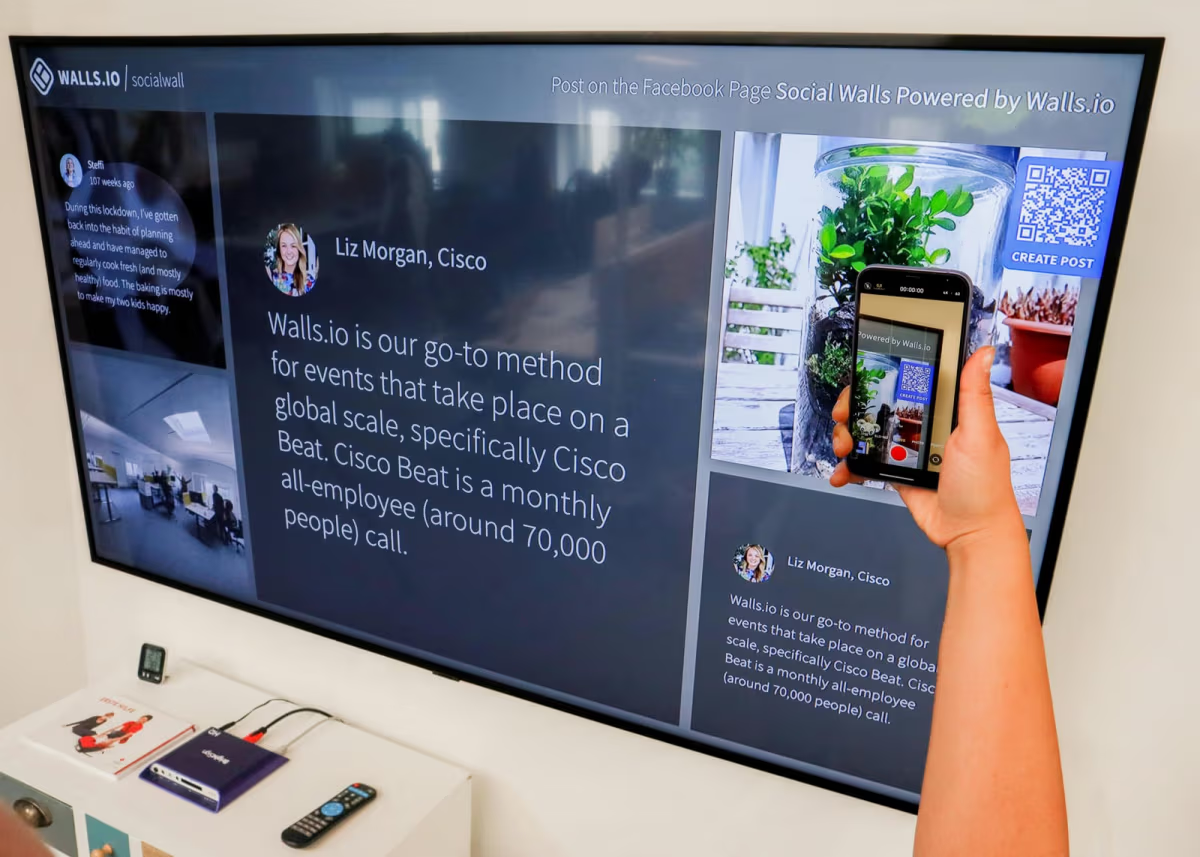
A podcast QR code should usually open one mobile page where listeners choose Spotify, Apple Podcasts, YouTube, or another listening destination. In QRLynx, the Multi-Link QR type creates that hosted choice page behind one managed QR. You can revise its buttons later without replacing the printed code, and QRLynx records qualifying tracked scans that reach the page.
Use a show-level QR for evergreen placements such as cards, merchandise, and event signage. Use a separate episode-level QR when one release, guest, or live event needs its own campaign. The printed instruction should name the outcome, such as Scan to listen in your app, rather than showing an unexplained square.
Why one podcast link is rarely enough
Podcast discovery and listening are distributed across several apps. Spotify's published Fan Study found that listeners discover shows through favorite podcasters, friends and family, Spotify browsing, and social media, while Apple and YouTube each provide their own show surfaces. A QR that opens only one app makes every other listener choose between switching apps and abandoning the action.
A choice page removes that platform guess. It can hold the canonical show links that you control, while the QR remains stable on the physical asset. Apple itself recommends QR codes in podcast marketing materials, and its current creator guidance also promotes multi-platform landing pages for letting listeners choose an available app.
The choice page should stay short. Put the most important listening destinations first, use labels that name the app, and avoid mixing unrelated offers into the first screen.
Choose the podcast QR structure by campaign
| Situation | Recommended destination | Why |
|---|---|---|
| Promote the whole show | Multi-Link page with the main listening apps | The page remains useful across episodes and seasons |
| Promote one episode | Episode-specific choice page or canonical episode page | The scan matches the exact release being promoted |
| One platform is genuinely the only destination | Normal dynamic URL QR | A choice page would add an unnecessary tap |
| Compare cards, posters, and event signage | Separate managed QR for each placement, all opening the same page | Each placement keeps its own scan history |
What QRLynx provides for a podcast campaign
The QRLynx Multi-Link QR type creates a hosted page with ordered destination buttons. A podcaster can add Spotify, Apple Podcasts, YouTube, a website, a newsletter, or another relevant URL, then style the page and the QR separately. The hosted page is the destination of the managed QR, so its active links and order can be revised later.
The QR scan and the later listening action are different measurements. QRLynx analytics can show qualifying tracked visits through each managed QR. It does not claim that a scan became a play, follow, rating, review, or subscription inside another platform. Use the podcast platform's own analytics for those downstream actions, and use tagged destination links when the receiving platform supports campaign attribution.
The free QRLynx plan includes managed dynamic QR capacity, unlimited scans without a plan-based scan cap, custom logo upload, and a three-month analytics window. Describe it as the free plan in reader-facing copy so the entitlement remains understandable without requiring knowledge of internal plan names.
How to create a podcast QR code in QRLynx
Build the listening journey first, then design and test the QR in its real context.
Decide whether the QR promotes the show or one episode
Use a show-level destination for evergreen placements. Create an episode-level campaign only when the surrounding card, flyer, guest appearance, or event is about that release.
Collect the canonical listening links
Copy the exact show or episode URL from Spotify, Apple Podcasts, YouTube, and any other destination you actively maintain. Open every URL before adding it.
Choose Multi-Link in QRLynx
Open the QRLynx generator and select Multi-Link when listeners need several app choices. Use a normal URL QR instead when one destination is intentionally the only option.
Add and order the listening buttons
Label each button with the service it opens, place the primary destinations first, remove duplicates, and keep unrelated calls to action below the listening choices.
Save the managed QR and style it for the placement
Use strong foreground and background contrast, preserve the quiet zone, and add recognizable show artwork or a logo only when it stays readable at the final printed size.
Add a visible instruction
Pair the QR with a short promise such as Scan to listen in your app or Scan for this episode. The instruction should match the exact page that opens.
Test the final asset and every destination
Scan the exported file and a physical proof from realistic distance and lighting. Test on more than one phone, open every active button, and confirm the expected managed QR appears in analytics.
Create separate QRs for placements you need to compare
Give the business card, poster, merchandise insert, and event slide their own managed QR while keeping the same destination page. Compare their scan histories without changing the listener experience.
Every listening app, one scan
Build the podcast choice page before you print
Add the listening destinations, order the buttons, design the managed QR, and test the exact asset before it reaches cards, merchandise, or event signage.
Show-level and episode-level QR codes serve different jobs
A show-level QR belongs on assets expected to outlive one release: business cards, speaker profiles, merchandise, studio signage, and recurring event materials. Its page should lead with the show's main listening options and can be updated as the distribution mix changes.
An episode-level QR fits a guest card, launch poster, conference session, or printed insert whose promise names that episode. Keep the destination specific while the campaign is active. If the physical asset remains in circulation later, a managed destination can be revised deliberately, but the new page must still make sense beside the printed instruction.
Do not repoint an episode QR to an unrelated offer merely because the code is editable. A stable QR is useful only when the surrounding promise and the new destination still agree.
Ratings, reviews, comments, and follows are platform-specific
There is no universal podcast review action. Apple Podcasts supports a one-to-five-star rating and a written review on a show page. Apple says those ratings and reviews can influence a listener's decision, but they do not directly determine Apple Podcasts Search or chart rankings. Reviews are also associated with the listener's Apple Account country or region.
Spotify's creator guidance treats ratings as social proof, while its current engagement tools also include comments, followers, consumption time, and episode completion data. YouTube treats a podcast as a playlist whose episodes are videos, so the relevant actions include watching, liking, commenting, and subscribing. A page that asks every listener for the same action will therefore misdescribe at least one platform.
If a campaign asks for support rather than a listen, label each button by the action that is actually available. Keep the request voluntary and send the listener to the official show or episode surface. QRLynx can route the scanner to those destinations, but it cannot submit a rating, review, follow, or comment for them.
Listener actions differ by platform
| Platform | Useful destination | Action to describe accurately |
|---|---|---|
| Apple Podcasts | Show page | Listen or follow, then leave a star rating or written review if desired |
| Spotify | Show or episode page | Listen or follow, and use the engagement options currently shown in Spotify |
| YouTube | Podcast playlist or episode video | Watch, subscribe, like, or comment |
| Podcast website or RSS | Canonical show page or feed destination | Read show information, choose an app, or subscribe in a compatible reader |
Design the QR for the surface, not for the editor preview
Podcast artwork can help the QR feel connected to the show, but artwork does not guarantee more scans. Recognition, contrast, size, placement, lighting, and the printed instruction all matter. Keep the code darker than its background and preserve clear space around the pattern.
A logo can occupy the center when the design tool accounts for it, but the final proof still decides whether the result is usable. Test the smallest printed version, not only the large browser preview. Avoid placing the QR over detailed cover art without a solid contrasting panel.
For a slide or screen, test from the audience's expected distance. For merchandise, test folds and curved surfaces. For a card, make sure the instruction and QR remain legible after trimming.
Measure the placement without confusing a scan with a listener
Create a separate managed QR for each placement you want to compare. The business card, conference slide, poster, and merchandise insert can all open the same Multi-Link page while retaining separate scan histories in QRLynx.
A tracked scan shows that the managed QR route was reached. It does not prove that the person played an episode or became a regular listener. Compare QR activity with Spotify for Creators, Apple Podcasts Connect, YouTube Studio, or website analytics for the same campaign window.
Use the evidence to make a practical decision: keep the placements that create useful listening activity, revise unclear instructions, and retire placements that no longer match the show. Do not treat a larger raw scan count as success without checking the downstream outcome the campaign was meant to produce.
Podcast QR code FAQs
How do I make a podcast QR code with QRLynx?
Choose the QRLynx Multi-Link QR type, add the canonical Spotify, Apple Podcasts, YouTube, and other listening links, order and label the buttons, save and style the managed QR, then test the exported asset and every destination.
Can one podcast QR code open Spotify and Apple Podcasts?
Yes. Point one managed QR to a Multi-Link page containing separate Spotify and Apple Podcasts buttons. Add YouTube, a website, or another maintained destination when those choices help the audience.
Should a podcast QR code link to the show or one episode?
Use a show-level page for evergreen cards, merchandise, and recurring signage. Use an episode-level page when the printed message names one release, guest, or event. The destination should always match the promise beside the QR.
Can I change the podcast links after printing?
Yes, when the QR opens a managed QRLynx Multi-Link page. You can revise its active links and order without replacing the printed QR. Retest the page after every material change and keep the destination consistent with the printed instruction.
Does QRLynx track podcast plays or follows?
No. QRLynx records qualifying tracked visits through the managed QR. Spotify, Apple Podcasts, YouTube, or the podcast website measures plays, follows, comments, reviews, and other actions after the listener leaves the QRLynx route.
Should a podcast QR code be static or dynamic?
Use a managed dynamic QR when the destination page, app mix, or campaign may change and when QR scan measurement matters. A static URL QR can fit a permanent single destination, but its encoded destination cannot be revised after printing.
Can I put podcast cover art inside the QR code?
You can add a logo or recognizable artwork when it remains small enough for the QR pattern to decode. Keep strong contrast and a clear quiet zone, then test the final printed or displayed size on more than one phone.
Where should I place a podcast QR code?
Useful placements include business cards, speaker badges, event slides, posters, merchandise inserts, studio signs, and printed material connected to a specific episode. Pair the QR with a direct instruction that describes what opens.
How can I compare podcast QR placements?
Create a separate managed QR for each placement while pointing them to the same Multi-Link page. Compare their scan histories in QRLynx, then compare the campaign window with destination-platform listening or engagement analytics.
Can a QR code collect an Apple Podcasts review automatically?
No. A QR can open the relevant Apple Podcasts show page, but the listener chooses whether to rate or review and completes that action in Apple Podcasts. QRLynx does not submit reviews on a listener's behalf.
Do Apple Podcasts ratings improve Search or chart rankings?
Apple says ratings and reviews do not directly determine Apple Podcasts Search or chart rankings. They can still help a prospective listener judge a show while browsing its page.
First-party sources
- QRLynx Multi-Link QR Code plus the current QRLynx hosted-page, managed-QR, analytics, and plan implementations.
- Apple Podcasts ratings and reviews.
- Apple Podcasts chart methodology.
- Apple Podcasts marketing assets and QR guidance.
- Spotify Podcast Fan Study.
- Spotify engagement analytics.
- YouTube podcast setup and analytics.