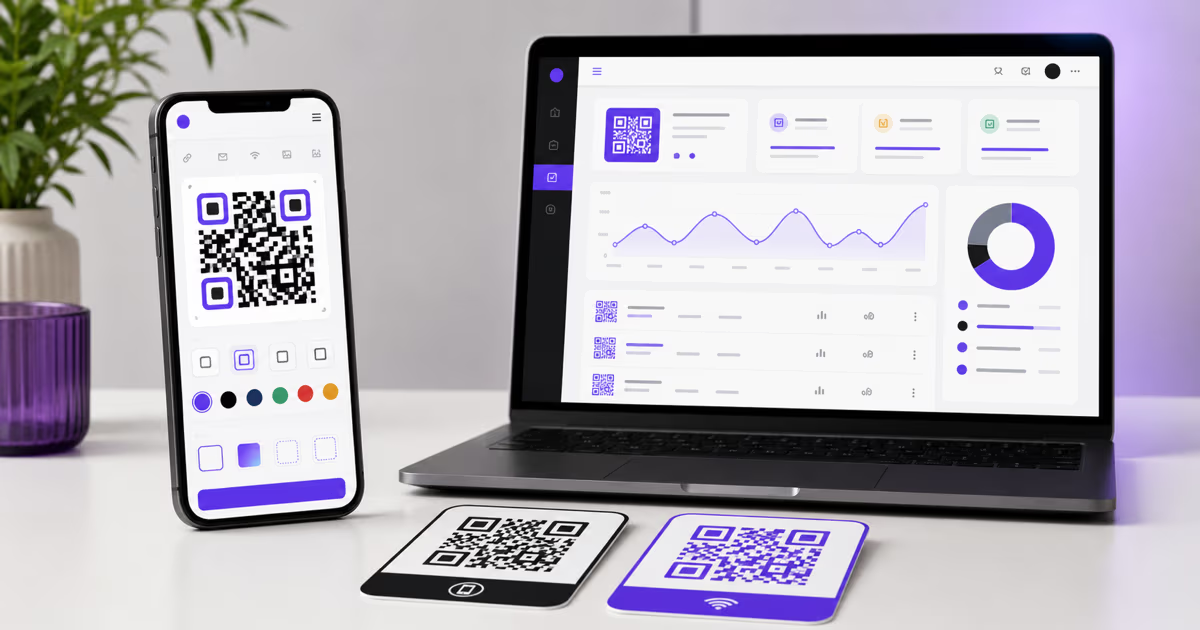
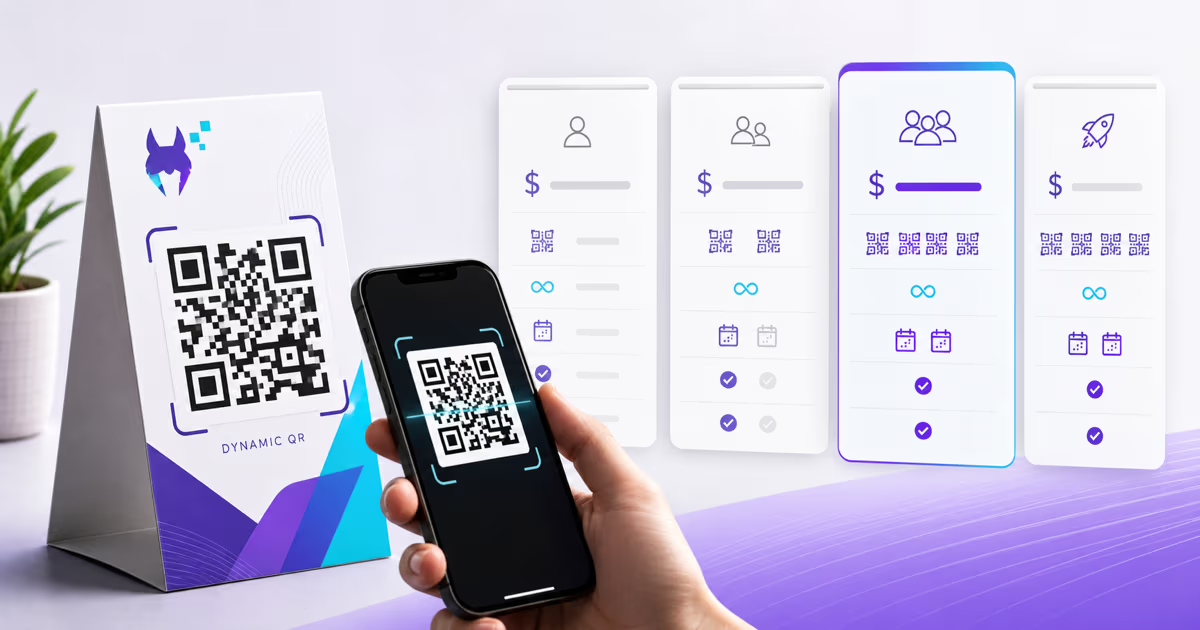
How to Create a Free Link-in-Bio Page with a QR Code (Better Than Linktree)

Key Takeaway
Learn how to create a free link-in-bio page with a QR code that outperforms Linktree. Compare QRLynx vs Linktree vs Beacons vs Stan Store. Step-by-step tutorial for Instagram, TikTok, and all social media platforms with scan analytics and custom branding.
Why Every Creator and Business Needs a Link-in-Bio Page in 2026
Social media platforms give you exactly one clickable link in your profile. One. Whether you are running a business with a website, an online store, a booking page, and a blog — or you are a creator juggling a YouTube channel, a podcast, a merch store, and a Patreon — that single bio link is the most valuable real estate on the internet. According to Linktree's 2023 Creator Economy Report, over 40 million people use link-in-bio tools to consolidate their online presence into a single shareable page. The creator economy itself is now valued at over $100 billion, according to Goldman Sachs research, and that single bio link is how creators funnel audiences between platforms.
The problem with most link-in-bio tools is that they are built for the platform, not for you. Linktree, the dominant player, keeps your audience on their domain (linktr.ee), collects data about your visitors, limits customization on free plans, and charges up to $24 per month for features that should be basic — like removing their branding or adding an email capture form. You are paying rent on a digital storefront that someone else owns, and your visitors see their brand before they see yours.
A QR code-powered link-in-bio page flips this model. Instead of renting space on a third-party platform, you create a link-in-bio page that you control — with your branding, your domain, your analytics, and your audience data. Then you generate a QR code that links directly to that page, giving you a bridge between offline and online that no Linktree competitor can match. Print the QR code on business cards, product packaging, event banners, flyers, or presentation slides. Anyone who scans it lands on your curated link page — no typing URLs, no searching social handles, no relying on the Instagram algorithm to surface your profile.
This guide walks through exactly how to build a link-in-bio page with a QR code using QRLynx, compares it head-to-head against Linktree, Beacons, and Stan Store, and shows you the strategies that creators and businesses are using in 2026 to own their audience funnel rather than rent it.
What Is a Link-in-Bio QR Code and How Does It Work?
A link-in-bio QR code is a scannable code that sends people directly to a curated landing page containing all your important links. When someone scans the QR code with their phone camera, they instantly see a branded page with buttons linking to your website, social profiles, online store, booking page, latest content, and anything else you want to promote. No app downloads required. No URL typing. Just point, scan, and browse.
The mechanics are simple but powerful. You create a link-in-bio page — a mobile-optimized landing page with your photo, a short bio, and a list of clickable links arranged by priority. Then you generate a dynamic QR code that points to that page. The dynamic part is critical: it means you can change the links, rearrange them, add seasonal promotions, or swap out your featured content at any time without generating a new QR code. The printed QR code on your business card from six months ago still works — it just now shows your updated links.
This is fundamentally different from sharing a raw URL. A URL like linktr.ee/yourname requires someone to remember it, type it correctly, and navigate to it manually. A QR code eliminates all that friction. At a networking event, instead of spelling out your website or exchanging contact information that gets lost, you show the QR code on your phone or hand over a business card with the code printed on it. The other person scans it in two seconds and has instant access to everything you want to share.
For businesses, the QR code adds a measurable offline-to-online bridge. Place it on product packaging, and customers scan to see your full product line, support resources, and social media. Place it on a restaurant table tent, and diners scan to see your menu, reservation link, review pages, and loyalty program. Place it on a conference banner, and attendees scan to access your presentation slides, demo booking, and contact form. Every scan is tracked, so you know exactly which physical touchpoints drive the most engagement. Our scan tracking guide covers the analytics in detail.
QRLynx vs Linktree vs Beacons vs Stan Store: Full Comparison
Choosing a link-in-bio tool is a decision most creators and businesses make once and then live with for years. The wrong choice means paying for features you do not need, losing analytics you cannot recover, or building an audience on a platform that limits your growth. Here is an honest, feature-by-feature comparison of the four most popular options in 2026.
QRLynx is built around the idea that your bio page should be yours — not a tenant page on someone else's platform. You get a fully customizable link-in-bio page with your branding, no third-party logos cluttering the experience, and a dynamic QR code that bridges offline and online. Free accounts include a basic bio page. Paid plans (starting at just a few dollars per month) unlock scan analytics, custom themes, password protection, and multi-link QR codes that can hold dozens of destinations in a single code. The key differentiator is the QR code integration — no other link-in-bio tool gives you a scannable code with real-time analytics baked into the bio page experience.
Linktree is the most recognized name in the space, with over 40 million users. The free tier gives you a basic page with unlimited links, but it plasters Linktree branding on your page and provides minimal analytics. The Pro plan at $9 per month removes branding and adds themes. The Premium plan at $24 per month adds link scheduling, email collection, and commerce links. Linktree does not offer QR codes with scan analytics, and all your pages live on the linktr.ee domain — you cannot use your own domain on the free or Pro tiers. You are building your audience on Linktree's platform, which means if Linktree changes terms, raises prices, or goes offline, your bio link breaks.
Beacons offers a more feature-rich free tier than Linktree, including email collection, a basic online store, and a media kit feature for creators seeking brand deals. The paid Creator Pro plan at $10 per month adds custom domains, advanced analytics, and priority support. Beacons is strong for creators who want built-in monetization, but it has a steeper learning curve and the page designs can feel cluttered if you add too many widgets. No native QR code generation or scan tracking.
Stan Store is focused on selling digital products — courses, ebooks, coaching sessions, and memberships — directly from your bio link. At $29 per month (no free tier), it is the most expensive option, but it replaces both a link-in-bio tool and a simple e-commerce platform. If you are a creator whose primary goal is selling digital products, Stan Store is purpose-built for that. If you just need a link hub for your social profiles and content, it is overkill and overpriced.
The Offline Advantage: Why QR Codes Beat URL-Only Bio Links
Every link-in-bio tool gives you a URL. Only QRLynx gives you a URL and a QR code with analytics. That distinction matters more than most people realize, because the real growth opportunity in 2026 is not just online — it is bridging offline audiences to your online presence.
Think about everywhere your brand or personal presence exists in the physical world. Business cards handed out at conferences and coffee meetings. Product packaging shipped to customers. Flyers posted on community boards. Table tents at your restaurant or pop-up shop. Event banners and booth displays. Presentation slides at speaking engagements. Stickers on your laptop, car, or storefront window. Receipts, invoices, and shipping labels. Employee badges and lanyards. Print advertisements in magazines and newspapers.
Every single one of those physical touchpoints is a missed opportunity if your only link-in-bio strategy is a URL in your Instagram profile. A person holding your business card does not want to open Instagram, search for your profile, find the bio link, and tap through. They want to point their phone and go. A QR code makes that possible, and dynamic QR codes make it trackable.
The analytics layer is what separates a QR code bio link from just printing a URL. When you print a URL on a business card, you have zero visibility into whether anyone types it in. When you print a QR code, you know exactly how many people scanned it, when they scanned it, what device they used, and where they were located. If you print different QR codes on business cards versus product packaging versus event banners, you can compare which offline channel drives the most bio page visits. This is attribution data that Linktree, Beacons, and Stan Store simply cannot provide because they do not have QR code infrastructure.
For businesses attending trade shows, the ROI calculation is straightforward. You spend thousands on a booth, travel, and materials. How many leads did you actually capture? With a QR code on your booth banner linking to your bio page (which includes your demo booking link, product catalog, and contact form), you can count exact scans and compare them against leads generated. The QR code turns your trade show presence from a qualitative guess into a quantitative measurement. According to Event Marketer, 74 percent of attendees say they are more likely to buy from brands they engaged with at events — a QR code bio page captures that engagement moment before the attendee walks away and forgets.
Creators benefit equally. Print the QR code on merchandise — hoodies, stickers, tote bags — and your fans become walking advertisements that drive scannable traffic to your link-in-bio page. Put it on your podcast show notes handout. Put it on your YouTube video thumbnail displayed at a live event. Put it on the back cover of your self-published book. Every physical artifact becomes a direct funnel to your entire online presence.
Building Your Perfect Link-in-Bio Page: Strategy and Best Practices
A link-in-bio page is not just a list of links — it is a conversion funnel disguised as a simple page. The order of your links, the words on your buttons, and the visual design all influence whether visitors click through or bounce. Here are the strategies that high-performing bio pages use.
Prioritize by intent, not importance. Your most important link is not necessarily the one that should be at the top. The top position should go to the link that matches why most people are visiting right now. If you just launched a new product, that product page goes first. If you are running a limited-time sale, the sale page goes first. If your latest YouTube video is getting traction, that video link goes first. Rotate your top link based on what is timely, not what is permanent. Dynamic QR codes mean the page can change weekly without reprinting anything.
Limit your links to 5-7 maximum. Research on decision-making consistently shows that more options lead to fewer clicks — this is the paradox of choice documented by psychologist Barry Schwartz. A bio page with 15 links overwhelms visitors and dilutes clicks across too many destinations. Choose 5-7 links that represent your core funnel: one primary call-to-action (shop, book, subscribe), 2-3 content links (latest blog, video, podcast episode), and 2-3 profile links (key social platforms, website). If you need to share more links for a specific use case, create a separate multi-link QR code dedicated to that context.
Write button text that creates curiosity. Do not label your links with generic text like Website or YouTube. Instead, use action-oriented text that tells visitors what they will get: Shop the Spring Collection, Watch My Latest Video on QR Strategy, Book a Free 15-Minute Call, or Download the Free Template. Specific, benefit-driven button text dramatically outperforms generic labels because it answers the visitor's question: why should I click this?
Match your brand identity. Your bio page is often the first impression new followers get of your brand. Use your brand colors, your professional photo or logo, and a tone of voice in your bio text that matches your content. A mismatched or generic-looking bio page signals that you do not pay attention to detail — the opposite of what you want when someone is deciding whether to follow, subscribe, or buy. QRLynx's theme customization lets you set colors, fonts, and layout to match your existing brand identity.
Include social proof. If you have notable metrics — 100K subscribers, featured in Forbes, 5-star rated — include them in your bio text. Social proof in the bio section above your links increases click-through rates because visitors trust that the linked content is worth their time. Keep it brief and credible: one or two proof points, not a full resume.
Update regularly. A stale bio page with outdated links signals neglect. Set a weekly reminder to review your link order and swap in fresh content. If you published a new blog post, it should be on your bio page within the day. If a sale ended, remove the sale link. If you appeared on a podcast, add the episode link for a week then rotate it out. The dynamic nature of your QR code means your offline materials always point to the latest version of your page without any reprinting.
How to Create a Free Link-in-Bio Page with a QR Code
Advanced Strategies: Using Your Bio QR Code for Growth
Once your link-in-bio page and QR code are set up, there are several advanced strategies that separate casual users from creators and businesses that drive real growth.
Segment your QR codes by channel. Instead of using one QR code everywhere, create separate QR codes for your business card, your product packaging, your event banner, and your email signature — all pointing to the same bio page. Each code gets its own scan analytics, so you can see exactly which physical channel drives the most traffic. If your business card QR code gets 50 scans per month but your product packaging code gets 500, that tells you where to invest more effort and budget.
Create context-specific bio pages. For major campaigns or events, create a temporary bio page that features links relevant to that specific context. Attending a conference? Create a conference-specific bio page with your speaking session link, slide deck download, demo booking, and a special offer for attendees. Generate a new QR code for it and print it on materials you distribute at the event. After the conference, you still have your permanent bio page for everyday use.
A/B test your link order. Change the order of your links for one week and compare click-through rates. Did your product link get more clicks when it was in position one versus position three? Did adding a video thumbnail next to your latest YouTube link increase its click rate? The analytics from your QR code scans and bio page clicks give you the data to optimize continuously.
Leverage link-in-bio for Instagram and TikTok specifically. These platforms are the two most common places where the bio link matters. On Instagram, update your bio text to include a call-to-action like 'Tap the link or scan the QR code in my latest story for all my links.' On TikTok, reference your bio link in videos and pin a comment with the call-to-action. For both platforms, your Instagram QR code can do double duty — share it in stories, reels, and posts to drive followers directly to your bio page without requiring them to navigate to your profile first.
Combine with lead capture. If your QRLynx plan includes lead form features, add an email capture prompt to your bio page. Visitors who are interested enough to scan your QR code are warm leads — offering them a free resource (ebook, template, discount code) in exchange for their email converts one-time visitors into long-term audience members. This is the missing piece that most Linktree users never get because Linktree gates email collection behind their expensive Premium plan.
Track seasonal patterns. Over time, your scan analytics will reveal patterns. Maybe your QR codes on product packaging get more scans during holiday seasons. Maybe your business card scans spike after industry conferences. Maybe your social media-shared QR code images perform best on Tuesdays. Use these patterns to time your bio page updates — put your most important link at the top during your highest-traffic periods, and use lower-traffic periods to experiment with new link arrangements.
Common Link-in-Bio Mistakes That Kill Your Click-Through Rate
Even with the best tool, a poorly executed bio page will underperform. Here are the mistakes that cost creators and businesses the most clicks.
Too many links. This is the number one mistake. A bio page with 20 links is not more useful than one with 7 — it is less useful because visitors cannot decide what to click. According to Nielsen Norman Group research on decision fatigue in digital interfaces, users presented with too many options often click nothing and leave. Curate ruthlessly. Every link should earn its spot based on data, not sentiment.
Generic button labels. Buttons labeled Website, YouTube, or Store tell visitors nothing about what they will find when they click. Would you click a button that says Store or one that says Shop handmade jewelry under $50? The specific version wins every time because it sets an expectation and creates a reason to click. Spend five minutes rewriting your button labels with action words and specific benefits.
No profile photo or logo. A bio page without a visual identity at the top feels anonymous and untrustworthy. Your profile photo (for personal brands) or logo (for businesses) is the first thing visitors see, and it signals that this is a legitimate, maintained page belonging to a real person or company. A missing photo cuts trust and click-through rates significantly.
Broken or outdated links. A link to a product that is sold out, an event that already happened, or a page that returns a 404 error destroys credibility instantly. Check your links monthly. Better yet, use QRLynx's analytics to spot links with zero clicks — they are either not interesting (remove or rewrite them) or broken (fix the destination).
Ignoring mobile experience. Over 90 percent of bio page visits come from mobile devices, yet many creators design their pages on a desktop browser and never test on a phone. What looks clean on a wide screen can look cramped, misaligned, or require excessive scrolling on a 6-inch phone screen. Always preview your page on an actual phone before publishing. Tap every link to confirm it works and opens in a mobile-friendly format.
Using a static QR code for a page that changes. If you generate a static QR code (one where the destination URL is permanently encoded in the code itself), you cannot update your bio page URL later without reprinting every physical code. Always use a dynamic QR code for your bio page so the destination can be updated indefinitely. This is especially important because bio pages are the one thing you will definitely update — new links, new featured content, seasonal promotions.
Not tracking anything. If you are not looking at your analytics, you are flying blind. Which links get clicked? How many scans per week? Are scans increasing or declining? Which physical placements drive traffic? Without this data, you cannot optimize your page or justify the time you spend maintaining it. QRLynx provides real-time scan analytics so you can see exactly how your bio page and QR code are performing.
Frequently Asked Questions About Link-in-Bio QR Codes
What is a link-in-bio QR code?
A link-in-bio QR code is a scannable code that directs people to a curated landing page containing all your important links — your website, social profiles, online store, booking page, latest content, and more. When someone scans the code with their phone camera, they instantly see your branded link page without needing to search for your profile or type a URL. It combines the convenience of a traditional link-in-bio page with the offline accessibility of a QR code.
Is there a free alternative to Linktree?
Yes. QRLynx offers a free link-in-bio page builder with custom branding and no forced third-party logos. Unlike Linktree's free tier which displays Linktree branding and provides limited analytics, QRLynx lets you create a clean branded bio page at no cost. You also get a QR code linked to your page — something Linktree does not offer at any price tier. For advanced features like detailed scan analytics and custom domains, affordable paid plans start at $5 per month versus Linktree's $9 per month.
How do I create a link-in-bio page for free?
Sign up at QRLynx, navigate to the link-in-bio builder, upload your photo or logo, write a short bio, and add your links in priority order. Customize the colors to match your brand, then generate a dynamic QR code that points to your page. The entire process takes under five minutes. Your page is immediately live and accessible via both a direct URL and the QR code you can share digitally or print physically.
Can I put multiple links in one QR code?
Yes. A multi-link QR code encodes a single URL that leads to a landing page with multiple clickable links. Your link-in-bio page is essentially a multi-link QR code destination — one scan gives the visitor access to all your links. You can include as many links as you want on the page, though we recommend limiting to 5-7 for the best click-through rates based on decision-making research.
What is the best free link-in-bio tool?
It depends on your needs. For creators and businesses who want QR code integration with scan analytics and clean branding on the free tier, QRLynx is the strongest option. For creators focused on selling digital products, Beacons offers a solid free tier with a built-in store. Linktree has the largest user base and name recognition but limits branding and analytics on free accounts. Stan Store does not offer a free tier at all. If offline-to-online conversion matters to you — business cards, packaging, events — QRLynx is the only option with native QR code support.
How do I add a QR code to my Instagram bio?
Instagram does not allow QR codes directly in your bio text, but you have three effective options. First, share your QR code image in an Instagram Story with a call-to-action like 'Screenshot and scan for all my links.' Second, add your QR code to a pinned Instagram post or Reel. Third, include your QR code in your Instagram highlight covers. For your actual bio link slot, paste the URL of your QRLynx bio page. This gives followers two paths: tap the bio link or scan your QR code from shared content. See our Instagram QR code guide for the full strategy.
Can I track clicks on my bio link?
Yes. QRLynx provides real-time analytics for both QR code scans and bio page link clicks. You can see total scans over time, device types (iOS vs Android), geographic locations, and which specific links on your bio page get the most clicks. This data lets you optimize link order, button text, and placement strategy. Free accounts get basic analytics while paid plans unlock advanced reporting with date filtering, device breakdowns, and export capabilities.
What is the difference between Linktree and a QR code bio page?
Linktree gives you a URL-only bio page hosted on Linktree's domain with their branding. A QR code bio page from QRLynx gives you a branded page without third-party logos plus a dynamic QR code that works on any physical surface — business cards, packaging, signage, event materials. The QR code adds an offline-to-online bridge with scan analytics that Linktree cannot provide. You can measure which physical channels drive traffic, track scans over time, and update your page without changing any printed materials.
How do I customize my link-in-bio page?
In QRLynx, you can customize your page's profile photo or logo, bio text, color scheme, button styles, link order, and button labels. Choose colors that match your existing brand identity for visual consistency across all your platforms. Write descriptive button text that tells visitors what they will find when they click rather than generic labels. Rearrange links so your most important or timely call-to-action appears at the top where it gets the most visibility and clicks.
Can I use a QR code instead of Linktree?
Absolutely. A QR code linked to a bio page gives you everything Linktree does (a central hub for your links) plus offline functionality, scan analytics, and full branding control. You can share the QR code image on social media, print it on physical materials, display it in presentations, and embed it in emails. The QR code and the link URL work together — online visitors use the URL while offline audiences scan the code. Both paths lead to the same page.
Do link-in-bio pages hurt SEO?
Link-in-bio pages themselves do not directly hurt your website's SEO because they are separate pages, not part of your main site's architecture. However, there is an indirect consideration: if all your social traffic goes to a third-party bio page (like Linktree) instead of directly to your website, you lose referral traffic signals that can benefit your domain authority. Using a bio page on your own domain or a platform like QRLynx that does not compete with your SEO ensures your link strategy supports rather than undermines your search visibility.