How QRLynx AI Insights Analyze QR Scan Data


Key Takeaway
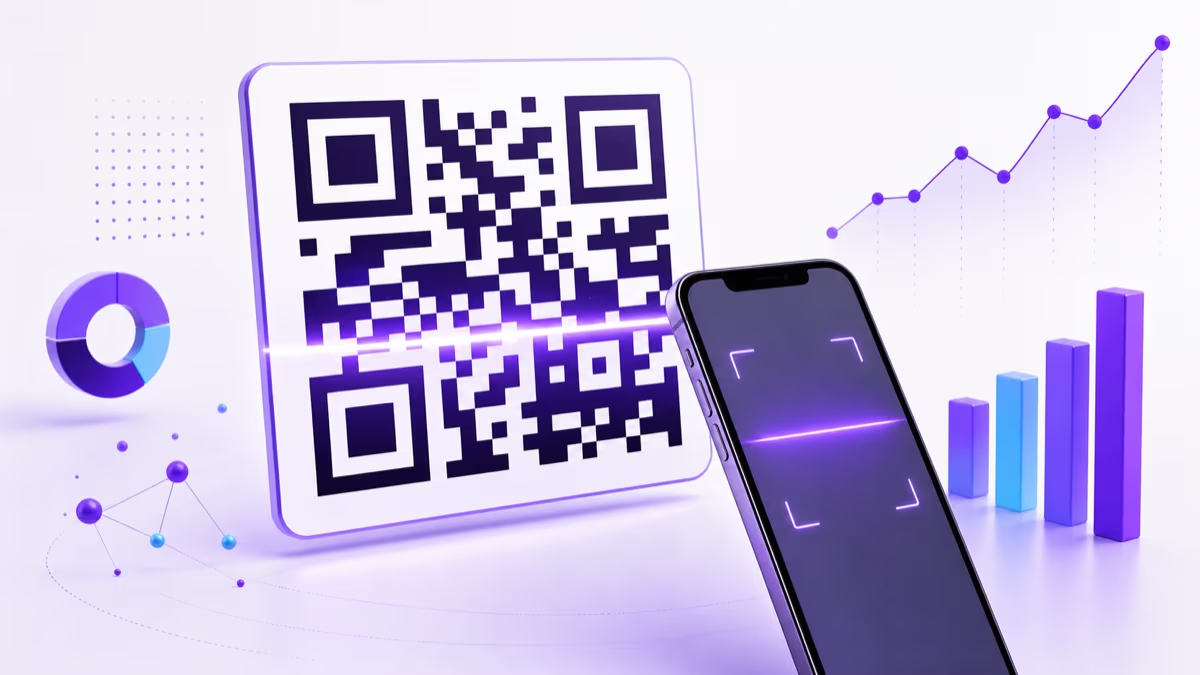
See how QRLynx turns QR scan totals, weekly trends, anomalies, and top-code performance into plain-language summaries and reviewable recommendations.
QRLynx separates the analysis from the writing
QRLynx first calculates scan trends, top-code share, unusual days, and recommendation triggers with a deterministic analytics engine. It can then use Cloudflare Workers AI to turn that structured result into a short plain-language summary. If the AI service is unavailable, the same verified analysis still appears through a template summary.
AI Insights can tell you what changed and what deserves review. They do not prove why a campaign changed, identify a scanner, measure a conversion, or make campaign changes automatically.
A chart is useful when you know what to inspect. It is slower when you manage several QR codes and need to find the one change that deserves attention. QRLynx AI Insights provide that first review layer inside the account dashboard.
The feature reads aggregated QRLynx scan context, keeps the past seven days separate from lifetime totals, and produces a concise summary. Full AI Insights add anomaly details, trend detail, and rule-based recommendations. The dashboard remains the place to verify the exact numbers and decide whether the pattern matters to the business.
This guide explains the current QRLynx system, the data it uses, what each plan receives, how to read an insight, and the limits that prevent a scan pattern from becoming an unsupported business conclusion. For the wider measurement model, including UTMs and conversions outside QRLynx, use the QR campaign measurement guide.
AI Insight Summaries and Full AI Insights
| Capability | The free Starter plan | Starter+ and higher | What to verify |
|---|---|---|---|
| Plain-language scan summary | Included | Included | Compare the stated totals and trend with the dashboard |
| Anomaly details | Summary only | Included | Open the daily chart around the flagged date |
| Trend detail | Summary only | Included | Keep seven-day and lifetime figures separate |
| Recommendation details | Summary only | Included | Confirm placement, destination, and campaign context before acting |
| Manual refresh | Automatic summary refresh | Plan-based daily allowance | Refresh after enough new scan activity has accumulated |
| Underlying analytics | Available within the free plan's analytics window | Available within the account's plan window | Treat the dashboard as the source for exact counts |
What data QRLynx AI Insights use
The current engine builds its analysis from a limited set of aggregated account metrics:
- scans recorded during the past seven days;
- the account's lifetime scan total;
- the number of active dynamic QR codes;
- daily scan totals for the seven-day window;
- the current seven days compared with the previous seven days; and
- top QR codes by lifetime total and unique scans, including their account names.
The language-polish step receives a structured summary of this context, not individual scan-event rows. It can include aggregate totals, trend direction, anomaly count, and the names and lifetime totals of top QR codes. QRLynx does not send destination URLs, scanner identities, raw location rows, form submissions, or the complete analytics database to the language model for this feature.
The separation matters. Statistical and rule-based logic decides which patterns exist. The optional language model rewrites the summary without changing the structured anomaly, trend, or recommendation outputs.
How to use QRLynx AI Insights for a QR campaign
Use the insight as a review queue, then confirm the important pattern in the analytics dashboard before changing a campaign.
Create a trackable dynamic QR code in QRLynx
Choose the relevant QRLynx QR type and dynamic mode so scans resolve through the managed link. A static QR directly encodes its payload and does not create QRLynx scan analytics.
Name the QR for the placement
Use a clear account name such as Lobby poster, Package insert, or Booth entrance. The name helps you recognize a top performer in the insight summary, but it should not contain customer or other sensitive information.
Label and test the physical code
Add a specific action label, keep strong contrast and the blank border, and test the final printed size and destination with more than one current phone.
Collect enough recent activity
QRLynx shows a collecting state until the account has at least five scans in the past seven days and a daily data point. Keep testing scans separate from the real deployment when possible.
Read the time labels first
Separate past-seven-day activity from lifetime totals. A top QR share is based on lifetime scans, while the current trend and anomaly checks use the recent seven-day window.
Open the dashboard evidence
Check the daily chart, top QR table, and available location or device breakdowns before accepting a suggested explanation. The insight narrows attention; the dashboard supplies the exact values.
Add the missing campaign context
Check print distribution, placement changes, destination uptime, internal testing, events, promotions, and external analytics. QRLynx scan data alone cannot establish the cause of a spike or drop.
Change one measurable variable
When the evidence supports action, change one placement, label, destination, or distribution decision and record when it changed. Avoid changing several variables when you need to learn which one mattered.
Review the next comparable period
Wait for enough new activity, then compare the same time window. Use a manual Full AI refresh only when new data makes an updated interpretation useful.
Ready to measure a real placement?
Create one trackable QR and name the placement
Start with a dynamic QRLynx QR, test the printed route, and let the dashboard collect the evidence for its first summary.
How the QRLynx insight engine reaches a result
1. It keeps recent and lifetime numbers separate
The engine uses the past seven days for the current trend and daily anomaly checks. It uses lifetime totals for historical context and top-code share. This prevents an all-time total from being described as this week's performance.
2. It reduces normal week-to-week noise
A small percentage movement is treated as flat rather than automatically labeled growth or decline. The goal is to avoid turning ordinary variation, especially on lower-volume accounts, into an urgent claim.
3. It checks daily scan values for unusual distance from the recent pattern
When enough daily values exist, the engine compares each day with the seven-day distribution and can flag unusually high or low days. A flag means inspect the date. It does not identify the cause.
4. It creates recommendations from explicit rules
Examples include reviewing a code with no scans, investigating an unusual drop, checking a declining weekly trend, or examining a top code that holds a large share of lifetime activity. These are review prompts, not autonomous campaign instructions.
5. It polishes only the summary language
The first response uses a deterministic template so the widget can return quickly. When enough data exists, QRLynx may generate a polished summary in the background. The output is checked against the top QR name, and the template remains the fallback when the AI output fails that check, times out, or is unavailable.
Read each AI Insight as a question to verify
| Insight | What it establishes | What it does not establish | Next check |
|---|---|---|---|
| Scans increased versus the previous seven days | The recent QRLynx scan count changed | The campaign caused more sales or qualified visits | Compare placement, distribution, destination sessions, and conversions |
| One QR has the largest lifetime share | That account QR has the highest recorded lifetime total | Its design or placement caused the result | Compare exposure, age, audience, and physical distribution |
| An unusual scan day was detected | The day differs materially from the recent daily pattern | The traffic was human, fraudulent, successful, or valuable | Inspect the daily chart, destination logs, event timing, and internal tests |
| A code has no recorded scans | QRLynx has no scan event for that dynamic code | Nobody saw the print or tried to scan it | Test the code, placement, contrast, destination, and distribution |
| A recommendation suggests a new placement | A rule found a pattern worth testing | The new placement will improve performance | Run a controlled placement test and compare like periods |
Manual refresh allowances by plan
The free Starter plan receives AI Insight Summaries automatically and does not include a manual Full AI refresh. Starter+ and higher include Full AI Insights and a daily manual-refresh allowance:
- Starter+: one manual refresh per day;
- Pro: two per day;
- Business: three per day; and
- Enterprise: five per day.
A manual refresh is useful after meaningful new scan activity, not as a way to produce a different answer from unchanged data. Full results are cached for a shorter period than the free summary, while the dashboard continues to show the underlying analytics independently.
What AI Insights cannot measure by themselves
QRLynx records the managed QR scan, not the complete business outcome. AI Insights do not independently know:
- whether the scanner was a new person, a repeat person, an internal test, or an automated request;
- whether the destination loaded completely or the visitor completed its action;
- whether a scan produced a purchase, lead, booking, donation, download, or check-in;
- how many printed pieces were distributed or viewed;
- which creative, offer, or physical placement caused a change; or
- whether an apparent pattern will continue.
Use one QRLynx dynamic code per placement when you need placement-level scan separation. Add UTMs to the destination and use the destination's approved analytics or conversion system when you need sessions and outcomes. Keep exposure counts, print cost, and campaign dates in the measurement record.
QRLynx AI Insights FAQ
What are QRLynx AI Insights?
QRLynx AI Insights are plain-language summaries built from structured QR scan analysis. The deterministic engine calculates recent trends, top-code share, unusual daily values, and recommendation triggers. An optional language model can polish the summary wording without replacing those calculated results.
Which QRLynx plans include AI Insights?
The free Starter plan includes AI Insight Summaries. Starter+ and higher include Full AI Insights with anomaly, trend, and recommendation details plus a plan-based manual-refresh allowance.
How many scans are needed before an insight appears?
The current widget remains in a collecting state until the account has at least five scans during the past seven days and at least one daily data point. More activity can make a pattern easier to interpret, but a larger count does not prove causation.
Does QRLynx send every scan event to an AI model?
No. The language-polish step receives a limited structured summary rather than individual scan-event rows. It can include aggregate scan totals, trend information, anomaly count, and top QR account names and lifetime totals. The statistical and rule-based analysis happens before that step.
Can AI Insights explain why scans increased?
AI Insights can identify which recent period, day, or top QR deserves review. They cannot establish the business cause from scan data alone. Check placement, distribution, destination availability, internal tests, campaign timing, sessions, and conversions before assigning a cause.
Can AI Insights measure QR conversions or revenue?
Not by themselves. QRLynx records managed QR scans. Use destination analytics, UTMs, and the system that records the purchase, lead, booking, or other outcome to measure conversion and revenue.
Why does the insight summary sometimes use template wording?
QRLynx uses a template when the AI provider is unavailable, the account has sparse data, the request times out, or the generated wording does not preserve required facts. The structured trend, anomaly, and recommendation outputs remain based on the same deterministic analysis.
Should I act on every QRLynx recommendation?
No. Treat each recommendation as a prompt to inspect the dashboard and campaign context. Confirm the evidence, choose one measurable change, record when it happened, and compare a suitable later period.
Do static QR codes produce QRLynx AI Insights?
No. A static QR directly encodes its payload and does not resolve through the QRLynx managed redirect, so QRLynx does not record its scans. Use a dynamic QRLynx QR with tracking when you need scan analytics and AI Insights.
Continue the measurement workflow
- AI Insights feature overview: see the product interface and plan distinction.
- QRLynx QR analytics: review the dashboard metrics and plan windows.
- QR campaign measurement: connect scans with UTMs, sessions, conversions, cost, and benchmarks.
- Dynamic and static QR codes: choose whether a managed redirect and scan tracking belong in the deployment.
Product behavior and plan access were checked against the QRLynx implementation on August 1, 2026.