Lead Capture QR Codes: 9 Practical Campaign Workflows


Key Takeaway
Plan nine lead-capture QR workflows for events, print, property marketing, packaging, loyalty, and trials. See when to use QRLynx Lead Form or an external form.
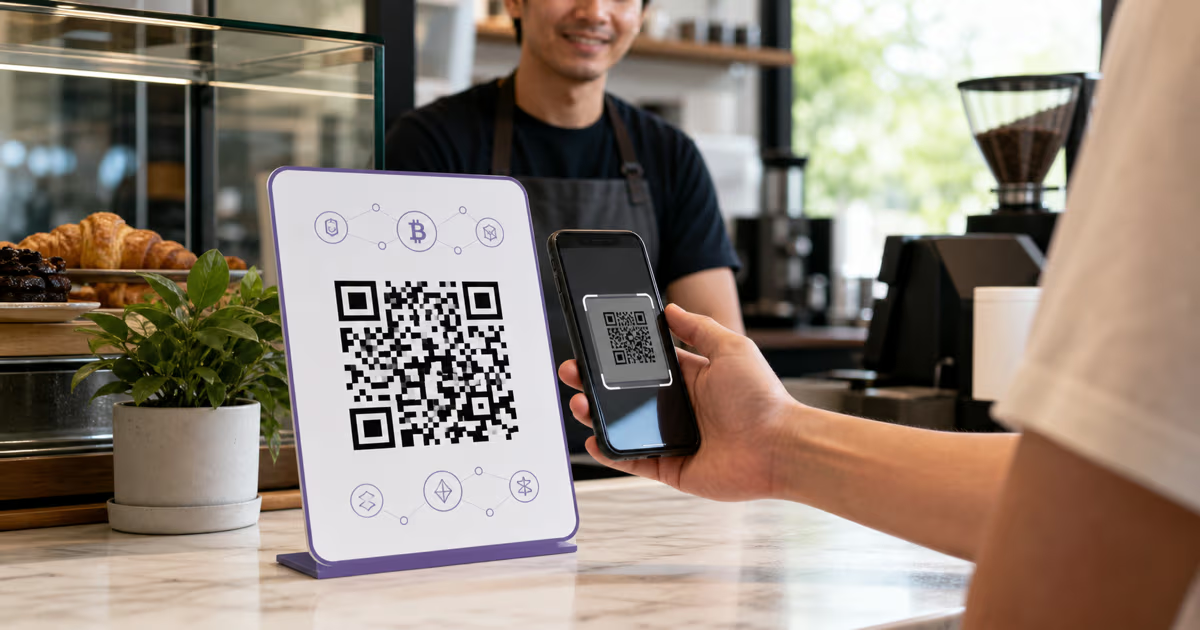
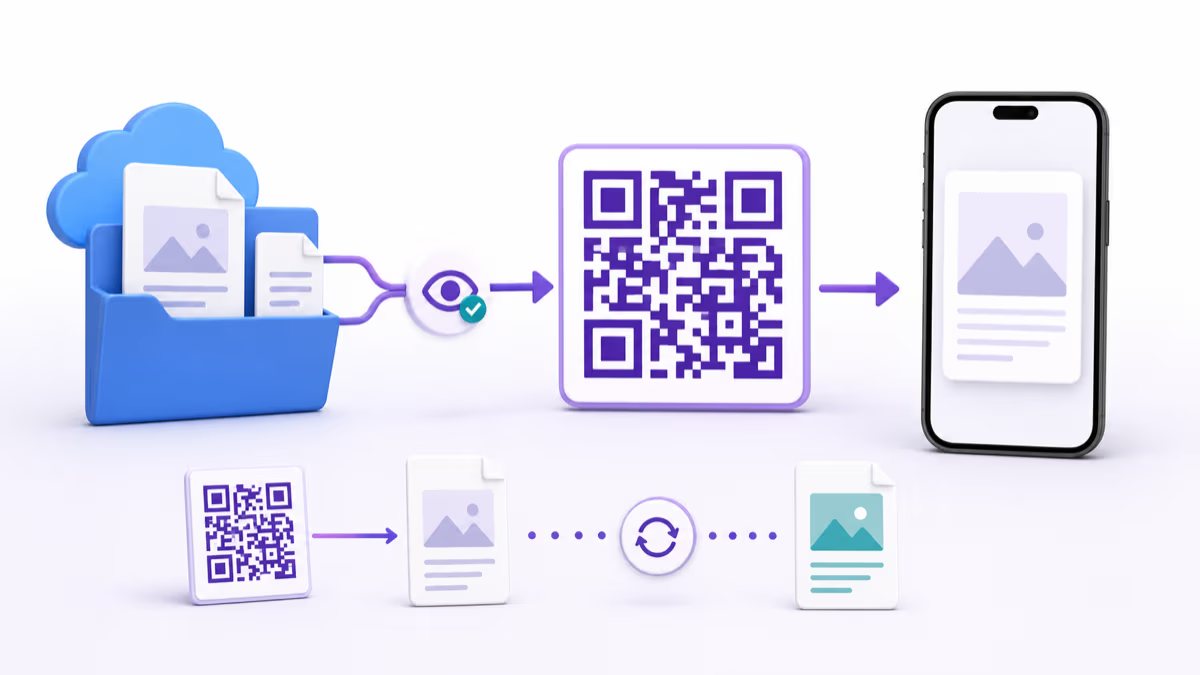
A lead-capture QR code connects a physical placement to a form and then to the promised resource or next step. Use the QRLynx Lead Form when a Business account needs a short built-in contact gate before a managed dynamic QR destination. Use a QRLynx dynamic URL QR pointing to an external form when the campaign needs custom consent wording, qualification logic, payments, appointment scheduling, or a branded form experience.
The exchange should be clear before the scan. Name the resource, request only the fields needed to deliver it, and provide direct access for service, safety, menu, WiFi, return, and other task-first destinations. A scan measures entry into the QR journey. The completed form measures a lead. The downstream system measures the final business outcome.
Choose the lead-capture route before designing the QR
| Campaign need | Recommended QRLynx route | Reason |
|---|---|---|
| Short contact gate before a URL or PDF | Managed dynamic QR with QRLynx Lead Form | Collect selected contact fields, save submissions by QR, then redirect to the destination |
| Newsletter or promotional email consent | Dynamic URL QR to a consent-capable form you control | Present the required purpose, privacy information, affirmative choice, and withdrawal route before collection |
| Conditional questions or scoring | Dynamic URL QR to a CRM or form platform | Use the external system's logic while QRLynx measures the QR entry point |
| Immediate service access | Direct QR destination without a lead gate | Let the scanner complete the promised task immediately |
| Separate placement attribution | One managed QRLynx QR per placement | Compare scans and submissions for the booth, flyer, sign, insert, or table tent separately |
What the QRLynx Lead Form does
Lead Form is available on the QRLynx Business and Enterprise plans. Business costs $29 per month and includes 1,000 active dynamic QR codes. Lead Form can be enabled on a managed dynamic QR and shown before the QR destination. The current form can display name, email, phone, company, job title, and website fields. Name and email are selected by default, and the owner can enable or disable each supported field.
The public form uses the QR name as its title, checks submissions with Cloudflare Turnstile, stores accepted leads under the QR owner, and redirects the visitor to the saved destination after submission. The Lead Forms dashboard lists submissions by QR and supports CSV export. Business and Enterprise each apply their current plan-specific accepted-lead capacity per QR. Stored lead rows follow the current 90-day retention policy.
Lead Form and Password Protection are mutually exclusive on the same QR. Choose the lead journey when contact capture is the gate, or the password journey when possession of the password controls access.
Use direct access when the scan already serves the customer
Some QR journeys work best when the promised task opens immediately. Keep WiFi connection, restaurant menus during service, safety instructions, product support, returns, ticket validation, emergency information, and accessibility resources direct. A separate optional QR can offer loyalty enrollment, updates, or a downloadable resource after the primary task is complete.
The same principle applies to modest resources. When a checklist, address, contact detail, or short answer is already easy to provide, direct access creates a clearer experience. Reserve a lead gate for a genuine exchange where the visitor understands the value before scanning.
Workflows 1 to 3: trade shows, print campaigns, and conferences
1. Trade-show report or demo request
Place a managed QR beside a specific promise such as Scan for the 2026 manufacturing benchmark or Request the live workflow demo. Ask for the smallest useful set of fields. A report delivery may need only name and email. Sales routing may also need company and job title. Send the visitor to the exact report or booking page after submission.
2. Print campaign resource
Give each publication, mailer, or creative version its own managed QR while keeping the same form and destination. This separates placement activity without requiring several copies of the resource. The printed wording should identify the resource and the organization collecting the data.
3. Conference slides or session replay
Show the QR while the resource is relevant, then keep it on the final slide and session handout. The destination can be the replay, slide deck, supporting notes, or a follow-up session page. When a conference organizer or sponsor receives the data, state that relationship before collection and use the form system that supports the required notice.
Workflows 4 to 6: loyalty, property marketing, and open houses
4. Optional loyalty enrollment
Keep the menu and WiFi direct. Put a separate QR near the receipt, checkout area, or exit with a concrete enrollment benefit. If the enrollment includes promotional email or SMS, use a consent-capable form that records the appropriate affirmative choice and presents the required terms before submission.
5. Property information request
A yard sign or brochure can provide core listing information directly and offer a second route for a full packet, viewing request, or agent follow-up. Use one managed QR per property so activity stays attributable. Follow the listing service, brokerage, housing, advertising, and privacy requirements that apply to the property and jurisdiction.
6. Open-house follow-up
Offer a floor plan, disclosure packet, viewing request, or property update after a short form. Keep visitor registration requirements and optional marketing consent distinct. The post-submit destination should provide the promised document or next step immediately.
Workflows 7 to 9: packaging, trials, and print media
7. Product registration or warranty workflow
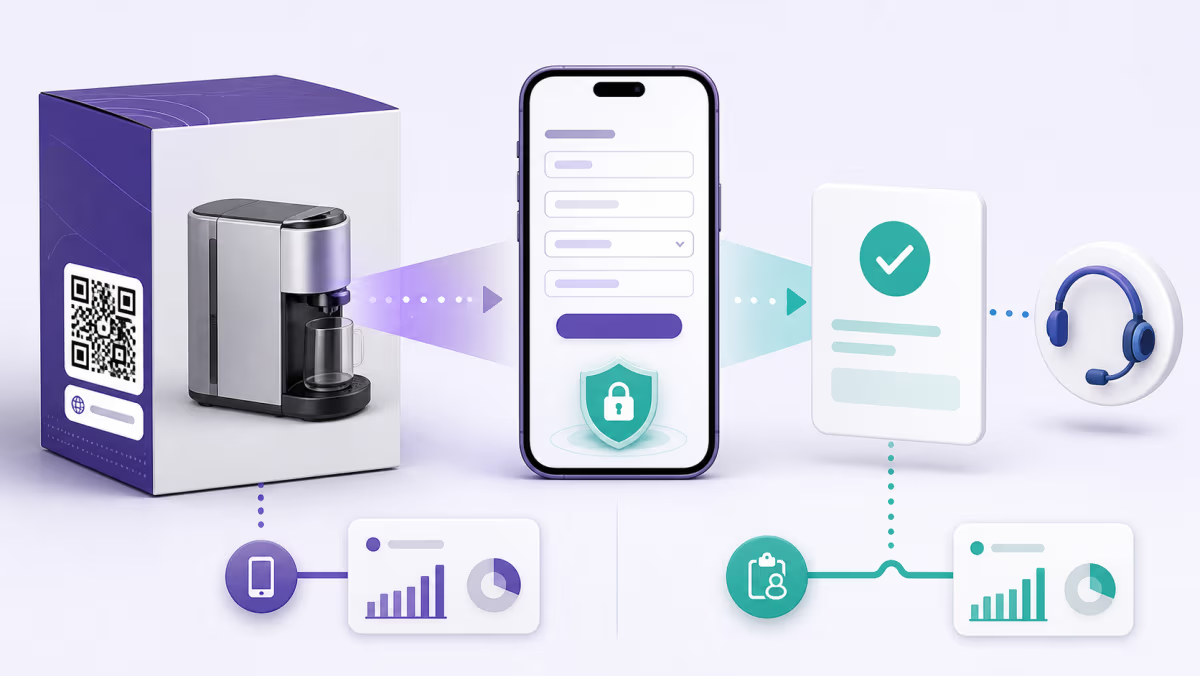
Place the QR where the customer can find it after purchase, then route to the official registration form or support system. State what registration provides and keep optional promotional enrollment separate from information required for the registration or warranty service. A QRLynx dynamic URL QR keeps the printed entry point stable when the registration system changes.
8. Trial class or consultation request
Place the QR on a window, flyer, event card, or partner display and send the scanner to a short request form. Use the QRLynx built-in Lead Form for basic contact capture followed by the booking page. Use an external form when available times, waivers, medical information, payments, or scheduling logic are part of the flow.
9. Print subscriber resource
A magazine, association bulletin, or mailed guide can offer a worksheet, calculator, archive, or companion resource. Identify the resource beside the QR and create separate managed QRs for editions or placements that need independent measurement. Subscription to future messages should be an informed, separate choice when required.
How to build a lead-capture QR campaign in QRLynx
Define the exchange and data purpose first, then configure the QR, form route, destination, and measurement.
Define the promised outcome
Write one sentence describing what the scanner receives after submitting. The sign, form, and destination must make the same promise.
Choose the minimum useful fields
List only the information needed to deliver the resource or complete the requested follow-up. Name and email may be enough; add company, job title, phone, or website only when the workflow uses them.
Choose the form route
Use QRLynx Lead Form for a short built-in Business or Enterprise contact gate. Use a QRLynx dynamic URL QR to an external form when the campaign needs custom consent, conditional logic, scheduling, payment, or a branded form.
Create the managed QR in QRLynx
Choose the destination type, save it as dynamic, name the QR so the public lead-form title is meaningful, and verify the final destination before enabling the form.
Enable Lead Form when it matches the campaign
Open the advanced features, enable Lead Form, select the supported fields, and save. Keep Password Protection disabled because the two gates cannot be combined on one QR.
Prepare the notice and follow-up process
Provide the identity, purpose, privacy information, and choice required for the audience and channel. Decide who receives the lead, how quickly the promised resource is delivered, and how withdrawal or opt-out requests are handled.
Design one QR per placement
Add a specific instruction, use strong contrast and clear space, and create separate managed QRs for placements you need to compare while keeping the form and destination consistent.
Test the complete journey
Scan the final physical proof, complete a test submission, pass Turnstile, confirm the promised destination opens, verify the lead appears under the correct QR, and export a test CSV.
Measure the funnel in three stages
Compare qualifying QRLynx scans, accepted lead submissions, and the final outcome recorded by the destination or CRM. Improve the weakest stage without treating a scan as a lead or a lead as a sale.
Campaign exchange defined?
Create the managed QR and test the complete lead journey
Choose the destination, enable the right form route, label the placement, and verify the submission and redirect before printing.
Consent and privacy belong in the campaign design
The organization collecting the lead is responsible for choosing a lawful basis, providing the required notice, limiting fields, setting retention, controlling access, and honoring applicable rights. The European Commission describes purpose limitation and data minimization as core GDPR principles. When consent is the chosen basis, it must be freely given, informed, specific, clear, affirmative, and withdrawable.
The current QRLynx built-in Lead Form selects contact fields but does not add custom purpose text or a separate marketing-consent checkbox. For a newsletter, promotional sequence, sensitive intake, or another workflow requiring custom consent and disclosures, point a QRLynx dynamic URL QR to a suitable form or CRM page that captures that evidence before submission.
QRLynx Lead Form stores the selected contact fields, the QR relationship, submission time, and submitting IP address, then follows the current 90-day lead retention policy. Export the records needed for the campaign, restrict access to the workspace, and remove or process personal data according to the controller's obligations. When sending commercial email, follow the laws and provider requirements that apply to the sender, recipients, and volume. The FTC requires a clear opt-out route for commercial email under CAN-SPAM, while Gmail applies additional one-click unsubscribe requirements to qualifying marketing and subscription traffic.
Measure each stage with the system that observes it
| Stage | Evidence | Decision it supports |
|---|---|---|
| Physical placement | Qualifying scans for each managed QRLynx QR | Which sign, insert, flyer, or booth entry point is being used |
| Form completion | Accepted QRLynx leads or external form submissions | Whether the promise and requested fields create a workable exchange |
| Resource use | Destination analytics, document access, booking, or account activity | Whether people use the resource after submitting |
| Business outcome | CRM-qualified lead, appointment, enrollment, purchase, or renewal | Whether the campaign creates the intended result |
Lead-capture QR launch checklist
- The printed promise and post-submit destination match.
- The primary service or safety task remains directly accessible.
- Each requested field has a defined use.
- The chosen form can present and record the notices and choices the campaign requires.
- The QRLynx QR name produces a clear built-in form title.
- Lead Form and Password Protection are not enabled together.
- Each placement that needs attribution has its own managed QR.
- The final printed asset scans in realistic light, distance, and handling conditions.
- A test lead appears under the correct QR and exports safely to CSV.
- The destination or CRM records the final campaign outcome separately from the scan.
- The team has a retention, access, follow-up, and opt-out process.
Lead-capture QR code questions
What is a lead-capture QR code?
It is a QR journey that connects a physical placement to a form and then to a promised resource or next step. The QR measures entry, the form records the lead, and the destination system records the later outcome.
How does QRLynx Lead Form work?
Enable Lead Form on an eligible managed dynamic QR, select the supported contact fields, and save. A scanner sees the form, completes Turnstile and the selected fields, then reaches the QR destination. The submission appears in the QRLynx Lead Forms dashboard.
Which QRLynx plans include Lead Form?
Lead Form is included with Business and Enterprise. Each plan applies its current accepted-lead capacity per QR, shown in the product and pricing information.
Which fields can the built-in QRLynx Lead Form collect?
The current field set is name, email, phone, company, job title, and website. Name and email are selected by default, and the QR owner can enable or disable each supported field.
Can I customize the QRLynx Lead Form title?
The public form uses the QR code's name as its title. Give the QR a short campaign-specific name before testing the public form.
Can I add a marketing-consent checkbox to the built-in form?
The current built-in Lead Form does not provide a custom consent checkbox or purpose field. Use a QRLynx dynamic URL QR pointing to a consent-capable form or CRM page when the campaign needs that evidence.
Can Lead Form and Password Protection be used together?
No. They are separate gates and are mutually exclusive on the same QR. Choose the gate that matches the campaign's purpose.
Can I export QRLynx leads?
Yes. Eligible workspace owners can view submissions in the Lead Forms area and export all leads or leads for a selected QR as CSV.
Does QRLynx Lead Form integrate directly with Mailchimp or a CRM?
The current product stores leads in QRLynx and provides CSV export. Use that export with the receiving system's import and consent rules, or point the dynamic QR directly to the system's own form when native automation is required.
Should I gate a menu, WiFi code, support page, or return flow?
Provide those task-first destinations directly. A separate optional QR can offer loyalty enrollment, updates, or a resource after the primary task is complete.
How do I calculate scan-to-lead performance?
For the same campaign window and managed QR, divide accepted form submissions by qualifying scans, then review the final outcome separately in the destination or CRM. Remove internal tests before interpreting the result.
Does a scan count as a lead?
No. A scan shows that the managed QR route was reached. A lead is an accepted form submission. A qualified lead, booking, enrollment, or sale is a later outcome measured by the relevant business system.
First-party sources
- QRLynx Lead Forms plus the current QRLynx feature gate, form contract, public submission, plan-limit, retention, and CSV export implementations.
- European Commission: When consent is valid.
- European Commission: GDPR processing principles.
- Federal Trade Commission: CAN-SPAM compliance guide.
- Gmail: Email sender guidelines.