QRLynx Blog
QR Code Guides, Tips & Best Practices


How to Scan a QR Code Online Without an App
Scan a QR code online without an app. Use QRLynx with a webcam, image, screenshot, or PDF capture, then inspect the decoded result before opening it.
Qr Code ScannerOnline ToolsHow To
Read More 
How to Scan a QR Code on Windows: Camera, Screenshot, or PDF
Scan a QR code on Windows with the Camera app or decode a screenshot, clipboard image, PDF, batch folder, or webcam using the free QRLynx browser scanner.
Qr code scannerWindowsMicrosoft
Read More 
Bing QR Code Scanner: What Microsoft Supports on Windows
Use Windows Camera to scan a QR in front of your webcam, or open QRLynx in Edge to decode screenshots, saved images, batches, and live camera scans.
BingMicrosoftQr code scanner
Read More 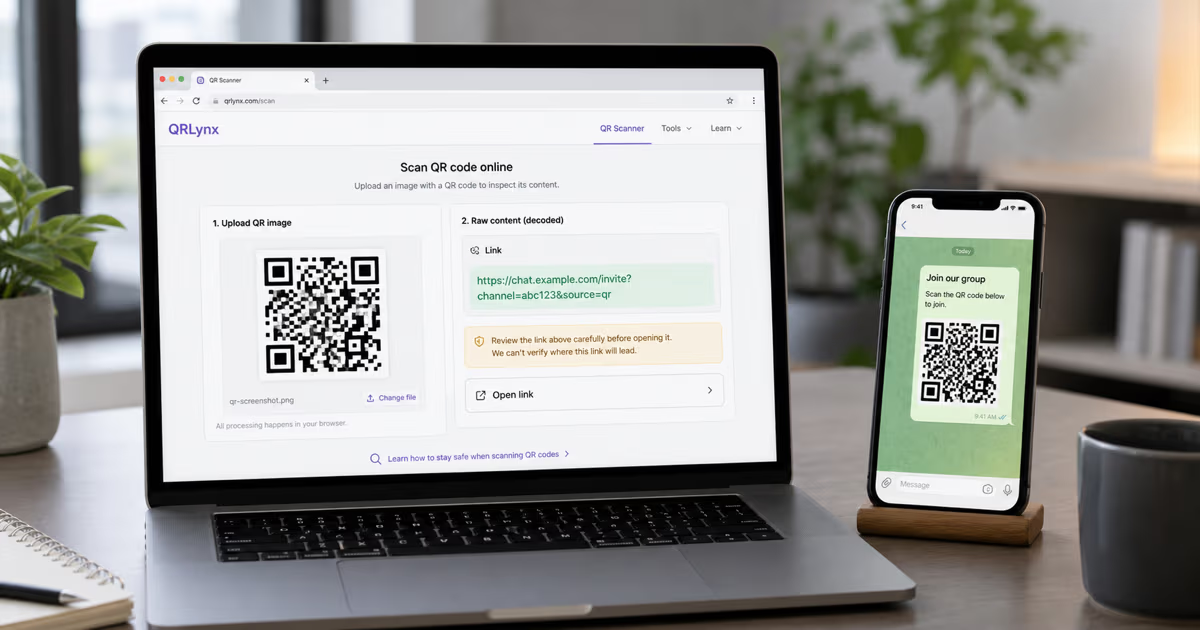
How to Inspect a WeChat QR Code Without WeChat (2026)
Use the QRLynx browser scanner to inspect a standard WeChat-related QR before opening it. Learn which results work online and which actions need WeChat.
WechatQr code scannerChina
Read More