QRLynx Blog
QR Code Guides, Tips & Best Practices
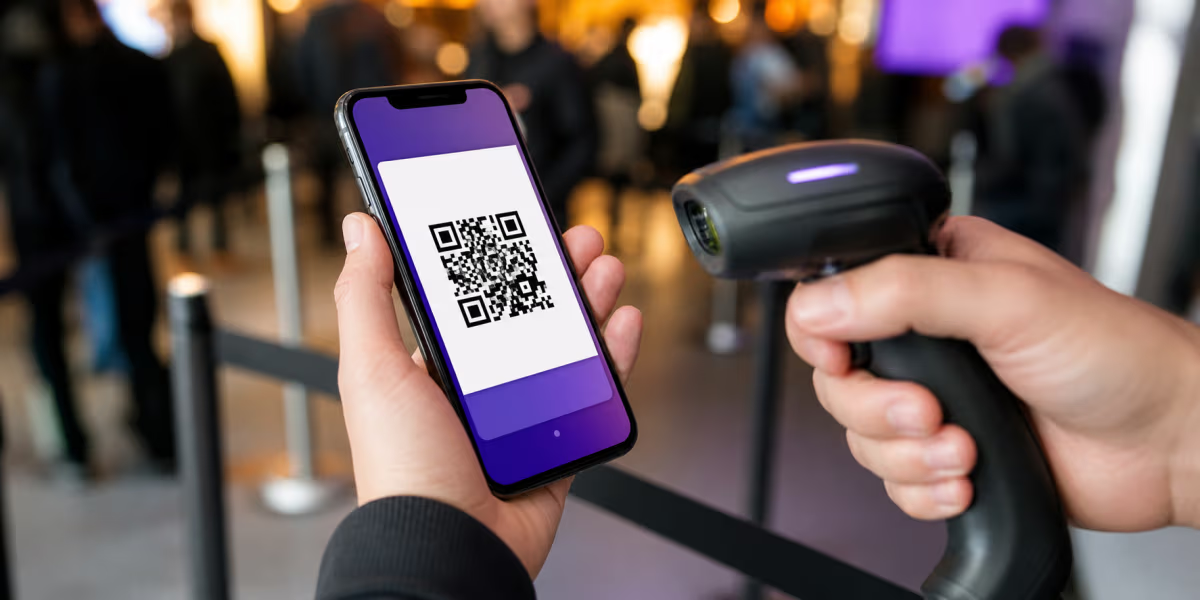

How to Find Your Eventbrite Ticket QR Code
Find an Eventbrite ticket QR code in the iPhone app, Android app, website, or email, with recovery steps for missing tickets and entry problems.

How to Scan a QR Code Online Without an App
Scan a QR code online without an app. Use QRLynx with a webcam, image, screenshot, or PDF capture, then inspect the decoded result before opening it.
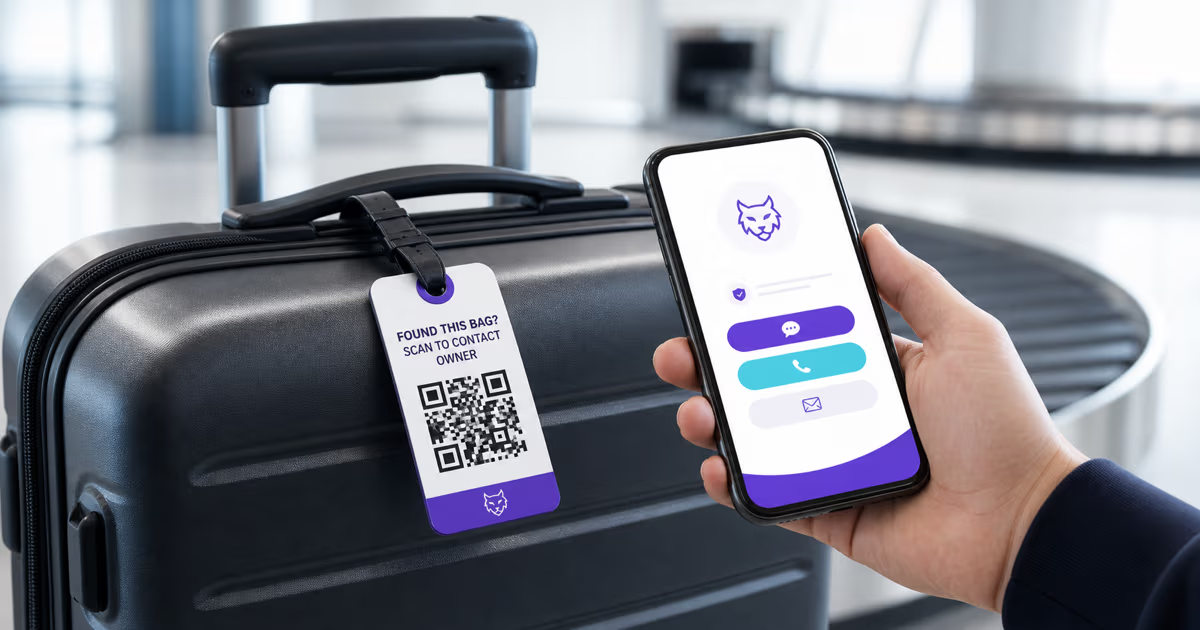
How to Make a QR Code Luggage Tag in QRLynx
Create a QRLynx luggage recovery page and QR tag with useful contact options, privacy-conscious details, durable printing, and a complete pre-travel test.
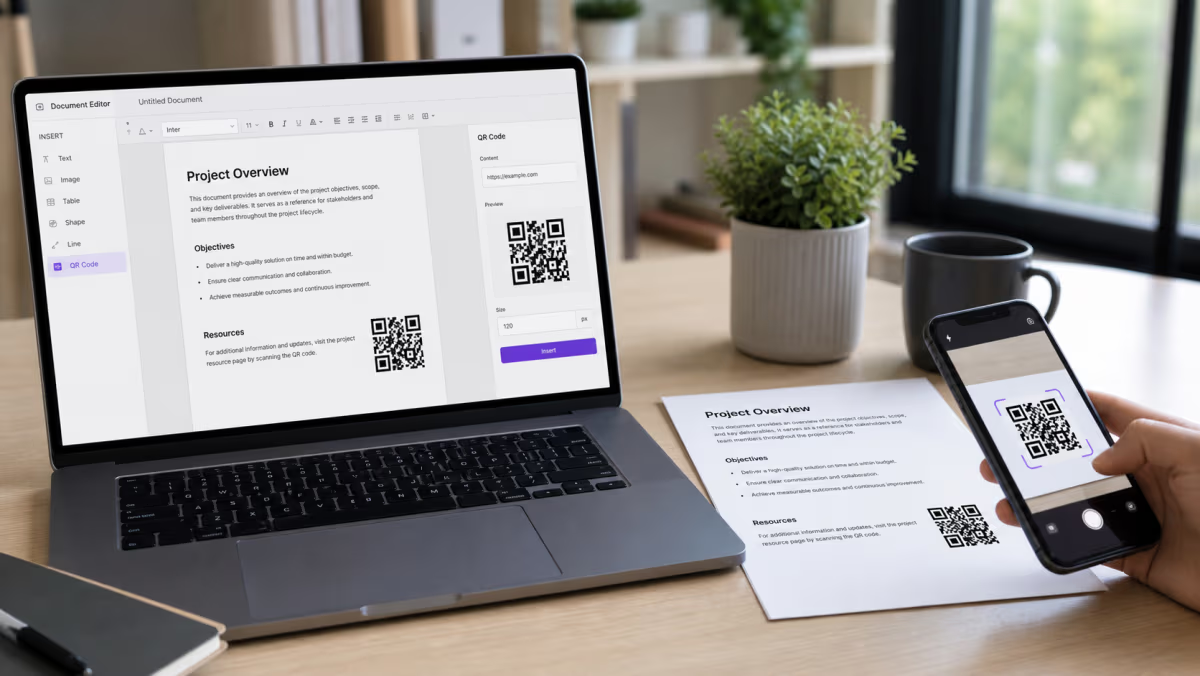
How to Add a QR Code in Word and Google Docs
Add a QR code to Microsoft Word or Google Docs. Choose the right native or pasted-image method, share cloud files safely, and test before printing.
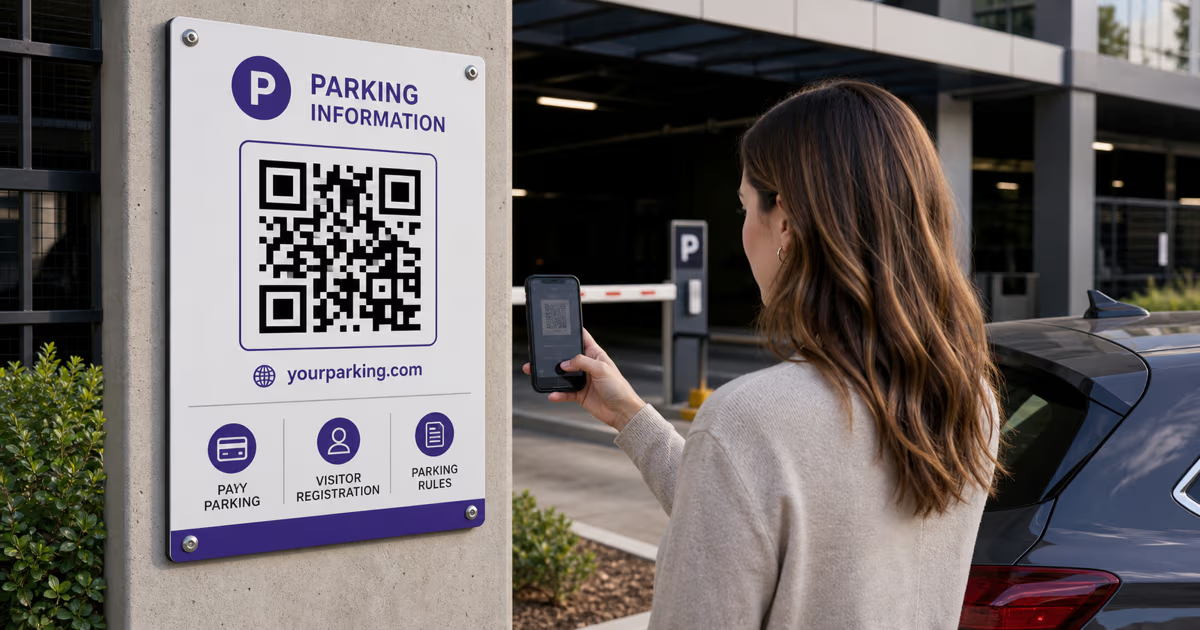
QR Codes for Parking: Pay, Permits and Visitor Access with QRLynx
Build a trustworthy parking QR with QRLynx for pay portals, visitor registration, permit information, or lot rules. Includes setup, signage, and safety checks.

Memorial QR Code: Create and Place One Respectfully
Create a memorial QR code in QRLynx for a headstone, plaque, bench, card, or keepsake, with family consent, durable placement, privacy, and testing steps.
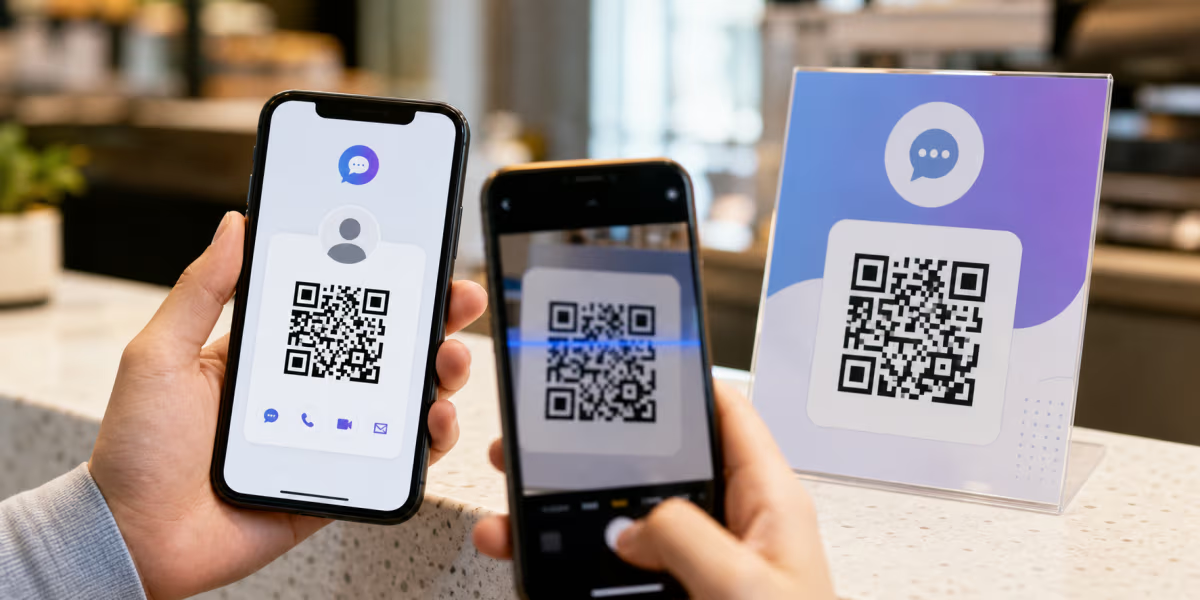
Facebook Messenger QR Code: In-App and Custom Options
Use Messenger’s in-app QR for personal sharing, or create a custom QR for a tested m.me or Messenger link on signs, cards, packaging, and campaigns.
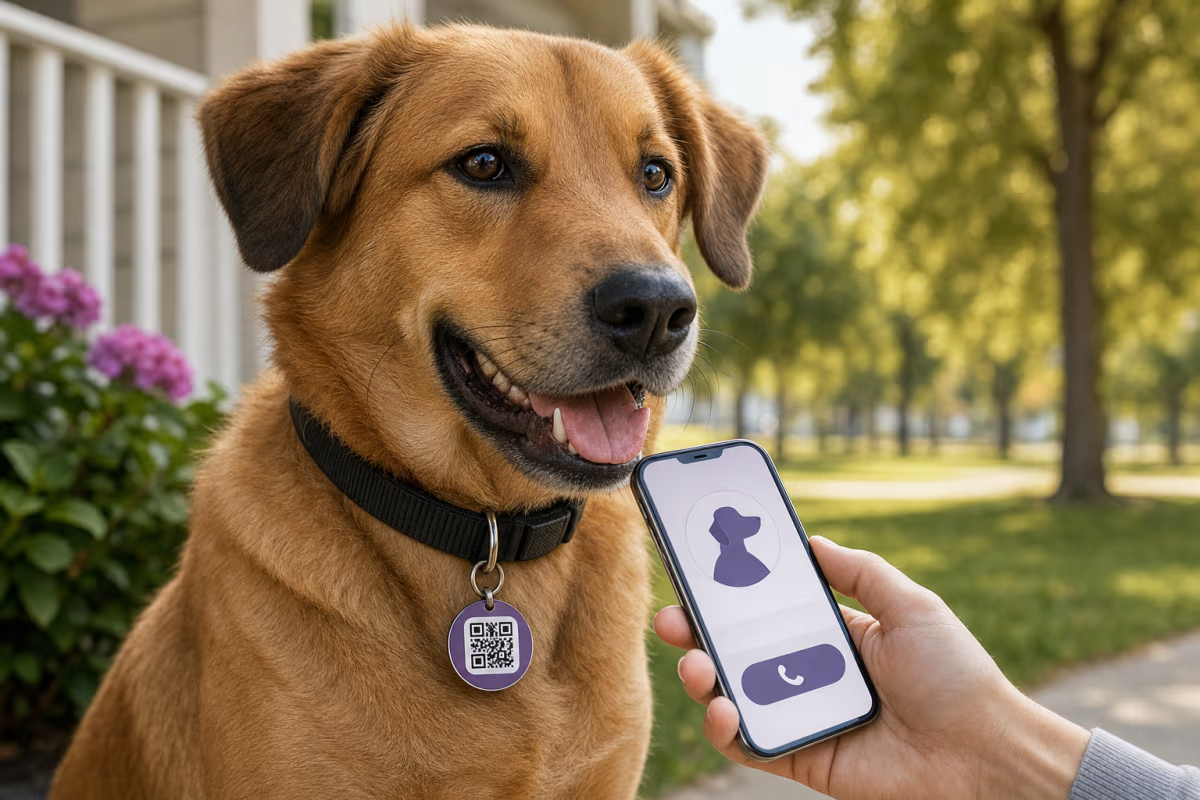
How to Make a Pet QR Code Tag for Free
Make a pet QR code tag for a dog or cat. Choose safe contact details, pair it with a microchip and visible ID, then test the finished collar tag.
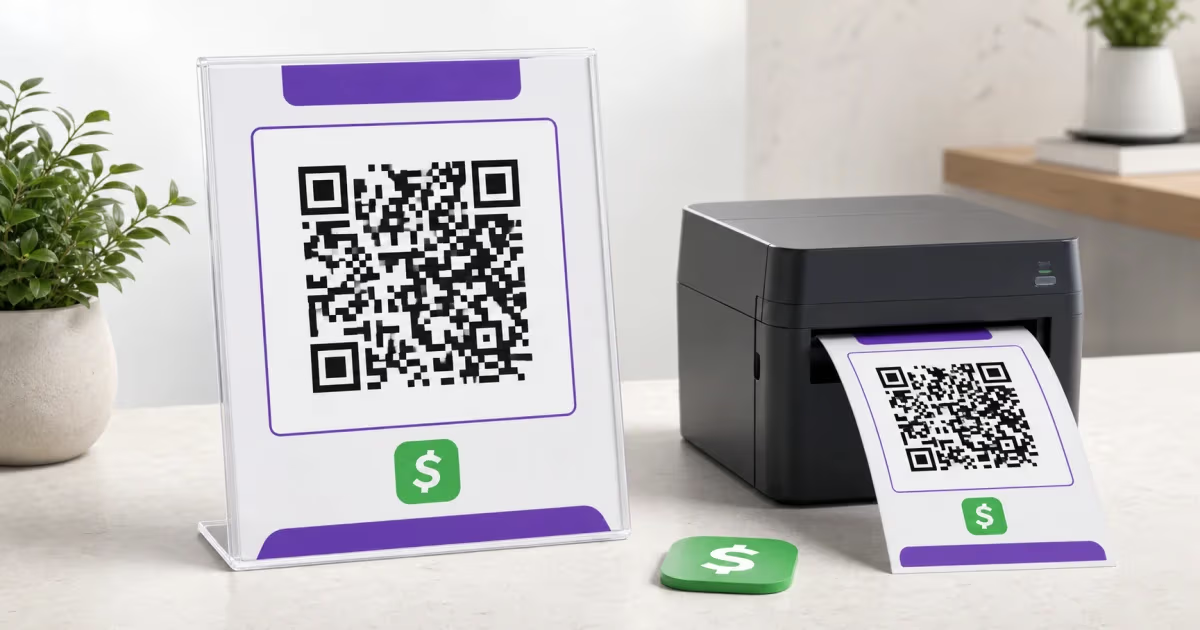
How to Print a Cash App QR Code for Payments
Create and print a Cash App QR code from a reusable payment link. Add it to a sign, flyer, or tip jar, then test it before display.