QRLynx Blog
QR Code Guides, Tips & Best Practices
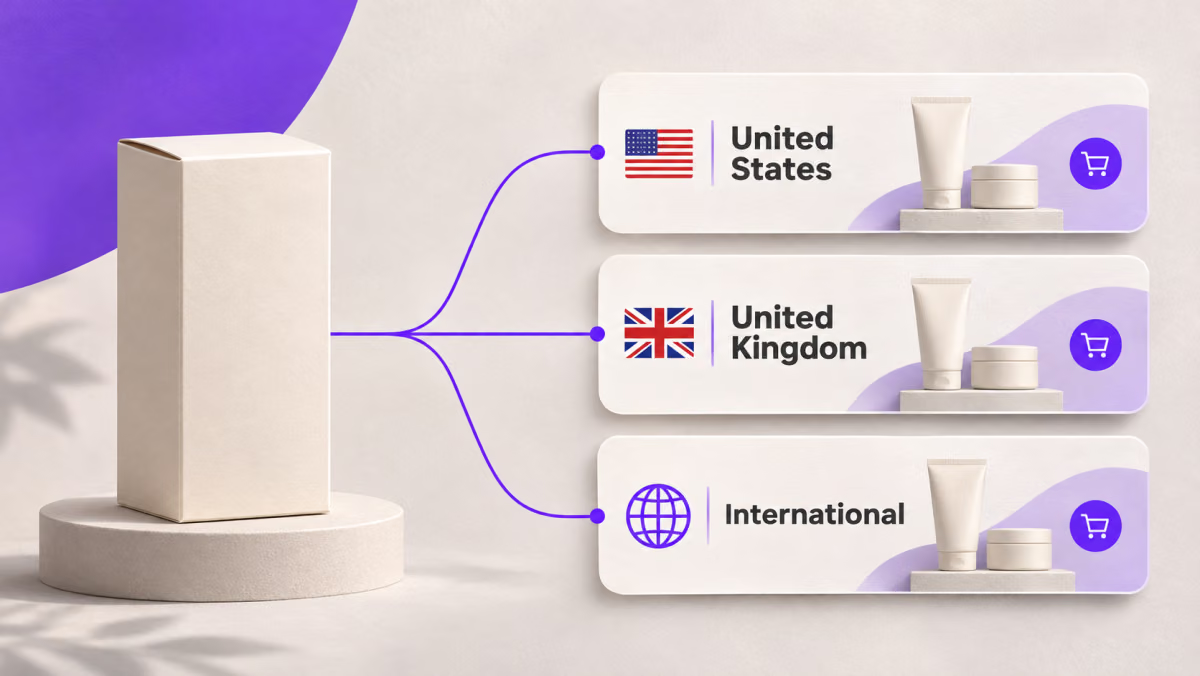

How to Route One QR Code by Country: US, UK and Fallback
Route one QR code to US and UK pages with an international fallback. Follow real QRLynx screenshots, setup steps and country-routing checks.
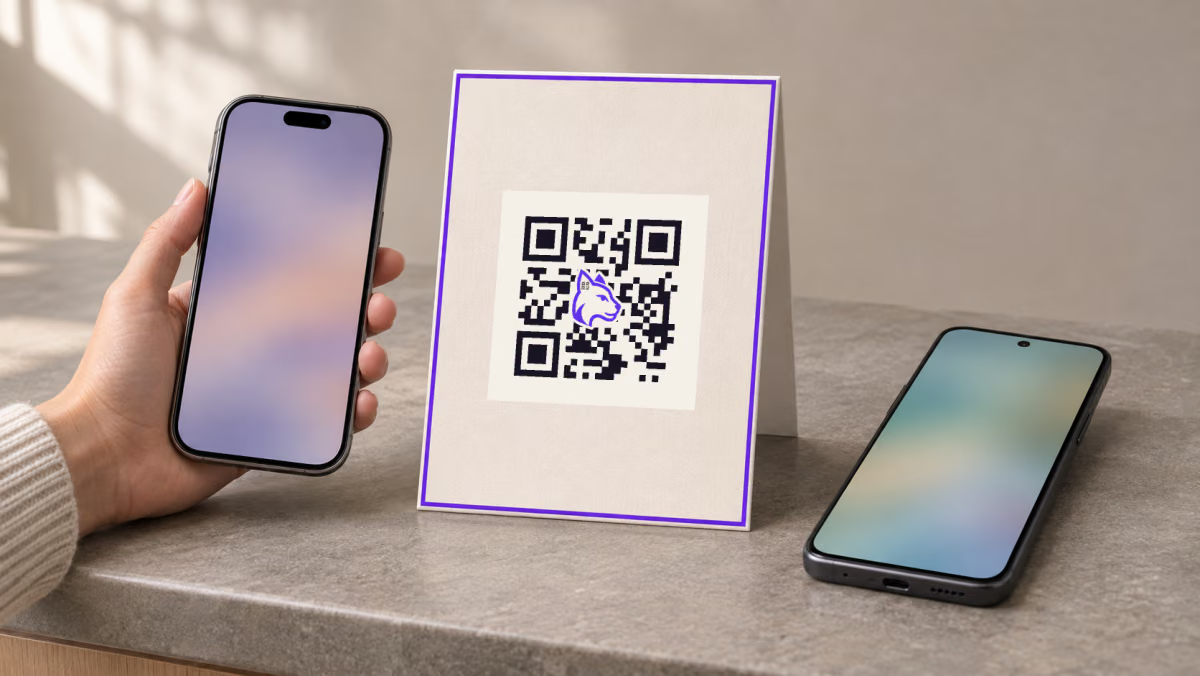
How to Create One QR Code for the App Store and Google Play
Create one QR code for the App Store and Google Play. Follow QRLynx screenshots to add iOS and Android rules and test the fallback before printing.
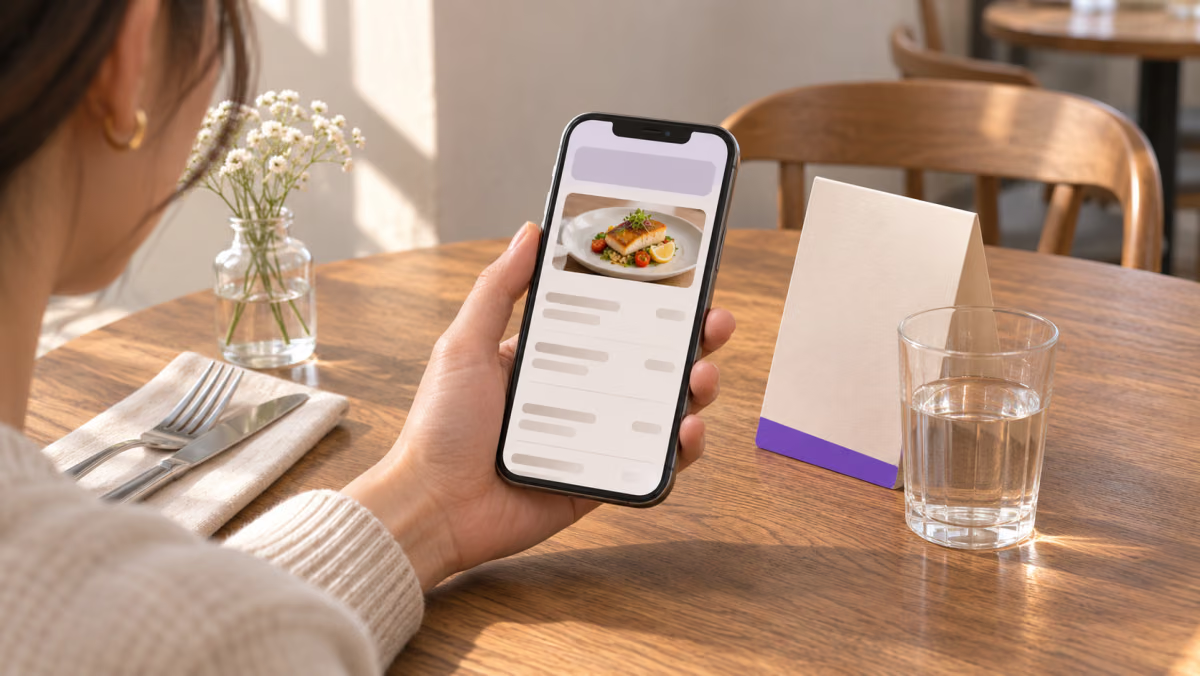
How to update a printed QR code link
Change the destination of a printed QR code, verify the new link from the same copy, and find out when an old static code can still work.
QR codes for a public Atlassian Statuspage
Link a standing sign to your public status page. Use incident links for temporary notices and check the page from a customer’s perspective.
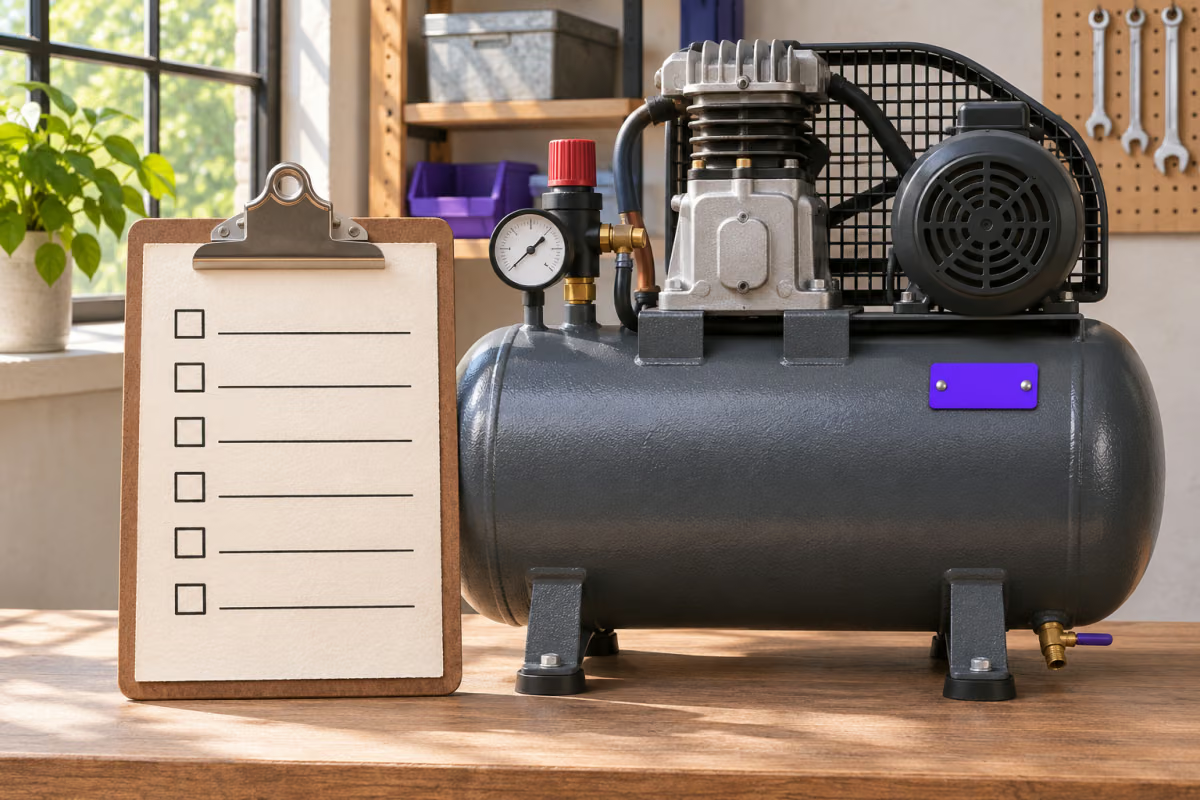
Equipment maintenance log QR codes for scheduled checks
Put a QR code beside equipment so staff can record scheduled checks, identify the asset, and confirm that the entry reached the log.

Trello board QR codes for sharing the right view
Link a printed QR code to the Trello board people should see. Check board permissions and keep join links out of public materials.

QR codes for Adobe Acrobat PDF reviews
Use the Acrobat review link to send people to the right PDF and comments. Test reviewer access and keep private review links off public signs.

QR codes for Google Calendar appointment booking pages
Link to a Google Calendar booking page, test the slots a visitor sees, and keep a readable fallback on printed material.

Dropbox file request QR codes for collecting uploads
Link a printed QR code to a Dropbox file request. Test the guest upload path and close intake when the files are due.