Key Takeaway
Learn why password-protected QR codes matter and follow our step-by-step guide to create them with QRLynx. Keep every scan secure and private.
Sharing links, documents, and promotions is a breeze with QR codes — just scan and you're connected. However, that openness also represents a vulnerability: the data can be accessed by anyone with a camera. A password gate resolves the issue by transforming a public square into a private room. Only users who possess the passcode can unlock the content, ensuring the safety of confidential information and enhancing user trust.
Key Benefits at a Glance
- Data privacy & compliance — stop leaks and stay on the right side of GDPR or HIPAA
- Access control — choose exactly who sees price lists, training videos, or VIP perks
- User confidence — a passcode screen signals you care about security, increasing scan-through rates
- Dynamic flexibility — change the password or destination without reprinting the QR code
From locking down internal PDFs to limiting coupon abuse, password-protected QR codes put you back in charge of your content.
Real-World Use Cases for Password-Protected QR Codes
1. Secure Document Delivery
Replace risky email attachments with a password-protected QR code that links to contracts, lab reports, or design files. Only colleagues or clients with the passcode can open the document.
2. VIP Event Details & Tickets
Print a protected QR code on tickets or wristbands to reveal venue maps, backstage passes, or exclusive schedules. The content stays hidden unless the scanner knows the password.
3. Classroom & Training Materials
Teachers and corporate trainers can gate lesson plans, answer keys, or proprietary slide decks, ensuring only enrolled students or staff gain access.
4. Gated Coupons & Loyalty Rewards
Issue a single QR code for a discount page but require a passcode shared only with loyalty-club members. This curbs coupon abuse and makes promotions feel truly exclusive.
5. Private Wi-Fi Access
Hotel lobbies and cafés can display a QR code that auto-fills network credentials — yet protect it with an extra passcode so only paying guests connect.
6. Internal Equipment Manuals
Factories and IT teams can stick a QR code on machinery or servers that links to service manuals. Password protection prevents unauthorized access to critical systems.
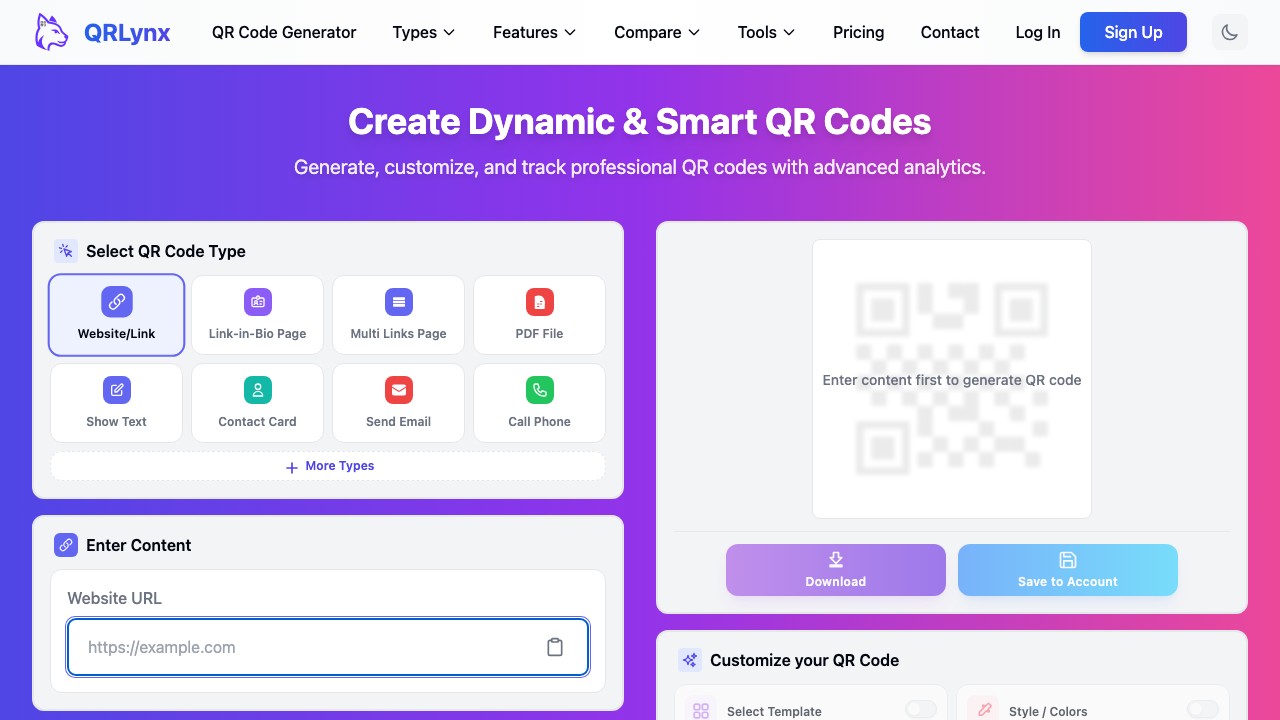
How to Create a Password-Protected QR Code with QRLynx
- Sign in / create an account — Visit QRLynx.com and open your dashboard
- Start a new dynamic code — Dynamic QR codes support editing, analytics, and security options
- Select a content type — URL, PDF, plain text, Wi-Fi login — pick what you need
- Add your content — Paste the link or upload the file you plan to protect
- Enable "Password Protect" — Flip the security toggle; a field for your passcode appears
- Choose a strong passcode — Mix letters, numbers, and symbols; avoid obvious patterns
- Customize the design — Brand colors, a logo, or a frame can lift scan rates by 30%
- Generate, test, and share — Download the PNG/SVG, scan it yourself to verify the prompt, then distribute both code and passcode through secure channels
Quick Security Tips
Rotate passwords for sensitive campaigns, use HTTPS for all destinations, and keep an eye on scan analytics in QRLynx to identify any odd spikes. Share the passcode orally or through encrypted email for extremely private information, but never in the same printout as the QR code.
Ready to Lock Down Your Next QR Code?
Join thousands of businesses that rely on QRLynx for fast, flexible, and secure QR solutions. Create a free account and craft your first password-protected QR code in under two minutes.