QRLynx Blog
QR Code Guides, Tips & Best Practices
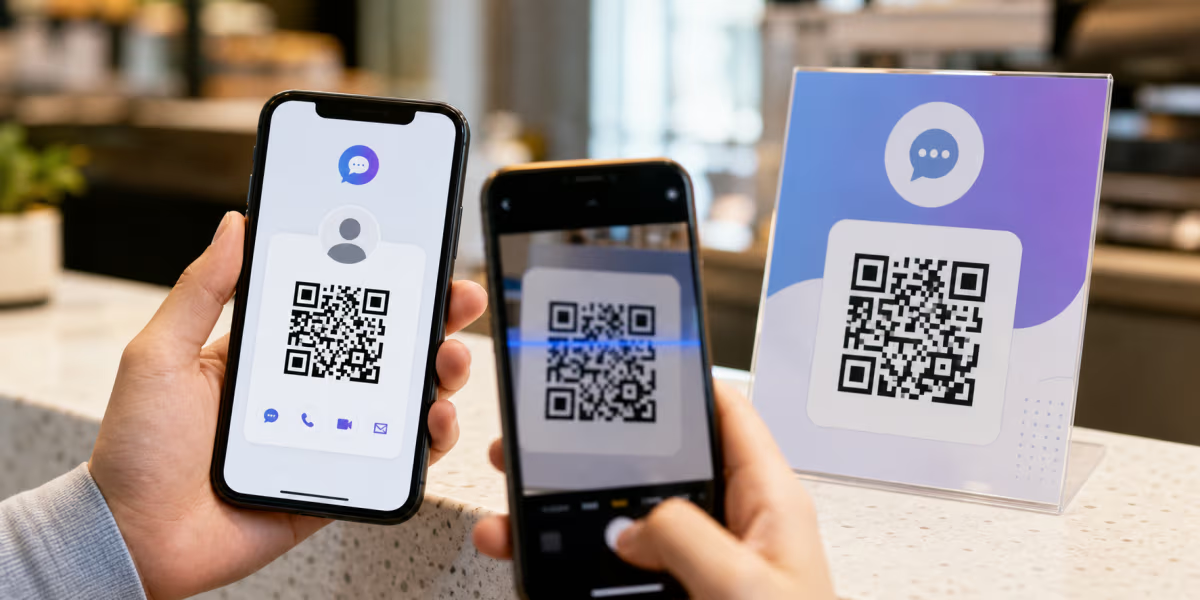

Facebook Messenger QR Code: In-App and Custom Options
Use Messenger’s in-app QR for personal sharing, or create a custom QR for a tested m.me or Messenger link on signs, cards, packaging, and campaigns.
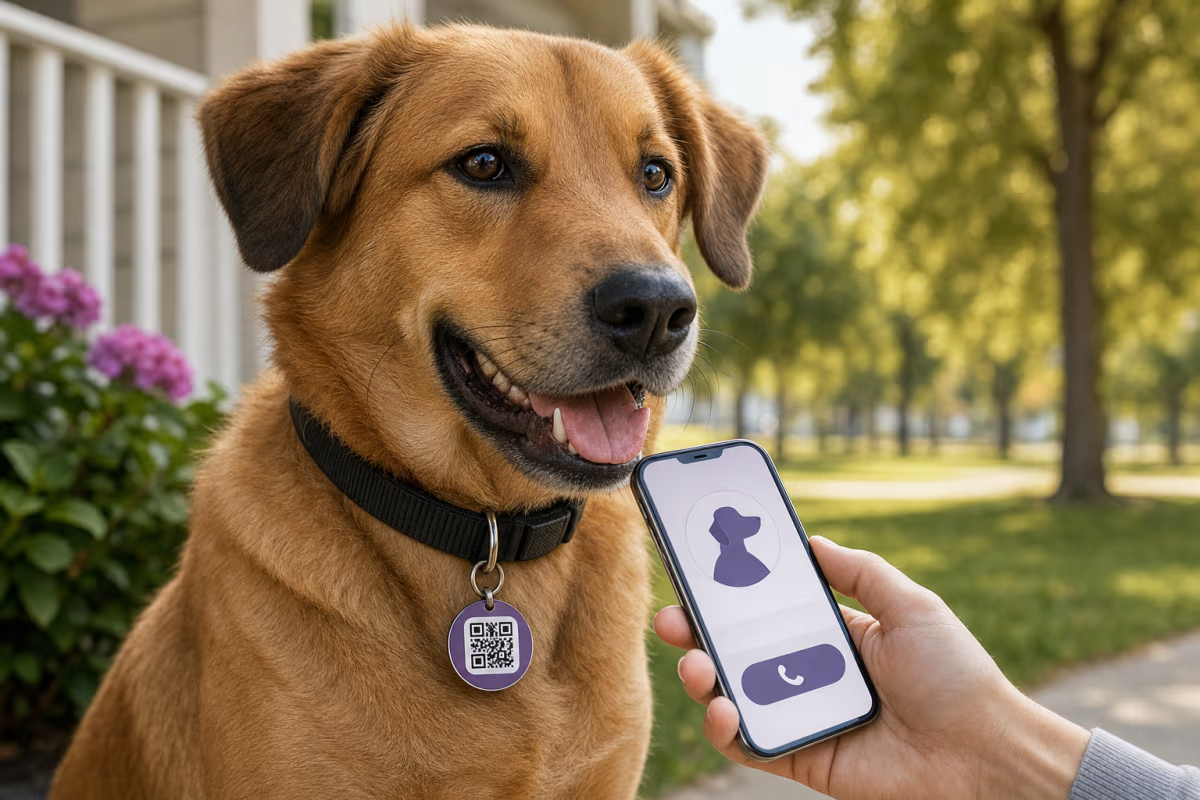
How to Make a Pet QR Code Tag for Free
Make a pet QR code tag for a dog or cat. Choose safe contact details, pair it with a microchip and visible ID, then test the finished collar tag.
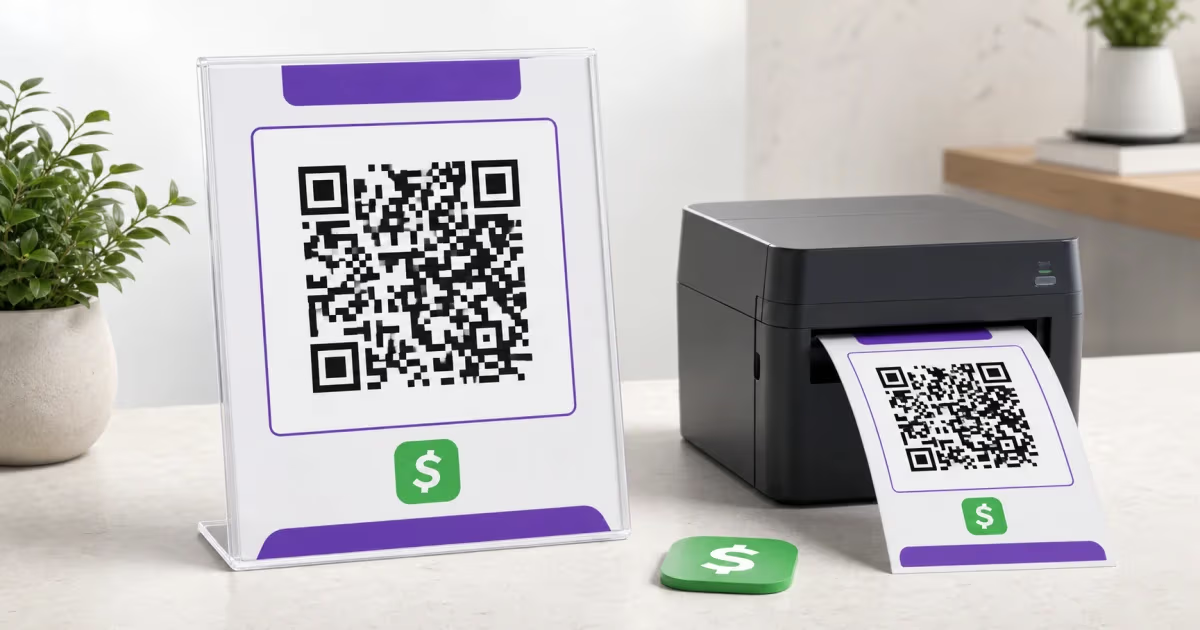
How to Print a Cash App QR Code for Payments
Create and print a Cash App QR code from a reusable payment link. Add it to a sign, flyer, or tip jar, then test it before display.
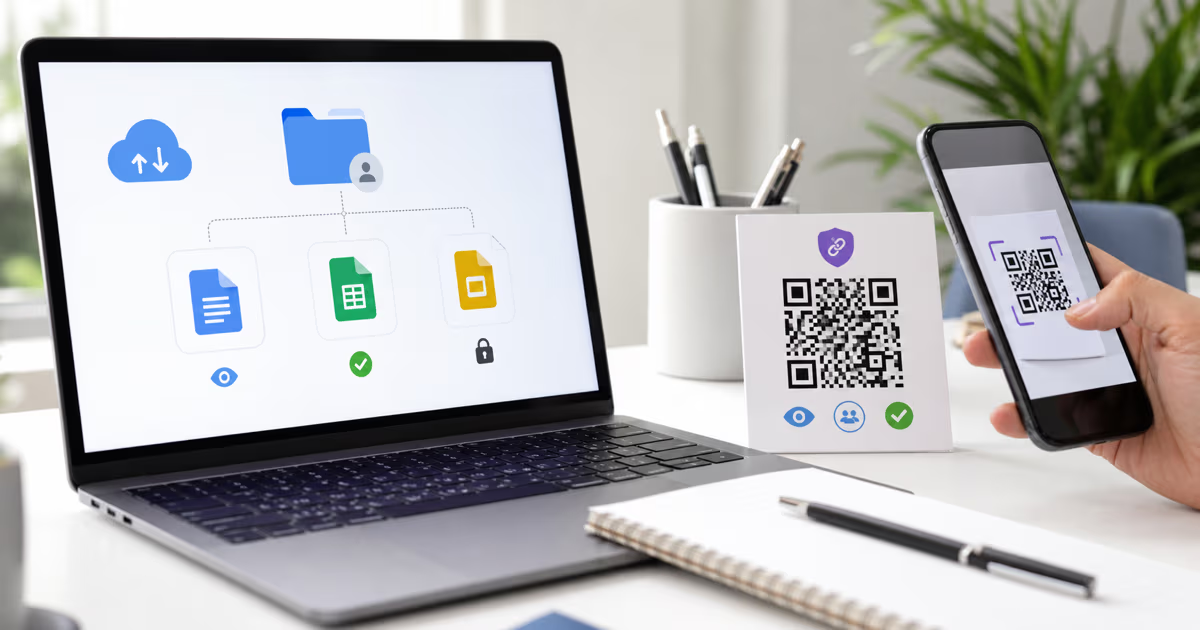
How to Make a Google Drive QR Code for a File or Folder
Create a Google Drive QR code in QRLynx for a file, folder, Doc, Sheet, or Slides deck. Choose the right access, QR mode, and test before printing.
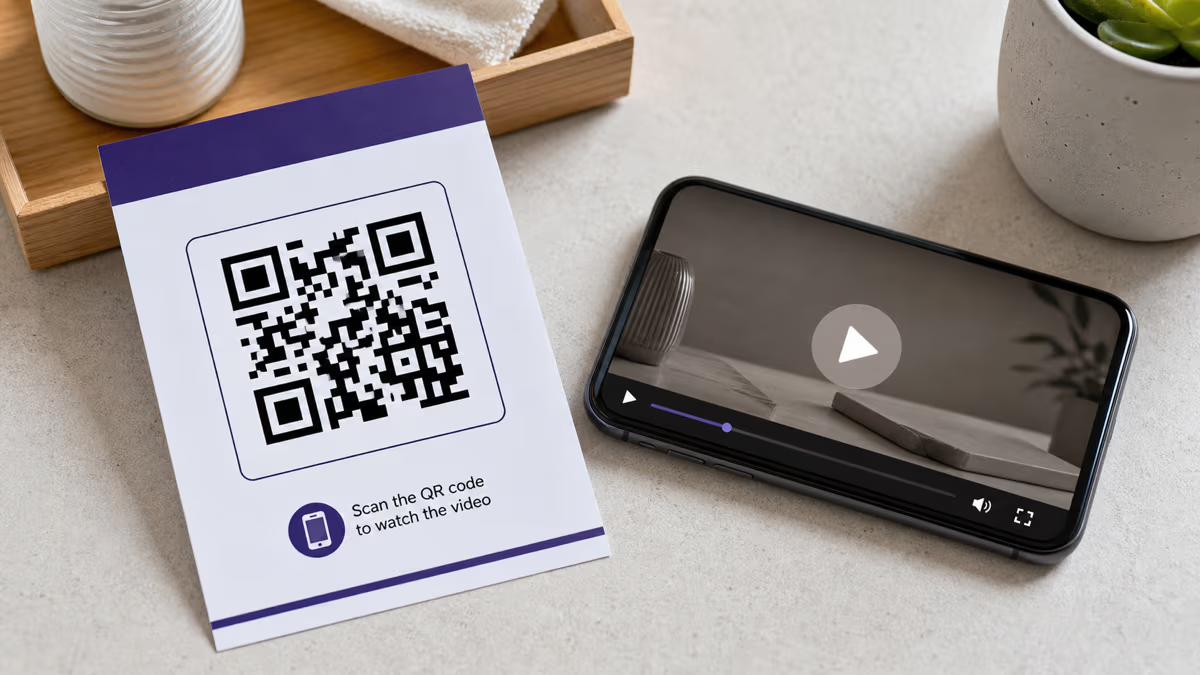
How to Create a Video QR Code with QRLynx
Choose a video host, create the matching QRLynx QR code, test access and playback, and measure QR scans separately from video views.
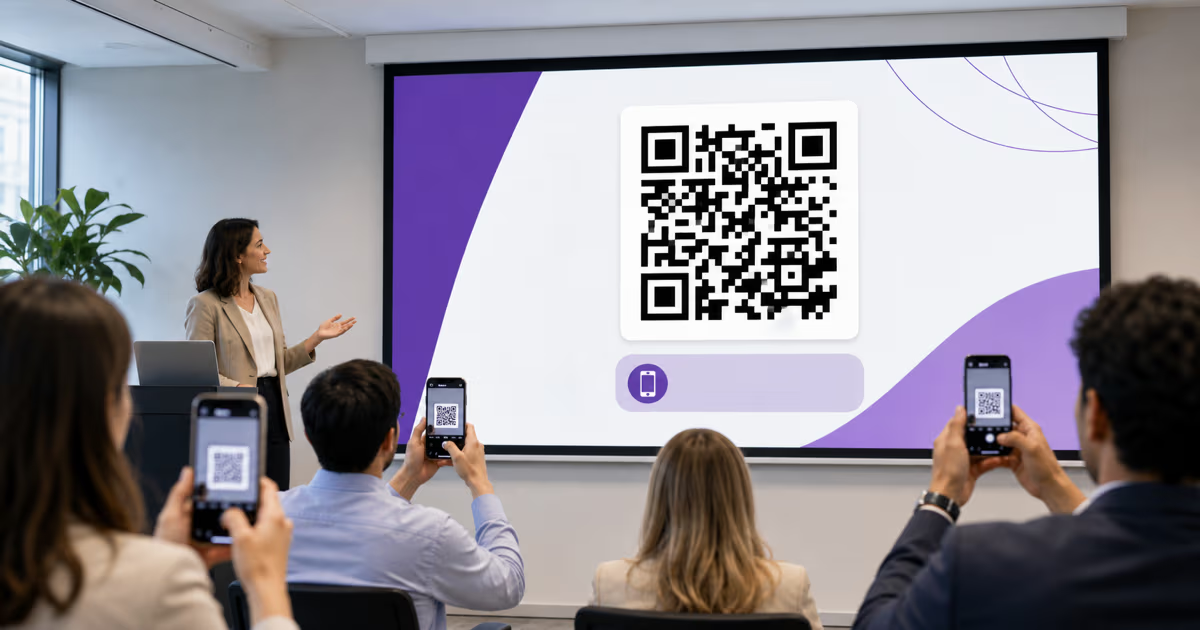
How to Add a QR Code to PowerPoint with QRLynx
Create a presentation QR in QRLynx, add it to PowerPoint or Google Slides, choose static or dynamic behavior, and test it from the back row.

Trade Show QR Codes: Lead Capture, Demo Booking & Follow-Up
Use trade show QR codes for lead capture, demo booking, and booth follow-up, one QR per placement for attribution, plus retargeting and scan analytics.
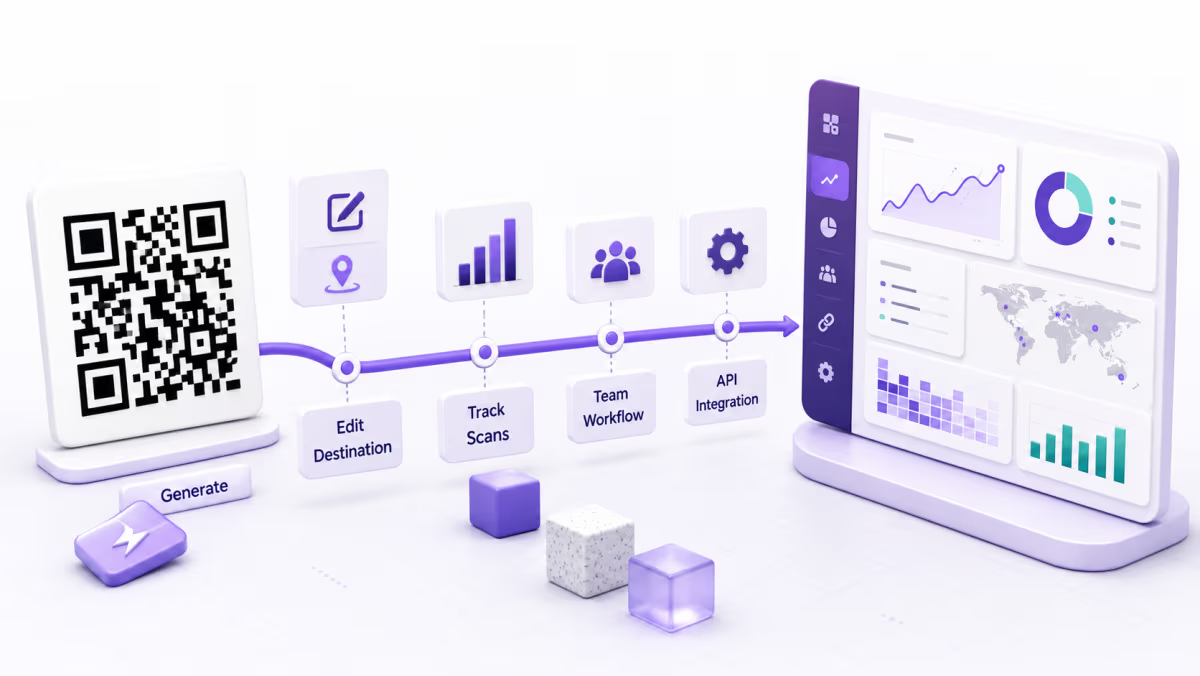
QRLynx V2: What Changed in the May 2026 Product Refresh
Review the dated QRLynx V2 refresh, including the free Starter plan, dynamic QR workflow, analytics, AI summaries, and the features added afterward.

How to Scan a QR Code on Windows: Camera, Screenshot, or PDF
Scan a QR code on Windows with the Camera app or decode a screenshot, clipboard image, PDF, batch folder, or webcam using the free QRLynx browser scanner.