QRLynx Blog
QR Code Guides, Tips & Best Practices
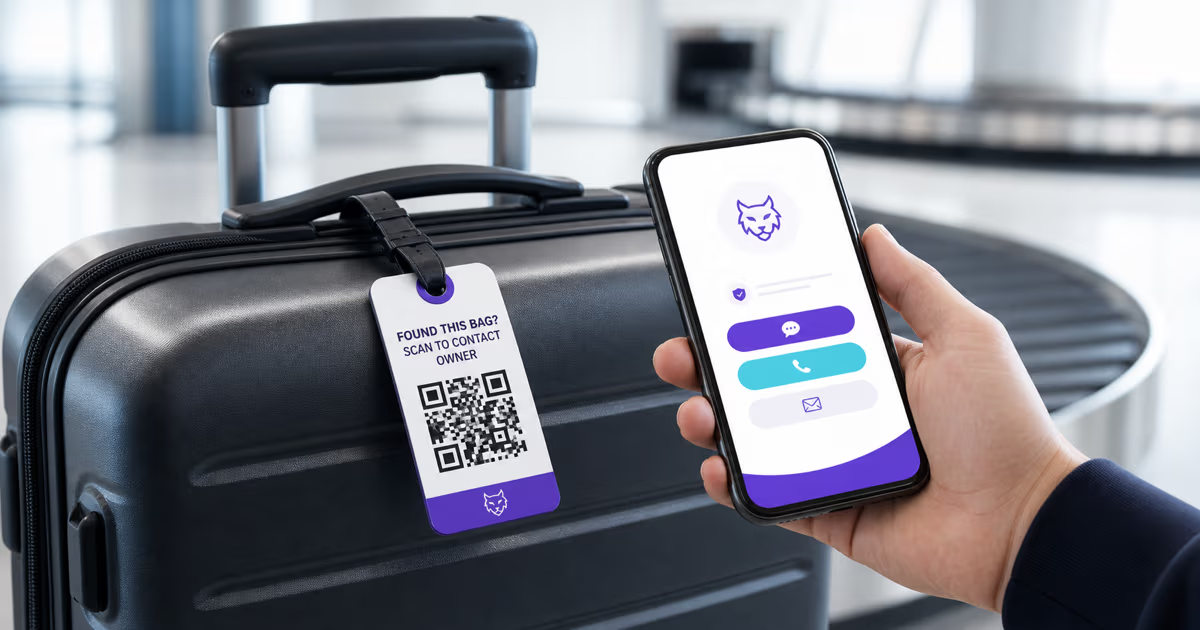

How to Make a QR Code Luggage Tag in QRLynx
Create a QRLynx luggage recovery page and QR tag with useful contact options, privacy-conscious details, durable printing, and a complete pre-travel test.

Podcast QR Codes: Link Every Listening App with QRLynx
Create one podcast QR code for Spotify, Apple Podcasts, YouTube, and RSS. Learn the exact QRLynx setup, placement strategy, testing, and scan measurement.
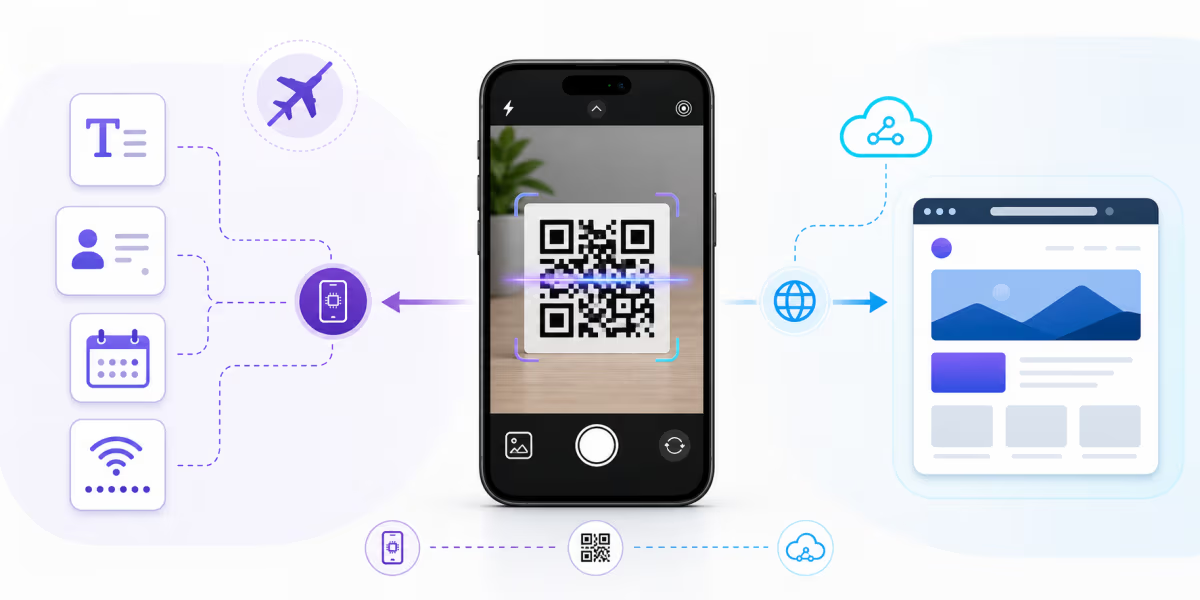
Do QR Codes Work Without Internet? What Works Offline
A QR-capable camera can decode a QR code without internet. See which text, contact, calendar, WiFi, URL, PDF, menu, and eSIM actions still need connectivity.
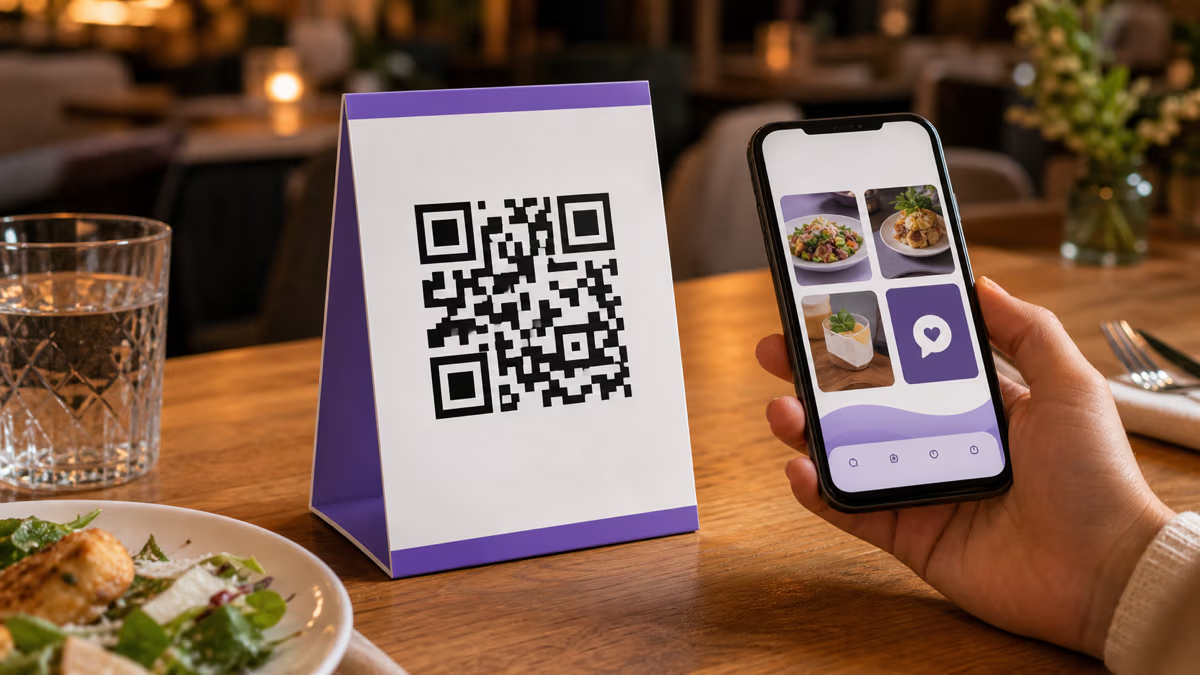
QR Code Table Tents: A Practical Restaurant Guide
Create a restaurant QR code table tent in QRLynx for menus, ordering, specials, reviews, loyalty, WiFi, or social, with tracking and print-testing steps.
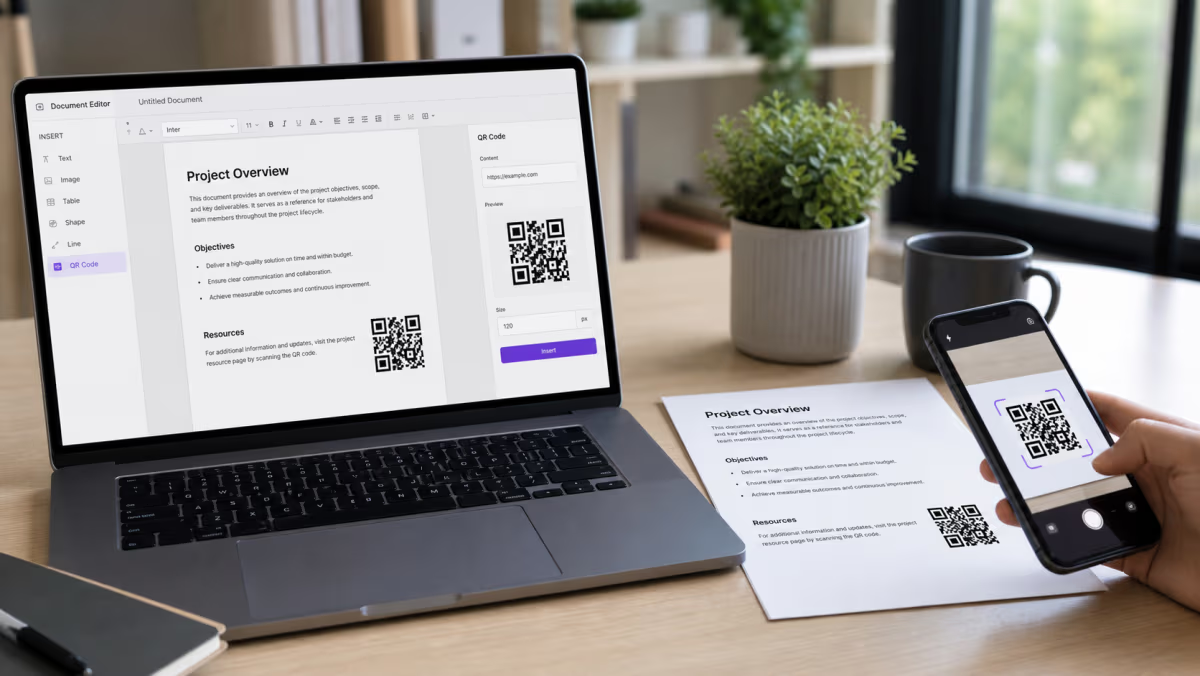
How to Add a QR Code in Word and Google Docs
Add a QR code to Microsoft Word or Google Docs. Choose the right native or pasted-image method, share cloud files safely, and test before printing.
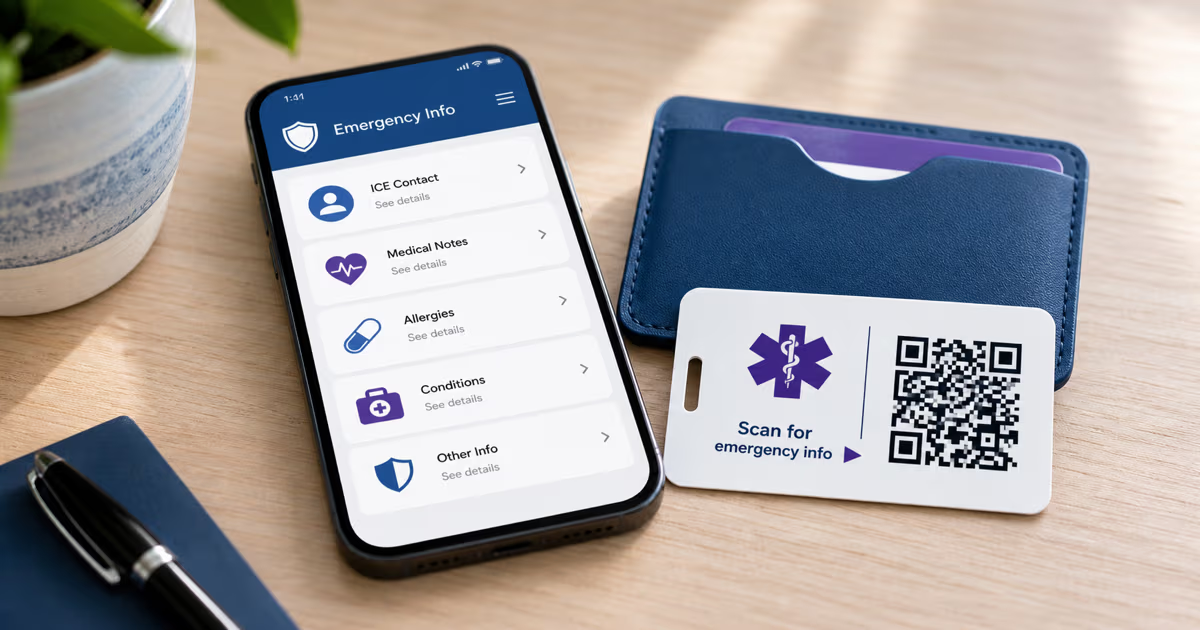
Emergency Medical ID QR Code: A Safer Setup Guide
Create an emergency medical ID QR in QRLynx. Choose static text or a managed URL, limit public data, and pair it with phone Medical ID and visible ID.
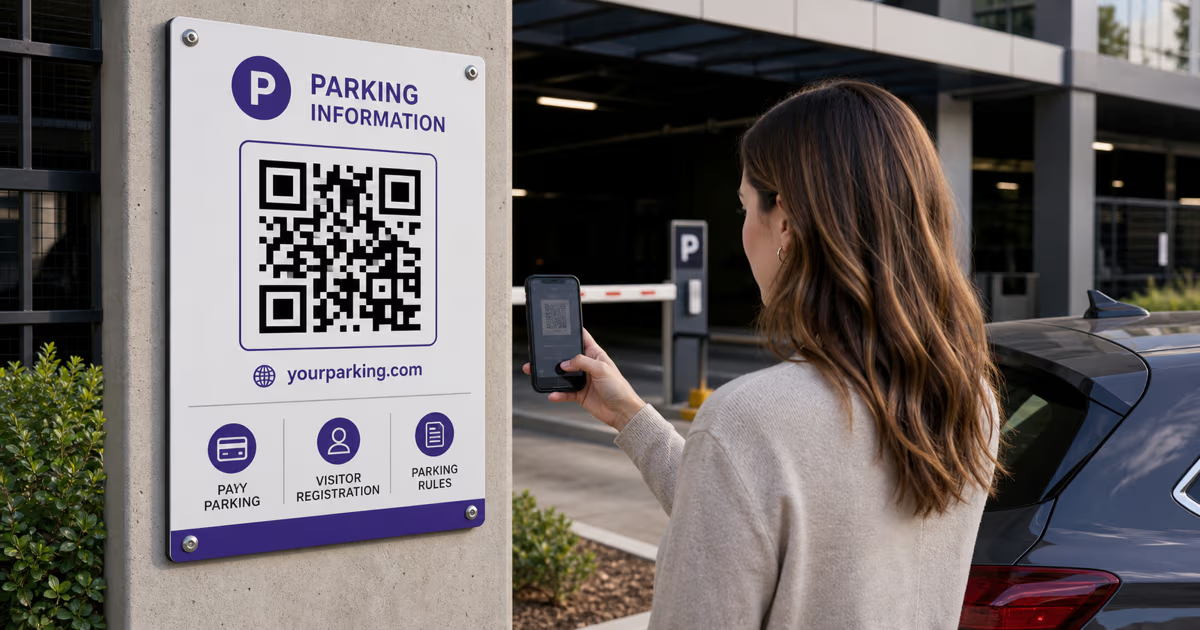
QR Codes for Parking: Pay, Permits and Visitor Access with QRLynx
Build a trustworthy parking QR with QRLynx for pay portals, visitor registration, permit information, or lot rules. Includes setup, signage, and safety checks.
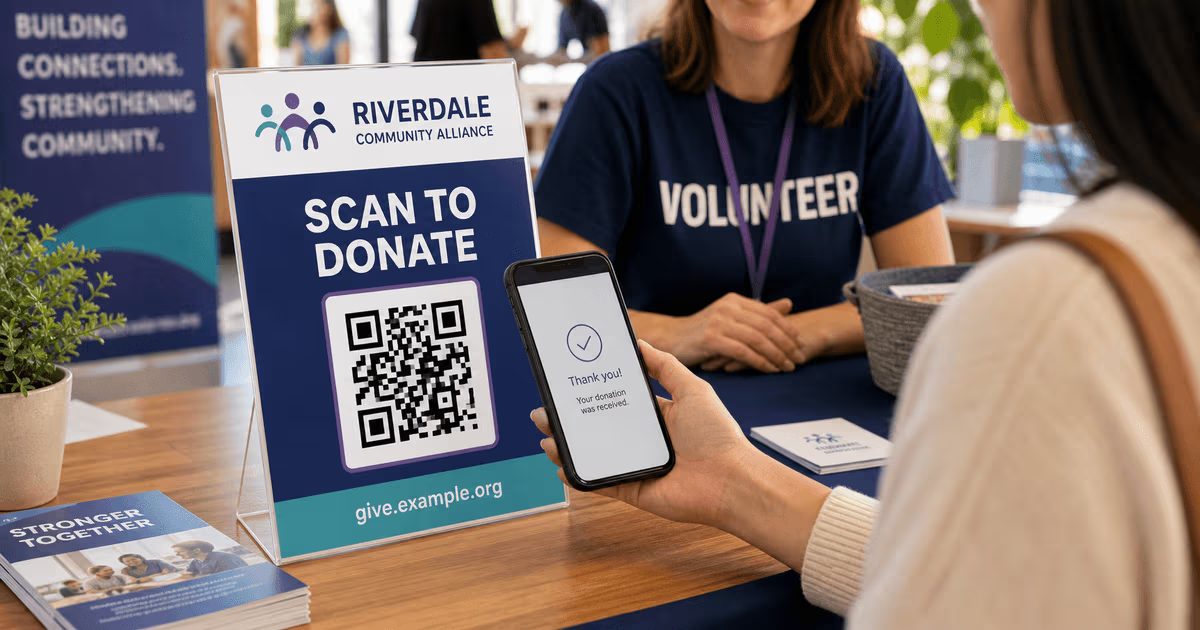
Donation QR Code: Setup, Safety, and Scan Tracking
Create a donation QR code for a verified giving page. Keep the destination editable, support donor checks, and measure scans separately from donations.
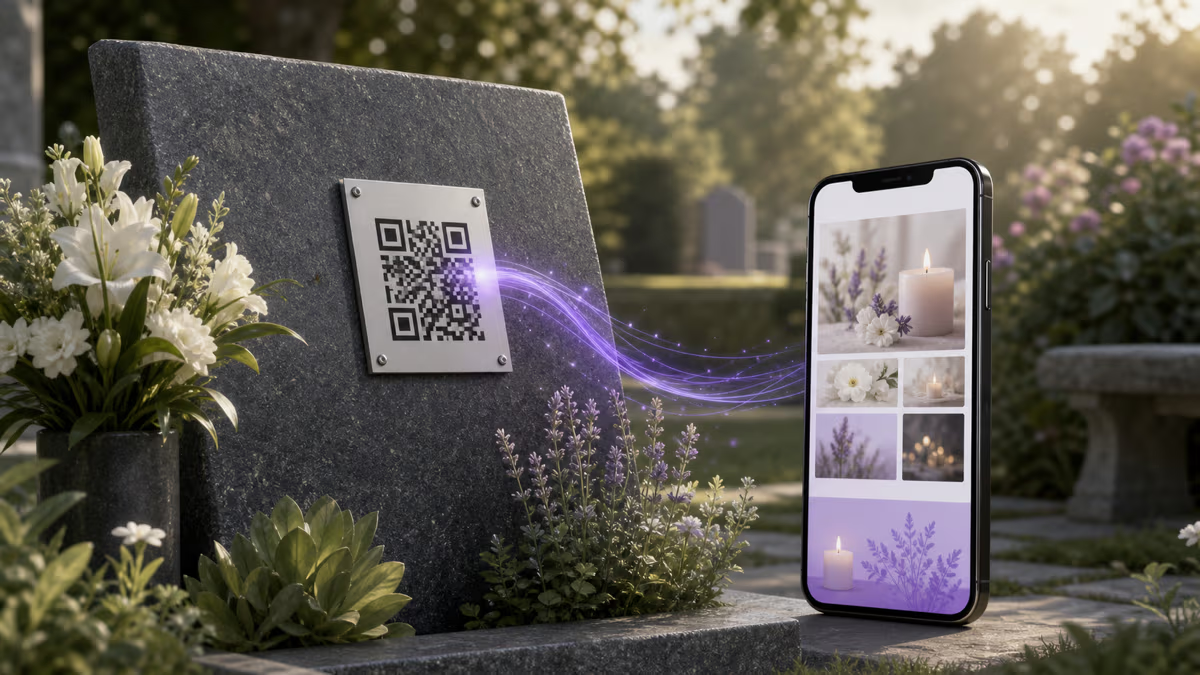
Memorial QR Code: Create and Place One Respectfully
Create a memorial QR code in QRLynx for a headstone, plaque, bench, card, or keepsake, with family consent, durable placement, privacy, and testing steps.