QRLynx Blog
QR Code Guides, Tips & Best Practices
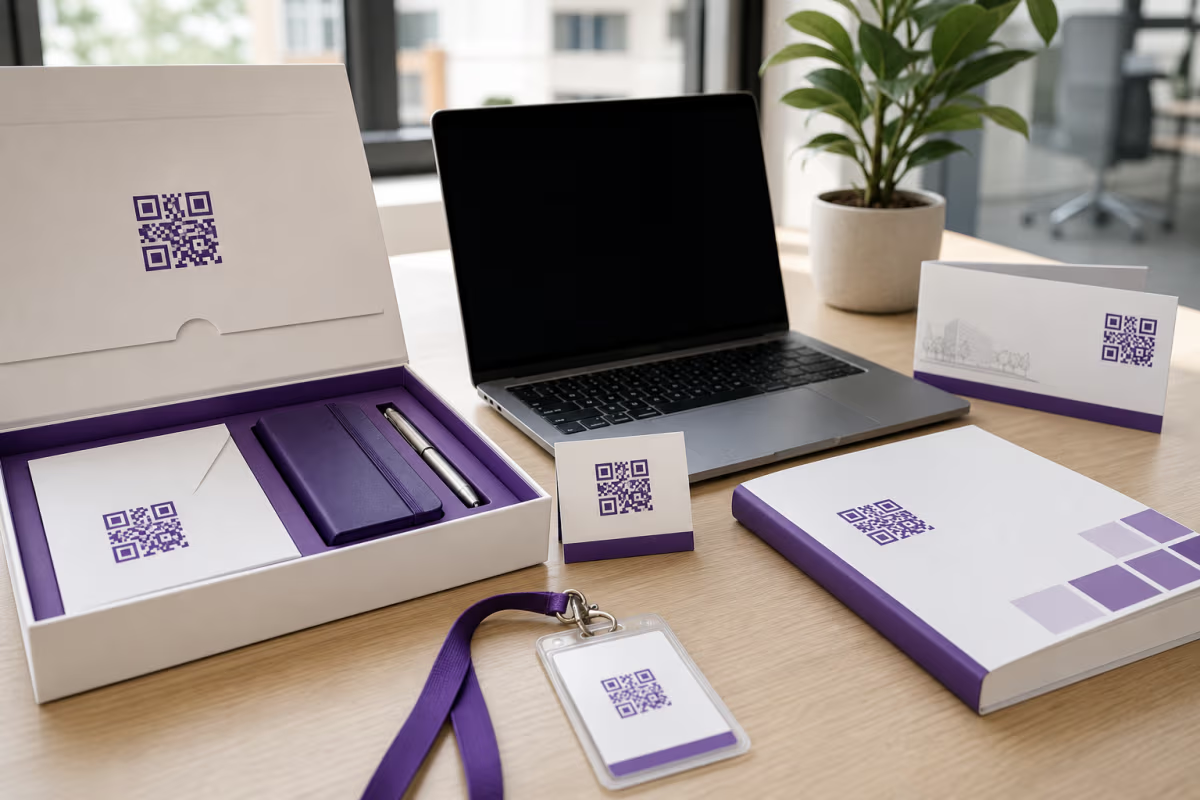

Employee Onboarding QR Codes: A QRLynx Workflow
Build employee onboarding QR codes in QRLynx for welcome materials, IT setup, training, facilities, and surveys with secure ownership and testing.
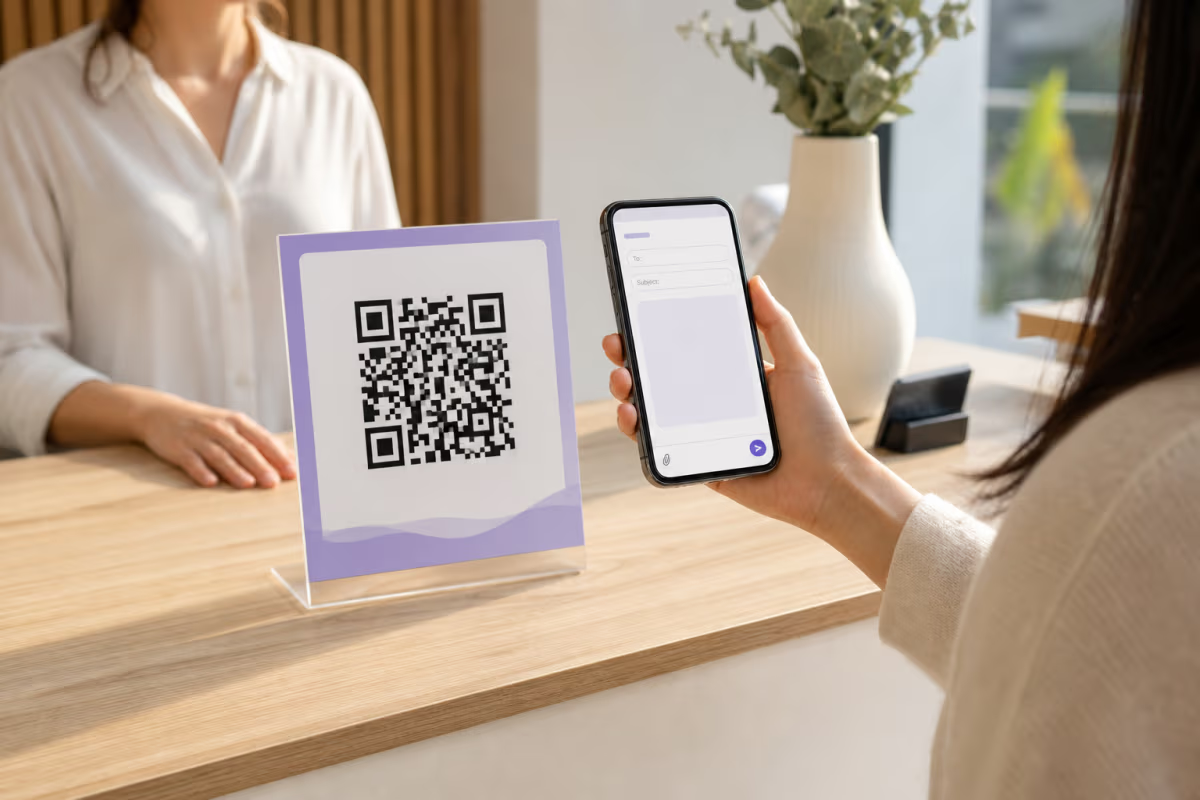
Email QR Code: Create a Pre-Filled Mailto QR
Create an email QR code that opens a pre-filled draft with a recipient, subject, and message. Learn mailto formatting, limits, testing, and safer alternatives.
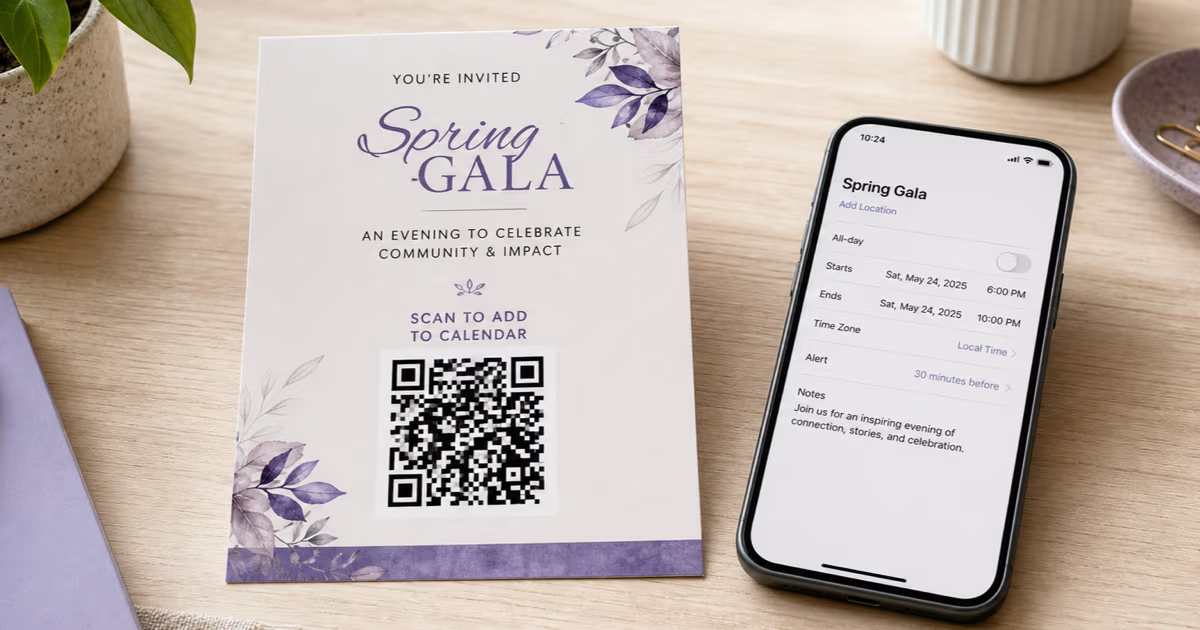
Calendar Event QR Codes for Google, Apple, and Outlook
Create a Calendar Event QR in QRLynx and test it across apps. Learn when a dynamic event page or hosted ICS file is the better choice.
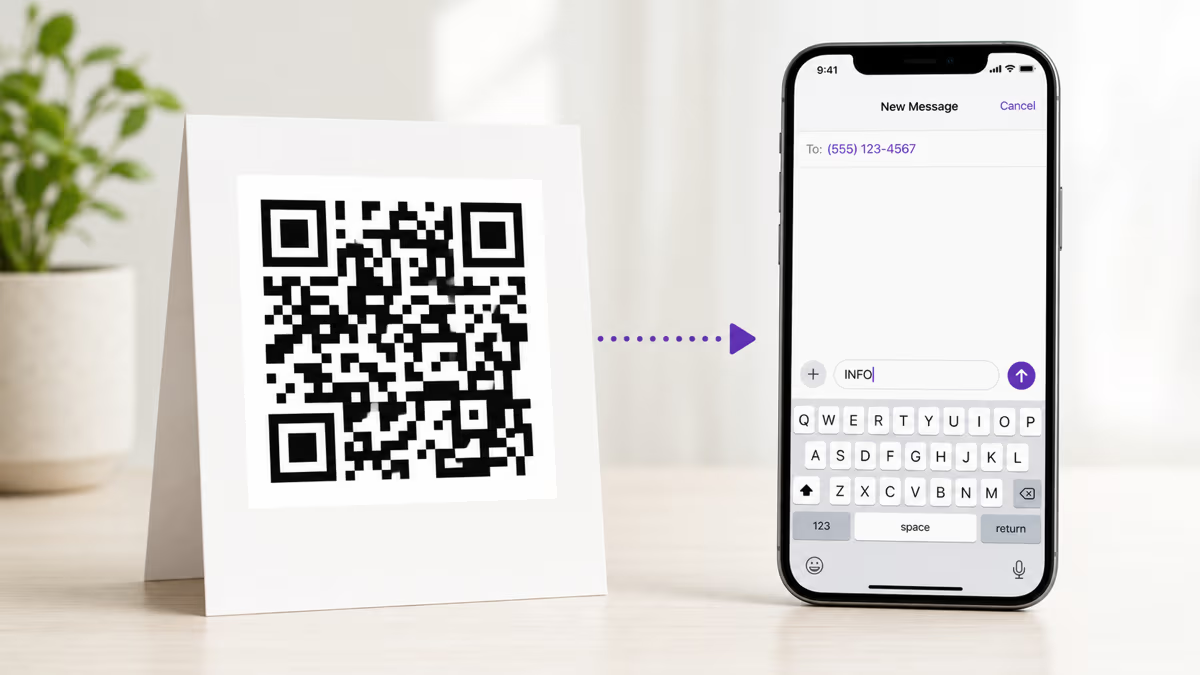
How to Create an SMS QR Code with QRLynx
Create a static SMS QR code that opens a ready-to-send text. Follow the QRLynx setup, number format, message testing, printing, and tracking options.
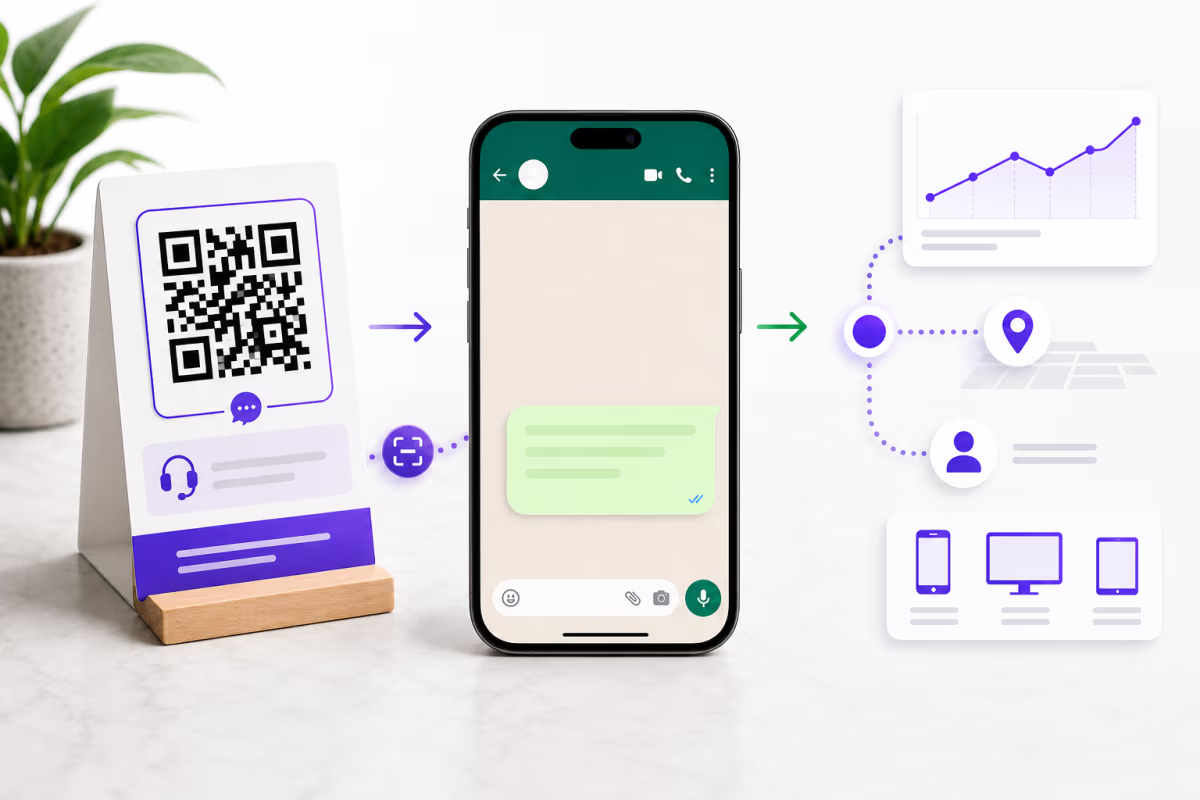
How to Create a WhatsApp QR Code with Scan Tracking
Create a tracked WhatsApp QR in QRLynx, test the wa.me link and prefilled message, separate scan data from chat results, and verify the printed code.
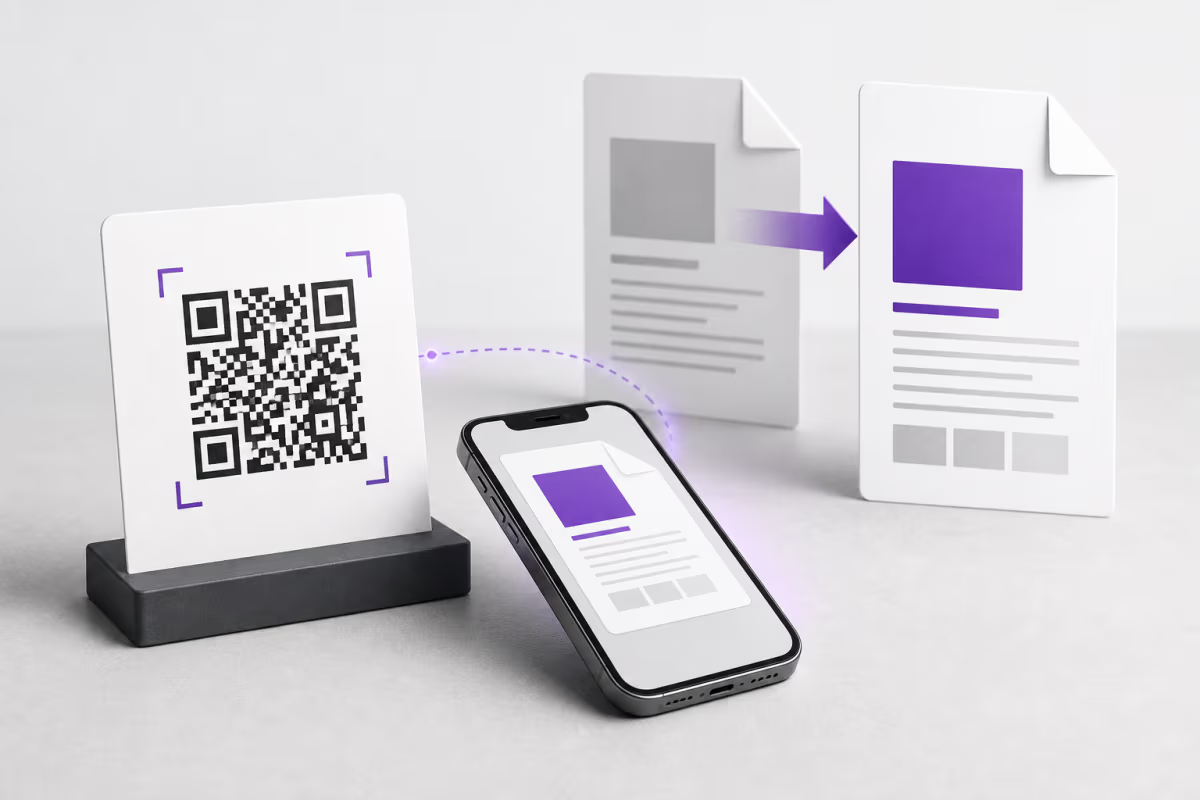
How to Create a PDF QR Code and Replace the File Later
Create a PDF QR code in QRLynx, choose the right document-hosting path, replace the PDF without reprinting, test the scan, and measure the result correctly.
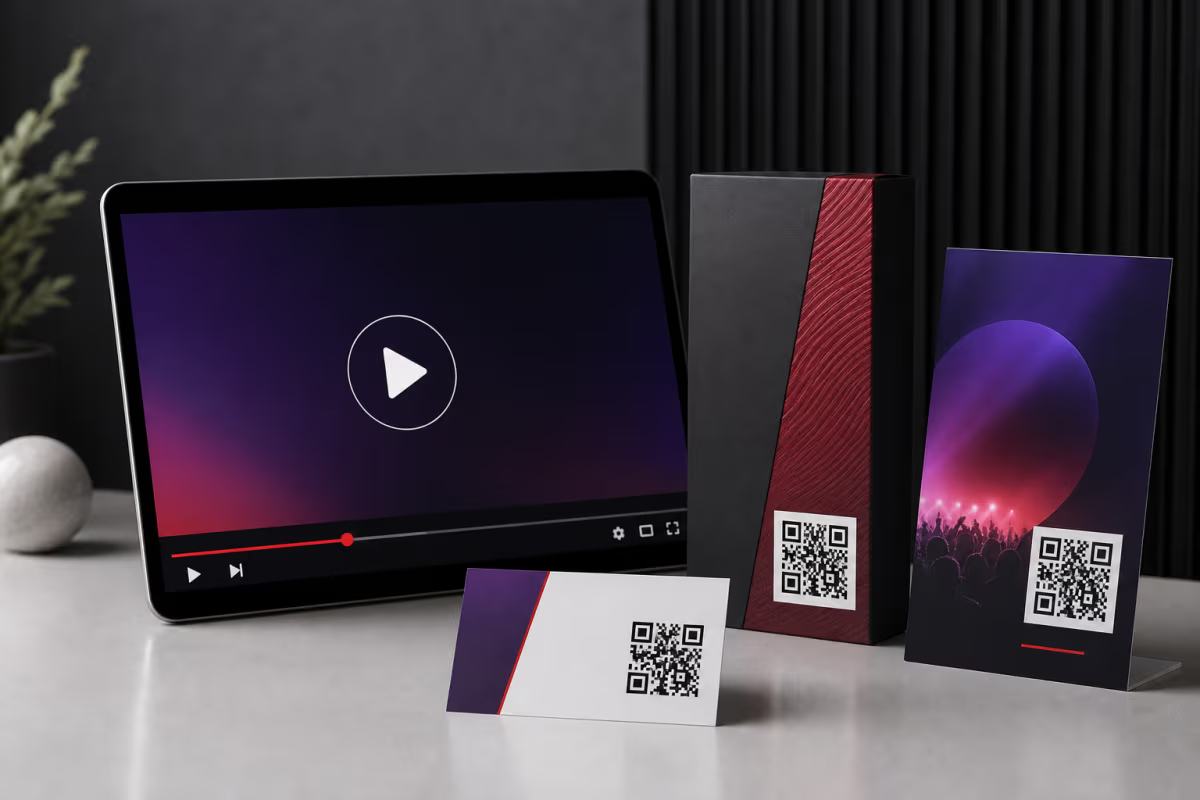
YouTube QR Codes: Create and Track Them in QRLynx
Create a YouTube QR code in QRLynx for a channel, video, playlist, Short, or live stream. Verify the link, choose static or dynamic, and measure scans.

How to Add a QR Code to Your Resume or CV
Add a QR code to a resume without replacing essential text. Choose a portfolio, LinkedIn, GitHub, or contact destination, then create and test it in QRLynx.
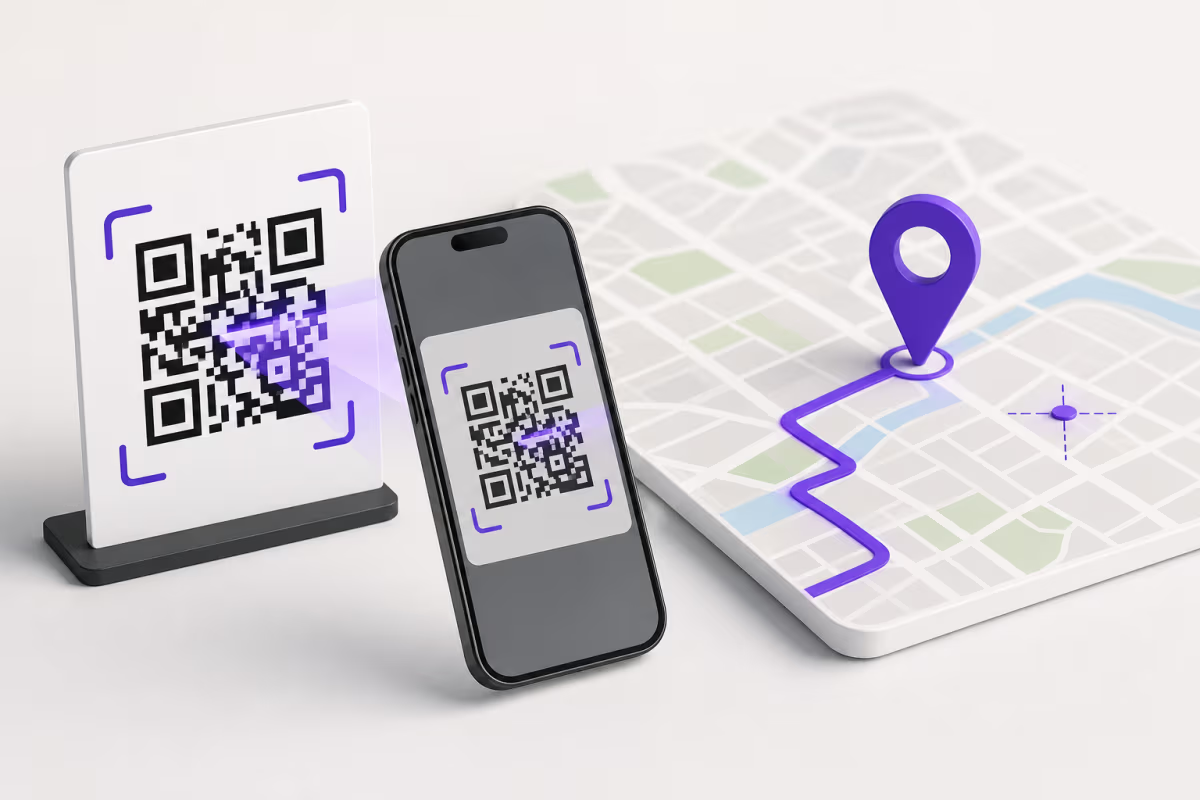
How to Create a Google Maps QR Code for the Right Location
Create a Google Maps QR code in QRLynx, choose a place or directions link, verify the map pin, decide between static and dynamic, and test the printed result.