QRLynx Blog
QR Code Guides, Tips & Best Practices
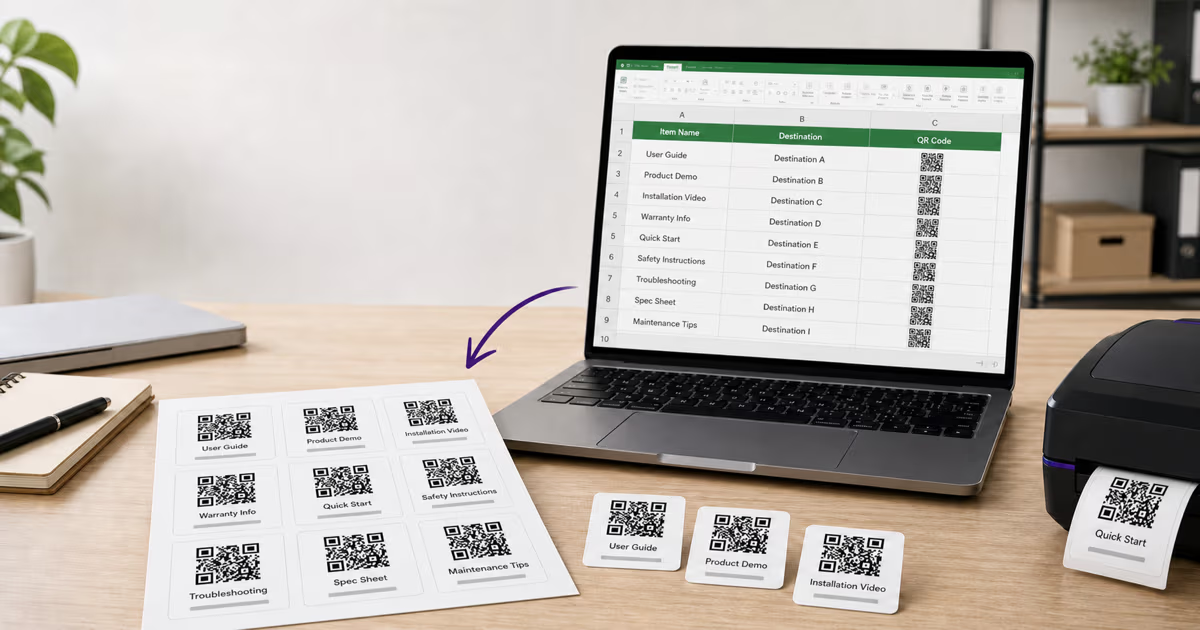

QR Codes from Google Sheets and Excel: 3 Bulk Workflows
Create QR codes from Google Sheets or Excel with a formula, QRLynx’s free static bulk tool, or managed dynamic bulk creation. See exact CSV steps and limits.
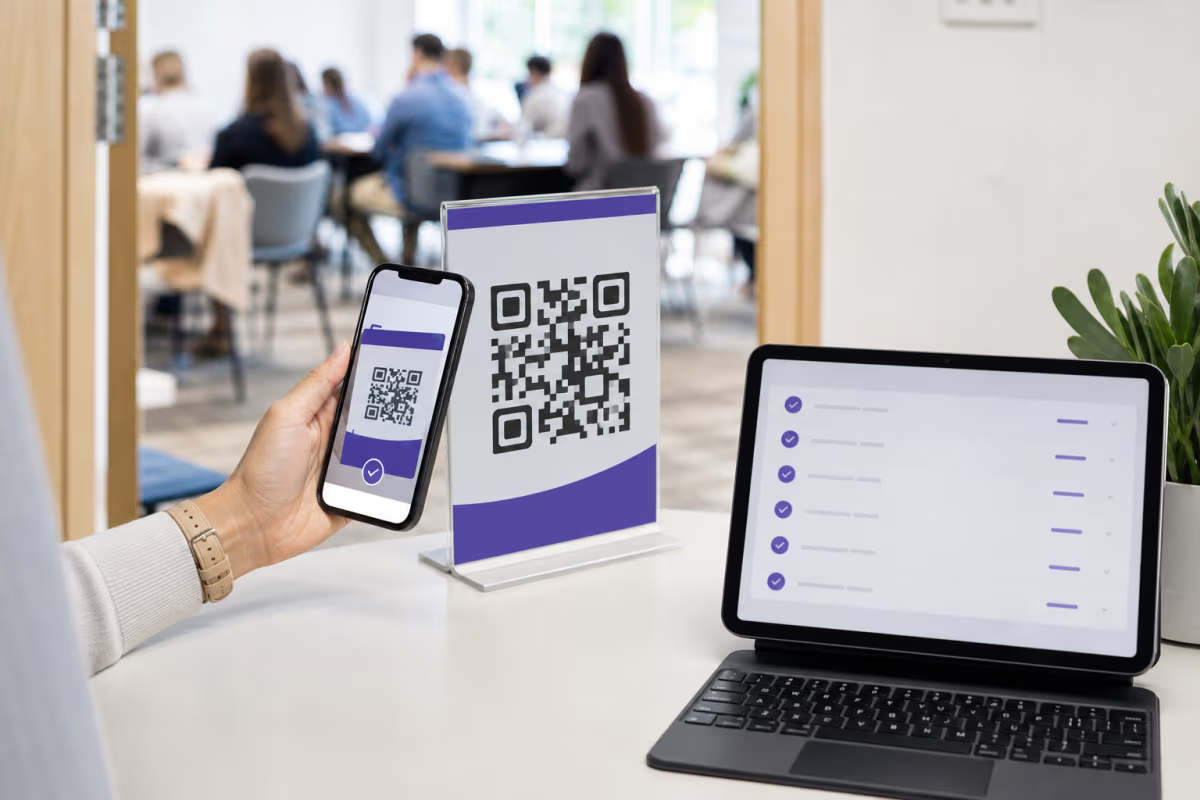
Free QR Code Check-In System with Google Forms
Build a free QR code check-in system with Google Forms and Sheets. Compare named attendance, check-in and out, and scan analytics, then test the workflow.

How to Create a QR Code for Any URL in QRLynx
Verify the destination, choose a static or dynamic Website / Link QR in QRLynx, label and test the artwork, and measure scans separately from website results.

How to Create a Google Forms QR Code with QRLynx
Publish a Google Form, copy its responder link, and create a tested static or dynamic QR code in QRLynx with access, analytics, print, and testing guidance.
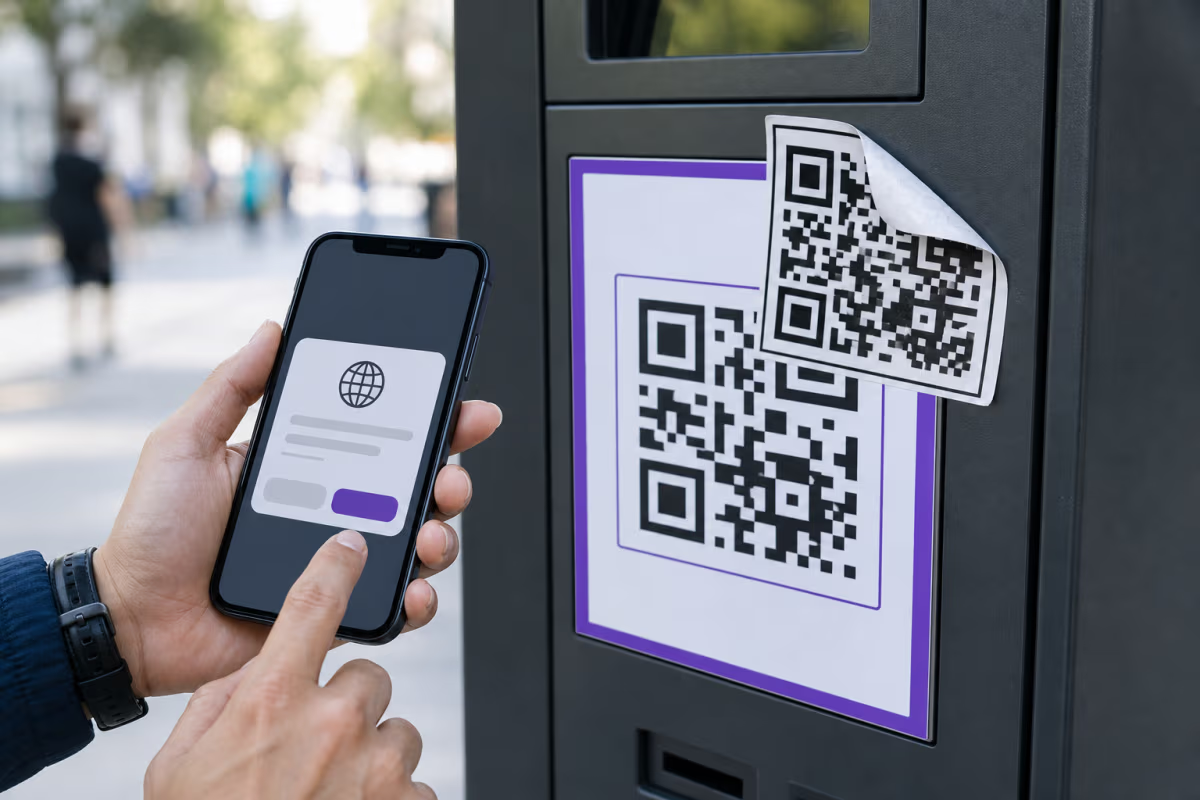
QR Code Scams and Quishing: Verify Before You Act
Learn how QR code scams work, verify the source and destination, respond after a suspicious scan, and deploy safer public QR workflows with QRLynx.
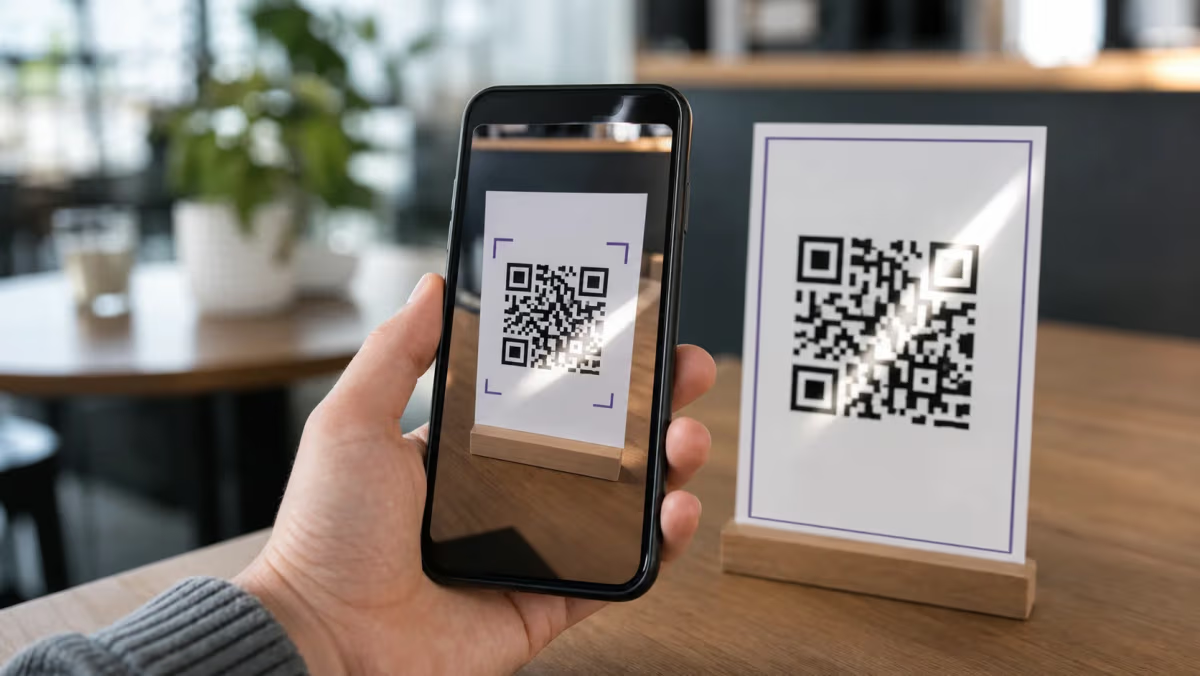
QR Code Not Working or Scanning? Causes and Fixes (2026)
Fix a QR code that will not scan, shows no data, opens the wrong page, or reports a disabled campaign. Match the symptom to the correct repair.
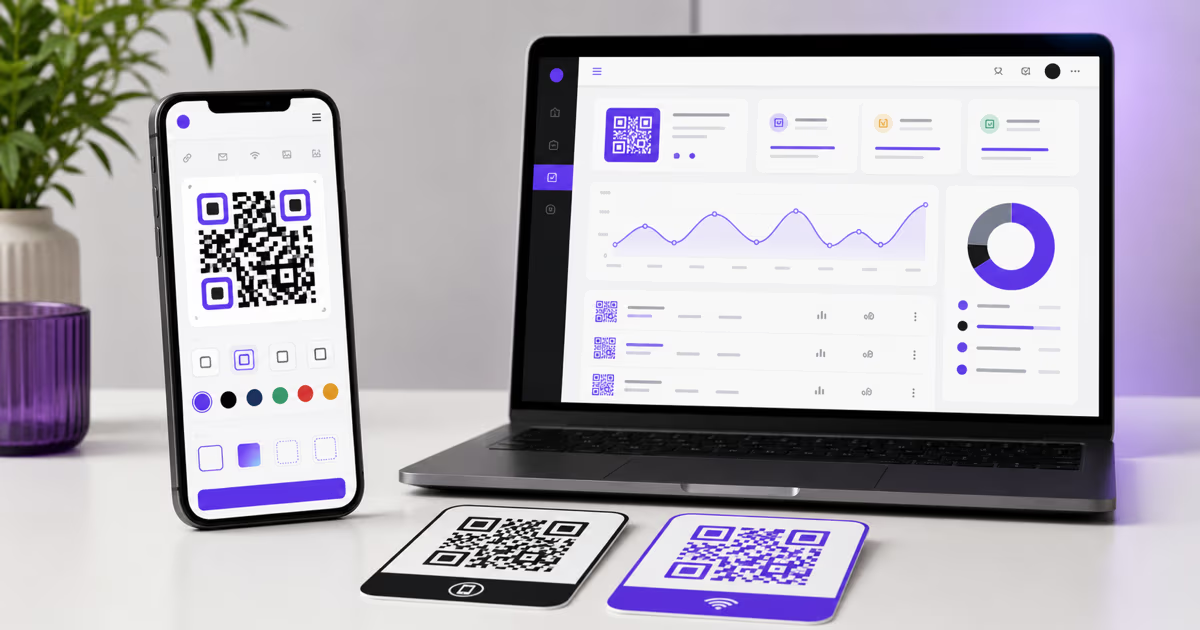
Create a Free QR Code with QRLynx: Guest or Free Account
Create a static QR code immediately as a guest, or use the free QRLynx plan for watermark-free downloads, logos, saved codes, dynamic QR codes, and analytics.

How to Scan a QR Code on iPhone, Android, or Computer
Scan a physical QR code or one saved as a screenshot on iPhone, Android, Samsung Galaxy, or computer. Includes safety checks and QRLynx scanner steps.
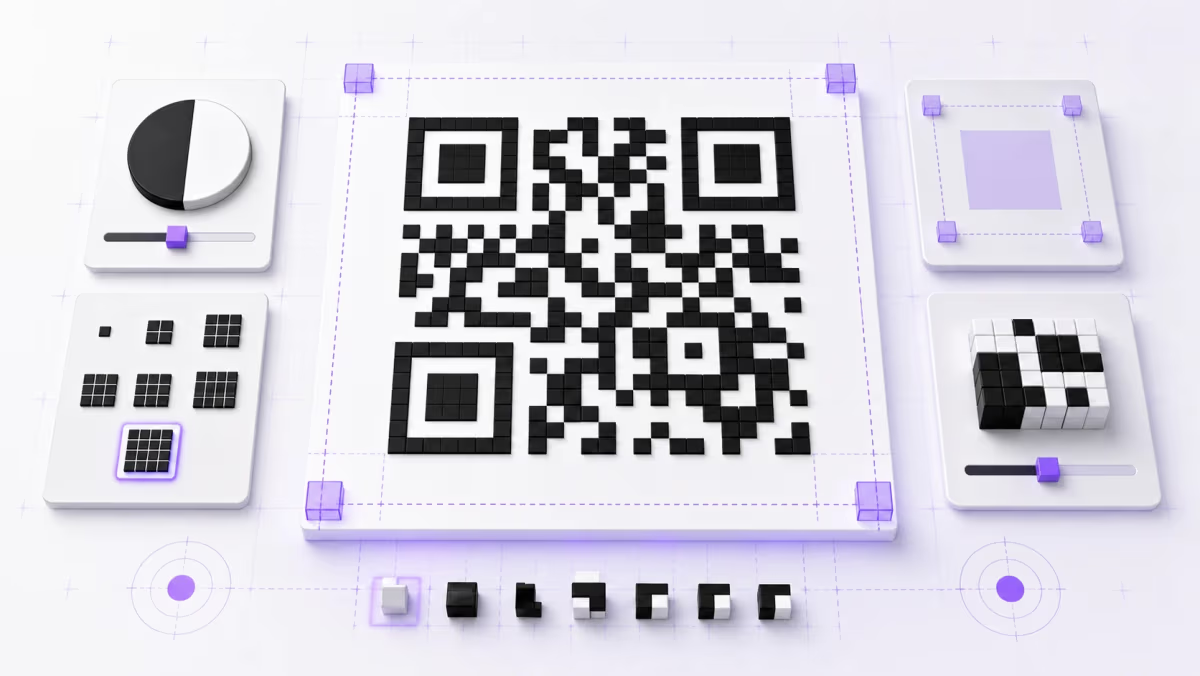
QR Code Quiet Zone: 4-Module Margin and Design Rules
Learn how to measure a QR code's four-module quiet zone, choose colors, size modules, place a logo, export clean artwork, and test the final design.