QRLynx Blog
QR Code Guides, Tips & Best Practices
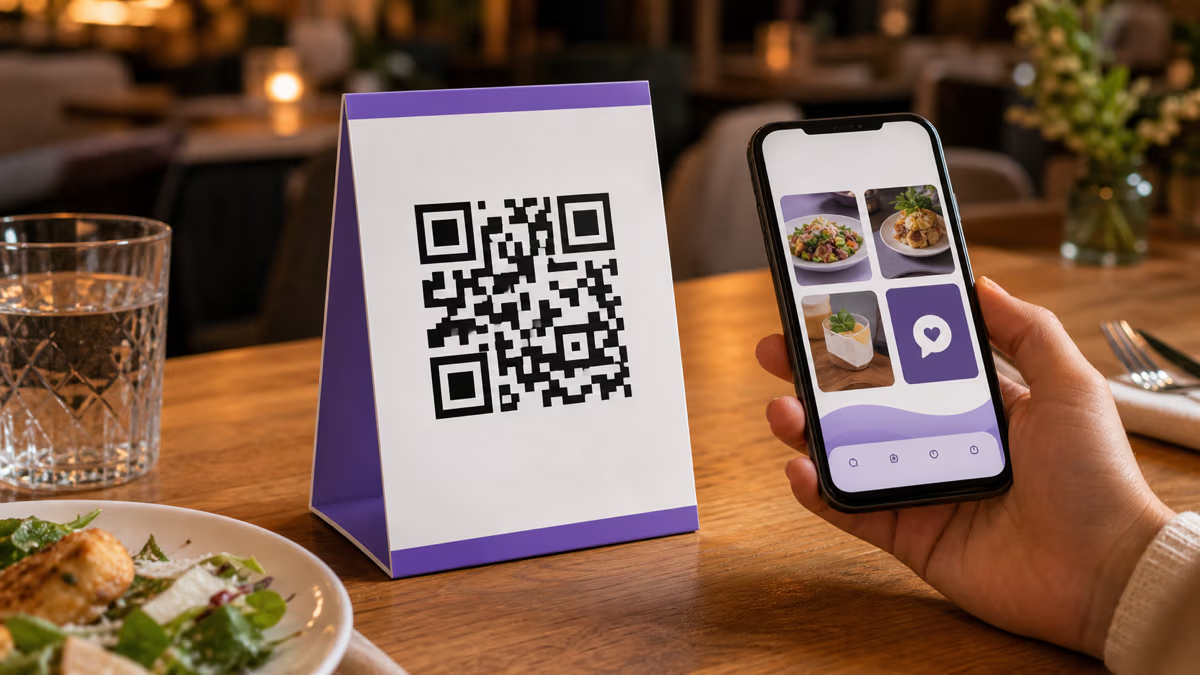

QR Code Table Tents: A Practical Restaurant Guide
Create a restaurant QR code table tent in QRLynx for menus, ordering, specials, reviews, loyalty, WiFi, or social, with tracking and print-testing steps.
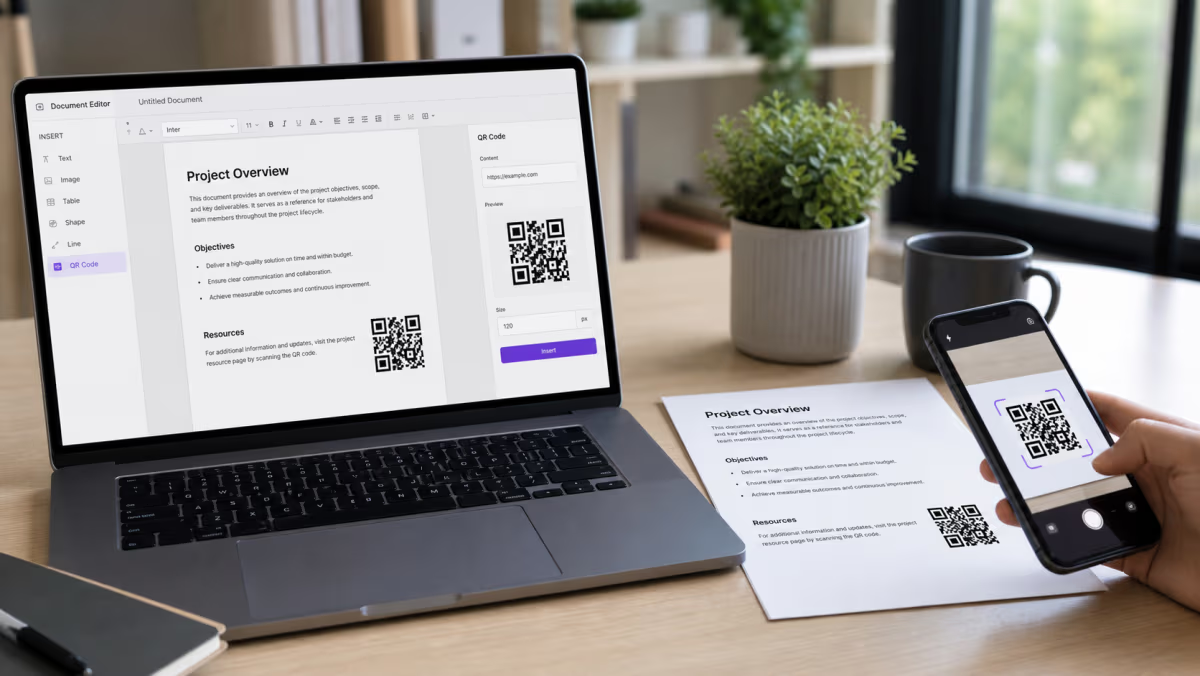
How to Add a QR Code in Word and Google Docs
Add a QR code to Microsoft Word or Google Docs. Choose the right native or pasted-image method, share cloud files safely, and test before printing.
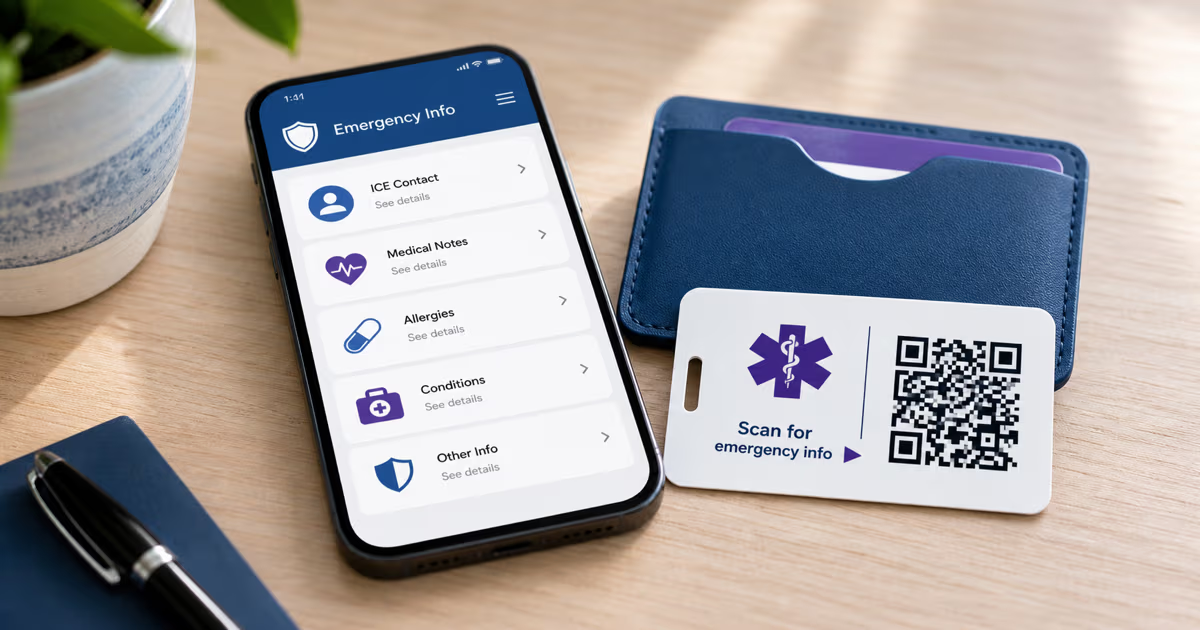
Emergency Medical ID QR Code: A Safer Setup Guide
Create an emergency medical ID QR in QRLynx. Choose static text or a managed URL, limit public data, and pair it with phone Medical ID and visible ID.
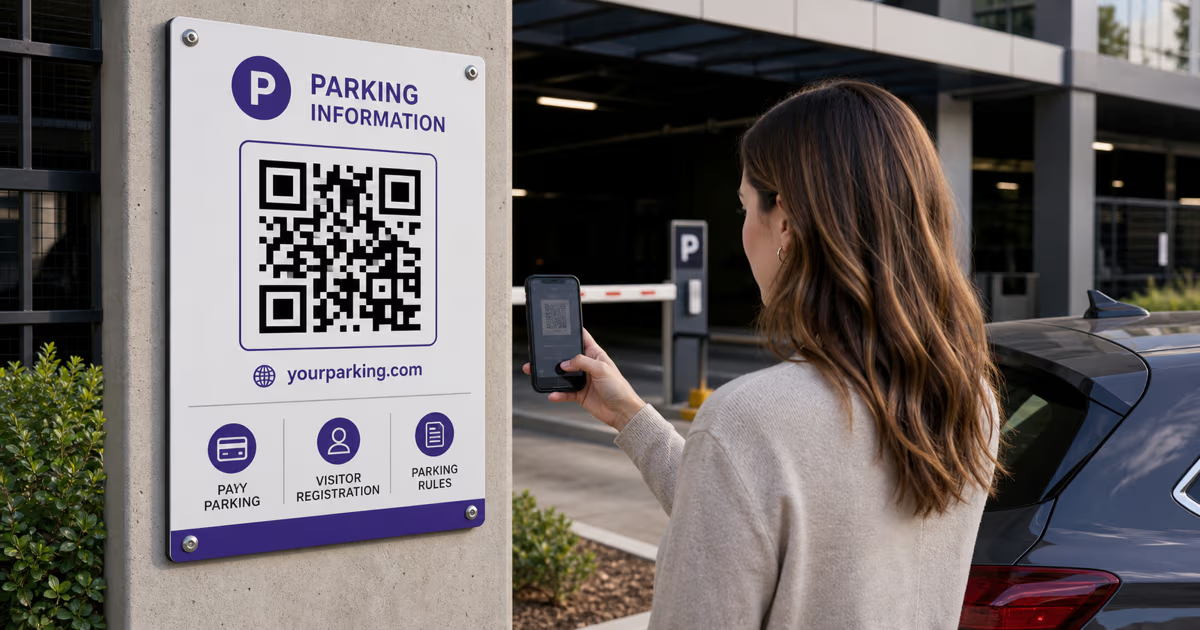
QR Codes for Parking: Pay, Permits and Visitor Access with QRLynx
Build a trustworthy parking QR with QRLynx for pay portals, visitor registration, permit information, or lot rules. Includes setup, signage, and safety checks.
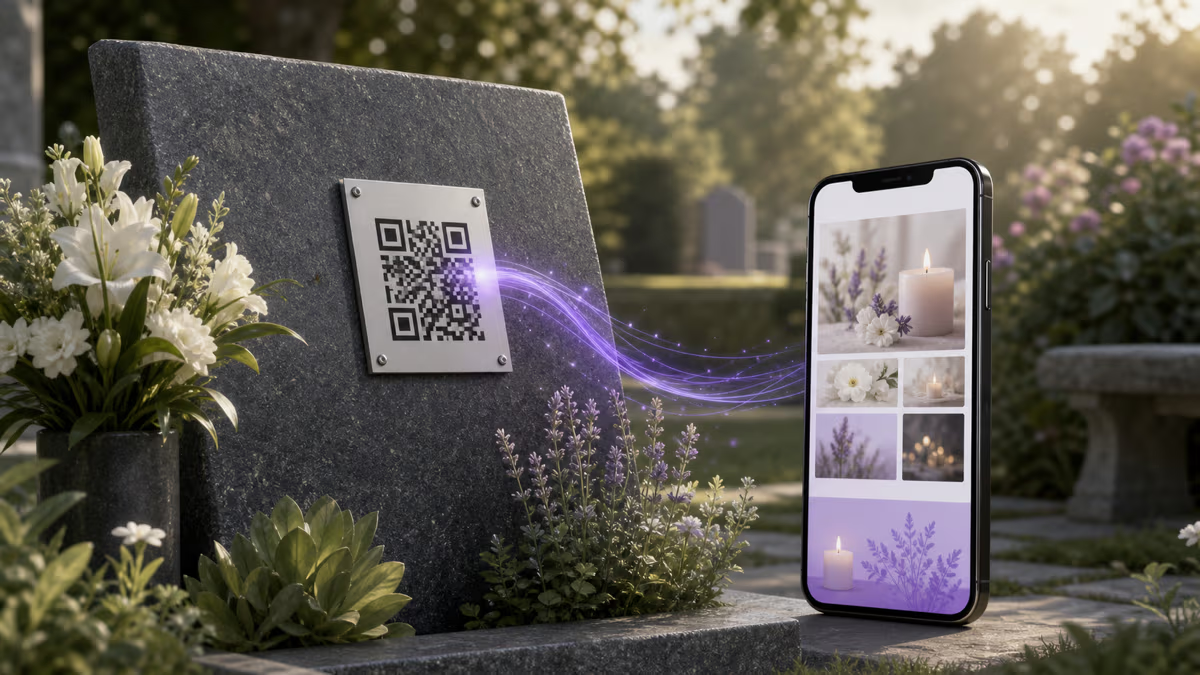
Memorial QR Code: Create and Place One Respectfully
Create a memorial QR code in QRLynx for a headstone, plaque, bench, card, or keepsake, with family consent, durable placement, privacy, and testing steps.
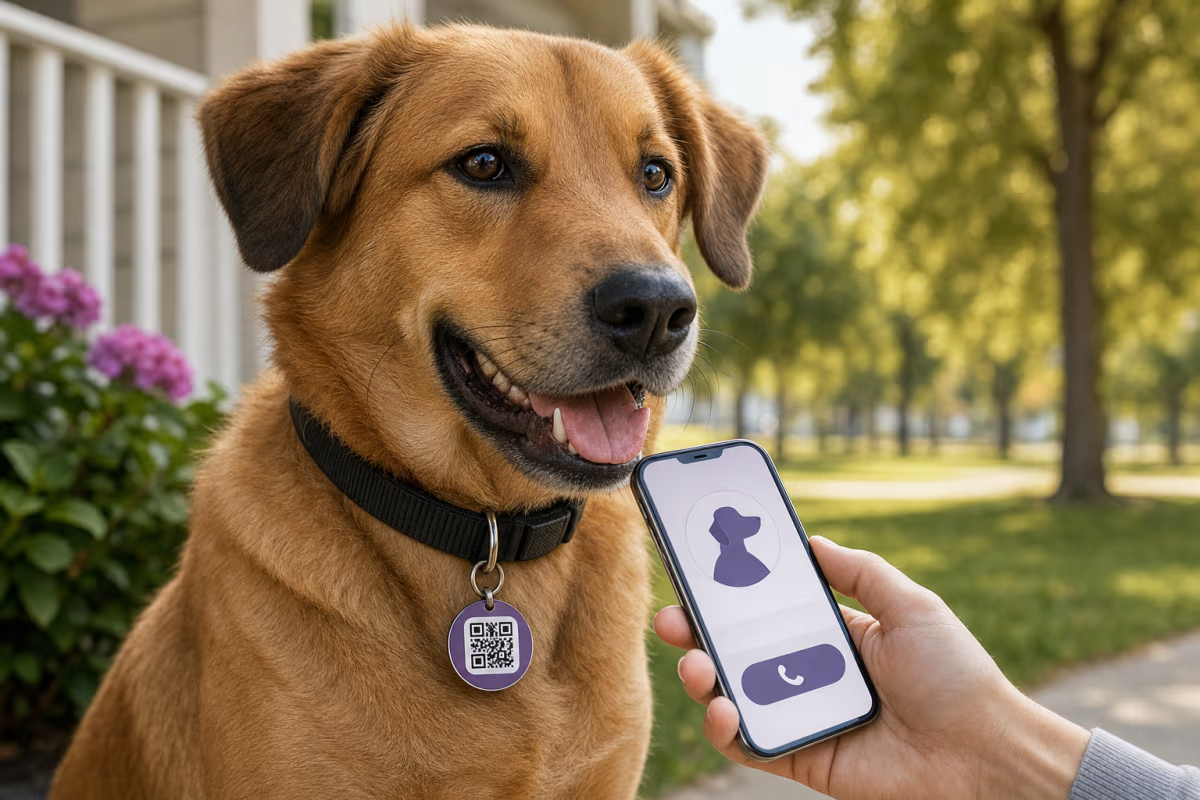
How to Make a Pet QR Code Tag for Free
Make a pet QR code tag for a dog or cat. Choose safe contact details, pair it with a microchip and visible ID, then test the finished collar tag.
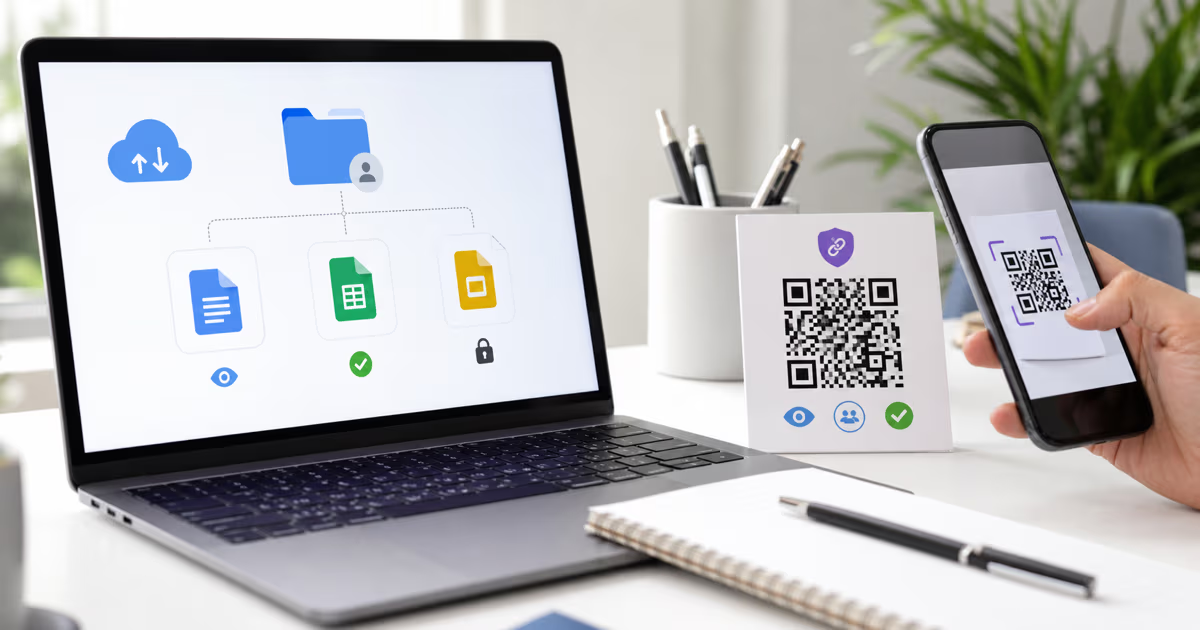
How to Make a Google Drive QR Code for a File or Folder
Create a Google Drive QR code in QRLynx for a file, folder, Doc, Sheet, or Slides deck. Choose the right access, QR mode, and test before printing.
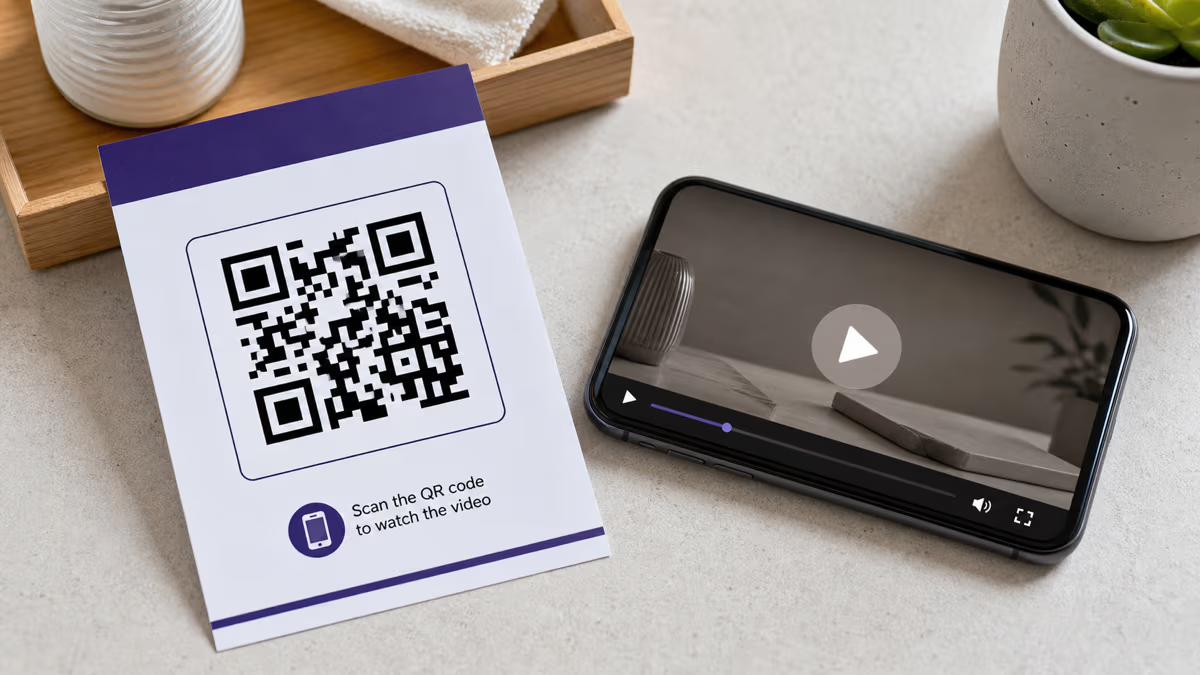
How to Create a Video QR Code with QRLynx
Choose a video host, create the matching QRLynx QR code, test access and playback, and measure QR scans separately from video views.

How to Add a QR Code to PowerPoint with QRLynx
Create a presentation QR in QRLynx, add it to PowerPoint or Google Slides, choose static or dynamic behavior, and test it from the back row.