QRLynx Blog
QR Code Guides, Tips & Best Practices
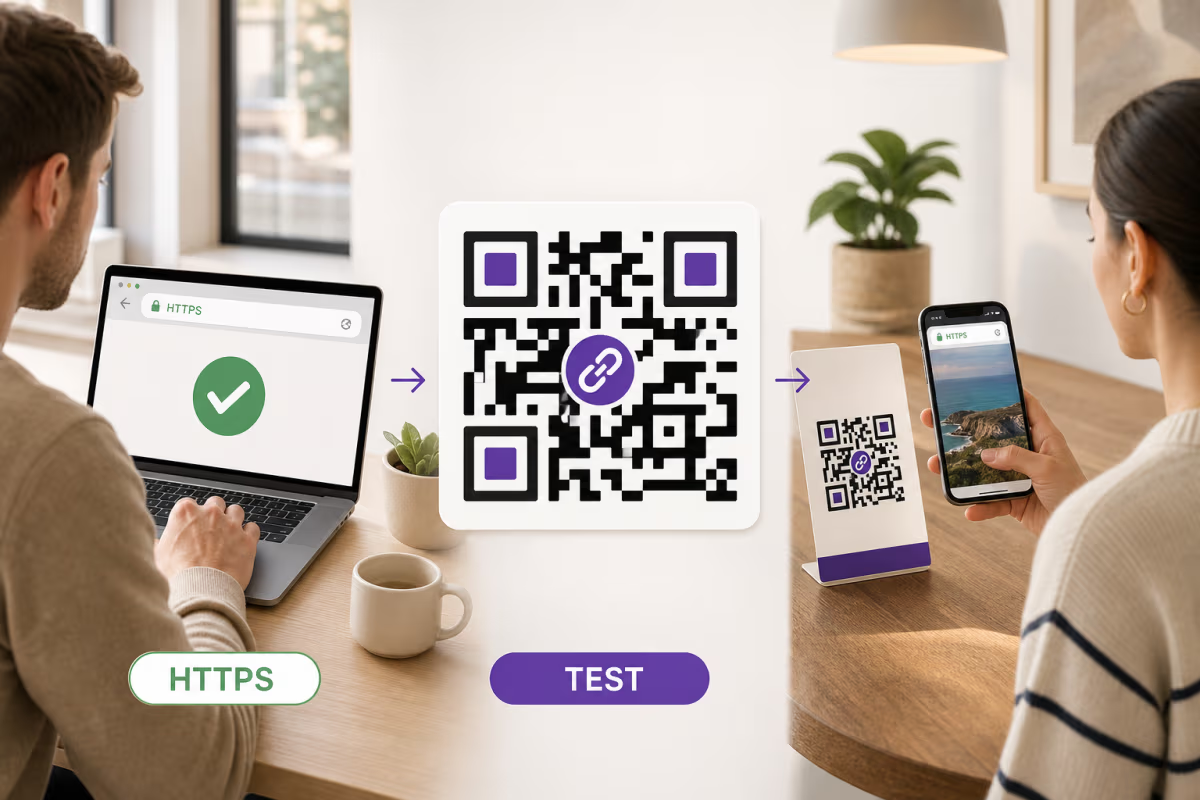

How to Create a QR Code for Any URL in QRLynx
Verify the destination, choose a static or dynamic Website / Link QR in QRLynx, label and test the artwork, and measure scans separately from website results.
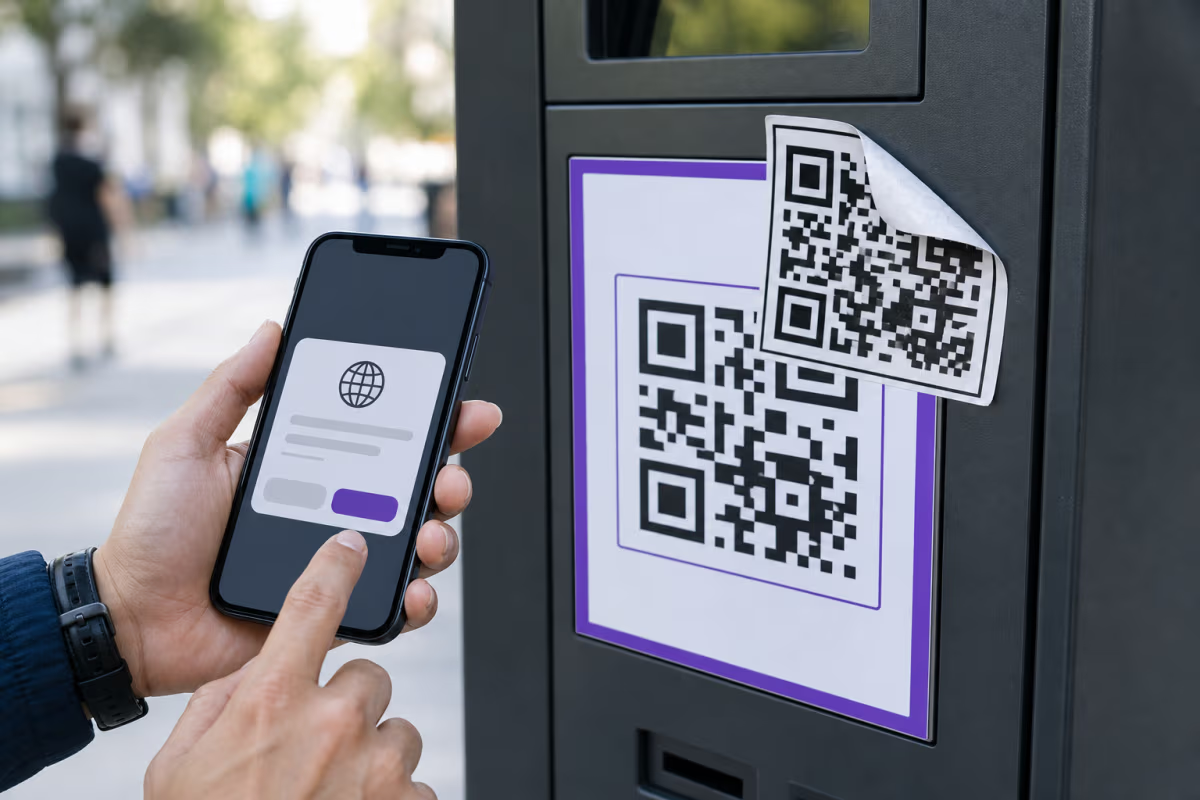
QR Code Scams and Quishing: Verify Before You Act
Learn how QR code scams work, verify the source and destination, respond after a suspicious scan, and deploy safer public QR workflows with QRLynx.
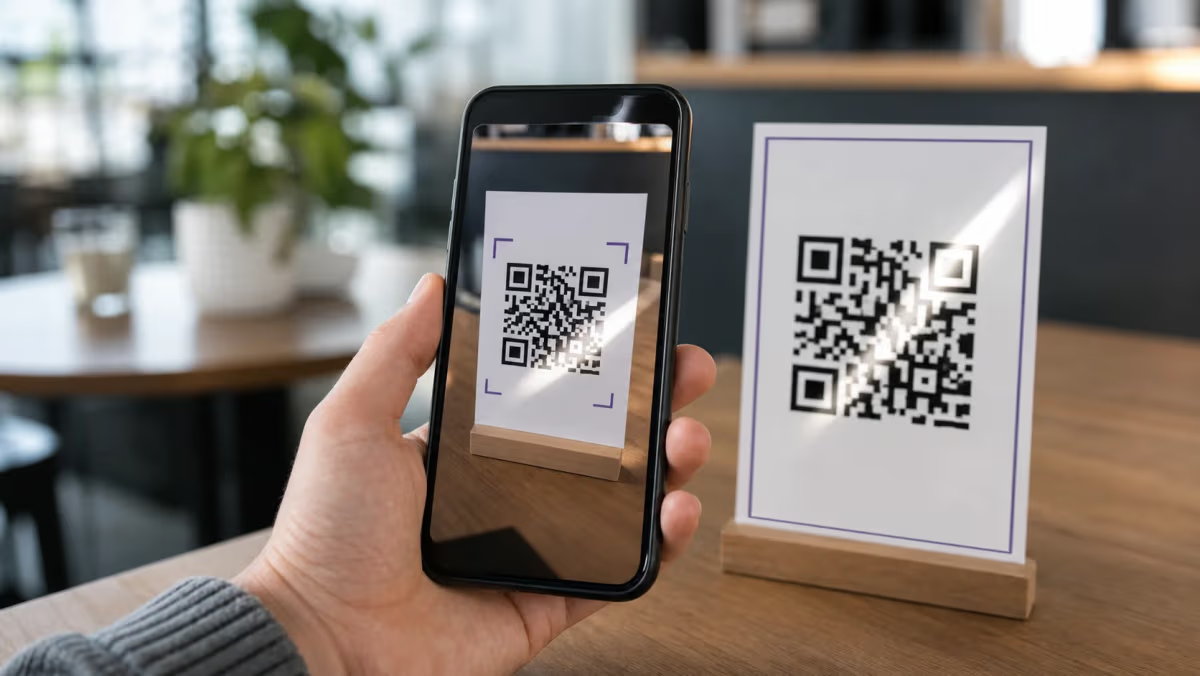
QR Code Not Working or Scanning? Causes and Fixes (2026)
Fix a QR code that will not scan, shows no data, opens the wrong page, or reports a disabled campaign. Match the symptom to the correct repair.
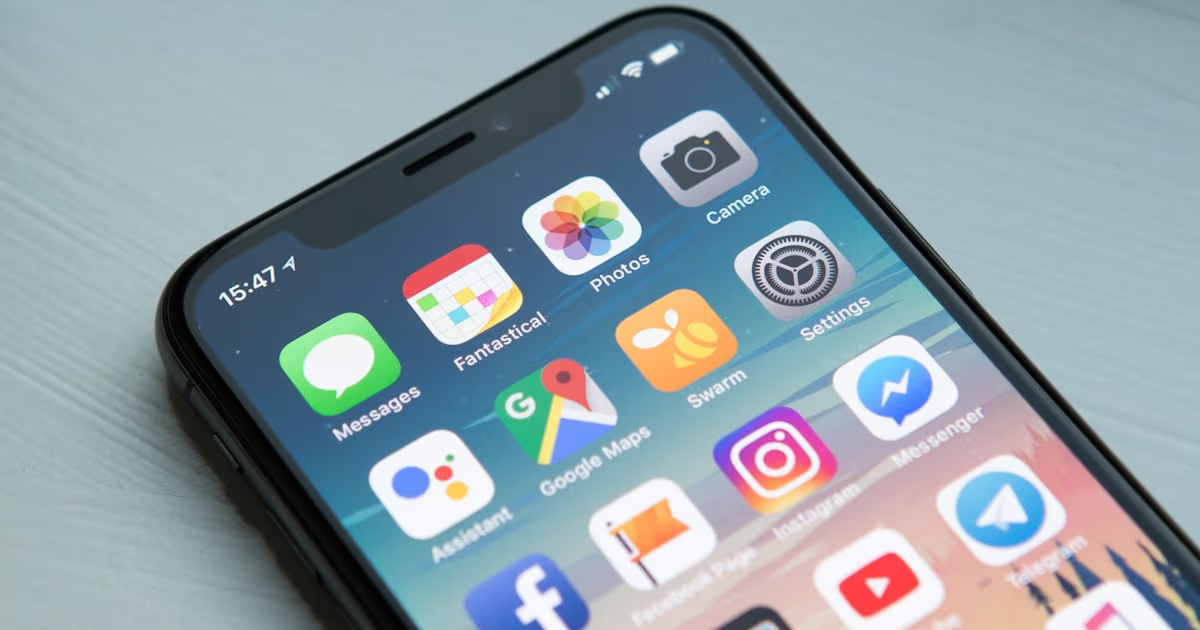
How to Scan a QR Code on iPhone, Android, or Computer
Scan a physical QR code or one saved as a screenshot on iPhone, Android, Samsung Galaxy, or computer. Includes safety checks and QRLynx scanner steps.
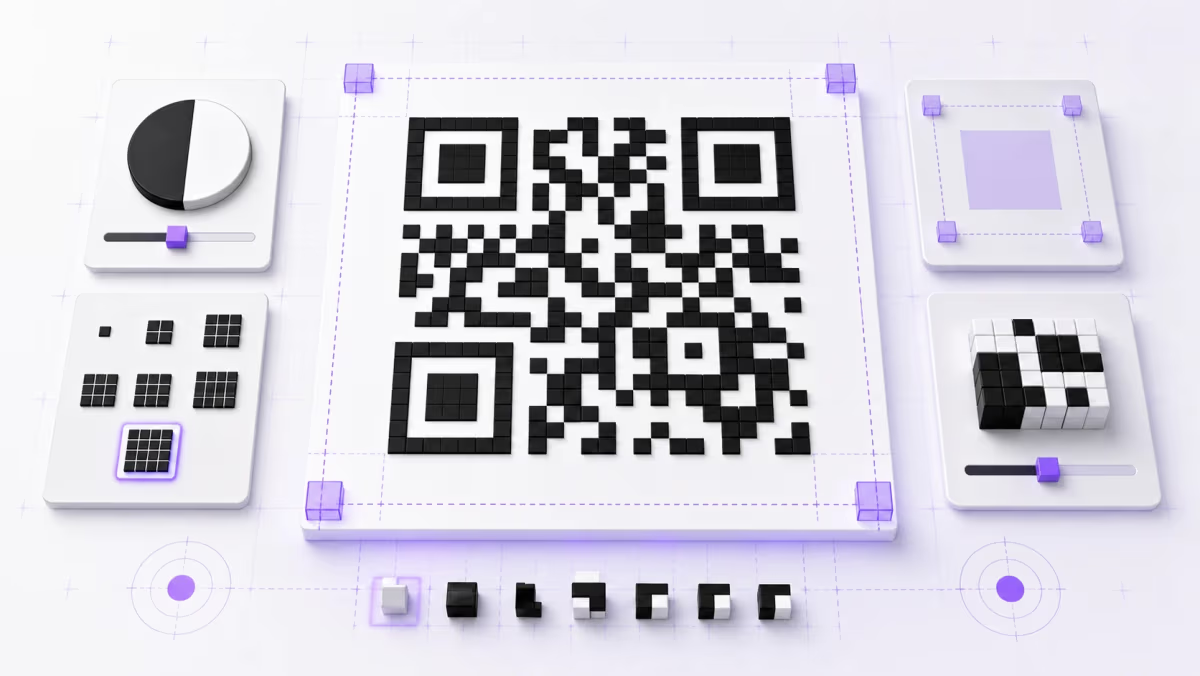
QR Code Quiet Zone: 4-Module Margin and Design Rules
Learn how to measure a QR code's four-module quiet zone, choose colors, size modules, place a logo, export clean artwork, and test the final design.
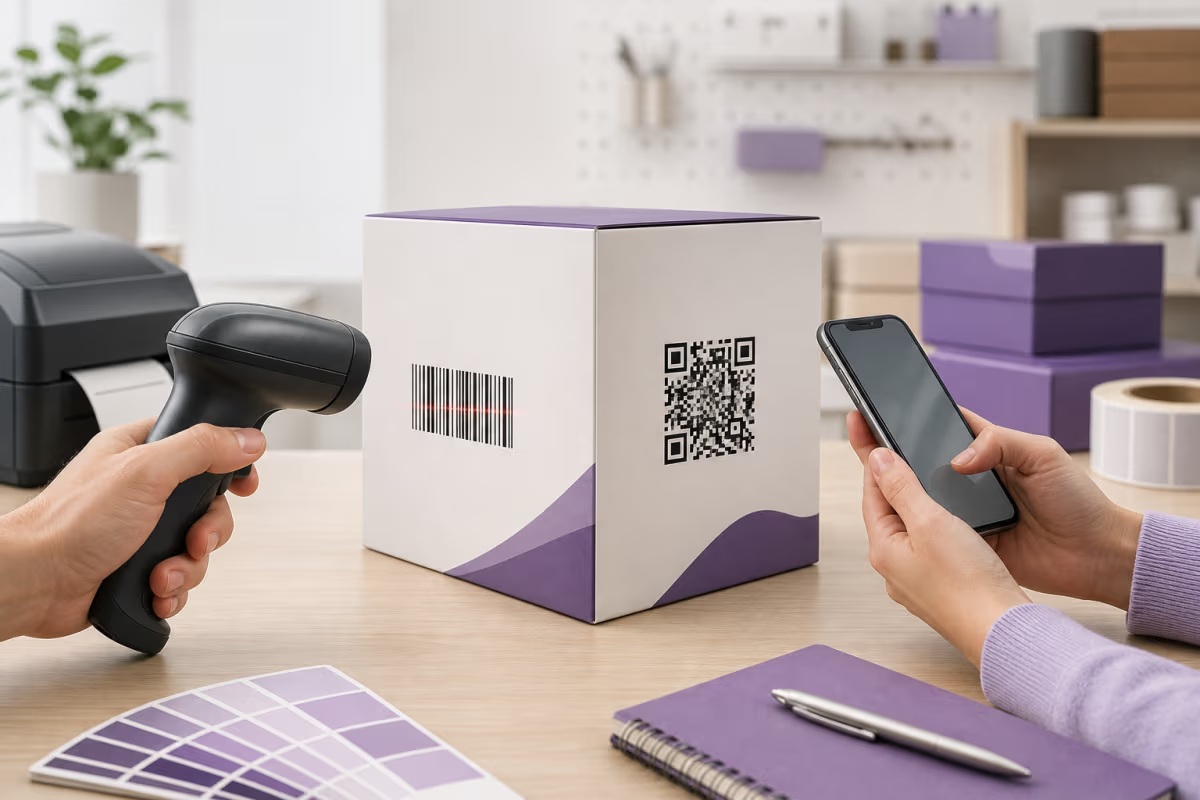
QR Code vs Barcode: Key Differences Explained
Compare QR Codes with 1D barcodes by capacity, scanning, error correction, phone use, web links, and GS1 retail requirements before choosing a carrier.
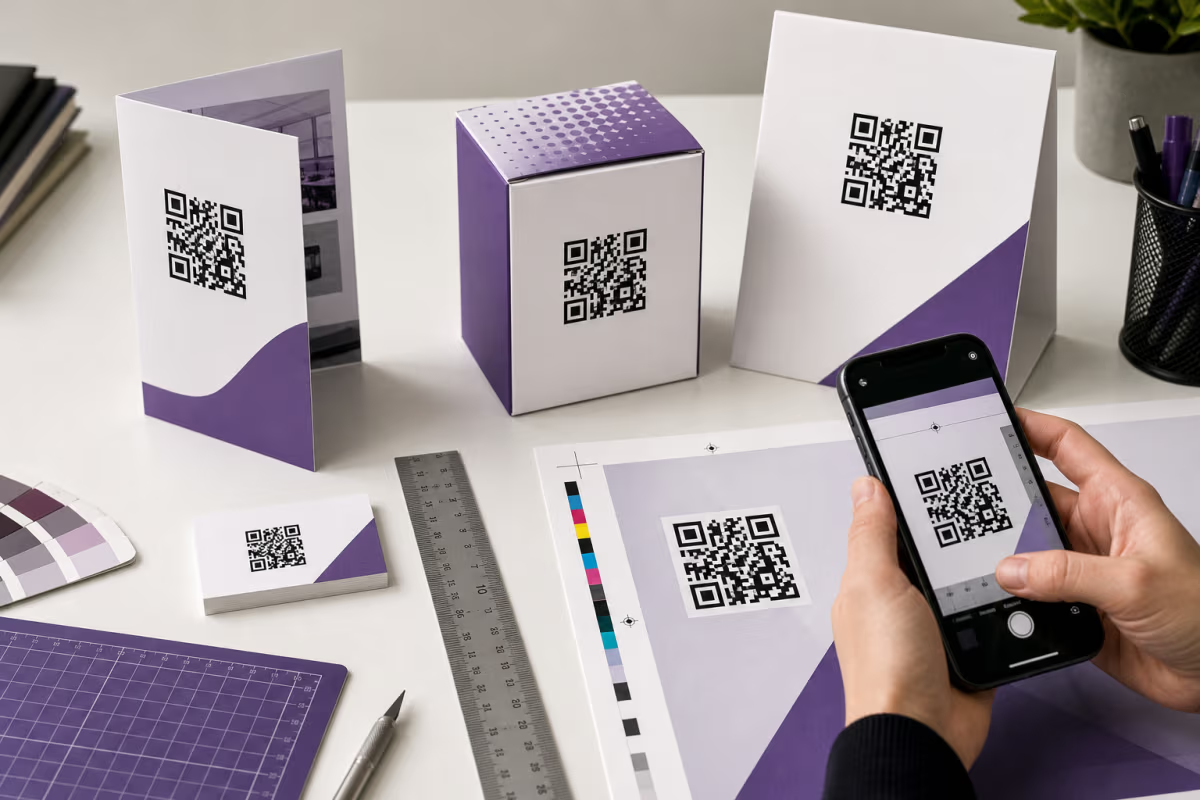
QR Code Print Size: Calculate and Test It in QRLynx
Calculate QR code print size from modules, printer DPI, and quiet zone. Then test the final QRLynx QR on its real material, at its real scan distance.
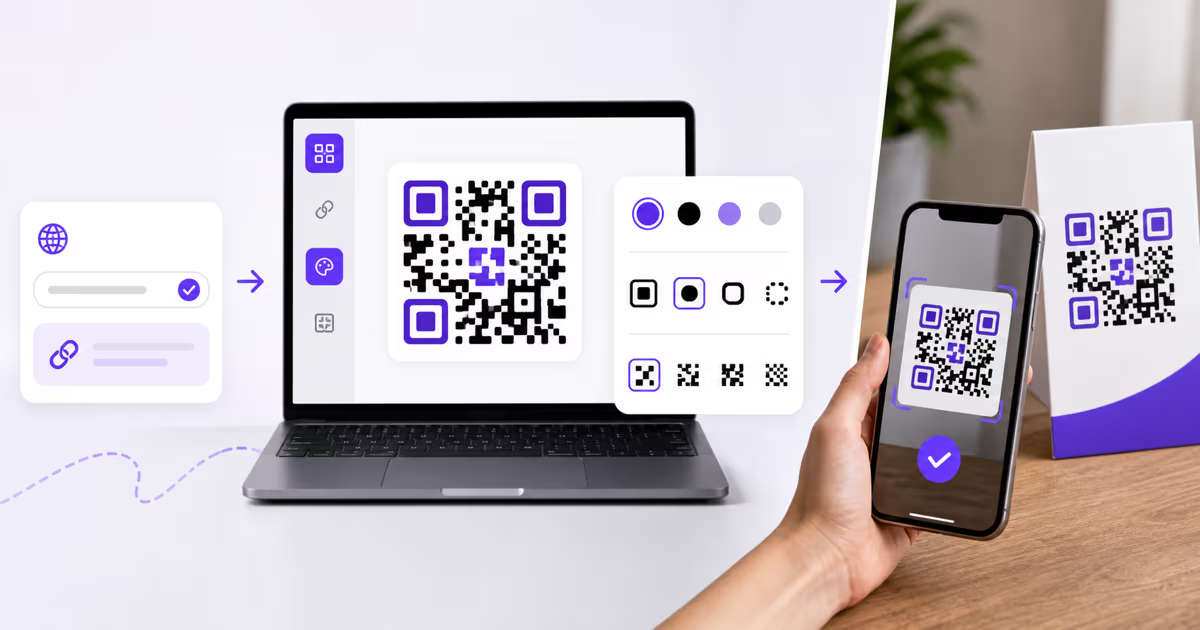
How to Create a QR Code with QRLynx: Step-by-Step Guide
Create a QR code in QRLynx from the right payload. Choose static or dynamic, design it for scanning, download the correct format, and test the result.
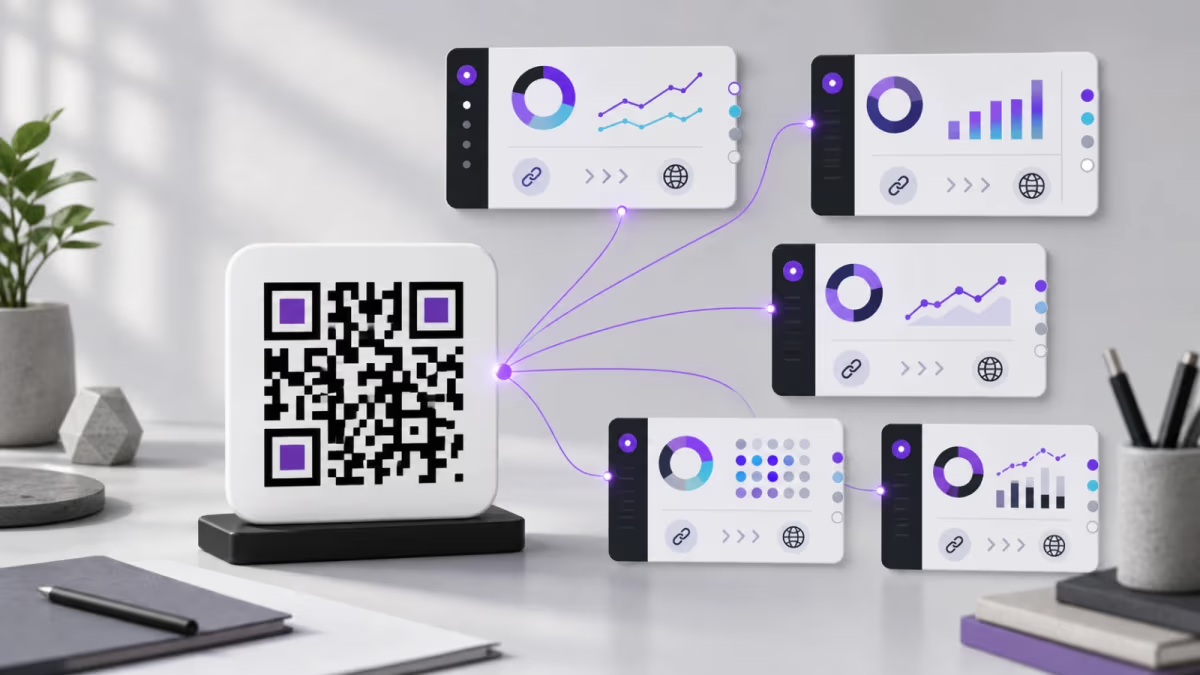
Best Dynamic QR Code Generators in 2026: Plans and Limits Compared
Compare dynamic QR generators by free dynamic access, paid capacity, analytics, destination editing, and post-trial code status.