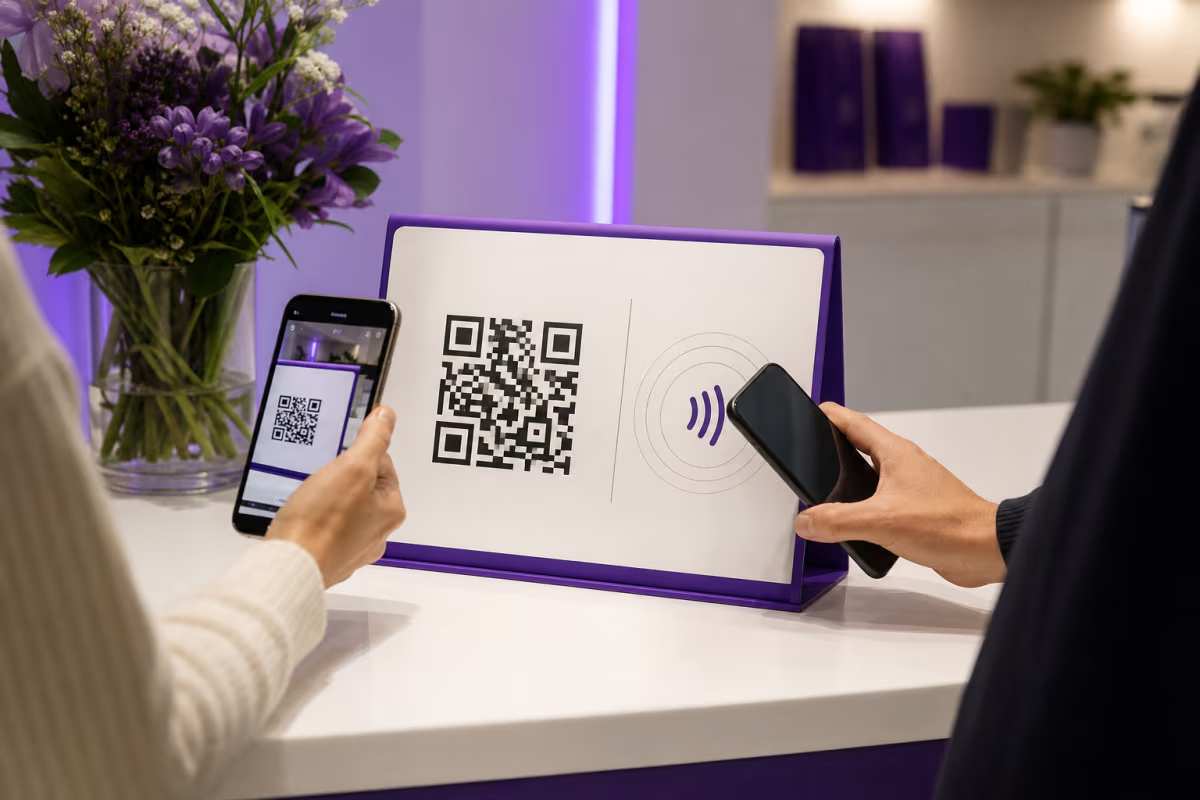
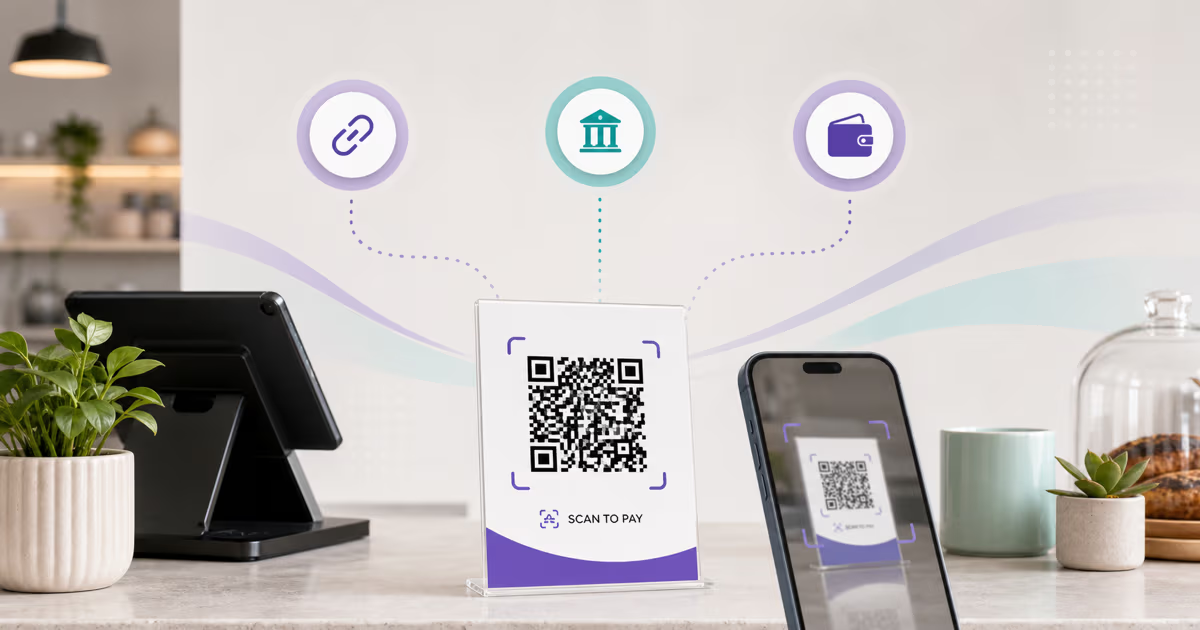
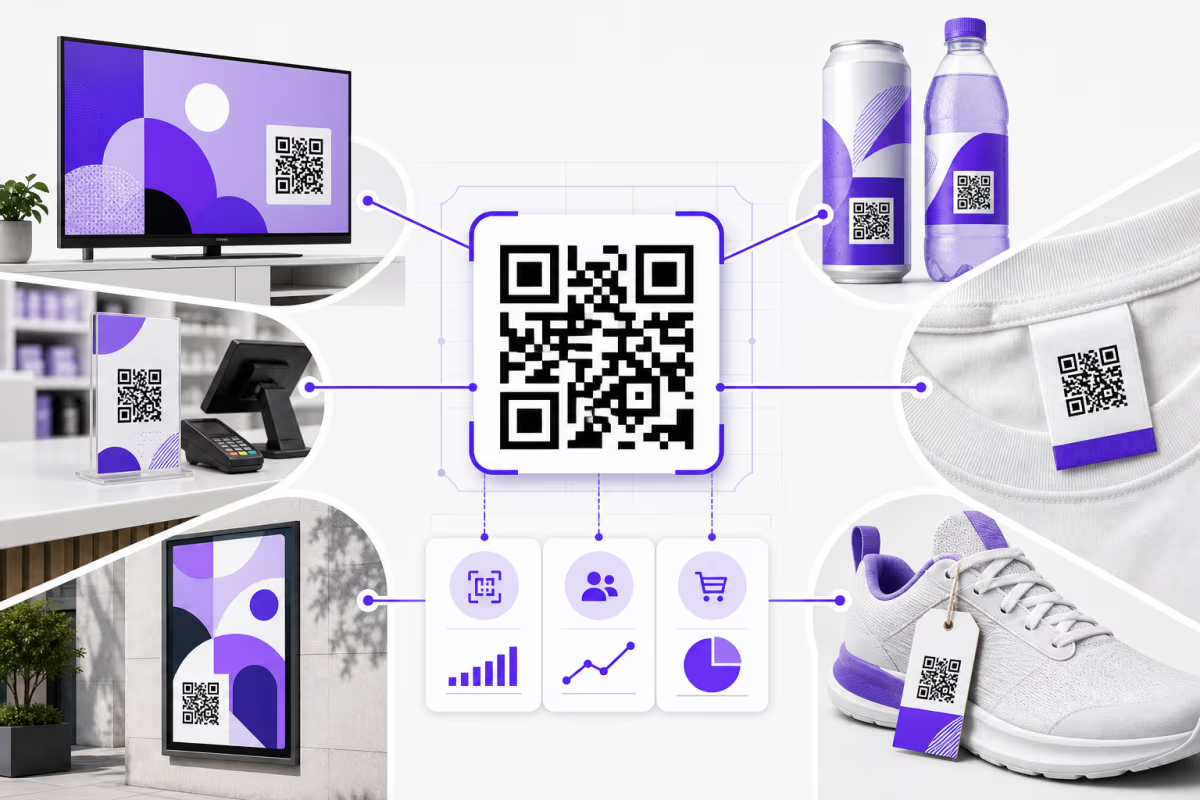
QR Code vs Barcode: Key Differences Explained
Compare the carrier, encoded data, scanner, damage tolerance, phone experience, and operating system behind each symbol. The right choice depends on the job, not on one format being universal.

Key Takeaway
Compare QR Codes with 1D barcodes by capacity, scanning, error correction, phone use, web links, and GS1 retail requirements before choosing a carrier.
What is the main difference between a QR Code and a barcode?
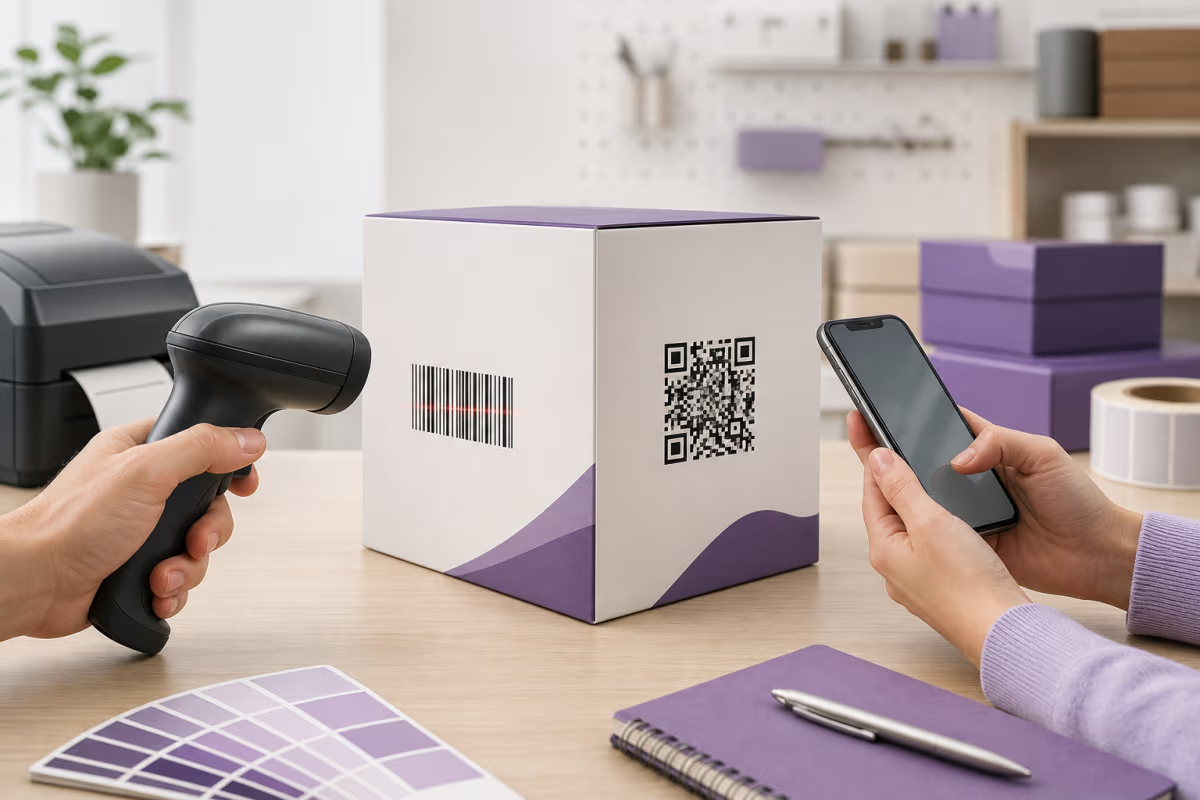
A QR Code stores data across a two-dimensional module grid, while a linear barcode stores data across a one-dimensional pattern of bars and spaces. QR Code can carry URLs, text, binary data, and thousands of characters. A UPC-A or EAN-13 symbol carries a fixed-length product identifier, while Code 128 and other linear symbologies have their own data and length rules.
QR Code also includes Reed-Solomon error-correction codewords and three position-detection patterns. Those features help compatible imaging readers locate the grid at different rotations and recover some unreadable codewords. Linear retail barcodes use a check digit to detect an invalid identifier, while physical reading behavior depends on the selected symbology, print specification, and scanner.
This article uses barcode to mean a one-dimensional linear barcode unless stated otherwise. Technically, QR Code is itself a two-dimensional barcode.
QR Code and 1D barcode compared
Values depend on the exact symbology and implementation, so this table names the scope of each comparison.
| Decision point | 1D linear barcode | QR Code |
|---|---|---|
| Data layout | Bars and spaces read across one dimension | Modules arranged across a two-dimensional grid |
| Common examples | UPC-A, EAN-13, Code 128, Code 39, ITF | QR Code Model 2, normally Versions 1 to 40 |
| Capacity | Symbology-specific: UPC-A carries 12 digits and EAN-13 carries 13 digits; variable formats have other limits | Up to 7,089 numeric characters, 4,296 alphanumeric characters, or 2,953 bytes at Version 40 and level L |
| Data types | Numeric or selected character sets defined by the linear symbology | Numeric, alphanumeric, byte, and Kanji encoding modes |
| Error control | UPC and EAN use a check digit; other symbologies define their own checks | Reed-Solomon recovery at L, M, Q, or H plus format and version information |
| Reader alignment | The reader captures the bar pattern across its encoded axis | Position patterns help an imaging reader locate and orient the grid |
| Phone scanning | Available through barcode-capable apps, services, and some camera features | Built into common phone camera and system-scanner workflows |
| Web connection | A scanned identifier can be looked up by an application | A URL can be encoded directly and opened by a phone |
| Print sizing | Uses symbology-specific bar width, height, quiet zone, magnification, and print-quality rules | Uses module size, version, error correction, four-module quiet zone, distance, and print-quality rules |
| Typical fit | Established retail, logistics, inventory, and industrial systems built for the selected linear symbol | Phone-facing links, directly encoded data, and 2D workflows supported by the receiving system |
Is a QR Code a type of barcode?
Yes. Barcode is the broad category for optical, machine-readable data symbols. Linear or 1D barcodes encode the pattern across one dimension. Matrix or 2D barcodes encode data across two dimensions. QR Code and Data Matrix are both matrix barcodes, while PDF417 is a stacked 2D barcode.
The everyday phrase "barcode vs QR Code" usually means "linear barcode vs QR Code." Defining that scope matters because Data Matrix, Aztec, PDF417, GS1 DataMatrix, and other 2D carriers have different structures and applications.
For the origin and standardization of QR Code, read the documented QR Code history. The QR code glossary defines modules, versions, finder patterns, quiet zones, and error correction.
How does data capacity differ?
A capacity comparison is meaningful only when the symbology is named. UPC-A carries 12 digits. EAN-13 carries 13 digits. Code 128 supports a broader character set and variable length, but the practical printed length depends on the data and available space.
Standard QR Code Model 2 defines Versions 1 to 40. At Version 40 and error correction level L, DENSO WAVE lists maximum capacities of 7,089 numeric characters, 4,296 alphanumeric characters, 2,953 bytes, or 1,817 Kanji characters. Stronger error correction reduces the data capacity available in the same version.
Maximum capacity is rarely the design target. A long payload produces a denser grid, which requires smaller modules at a fixed physical size. A short URL or identifier usually prints and scans more comfortably than a page of text. The QR Code versions guide shows how data, mode, and error correction determine the matrix size.
How do scanning and error correction differ?
A linear reader captures transitions between bars and spaces across the encoded axis. Laser scanners, linear imagers, area imagers, and phone software can all read selected linear symbologies, but their supported formats, range, and tolerance vary.
A QR reader captures the two-dimensional image and uses the position, timing, alignment, format, and version structures to reconstruct the grid. The three finder patterns help the reader determine location and rotation. Both formats still need adequate print quality, quiet space, contrast, size, focus, and light.
QR Code error correction restores approximately 7% of total codewords at L, 15% at M, 25% at Q, and 30% at H. These values describe codewords, not a guaranteed visible damage area. Higher correction adds recovery data and can make the matrix denser. Choose the level with the payload, symbol size, logo, operating environment, and physical proof results in view. See DENSO WAVE's error-correction reference.
Does dynamic behavior belong to the barcode itself?
Static and dynamic describe the payload and service model, not a separate QR symbology. A static QR Code stores the final URL, text, contact record, WiFi credentials, or other data directly. The printed payload stays fixed.
A dynamic QR Code stores a managed redirect URL. The service operating that address maps it to a destination, so an authorized owner can update the destination without changing the printed grid. The redirect service can also record eligible activity.
A linear barcode can also act as a database key whose associated record changes. The crucial question is where the change occurs: inside a reprinted symbol, in a lookup database, or in a web redirect. The carrier alone does not create analytics, editable content, experiments, authentication, or traceability.
When should you choose each carrier?
Choose the format already supported by the people, scanners, software, and standards in the workflow.
| Situation | Useful starting point | Reason |
|---|---|---|
| Established UPC or EAN checkout | Keep the accepted linear retail symbol | The retailer's product database and point-of-sale system already use that carrier |
| Warehouse or production line | Use the carrier supported by the installed scanners and system of record | Code 128, GS1-128, QR Code, Data Matrix, and other formats serve different label and data requirements |
| Consumer web access | Use a QR Code containing the selected URL | Common phone cameras can open the address without a separate product lookup |
| Editable printed web destination | Use a managed dynamic QR Code | The redirect URL stays printed while an authorized owner updates its destination |
| Tiny industrial or healthcare mark | Evaluate Data Matrix and the applicable sector standard | Carrier size, direct-part marking, data syntax, reader support, and regulation determine the choice |
| Retail 2D migration | Follow GS1 and trading-partner carrier guidance | QR Code with GS1 Digital Link, Data Matrix with GS1 Digital Link, and GS1 DataMatrix have defined scopes |
What does GS1 Ambition 2027 change?
GS1 Ambition 2027 is an industry goal for retail point-of-sale systems to identify, decode, and process a defined set of two-dimensional barcodes with GS1 standards by the end of 2027. It is a capability target rather than one legal replacement date for every package and market.
GS1's current retail implementation guideline recognizes QR Code with GS1 Digital Link URI syntax, Data Matrix with GS1 Digital Link URI syntax, and GS1 DataMatrix for defined retail uses. Carrier choice depends on the product, data, consumer access, scanner readiness, software, regulation, and trading partners.
Linear EAN and UPC symbols can coexist during the transition. GS1 states that until 90% of point-of-sale scanning solutions can use compliant 2D retail barcodes and capture at least the GTIN, products using a retail 2D barcode on-pack also need a point-of-sale linear barcode. Confirm the accepted carrier, data syntax, symbol placement, print verification, system configuration, and trading-partner rollout before changing production artwork.
The GS1 Digital Link explainer covers the identifier and URI layers, while the product packaging guide covers print planning.
Are QR Codes more secure than linear barcodes?
Neither carrier is inherently a trust decision. A reader decodes the data placed in the symbol. That data can be a public identifier, a web address, a signed record, a payment payload, or an opaque application key.
Security comes from the system around the carrier: source and placement control, digital signatures, domain ownership, authentication, authorization, expiry, revocation, transaction validation, and user review. A copied serialized QR Code remains a copy unless a verification system detects the conflict through its own records.
For ordinary web links, preview the address and inspect the domain before entering credentials or payment details. QRLynx applies its safety pipeline when signed-in creators save URL-based QR Codes. Confirmed threats are blocked during creation, uncertain or newly flagged destinations can receive a warning page, and manual review can pause a code. The QR code security guide explains the full model.
How to choose and create the right QR workflow in QRLynx
Use the receiving system and governing standard to choose the carrier, then create and prove the QR path when QR Code is the right fit.
Name the data and business action
List the identifier, URL, text, qualifiers, or other payload and the action the receiving system must complete. Capacity comparisons are useful only after the candidate symbologies are named.
Identify every reader and system
Confirm whether the workflow uses retail point-of-sale scanners, warehouse imagers, production equipment, a regulated system, a purpose-built app, or a general phone camera.
Check the controlling standard
Use the carrier and data syntax required by the retailer, GS1 organization, regulator, industry, payment scheme, or trading partner. QRLynx does not replace barcode allocation, certification, or trading-partner acceptance.
Choose QR Code only when it fits
Use a QRLynx QR for a supported phone-facing link, directly encoded payload, or GS1 Digital Link workflow. Keep the accepted linear barcode when the operational system still requires it.
Select the matching QRLynx QR type
Choose the dedicated QRLynx content type for an ordinary URL, contact, WiFi, document, payment, or other supported payload. Use the GS1 Digital Link type only for a valid identifier and permitted GS1 Digital Link structure.
Choose static or dynamic behavior
Use static mode when the final payload should live directly in the symbol. Use a dynamic QRLynx code when an authorized owner needs a stable printed redirect, destination updates, or eligible scan analytics.
Design for the physical environment
Set module size, quiet zone, contrast, material, error correction, and placement for the selected QR. For a linear symbol, follow that symbology's bar width, height, quiet-zone, and verification rules outside QRLynx.
Test the complete receiving workflow
Verify final production artwork with the actual scanners, phones, software, destination, network conditions, and trading partners. For retail migration, prove point-of-sale behavior and data processing, not only camera decoding.
How QRLynx supports QR Code workflows
QRLynx creates standard QR Codes across 61 content types. A registered Starter account includes unlimited static codes, 3 active dynamic codes, unlimited scans, 3 months of scan counts and activity, design customization, and watermark-free downloads.
A dynamic QRLynx code keeps its printed redirect stable while an authorized owner updates the destination. Eligible redirect activity supplies scan measurement. Country reporting begins on Pro, while city, device, operating system, browser, and CSV export begin on Business.
For retail identifiers, the GS1 Digital Link QR Code generator supports 15 primary identifier choices, permitted qualifiers, static and dynamic modes, and packaging-focused exports. For ordinary web, contact, WiFi, payment, document, and other uses, start with the general QR code generator.
QR Code is the right carrier
Create the QR workflow in QRLynx
Choose the matching QR type, set static or dynamic behavior, finish the design, and test the complete receiving path.
Primary technical references
- DENSO WAVE's QR Code overview explains two-dimensional encoding and capacity.
- DENSO WAVE's QR Code outline specification lists versions, capacities, and codeword-recovery levels.
- DENSO WAVE's error-correction reference explains the L, M, Q, and H tradeoff.
- ISO/IEC 18004:2024 is the current international QR Code symbology edition.
- GS1's retail 2D implementation guideline covers carrier options, coexistence, scanner preparation, and testing.
- GS1's 2D carrier FAQ distinguishes GS1 DataMatrix, Data Matrix with GS1 Digital Link, and QR Code with GS1 Digital Link.
QR Code vs barcode questions
What is the difference between a QR Code and a barcode?
A QR Code encodes data across a two-dimensional module grid. A linear barcode encodes its pattern across one dimension. QR Code offers greater capacity, Reed-Solomon error correction, and common phone-camera handling, while each linear symbology has its own data and scanner rules.
Is a QR Code a barcode?
Yes. QR Code is a two-dimensional matrix barcode. Everyday comparisons normally use the word barcode to mean a one-dimensional symbol such as UPC-A, EAN-13, or Code 128.
Which stores more data?
QR Code generally carries more data than a retail linear barcode. At Version 40 and level L, it can hold up to 7,089 numeric characters, 4,296 alphanumeric characters, or 2,953 bytes. A UPC-A carries 12 digits and an EAN-13 carries 13 digits.
Can a phone scan a linear barcode?
Barcode-capable apps, services, and some camera features can read selected linear formats. Support depends on the device and software. Common phone-camera workflows are more consistently designed around QR Code.
Can a QR Code replace a UPC or EAN barcode?
Retail replacement depends on the accepted carrier, GS1 data, scanner and software readiness, product requirements, and trading-partner testing. Linear and approved 2D symbols can coexist during the transition.
What is GS1 Ambition 2027?
It is an industry target for retail point-of-sale systems to process a defined set of 2D barcodes with GS1 standards by the end of 2027. It is separate from a universal legal deadline for every package.
Do linear barcodes have error correction?
UPC and EAN use a check digit to detect an invalid identifier. Other linear symbologies define their own check and redundancy rules. QR Code adds Reed-Solomon codewords that can reconstruct some unreadable or incorrect codewords.
Can 30 percent of a QR Code be damaged?
Level H can restore approximately 30% of total codewords. That value is not a guarantee that any 30% of the visible surface can be removed. Damage location, pattern structures, data layout, print, and reader conditions affect the result.
Is Data Matrix the same as QR Code?
They are different two-dimensional matrix symbologies. Each has its own structure, capacity, print rules, and standardized applications. Data Matrix and GS1 DataMatrix are common in industrial and healthcare settings, while QR Code is widely supported by phone cameras.
Which format should a warehouse use?
Use the carrier supported by the warehouse scanners, label dimensions, required data, software, customers, and applicable GS1 or industry specification. Existing systems may use Code 128, GS1-128, QR Code, Data Matrix, or several formats for different objects.
Are dynamic QR Codes editable after printing?
The printed redirect URL stays fixed, while an authorized owner can update the destination stored by the dynamic service. A static QR Code keeps its directly encoded payload.
Are QR Codes more secure than barcodes?
Security comes from the encoded data and the system that processes it. Digital signatures, domain control, authentication, authorization, transaction checks, expiry, and revocation provide security around either carrier.