QRLynx Blog
QR Code Guides, Tips & Best Practices
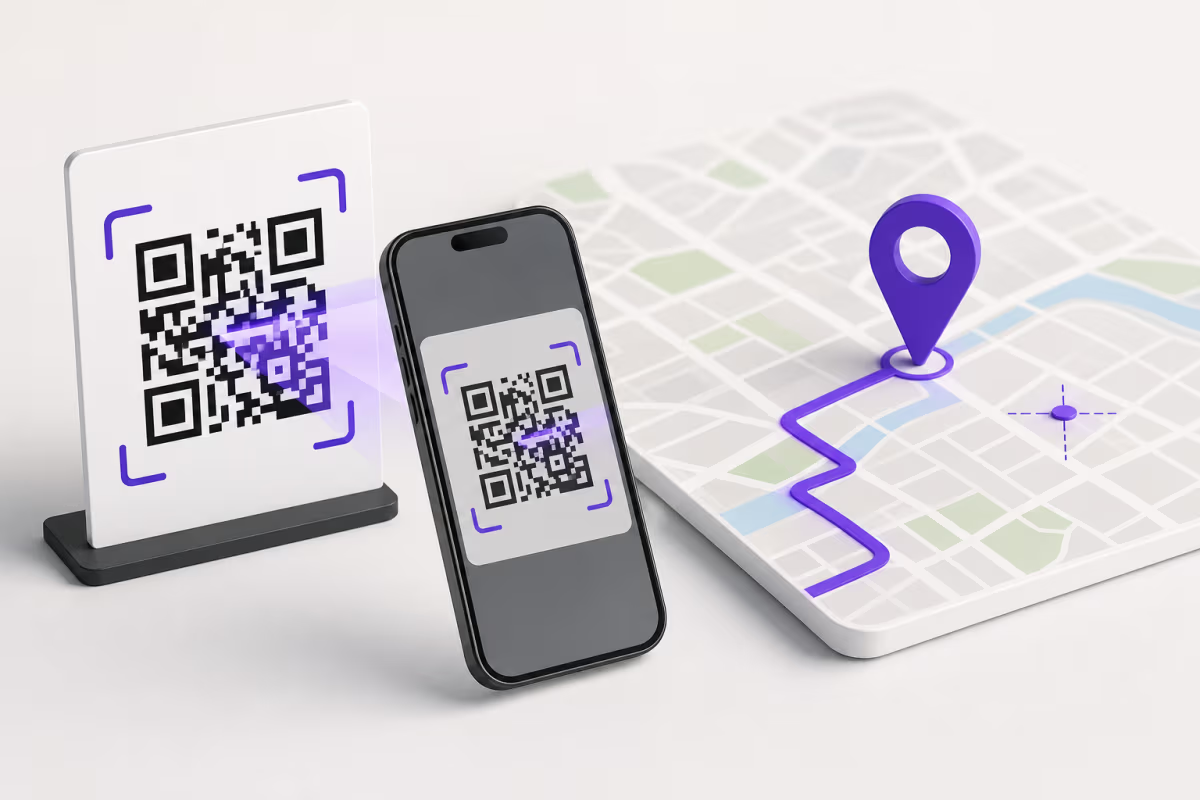

How to Create a Google Maps QR Code for the Right Location
Create a Google Maps QR code in QRLynx, choose a place or directions link, verify the map pin, decide between static and dynamic, and test the printed result.
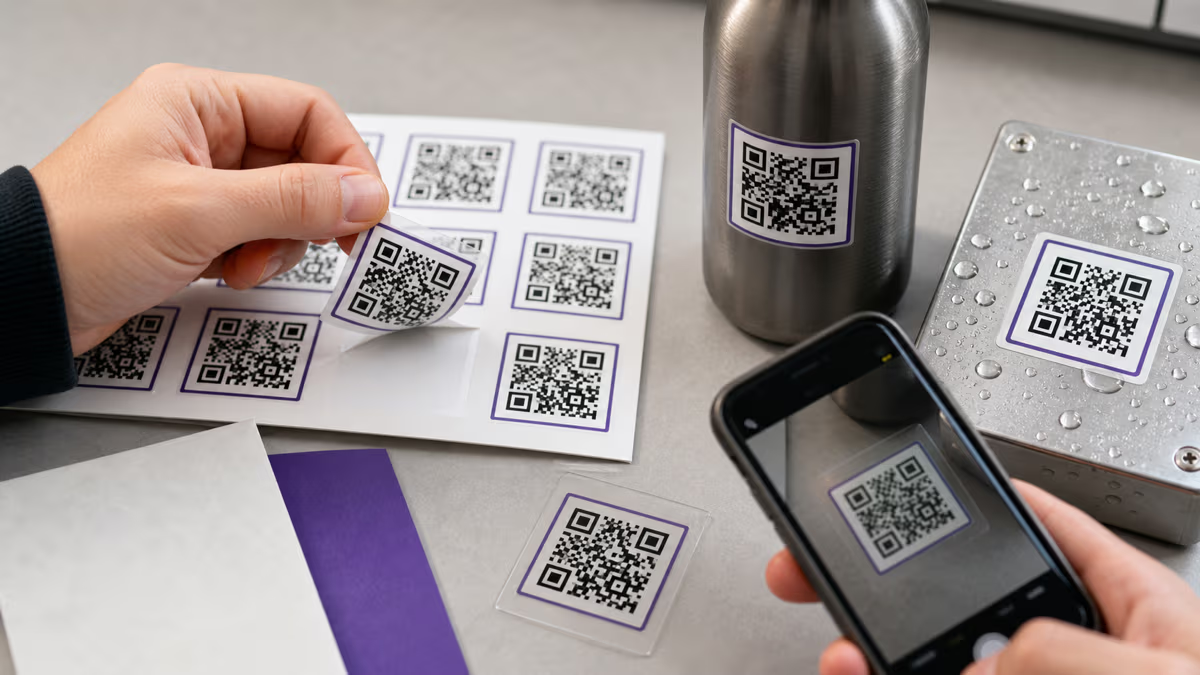
QR Code Stickers: Sizes, Materials & Waterproofing
Choose QR sticker size, material, adhesive, waterproofing, print files, and repeated or unique code setup. Includes an applied-proof scan checklist.

QR Codes for Teachers: Classroom Activities, Safety, and Setup
Create classroom QR codes with QRLynx for learning stations, worksheets, family updates, and accessible resources, with practical privacy and testing guidance.
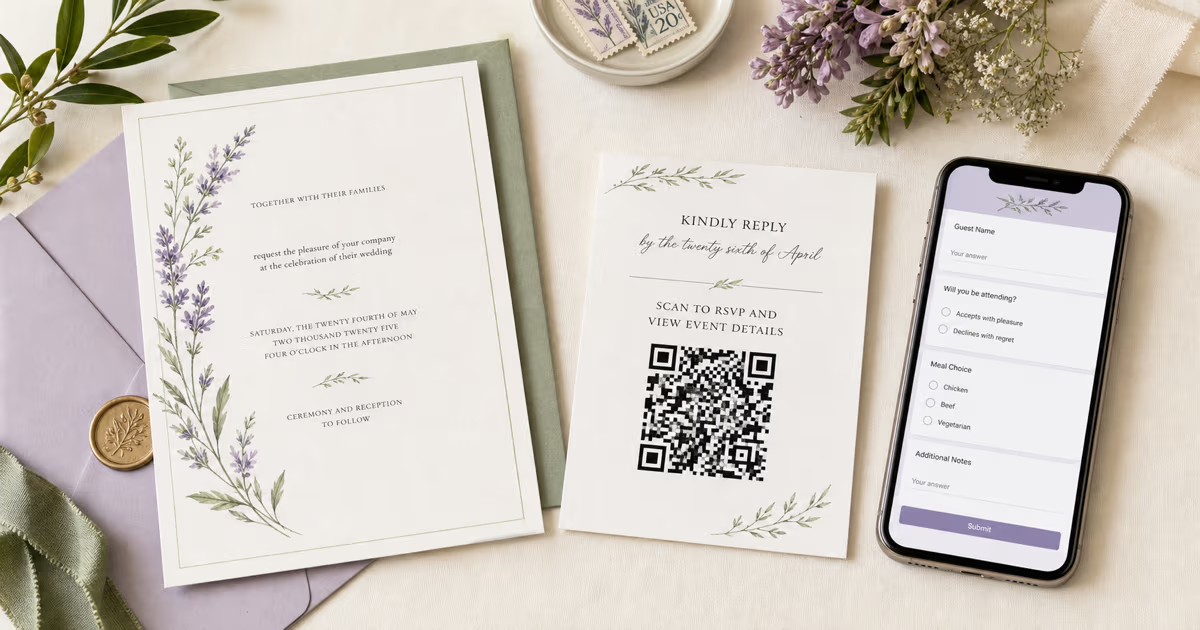
Wedding RSVP QR Code with Google Forms: QRLynx Guide (2026)
Create a wedding RSVP QR code with Google Forms and QRLynx. Set responder access, choose static or dynamic, design the invitation, and test the print.
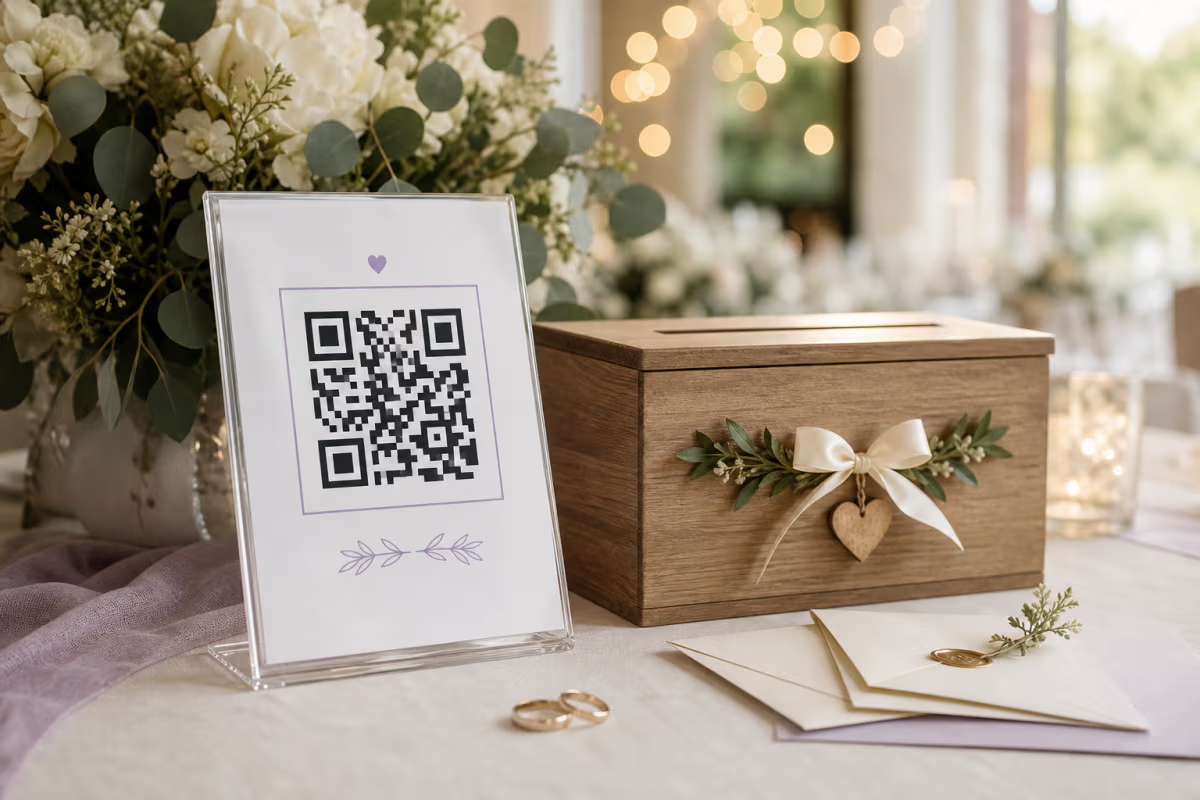
Wedding QR Code for Money Gifts: Setup and Etiquette
Create a wedding QR code for money gifts. Choose a suitable payment route, write a considerate message, place it well, and test it before printing.
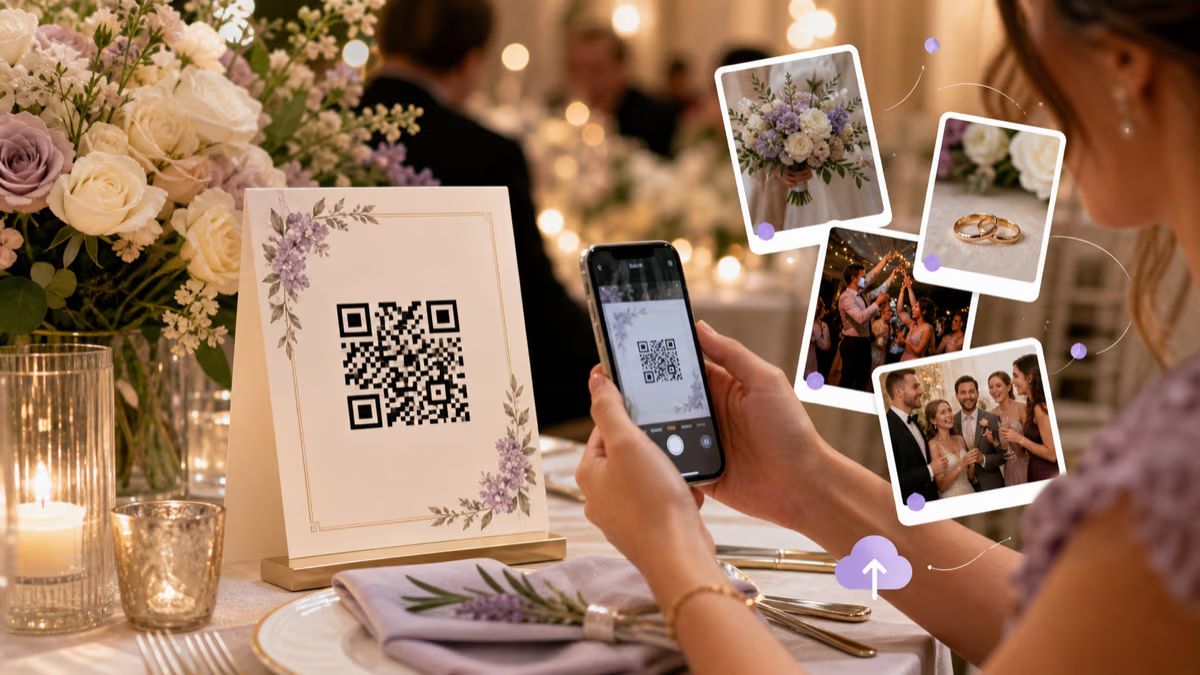
Wedding Photo QR Code: Collect Guest Pictures with QRLynx
Create a QRLynx wedding photo QR, verify the guest upload flow, choose a dynamic destination, plan privacy and placement, and test every printed sign.
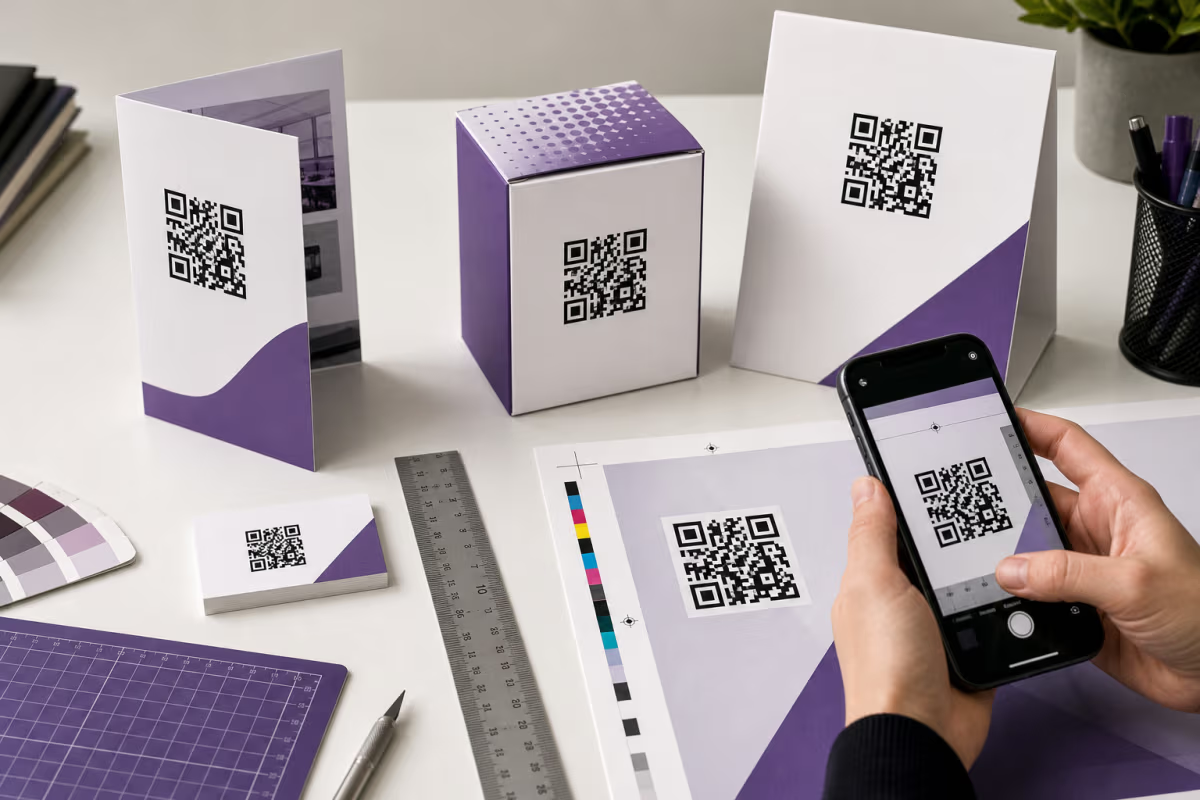
QR Code Print Size: Calculate and Test It in QRLynx
Calculate QR code print size from modules, printer DPI, and quiet zone. Then test the final QRLynx QR on its real material, at its real scan distance.
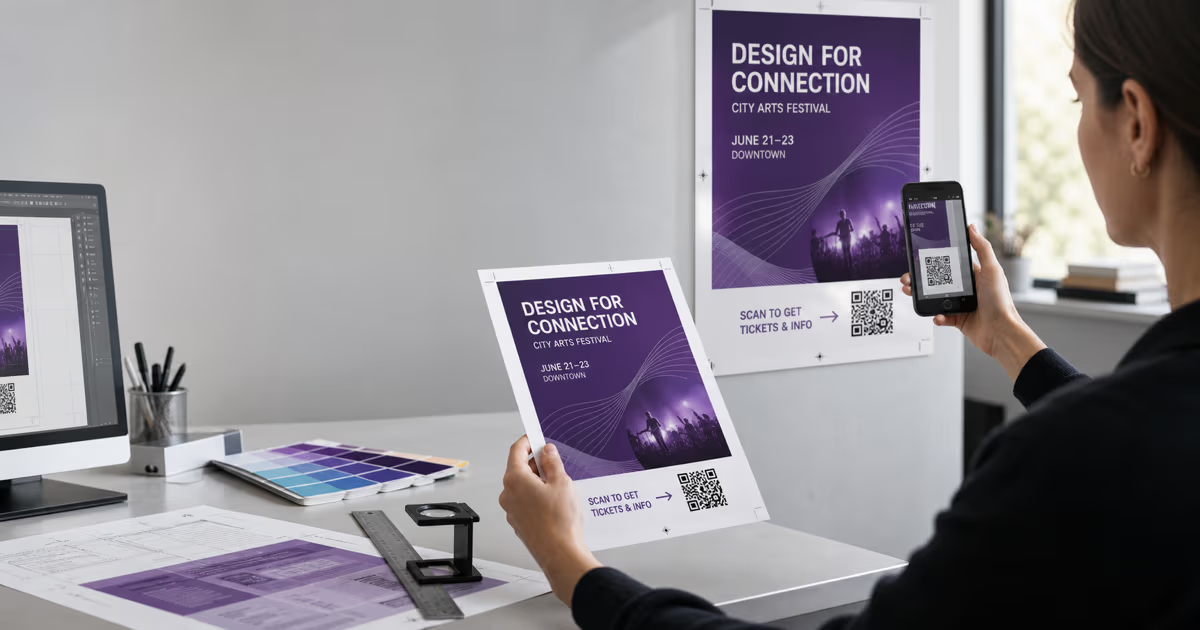
QR Codes on Flyers and Posters: A Print-Proof Guide
Create a flyer or poster QR code in QRLynx, choose static or dynamic, protect the quiet zone, size it for the real viewing distance, and test the final print.
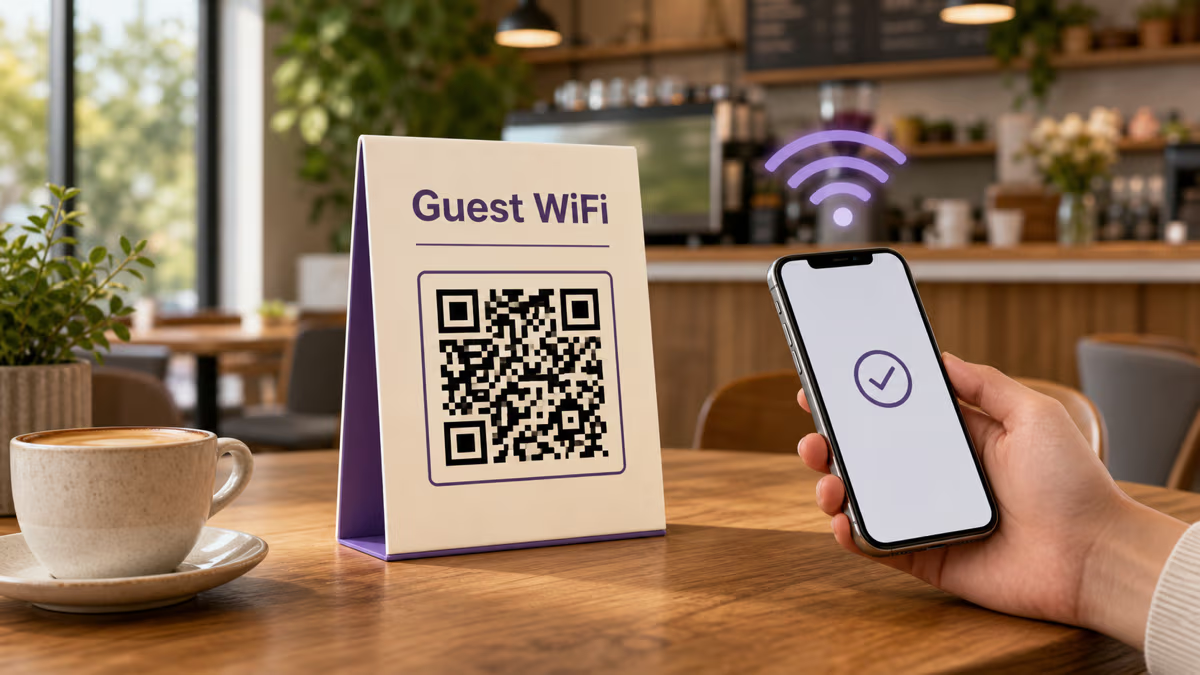
WiFi QR Codes for Restaurants and Cafes
Create a restaurant or cafe WiFi QR code in QRLynx. Cover guest networks, WiFi fields, captive portals, password changes, printing, and testing.