QRLynx Blog
QR Code Guides, Tips & Best Practices
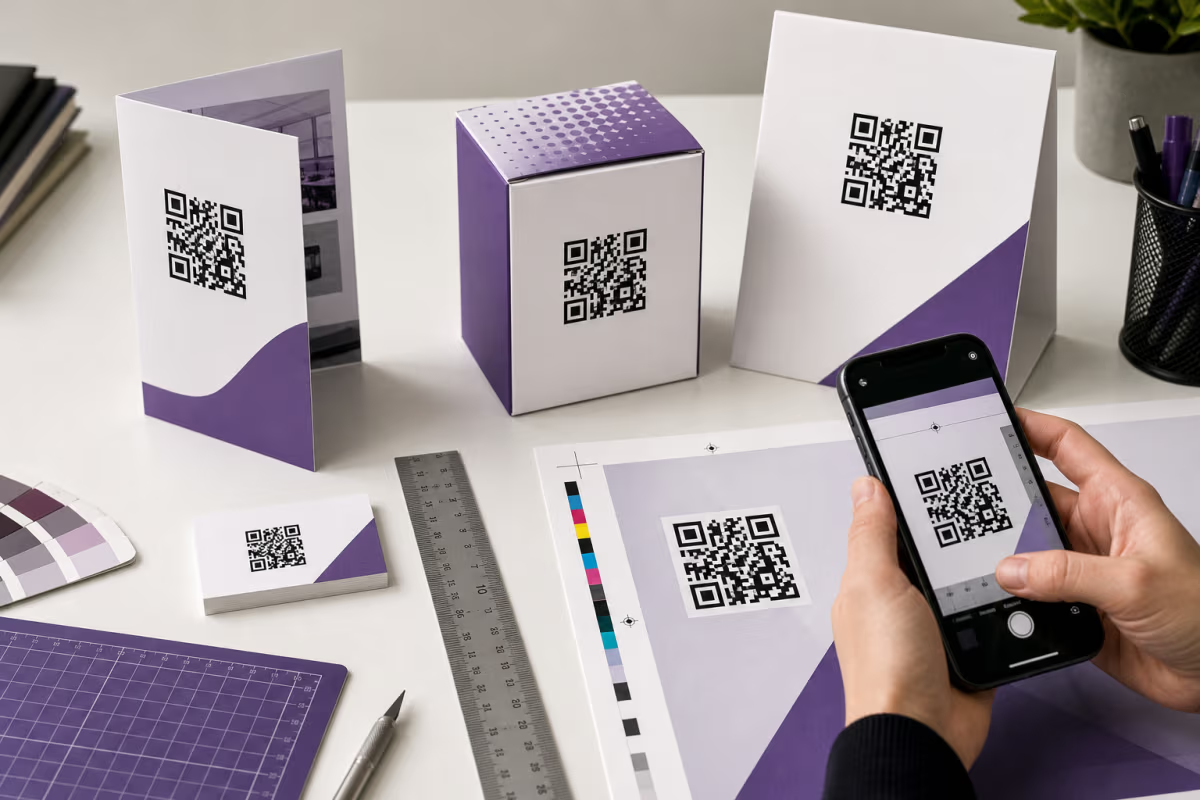

QR Code Print Size: Calculate and Test It in QRLynx
Calculate QR code print size from modules, printer DPI, and quiet zone. Then test the final QRLynx QR on its real material, at its real scan distance.
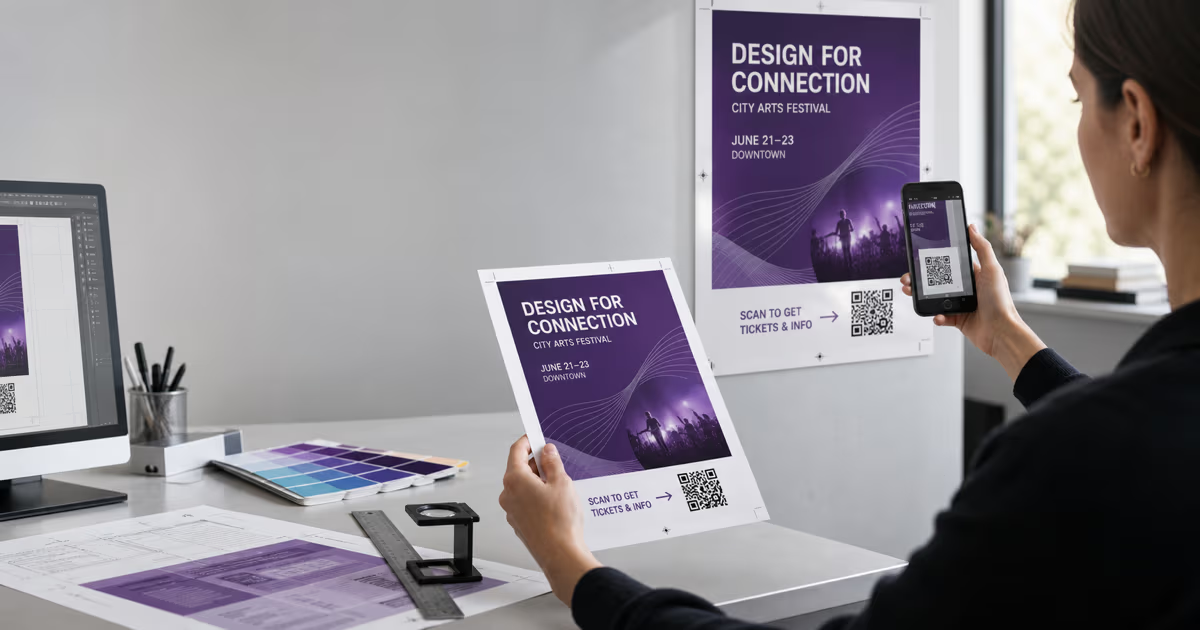
QR Codes on Flyers and Posters: A Print-Proof Guide
Create a flyer or poster QR code in QRLynx, choose static or dynamic, protect the quiet zone, size it for the real viewing distance, and test the final print.
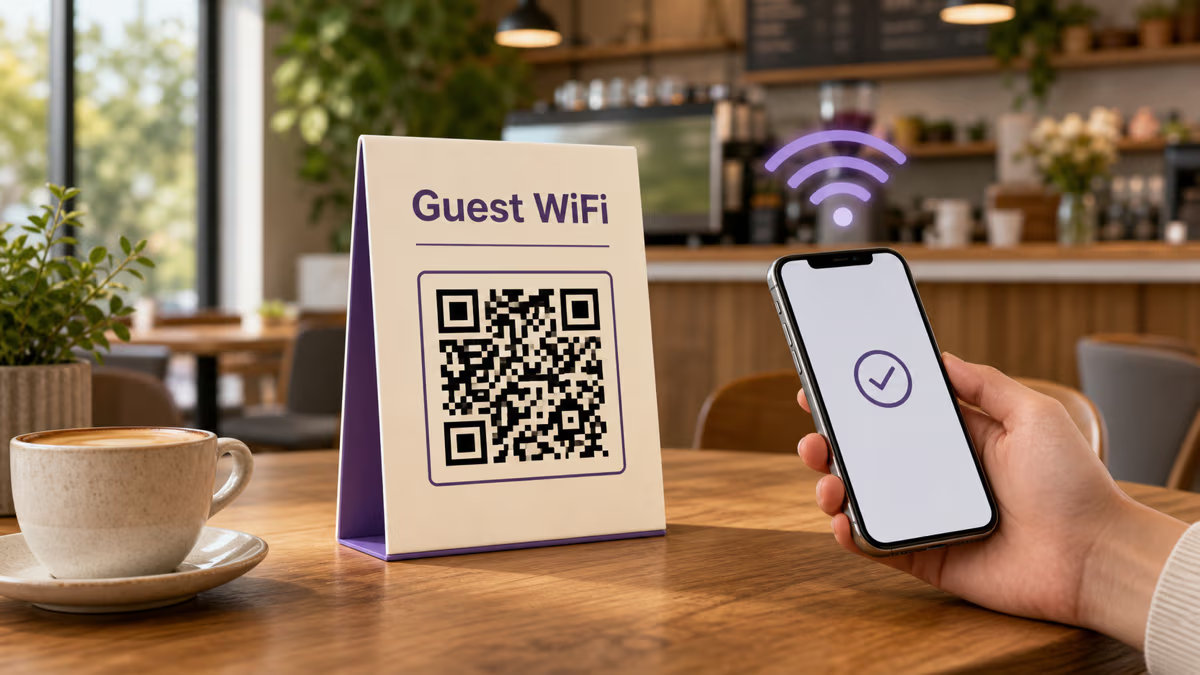
WiFi QR Codes for Restaurants and Cafes
Create a restaurant or cafe WiFi QR code in QRLynx. Cover guest networks, WiFi fields, captive portals, password changes, printing, and testing.
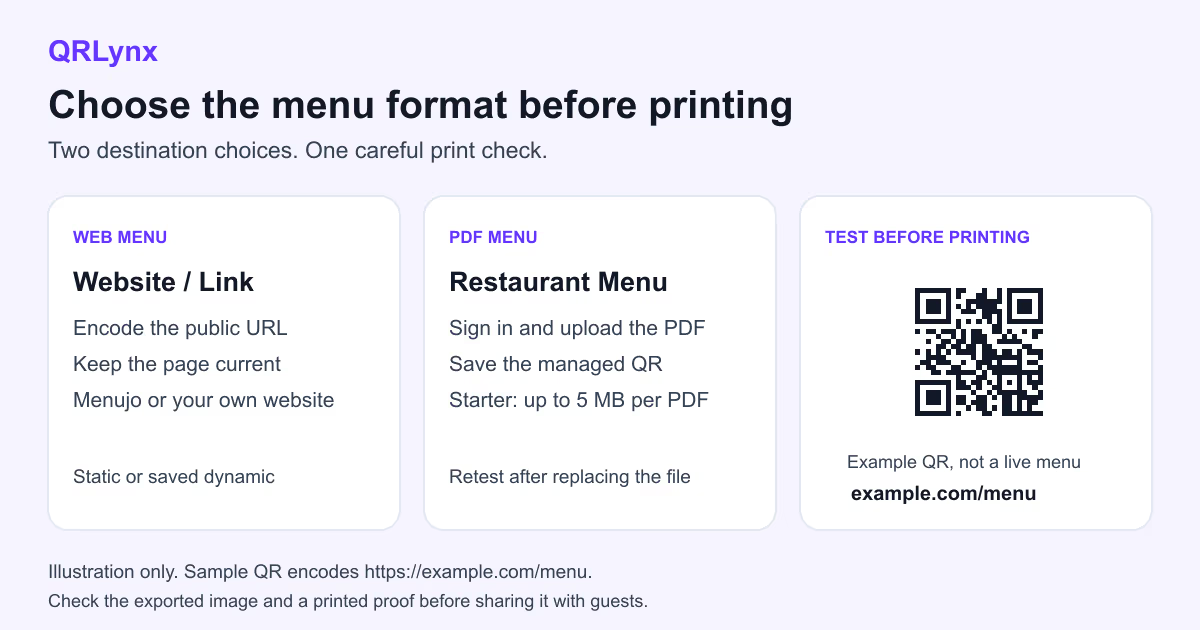
How to Create a Restaurant Menu QR Code
Choose a mobile web menu, managed PDF, or ordering link, then create, place, update, and test the restaurant menu QR code in QRLynx.
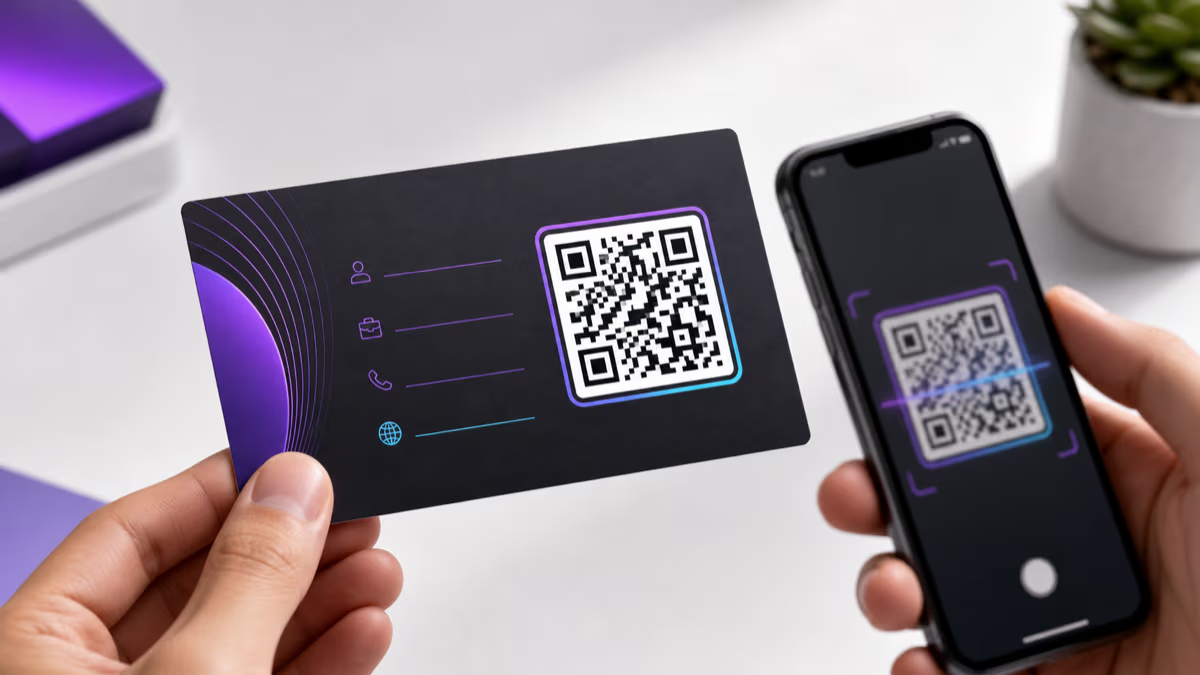
How to Put a QR Code on a Business Card with QRLynx
Choose the right QRLynx business-card QR type, create it step by step, preserve the four-module quiet zone, prepare print files, and test the physical proof.
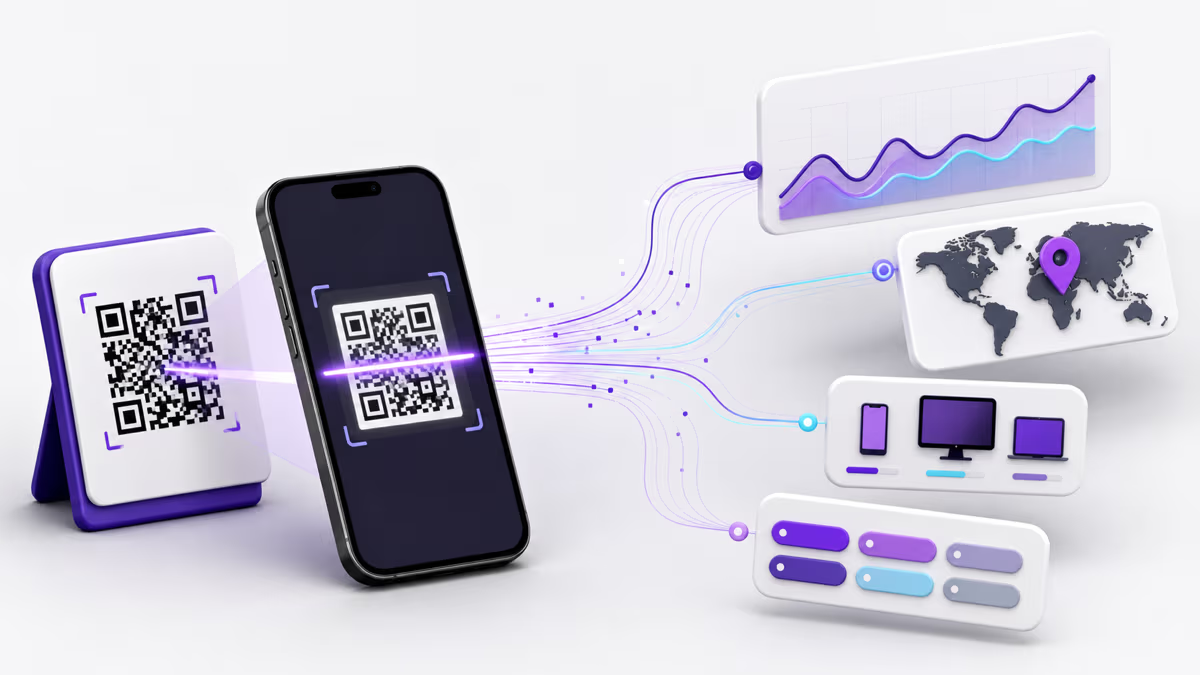
How to Track QR Code Scans with QRLynx and GA4
Track QR scans in QRLynx, add UTM tags, verify your campaign in GA4, and separate redirects, website visits, registrations and payments.
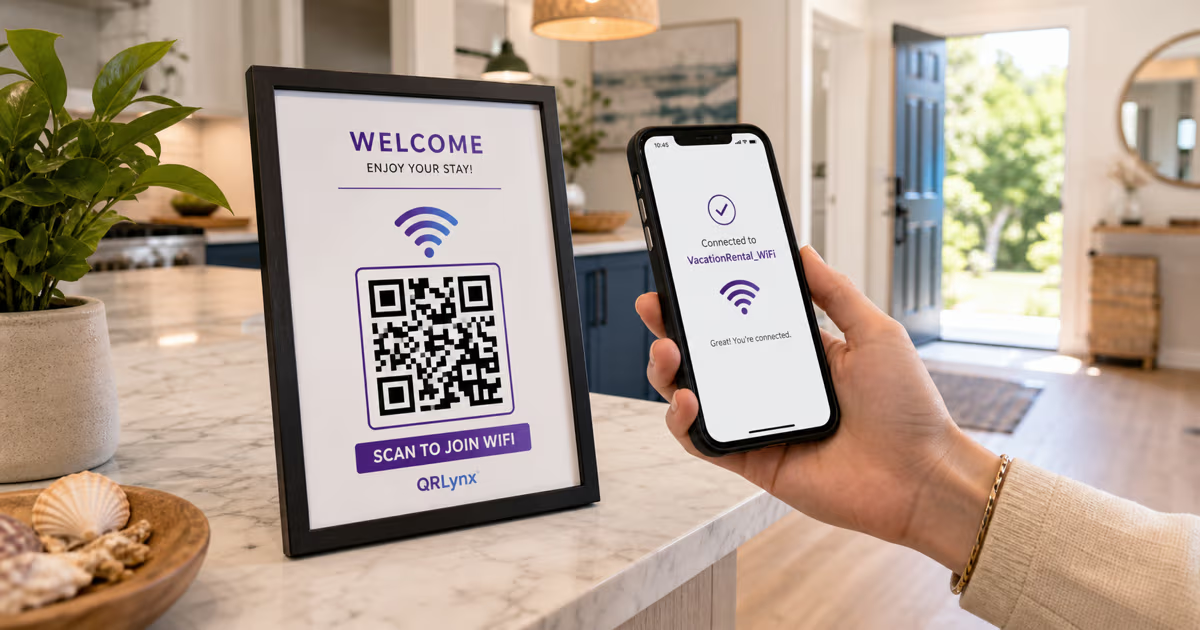
How to Make a WiFi QR Code for Your Airbnb
Create a WiFi QR code for an Airbnb with the exact network name, password, encryption, and hidden-network setting. Includes placement and testing tips.
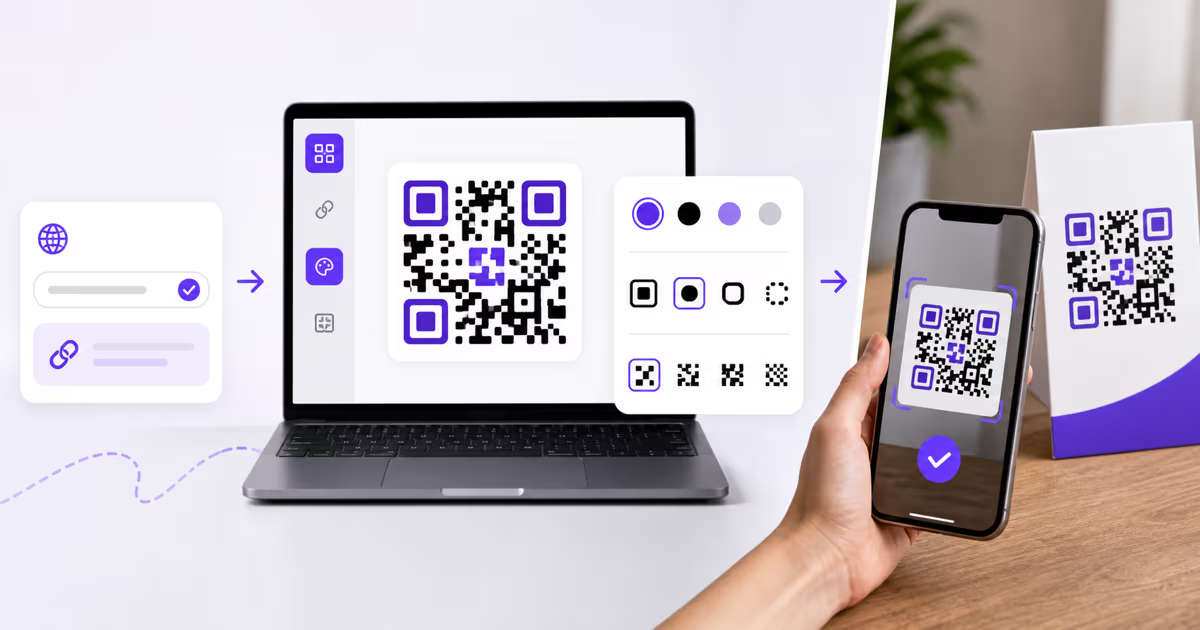
How to Create a QR Code with QRLynx: Step-by-Step Guide
Create a QR code in QRLynx from the right payload. Choose static or dynamic, design it for scanning, download the correct format, and test the result.

QR Code Security Guide: Quishing, Safer Scanning, and QRLynx Controls
Learn how QR phishing works, how to inspect a code before opening it, and how QRLynx URL checks, passwords, consent, expiry, and scan controls fit together.